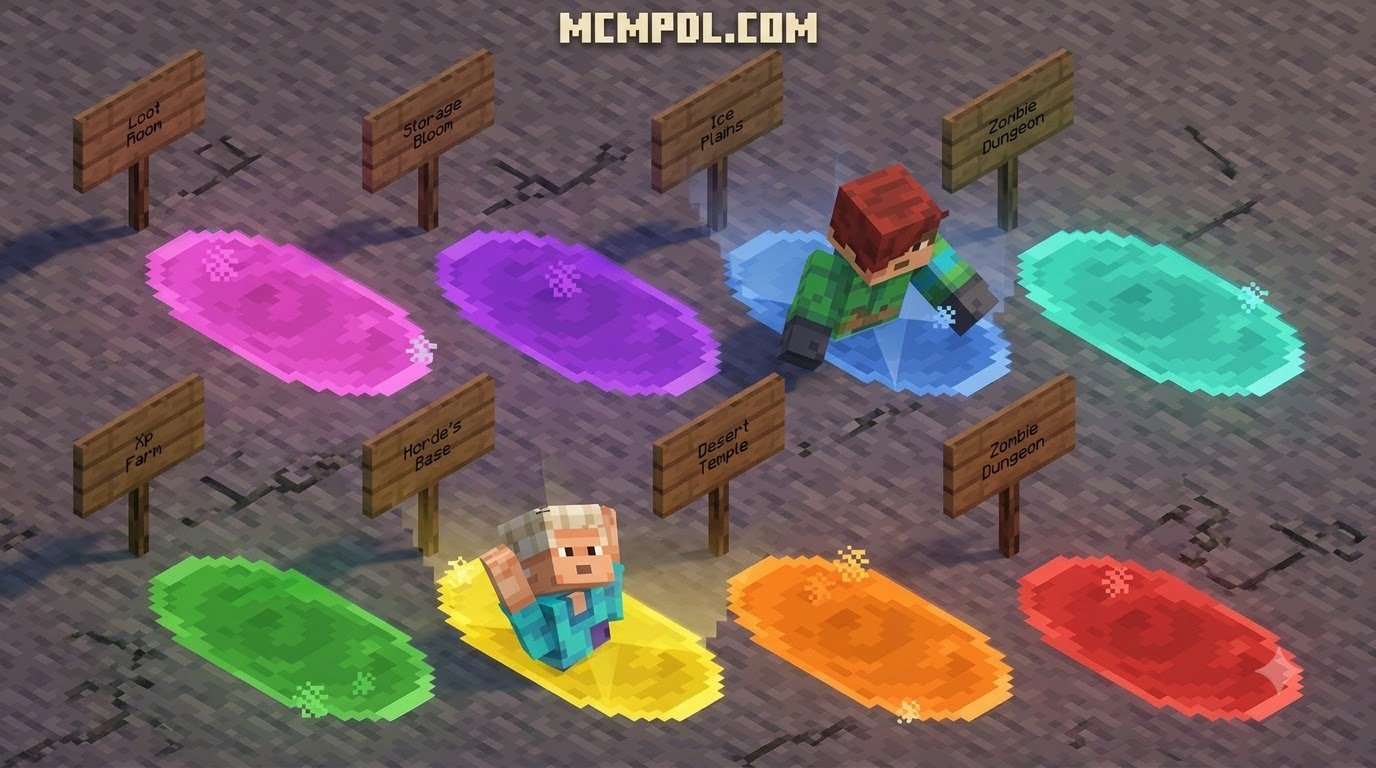
Scroll down to D0vvnl0ad
Add Fast Travel to Minecraft PE and Bedrock
To install a PORTAL Addon for Minecraft PE/Bedrock, download a version that matches your Bedrock game, open its .mcaddon file with Minecraft, then activate its behavior and resource packs in your world settings. Turn on experimental features only if that addon’s instructions require them.
The right addon depends on what you want to do. A Portal Gun addon lets you shoot paired portals and walk through them. Portal Link is built for travel between saved locations, while Portalstone is mainly for glowing, portal-themed building blocks. This guide walks through the three installation steps, then helps you choose the best fit for your world. For a broader look at how Bedrock handles community content, see the Minecraft addon overview on Wikipedia.
Step-by-Step Guide: How to Install a PORTAL Addon for Minecraft PE/Bedrock
Setting up community content in Minecraft Bedrock Edition is straightforward once you know how the game handles addon packages. Whether you play on a mobile device, a home console, or a desktop computer, the process takes only a couple of minutes.
Step 1: Download the .mcaddon Package
Start by getting the correct file package for your preferred addon. Most Bedrock creators package their work as .mcaddon or .mcpack files, which contain both the visual assets and the underlying scripts.
- Android & iOS: Download the
.mcaddonfile using your web browser. Once finished, tap the file in your downloads manager and select “Open with Minecraft.” Your device will launch the game and automatically import the pack. - Windows 10/11: Simply double-click the downloaded
.mcaddonfile. Minecraft Bedrock will open and display an “Import Started” banner at the top of your screen, followed by a success message. - Consoles (Xbox, PlayStation, Nintendo Switch): If you host your world on a dedicated server or Realm, apply the pack on your mobile device or PC first. When you join the realm from your console, the game will download and apply the necessary textures and behaviors automatically.
If you enjoy custom travel systems, you can also explore the Spark Portals Addon for Minecraft PE/Bedrock to see how different developers structure their download archives.
Step 2: Enable Experimental Gameplay Settings
Many teleportation addons rely on advanced scripting hooks and custom entity definitions. If an addon requires experimental features, you must enable them inside your world configuration before loading in:
- Open Minecraft and navigate to your Worlds list.
- Click the Edit (Pencil) icon next to the world where you want to add portals.
- Scroll down the left-hand menu to the Experiments tab.
- Toggle on the required switches, such as Beta APIs, Holiday Creator Features, and Custom Components.
Note: Enabling experiments creates a copy of your world in older versions, but in modern versions (including 1.21+), it modifies your settings directly. Always make a manual backup of your survival world before enabling experimental toggles!
Step 3: Activate Resource and Behavior Packs
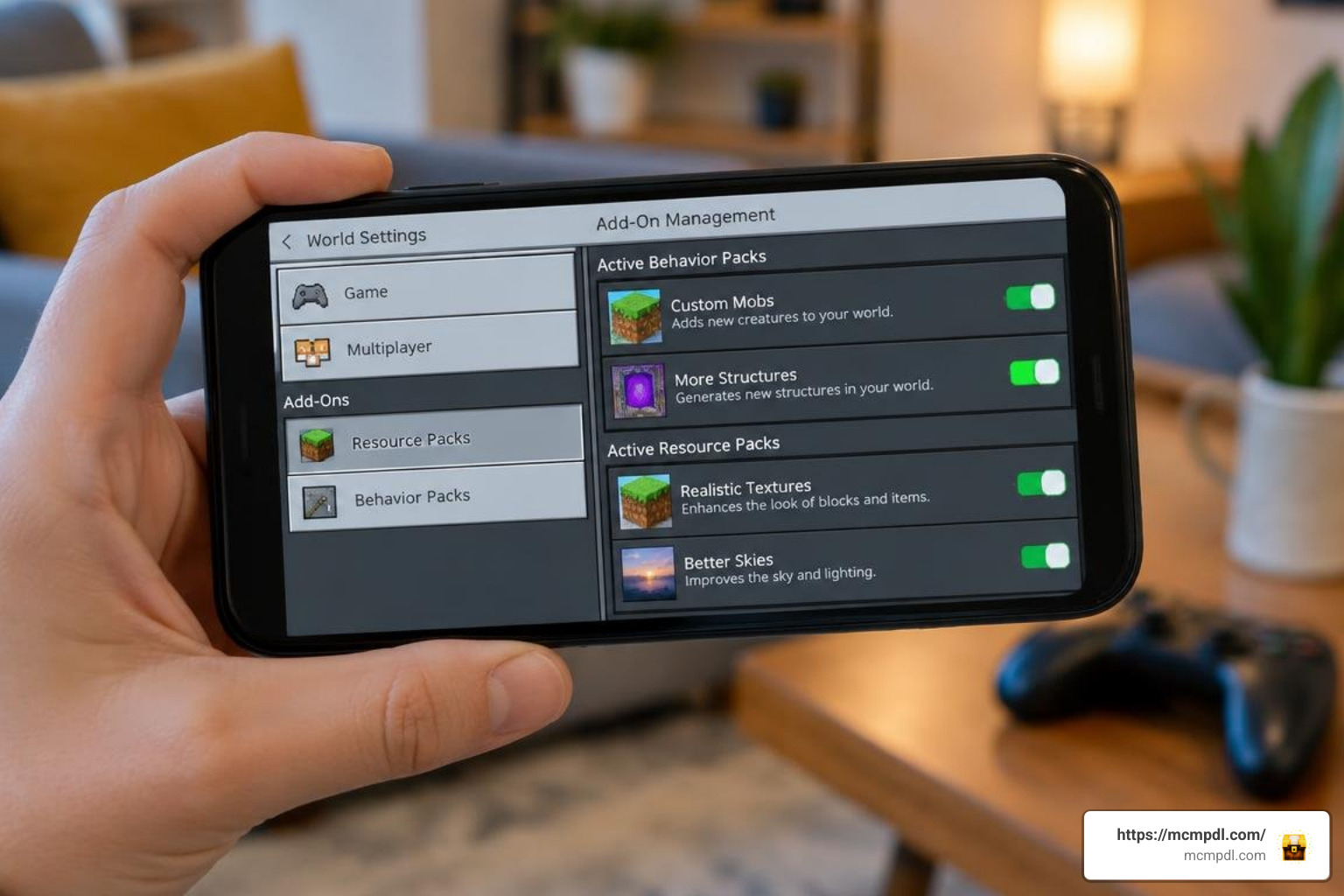
An addon requires two distinct halves to function: the Resource Pack (models, sounds, visual textures) and the Behavior Pack (scripts, entity properties, teleport logic).
- In the world settings menu, scroll down to Resource Packs on the left.
- Select Available, find your portal pack, and click Activate.
- Move down to Behavior Packs, select Available, and activate the corresponding behavior pack.
- Verify that both packs show up under the Active list.
Once both components are enabled, load into your world. You can start crafting your portal devices immediately without touching cheat commands!
Top Portal Addons Compared: Mechanics, Crafting, and Features
Not every fast-travel mod works the same way. Some addons recreate the Aperture Science handheld portal device from Valve’s classic puzzle series, while others focus on stationary frames or coordinate-based network teleportation.
Comparing the Best PORTAL Addon for Minecraft PE/Bedrock Options
Here is how the leading options compare across key gameplay criteria:
| Addon Name | Primary Mechanic | Survival Crafting? | Entity/Mob Support | Best Use Case |
|---|---|---|---|---|
| Portal Gun Addon v6.0 | Handheld projectile shooting | Yes (Custom recipes) | Yes (Players & items) | Dynamic puzzles & rapid tactical movement |
| Portal Link [Teleport System] | Interactive UI coordinate linking | Yes (Vanilla-styled) | Yes (Entities & mobs) | Base-to-base transport & achievement worlds |
| Player Portals (v1.0.8) | Framed gates & portal linkers | Yes (Obsidian + Cores) | Yes (Toggleable settings) | Long-distance realm networks & farm hubs |
| Portal 2 Remake V10 | Aperture mechanics & auto-tiles | Yes (Beta recipes) | Yes (Physics items) | Themed adventure maps & puzzle rooms |
| Portalstone Addon | Decorative glowing blocks | Yes (Mined ore below y=0) | N/A (Decorative only) | Atmospheric portal builds & custom hubs |
Portal Gun Shooting vs Frame-Based Linking Systems
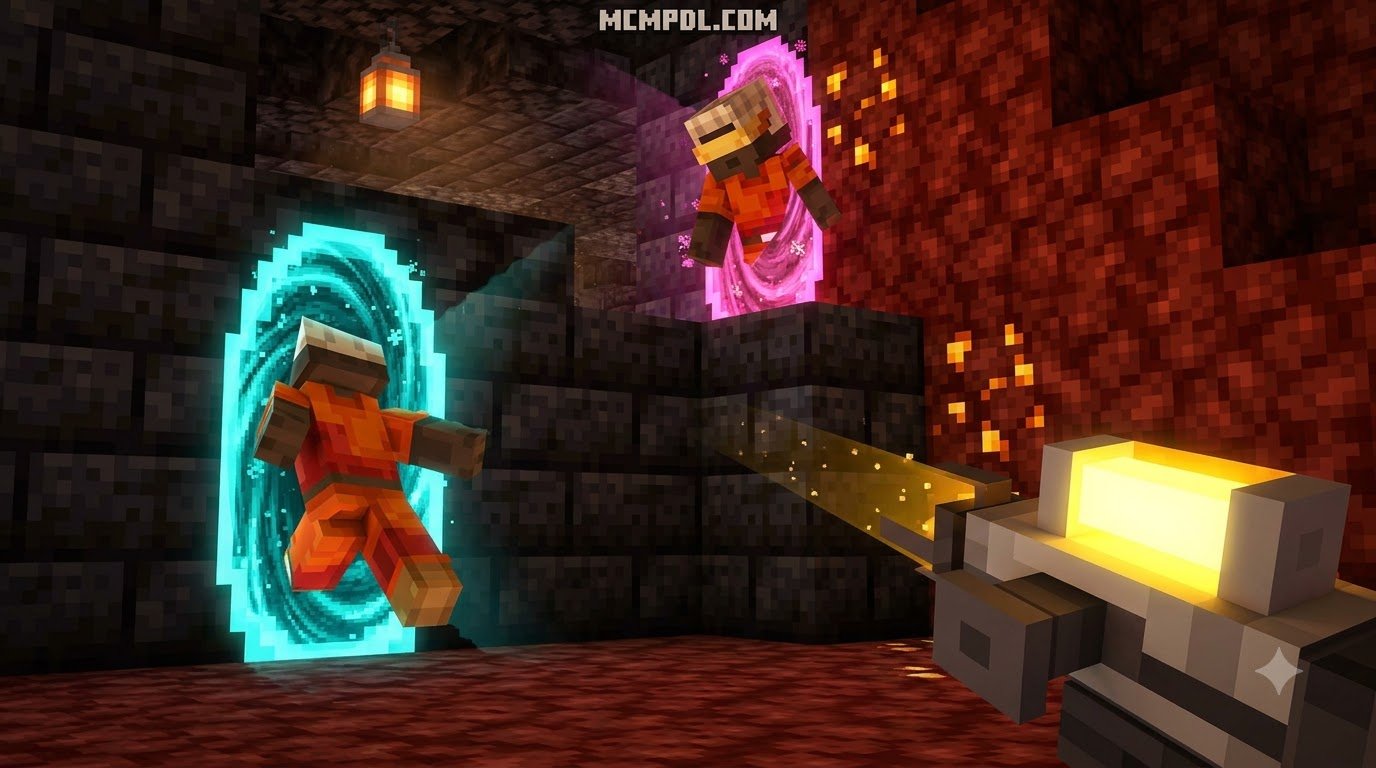
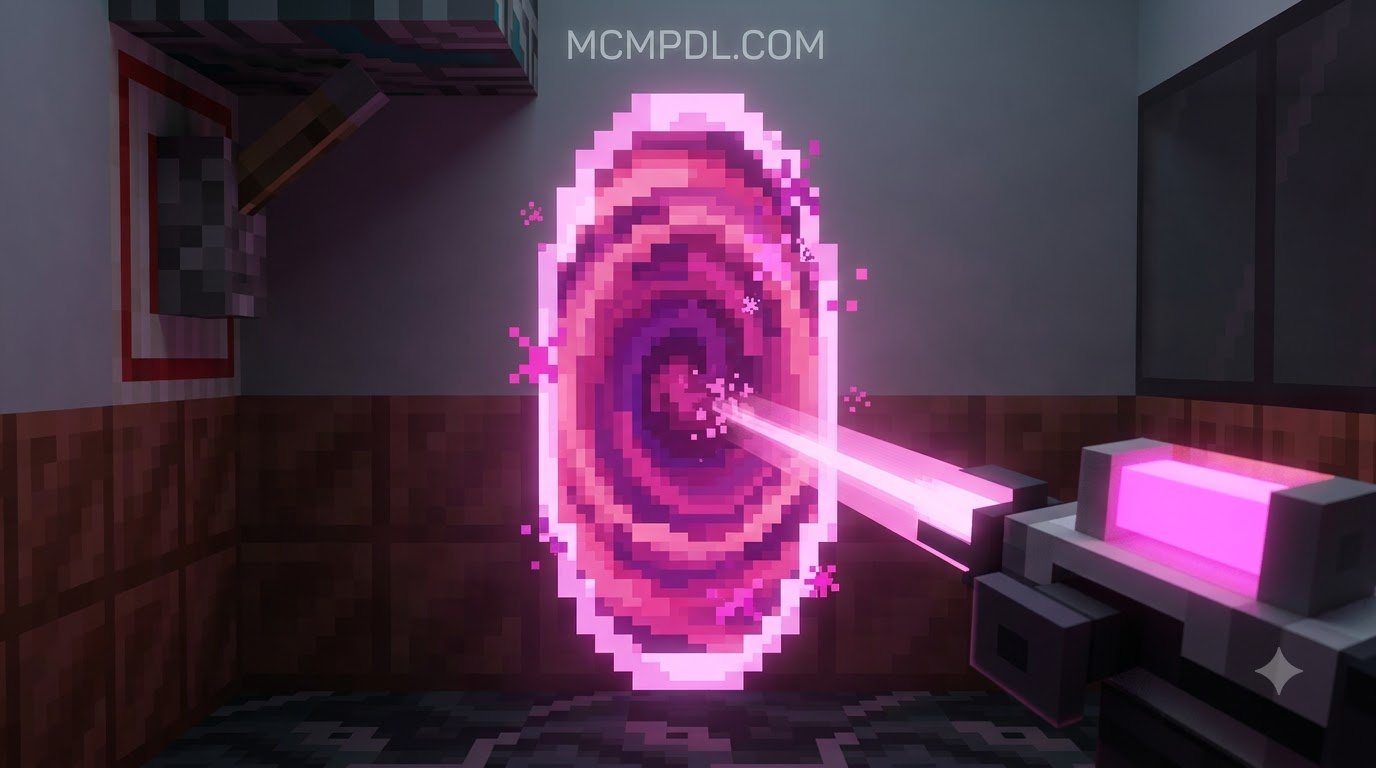
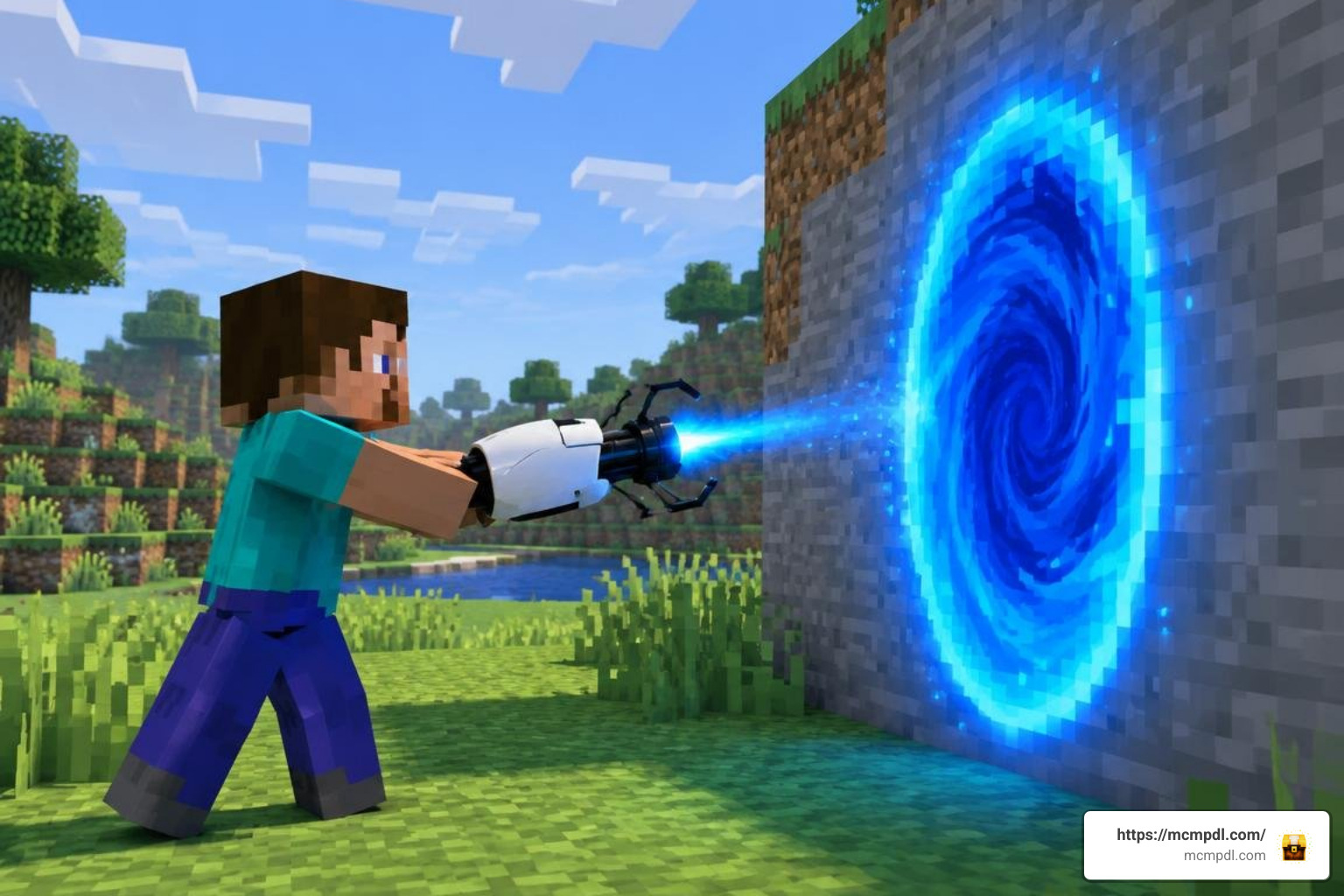
Handheld portal guns use custom projectile physics. When you hold the gun and interact, the addon fires an invisible projectile with custom collision checks. Upon hitting an eligible solid surface, it replaces the block space with a two-block-high portal entity. Firing the secondary trigger creates the linked destination, allowing you to seamlessly step through the blue portal and emerge from the orange one.
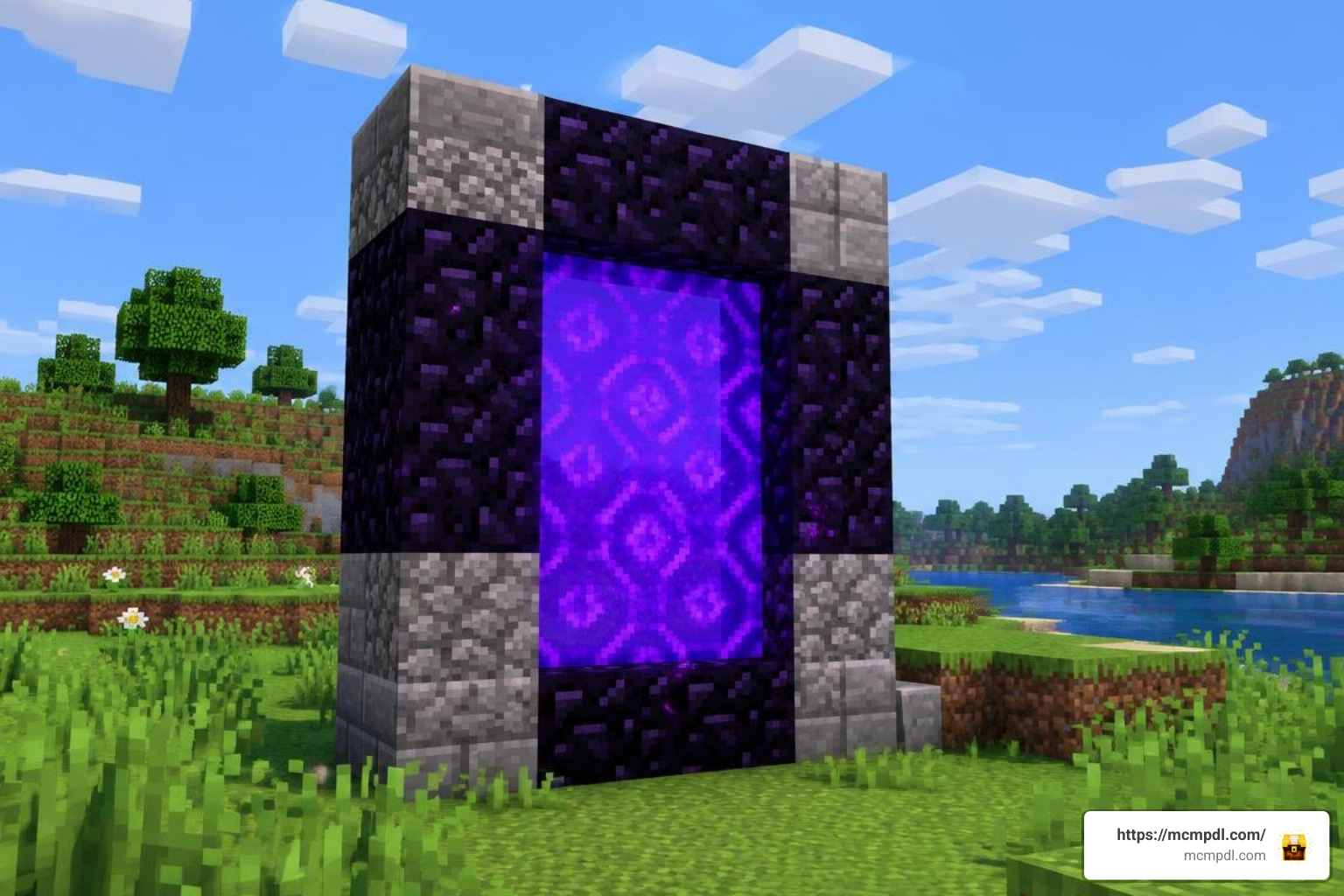
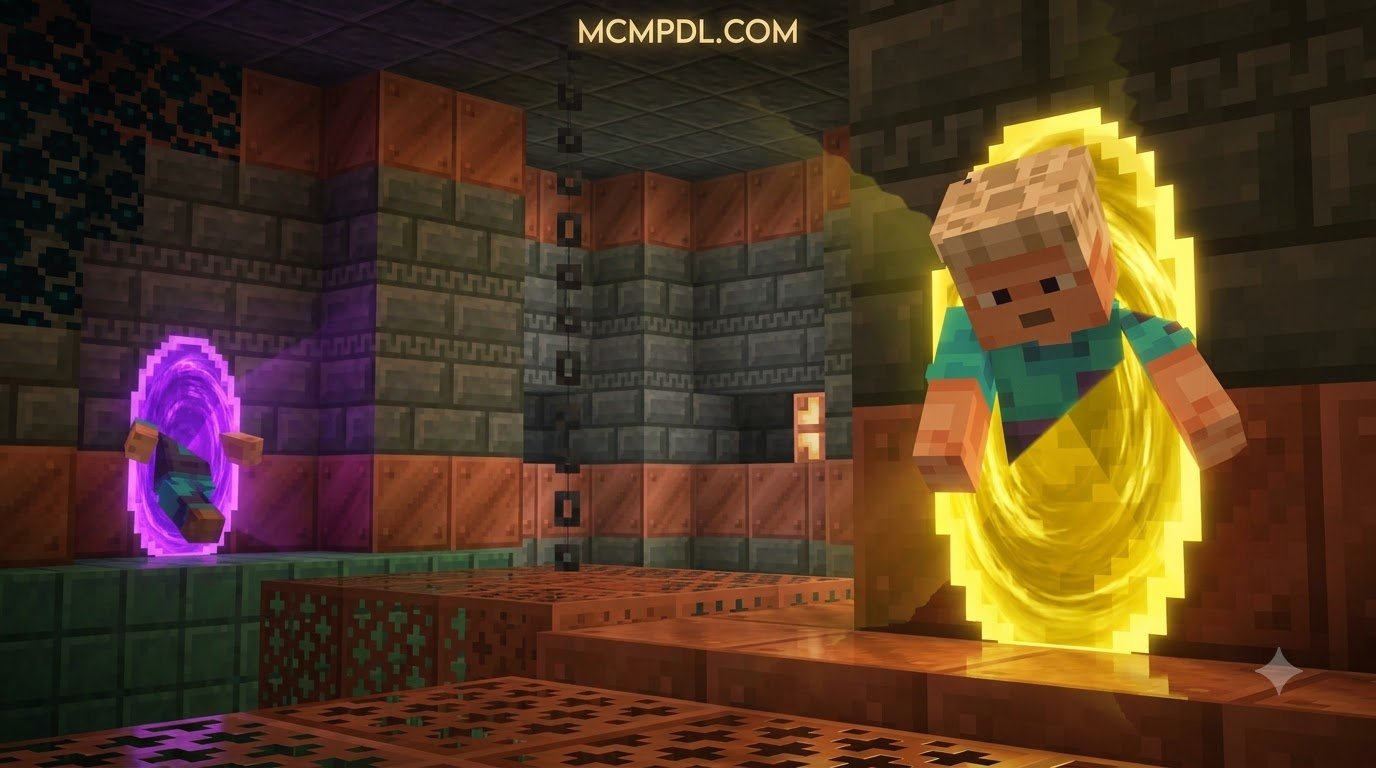
Frame-based systems take a different architectural approach. Instead of shooting surfaces on the fly, you construct physical gates out of obsidian or custom alloy blocks. You then use an item—like a Portal Linker tool or an interactive UI—to register coordinates. This makes frame systems ideal when building organized transport rooms, similar to exploring custom realms with the Dimensions Addon for Minecraft PE.
Multiplayer Setup, Access Controls, and Mob Teleportation
Running fast travel on a multiplayer server requires careful management to prevent players from overriding each other’s gates:
- Player Prefixes: Modern portal gun addons (like v6.0) assign unique player ID prefixes to shot portals. This ensures that Player A’s blue portal links only to Player A’s orange portal, even if Player B is shooting right next to them.
- Access Settings: Advanced packs like Player Portals include an interactive settings menu. Server admins can toggle between public access and private player-only access.
- Mob Relocation: Farm logistics become vastly easier when addons support non-player entities. You can guide cattle, villagers, and minecarts straight through gates to link remote farms, much like organizing private spaces with the Dimension Homes Addon for Minecraft PE/Bedrock.
Crafting Recipes and Survival Gameplay Compatibility
A quality survival addon should feel balanced alongside standard progression. Rather than relying on creative menu spawners, top portal addons introduce distinct recipes requiring late-game or intermediate materials.
Survival Crafting with Portalstone and Obsidian Cores
Depending on which addon you choose, your gathering checklist will look slightly different:
- Portal Cores & Frames: Player Portals combines Obsidian blocks with a central Portal Core (crafted from Ender Pearls, Nether Quartz, and Diamonds). This keeps teleportation gated behind mid-game exploration.
- Portalstone Ore: If you use the Portalstone Addon, explore deep caves below
y=0in the Overworld or search anywhere across the Nether. Smelting this ore yields raw materials for decorative Portal Glass, Tinted Portal Glass, and ambient Portal Lanterns in various dye colors. - Portal Gun Construction: Guns typically require Iron Ingots, Redstone Dust, an Eye of Ender, and a Nether Star or Diamond block to craft, keeping the tool rewarding to unlock.
- Utility Storage: If you like linking inventory across long distances alongside your gates, pairing your travel network with the Portal Chests Addon for Minecraft PE/Bedrock creates an efficient survival logistics setup.
Managing Fall Damage and Teleport Cooldowns
Stepping through a portal high in the sky or shooting across a cliff can be deadly if an addon does not account for player momentum. Modern teleportation packs include several safety measures:
- Fall Protection Buffs: Addons like Portal Link grant a brief fall-damage immunity buffer upon exit to keep players safe from elevation mismatches.
- Watchdog Integrity Scans: Script engines check destination safety before moving your entity, preventing you from suffocating inside solid walls.
- Placement Cooldowns: To prevent rapid-fire portal spam from lagging your world, placement cooldowns (such as Portal Link’s 800 ms timer) enforce a brief delay between gate creations.
- Momentum Preservation: Dedicated Portal 2 physics addons preserve your entry velocity, allowing you to execute high-speed momentum flings across large caverns.
Troubleshooting, Performance Optimization, and Addon Conflicts
Adding custom script packages can occasionally cause hitching on mobile devices or conflicts when running multiple gameplay mods simultaneously.
Choosing the Right PORTAL Addon for Minecraft PE/Bedrock for Your Device
When selecting a pack, match the technical demands of the addon with your hardware:
- Low-End Mobile & Switch: Choose lightweight utilities like Portal Link (approx. 413 KB) or Player Portals (approx. 78 KB). These use minimal particle emitters and lightweight script loops to prevent frame drops.
- Mid-Range to High-End Mobile & Consoles: Capable of running full portal gun mechanics with real-time sound cues and dynamic projectile entities.
- PC & High-End Devices: Easily handle full overhaul packs like the Portal 2 Remake (1.47 MB) featuring auto-tiling custom blocks, custom food items, and complex puzzle physics. If you also run spell effects or high-particle addons like the Magic Addon for Minecraft PE/Bedrock, keep particle settings at medium to maintain steady frame rates.
Resolving ID Conflicts and Watchdog Script Errors
If your portals fail to open or link properly, check these common fixes:
- Recalibrated ID Ranges: If two linked portals misfire, their internal ID range might be saturated. Modern updates have narrowed randomization ranges (from 10,000 down to 1,000) to ensure instant pairings without orphan endpoints.
- Spatial Collision Margins: Avoid placing two linked gates directly adjacent to each other. Give your portals at least a one-block clearance to prevent bounding-box overlap errors.
- API Version Alignment: If you see script watchdog errors in your game log, ensure your Minecraft Bedrock client matches the version targeted by the addon (such as 1.21+ or stable API releases).
Frequently Asked Questions About Portal Addons
Which portal addon is best for pure survival mode?
For pure survival worlds where you want to earn achievements and keep mechanics vanilla-friendly, Portal Link and Player Portals are the top choices. They offer balanced crafting recipes using materials like obsidian, redstone, and ender pearls, and they run lightweight scripts that do not interfere with standard survival gameplay.
Can multiple players use portal guns on a Bedrock server without conflicts?
Yes. Modern versions (such as Portal Gun Addon v6.0) feature unique player prefixes. When a player fires a portal, the addon registers their specific player ID to those gates, preventing other players’ portals from crossing streams or overwriting existing connections.
Do portal addons require experimental features to work in Bedrock 1.21+?
Most functional portal addons that shoot projectiles or render custom UIs require the Beta APIs toggle under world experimental settings. However, pure block addons like Portalstone only require basic custom component toggles to introduce their decorative blocks into world generation.
Conclusion
Installing a portal addon transforms how you explore your Minecraft Bedrock worlds. Instead of spending hours sprinting across thousands of blocks between your primary base, distant mining outposts, and mob farms, you can build an instant transit network tailored to your playstyle.
Grab the addon that fits your world, activate your packs in world settings, and start building your custom fast-travel network today! Discover more Bedrock enhancements and world utilities directly on MCMPDL.