Scroll down to D0vvnl0ad
Choosing the Best TNT Addon for Minecraft PE/Bedrock
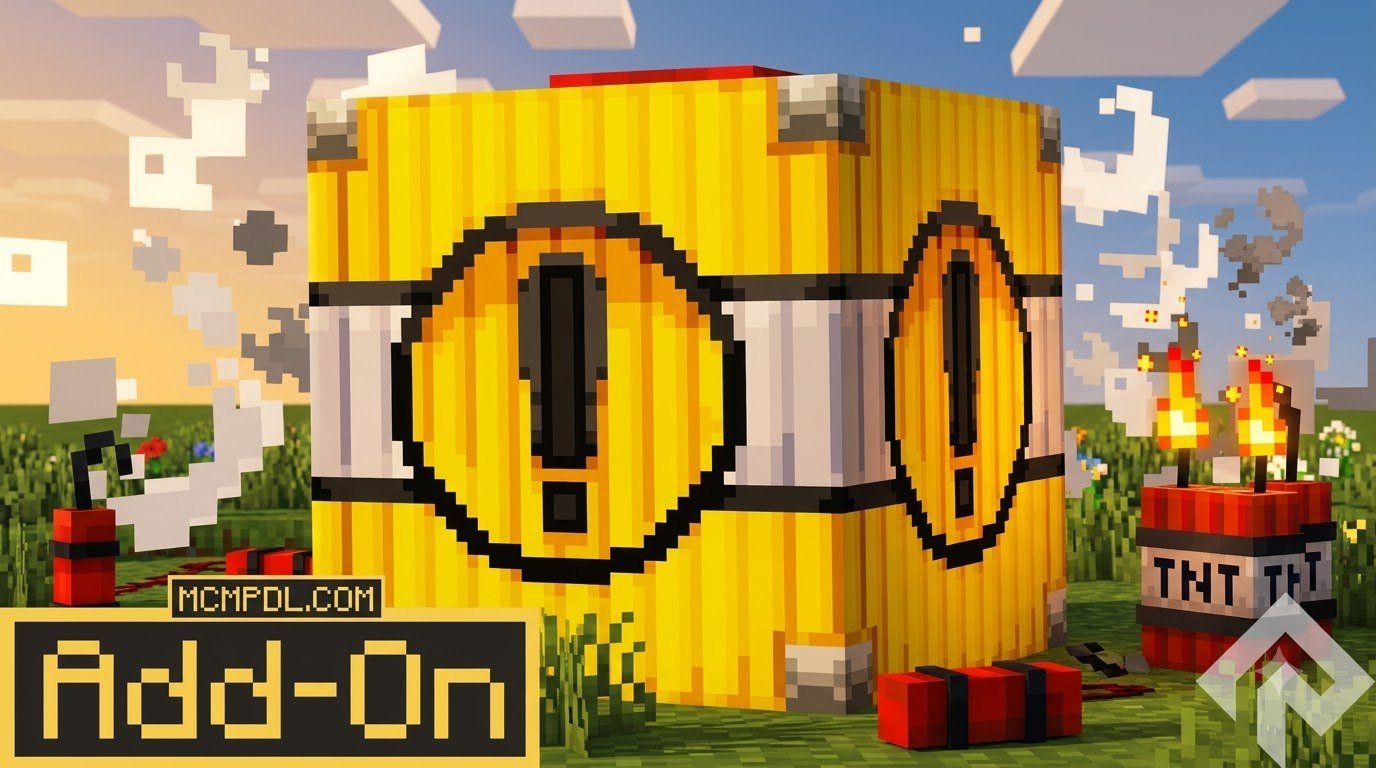
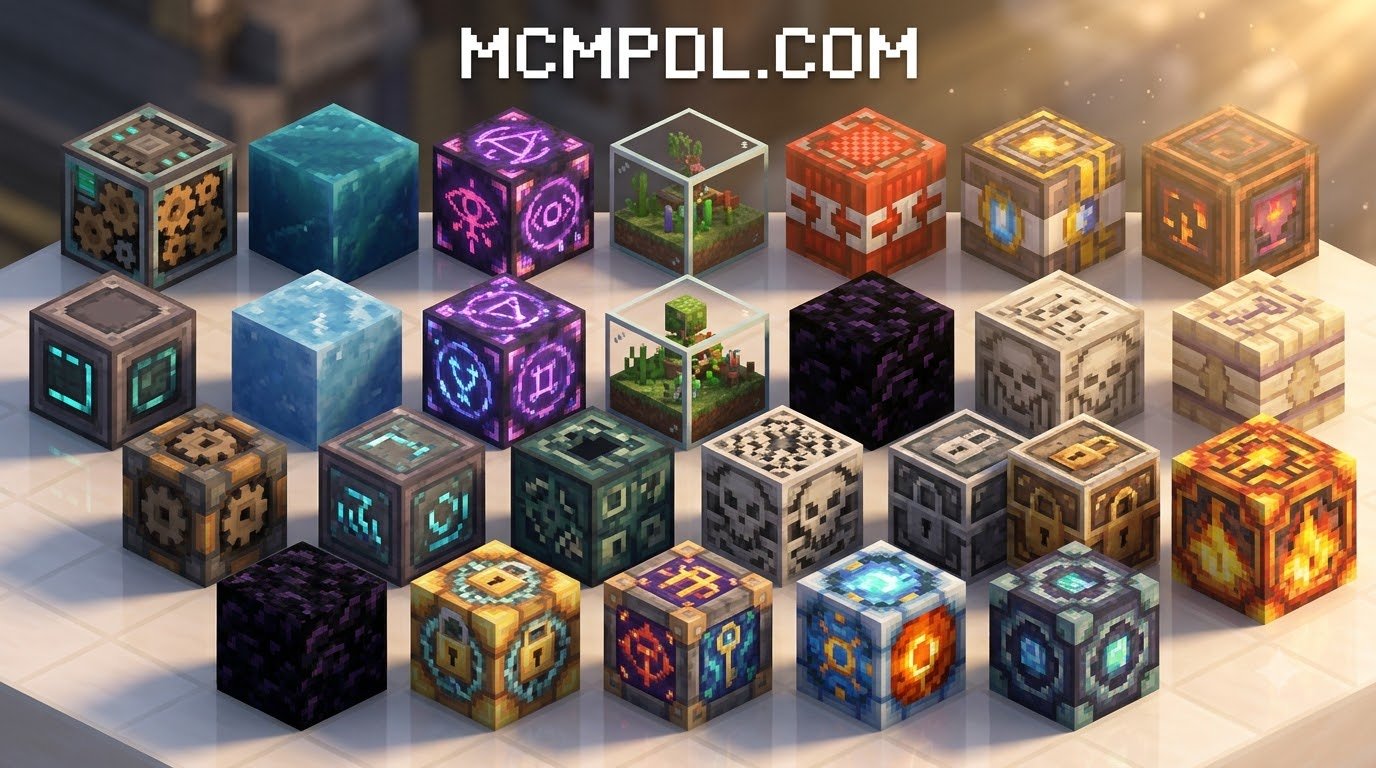
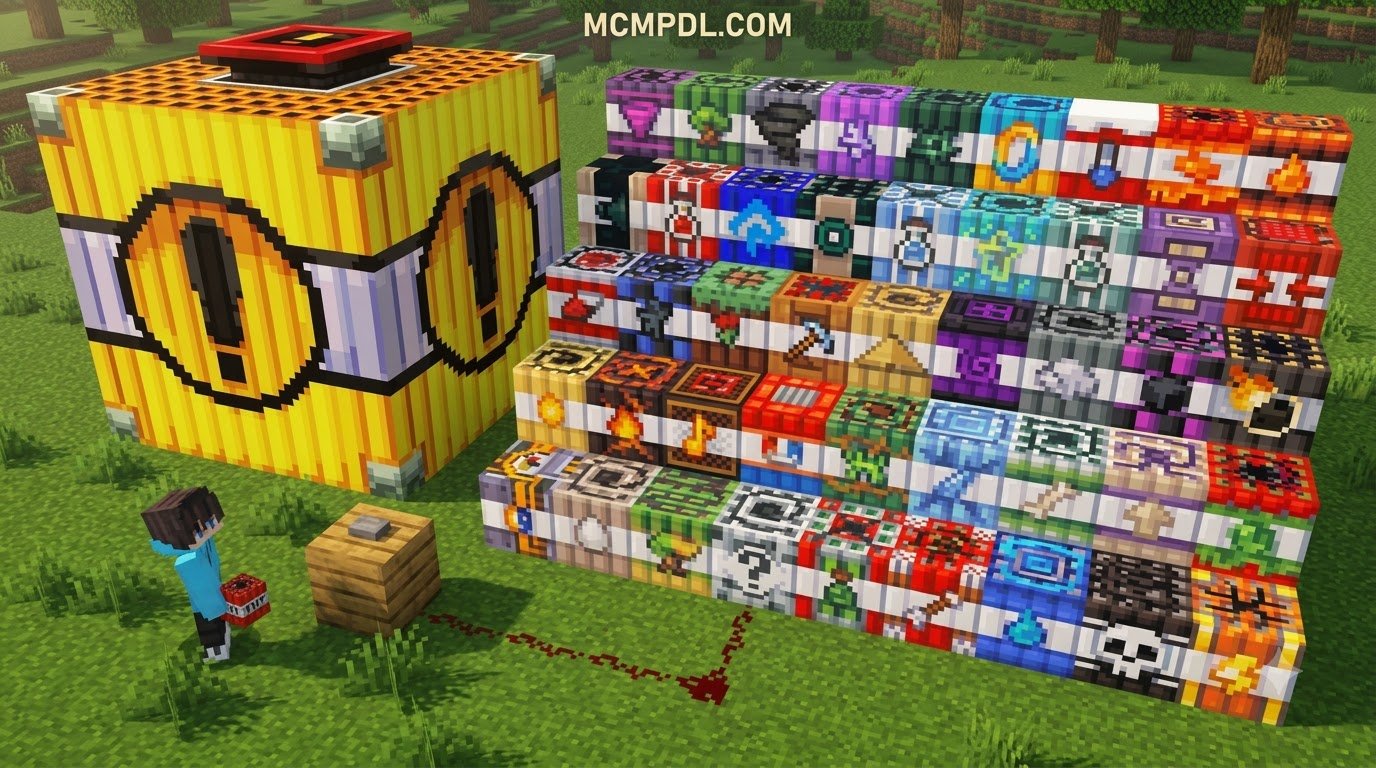
Finding the right explosive pack depends heavily on your hardware and gameplay style. Some players want apocalyptic craters that reshape entire biomes, while others prefer surgical utility tools to gather ores without destroying resources. Over the years, the Bedrock modding community has created incredible expansions—ranging from classic scaled explosions to modular kits like the TNT Megapack Addon for Minecraft PE/Bedrock.
| Addon Option | Variant Count | Max Blast Radius | Key Strengths | Performance Impact |
|---|---|---|---|---|
| Inferno TNT Addon | 27 unique TNTs | 350 blocks (World Breaker) | Elemental hazards, utility blocks, radioactive wasteland fog | Medium to High |
| TNT Destructive Addon V17 | 35 TNTs + Dynamites | Scaled multi-level blasts | Throwables, custom tick caps, broad Bedrock version support | Moderate |
| Classic Scaled TNT Addon | Up to 7 tiers | 1280 blocks (TNT #7) | Straightforward raw blast scaling, massive land clearing | Severe on Tier 6–7 |
| Utility & Prank Packs | 10–20 types | 5–25 blocks | Confetti traps, ore collection chests, restorative fields | Very Low |
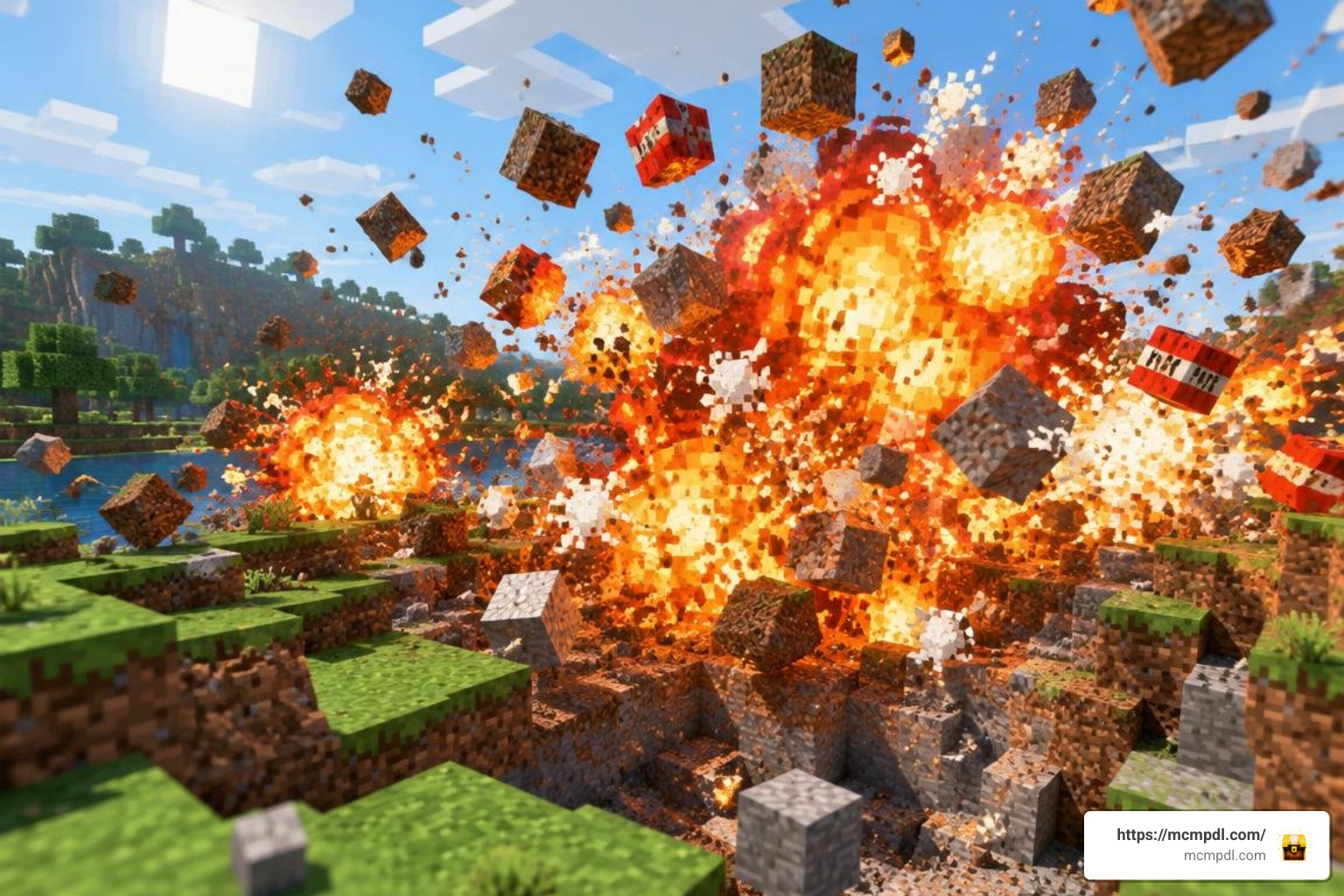
When evaluating these choices, look beyond simple blast radius numbers. The best packs introduce dynamic game mechanics, custom particle animations, and balanced resource gathering rather than just destructive power.
Top Destructive and Elemental Explosive Variants
The main attraction of any heavy-duty explosive pack is pure, unfiltered destruction. High-tier custom blocks push Minecraft Bedrock’s physics engine to its absolute limits:
- World Breaker TNT: The pinnacle of devastation in packs like the Inferno TNT Addon, clearing a massive 350-block radius and leaving sheer bedrock exposure in its wake.
- Nuke TNT: Beyond a massive 100-block instantaneous blast crater, this variant blankets the surrounding zone in a radioactive green fog that deals lingering poison and wither damage to anything nearby.
- Meteor and God TNT: Found in extreme packs like the TNT Destructive Addon, these blocks summon falling fireballs or multi-stage detonations that shatter mountains into floating gravel.
- Elemental Variants (Ice & Hell TNT): Rather than simply destroying terrain, these convert the environment into frozen lakes of Blue Ice or lakes of boiling lava and Netherrack.
Players looking for handheld firepower can pair these stationary blocks with modular projectile systems, including ranged weaponry from the Advanced Blasters Addon for Minecraft PE/Bedrock to ignite ordnance from safe distances.
Utility, Mining, and Harmless Prank TNT Types
Not all TNT is built to ruin your world. In fact, utility explosives often become essential survival tools:
- Mining TNT: Standard vanilla TNT destroys roughly 75% to 100% of dropped items when exploding near stone and ore veins. Mining TNT solves this by shattering stone, extracting raw diamonds, iron, and coal at a 100% drop rate, and automatically depositing every ore into a central wooden chest at the crater floor.
- Healing & Seed TNT: These restorative blocks emit vibrant regeneration rings or rapidly plant and bone-meal surrounding crops, instantly turning barren dirt fields into lush botanical farms.
- Fake and Prank TNT: Perfect for trolling friends on Realms, Fake TNT looks identical to standard red explosives. When ignited with flint and steel, it produces frantic fuse hissing before bursting into harmless party confetti, launching the player harmlessly into the sky and dropping a paper note reading “Tricked Ya!”
- Ender TNT: A quirky trick block that teleports nearby entities across random coordinates, occasionally spawning a harmless rabbit named “Hello I’m your new roommate” at the detonation point.
How to Install and Configure TNT Addons on Mobile and Windows
Installing custom addons in Minecraft Bedrock Edition (PE) is simpler than modding Java Edition because modern packs use pre-packaged .mcaddon or .mcpack formats. You do not need third-party mod loaders or complicated archive tools.
How to Install a TNT Addon for Minecraft PE/Bedrock Step-by-Step
Whether you download files directly from verified community databases or direct download links, follow these steps to ensure a clean installation:
- Download the Addon: Locate a reliable
.mcaddonfile from verified community pages or alternative repositories. - Import into Minecraft:
- Android / iOS: Tap the downloaded file in your browser or file manager and select Open with Minecraft. The game will launch automatically and show an “Import Started” banner at the top of the screen.
- Windows 10 / 11: Double-click the downloaded
.mcaddonfile. Bedrock Edition will open and register the Behavior and Resource packs instantly.
- Attach Packs to Your World: Go to your World Settings, scroll down to the Resource Packs tab, locate the downloaded pack under Available, and click Activate. Next, switch to the Behavior Packs tab and ensure the matching behavior package is active.
Enabling Beta APIs and Experimental World Settings
Most modern Bedrock mods rely on custom scripting modules to handle complex explosions, timed chain reactions, and custom block geometries. If you skip this step, blocks may appear as missing items or fail to explode entirely.
Open your World Settings, scroll to the Experiments toggle list, and enable:
- Beta APIs (Crucial for JavaScript game scripts)
- Holiday Creator Features (If listed on your specific version)
- Custom Biomes & Molang Features (Ensures custom particle fog renders properly)
- Upcoming Creator Features
Always duplicate your world before toggling experiments on an existing build, as experimental flags cannot be disabled once saved.
Gameplay Mechanics: Survival Crafting, Radius, and Performance
Understanding how custom TNT interacts with the Bedrock engine will keep your game smooth and prevent catastrophic world corruption.
Survival Compatibility and Recipes in a TNT Addon for Minecraft PE/Bedrock
Well-designed TNT addons are balanced for survival mode. Rather than forcing you into Creative mode to spawn blocks from the inventory tab, they introduce logical recipes using vanilla ingredients.
Standard recipes generally surround a core TNT block with thematic components:
- Ice TNT: 1x Base TNT + 4x Blue Ice or Packed Ice
- Drill / Mining TNT: 1x Base TNT + 4x Iron Pickaxes or Redstone Blocks
- Nuke / Hyper TNT: 1x Base TNT + 4x Uranium/Sulfur dust or Netherite Scrap
If you enjoy custom crafting chains and explosive projectiles, check out tools like the Sulfur Blaster Addon for Minecraft PE/Bedrock or browse broader gear in the Explosives and TNT Category (Add-ons).
Preventing Lag, Invisible Textures, and World Crashes
Detonating hundreds of explosive blocks at once forces the game engine to calculate millions of raycasts, block breaks, and physics entities simultaneously.
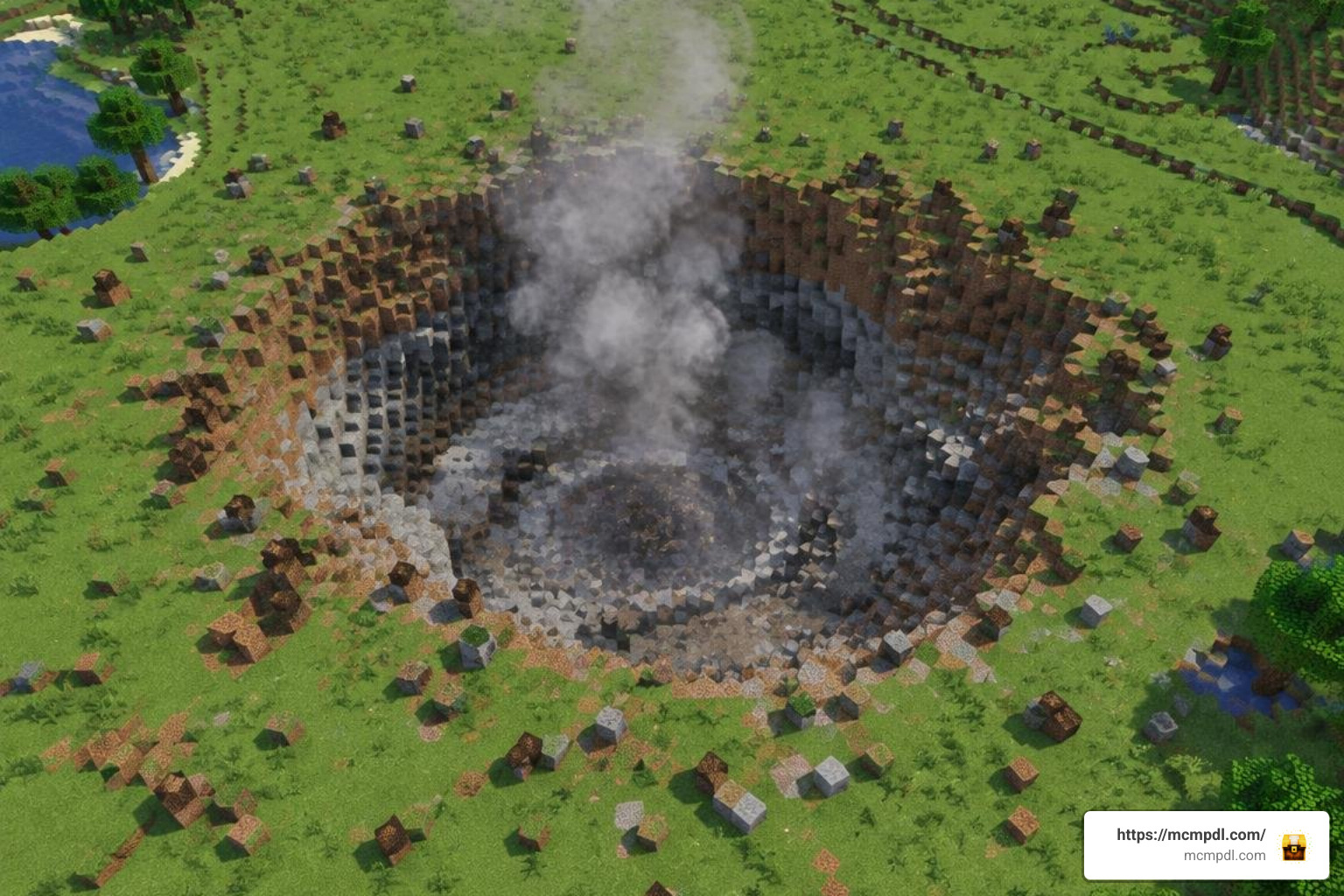
To prevent crashes and frame drops:
- Lower Your Render Distance: Extreme tier explosives (such as TNT #7 from classic packs, which features an astonishing 1280-block blast radius taking up to 27 minutes to compute) require massive chunk visibility. Lower your active render distance to 8–12 chunks on mobile devices before lighting large fuses.
- Cap Chunks Per Tick: Updated packs like TNT Destructive V17 feature built-in script throttles that limit the number of blocks destroyed per game tick, maintaining playable frame rates during detonations.
- Check Resource Pack Priority: If custom TNT blocks appear with purple-and-black missing texture checkerboards, ensure the addon’s Resource Pack sits at the very top of your Active Resource Packs hierarchy list in world settings.
Multiplayer, Realms, and Custom Weapon Integration
Minecraft Bedrock’s native package delivery system makes multiplayer explosive sessions straightforward. When hosting a local multiplayer session or a dedicated Bedrock Realm, only the host needs to install the addon.
When your friends join the server, their client will prompt: “Download and Apply Resource Packs?” Once they accept, textures, entity definitions, and explosion sounds sync automatically to their device without manual file tinkering.
For organized minigames, players frequently combine TNT mods with custom arena maps and launcher tools. Integrating specialized environments like the TNT Blasters World for Minecraft PE/Bedrock or loading heavy artillery from the Ultimate Blasters v1.2 Addon for Minecraft PE/Bedrock turns basic explosive mining into team PvP battlegrounds.
Frequently Asked Questions About TNT Addons
Can TNT addons crash my Minecraft Bedrock world or Realm?
Yes. Detonating massive nuclear or multi-tier explosives on lower-end mobile phones or unoptimized Realms can overload entity memory and crash the server. Always create a manual world backup before setting off high-tier explosives like the World Breaker or God TNT.
Do TNT addons work in Survival mode without cheats?
High-quality TNT packs feature balanced crafting grid recipes using standard ingredients like gunpowder, sand, iron, and blaze powder. While you need to enable the “Experiments” toggles in world settings, you do not need Creative mode or cheat commands to craft and ignite them.
Why are custom TNT textures invisible or purple-black checkers?
Missing textures occur when the Resource Pack fails to load alongside the Behavior Pack. Ensure that both pack files are imported and activated in your specific world settings, with the Resource Pack positioned above any generic custom texture packs.
Conclusion
Custom explosives transform Minecraft Bedrock into a dynamic playground of engineering, practical mining, and spectacular destruction. By picking the right pack for your device, enabling Beta APIs, and following safe detonation practices, you can blast massive quarries or prank your friends without risking your survival worlds. Explore more community-tested modifications, blasters, and packs by visiting the main catalog at MCMPDL to upgrade your Bedrock experience today.