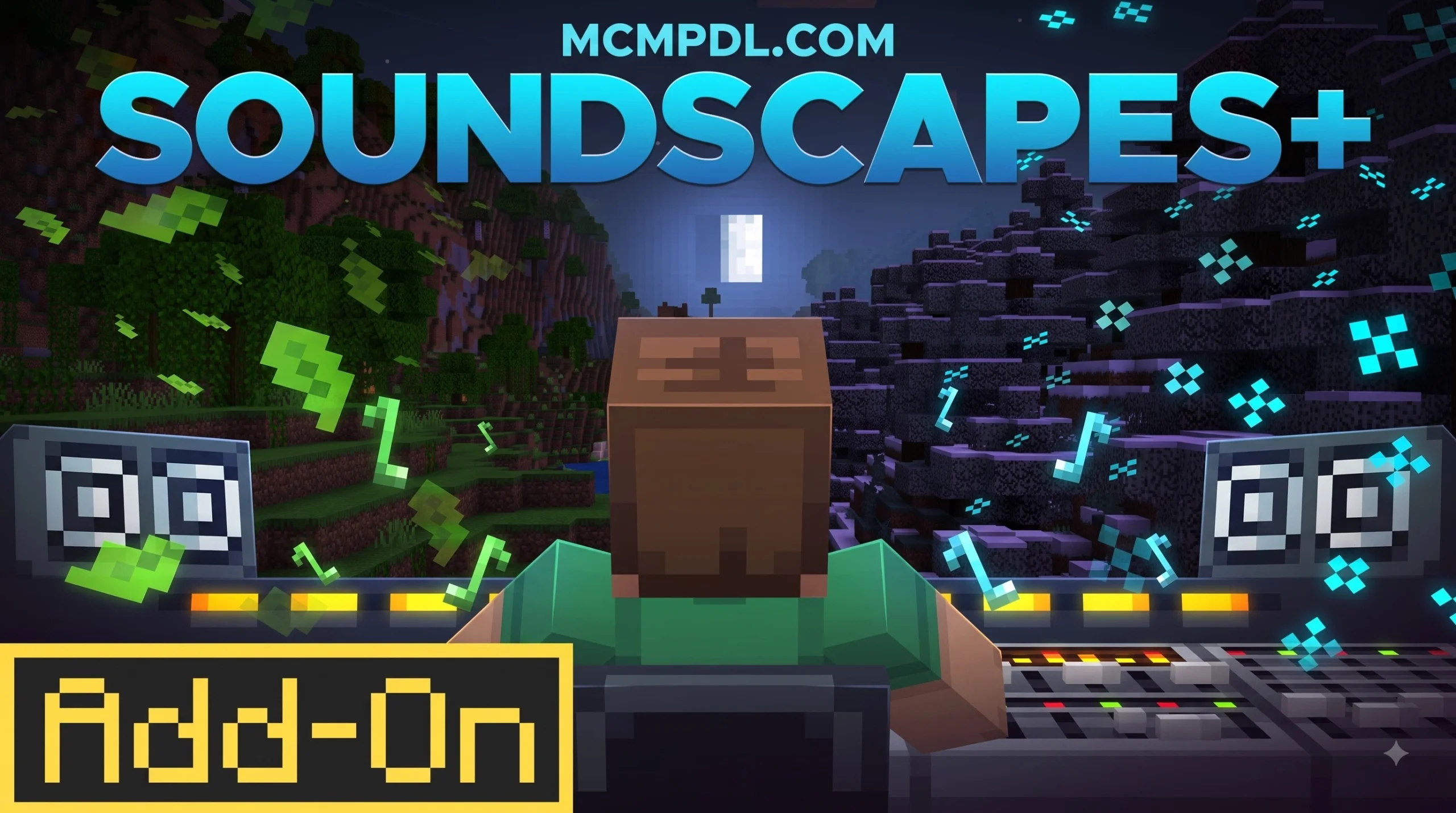
What is the SOUNDSCAPES+ ADD-ON?
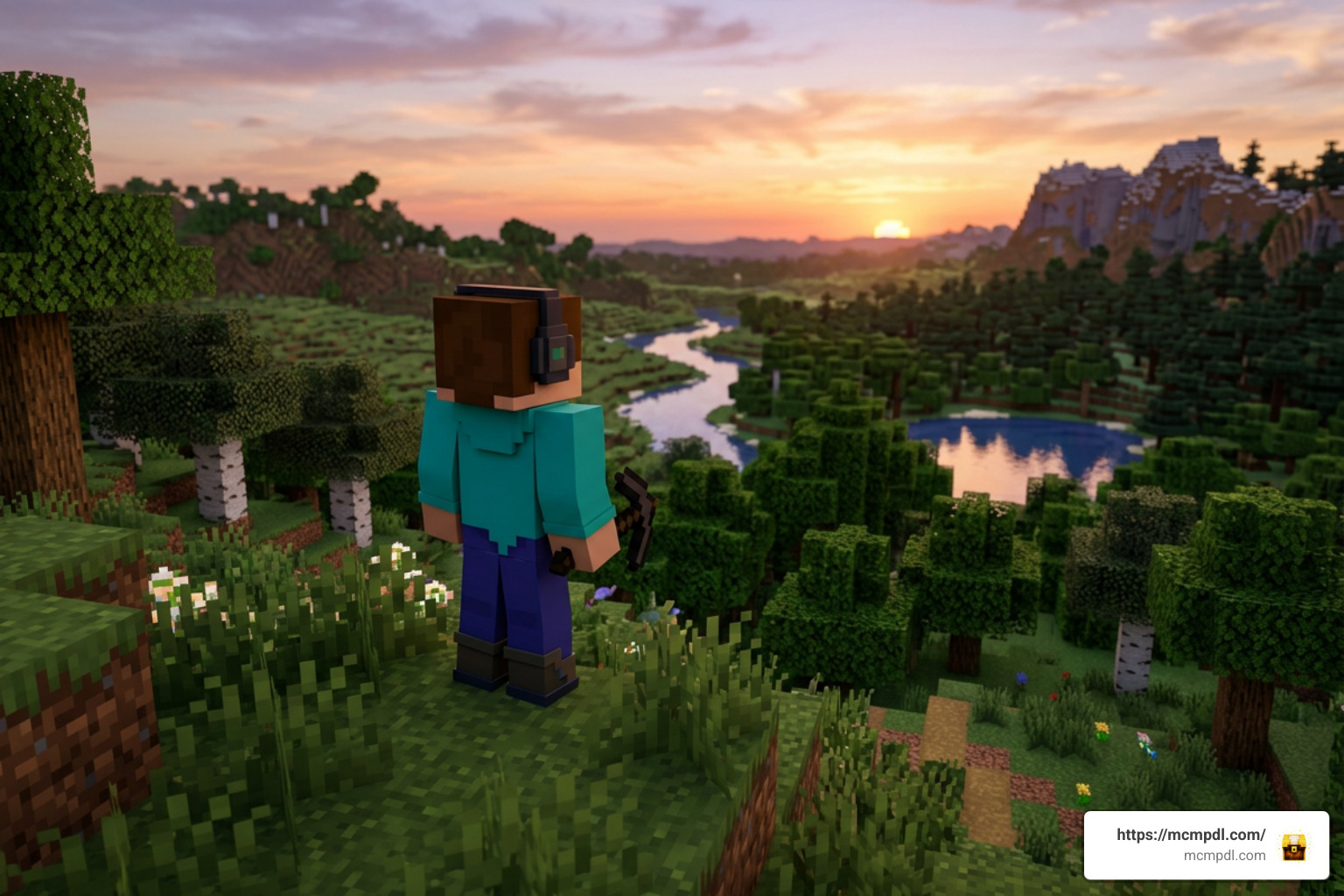
The SOUNDSCAPES+ ADD-ON bedrockexplorer.com is an official Minecraft Bedrock audio expansion designed to replace static background noise with a dynamic, living sound experience. Developed by the renowned Minecraft creator team The Hive, this add-on brings an entirely new layer of immersion to survival and creative gameplay.
Unlike traditional sound packs that simply replace existing block breaks or monster grunts, this add-on utilizes dynamic audio modification. It actively monitors your environment in real-time to trigger contextual audio tracks. If you are tracking content performance or looking up creator listings, you can consult the Soundscapes+ Add-On Share article feedback page for extra technical documentation.
The official Minecraft Marketplace product ID for this add-on is 181c5ffd-a694-4418-9d46-969903678d13. When browsing third-party catalog aggregators, these platforms simply index content—you will always be redirected to the official store to claim your download safely.
Overview of SOUNDSCAPES+ ADD-ON Features
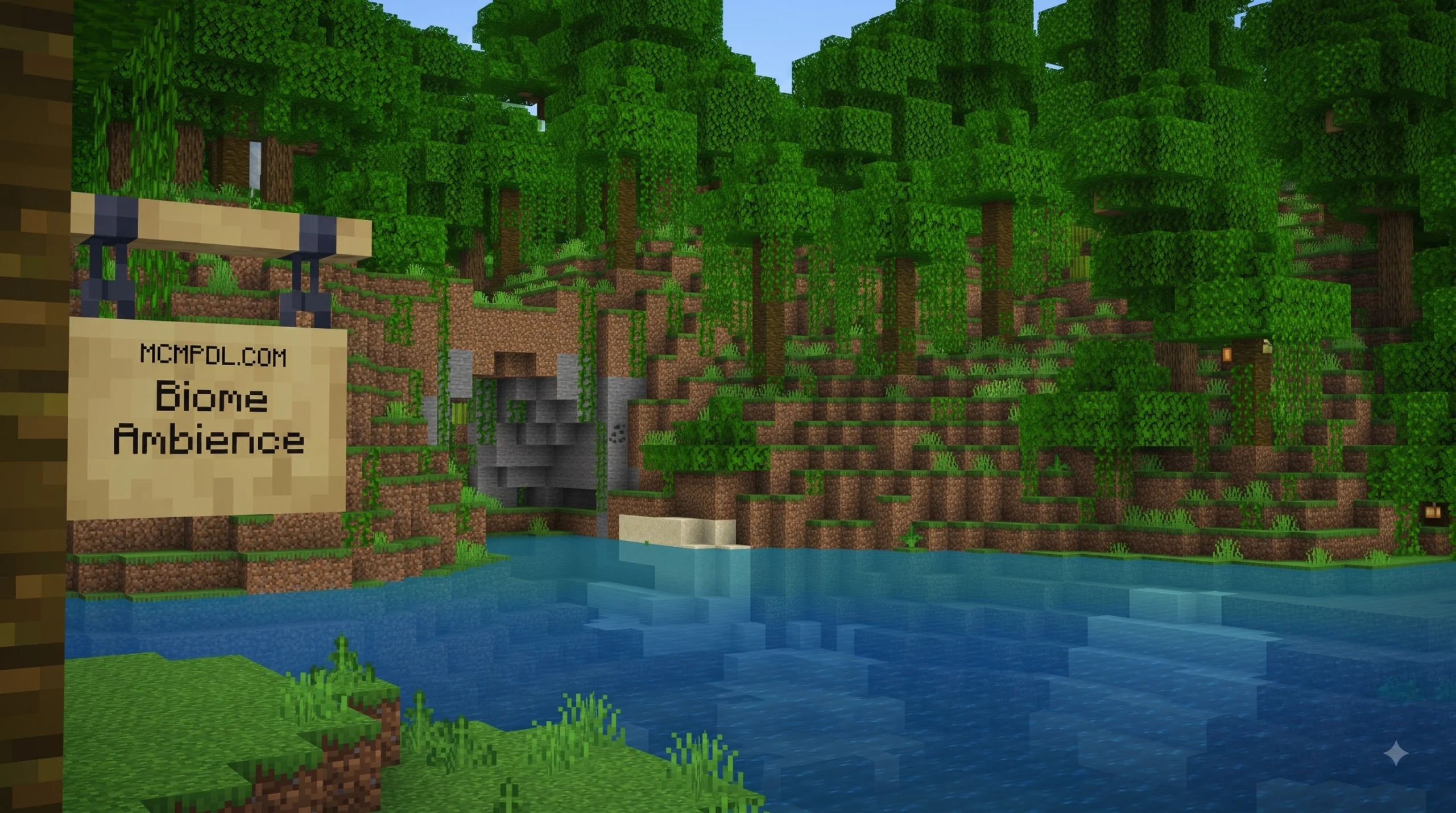
The main appeal of the add-on is its ability to make every biome feel distinct and alive through real-time environmental audio triggers. Instead of silent ocean depths or quiet mountain peaks, the audio adjusts fluidly as you traverse the world.
Key environmental audio triggers in the add-on include:
- Mountain Winds: Howling gusts that increase in strength as your character ascends high elevation peaks.
- Cave Whispers: Eerie, echoed subterranean rumblings and subtle whispers that play while mining deep underground.
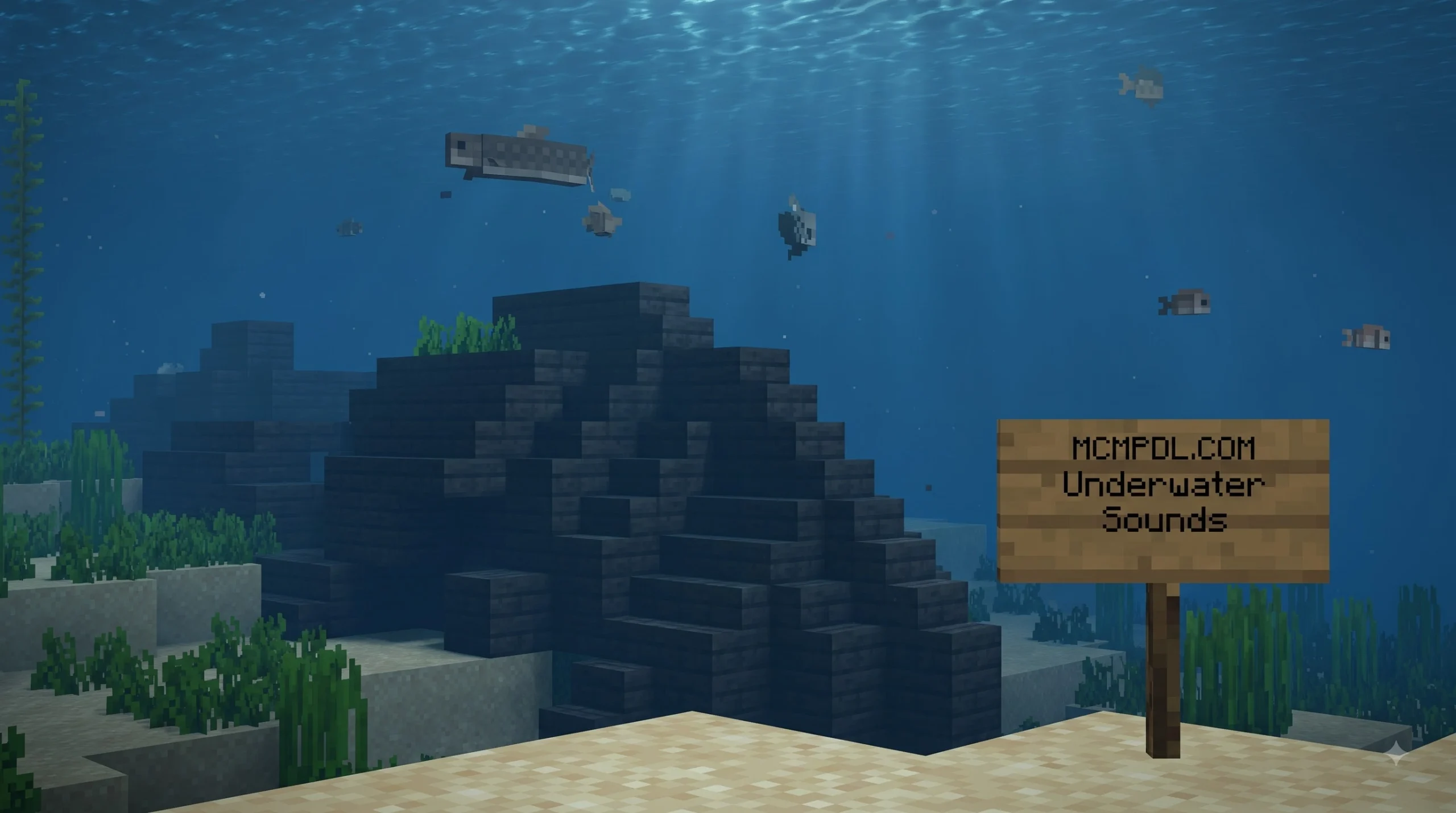
- Underwater Bubbles: Realistic aquatic muffling and bubbling soundscapes that trigger the moment you submerge.
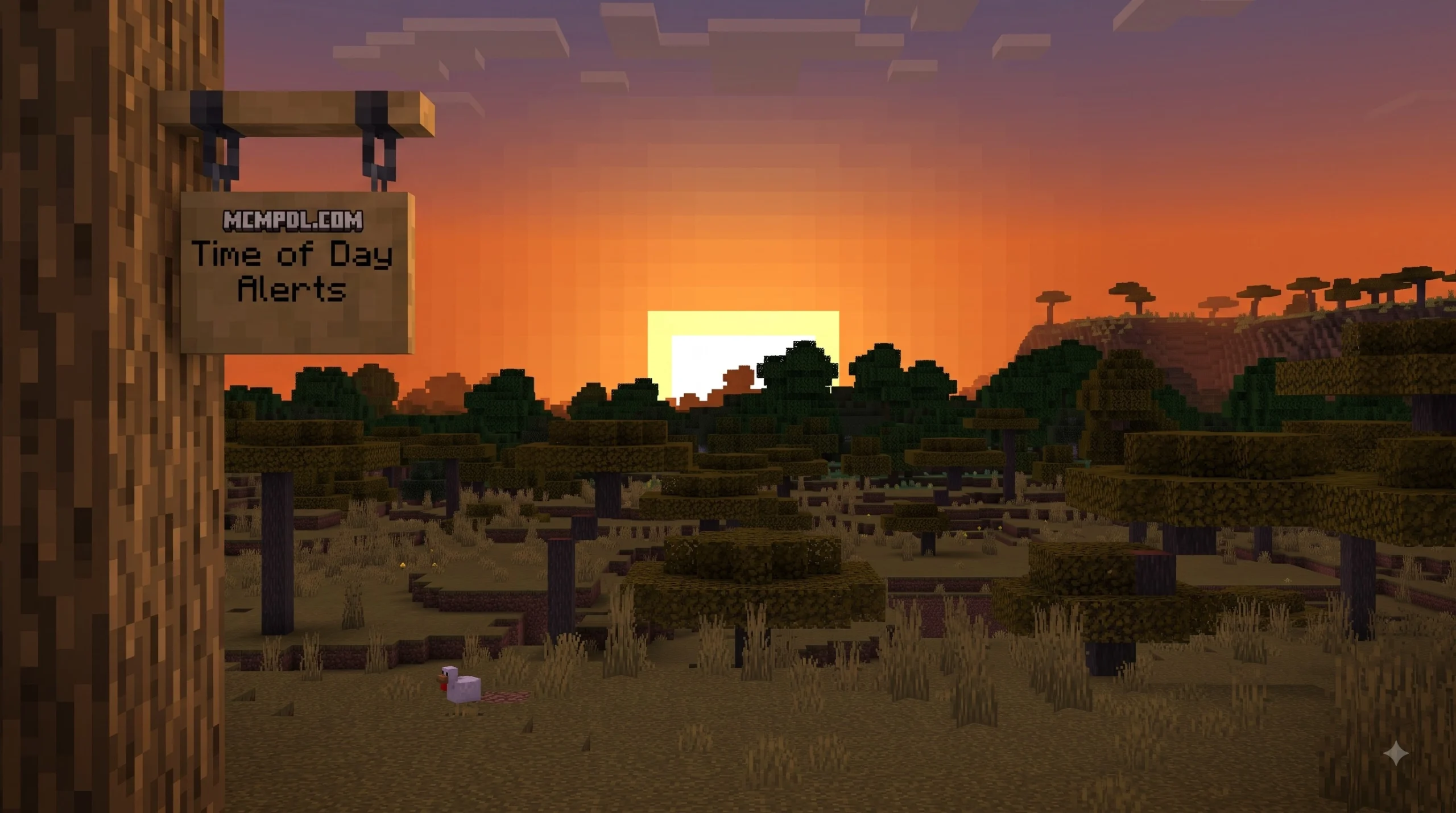
- Time Adaptation: Distinct audio shifts between day and night, bringing calm daytime breezes or tense nighttime atmospheres.
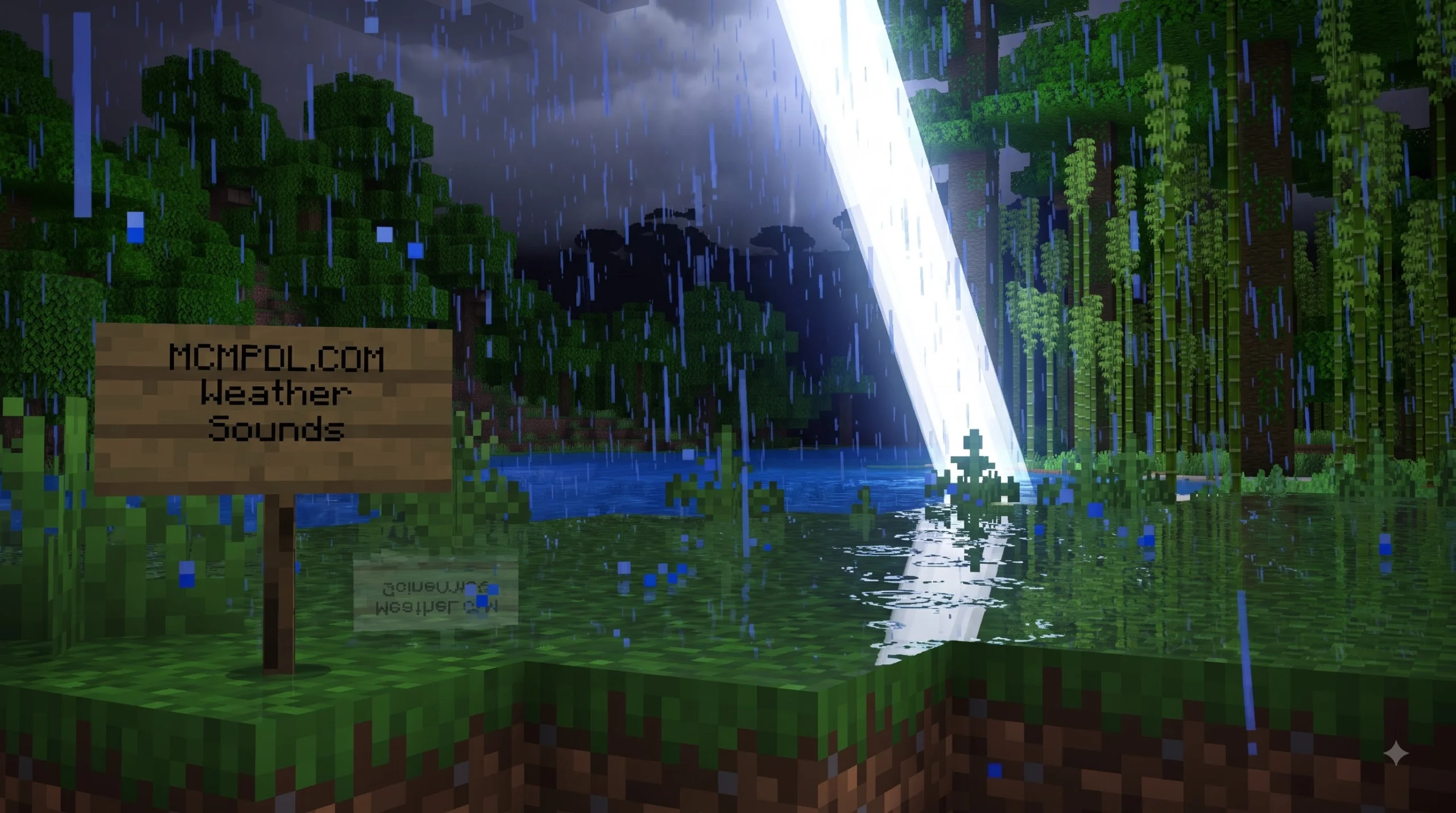
- Weather Audio Integration: Dynamic rainfall, thunder, and storm sounds that respond directly to active weather events in your world.
- Block Proximity Tracking: Localized sound cues triggered when standing near specific natural blocks like water, magma, or lush vegetation.
In addition to these ambient tracks, players automatically receive an in-game instruction book item upon creating or joining a world with the add-on active. This guide offers a complete breakdown of feature toggles and audio details directly in your inventory.
Compatibility and Requirements for SOUNDSCAPES+ ADD-ON
Before downloading, ensure your client meets the basic requirements for seamless installation.
- Minimum Game Version: Fully compatible with Minecraft Bedrock Edition version 1.20.60 and newer (including Pocket Edition 1.21).
- Price: Completely FREE to download (0 Minecoins required).
- Platform Support: Works across iOS, Android, Windows 10/11, Xbox, PlayStation, and Nintendo Switch.
- Skins & Textures: Includes zero custom skins or player character cosmetics. It focuses purely on dynamic environmental audio.
Because it was created by an official partner studio, the add-on is optimized to run smoothly across mobile and console devices without causing severe lag or memory drain.
How to Download and Install Soundscapes+ Add-On in Minecraft Bedrock
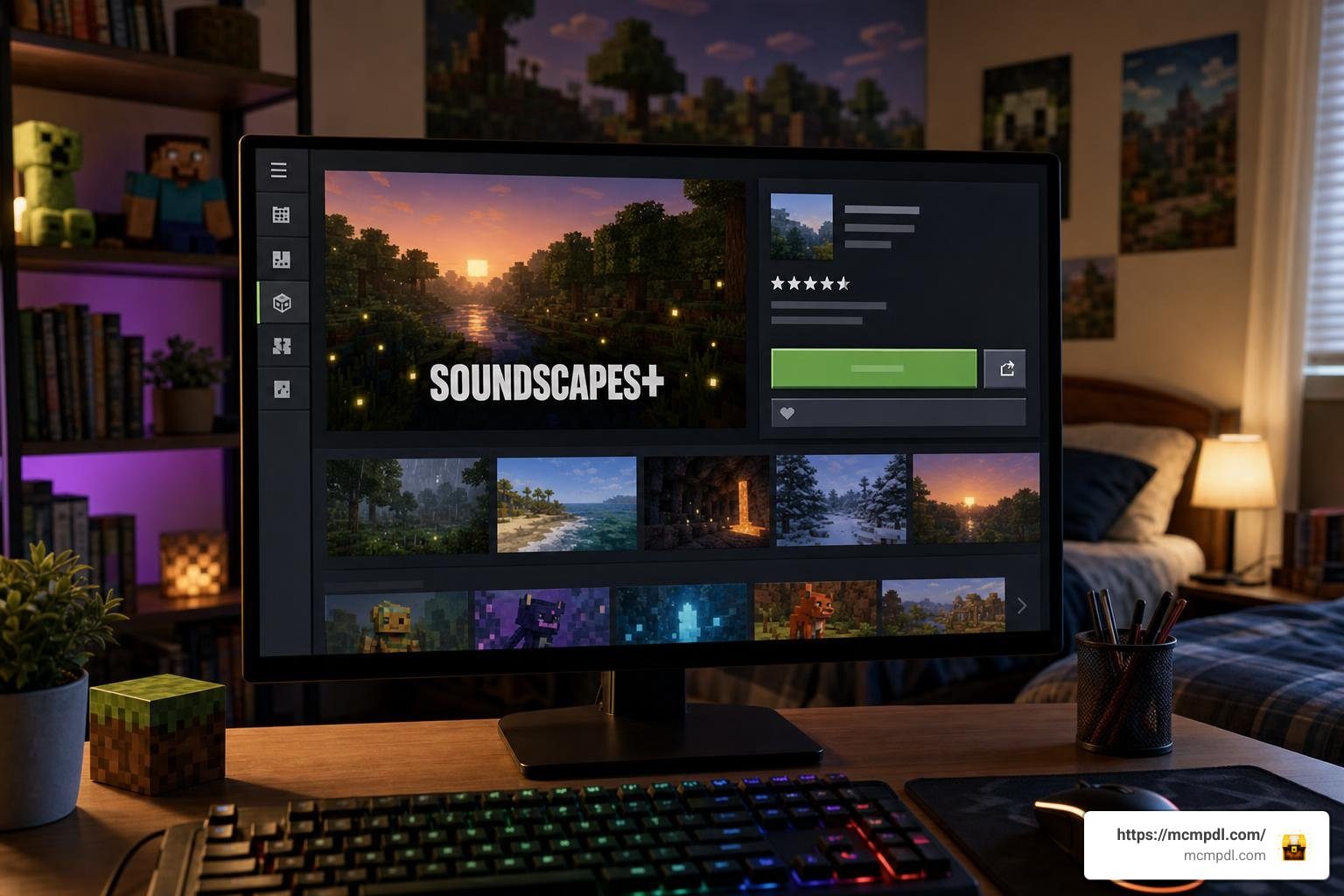
Installing the SOUNDSCAPES+ ADD-ON bedrockexplorer.com in your world is simple and fast. Whether you found the listing on an aggregator database or searched directly in-game, follow these step-by-step instructions to get your dynamic audio running.
Step 1: Finding Soundscapes+ on the Marketplace
- Launch Minecraft Bedrock Edition or Pocket Edition on your device.
- Select the Marketplace button on the main title menu.
- Tap the magnifying glass icon in the upper corner to open the search bar.
- Type in
Soundscapes+or search for creatorThe Hive. You can also cross-reference details using external marketplace listings like Soundscapes+ Add-On | Addon or view ratings on Soundscapes+ Add-On by The Hive | CHUNK. - Select the official Soundscapes+ product card from the search results.
- Click the green FREE (or 0 Minecoins) button to add the item permanently to your Microsoft account library.
- Tap Download to store the add-on assets directly on your device.
For international players looking for localized catalog entries, platforms like Soundscapes+ Add-On por The Hive | Addon Minecraft Bedrock offer full Spanish language summaries of the content.
Step 2: Activating Soundscapes+ and Enabling Experimental Settings
Once downloaded, you must apply the pack to your chosen world:
- Navigate to the main menu and select Play.
- Create a new world or tap the Pencil Icon next to an existing world to open World Settings.
- Scroll down on the left sidebar menu to the Add-Ons section.
- Select Resource Packs, open the My Packs tab, locate Soundscapes+, and click Activate.
- Check the Behavior Packs section as well to ensure all active scripts are linked properly.
- Scroll down the main settings menu to the Experiments tab.
- Toggle Experimental Features (such as Beta APIs or Custom Biomes) to ON if prompted. This ensures custom audio scripts trigger correctly upon entering caves or high altitudes.
- Click Play to enter your world. For mobile platforms, performing a quick game client restart after activation guarantees all audio assets load into device memory cleanly.
If you enjoy testing community modifications outside the main store, you can explore guides on Soundscapes+ Addon (1.21) – MCPE/Bedrock Mod or browse official store pages on Soundscapes+ Add-On by The Hive on the Minecraft Marketplace.
Community Reception and Rating Metrics
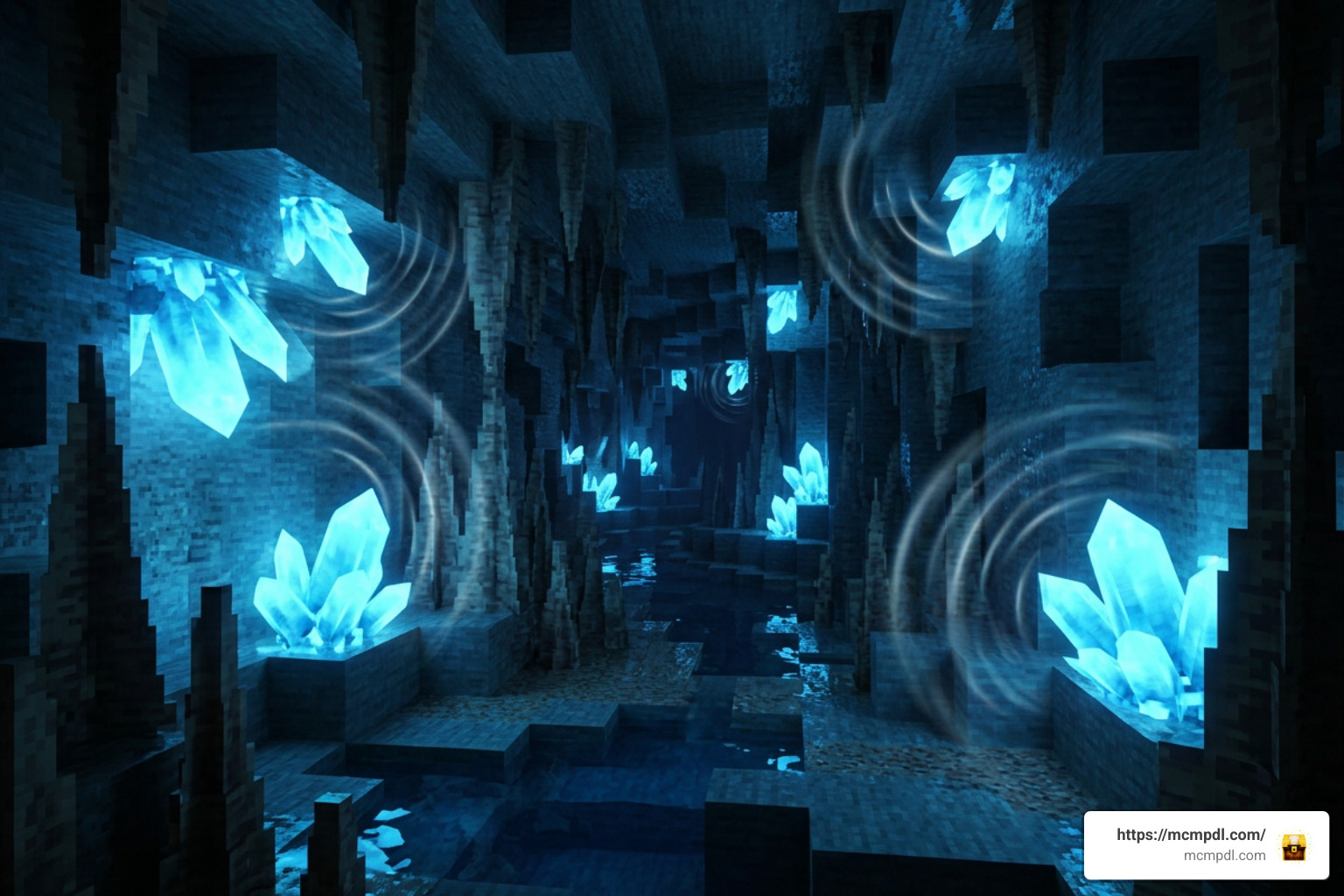
The release of the add-on on December 19, 2024, was met with massive enthusiasm from the Bedrock community. Because default Minecraft audio can sometimes feel quiet during long survival runs, players welcomed this ambient overhaul.
Across store feedback channels, the add-on maintains an outstanding average rating of 4.5 out of 5 stars from over 71,000 community ratings. In fact, approximately 79% of all reviews are perfect 5-star ratings, making it one of the highest-rated free add-ons available in the store.
| Feature Comparison | Vanilla Minecraft Audio | With Soundscapes+ Add-On |
|---|---|---|
| High Elevations | Standard background music track | Dynamic howling wind audio scaling with altitude |
| Cave Exploration | Occasional subterranean ambient pops | Contextual cave whispers, deep echoes, and earth grumbles |
| Ocean Diving | Standard water splashing sound | Realistic underwater muffling and continuous bubbling |
| Weather Response | Uniform rain and thunder audio | Contextual weather soundscapes matching storm intensity |
| Price | Base Game Included | Free (0 Minecoins) |
Players frequently note that combining this add-on with custom visual shaders transforms Minecraft Pocket Edition into an incredibly atmospheric experience.
Frequently Asked Questions about Soundscapes+ Add-On
Is Soundscapes+ Add-On free to download?
Yes, the add-on is completely free to download from the official store. It costs 0 Minecoins and requires no hidden purchases. Once claimed, it remains tied to your Microsoft account permanently.
Does Soundscapes+ Add-On include any skins or extra items?
No, the add-on does not include player skins, character cosmetics, or custom weapon items. It focuses entirely on dynamic environment audio. However, players do receive an instruction book in their inventory when entering a world, explaining how the audio triggers function.
Why are ambient sounds not playing after installation?
If you do not hear cave whispers or mountain winds after activating the pack:
- Ensure your game version is updated to Bedrock 1.20.60 or newer.
- Verify that Experimental Settings are toggled ON in your world options.
- Close the Minecraft app completely and perform a full client restart.
- Check your in-game audio slider settings under Options > Music & Sound to make sure ambient channels are not muted.
Conclusion
The SOUNDSCAPES+ ADD-ON bedrockexplorer.com is a must-have upgrade for any Minecraft Bedrock player seeking deeper immersion. By dynamically altering audio based on weather, time, elevation, and surrounding blocks, ambient noise transforms every survival session into an atmospheric adventure.
Best of all, because it is created by The Hive and listed for free, you can enjoy studio-quality audio design without spending a single Minecoin. Follow our simple installation steps above, toggle your experimental settings, and listen as your Minecraft world comes alive. For more add-on guides, world reviews, and Bedrock content overviews, visit mcmpdl.com Bedrock Add-Ons today!