Scroll down to D0vvnl0ad
Which Gravestones Addon for Minecraft PE/Bedrock Should You Choose?
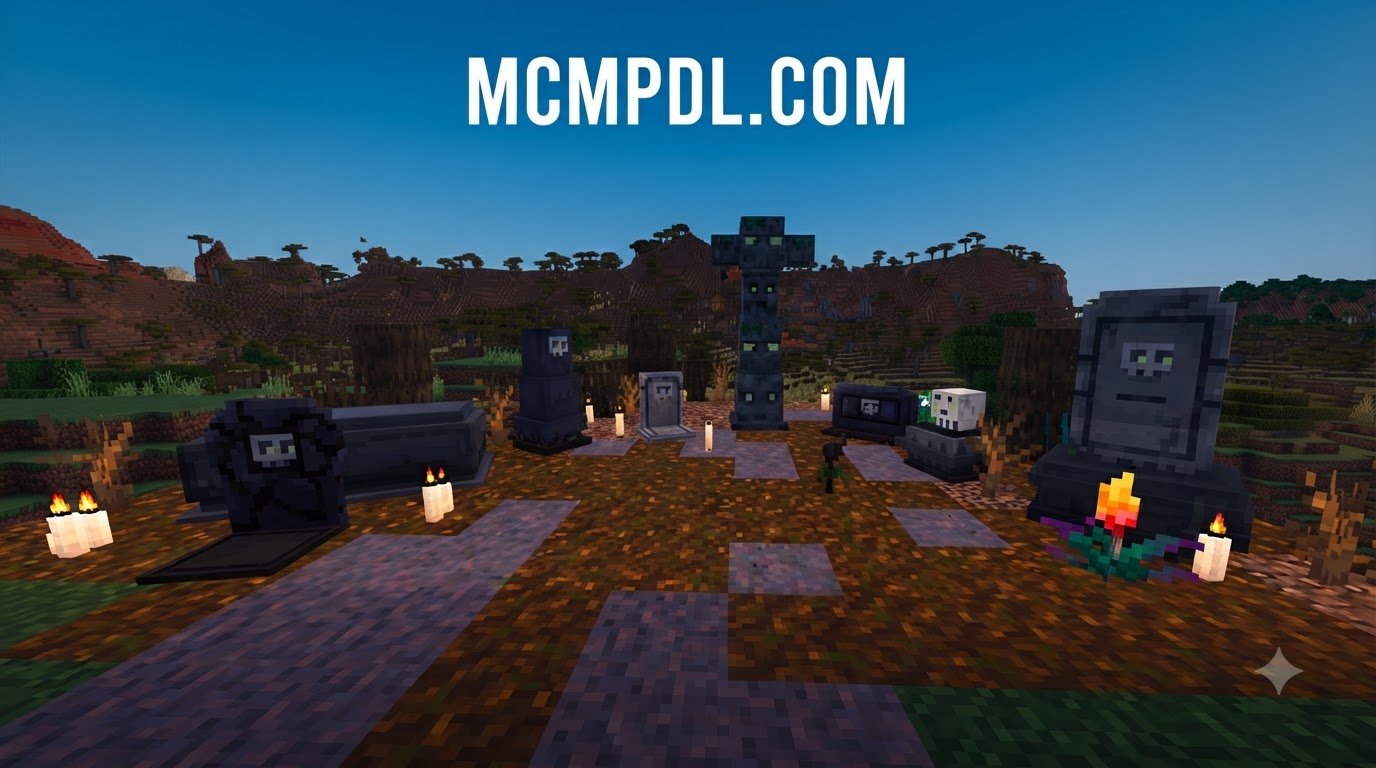
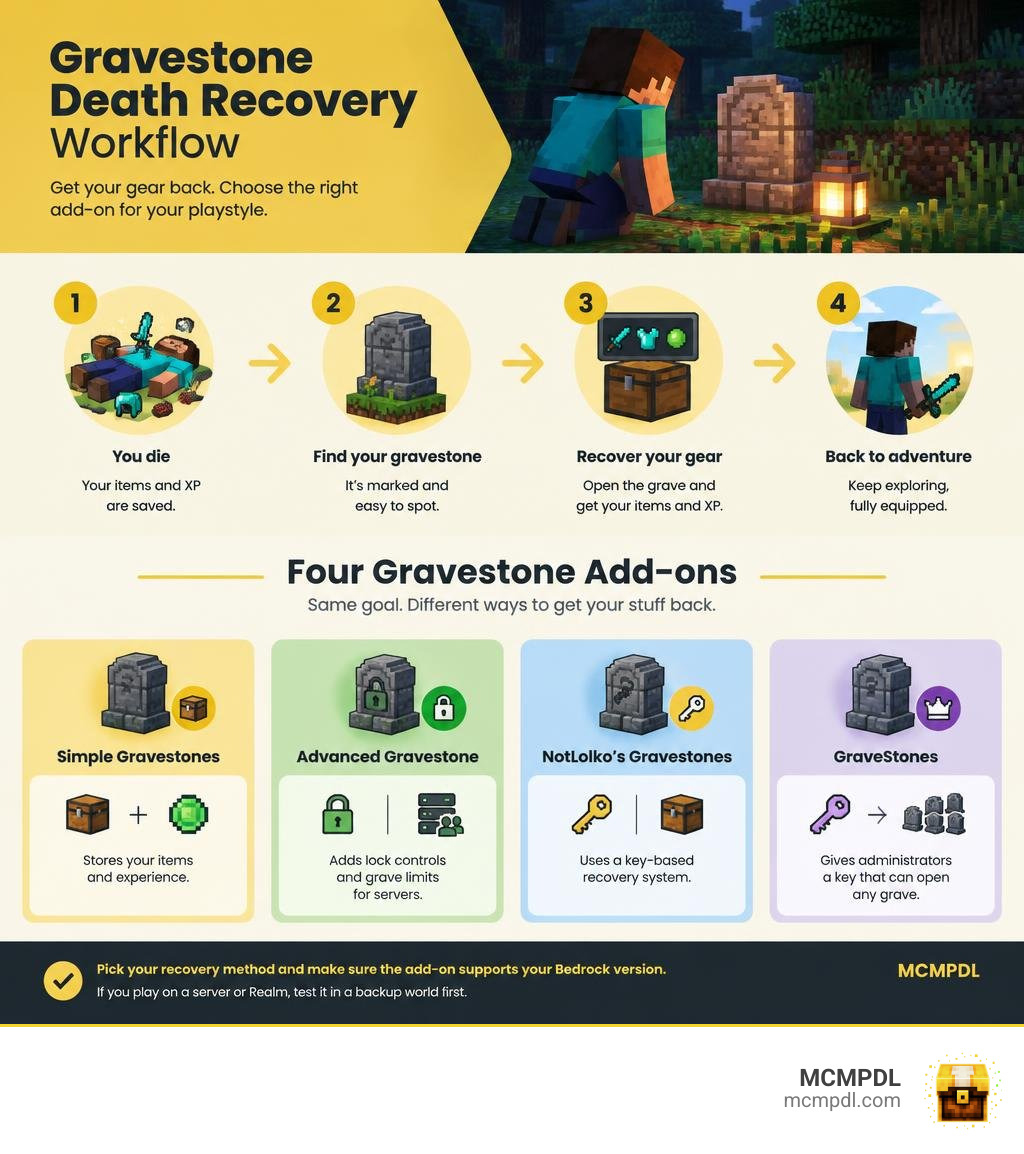
Gravestone add-ons save your gear when you die, but they differ in how you get it back. Simple Gravestones focuses on storing items and experience. Advanced Gravestone adds lock controls and grave limits for servers. NotLolko’s Gravestones uses a key-based recovery system, while GraveStones gives administrators a key that can open any grave.
Pick the recovery method you want, then check that the add-on supports your Bedrock version before importing it. If you play on a server or Realm, test it in a backup world first: grave access, Keep Inventory, and other add-ons can affect how death recovery works.
Comparing Gravestones Addon Options for Minecraft PE/Bedrock
Losing your diamond gear, enchanted tools, and thirty levels of hard-earned experience to an unexpected creeper blast is one of the most frustrating moments in survival gameplay. While the vanilla game gives you five minutes before dropped items despawn, that countdown is unforgiving if you perish deep underground or across uncharted terrain.
To solve this, community developers have created several dedicated death-recovery modifications for Minecraft Bedrock Edition (Pocket Edition/Windows 10/consoles). Each option approaches inventory preservation with unique mechanics, ranging from lightweight blocks to complex server-level administrative systems.
Here is how the four most popular options compare:
| Add-on Name | Primary Recovery Method | Key Features | Supported Versions | Best For |
|---|---|---|---|---|
| Simple Gravestones | Break or punch the tombstone | Wither blast immunity, XP storage, zero-item spawn prevention | Bedrock 26.0 – 26.10+ | Vanilla-plus singleplayer worlds |
| Advanced Gravestone | Break normally or sneak-break to drop | Padlock security (green/red), 29 languages, grave limits | Bedrock 26.30+ | Multiplayer servers & Realm communities |
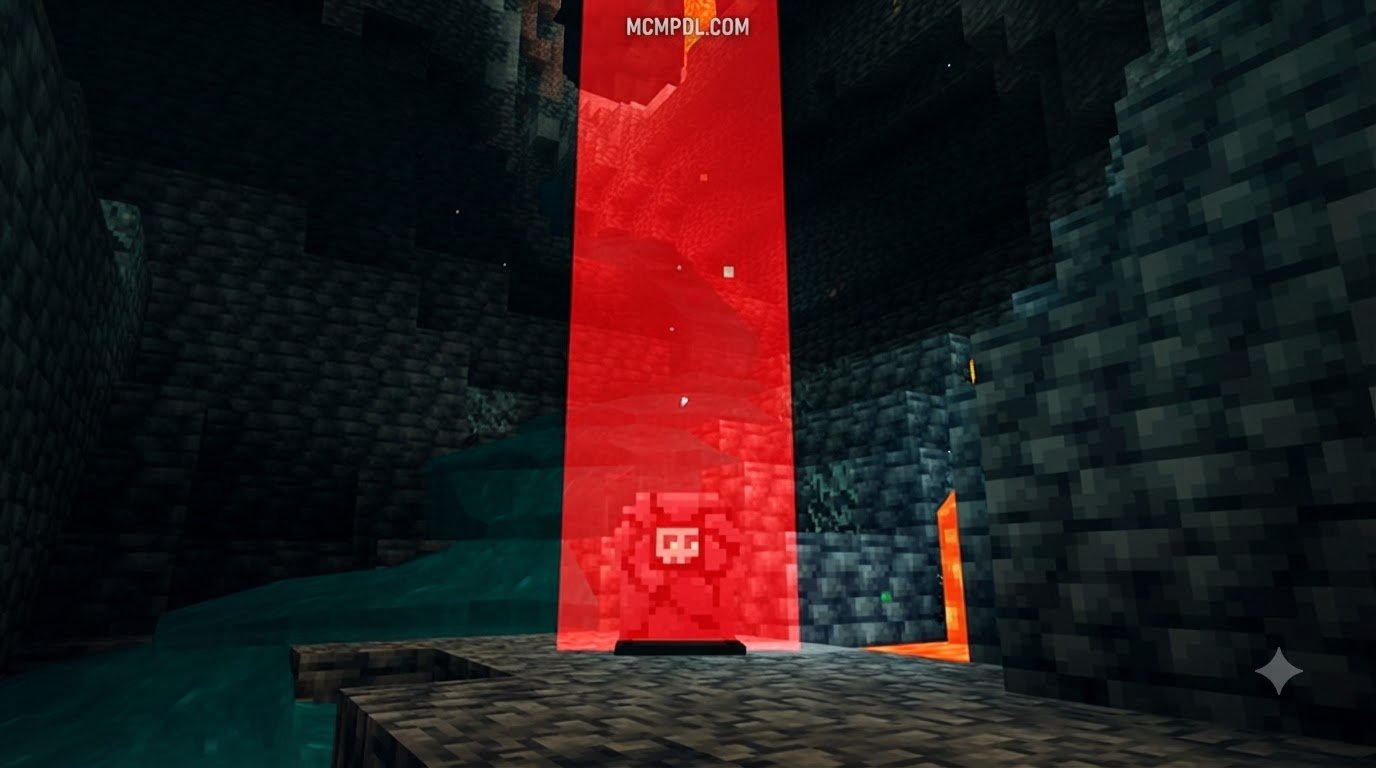
| NotLolko’s Gravestones | Specialized recovery key | RPG-style key mechanic, visual death marker | Bedrock 26.0+ | Adventure & RPG survival packs |
| GraveStones (Effect99) | Unlock or break (auto-replaces) | Admin master key, automatic grave replacement, multi-language | Bedrock 26.0+ | Public servers requiring moderation |
Basic Gravestone Features
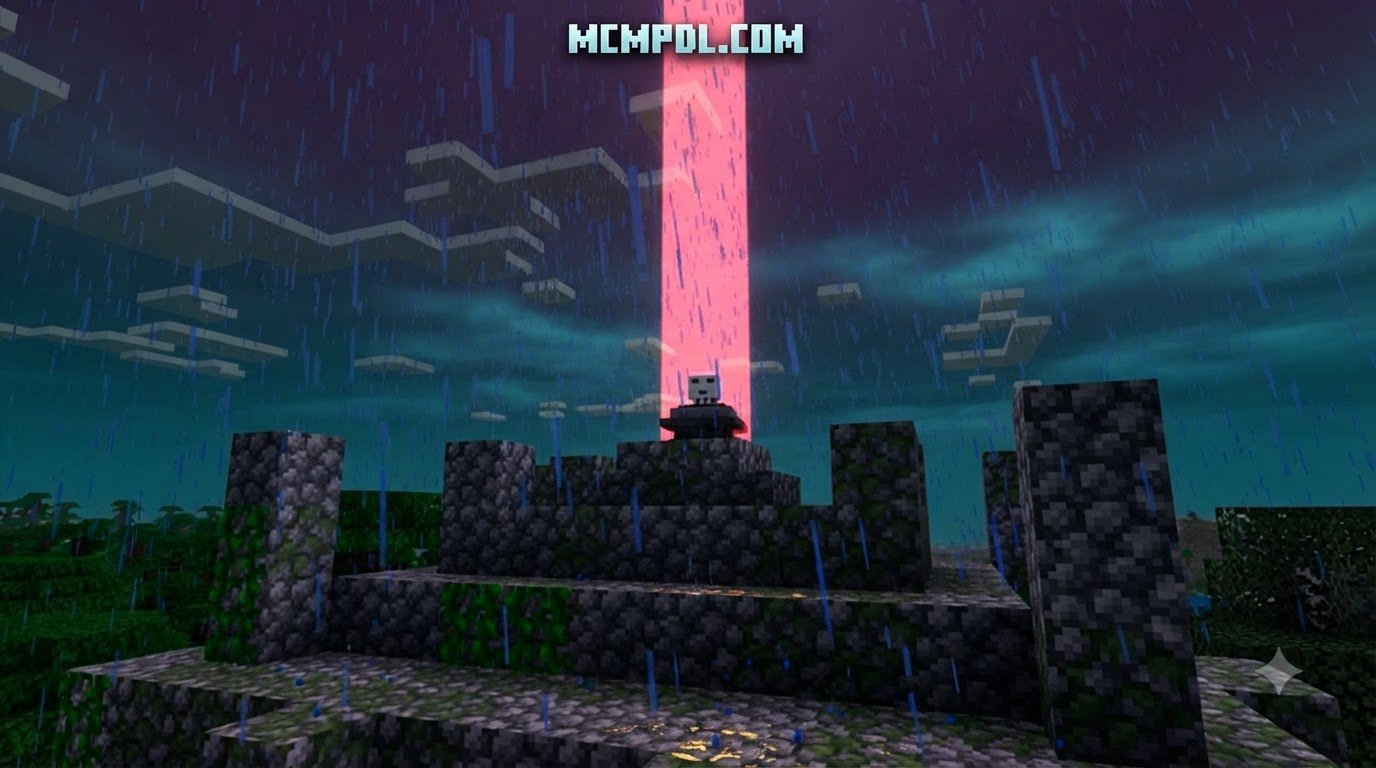
If you want a lightweight solution that mirrors vanilla survival without cluttering your game with extra menus, Simple Gravestones by Alien Edds is an ideal choice. It does exactly what the title promises: when you perish, a small stone marker appears at your exact death coordinates, locking your armor, hotbar, offhand, main inventory, and collected experience into safe storage.
One standout benefit of this lightweight build is environmental resilience. Early iterations of death chests often broke when exposed to boss attacks, but updates to this pack specifically fixed an issue where withers could destroy gravestones. This makes it an essential safety net when you explore dark subterranean structures alongside terrifying custom mob packs like the Cave Dweller Add-on.
Gravestone Security and Limits
For community worlds, griefing and clutter can quickly ruin death recovery mechanics. If another player stumbles upon your tombstone before you respawn, they could steal your gear. The Advanced Gravestone project by mikayil022 tackles this problem by introducing customizable padlock states and server storage safeguards.
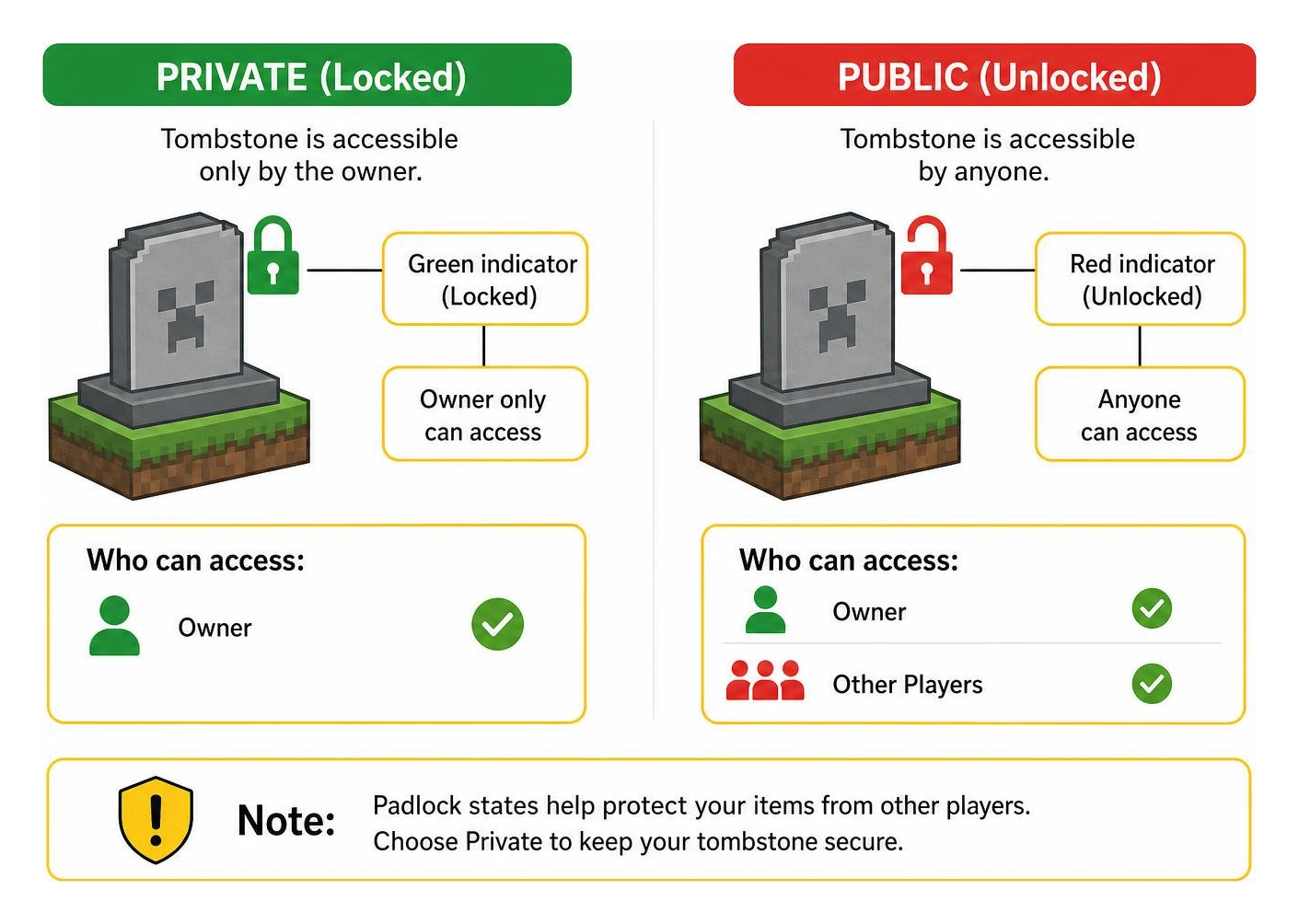
This add-on supports 29 languages and features a visual padlock indicator on the grave itself. A green indicator means the tombstone is locked exclusively to its owner, while a red indicator signifies public access. Furthermore, server hosts can set an optional grave limit per player. If a player exceeds their grave allowance, the system automatically removes their oldest marker and drops its contents on the ground rather than deleting items permanently. This balances world performance on high-stakes worlds like those running a Lifesteal Addon for Minecraft PE/Bedrock.
RPG-Style Gravestone Mechanics
For survivalists who love questing and classic role-playing mechanics, NotLolko’s Gravestones introduces a deliberate item retrieval workflow. Instead of walking up to your tomb and punching it open instantly, you must use a specialized recovery key granted upon respawn to claim your lost belongings.
This mechanic prevents accidental grave triggers while you are fighting off lingering monsters. It turns gear retrieval into a tactical mini-quest, which integrates seamlessly alongside expansive magic systems such as the Spellcraft Addon for Minecraft PE/Bedrock.
Administrative Gravestone Controls
Managing a bustling public server requires tools to resolve disputes when players perish in inaccessible regions or report lost items. The GraveStones pack by Effect99 has earned over 262,629 total downloads (with over 51,100 downloads for version V2.0.8 alone) largely due to its robust administrative features.
Effect99’s pack includes an Administrator Key that enables operators to open and inspect any player’s grave regardless of ownership. Additionally, it features an automatic replacement safeguard: if a tombstone is broken prematurely before items are cleared, a replacement marker is automatically placed to ensure nothing falls into the void or lava. This administrative fail-safe is invaluable when organizing challenging encounters against tough opponents from the Bosses Addon.
Core Mechanics and Item Retrieval Systems
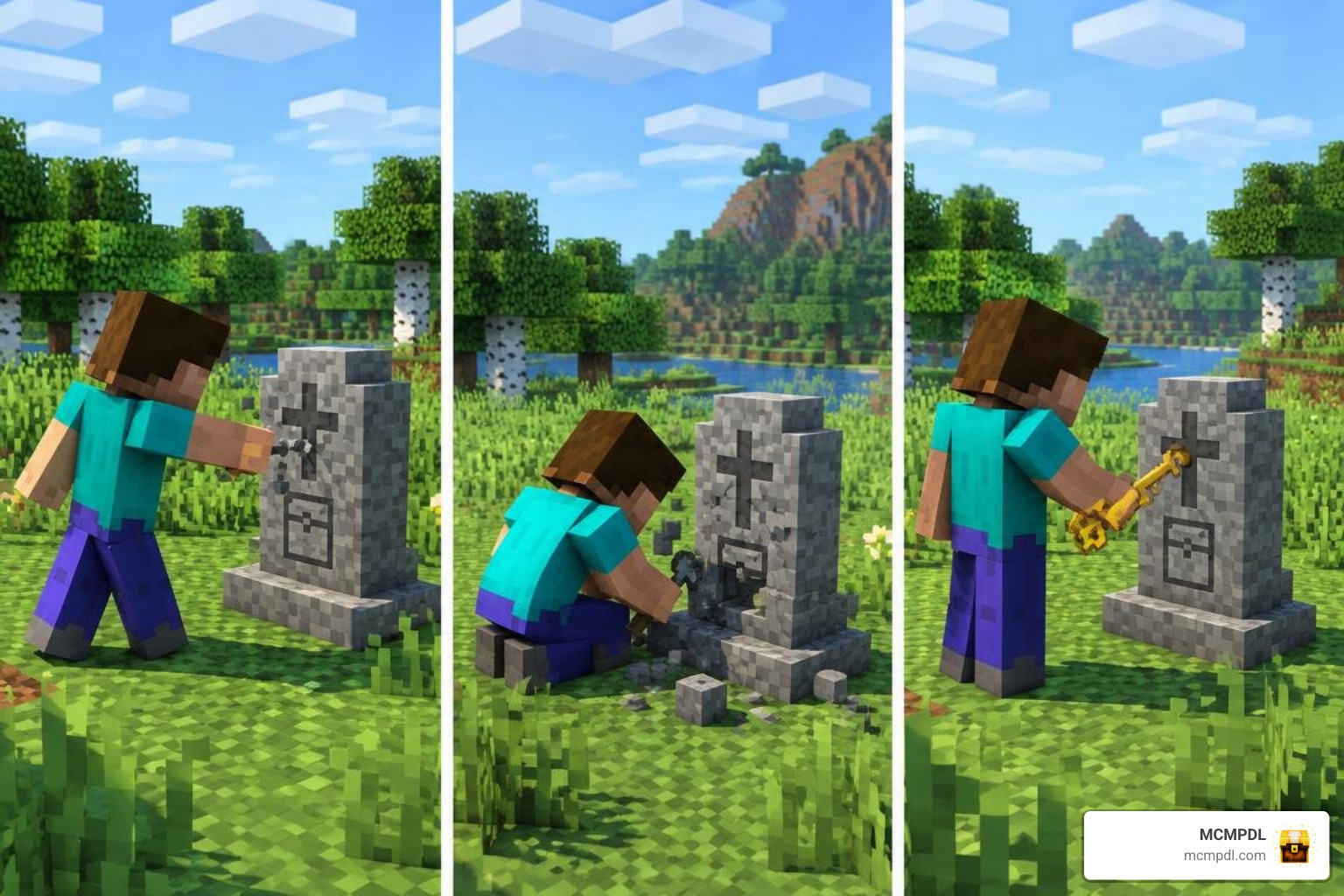
How you retrieve your items changes the flow of survival gameplay. Depending on the add-on you choose, interaction styles vary significantly:
- Standard Direct Breaking: Punching the tombstone breaks the container block and instantly deposits your armor, offhand items, and hotbar slots directly back into their original inventory positions.
- Sneak-Breaking (Ground Drop): In packs like Advanced Gravestone, crouching while breaking the marker forces all stored items to drop onto the surrounding ground. This is helpful if you want to sort your gear manually or share supplies with a teammate.
- Key-Based Unlocking: Interacting with the gravestone while holding a designated grave key unlocks the chest interface or instantly restores your loadout.
- Command Inspection: Admins can use specific chat prompts (such as
/grave customize) to inspect containers, adjust lock timers, or relocate coordinates when players fall in dangerous encounters from the [Hidden Bosses Addon for Minecraft PE/Bedrock](https://mcmpdl.com/hidden-bosses-addon/
Item Security and Admin Controls in a Gravestones Addon for Minecraft PE/Bedrock
multiplayer servers; administrator keys; lock indicator colors; grave expiry warnings; Eternal Caves Add-on.
Item Security and Admin Controls in a Gravestones Addon for Minecraft PE/Bedrock
Selecting the right Gravestones Addon for Minecraft PE/Bedrock is essential for multiplayer worlds where players share resources and territory. Without proper ownership controls, death markers can be looted by nearby players before the original owner returns.
Advanced death management packs solve this with three critical features:
- Visual Lock States: Padlocks clearly indicate whether a grave is restricted to its owner (green) or accessible to everyone (red).
- Grave Expiry Warnings: Timers alert players in chat when their tombstone is nearing its expiration window, giving them ample time to travel back.
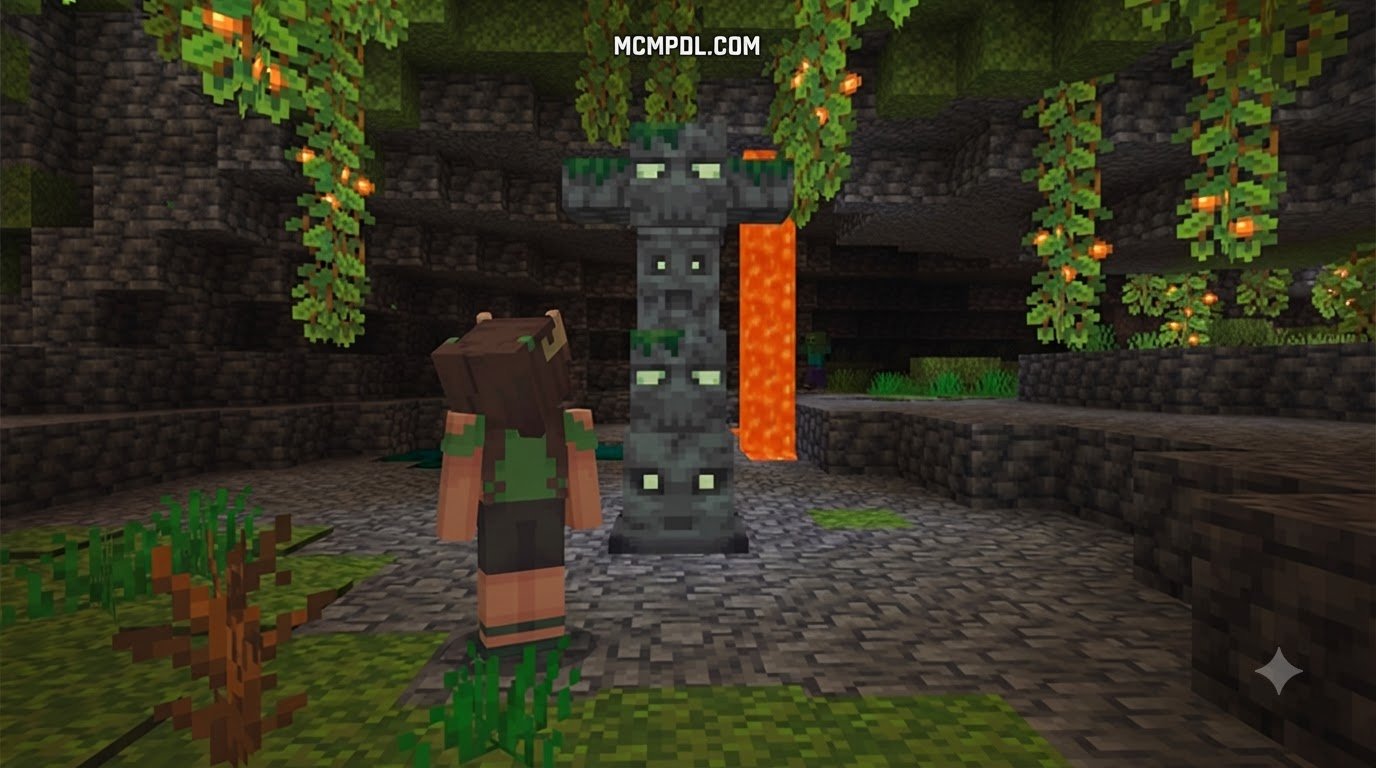
- Admin Master Overrides: Designated server keys bypass lock restrictions, allowing staff to recover items for players trapped in deep hazards like those found in the Eternal Caves Add-on.
Lag Prevention and Empty Grave Handling
A common concern among server hosts is entity lag. In vanilla Minecraft, thousands of loose items floating on the ground create significant tick-rate drops. Gravestone containers replace these floating entities with a single block, drastically improving stability.
However, repeated player deaths can clutter the landscape with empty blocks. Top-tier add-ons prevent this by enforcing strict generation checks:
- Zero-Inventory Detection: If a player dies with an empty inventory and zero experience points, no grave block spawns.
- XP Threshold Filters: Tiny XP drops below a certain value are filtered out to avoid generating orphaned markers across spawn chunks.
- Automatic Expiration Cleanup: Old, abandoned graves automatically drop their remaining contents or despawn after a configurable number of in-game days.
Compatibility, Game Settings, and Troubleshooting

Before installing any death management pack, review your world configuration to avoid conflicts with core Bedrock mechanics:
- Keep Inventory Compatibility: If the
keepInventorygame rule is toggled totrue, most gravestone add-ons will detect that no items dropped and will not generate a grave block. If you notice tombstones failing to spawn on Realms or local worlds, verify that vanilla Keep Inventory is disabled. - NBT Item Tags: Items with complex custom data—such as named weapons, custom enchantments, and lore tags from packs like the Caves and Beyond Addon for Minecraft PE/Bedrock—require modern script API support. Ensure your chosen add-on is updated to prevent NBT tags from being stripped upon death.
- Realms Platform Idiosyncrasies: Bedrock Realms can occasionally encounter script desynchronization after major game updates. If tombstones fail to record inventory data on a Realm, re-download the world locally, verify pack behavior, and re-upload the world file.
How to Install and Configure a Gravestones Addon for Minecraft PE/Bedrock
Installing add-ons on Bedrock Edition is straightforward across mobile devices and PC. Follow these steps to configure your death-recovery pack:
- Download the corresponding
.mcaddonor.mcpackfile for your selected gravestone add-on. - Open the downloaded file using Minecraft Bedrock. The game will launch and display an “Import Started” notification, followed by “Successfully Imported.”
- Open your desired world settings, navigate to Behavior Packs, and activate the gravestone pack.
- Navigate to Resource Packs and ensure the matching visual textures are active.
- In the Experiments tab of your world settings, enable Beta APIs and Holiday Creator Features if required by that specific pack build.
- Verify your game version. For instance, Advanced Gravestone requires Minecraft Bedrock 26.30 or newer to execute its UI scripts properly across Android, iOS, and Windows 10.
Frequently Asked Questions About Minecraft Bedrock Gravestones
How do I unlock or retrieve items from a locked gravestone?
To open a locked grave in packs like Advanced Gravestone, approach the marker and break it while logged into the account that owns the grave. If you want items to spill onto the ground instead of auto-equipping, sneak while breaking it. If a grave belongs to another player on a locked setting, only an operator using an Administrator Key can open it.
Do gravestone addons disable Xbox achievements in Bedrock Edition?
Yes. Like virtually all custom behavior packs that utilize scripts or experimental toggles in Bedrock Edition, activating a gravestone add-on will disable Xbox achievements and trophies for that specific survival world.
What happens if I die in lava or the void?
Most modern gravestone add-ons feature safe-placement routines. If you burn in lava, the tombstone will either generate fireproof blocks beneath itself or float at the surface of the lava pool. If you fall into the void, the script detects your descent and attempts to place the grave at the lowest valid solid block above the void layer (typically Y=0 or Y=-64).
Conclusion
Losing your gear after an unexpected fall or monster ambush does not have to derail your survival adventures. Whether you prefer the straightforward utility of Simple Gravestones, the administrative security of Advanced Gravestone, the questing feel of NotLolko’s key mechanic, or the moderation control of GraveStones, there is a death management system tailored to your playstyle.
At MCMPDL, we test and catalog the latest Bedrock resources so you can customize your game with confidence. Explore our extensive directory of curated Minecraft Bedrock add-ons to discover new survival tools, magic mods, custom dimensions, and texture overhauls for your next world.