Scroll down to D0vvnl0ad
To install the Mermaids World mod in Minecraft PE/Bedrock, launch Minecraft, open the in-game Marketplace, search for “Mermaids”, select your preferred edition, purchase and download the map pack, and press “Create This World” to start your adventure.
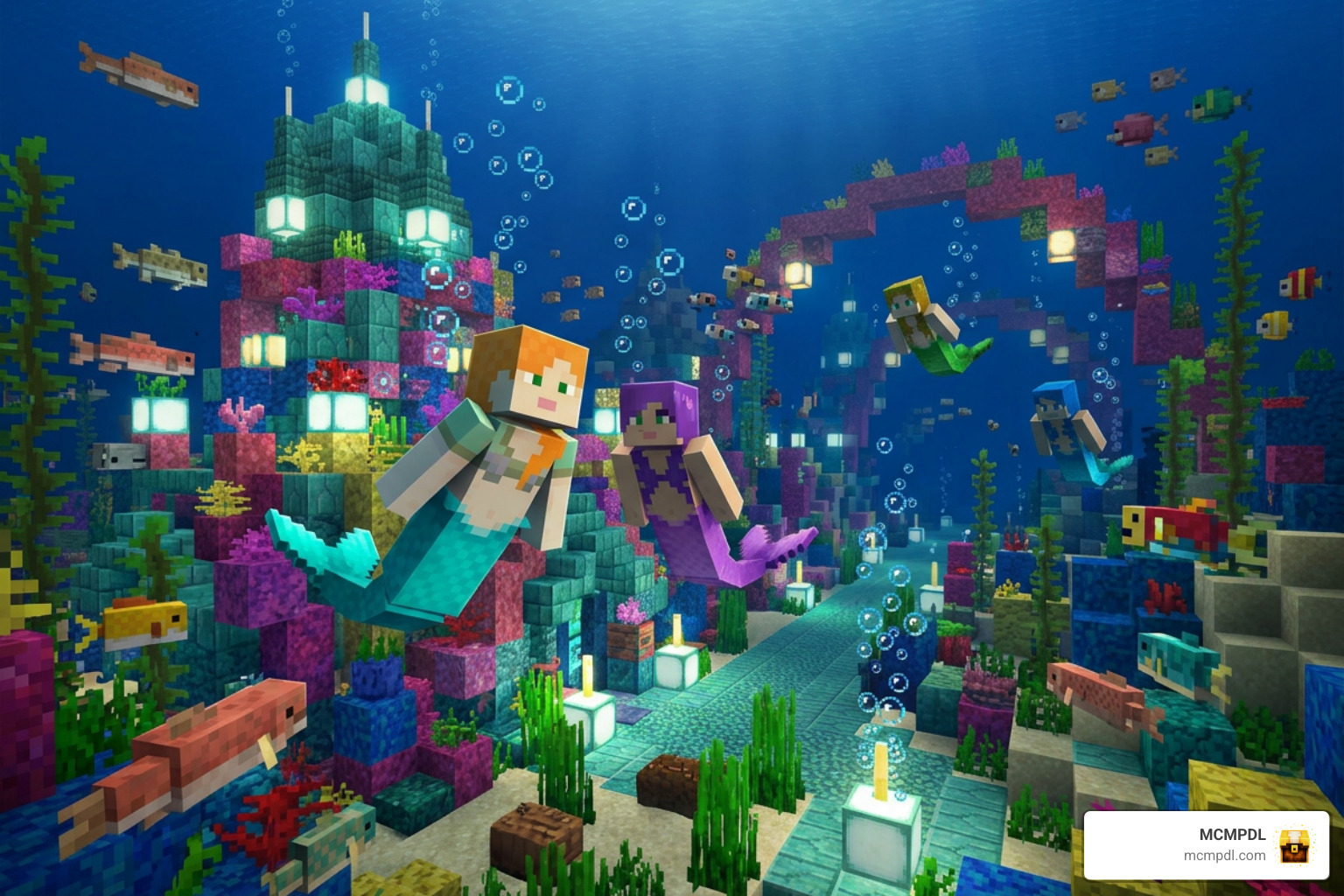
Understanding the Mermaids World for Minecraft PE/Bedrock Options
When you dive into the Minecraft Bedrock Marketplace looking for ocean adventures, you will find two distinct world templates sharing similar names. Both options convert the standard ocean biomes into vibrant underwater realms filled with colorful reefs, custom treasures, and themed items. However, their scope, design focus, and price points differ significantly.
One edition leans heavily into dynamic world generation, expansive survival mechanics, and hostile underwater encounters. The other edition focuses directly on creative roleplay, craftable aesthetic items, and magnificent architectural bases. Understanding how these packages stack up ensures you pick the exact adventure that matches your playstyle.
| Feature / Detail | Mermaids (Edition A – by Wonder) | MERMAIDS (Edition B – by ChewMingo) |
|---|---|---|
| Creator | Wonder | ChewMingo |
| Marketplace Price | 660 Minecoins (~$3.46 USD / €3.26 EUR) | 310 Minecoins (~$1.55 USD) |
| Community Rating | 4.5 / 5 Stars (2,118+ ratings) | 3.6 / 5 Stars (540+ reviews) |
| Launch Date | May 28, 2024 (Updated Dec 19, 2024) | June 3, 2025 (Updated June 11, 2026) |
| Player Support | 1–12 Players (Multiplayer & Realms) | Singleplayer & Cross-platform Multiplayer |
| Core Focus | Dynamic structures, exploration, shark mobs | Sea castle base, mermaid roleplay, craftable tails |
| Unique Content | 37 structures, 15+ NPCs, staff weapons, shells | Custom sea castle, new water mobs, tail cosmetics |
Features of Mermaids World for Minecraft PE/Bedrock — Edition A
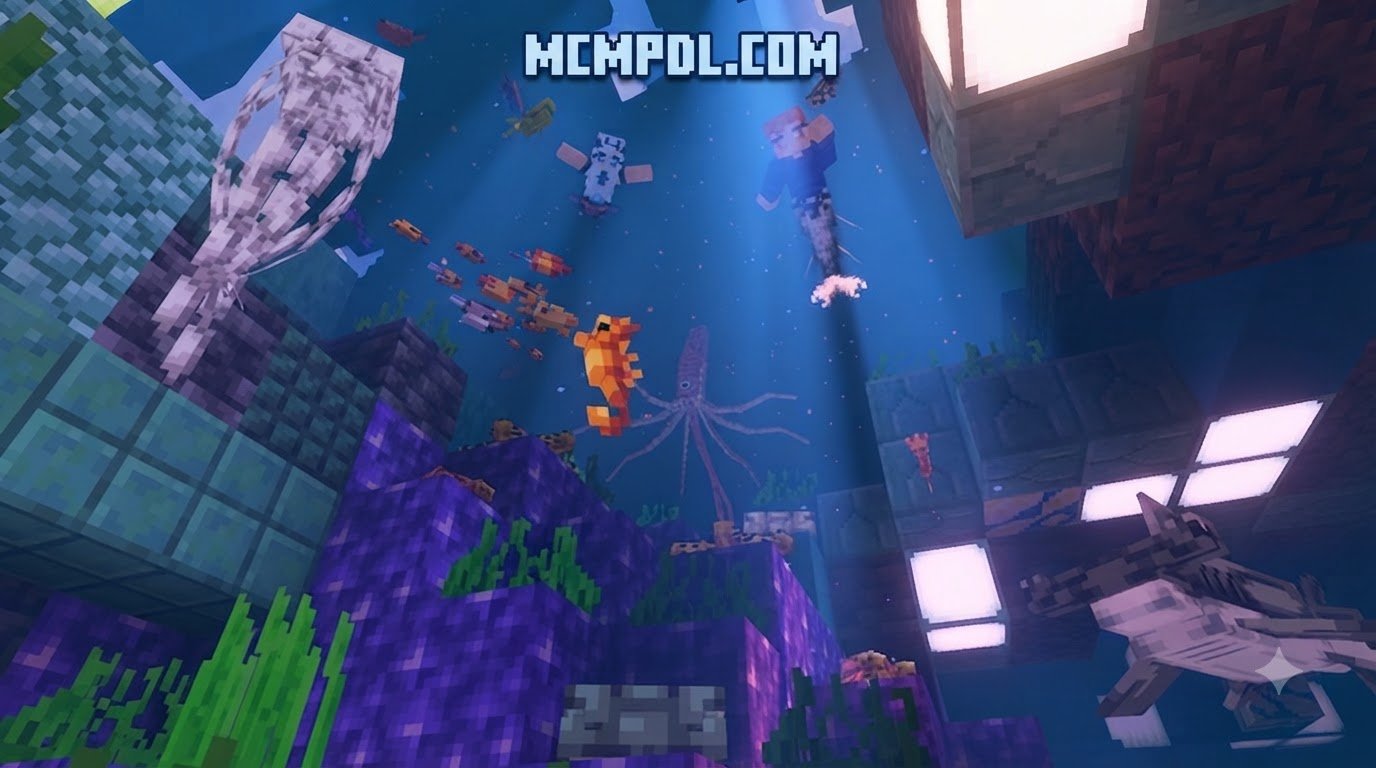
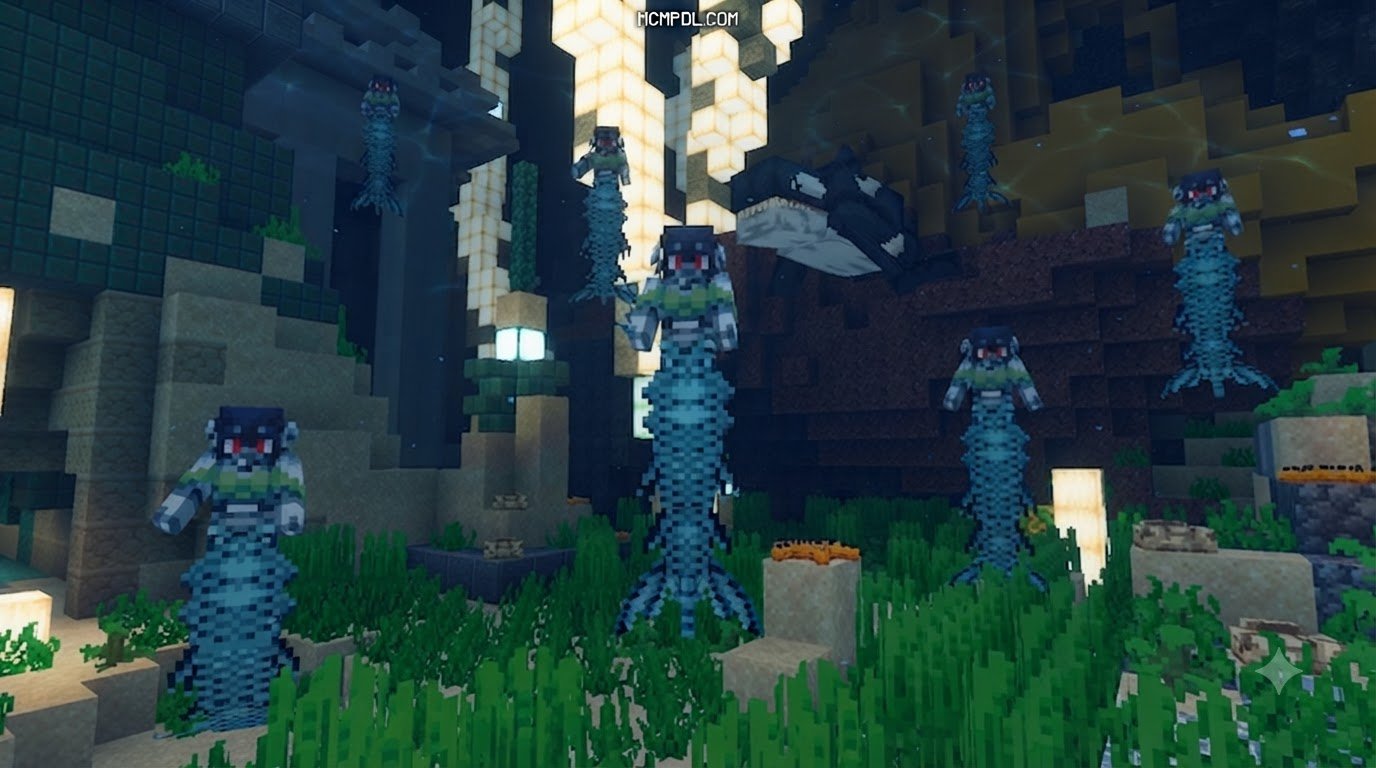
The premium 660 Minecoin edition designed by Wonder delivers a vast, living ocean ecosystem built for high-stakes exploration. Rather than simply handing you a pre-built static underwater town, this world utilizes dynamic world generation to spawn 37 unique underwater structures randomly across the ocean floor.
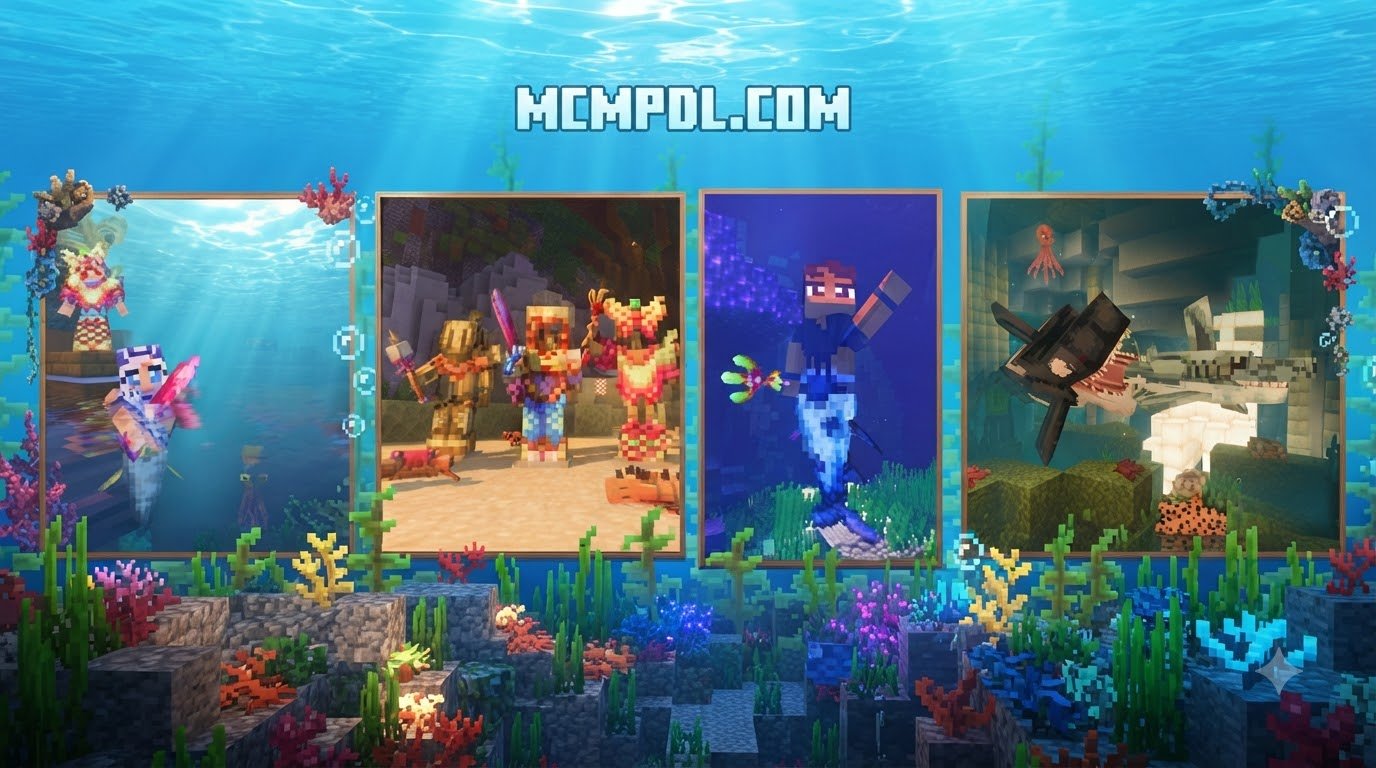
As you swim across custom coral reefs, you can encounter over 15 distinct mermaid NPCs, hunt for rare clams cradling precious pearls, and collect five newly added decorative shells. Survival enthusiasts will appreciate the added challenge of predatory sharks patrolling deep trenches. To help you defend yourself, this pack introduces two specialized underwater armor sets, five mystical staff weapons, and 10 wearable mermaid tails that grant distinct aquatic enhancements.
Features of Mermaids World for Minecraft PE/Bedrock — Edition B
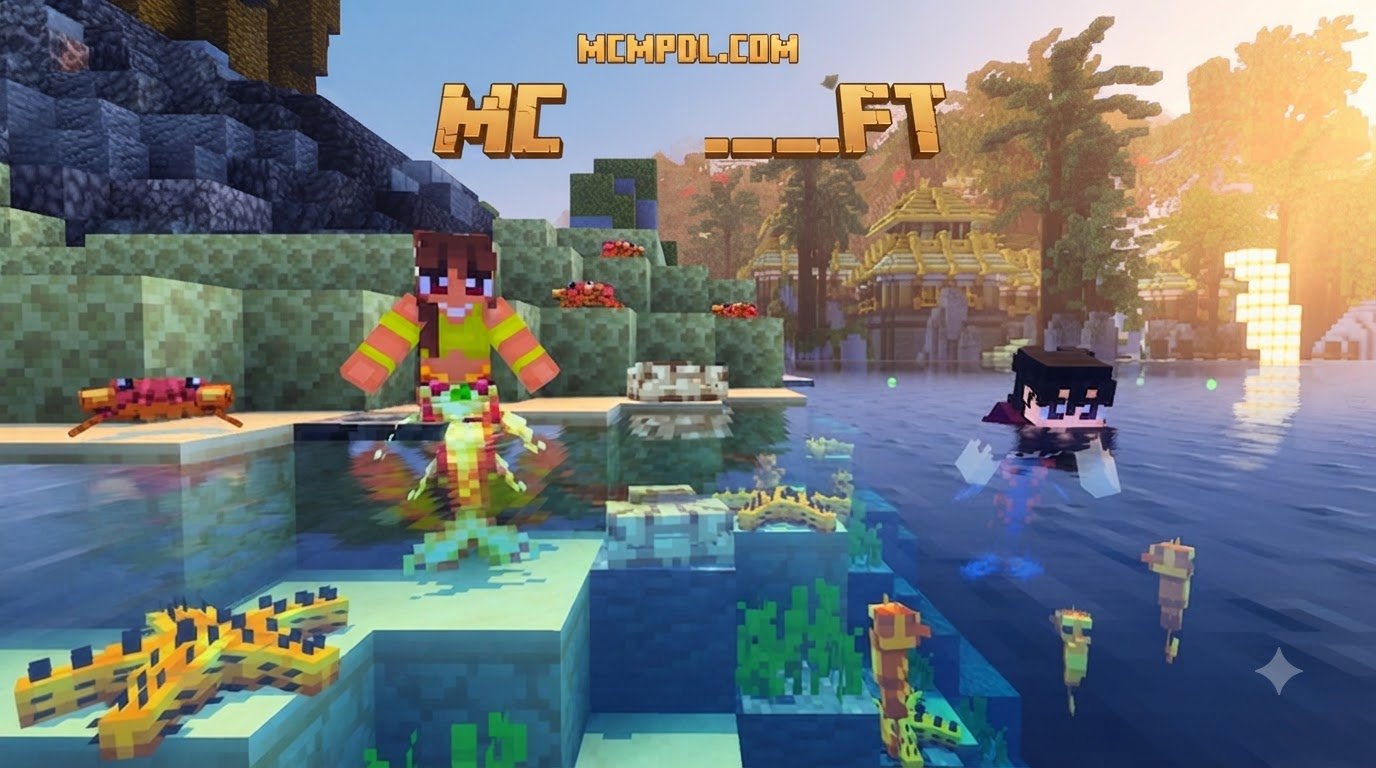
The 310 Minecoin edition by ChewMingo is tailored for players who want immediate, cozy ocean roleplay. This pack centers around an expansive, grand sea castle nestled underwater, complete with detailed interior decorations and safe zones to house your aquatic companions.
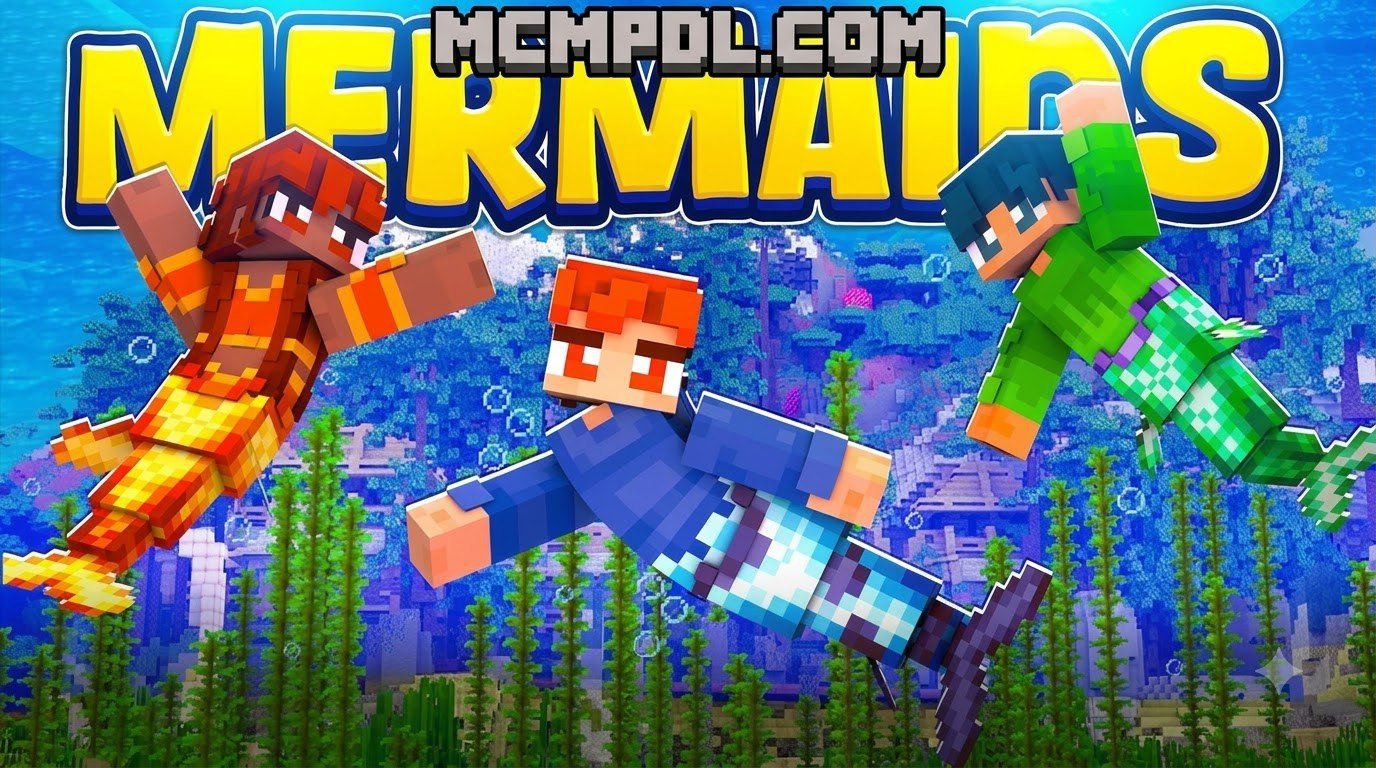
Its standout gameplay mechanic is a streamlined crafting system that allows you to craft and wear different styles of mermaid tails. Once equipped, these tails transform your character model and let you swim alongside brand-new custom water mobs. If you enjoy building ocean bases or hosting fantasy roleplay servers with friends, this edition offers a lightweight and budget-friendly foundation.
System Requirements and Compatibility for Bedrock Edition
Both editions of the Mermaids World run on the universal Bedrock engine, meaning they work seamlessly across multiple devices without requiring manual file extraction or root access.
To ensure optimal performance and avoid frame rate drops while exploring deep aquatic trenches, check that your setup meets the following baseline requirements:
- Minecraft Version: Bedrock Edition version 1.16.0 or higher (fully compatible with current 2026 Bedrock releases).
- Supported Platforms: Android (Google Play / Amazon Appstore), iOS, Windows 10/11, Xbox One, Xbox Series X/S, Nintendo Switch, and PlayStation consoles.
- Mobile Hardware: Devices running Android 7.0 (Nougat) or iOS 12.0+ with at least 2 GB to 3 GB of free RAM to handle high-resolution underwater rendering.
- Storage Space: Minimum 150 MB to 250 MB of available storage on your device to cache the world template, custom audio, high-resolution textures, and behavior files.
If you enjoy enhancing your game with fantasy elements, these worlds also pair exceptionally well with custom systems like our Magic Addon for Minecraft PE/Bedrock to give your underwater hero even more spellcasting versatility. For additional compatibility details, troubleshooting steps, and platform-specific guidance, you can review the official Minecraft Marketplace support documentation.
Step-by-Step Guide: How to Install Mermaids World on PE and Bedrock
Installing marketplace world templates is straightforward because Minecraft handles the file integration automatically once you claim the item. Follow these five simple steps to get your underwater journey started:
- Launch Minecraft and Open the Marketplace: Start Minecraft on your device, ensure you are logged into your Microsoft account, and select the Marketplace (or Store) button from the main title screen.
- Search for the Mermaids World: Tap the search magnifying glass in the top-right corner. Type
Mermaidsinto the search bar to view available ocean packs. - Select Your Desired Edition: Look at the author tag below the title. Select either the version by Wonder (660 Minecoins) or the version by ChewMingo (310 Minecoins) depending on your preference.
- Complete the Purchase and Download: Click the Minecoin purchase button. If you have sufficient balance, confirm the transaction. Once unlocked, click the green Download button to save the world template and resource packs to your local storage.
- Create the World: After the download finishes, click Create This World! Alternatively, head to your standard world creation menu, navigate to your saved templates, adjust your game difficulty and multiplayer settings, and press Create.
Combining rich underwater terrain with dynamic systems like the Elemental Worlds Collide on Minecraft PE/Bedrock pack can further transform your survival experience into a true magical sandbox.
Managing Parental Controls and Safe Purchases
Because the Minecraft Marketplace uses real money converted into Minecoins, parents should set up proper purchasing boundaries before letting younger players browse. Microsoft Family Safety provides robust account management features to prevent accidental transactions:
- Require Approval for Purchases: Enable the “Ask to Buy” toggle within Microsoft Family settings so that any Minecoin purchase requires adult confirmation.
- Set Allowance Limits: Add specific gift card amounts or preset balances to child accounts rather than linking an open credit card.
- Multiplayer Restrictions: If you want your child to enjoy their mermaid world in private single-player mode, you can disable public multiplayer and cross-network play directly within the Bedrock privacy settings menu.
Best Gameplay Tips to Enhance Your Underwater Mermaid Adventure
Navigating a deep-sea world presents unique challenges, from managing your oxygen meter to fighting aquatic predators in three dimensions. Use these expert survival strategies to get the most out of your session:
- Equip Your Mermaid Tail Early: Equipping your crafted or discovered mermaid tail provides continuous swimming speed buffs and underwater agility. This makes escaping hostile sharks far easier during the early game.
- Search Clams and Coral Grottos: Do not just swim along the surface. Dive down to the sea floor to inspect giant clams. Many contain valuable pearls that can be traded with mermaid NPCs for staff weapons and specialized charms.
- Upgrade Your Combat Arsenal: While standard tridents are effective underwater, utilizing custom spellcasting gear or magical staves introduced in the pack gives you ranged area-of-effect damage against aggressive marine mobs.
- Establish Air Pockets: When venturing far from your sea castle base, place doors, magma blocks, or soul sand columns along ocean trenches to create instant breath refill stations.
Frequently Asked Questions About Mermaids World
How much does Mermaids World cost in Minecraft Bedrock?
The cost depends on which creator’s world template you purchase. The extensive adventure edition by Wonder costs 660 Minecoins (approximately $3.46 USD or €3.26 EUR). The roleplay-focused castle edition by ChewMingo costs 310 Minecoins (approximately $1.55 USD).
Can I play Mermaids World with friends on multiplayer servers?
Yes, both editions fully support cross-platform multiplayer. The Wonder edition supports between 1 and 12 players simultaneously. You can host friends locally via LAN, invite them to your world session across different devices (such as mobile connecting with consoles), or upload the world template directly to an active Minecraft Bedrock Realm.
What should I do if the Mermaids World map fails to download or load?
If your download freezes or fails to initialize, try the following fixes:
- Check your internet connection and verify your Microsoft account is properly authenticated.
- Open your in-game Settings > Storage menu and clear any corrupted world caches.
- Ensure your device has at least 150–200 MB of free internal storage.
- Restart Minecraft and check the Marketplace tab under My Content to trigger a fresh re-download.
Conclusion
Transforming your Minecraft PE or Bedrock experience into an ocean fantasy has never been easier. Whether you want to explore 37 procedural structures and battle sharks in Wonder’s dynamic survival world, or craft colorful tails and rule a sea kingdom in ChewMingo’s castle realm, installing these worlds takes just a few clicks through the official in-game store.
Looking for even more incredible worlds, survival challenges, and custom adventures? You can explore top Minecraft PE bedrock maps in our curated library to keep your gaming sessions fresh and exciting.