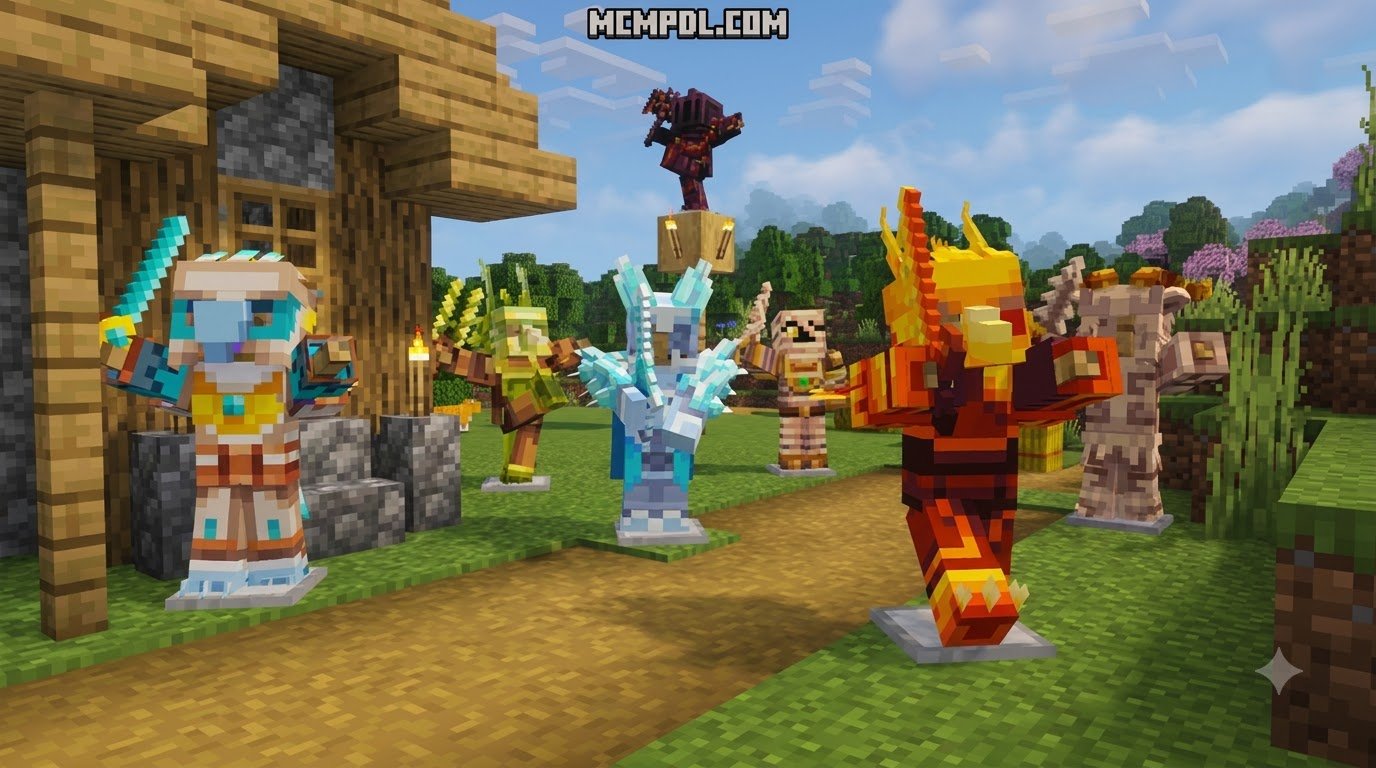
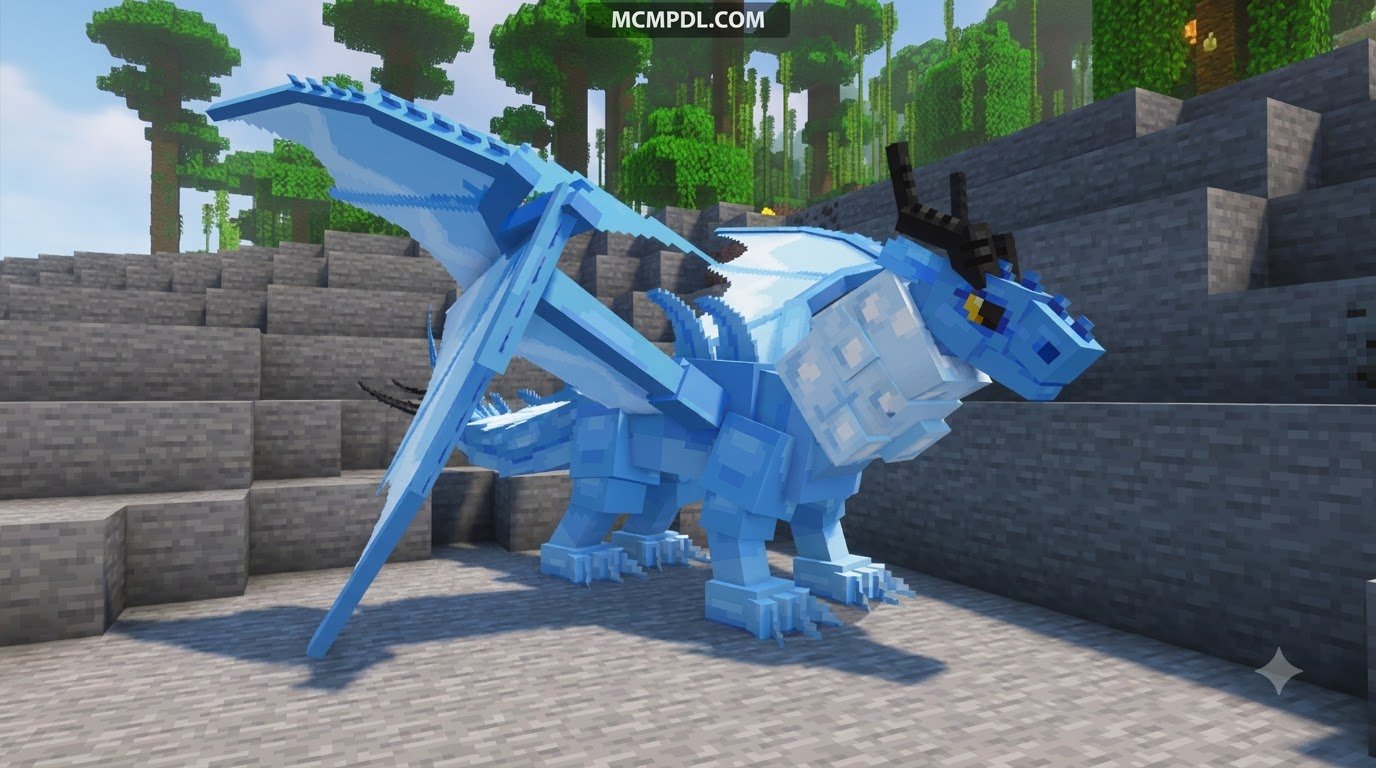
Scroll down to D0vvnl0ad
Download DragonFire Lite for Minecraft Bedrock and PE
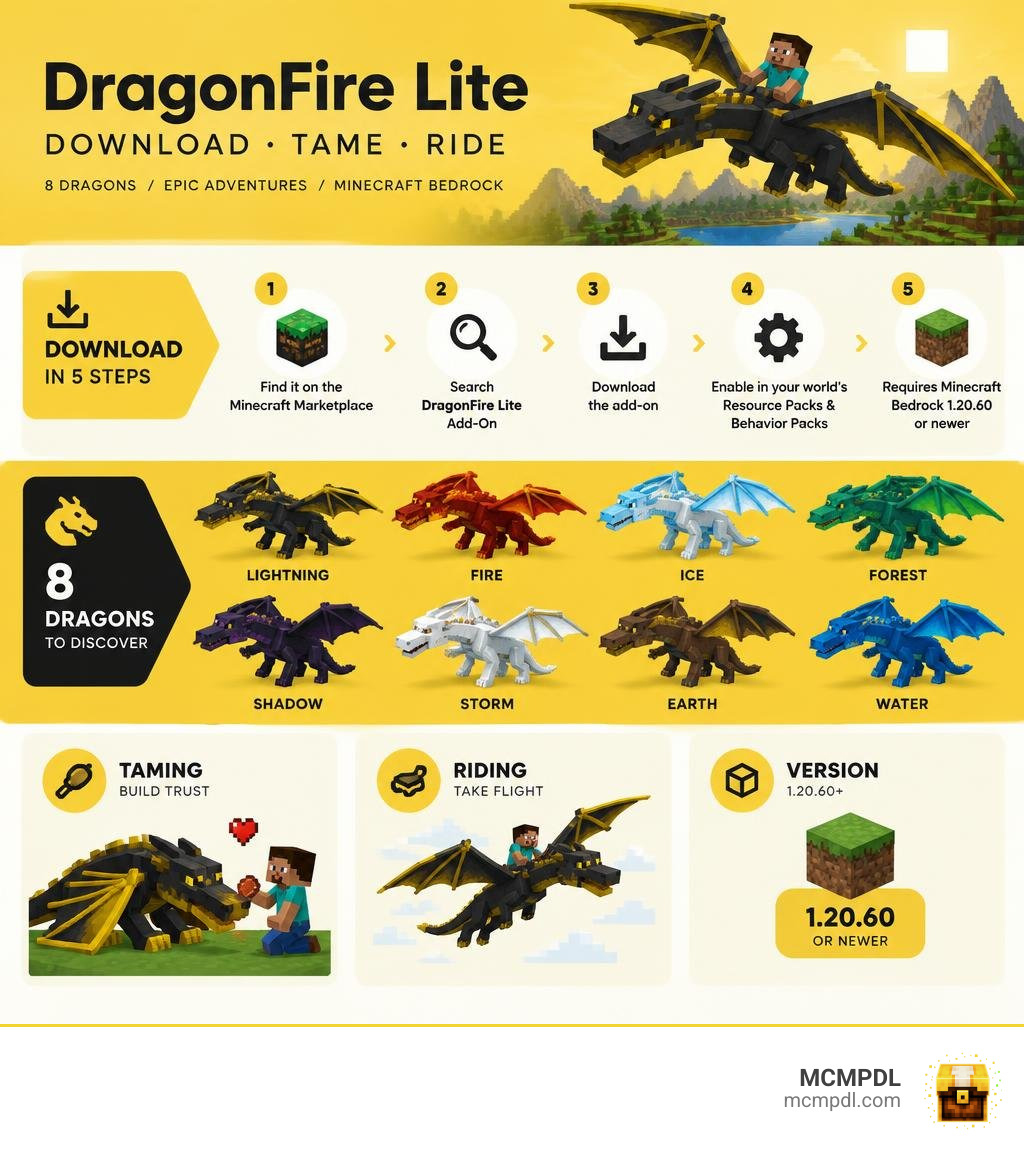
DragonFire Lite is free on the Minecraft Bedrock Marketplace. Search for DragonFire Lite Add-On by Spectral Studios, download it, then enable it in your world’s Resource Packs and Behavior Packs. You need Minecraft Bedrock 1.20.60 or newer.
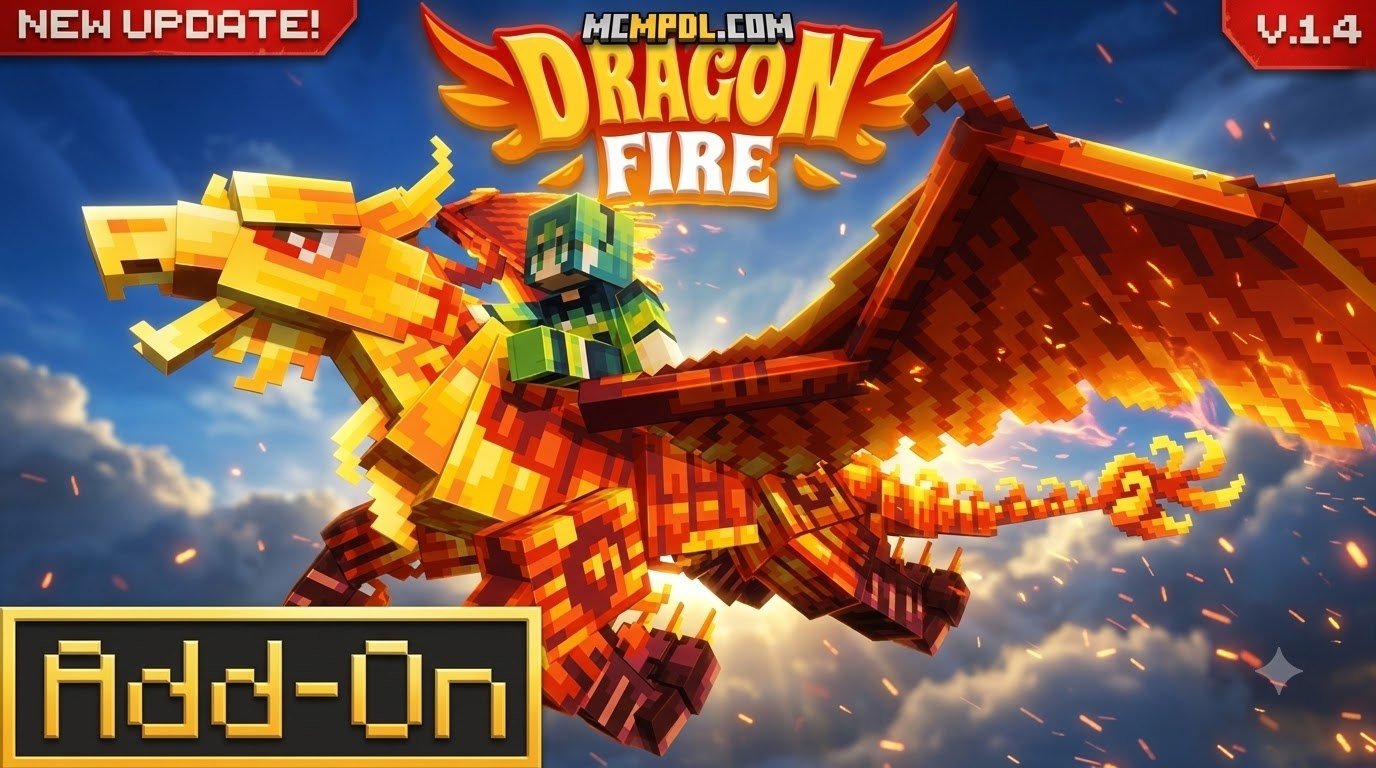
The Lite edition adds eight dragons you can find in nests, tame, and ride. It also lets you collect scales for crafting. This guide covers the dragons, their favorite foods, and the setup steps that help you get flying sooner.
Overview of the DragonFire Lite Addon for Minecraft PE/Bedrock
Created by Spectral Studios, DragonFire stands as one of the most celebrated add-ons in the history of Minecraft Bedrock. The Lite edition delivers a free, high-quality slice of that fantasy world directly into our survival playthroughs, earning a stellar 4.8 out of 5-star rating from over 424,000 players on the Bedrock Marketplace.
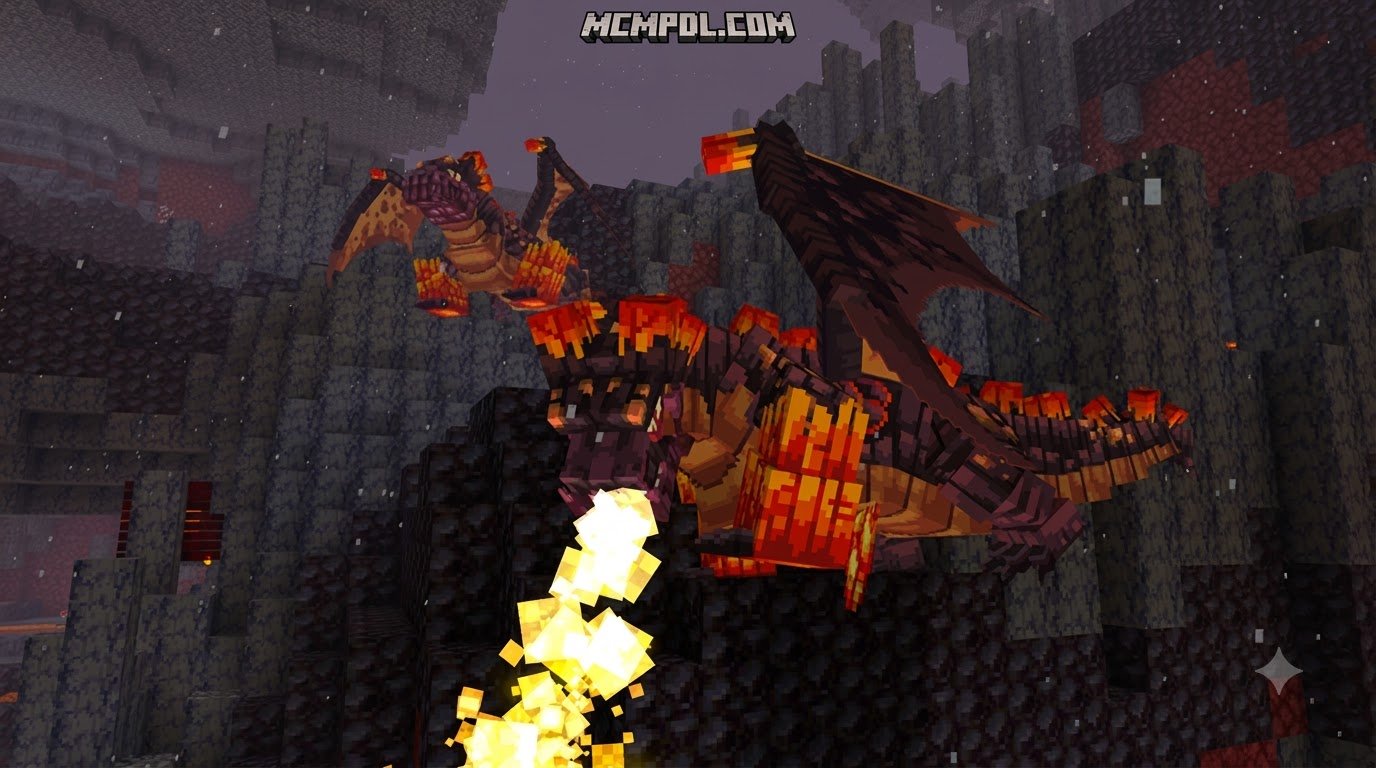
Unlike older creature mods where beasts appear randomly across open fields, this add-on changes how encounters work. Dragons do not spawn at random coordinates; they reside within custom-generated nests across specific biomes. Approaching a nest requires genuine preparation. Dragons will guard their territory fiercely, and if you dare snatch an egg from their clutch, they become immediately hostile. This organic nesting system pairs exceptionally well with other mythics and magic addons to turn an ordinary survival map into a rich, living fantasy world.

Dragon Species in DragonFire Lite Addon for Minecraft PE/Bedrock
The Lite edition packs eight dragons for players to discover, tame, and collect. Each species features distinct textures, animations, and behavioral quirks:
- Shard: A chilled, crystalline beast that feels right at home in frozen climates.
- Mummified: A rugged, desert-dwelling survivor covered in ancient wrappings.
- Storm Stratus: A majestic aerial dragon attuned to tempestuous skies.
- Magnus: A massive, sturdy powerhouse built for high endurance.
- Stormfalcon: A rapid, falcon-like hunter capable of swift aerial maneuvers.
- Folifalcon: A forest-bound avian dragon blending with lush canopies.
- Blazefalcon: A fiery raptor that thrives in intense, smoldering environments.
- Ramtalon: A horned, aggressive beast built with powerful physical strikes.
Dragon Nests, Biomes, and Elemental Categories
The full DragonFire universe organizes creatures across 9 distinct elemental categories: Soulfire, Poison, Wither, Lightning, Ice, Earth, Water, Wind, and Fire. The Lite edition introduces species representing these elemental domains, meaning your search for specific dragons will take you across diverse biomes.
Finding a nest requires scouting extreme terrain. Cold mountains hide frosty species like Shard, while dry badlands and deserts house the Mummified dragon. Forest biomes provide perches for Folifalcons, and volcanic or Nether-adjacent landscapes favor Blazefalcons. When raiding these nests for loot and shed scales, tread lightly: an angry parent dragon is one of the most dangerous threats in early-game Bedrock survival.
Taming, Breeding, and Upgrading Dragons

Taming a dragon in Bedrock Edition is a thrilling milestone. Once tamed, your dragon functions as a loyal bodyguard and a fully controllable flying mount.
Favorite Foods and Taming Mechanics
Each dragon species has a specific dietary preference. Feeding a wild dragon its favorite treat wins its trust and initiates the taming sequence. For instance, offering Raw Salmon to a Shard dragon will calm the creature until hearts appear over its head.
Once tamed, you can interact with your dragon to toggle between following you or sitting to guard an area. When set to defend, dragons automatically engage hostile mobs that attack you. Mounting a tamed dragon lets you take to the skies, giving you total freedom of movement across terrain that would take days to traverse on foot.
Stat Upgrades and Baby Dragon Aging
Every dragon starts with baseline attributes, but you can build a truly formidable companion by upgrading its health, flight speed, and attack power. To do this, locate the Wandering Fruit Trader, who sells three specialized magical fruits:
- Vitalpear: Permanently increases your dragon’s maximum health.
- Zephirberry: Boosts flight and ground movement speed.
- Blazequash: Amplifies primary attack damage.
Each dragon can consume up to 10 of each fruit type, allowing for 30 stat upgrades per creature.
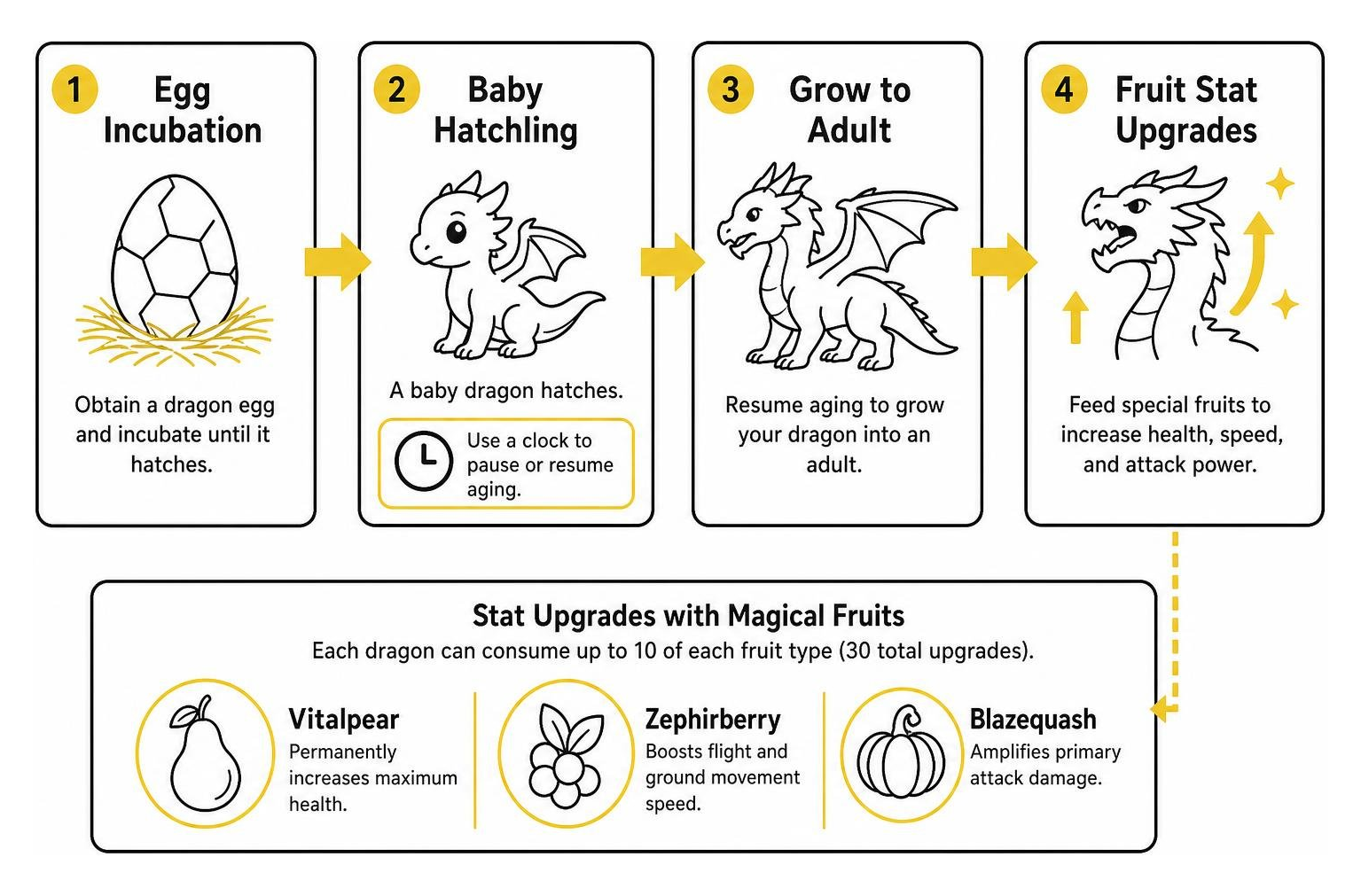
When it comes to breeding, feeding two adult dragons of the same species their favorite food produces a dragon egg. You can manage the maturation of your hatchlings using a standard clock. Interacting with a baby dragon while holding a clock pauses its aging process, letting you keep a baby dragon as a permanent pet until you choose to resume its growth.
Equipping Custom Armor and Community Extensions
To protect your dragons in tough battles, community creators have released complementary extensions, such as starmindfr’s dragon armor pack on CurseForge. This extension introduces craftable copper and iron dragon armor sets compatible with Lite dragons like the Blazefalcon, Storm Stratus, Magnus, Folifalcon, and Ramtalon.
Because interacting with a tamed dragon usually mounts it, equipping armor requires a special technique: you must crouch (sneak) and right-click or tap the ground near the dragon while holding the armor piece. The community extension also introduces a handy Dragon Scanner tool. Using the scanner near your dragon reveals hidden numeric stats without mounting the beast.
Dragonpedia, Scale Crafting, and Combat Gear
Beyond aerial travel, dragons serve as a sustainable resource for high-tier survival equipment. Adult dragons naturally shed between 1 and 3 scales every 10 to 30 minutes (equivalent to 12,000 to 36,000 game ticks). Setting up a dedicated roost allows you to gather scales passively alongside other essentials addons in your survival base.
Crafting Scale Armor and Dragon Equipment
Shed scales can be forged into potent weapons and protective armor sets. Dragon scale armor provides substantial physical protection alongside passive status effects, such as built-in Fire Resistance or Health Boost III, depending on the elemental scale type used. Integrating scale gear with advanced combat upgrades equips you to conquer challenging boss fights and high-threat dungeons.
Using the Dragonpedia to Manage Spawn Rates
The single most important utility item in the add-on is the Dragonpedia. You can craft it easily at an early stage:
- Recipe: 1 Book + 1 Dragon Scale (any type)
Opening the Dragonpedia displays species lore, favorite foods, and drop tables. Crucially, the Dragonpedia also contains the Spawn Manager menu. If dragons are populating your world too quickly or causing performance drops on mobile devices, you can adjust individual species spawn rates from 0% to 100% directly through this book interface. For comprehensive flight controls and nest navigation strategies, check out this Minecraft DragonFire Addon guide.
Installation Guide and Lite vs. Paid Comparison
| Feature | DragonFire Lite (Free) | DragonFire Full (Paid) |
|---|---|---|
| Price | Free (0 Minecoins) | Marketplace Minecoins |
| Dragon Roster | 8 Species | 36+ Species |
| Scale Crafting | Yes (Core Armor & Tools) | Yes (Expanded Elemental Gear) |
| Fruit Upgrades | Yes (Up to 30 per dragon) | Yes |
| Spawn Manager | Yes (Dragonpedia controlled) | Yes |
| Extra Creatures | Core wildlife | Pyrobats, Puffers, Twins & more |
How to Install DragonFire Lite Addon for Minecraft PE/Bedrock
Getting the add-on running on your device takes only a few minutes:
- Open Minecraft Bedrock Edition on your phone, console, or PC.
- Navigate to the in-game Marketplace and search for DragonFire Lite Add-On by Spectral Studios.
- Download the pack for free.
- When creating a new world or editing an existing one, scroll down to the Resource Packs tab and activate DragonFire Lite.
- Move to the Behavior Packs tab and verify the behavior pack is enabled.
- Ensure Command Blocks Enabled is turned on in your world settings, as custom scripts rely on commands to process nests and fruit buffs.
- Launch your world to receive the starter satchel and begin exploring. You can also combine this setup with custom RPG additions for a complete class-based progression system.
Key Differences: Lite Edition vs. Paid Full Version
The Lite version is designed to provide complete, functional gameplay without paywalls. You get fully functional flying mounts, the complete fruit stat-upgrade system, dragon breeding, and scale armor crafting. The paid version expands this foundation by increasing the roster to over 36 dragons, adding secondary mythical creatures (like Pyrobats and Long Necks), and introducing extra dungeon structures. For most survival players, the 8 dragons included in the Lite edition offer dozens of hours of exploration.
Frequently Asked Questions
What are the minimum requirements to run the addon?
You need Minecraft Bedrock Edition version 1.20.60 or newer. Command blocks must be enabled in your world settings for trading and stat mechanics to work properly. The add-on is compatible with Android, iOS, Windows 10/11, Xbox, PlayStation, and Nintendo Switch.
How do you equip armor without accidentally mounting the dragon?
If you are using the community dragon armor add-on, you must crouch (sneak) and interact with the ground adjacent to the dragon rather than clicking directly on its hit box. Clicking directly while standing will cause your character to mount the dragon instead of opening its equipment interface.
Can dragons breed in the Lite edition?
Yes! Breeding works by feeding two adult dragons of the same species their favorite food while they are near each other. They will enter love mode and produce a dragon egg. You can incubate the egg to hatch a new baby dragon and use a clock to manage its growth cycle.
Conclusion
The DragonFire Lite add-on transforms Minecraft Bedrock into an exciting dragon-taming sandbox. From scouting hazardous nests and harvesting shed scales to soaring above the clouds on a fully upgraded mount, it delivers exceptional gameplay at zero cost.
If you are looking to expand your survival worlds even further with custom mobs, gear, and magic systems, explore more Bedrock add-ons and gameplay extensions on MCMPDL. Gear up, craft your Dragonpedia, and take to the skies!