Scroll down to D0vvnl0ad
Get Started with Bedwars World for Minecraft PE/Bedrock
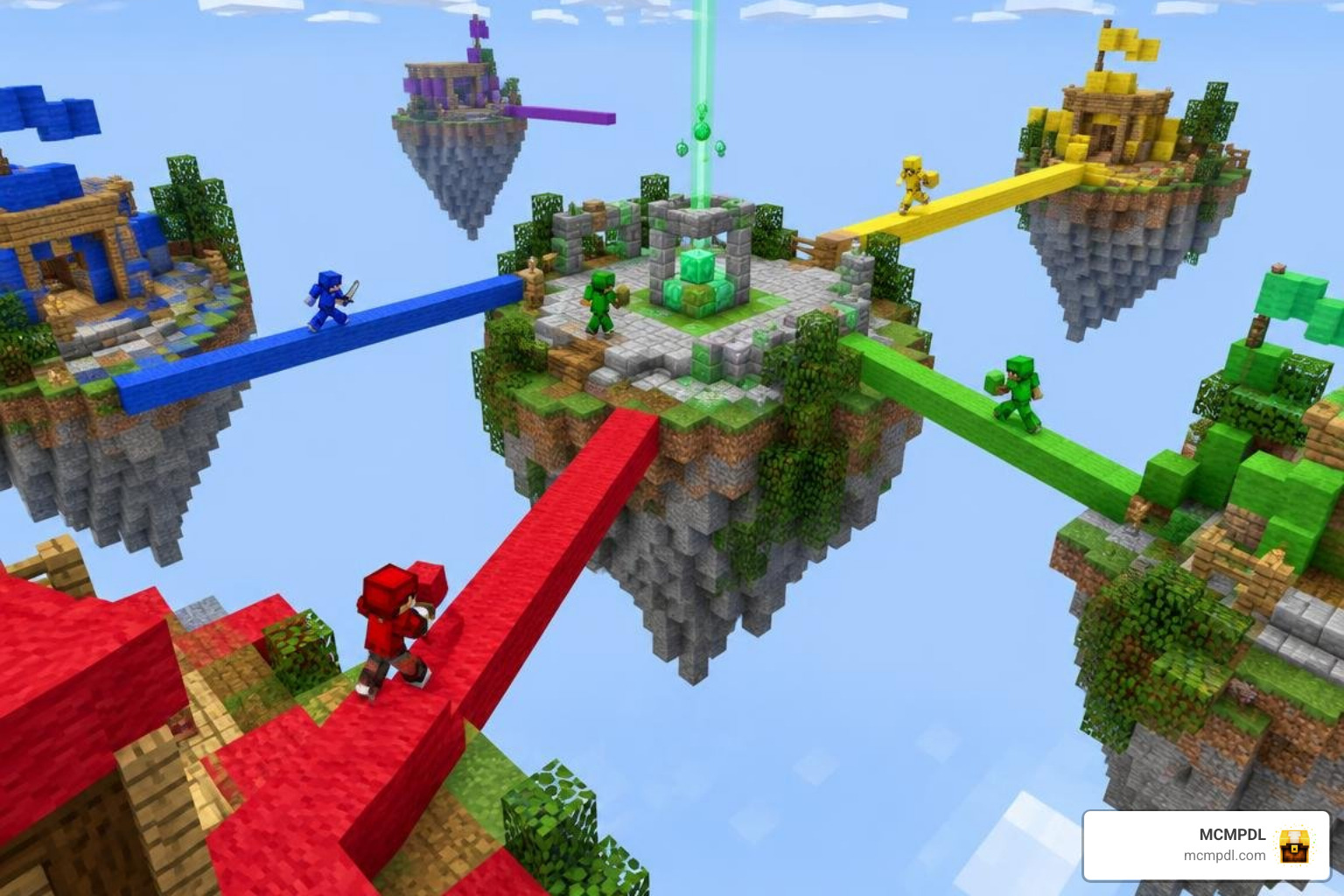
Bedwars World for Minecraft PE/Bedrock lets you play on an arena where teams protect their beds, gather resources, and try to eliminate each other. To get started, download a map made for Bedrock Edition, open its .mcworld file to import it, then select the world in Minecraft. Check the map’s player count and setup notes before inviting friends.
A map supplies the arena, but it may not run the whole game. Look for working resource generators, team spawns, and Bedwars rules or add-ons if you want a match that starts without manual setup. The guide below helps you choose a map, install it, and fix common issues.
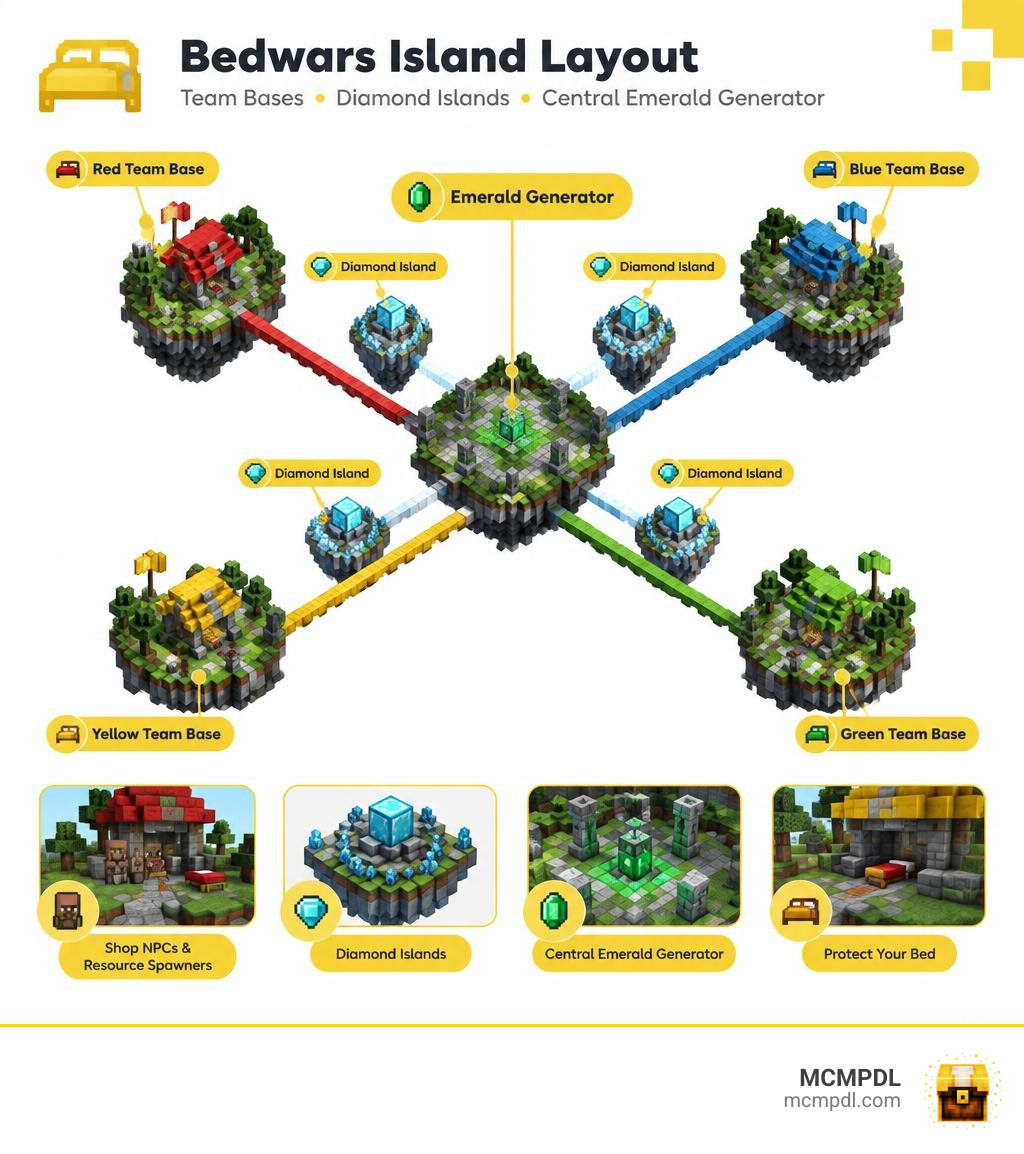
Core Mechanics of a Bedwars World for Minecraft PE/Bedrock
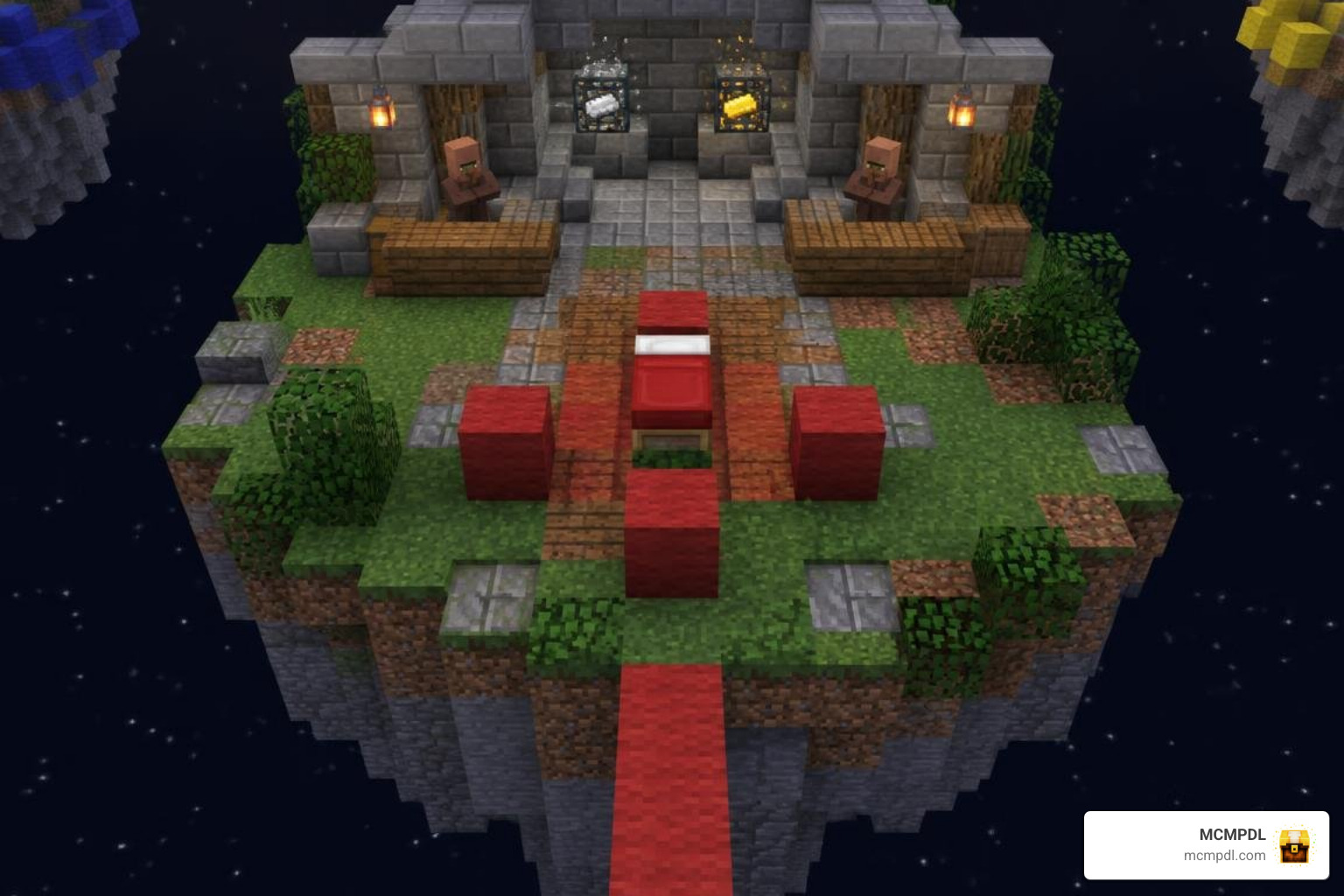
At its heart, Bedwars is an objective-driven PvP minigame where your bed serves as your respawn lifeline. As long as your team’s bed remains intact, you will respawn shortly after meeting an untimely demise in the void. Once an opposing player breaks your bed, your safety net vanishes—making your next death permanent.
To survive and conquer, matches revolve around four distinct resource tiers, each gathered from floating generators:
- Iron and Gold Spawners: Located directly in your home base island forge. These materials allow you to buy foundational items like blocks (wool, wood, end stone), starter armor, stone swords, shears, and basic utility tools.
- Diamond Mini-Feast Generators: Situated on neutral islands positioned halfway between team bases. Diamonds fund team-wide structural upgrades, such as reinforced armor, sharp swords, forge speed boosters, and defensive base traps.
- Emerald Center Feast: Spawning at the grand center island, emeralds are the rarest currency. They unlock game-changing items including obsidian bed shells, ender pearls, diamond armor, potions, and bridge eggs.
Protecting your bed requires layered defenses. Players typically cover their beds in wool, wood, and blast-resistant blocks like end stone or obsidian. Meanwhile, bridging across the void demands quick reflexes. Mastering sprint-bridging or crouching backward gives you a major offensive edge over opponents trying to reach the center feast before you do.
Solo and Duo vs Trio and Quartet Map Layouts
Map balance dictates pacing. In smaller formats like Solo and Duo matches, island rush distances are noticeably shorter. You will find yourself bridging to your nearest neighbor’s base in under thirty seconds. Resource generators tick at a steady, balanced pace to ensure individual skill, movement mechanics, and split-second decisions shine.
Conversely, Trio and Quartet (3v3v3v3 or 4v4v4v4) arenas feature expansive layouts. Base islands are wider to accommodate multiple players, generator tick rates are accelerated to supply entire squads with gear, and the void gaps between diamond islands and mid are substantially larger. If your group enjoys grand team fortresses similar to a Kingdom Survival World for Minecraft PE/Bedrock, larger team layouts offer the tactical depth and collaborative defense you need.
| Feature | Solo / Duo Arenas | Trio / Quartet Arenas |
|---|---|---|
| Rush Distance | 32–48 blocks to neighbor | 64–96 blocks to first objective |
| Forge Output | Standard iron and gold rates | Rapid multi-player forge flow |
| Team Size | 1 to 2 players per island | 3 to 4 players per island |
| Pacing | Fast-paced, high individual pressure | Strategic, cooperative, prolonged sieges |
| Mid Island Size | Compact with 2–4 emerald spawners | Large multilevel arena with 4+ spawners |
Popular Themes and Arenas in Bedwars World for Minecraft PE/Bedrock
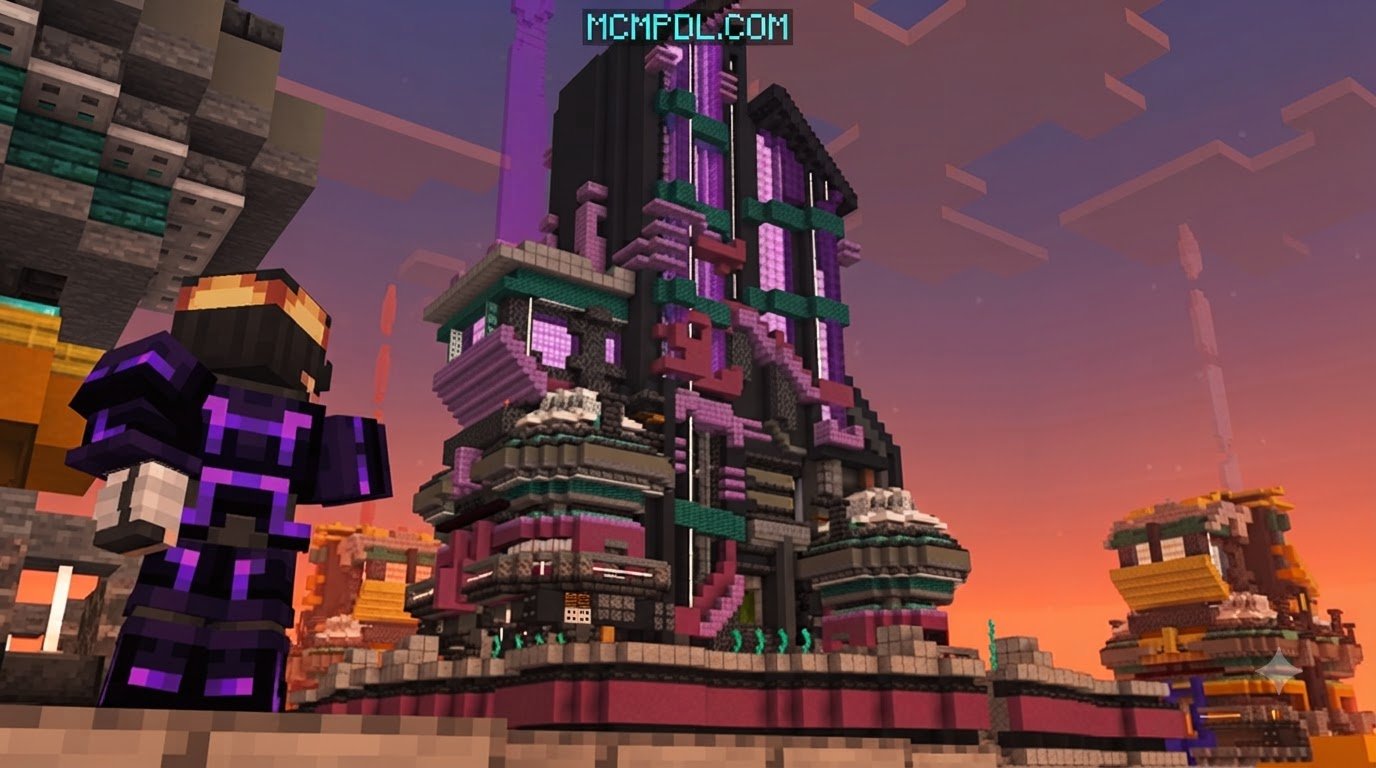
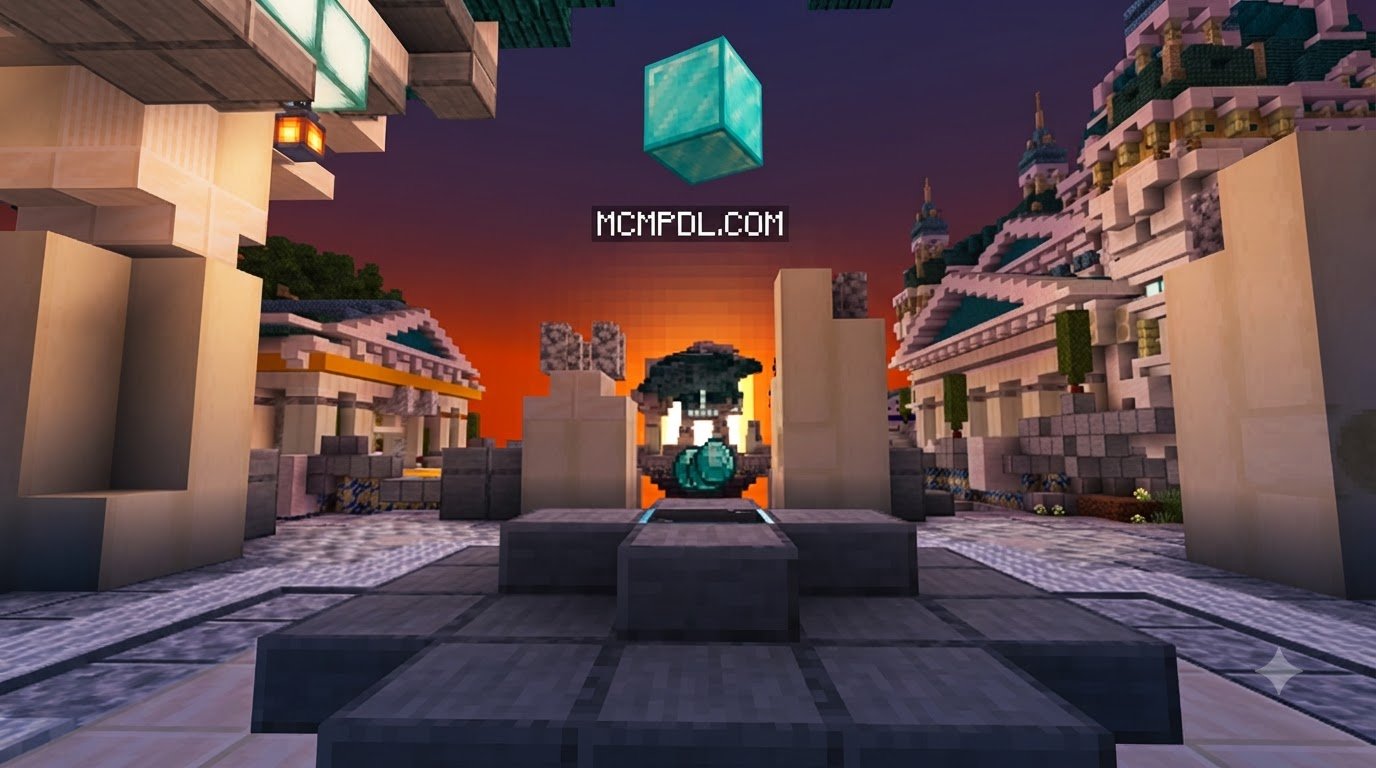
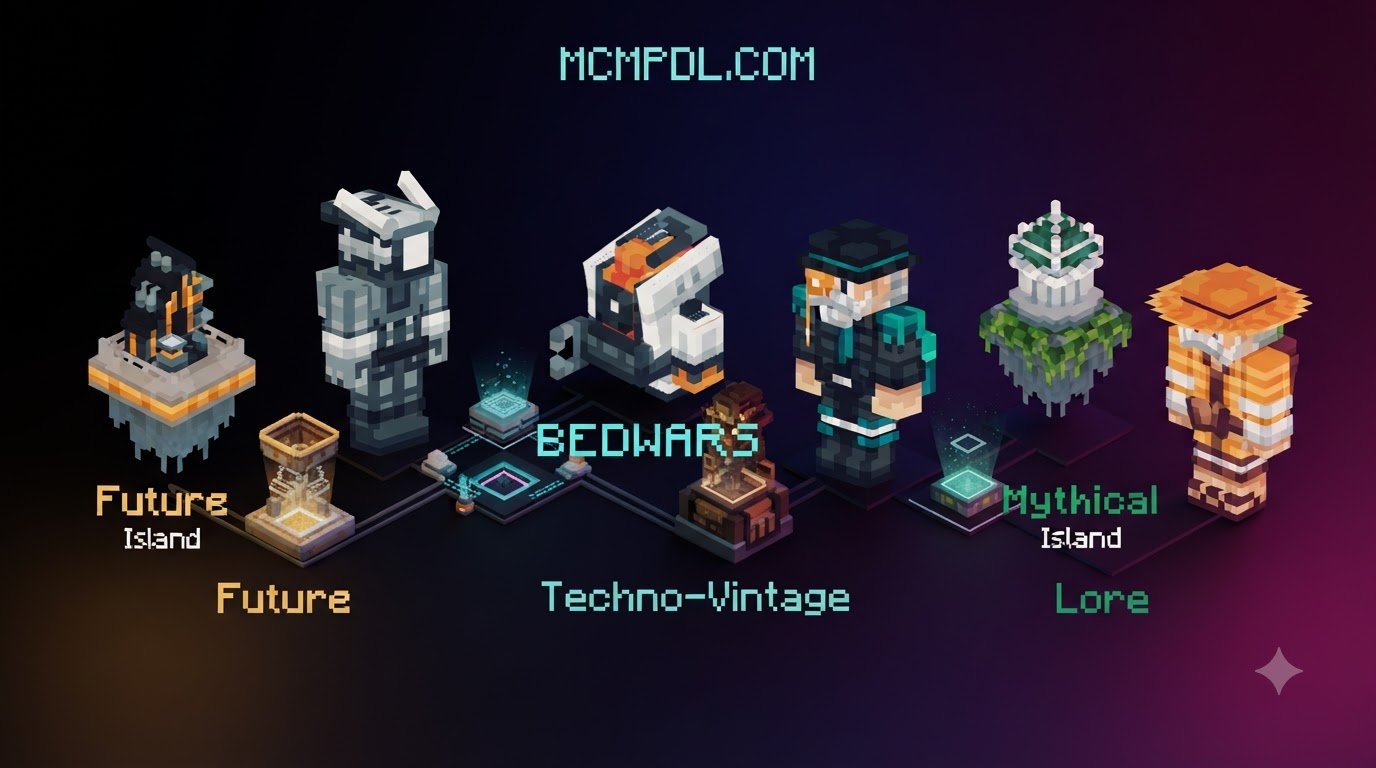
Visual variety keeps every match exciting. Community builders craft arenas spanning medieval stone castles, futuristic sci-fi platforms, oriental pagodas, and lush floating celestial islands.
Theme selection does more than change aesthetics—it impacts combat strategy. A map themed with towering castle ramparts creates distinct vertical skirmishes, rewarding archers and high-ground defenders. Flat, minimalist platforms prioritize raw close-quarters knockback and speed. If you appreciate rugged northern battlegrounds, pairing your minigames with a Vikings Map for Minecraft PE/Bedrock or loading an authentic Norse Mythology Texture Pack for Minecraft PE/Bedrock can completely transform the atmosphere of your custom server matches.
Free Maps and Custom Lobby Setups
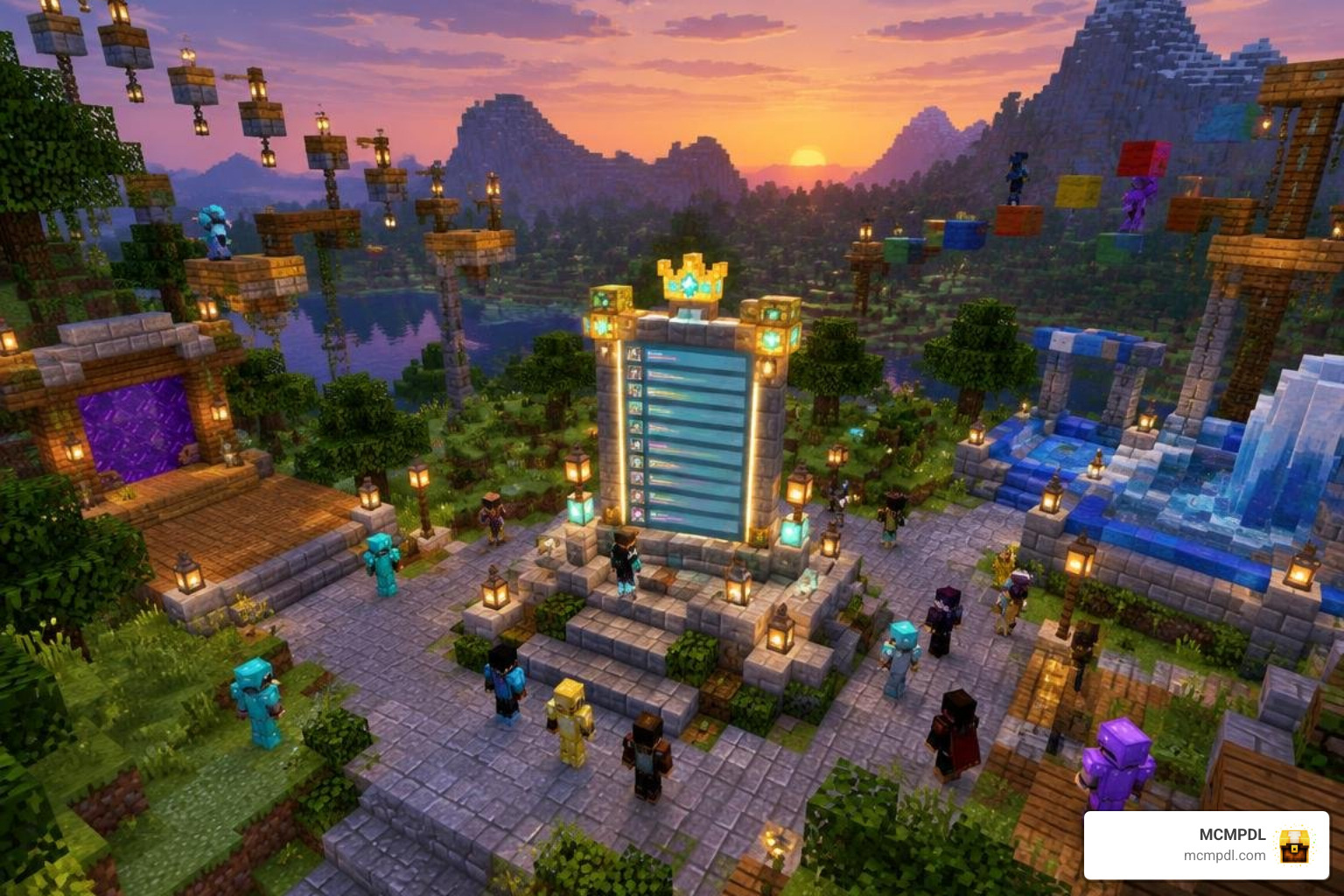
Whether you are hosting casual games for friends or launching a dedicated public server, community maps come in a variety of styles and configurations.
Many versatile community creations offer adaptable formats that easily transition from solo and duo skirmishes into trio or quartet matches. These maps provide clean, balanced arenas that require minimal technical overhead. Other multi-pack builds provide curated 4×4 player setups across classic team colors (Red, Blue, Green, Yellow) that work reliably from Minecraft 1.8 up to recent versions.
Evaluating Bedwars Arenas and Dedicated Hubs
A great gameplay arena is only half the experience; having a polished waiting hub makes managing rounds effortless. A dedicated Bedwars or Skywars lobby offers practical features for your players:
- Interactive NPC Places: Assign custom Villagers or NPC entities to launch game modes, open shops, or trigger team selectors.
- Parkour Courses: Keep waiting players entertained while your lobby fills up.
- Info and Leaderboard Displays: Showcase rules, custom server links, and win streaks.
- Crate and Reward Areas: Provide dedicated zones for vanity unlocks, skin rewards, or cosmetic items.
Enhancing Bedwars Arenas with Custom Add-ons
You can elevate vanilla Bedrock Bedwars by integrating custom behavior packs directly into your map files. If you want more responsive melee strikes, custom shield behaviors, or special weapon stats, adding an Advanced Combat Addon for Minecraft PE/Bedrock delivers a refined PvP feel.
For high-explosive offensive plays, integrating extra TNT for Minecraft PE/Bedrock brings intense base-breaching action when cracking obsidian bed defenses. If your group prefers chaotic, unpredictable matches, you can even borrow design inspiration from a Lucky Block Race Map for Minecraft PE/Bedrock to turn generator drops into randomized surprise items!
Step-by-Step Installation and Server Configuration
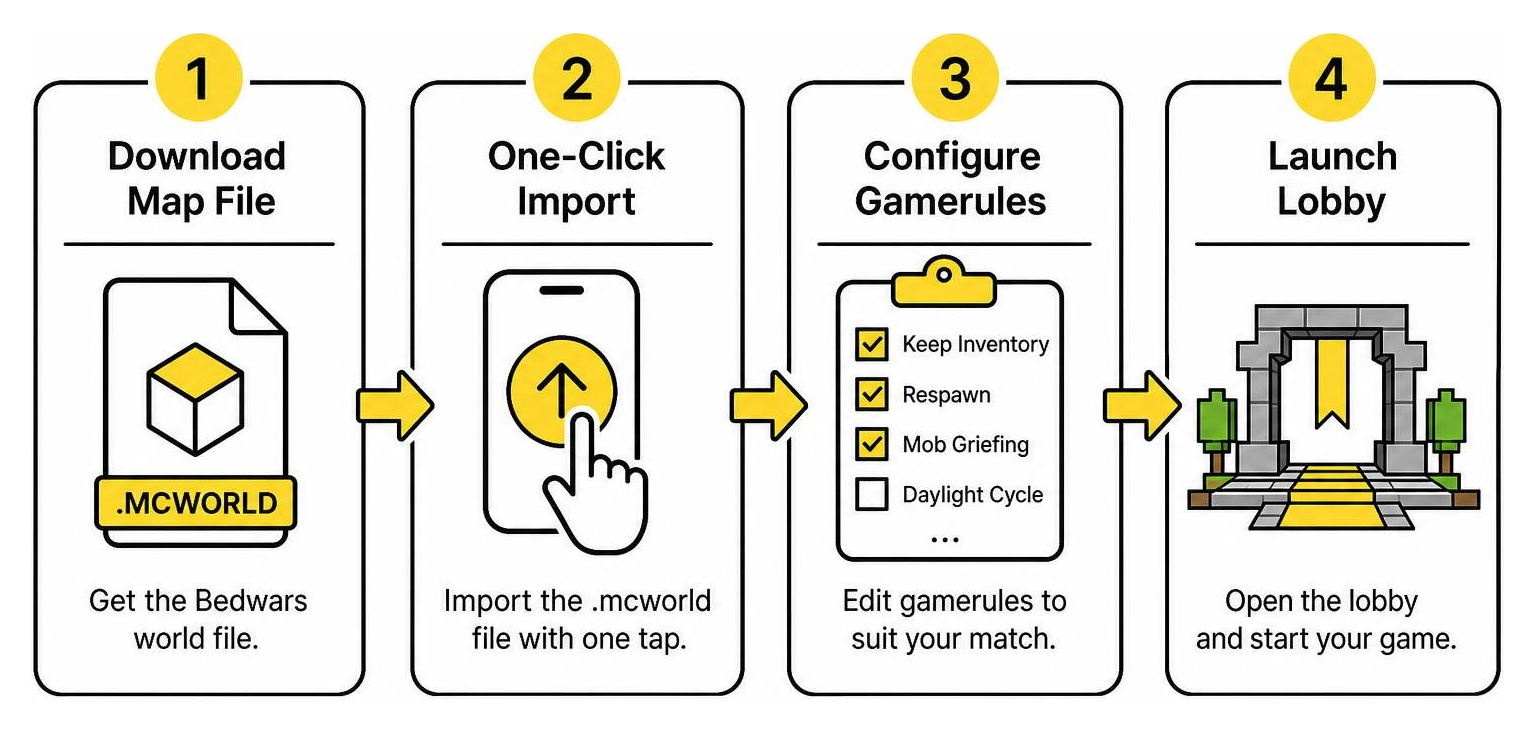
Setting up a Bedwars map on Minecraft Bedrock Edition is much simpler than handling manual Java server mods. Because Bedrock relies on streamlined package formats, you can get a world running in minutes across mobile, PC, and dedicated servers.
How to Install a Bedwars World for Minecraft PE/Bedrock
Follow these simple steps based on your playing device:
Mobile (Android & iOS):
- Download the
.mcworldfile to your mobile device storage. - Tap the downloaded file in your file manager. Select Minecraft to open it.
- The game will launch automatically and display World Import Started, followed by World Import Successful.
- Navigate to your world list, locate your newly imported Bedwars map, and tap play.
Windows PC & Dedicated Servers:
- If using
.mcworld, double-click the file to automatically import it into your game client. - For dedicated servers or Realm uploads, extract the map’s
.zipcontents directly into your server’sworldsfolder. - Ensure you configure your essential gamerules before opening the lobby. Setting
/gamerule randomtickspeed 0is highly recommended to stop rogue block decay, unwanted fire spread, or leaf despawning from ruining your floating islands. - Set
/gamerule pvp trueand/gamerule doDaylightCycle falseto keep your arena brightly lit and ready for nonstop combat.
Safety, Privacy, and Map Troubleshooting
When downloading maps and custom worlds, prioritize file safety. Always ensure you download world packages directly as verified .mcworld or .zip archives from trustworthy community sources to avoid outdated or corrupted world files.
If you encounter common setup bugs, try these quick fixes:
- Spawn Point Glitches: If players spawn in the void instead of the lobby, verify that your world spawn coordinates are correctly set using
/setworldspawn [x] [y] [z]. - Generator Halts: Ensure Command Blocks are enabled in your server or world settings (
enable-command-blocks=trueinserver.properties). - Version Incompatibilities: Worlds built on older versions (like 1.8 or 1.16) usually update smoothly, but always create a backup copy before opening legacy worlds in newer Bedrock versions.
Frequently Asked Questions About Bedwars Maps
Can I play Bedwars maps offline with AI bots in Bedrock Edition?
Standard Bedrock Bedwars maps do not feature intelligent AI bots capable of sprint-bridging or defending beds on their own. However, many singleplayer practice maps utilize clever command-block automation and custom mob entities (such as armored zombies or pillagers) that walk fixed bridging paths. This lets you practice your block-placement speed, knockback combos, and speed-bridging techniques offline.
Why are resource generators not spawning items on my server?
Resource spawners rely on looping Command Blocks, Structure Blocks, or entity spawn markers. If resources stop generating, check that Command Blocks Enabled is toggled on in your world settings. Additionally, ensure the chunks containing the main command block clock or spawn mechanisms are within active ticking areas by setting a ticking area using /tickingarea add circle ~ ~ ~ 4 BaseCommands.
Are Bedwars PE maps compatible across mobile, console, and PC?
Yes! Because Minecraft PE, Windows 10/11, Xbox, PlayStation, and Nintendo Switch all run on the unified Bedrock engine (RenderDragon), any .mcworld Bedwars map is cross-play compatible. As long as the host creates a local LAN world, Bedrock Dedicated Server, or Minecraft Realm, players on any device can join together seamlessly.
Conclusion
A custom Bedwars arena brings endless competitive excitement to your Minecraft sessions. From tight, lightning-fast Duo rushes to strategic 16-player Quartet battles on medieval fortress islands, Bedrock Edition gives you the flexibility to host unforgettable tournaments on any device.
When you are ready to find fresh arenas, waiting hubs, and PvP packs, head over to MCMPDL to explore custom Bedrock maps and upgrade your world collection today!