Scroll down to D0vvnl0ad
Better on Bedrock: What It Adds and How to Install It
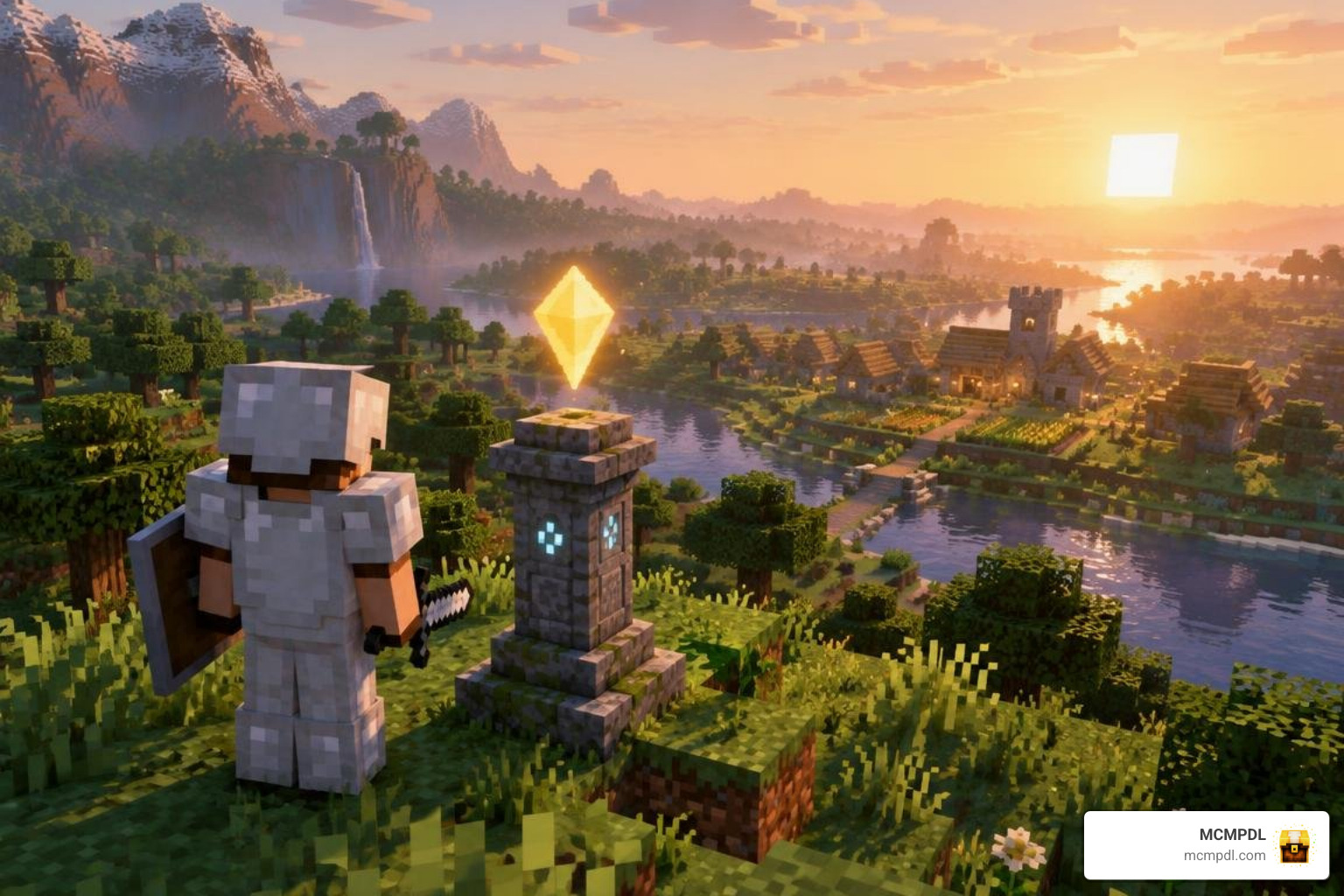
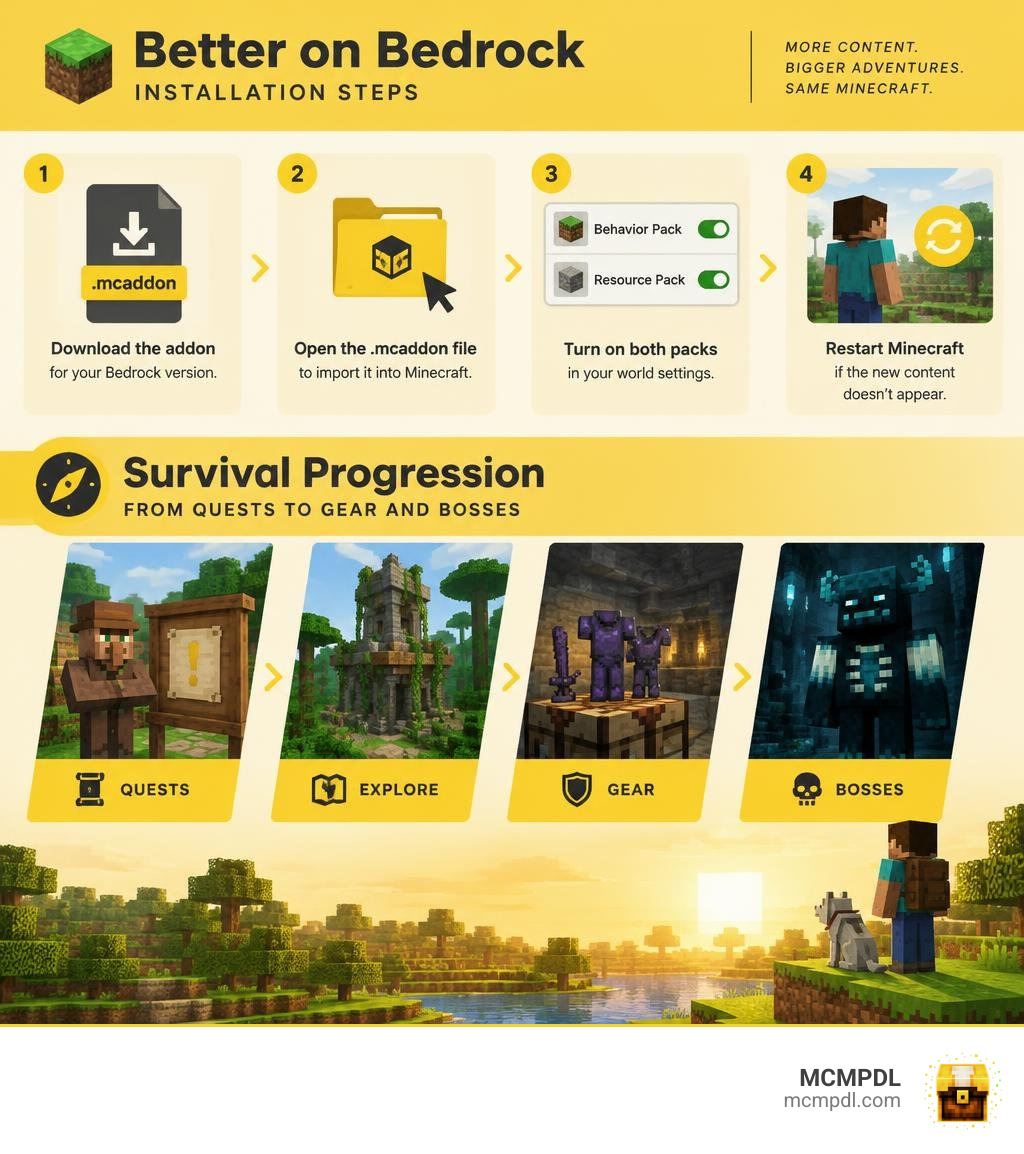
The Better on Bedrock Addon for Minecraft PE/Bedrock expands survival with quests, new gear, mobs, bosses, structures, and waystone travel. To get started, find a download that matches your Bedrock version, open the .mcaddon file to import it into Minecraft, then turn on both the behavior pack and resource pack in your world settings. Restart Minecraft if the new content does not appear.
The addon is listed for Bedrock 1.21, but check the version on the download before adding it to a world. Back up an existing world first. This guide walks through installation, then shows what to look for as you explore and upgrade your gear.
What Is the Better on Bedrock Addon for Minecraft PE/Bedrock?
Minecraft Bedrock survival is solid, but after defeating the Ender Dragon and gearing up in full Netherite, standard worlds can run out of momentum. That is where Poggy’s Better on Bedrock Addon steps in. Packing roughly 72.9 MB of custom content, it works as a comprehensive survival overhaul rather than a simple aesthetic tweak.
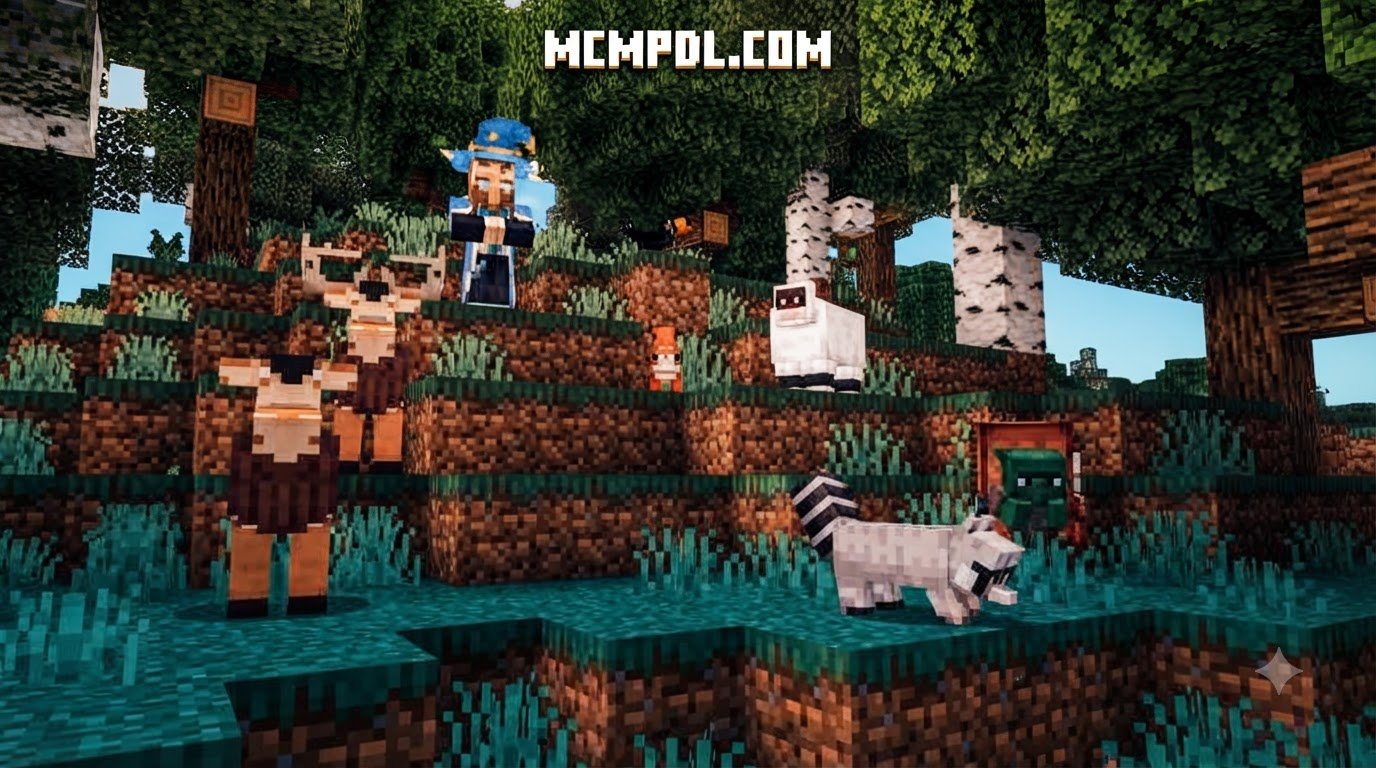
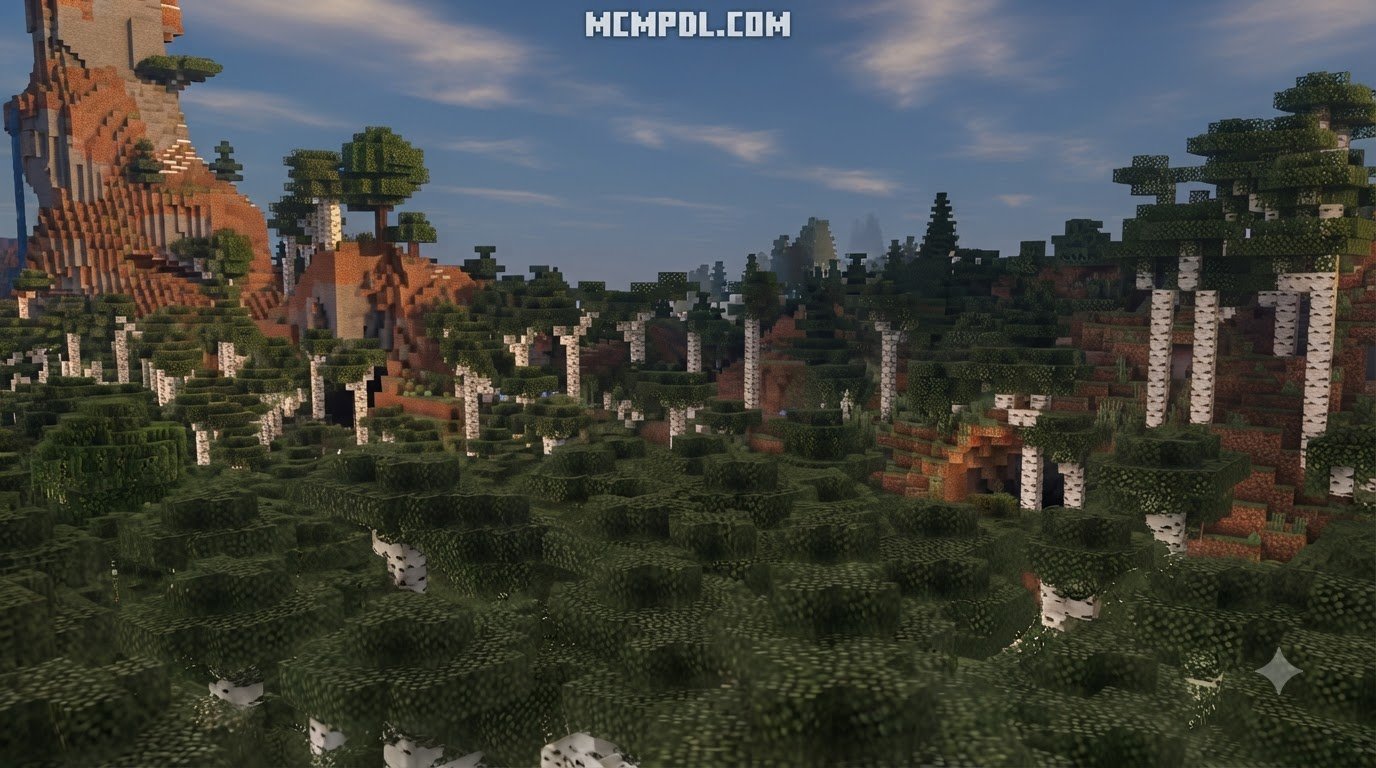
The addon transforms exploration across classic biomes—including Forests, Plains, Roofed Forests, Birch groves, Savannas, Taigas, Swamps, and Jungles. You will find brand-new surface structures, hidden subterranean dangers, customized crop types, and specialized utility benches.
Instead of wandering aimlessly, you can follow an integrated quest scroll system and take on targeted bounties found across the landscape. Along the way, you collect Loot Bags from outposts, barter with wandering traders, extract magic runes from dangerous ruins, and forge endgame equipment that surpasses vanilla tiers. If you have ever played other massive survival overhauls, you will appreciate how Better on Bedrock refines core progression into a rewarding, cohesive adventure.
How to Download and Install Better on Bedrock on Mobile and PC
Installing addons on Bedrock Edition is straightforward once you know which files go where and which world toggles are required.
Step-by-Step Installation for Minecraft PE and Bedrock 1.21
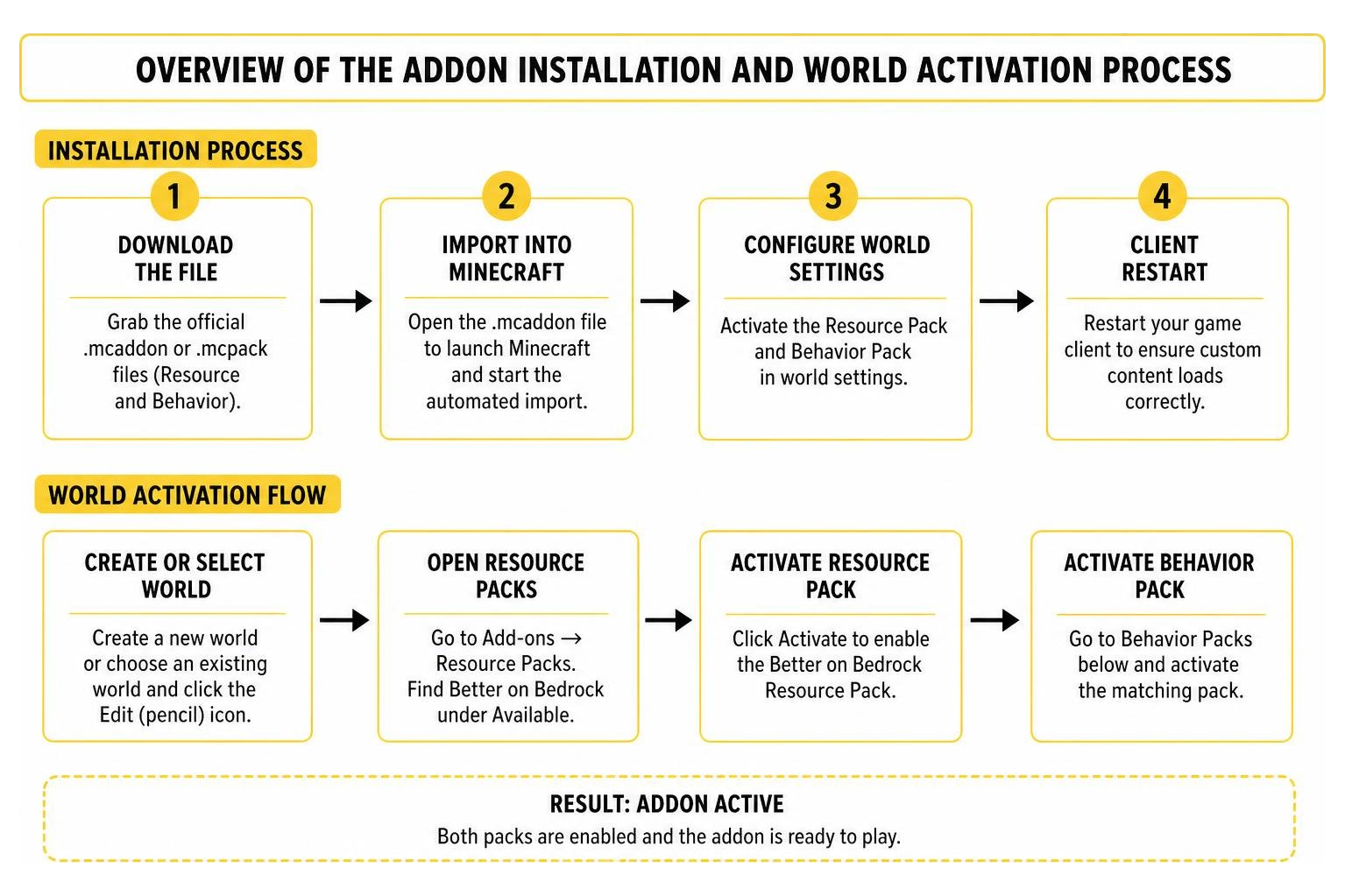
Whether you play on Android, iOS, or Windows 10/11, setting up the pack follows a standard import workflow:
- Download the File: Grab the official
.mcaddonor separate.mcpackfiles (Resource and Behavior). - Import into Minecraft:
- On Mobile (Android/iOS): Tap the downloaded
.mcaddonfile from your device file manager or browser downloads. Select Minecraft to open and import automatically. - On Windows: Double-click the
.mcaddonfile to launch Minecraft and start the automated import.
- On Mobile (Android/iOS): Tap the downloaded
- Configure World Settings:
- Create a new world or choose an existing world and click the Edit (pencil) icon.
- Scroll down to the left sidebar and open Resource Packs under the Add-ons section. Find Better on Bedrock under Available and click Activate.
- Navigate to Behavior Packs directly underneath and activate the matching behavior pack.
- Client Restart: After applying both packs, back out to the main menu or restart your game client to ensure custom textures and entity scripts load cleanly into memory.
Experimental Toggles and World Settings Requirements
Because this addon introduces custom entities, dynamic world generation, and advanced crafting tables, you must enable specific experimental toggles before launching your world.
In your world settings, navigate to the Experiments tab and turn on:
- Holiday Creator Features
- Custom Biomes
- Upcoming Creator Features
- Molang Features (if listed)
Note: Always create a backup copy of your existing worlds before applying experimental gameplay settings, as future game updates can alter custom world generation.
Core Progression: Quests, Workbenches, and Waystone Teleportation
Better on Bedrock reshapes the survival loop by providing structured objectives alongside freeform sandbox exploration. When starting out, you can access the Quest Scroll to initiate early progression challenges. As you complete milestones, you unlock rewards ranging from essential survival rations to specialized upgrade materials.
You will also encounter Trader Outposts and Goblin Traders roaming the wilderness. Interacting with bounty boards gives you specific hunting and gathering targets, rewarding you with Loot Bags that contain rare ores, food crops, and magical components.
Upgrading Gear with the Forge Table and Miner’s Bench
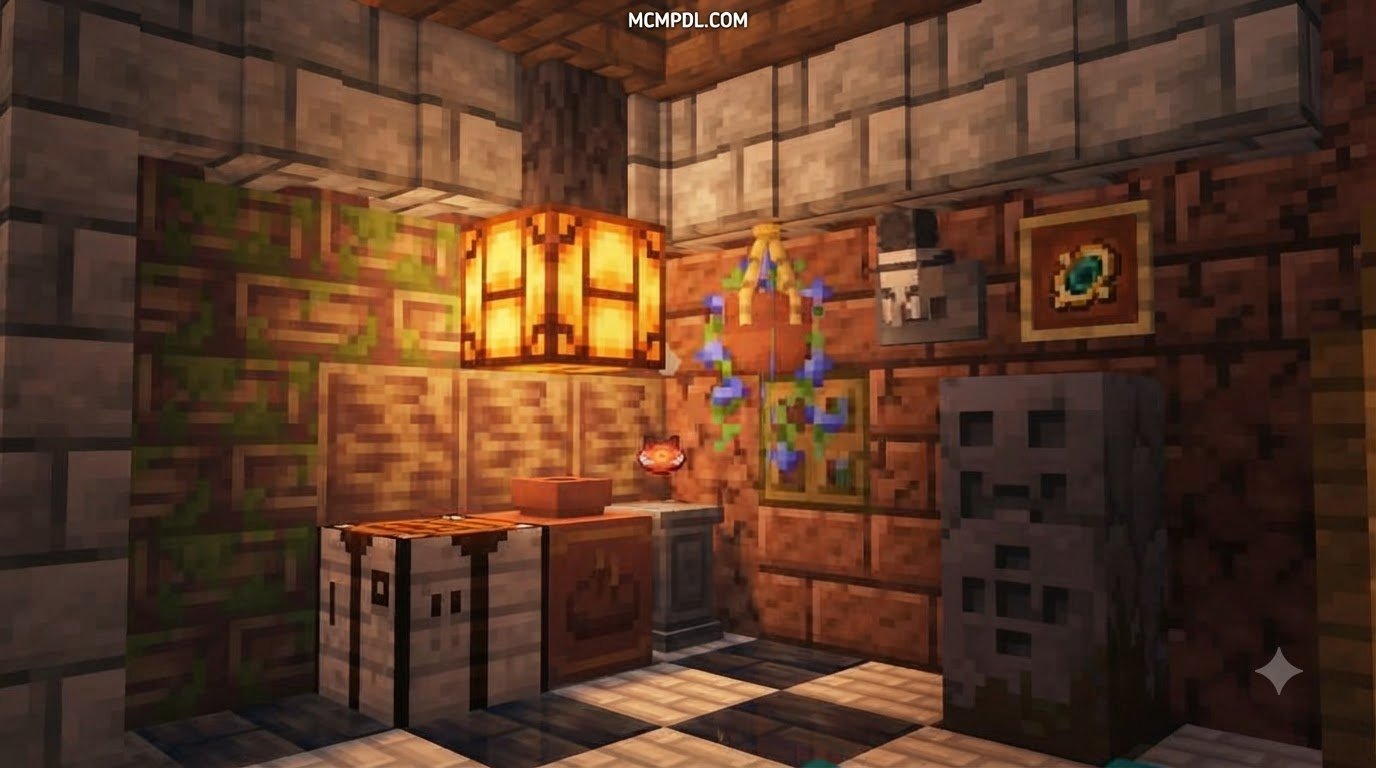
To handle advanced materials, standard crafting tables are supplemented by two dedicated workstations:
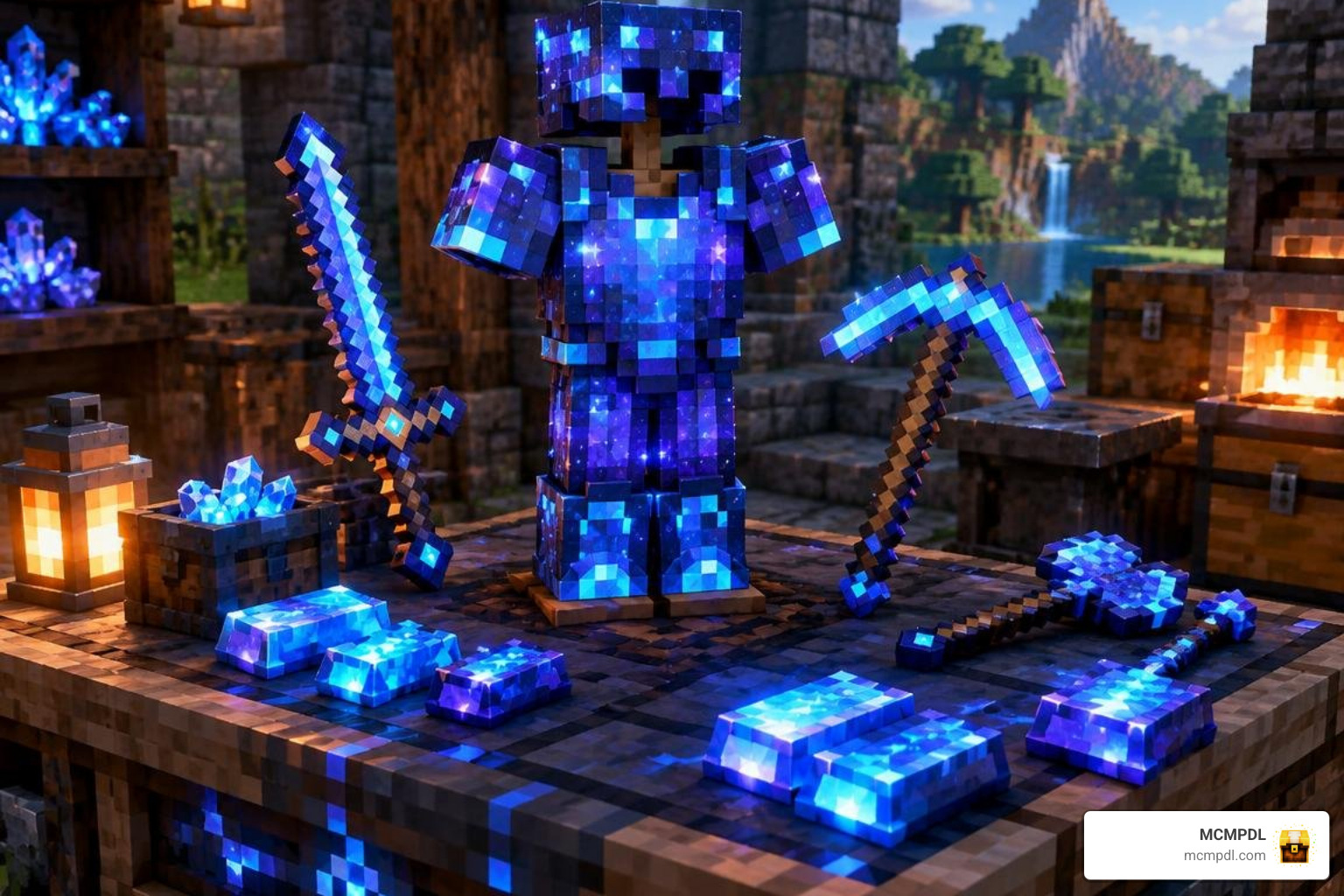
- The Forge Table: The central hub for high-tier metallurgy. You will use the Forge Table to upgrade your gear into specialized sets, such as converting base Netherite equipment into powerful Stardust Armor and crafting enchanted tools.
- The Miner’s Bench: Focused on utility and mining efficiency. Here, you can craft and apply game-changing survival enchantments such as Vein Miner I (breaking entire ore veins in a single swing) and Tree Capitator (felling whole trees by chopping the base log).
Fast Travel with Waystones, Scrolls, and Backpacks
Managing inventory space and long-distance travel becomes simple thanks to built-in mobility systems:
- Overworld Waystones: You can save up to 10 active waystone locations per dimension. Interacting with a linked Waystone allows instant fast travel across your world. Each teleportation uses 3 XP levels and has a 60-second cooldown.
- Waystone Keys: Handheld items tuned to specific waystones, enabling emergency returns to your base during deep cave expeditions.
- Backpacks: To keep your inventory clean during long journeys, craft the Regular Backpack for 9 bonus inventory slots, or upgrade to the Medium Backpack for 24 extra storage slots. If you want even more specialized mobile carrying capacity, explore backpacks add-on options for Bedrock or check out alternative dimensional storage expansions to match your playstyle.
New Gear, Magic, and World Content in Better on Bedrock
Survival in Better on Bedrock introduces a wide array of intermediate and endgame survival items to bridge the gap between vanilla milestones.
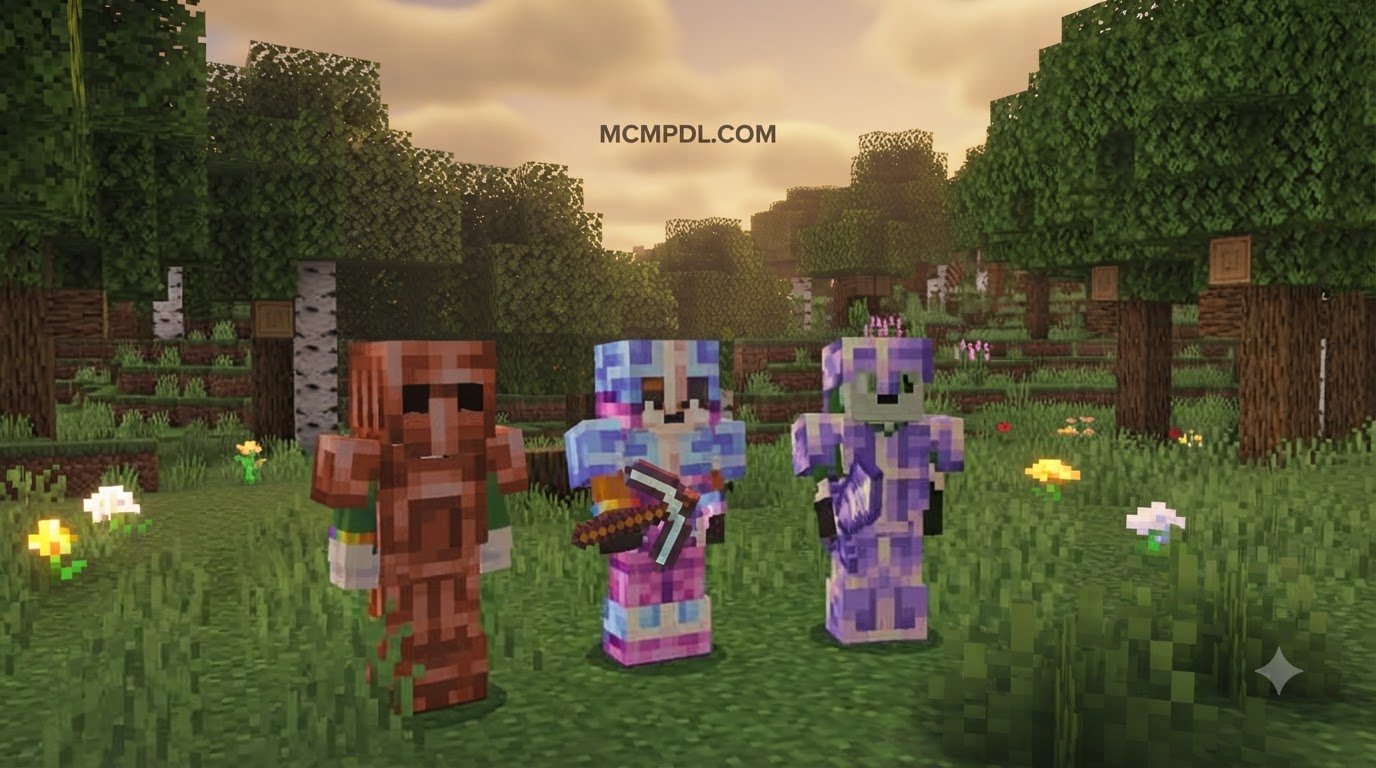
Early in the game, you can craft Copper Armor for affordable defense before securing Iron or Diamond gear. You can also craft Tinted Netherite Armor, which provides full Netherite defensive stats while preventing Piglins from turning hostile in the Nether.
Nutrition also receives a major upgrade with 16 new biome-specific food items:
- Tomato: Quick harvest crop restoring 1 hunger point (0.5 hunger icons).
- Healthy Carrot: Restores 4 hunger points (2 hunger icons) and grants Regeneration II for 5 seconds—making it ideal for mid-combat healing.
- Baguette: Restores 6 hunger points (3 hunger icons) and stacks up to 64.
- Barley Stew: A hearty meal restoring a massive 12 hunger points (6 full hunger icons).
Stardust Armor, Magic Runes, and Weapon Stats in the Better on Bedrock Addon for Minecraft PE/Bedrock
For true endgame dominance, players can craft Stardust Armor and weapons using the Forge Table. Every Stardust armor piece offers 950 durability alongside superior armor values, surpassing standard Netherite protection.
| Equipment Piece | Defense / Attack | Durability | Special Attributes |
|---|---|---|---|
| Stardust Helmet | +5 Protection | 950 | High blast & damage absorption |
| Stardust Chestplate | +15 Protection | 950 | Maximum torso defense |
| Stardust Leggings | +11 Protection | 950 | Superior mobility protection |
| Stardust Boots | +7 Protection | 950 | Reduced fall damage |
| Stardust Sword | 12 Attack Damage | 1561 | Outdamages Netherite Sword (8 DMG) |
| Stardust Pickaxe | 10 Attack Damage | 1561 | Rapid mining speed |
| Stardust Axe | 7 Attack Damage | 1561 | High tree-felling efficiency |
Alongside physical weaponry, the addon introduces 6 Magic Runes found in hidden loot chests and dropped by bosses. These runes allow you to obtain powerful magic staffs:
| Staff Name | Required Rune | Cooldown | Durability | Ability / Effect |
|---|---|---|---|---|
| Staff of Basic Magic | Rune of basic magic | 1 second | Standard | Rapid-fire magic projectiles |
| Staff of the Hearts | Rune of the hearts | 30 seconds | Standard | Emergency health restoration |
| Staff of the Seas | Rune of the seas | 60 seconds | Standard | Aquatic buffs & water mobility |
| Staff of Protection | Rune of Protection | 120 seconds | Standard | Temporary invulnerability shield |
| Staff of the Lich | Rune of the Lich | 30 seconds | 25 uses | Summons hostile wither magic |
| Staff of the Mines | Rune of the mines | 60 seconds | Standard | Area-of-effect block blasting |
Fighting Bosses and Conquering Structures with the Better on Bedrock Addon for Minecraft PE/Bedrock
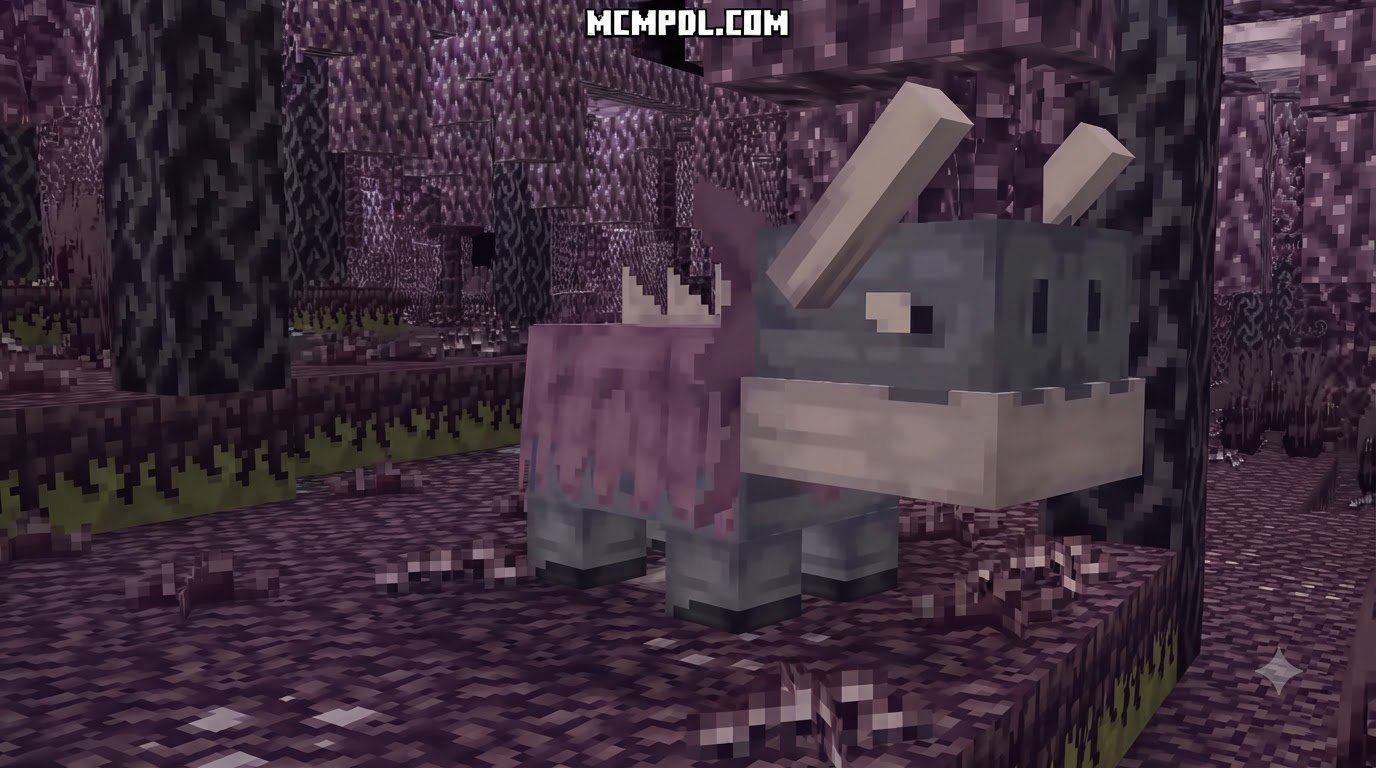
Exploration will lead you to towering Battle Towers, fortified Waystone Towers, and hidden underground crypts guarded by custom hostiles.
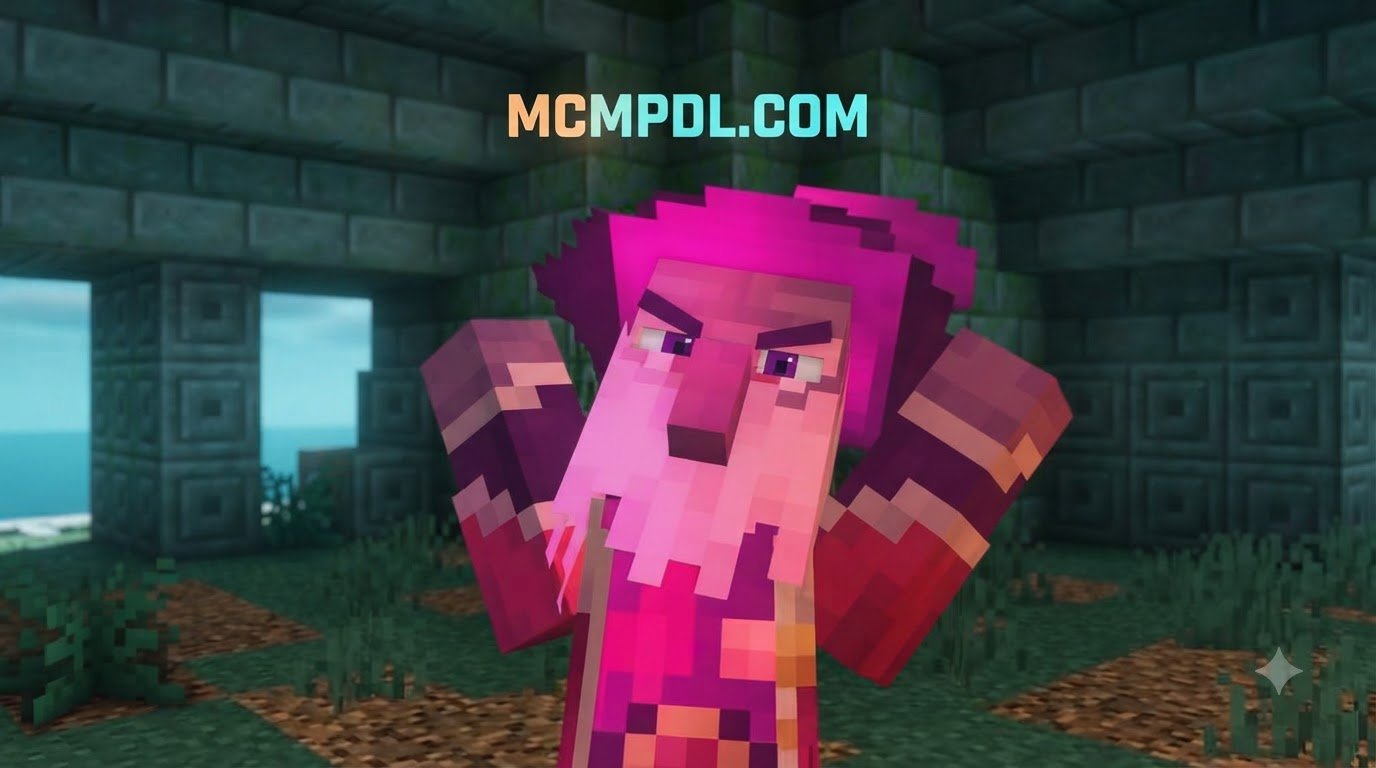
The most formidable encounter in the addon is the Willager:
- Health: 250 HP
- Behavior: Hostile boss with 4 distinct combat phases and attack patterns.
- Recommended Gear: Minimum full Protection IV Iron Armor; full Protection II Diamond Armor or Stardust gear is strongly advised.
Defeating the Willager and other dungeon bosses rewards you with rare trophies:
- Willager Hat (Legendary): A wearable and placeable cosmetic trophy dropped by the Willager.
- Ghost Necklace (Rare): Dropped by defeating the Lich. When activated, it grants the user 10 seconds of complete invisibility/ghost effect, perfect for slipping past hostile mobs or sneaking up on targets in PvP.
- Adventurer Hat (Epic): A wearable cosmetic reward obtained by finishing the ‘Diamonds’ questline.
- Enchanted Book Trophy: A decorative, placeable trophy celebrating deep dungeon completions.
Frequently Asked Questions About Better on Bedrock
Can you play Better on Bedrock on multiplayer servers or Realms?
Better on Bedrock is designed primarily for single-player worlds. Because it relies heavily on custom scripts, experimental toggles, and client-side entity syncing, running it on large dedicated multiplayer servers or standard Realms can lead to desynchronization, broken quest scripts, or missing custom craft recipes. If you are setting up a multiplayer realm focused on utility, consider trying lighter options such as custom storage addons for Bedrock that do not interfere with server-side world generation.
What is the strongest armor set in the addon?
The strongest set is Stardust Armor, providing a combined total of 38 armor defense points across all four pieces (Helmet 5, Chestplate 15, Leggings 11, Boots 7) and 950 durability per piece. When forged and combined with standard Protection enchantments, it comfortably surpasses standard Netherite Armor in overall survivability.
How do you get and use Magic Runes?
Magic Runes (such as the Rune of the Lich, Rune of Protection, and Rune of the Mines) are discovered inside dungeon chests, structure loot bags, or as rare boss drops. Once obtained, runes are used to unlock their corresponding magic staffs, giving players access to ranged spellcasting, defensive shields, and terrain-clearing utility.
Conclusion
The Better on Bedrock addon successfully modernizes Minecraft Bedrock Edition into a deep, progression-rich survival RPG. By combining structured questing, waystone fast travel, challenging boss fights, and rewarding upgrade systems like the Forge Table, it breathes fresh excitement into every survival run.
For more world expansions, custom survival tools, and high-quality textures, browse our full catalog of Bedrock add-ons to keep customizing your ultimate Minecraft experience.