Scroll down to D0vvnl0ad
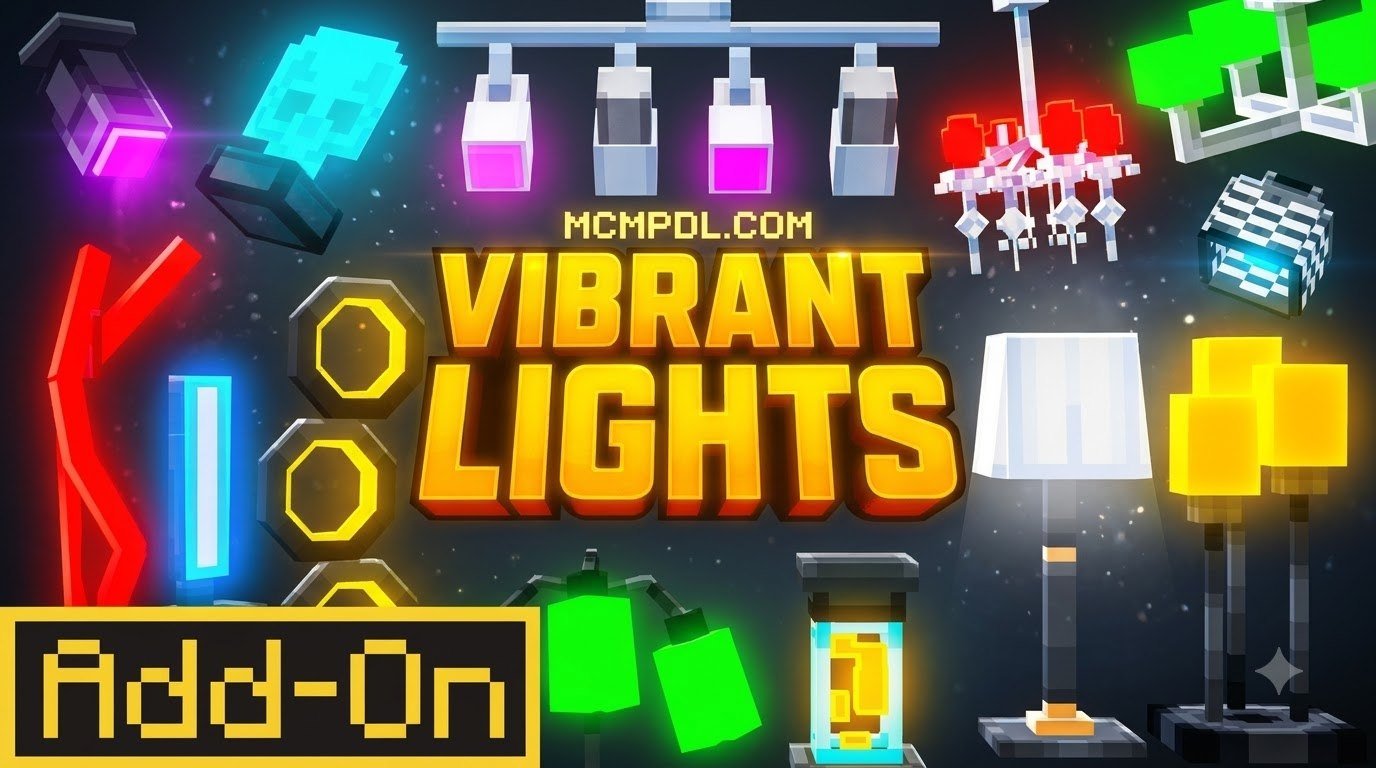
Download Vibrant Lights for Minecraft PE and Bedrock
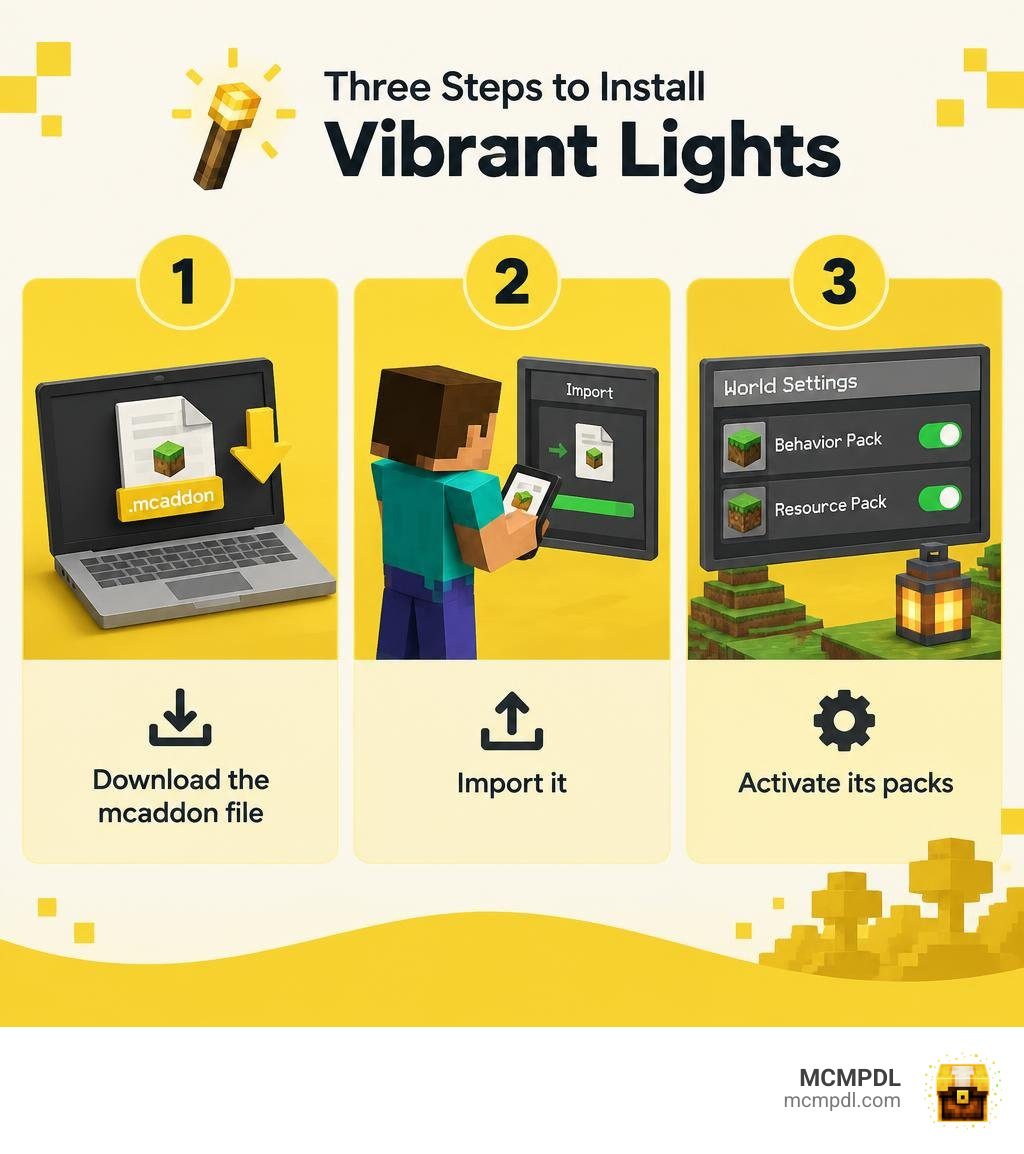
To install the Vibrant Lights Addon for Minecraft PE/Bedrock, follow three steps:
- Find a download that supports your Minecraft Bedrock version and save its
.mcaddonfile. - Open the file on your phone or Windows PC to import it into Minecraft.
- In your world settings, activate any required Behavior Pack and Resource Pack before you play.
The addon brings light that moves with you as you explore. Features such as colored torches and underwater lighting depend on the version you download. On consoles, direct file imports are limited; you may need to set up the world on a phone or PC first.
What Is the Vibrant Lights Addon for Minecraft PE/Bedrock?
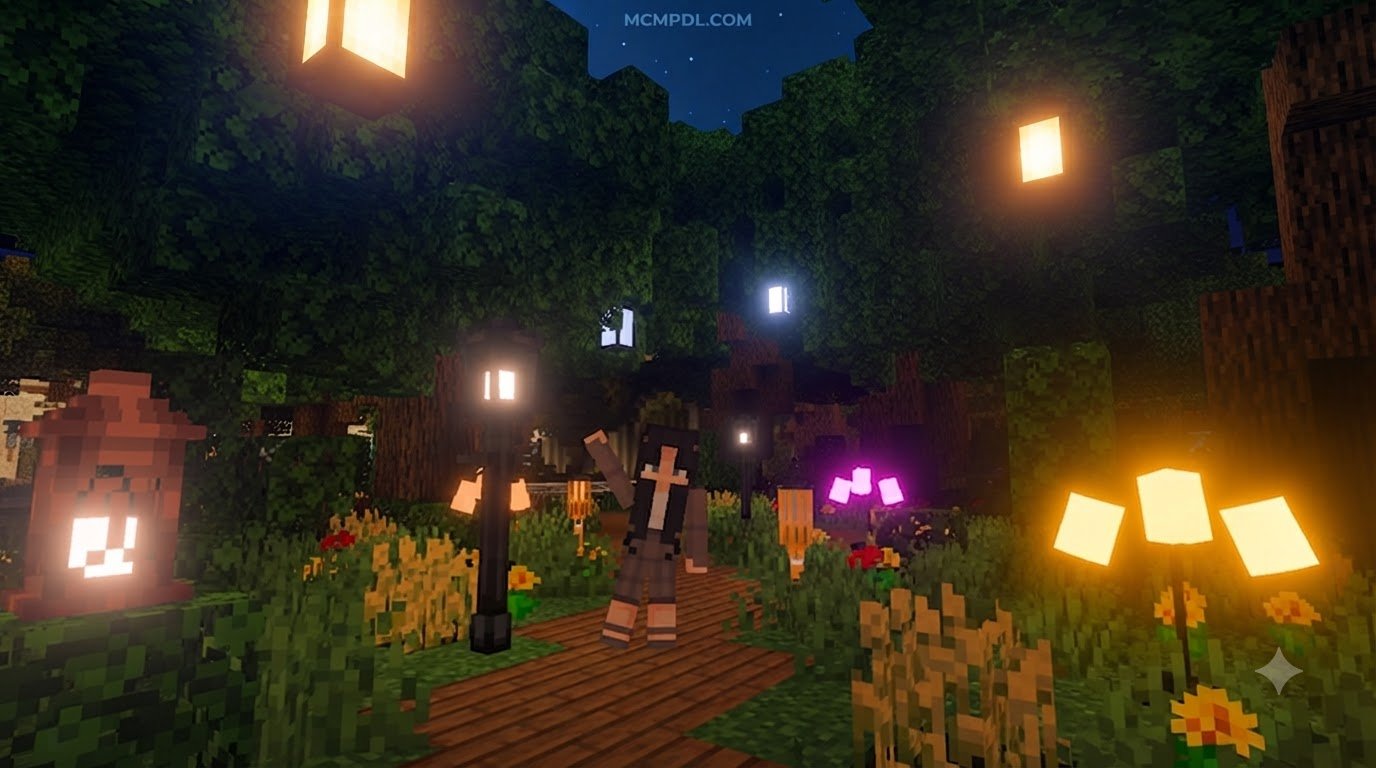
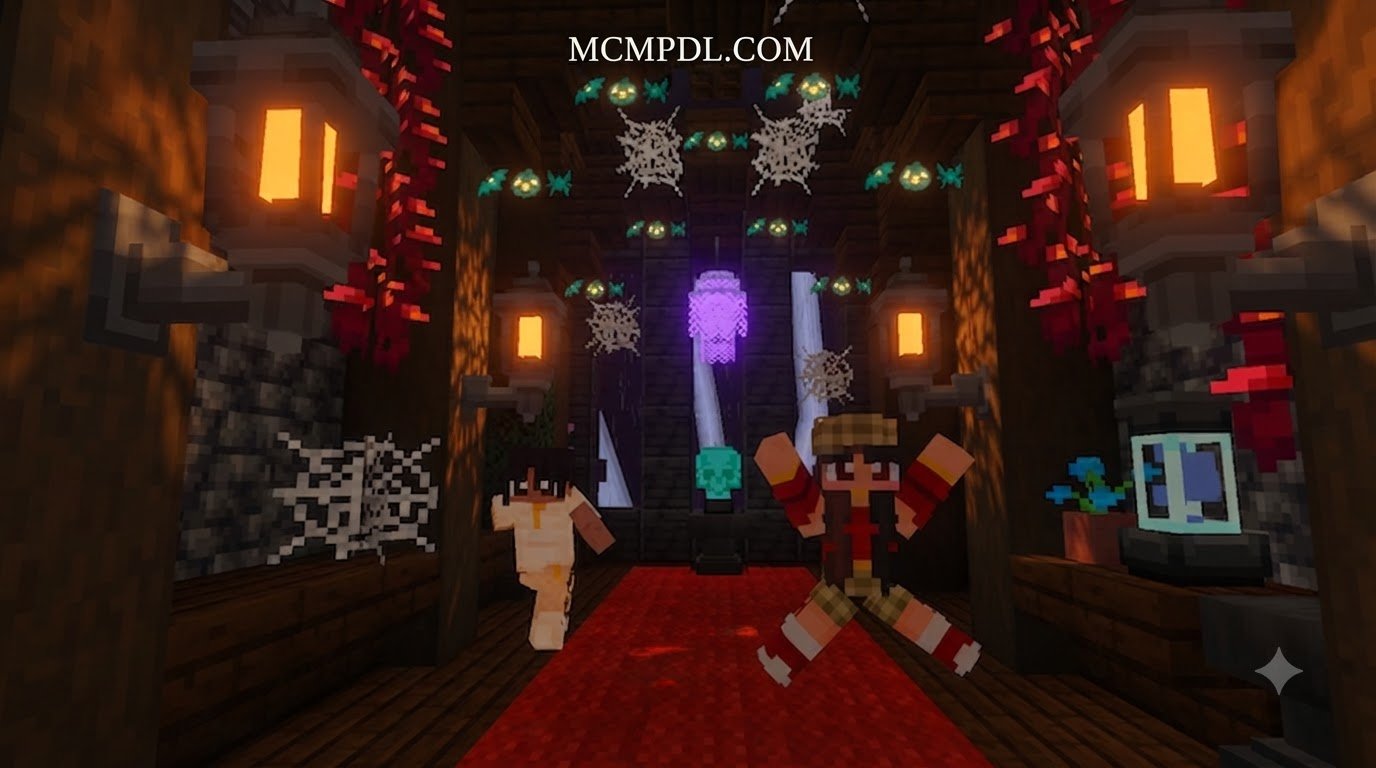
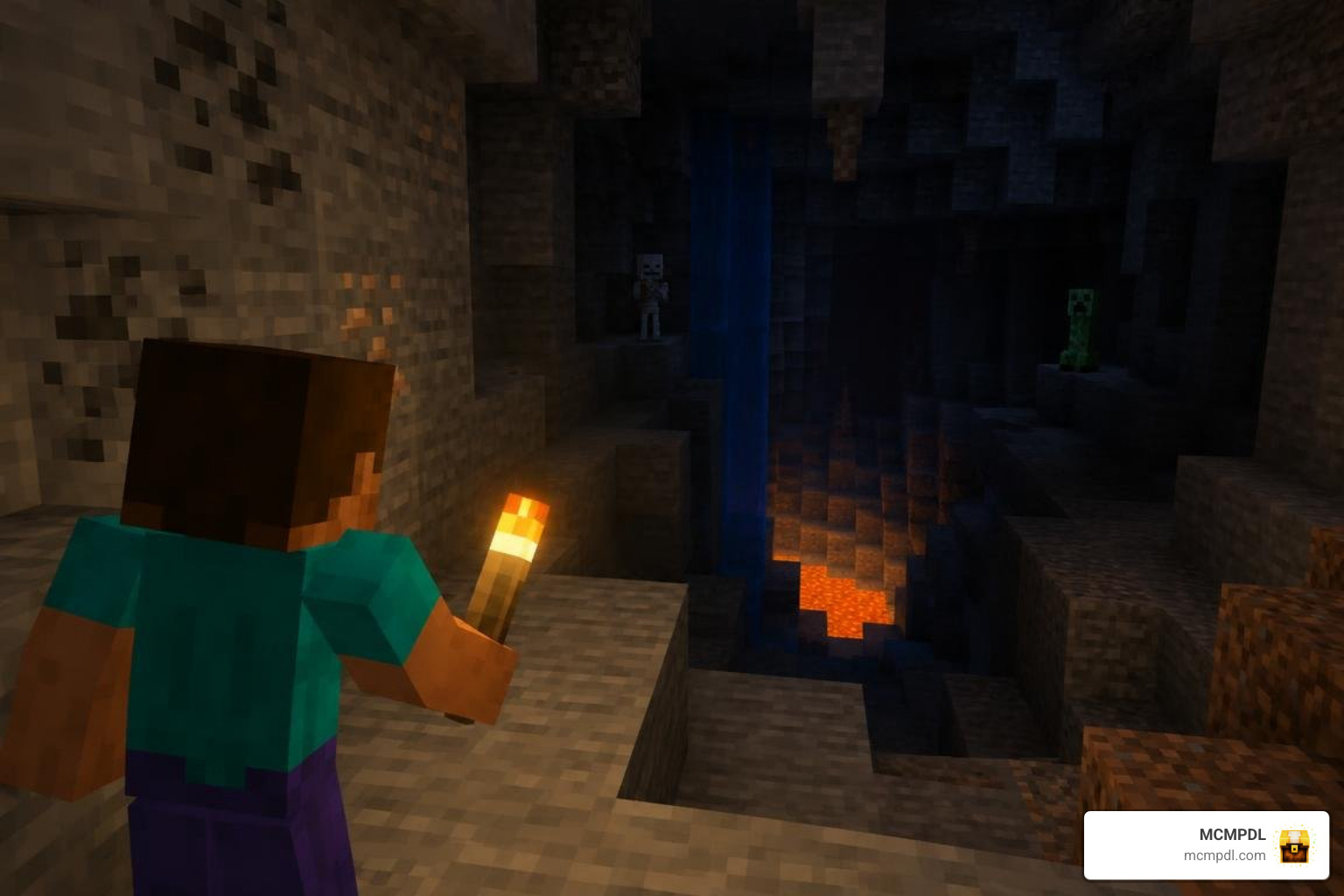
Navigating deep cave systems and sunken ravines in vanilla Minecraft often turns into a tedious chore of constantly placing torches every ten blocks. The Vibrant Lights Addon for Minecraft PE/Bedrock completely overhauls this experience by introducing real-time dynamic illumination. Instead of placing a block to check what is lurking in the shadows, holding a torch, lantern, or glowing item lights up the environment around you as you walk, sprint, or swim.
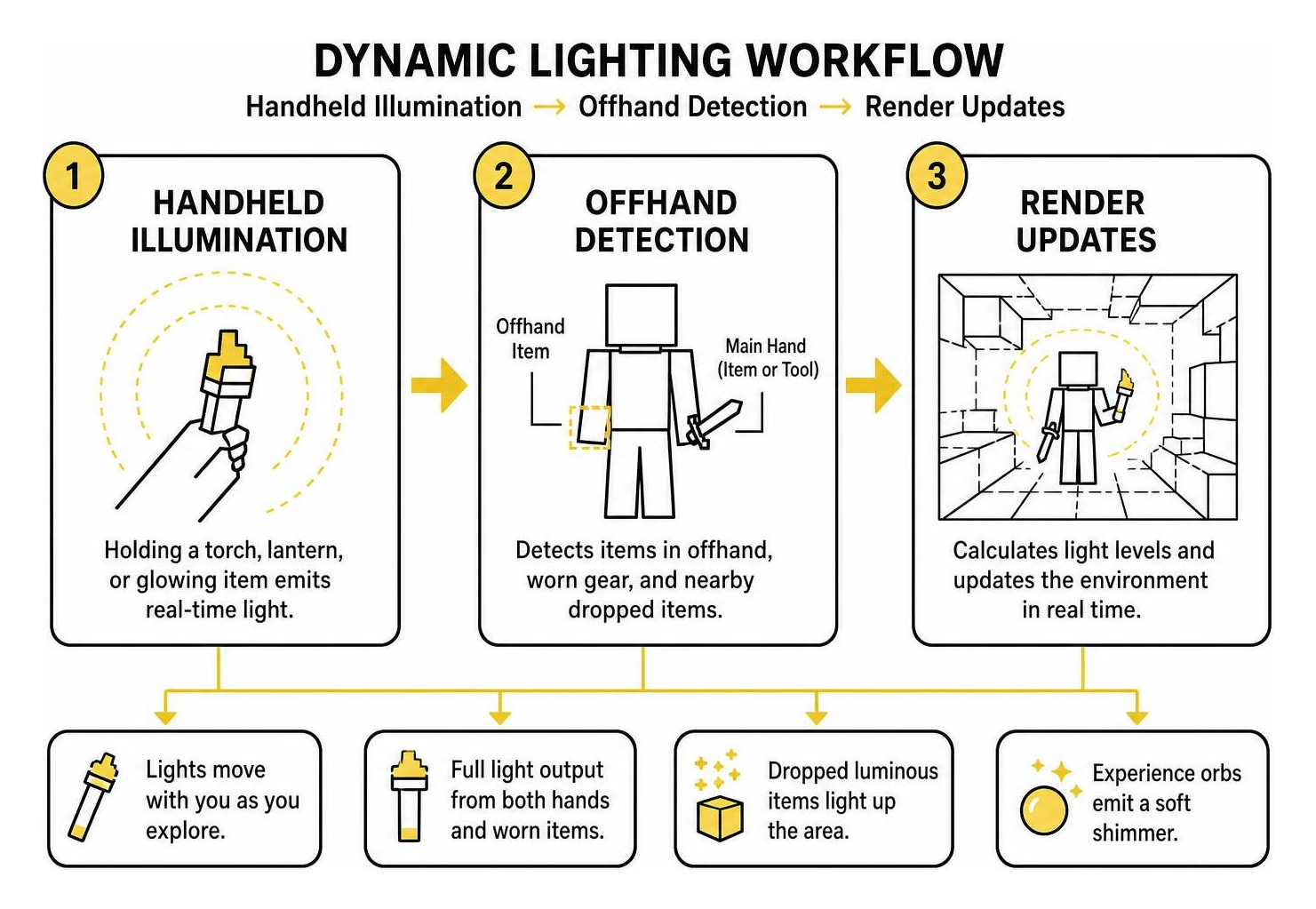
Under the hood, dynamic lighting works by calculating the player’s position and projecting light levels in real time. Items do not only emit light when held in your main hand; dynamic lighting also applies to items held in your offhand, worn on your armor slots, and even items tossed onto the ground. Dropped glowstone dust, discarded lava buckets, or burning items will cast a radiant aura over their surroundings. Dropped experience orbs emit their own soft shimmer, turning intense mob-grinder sessions into a dazzling visual showcase.
If you have explored lighting enhancements such as the popular Dynamic Light Addon for Minecraft PE/Bedrock, you already know how transformative real-time illumination is for survival gameplay. Dynamic lighting bridges the gap between static block placements and immersive survival mechanics.
| Feature | Vanilla Bedrock Lighting | Vibrant Lights Addon |
|---|---|---|
| Handheld Illumination | No (items only emit light when placed) | Yes (full dynamic radius around player) |
| Offhand Lighting | No offhand torch functionality | Full light emission in offhand slot |
| Dropped Item Glow | Items appear dark on the ground | Dropped luminous items light up the floor |
| Colored Light Sources | Standard static yellow/orange | 16 distinct dyed torch colors |
| Underwater Torch Utility | Torches break and pop off instantly | Functional Sea Torches provide dynamic light |
| Wearable Light Gear | None (requires night vision potions) | Miner Helmets provide hands-free lighting |
| Achievement Compatibility | Full support | Fully compatible (no cheat flags required) |
Key Features of the Vibrant Lights Addon for Minecraft PE/Bedrock
The addon introduces several quality-of-life enhancements designed to make exploration both safer and more colorful:
- Offhand Torch Support: You can equip standard torches, soul torches, and redstone torches directly into your offhand slot. This frees up your main hand for swords, pickaxes, or shields while keeping your surroundings illuminated.
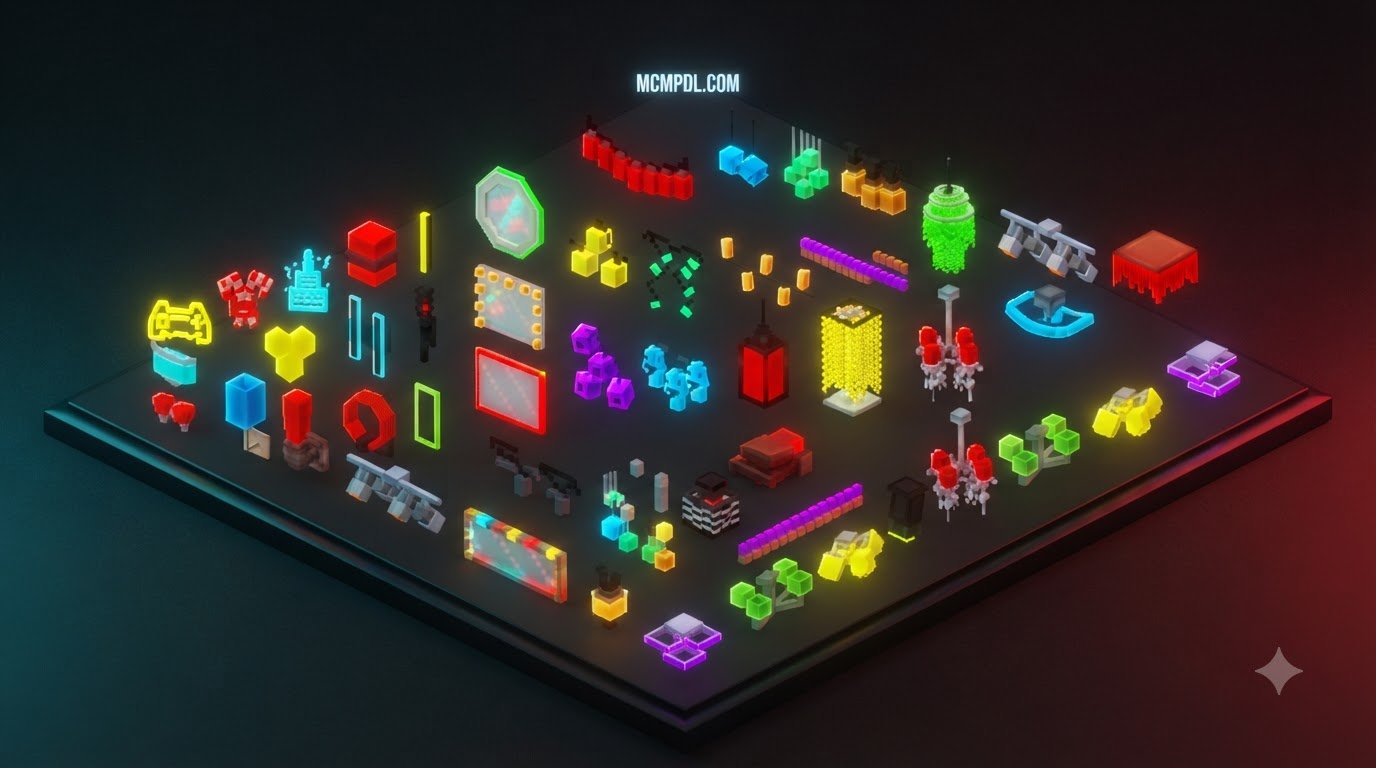
- 16 Dyed Torch Colors: Personalize your builds and cave expeditions. By combining standard torches with dyes, you can craft 16 vibrant torch variants. With advanced rendering enabled, these torches cast actual colored light—ranging from eerie amethyst purples to emerald greens and fiery crimsons.
- Wearable Miner Helmets: Combine any helmet with a torch at a crafting table or smithing table to create a functional Miner Helmet. Wearing it projects a consistent level 14 light around your character, allowing you to dual-wield weapons and tools without sacrificing visibility.
- Underwater Sea Torches: Standard torches extinguish instantly in water, but crafted Sea Torches remain functional when submerged, illuminating flooded caverns and ocean trenches.
- Entity & Mob Auras: Dynamic illumination extends to glowing mobs and projectiles. Blazes, magma cubes, glowing squids, and flaming arrows cast moving light fields across cavern walls.
These visual upgrades integrate directly with modern Bedrock rendering pipelines, detailed in the official Bedrock Editor Vibrant Visuals documentation, allowing dynamic light colors to blend seamlessly with ambient environmental shading.
Vanilla Bedrock Compatibility and Achievements
A major concern among survival players is whether installing lighting mods will flag their worlds as modified and disable Xbox achievements. The Vibrant Lights Addon operates cleanly within the Bedrock rendering and entity controller pipeline without modifying core player behavior data or enabling internal cheat flags. As a result, your world remains achievement-friendly.
The addon is also built to sync smoothly across multiplayer worlds and dedicated servers. When hosting a game on Bedrock, other players will see the light casting from your handheld torch in real time. For those seeking a complete visual overhaul, pairing dynamic lighting with packs like the Realism VFX Addon for Minecraft PE/Bedrock delivers cinematic particle trails and radiant illumination without breaking your survival progression.
How to Download and Install Vibrant Lights in 3 Steps
Getting dynamic lighting up and running on Minecraft Pocket Edition and Bedrock Edition is straightforward. Whether you play on iOS, Android, or Windows, following these steps will have your game glowing in minutes.
Step 1: Download the Vibrant Lights Addon for Minecraft PE/Bedrock Files
Begin by locating the latest build of the addon packaged as an .mcaddon or .mcpack file.
- The
.mcaddonformat is the most convenient option because it bundles both the Resource Pack (which handles textures, models, and Molang rendering variables) and the Behavior Pack (which manages item detection, helmet smithing, and dynamic light logic) into a single installer. - Save the file to an easily accessible folder on your device, such as your mobile Downloads folder or your PC desktop.
If the download comes as two separate .mcpack files (one labeled Resource and one labeled Behavior), download both to your device.
Step 2: Import and Install on Mobile, PC, and Console
Once the download is complete, importing the files into Minecraft takes only a tap or click:
- Android: Open your preferred file manager app, navigate to your Downloads directory, and tap the downloaded
.mcaddonfile. Select Open with Minecraft. The game will launch automatically and display an “Import Started” banner at the top of the screen, followed by a success message. - iOS / iPadOS: Open the native Files app, locate the
.mcaddonfile, tap and hold it, choose Share, and select the Minecraft app icon. Minecraft will launch and import both packs. - Windows 10 / 11: Simply double-click the
.mcaddonfile. Windows will launch Bedrock Edition and register the files within your game directories. - Consoles (Xbox, PlayStation, Nintendo Switch): Direct file downloads are restricted on console operating systems. To use the addon on a console, import and activate the addon inside a world on your PC or mobile device first, and then upload that world to a Minecraft Realm. When you connect to the Realm from your console, accept the prompt to download the world resource packs.
To enrich your overall visual fidelity, you can explore complementary community creations in our curated texture packs collection to match high-resolution textures with your dynamic lights.
Step 3: Activate Packs and Configure World Settings
To apply the addon to an existing world or a new survival adventure:
- Launch Minecraft and navigate to Play > Edit World (the pencil icon) or select Create New World.
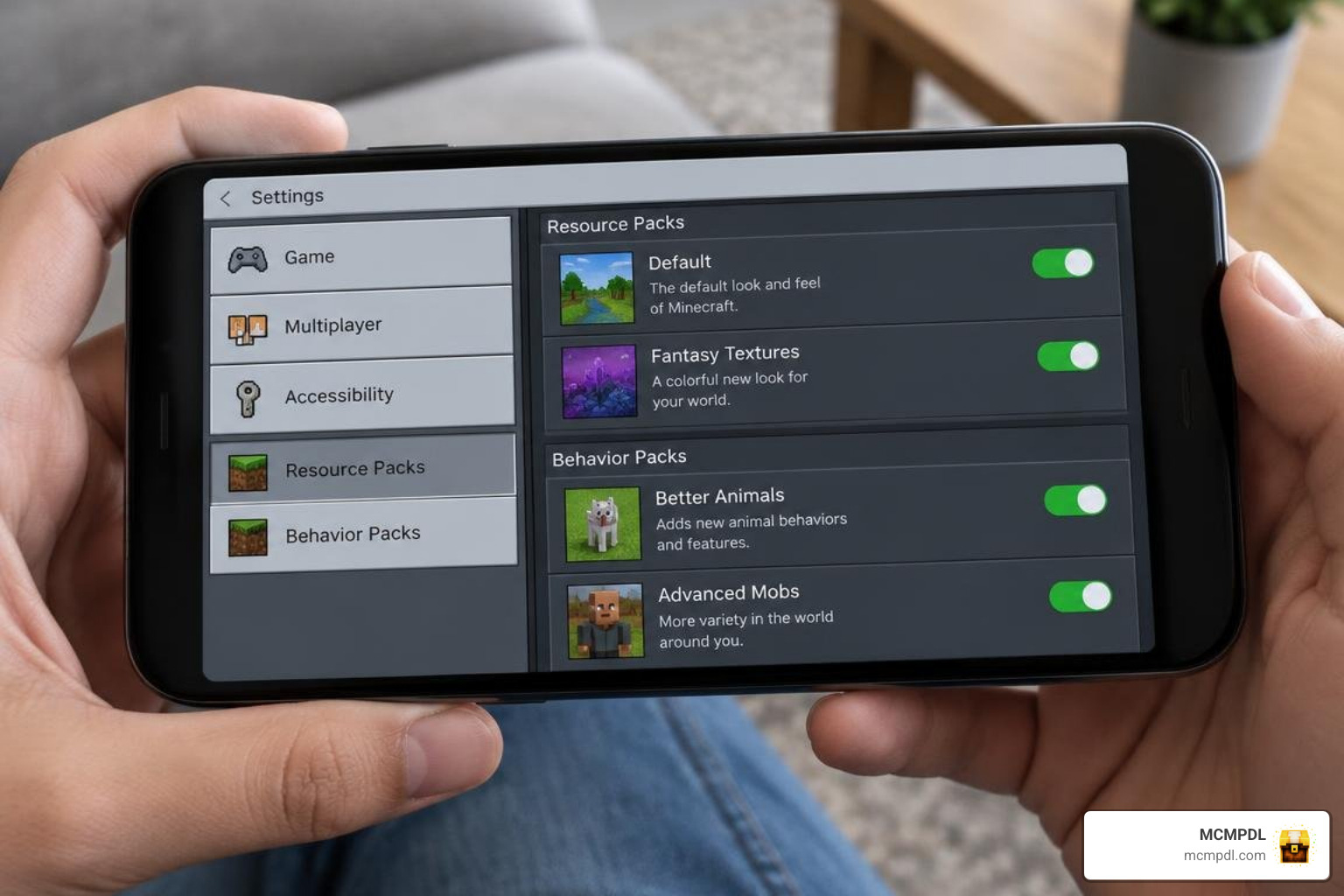
- Scroll down the left-hand navigation pane to the Resource Packs tab, click Available, locate Vibrant Lights, and click Activate.
- Move down to the Behavior Packs tab and verify that the corresponding behavior pack is active under the active list.
- Ensure the dynamic light pack sits high in your resource load order so its custom Molang variables and lighting controllers take priority over conflicting packs.
If you enjoy custom lighting tones alongside atmospheric skyboxes, you can explore our Minecraft Bedrock shaders category to find matching aesthetic upgrades.
Performance Optimization and Troubleshooting
Dynamic lighting requires real-time calculations to render moving illumination. While modern mobile devices and PCs handle these calculations effortlessly, running dynamic lighting on entry-level phones or in worlds with dense redstone contraptions benefits from proper configuration.
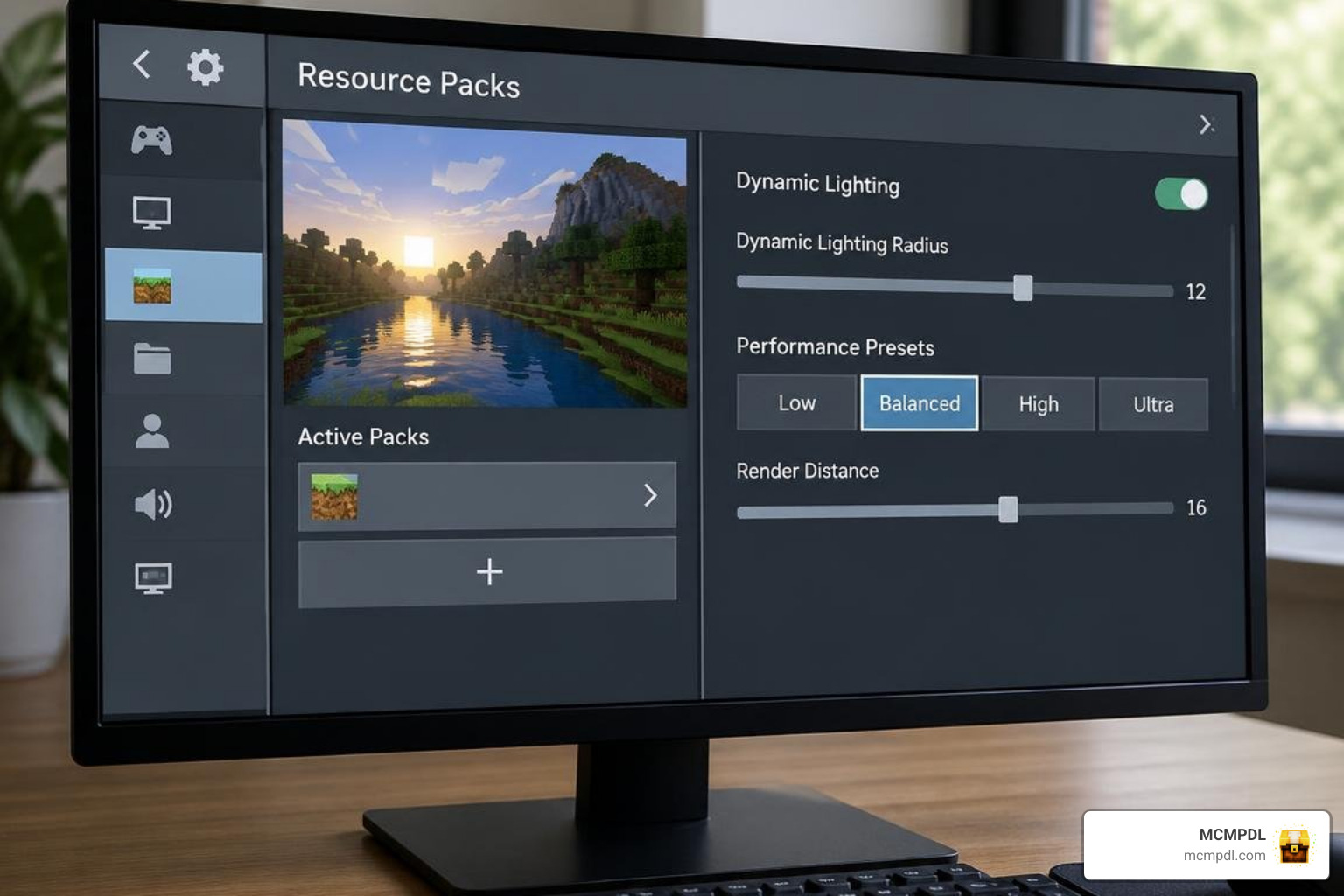
Many dynamic light addons include an in-game Configuration Book or subpack slider settings accessible via the Resource Pack settings cog. These options allow you to fine-tune your performance:
- Light Calculation Presets:
- Performance Preset (24–32 block radius): Best for low-end mobile devices; disables dynamic lighting on fast-moving projectiles and dropped items while keeping handheld and offhand lighting active.
- Balanced Preset (48 block radius): The recommended baseline for mid-range phones and consoles, balancing entity auras and dropped item glows with stable 60 FPS gameplay.
- Quality Preset (64+ block radius): Best for modern PCs and flagship mobile devices, enabling multi-colored dynamic casting, glowing mob auras, and smooth light transitions.
Troubleshooting Common Issues
- Visual Flickering or Missing Light: If holding a torch does not cast light, open your world settings and verify that the Behavior Pack is properly activated alongside the Resource Pack. If you run custom player animation packs (such as Actions & Stuff), ensure the dynamic light compatibility pack is loaded above animation packs in your load order.
- Invisible Helmets or Block Glitches: Ensure your Minecraft Bedrock client is updated to version 1.21 or newer. Modern dynamic light implementations rely on updated Molang variable maps and server-side entity tagging introduced in recent Bedrock engine updates.
Frequently Asked Questions about Vibrant Lights Addon
Does the Vibrant Lights Addon disable Xbox achievements?
No, the Vibrant Lights Addon does not disable Xbox achievements. It functions using client-side rendering controllers and standard behavior declarations without modifying vanilla player component files or requiring world cheats to be turned on. Your survival worlds remain eligible for trophies and gamer score progression.
Can you hold torches in your offhand on mobile touch controls?
Yes. Once the addon is active, open your inventory screen and place a standard torch, soul torch, or colored torch into your offhand shield slot. While playing with mobile touch controls, holding a torch in your offhand illuminates the surroundings automatically. You can interact with the environment or attack with your main hand while maintaining full visibility.
How does the Sea Torch function in underwater caves?
Standard torches break instantly when placed in water and provide no handheld light when submerged. The Sea Torch is a specialized item introduced in dynamic lighting packs. It can be held underwater to cast dynamic light while swimming through flooded caverns and ocean monuments, and it can be placed directly onto waterlogged blocks without breaking.
Conclusion
The Vibrant Lights Addon for Minecraft PE/Bedrock elevates survival gameplay by turning ordinary torches, lanterns, and miner helmets into moving sources of dynamic light. By removing the need to spam static torches down every dark hallway, it brings a fresh sense of atmosphere and immersion to your Bedrock adventures.
At MCMPDL, our mission is to simplify discovery and installation for all your Bedrock modding needs. Browse our curated Bedrock add-ons library to discover more gameplay overhauls, utility mods, and visual enhancements for your next world.