Scroll down to D0vvnl0ad
Getting Started with Survival on Container World for Minecraft PE/Bedrock
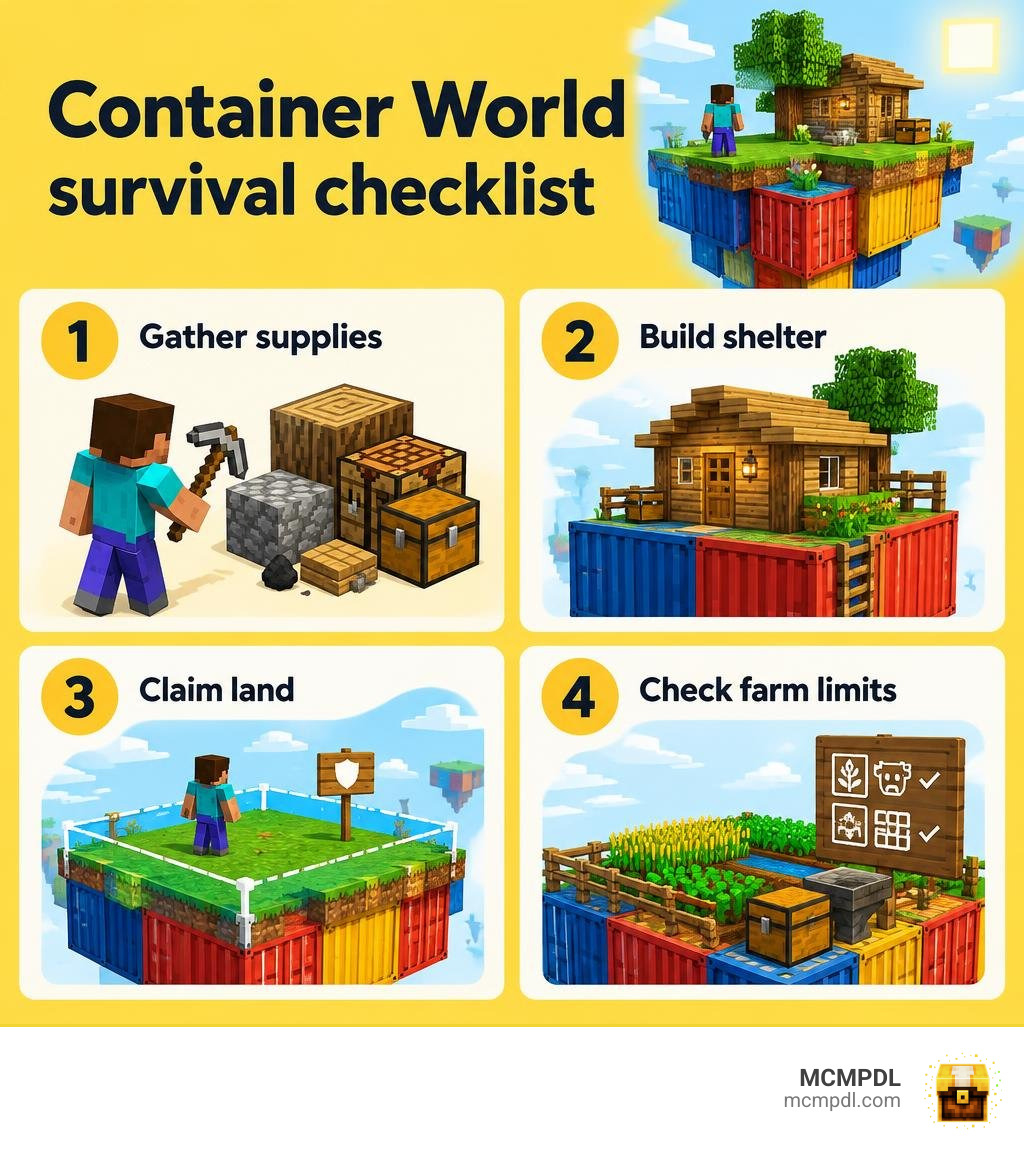
Survival on Container World for Minecraft PE/Bedrock starts like any survival run: gather resources, make tools, secure food, and build a safe place to sleep. If you are playing on the Container World server, use /claim to protect your base before you invest in a larger build. Check the server’s mob and farm limits before planning an automated setup.
This guide covers those first steps, then explains claims, player warps, and magic hoppers. It also separates server features from downloadable Bedrock maps, so you know which instructions apply to the world you are playing.
Fundamentals of Survival on Container World for Minecraft PE/Bedrock
Mastering a container-based world requires understanding how custom environments build upon standard vanilla Survival mode mechanics. In standard survival, you manage four rows of inventory slots (nine dedicated to your hotbar), track your hunger bar, and deal with standard mob spawns and environmental hazards. In a container setup, space is strictly confined, meaning dropped items, mob densities, and hazard management behave differently.
Multiplayer environments introduce community rules, economy systems, and claim boundaries. On Bedrock Edition, earning achievements requires worlds to remain in Survival mode without cheats or non-Marketplace behavior packs active. While server-based minigames prioritize custom plugins over achievements, keeping these core mechanics in mind ensures you manage hunger, health, and fall damage efficiently.
Getting Started: First Steps, Commands, and Starter Kits
When you first spawn into Container World, your immediate priority is establishing a base footprint:
- Redeem your starter kits if available via
/kitto secure basic tools and initial food rations. - Use your 2×2 crafting grid to build basic wooden planks, craft a crafting table, and assemble your initial wooden or stone pickaxe.
- Secure your spawn point by placing a bed inside an enclosed shelter to avoid night-time phantom spawns and mob ambushes.
- Set your initial home using
/sethome(if enabled on the server) to guarantee quick returns after gathering expeditions.
Surviving in Bedrock Edition vs Java Edition
Playing on Bedrock Edition (Pocket Edition/PE, consoles, and Windows 10/11) comes with unique gameplay nuances. Bedrock handles mob despawning and chunk simulation differently than Java, meaning automated farms must be tailored to Bedrock’s ticking mechanics. Touch controls require clean hotbar organization, and render distances affect how mob limits calculate around your player. If you prefer curated offline challenges, our collection of custom Minecraft Maps offers tailored worlds designed specifically for Bedrock performance.
BentoBox Game Modes and Map Variations
Server networks frequently power multi-world survival environments using BentoBox, an extensible framework offering isolated worlds, independent playerdata, and unique progression mechanics. As detailed in the overview of BentoBox Game Modes, this modular system lets players tackle multiple survival styles under one roof.
| Game Mode | Difficulty | Theme | Core Constraints |
|---|---|---|---|
| BSkyBlock | Medium | Classic Sky Island | Void perimeter, limited starter blocks |
| AOneBlock | Casual / Progressive | Infinite Regenerating Block | Phase-based progression, tier unlocks |
| AcidIsland | Hard | Toxic Ocean | Lethal water contact, scarce dry ground |
| CaveBlock | Hard | Subterranean Cave | Enclosed rock ceiling, no natural daylight |
| ChunkBlock | Expert | 16×16 Walled Boundary | Punching boundaries, island-level costs |
| TradeWinds | Medium | Maritime Exploration | Ocean sailing, NPC island trading economy |
Essential Strategies for Survival on Container World for Minecraft PE/Bedrock Challenges
Different container challenges demand tailored survival tactics:
- One Block Progression: If you enjoy expanding from a single point, tackling One Block Skyblock challenges trains you to organize dropped resources before they fall into the void.
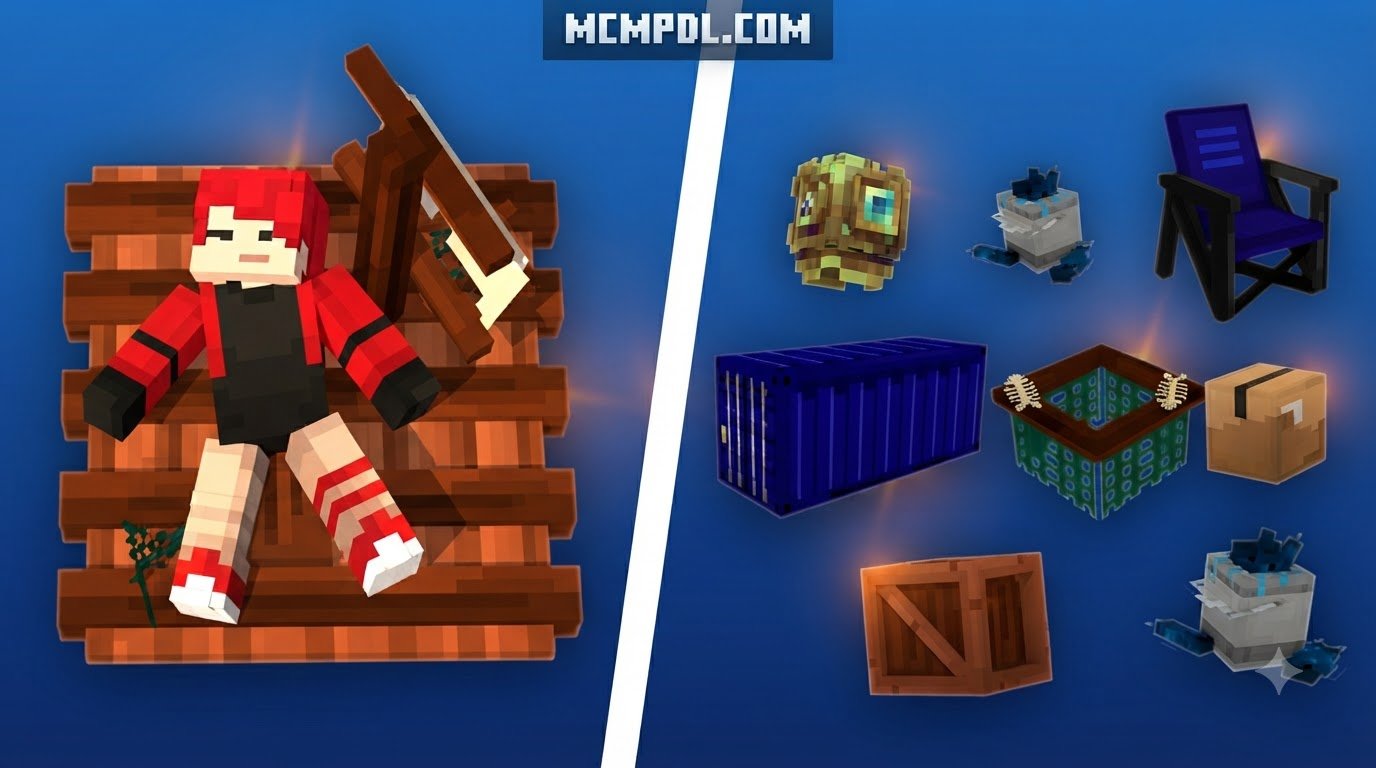
- Maritime Survival: When surviving surrounded by dangerous waters, similar to ocean raft survival maps, prioritize purifying water and building protective hulls to prevent drowning or toxic damage.
- Subterranean Mining: In CaveBlock, master torch placement to prevent creeper spawns in compact mining tunnels.
- ChunkBlock Expansion: In ChunkBlock, players are confined to a single 16×16 chunk bounded by impassable borders. Island level acts as currency: punch the chunk wall to unlock adjacent territory, and manage your level points carefully to keep borders unlocked.
Exploring Kingdom and World Scale Container Modes
Container concepts can expand into massive, multi-tiered experiences. You can scale your adventure through Kingdom Survival world progression to establish fortified outposts, explore geographically mapped landscapes via Earth Survival map exploration, or challenge your long-term survival pacing in 100 Days Mega Blocks survival. For nautical traders, modes like TradeWinds equip you with a simple rowboat and starting coal on an endless ocean dotted with trading outposts.
Mastering Land Claims, Warps, and Player Economy
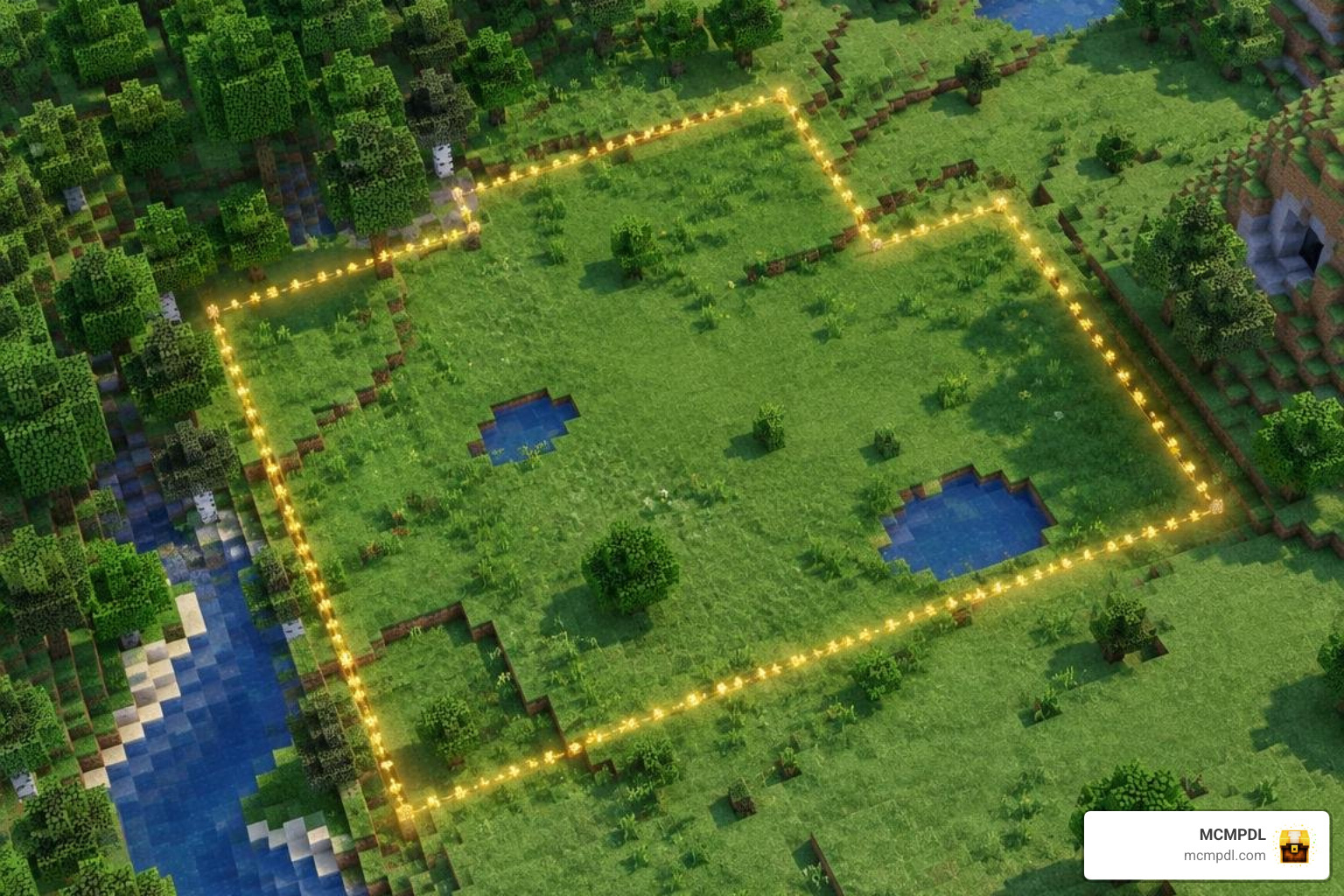
Protecting your territory and participating in trade is vital for multiplayer stability, utilizing systems popular across Simple Survival server mechanics.
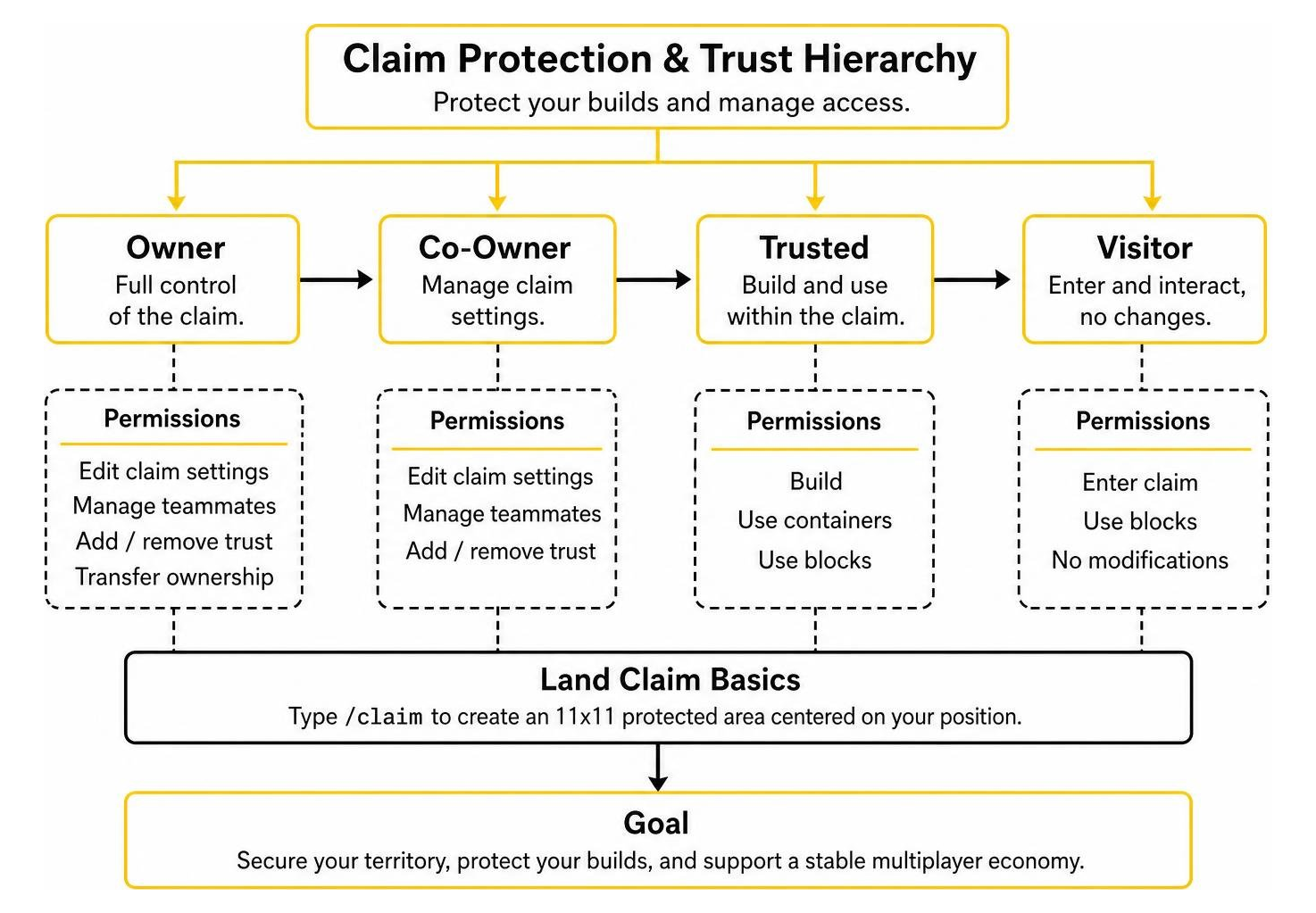
Creating, Expanding, and Managing Land Claims
On Container World, land claiming protects your builds from unauthorized modification:
- Automatic Claims: Typing
/claimcreates an immediate 11×11 protected area centered on your position. - Manual Claims: Right-clicking opposite corners with a golden shovel creates custom plots (must be at least 100 total blocks).
- Expanding Claims: Hold your golden shovel, face the direction you wish to modify, and type
/expandclaim <number>. For instance, typing/expandclaim 2widens the boundary by two blocks in your line of sight, while/expandclaim -2contracts it. - Trust Permissions:
/accesstrust <player>: Grants access to doors, buttons, levers, and trapdoors./containertrust <player>: Grants container access (chests, hoppers) and animal interaction./trust <player>: Full building and breaking permissions./permissiontrust <player>: Allows a trusted player to manage trust permissions for others.
Setting Up Player Warps and Shop Teleports
Public warps allow you to invite visitors to your market stalls or showcase builds:
- Creating Warps: Redeem a Warp Token (earned via vote crates or the server shop), stand at your desired teleport location within your claim, and type
/warp set <name>. - Configuration: Set custom categories, descriptions, and icon items via the warp GUI to attract foot traffic.
- Maintenance & Costs: Warps expire after 30 days of owner inactivity. If you abandon the underlying land claim, the warp is deleted. Renaming or moving an existing warp costs $25,000 in-game currency.
- Warp Ratings: Visitors can rate locations from 1 to 5 stars using
/warp rate <name> <rating>. Rating abuse or artificial score inflation is strictly moderated.
Server Limits, Magic Hoppers, and Farm Optimization
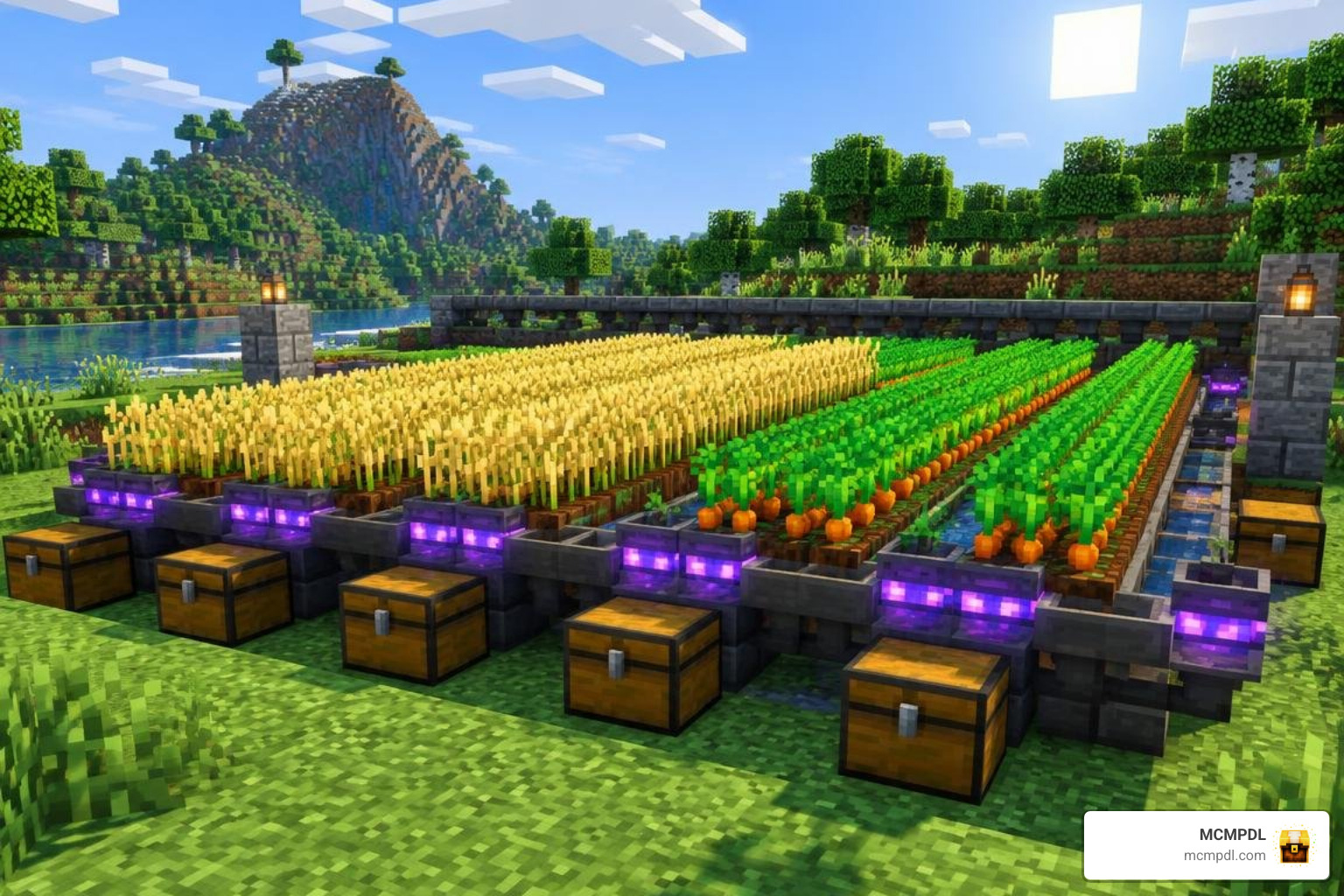
High-population survival servers employ strict entity limits and cleanup cycles to maintain smooth tick rates.
Navigating Entity Caps and Mob Limits in Survival on Container World for Minecraft PE/Bedrock
Rather than checking chunk-by-chunk, Container World calculates limits across a 5×5 chunk area centered on the player (a 2-chunk buffer between density zones):
- Passive Mobs: 10 Villagers, 10 Cows, 10 Pigs, 10 Sheep, 10 Chickens, 8 Cats, 5 Wolves, 5 Iron Golems, 5 Axolotls, 3 Horses, 3 Donkeys, 3 Mules, and 0 Bats.
- Hostile Mobs: 10 Creepers, 10 Skeletons, 10 Zombies, 10 Spiders, 10 Endermen, 10 Witches, 5 Slimes, 5 Ghasts, 1 Ravager, 1 Wither, and 1 Ender Dragon.
- Technical Blocks & Entities: 30 Hoppers, 20 Pistons, 20 Sticky Pistons, 20 Observers, 16 Redstone Torches, 10 Armor Stands, 10 Item Frames, 5 Paintings, 4 Spawners, 10 Primed TNT, and 10 Fireworks.
- Farming Limits: Capped at 40 stalks/vines each for Bamboo, Cactus, Kelp, Melons, Pumpkins, Sugarcane, Twisting Vines, and Weeping Vines.
- Item Despawn Times: The default item despawn timer is reduced to 3.5 minutes (with double the vanilla merge radius). Common junk items (dirt, cobblestone, netherrack, sand, gravel, sugarcane, bamboo) despawn in 45 seconds, while utility items like totems, banners, and saddles despawn after 1 minute.
Automating Storage with Magic Hoppers
Magic Hoppers solve vanilla hopper bottlenecks by wirelessly vacuuming items and depositing them directly into designated chests:
- Acquisition: Obtained exclusively through Vote Crates as an untradeable, account-bound 5% drop.
- Placement Limits: Tiered by player rank, scaling from 1 hopper for Nublet ranks up to 35 hoppers for Deity rank.
- Upgrades & Costs:
- Container Links: Expands from 1 to 4 linked chests (up to $10,000).
- Transfer Rates: Increases batch transfers from 4 items up to 21 items per cycle (up to $70,000).
- Suction Radius: Expands item collection radius from 1 to 5 blocks (up to $15,000).
- Max Link Distance: Increases wireless link reach from 25 blocks up to 100 blocks (up to $9,000).
- Filters: Configure whitelist/blacklist settings inside the hopper GUI to prevent junk blocks from clogging your main storage chests.
Common Mistakes and Troubleshooting Tips
- Plugin Installation Errors: If you are hosting a BentoBox server, place addon
.jarfiles insideplugins/BentoBox/addons/, not in the rootplugins/directory. - Villager Stacking Failures: If you pack 10 villagers into a single chunk, no villagers can spawn or breed in the surrounding 5×5 chunk area. Keep your breeder at least 3 chunks away from your trading hall.
- Unintentional Claim Loss: Always track your claim blocks before running
/abandonclaim. Deleting a claim immediately deactivates any public warp located inside its boundaries.
Frequently Asked Questions About Container World Survival
How do I install and configure BentoBox game mode addons properly?
Download the game mode .jar file (such as BSkyBlock or AcidIsland) and copy it into your server’s plugins/BentoBox/addons/ directory. Restart the server to generate the configuration files and world templates automatically.
What causes a player warp to expire on the server?
Player warps automatically expire and are removed from the global listing if the creator does not log in for 30 consecutive days, or if the underlying land claim containing the warp is deleted or resized outside the warp point.
Can I run multiple container game modes simultaneously without losing progress?
Yes. The BentoBox framework natively supports running multiple game modes concurrently. Inventories, island statistics, levels, and playerdata remain completely isolated between each active world.
Conclusion
Succeeding in container-based survival requires combining smart spatial planning with an understanding of server mechanics. By securing your base with land claims, adhering to mob and entity caps, and automating resource collection using upgraded magic hoppers, you can construct an efficient empire within compact boundaries. When heading into competitive multiplayer areas or defending your claimed territory, upgrading your visual clarity with bedrock pvp texture pack upgrades will help keep your performance sharp and responsive.