Scroll down to D0vvnl0ad
Add Custom Heads to Minecraft PE and Bedrock
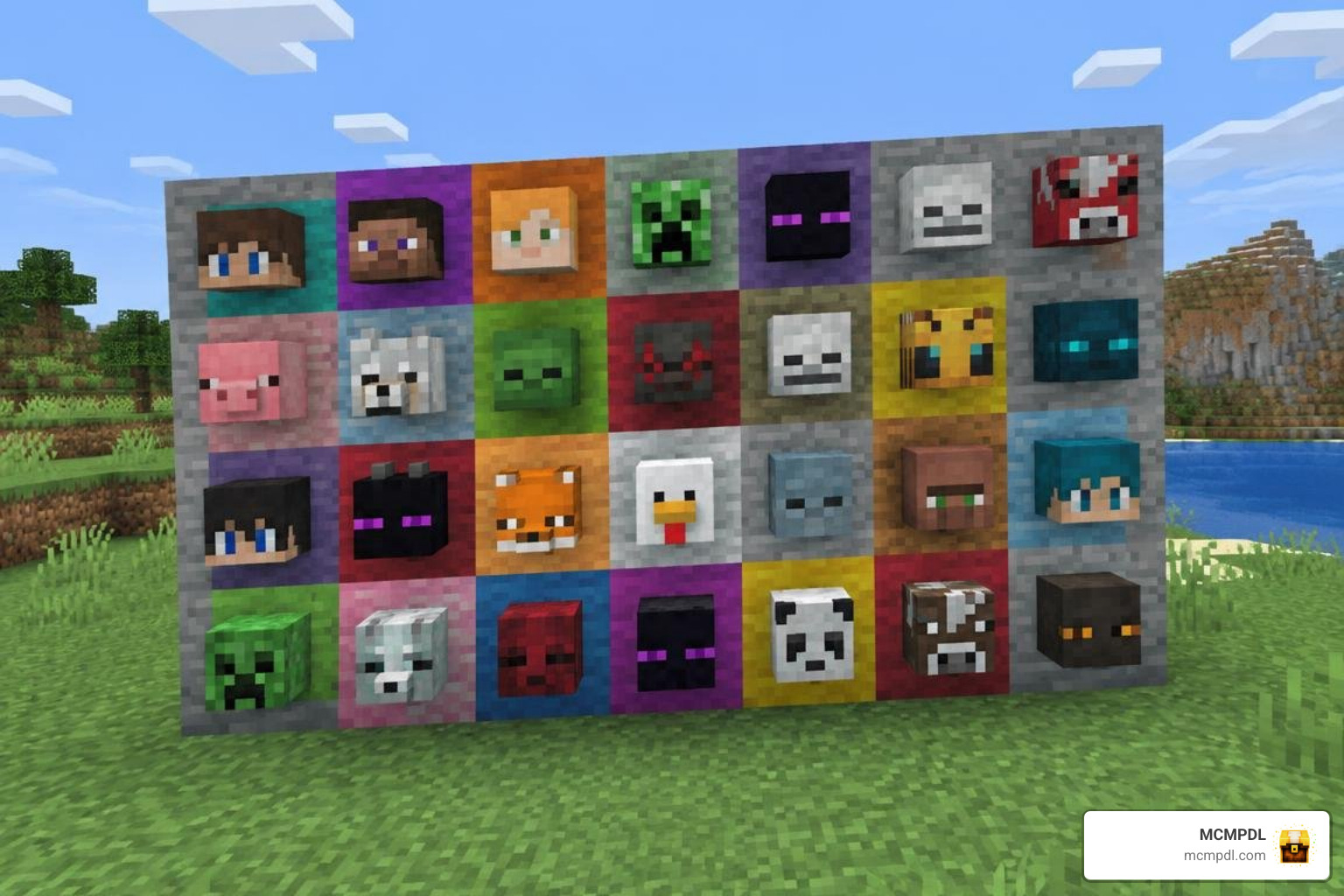
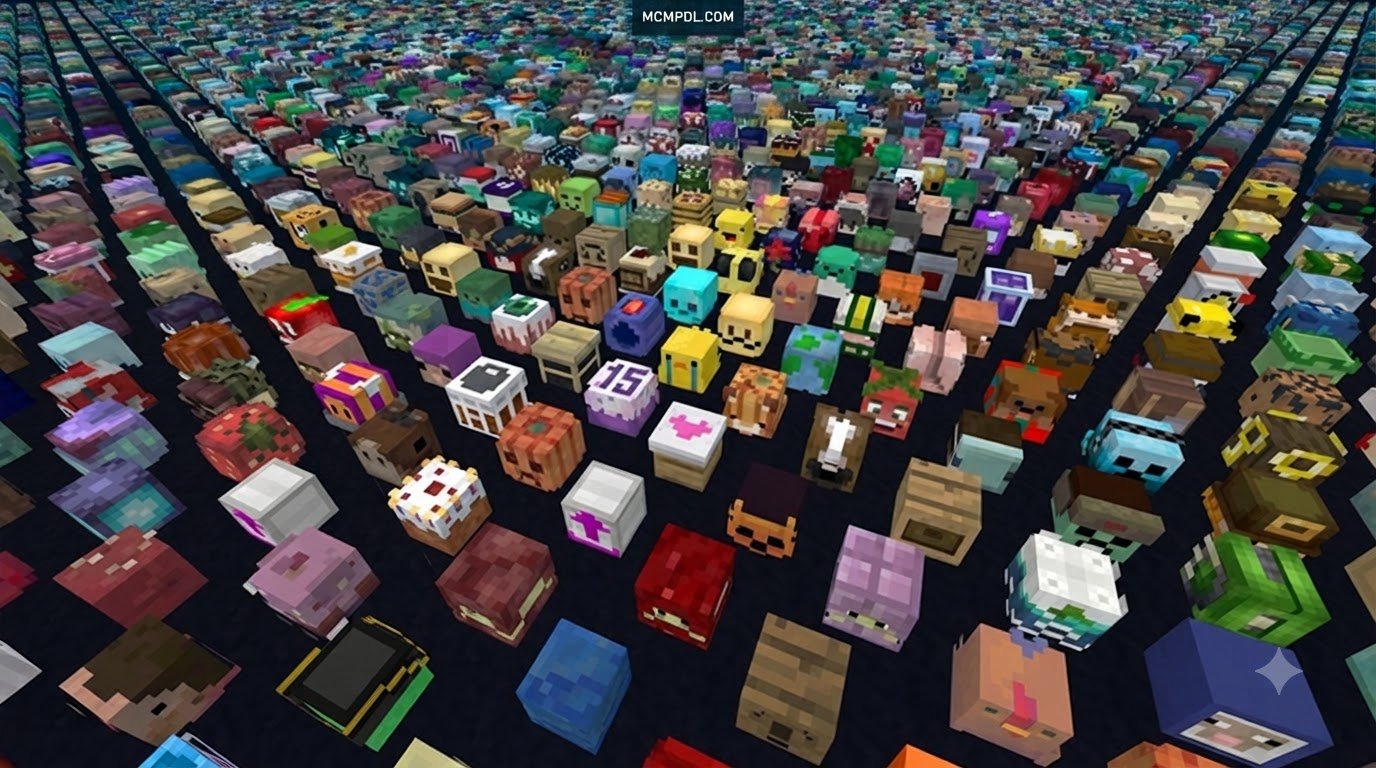
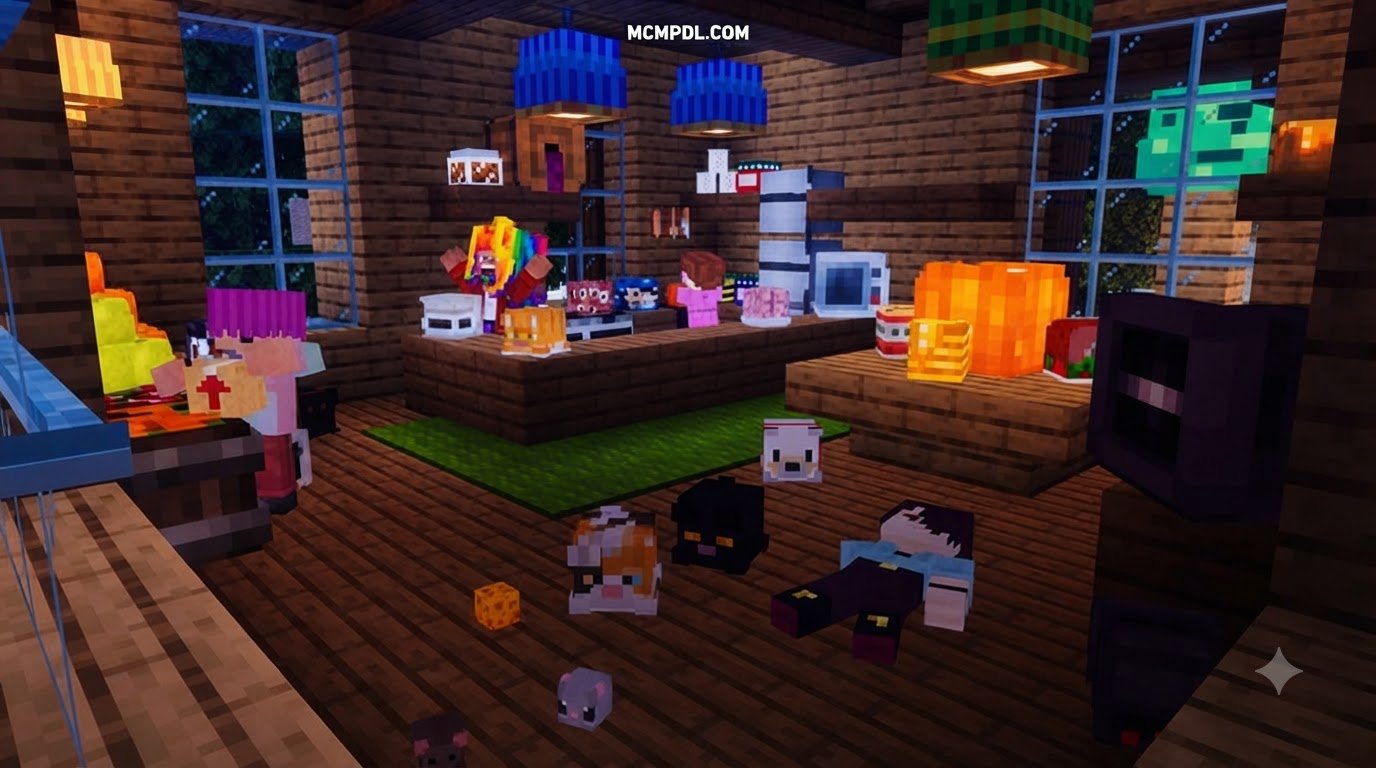
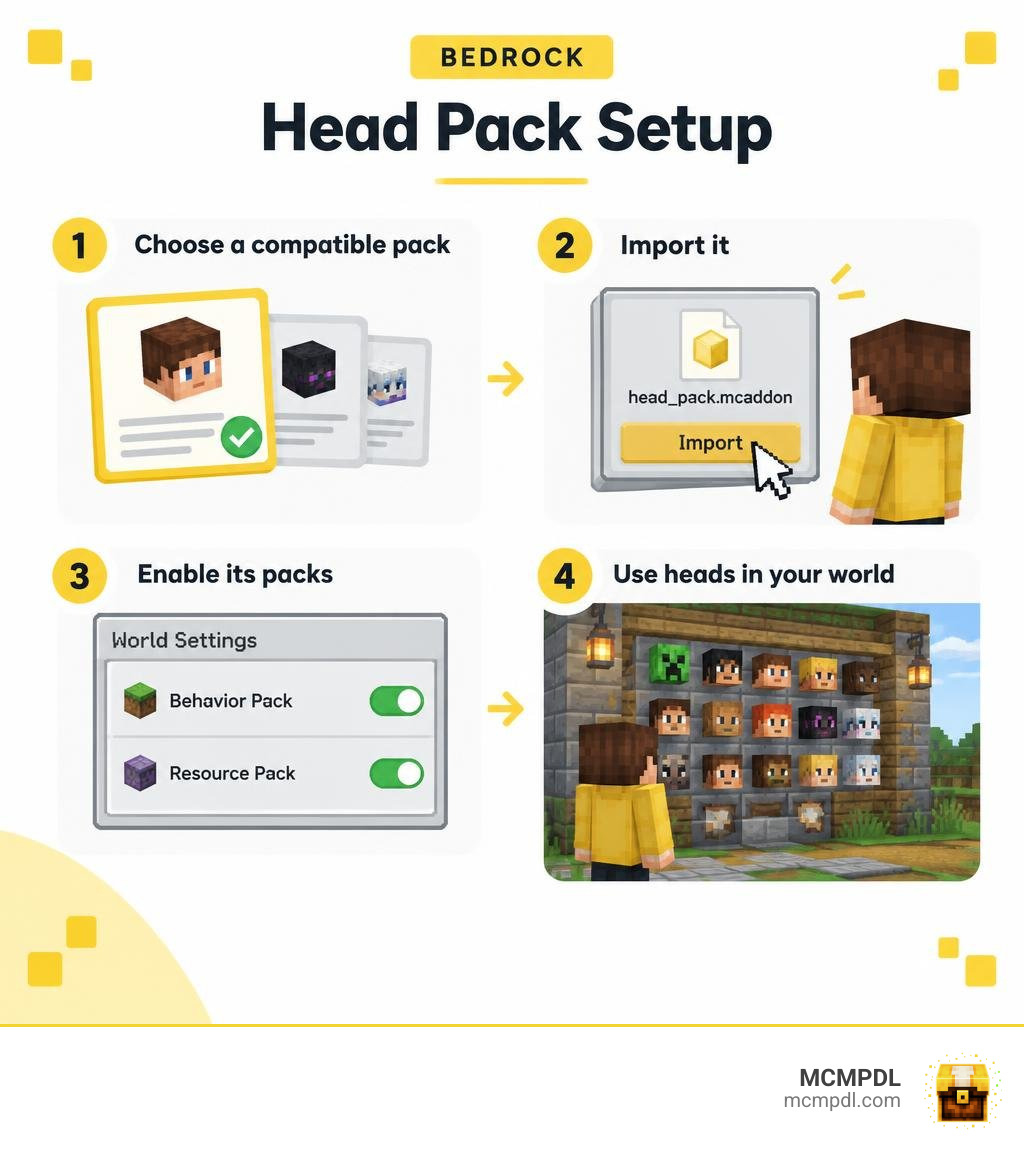
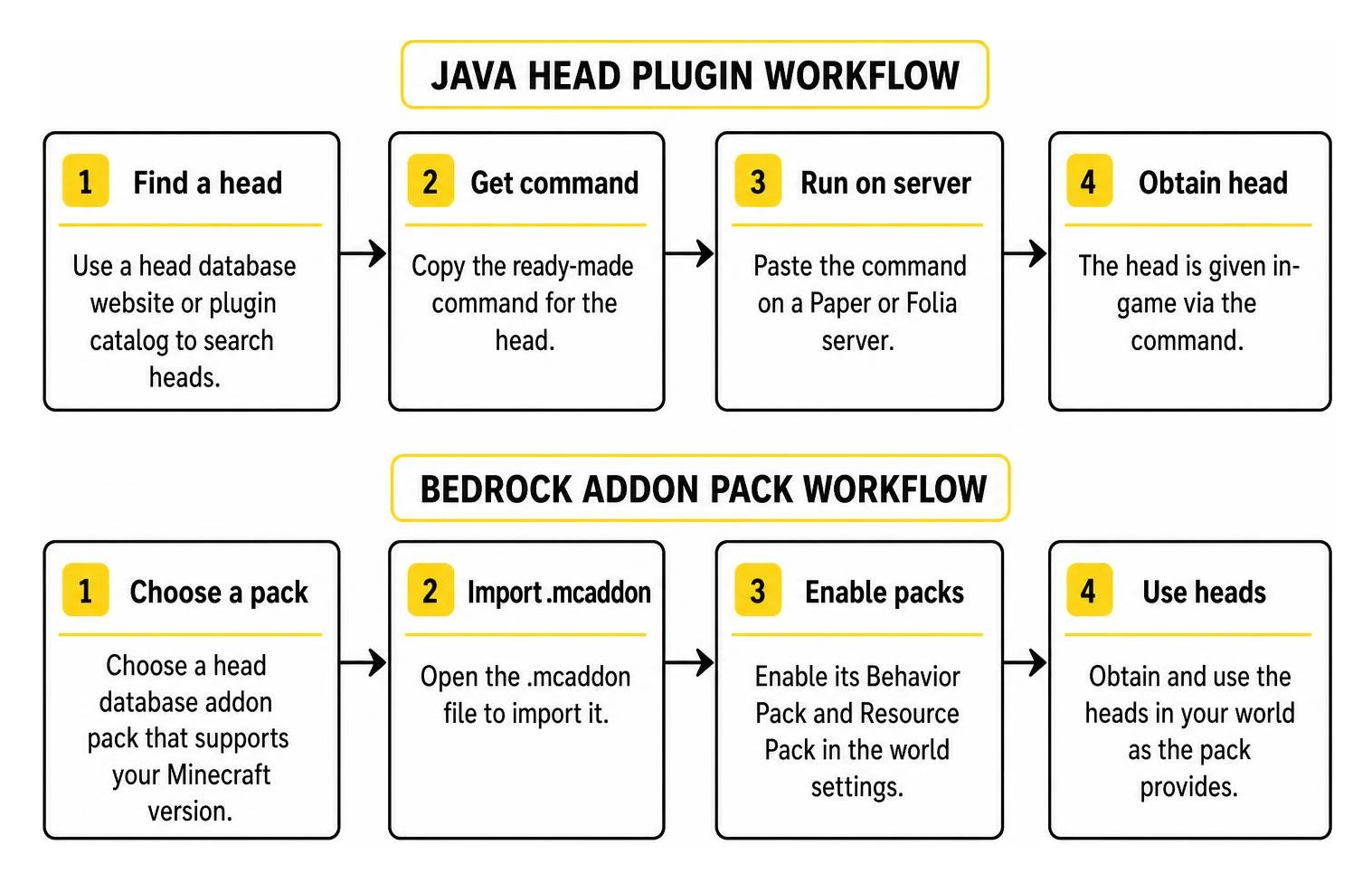
A Head Database Addon for Minecraft PE/Bedrock lets you add decorative heads to a world without using Java Edition head commands. To get started, choose a pack that supports your Minecraft version, open its .mcaddon file to import it, then enable its Behavior Pack and Resource Pack in the world settings. How you obtain and use the heads depends on the pack.
Some packs let you create heads from player skins or gamertags. Others add features such as wearable heads or death drops. Check the pack’s instructions before installing, especially if you plan to use it on a Realm or server.
What Is a Head Database Addon for Minecraft PE/Bedrock?
On Java Edition, a head database is usually a plugin or website that hands you a ready-made command. On Bedrock, we do things differently. A head database addon is a pack, made of a behavior pack (the rules) and a resource pack (the looks), that adds head blocks and items to your game.
Vanilla Bedrock has a player head, but it is limited. It cannot be obtained in Survival, and you only get it from the Creative inventory, pick block, or the /give command. The ability to give a head any account’s skin through profile data is a Java feature, according to the Minecraft wiki’s Player Head page. Bedrock addons fill that gap by shipping the textures and logic inside the pack itself.
How the Head Database Addon for Minecraft PE/Bedrock Differs from Java
Java heads are built from base64 texture values. Popular Java tools give you a searchable catalog and a copyable command, and the plugin runs on a Paper or Folia server. Those tools state plainly that their heads are Java-only. Bedrock does not use the same player head item data or command syntax. Instead, Bedrock content arrives as pack files you import, with the heads baked into the pack. That also means no server console and no plugin folder: you just tap a file.
Which Heads and Items Are Exclusive to Bedrock?
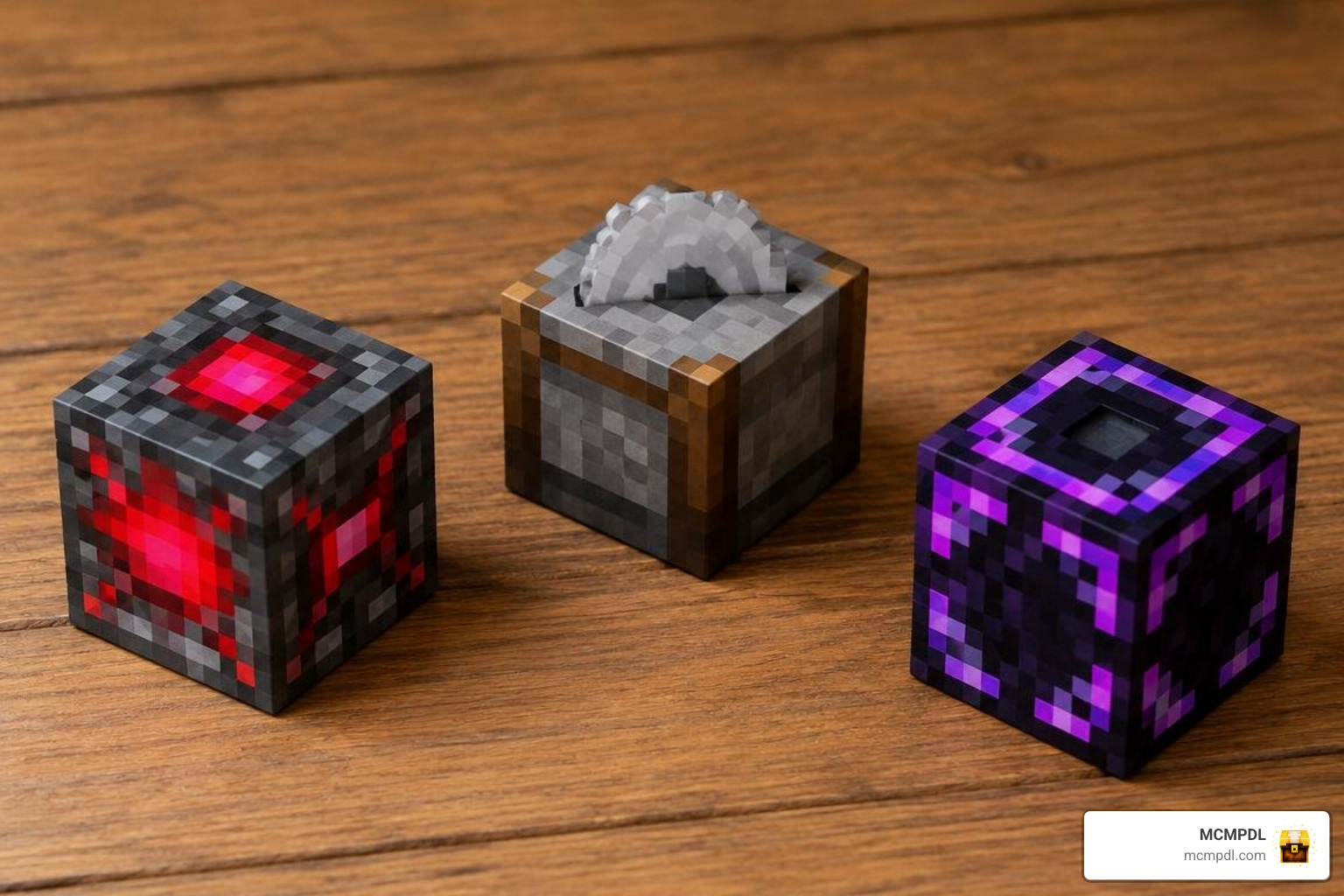
Bedrock has its own oddities, with community catalogs featuring 26 Bedrock-exclusive heads. Highlights include:
- Copper Headband
- Stonecutter
- Nether Reactor Core and Nether Reactor
- Border Block and Border Wall
- Heat Block
- Glowing Obsidian
- Ice Bomb
- Underwater TNT
- Medicine variants (nausea, weakness, blindness, poison)
- Penguin heads, such as Mr. Penguin and Boy in Penguin Costume
Many are legacy items from older Bedrock and Education content. Treat these as head designs you can use for decoration, not as working versions of the original items.
Choosing a Head Database Addon for Minecraft PE/Bedrock
Not every head pack does the same job. Compare these points:
- Head count and pack size: More heads means a heavier pack.
- Source of heads: A fixed catalog, or heads generated from gamertags.
- Extra features: Death drops, mob drops, wearing, and labels.
- Version support: Match the pack to your game version.
A strong head pack supports up to 1,000 heads in one pack, and heads stack to 64 like vanilla ones. The best examples can drop heads when players die, drop them from mobs at odds you choose, let you wear them, and show a private label when you look at one.
| Feature | Standard vanilla setup | Bedrock head pack |
|---|---|---|
| Install method | Creative inventory only | .mcaddon import |
| Head source | Fixed vanilla list | Pack contents or generator |
| Size | Limited | Up to 1,000 heads per pack |
| Needs a server | No | No |
| Version requirement | Current Bedrock release | Current Bedrock release |
What to Check Before Downloading a Head Pack
Run through this quick list:
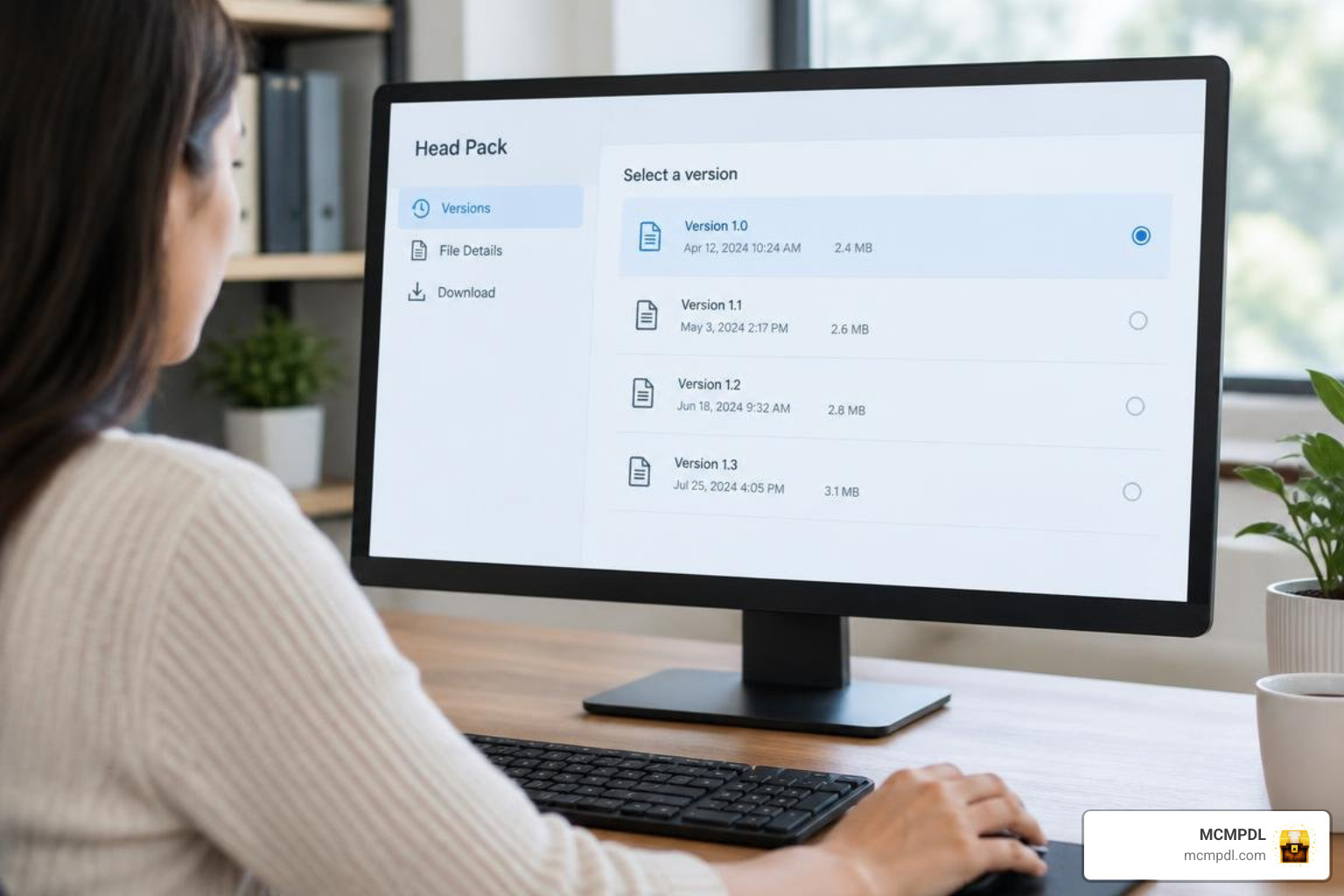
- Minecraft version: A good head pack will state a minimum Bedrock version, such as 1.26.50 or newer.
- File format:
.mcaddonbundles packs, while.mcpackis a single pack. - Pack requirements: Confirm whether it needs both a behavior pack and a resource pack.
- Experimental toggles: Prefer packs that need none, so achievements stay enabled.
- Update date: A recently updated pack is likelier to survive game updates.
- Download source: Use a trusted library, like ours.
How to Install and Use the Head Database Addon for Minecraft PE/Bedrock
The process is the same idea on Android, iOS, and Windows: download, open, import, activate. If you like organizing your world, our Inventory Utilities Addon pairs nicely with a pile of new heads.
Installing the Head Database Addon for Minecraft PE/Bedrock on Mobile and Windows
- Download the
.mcaddonor.mcpackfile. - Open it. Minecraft launches and imports it automatically.
- Create a new world or edit an existing one.
- Under Behavior Packs, activate the head pack. The Resource Pack usually switches on by itself.
- If you use several addons, check pack priority so textures do not fight.
- Load the world and look in the Creative inventory.
On iOS, use the Open in Minecraft option from the Files app. On Windows, double-click the file.
Using Head Packs in a World, Realm, or Server
Heads usually appear in the Creative inventory or arrive through drops and commands, depending on the pack. In multiplayer, the world host decides which players have permissions. On a Realm, the owner applies the pack to the Realm world, and players are prompted to download it. Servers may show a resource pack prompt on joining. Console players generally face tighter import limits, so check before planning a console build.
Keep pack versions matched between host and players. For general world tools that complement heads, try our World Utilities Addon.
Custom Player Heads, Addon Features, and Compatibility
Some head packs are built around a dedicated pack generator. You choose Bedrock or Java, type a gamertag, preview the head in 3D, toggle features, and download the pack.
Their features can go further than decoration:
- Death trophies: A dropped head records what got the player, such as a creeper, a named mob, lava, fall damage, drowning, the void, a falling anvil, or a cactus, plus when it was claimed.
- Mob drops: Choose the odds for creepers, zombies, and skeletons. A zombie with a name tag even gets credit for kills.
- Endermen: An optional setting makes worn heads act like carved pumpkins, without the orange screen.
- Locator bar: Worn heads hide you from the locator bar and locator maps by default.
Put a friend’s face on your wall? Ask first. A head is a likeness of a real person, so get consent before adding other players.
Can the Head Database Addon for Minecraft PE/Bedrock Use Gamertags or Skins?
Yes, with the right generator. You can enter a gamertag in any spelling or capitalization. Bedrock characters become full 3D heads that keep hats, horns, ears, and big hairstyles. Java skins come straight from Mojang. You can also upload a PNG skin with the player’s exact in-game name, so a Bedrock character, a Java streamer, and a Discord PNG can share one pack.
If a Bedrock player cannot be found, some accounts only become visible after joining a cross-play server. Having them connect to one helps, or you can upload their skin PNG directly. Because textures are fixed in the pack, a head will not change when the player later changes skins. Re-upload and update the pack to refresh it.
Making and Troubleshooting a Custom Head Pack
To build your own, list your gamertags, preview each, choose features, and download. To change it later, upload the existing pack back to the generator, add or remove heads, and download again. This keeps settings such as mob drops and can upgrade older 2.x Bedrock heads to full 3D.
Common fixes:
- Plain cube instead of a 3D head: The player uses a Classic Skin. Switching to a Character Creator character in the Dressing Room fixes it.
- Missing head: Try the cross-play or PNG options above.
- Addon conflicts: Endermen changes are the known clash. If another addon alters endermen, leave the ignore setting off, since it replaces the vanilla enderman.
- Game updates: Check the pack’s version note after each Minecraft release.
- Performance: A 1,000-head pack must stay inside the per-world block limit, so watch the generator’s usage meter.
Big collections also need a home. Our Storage Addon helps keep them tidy.
Frequently Asked Questions About Bedrock Head Addons
Can Bedrock head addons work on Realms and servers?
Yes, many Bedrock head packs are built to work on Realms and servers. Limits depend on who controls the world, pack download prompts, and your platform’s import rules.
Can I get a player head from a gamertag or skin?
Not through a vanilla Bedrock command. With a generator-based addon, though, you enter a gamertag or upload a skin PNG and get a head in the pack.
Do Bedrock-exclusive items automatically become obtainable heads?
No. Entries such as the Nether Reactor Core are head designs listed in a catalog. A pack must include them before you can use them.
Conclusion
Bedrock head packs give you what vanilla leaves out: custom decorative heads, player likenesses, trophies, and wearable fun. Remember the recap: pick a pack that matches your version, import the file, enable both packs, and test it in a fresh world before a big build. Check compatibility with your other addons, especially for endermen.
Ready to start? Browse Bedrock tools and add-ons in our library, where we keep Add-Ons, Texture Packs, Shaders, Maps, Skins, and Mash-Ups organized in one place for Android, iOS, and Windows. Your wall of heads is waiting.