
Scroll down to D0vvnl0ad
Morph into Mobs or Blocks in Minecraft Bedrock Hide and Seek
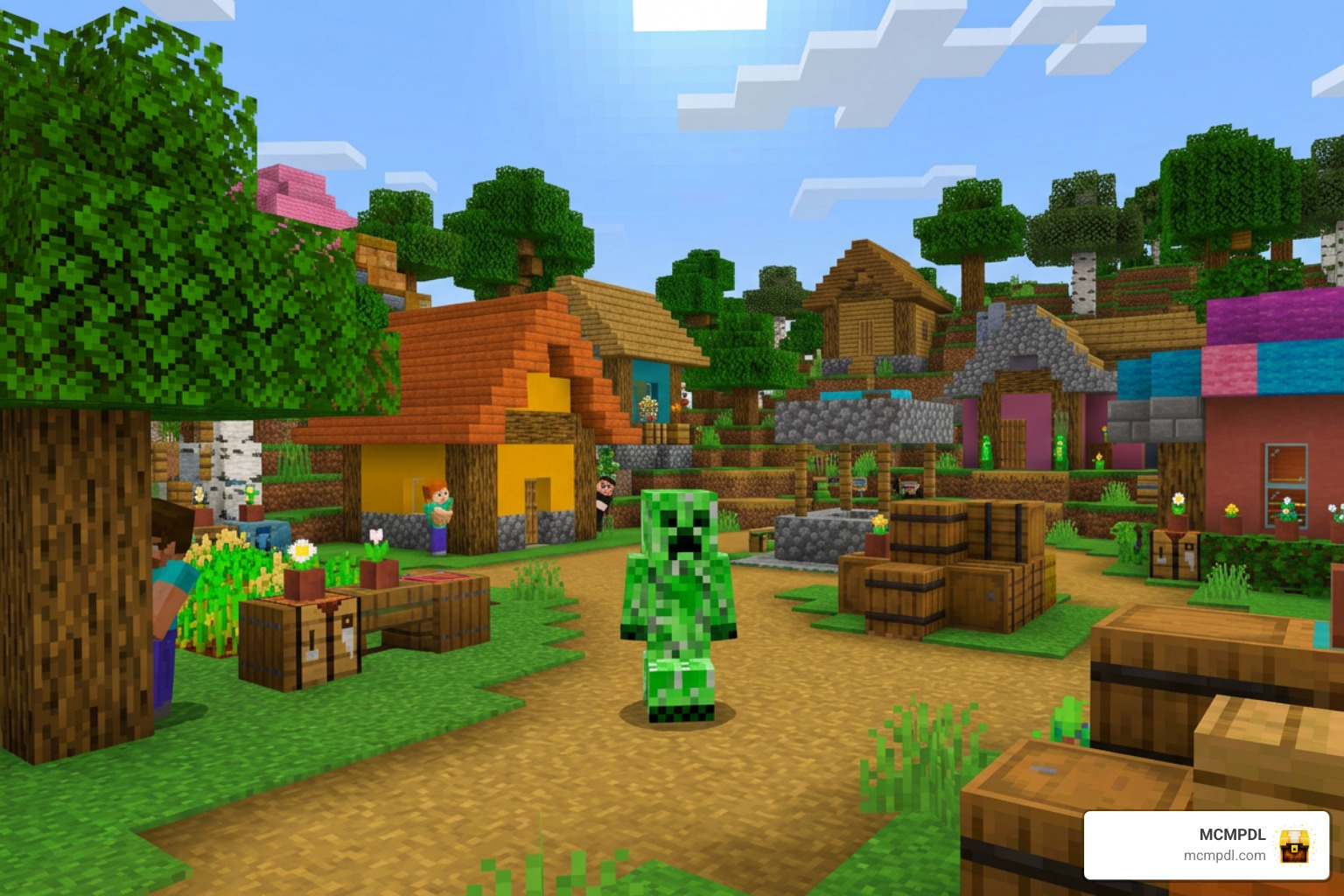
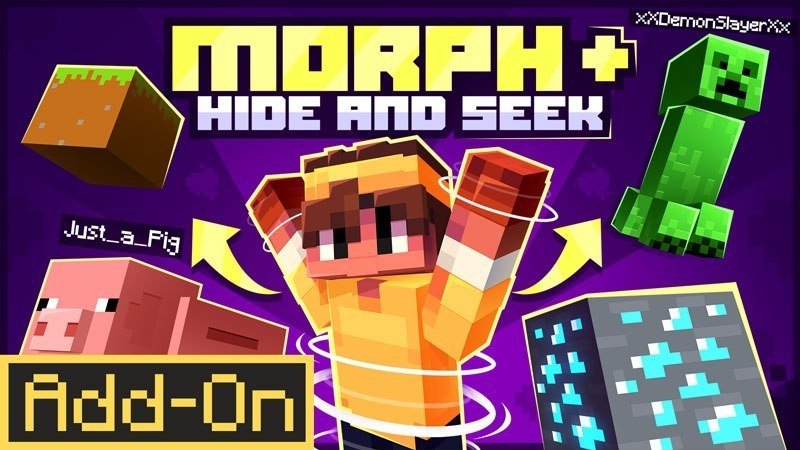
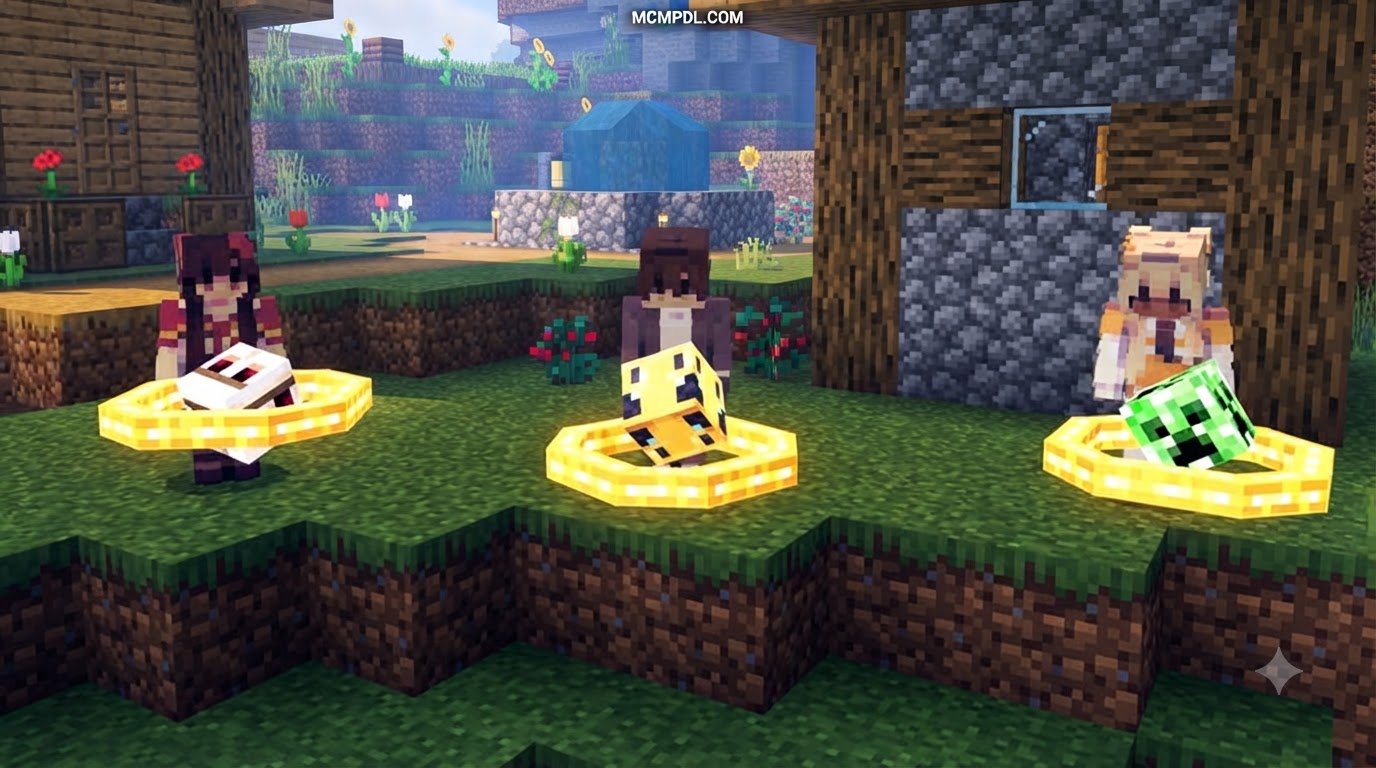
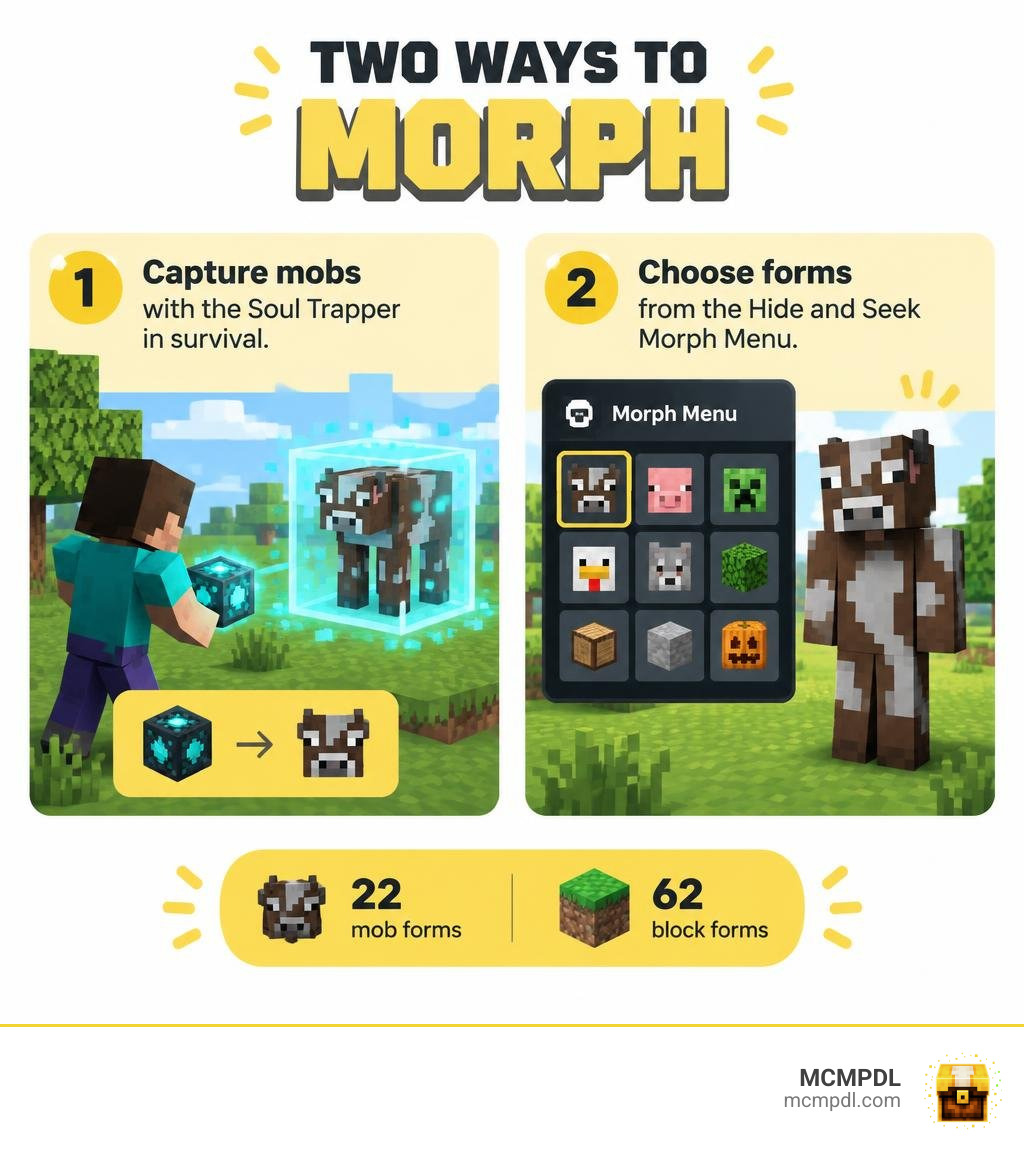
The MORPH + Hide and Seek Addon for Minecraft PE/Bedrock lets you disguise yourself as mobs and blocks. In survival, use the Soul Trapper to capture mobs and unlock their forms. In the Hide and Seek mini-game, open the Morph Menu to choose from select mob and block disguises without capturing them first.
Created by Ninja Squirrel Gaming, the add-on supports multiplayer, so friends can hide in disguise while a seeker tries to find them. It includes 22 mob forms and 62 block forms. Before starting, check that the add-on works with your Bedrock version and is active in your world.
What Is the MORPH + Hide and Seek Addon for Minecraft PE/Bedrock?
Released on September 24, 2024, by Ninja Squirrel Gaming, this add-on brings a versatile transformation system directly to Bedrock Edition. Players on Android, iOS, Windows, and consoles can shift into 22 mobs and 62 blocks across different game modes. The community has warmly embraced this pack, giving it an impressive Marketplace rating of 4 out of 5 stars across 309 ratings alongside hundreds of community views.
Transformation systems have always been among the most beloved community concepts in the Bedrock ecosystem. While Mojang has continuously expanded native customization capabilities, community creators make it possible to push these mechanics into high-stakes mini-games. This add-on specifically merges casual multiplayer party gameplay with full survival-world compatibility.
How the MORPH + Hide and Seek Addon for Minecraft PE/Bedrock works in survival
Unlike basic mini-game maps that restrict abilities to a single arena, this pack features a balanced survival progression system. You do not begin a survival world with every shape instantly unlocked. Instead, you craft a specialized tool known as the Soul Trapper.
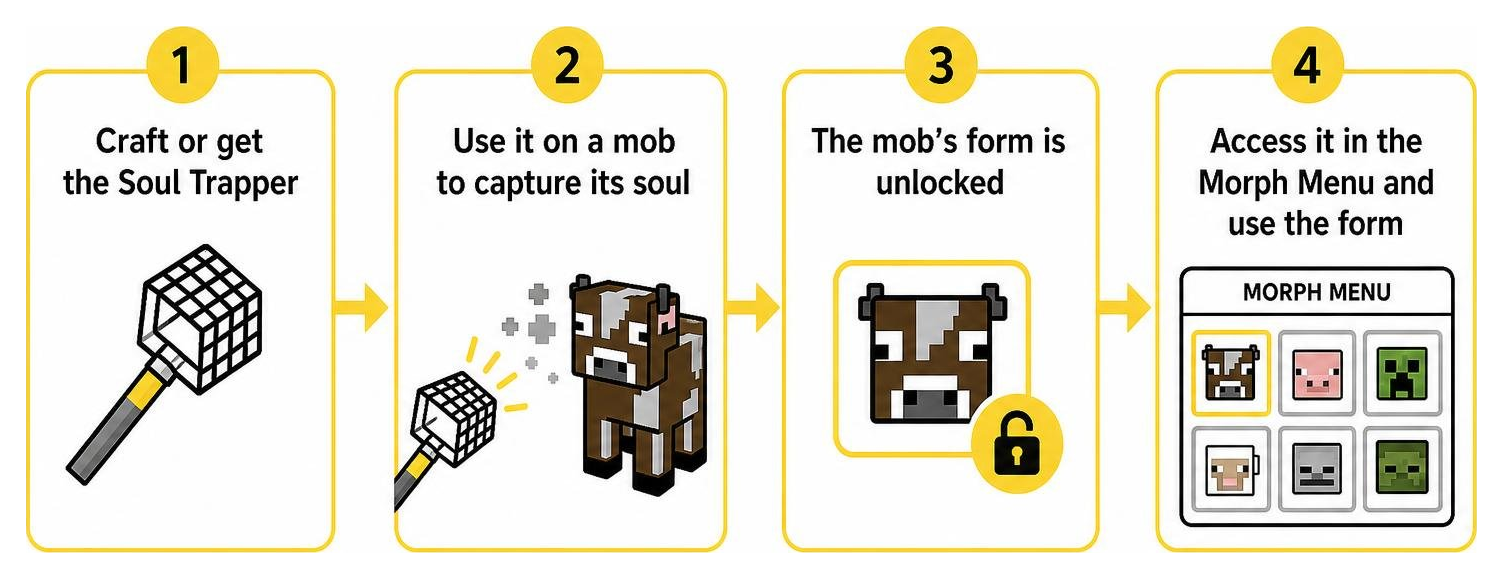
Using the Soul Trapper on wild creatures lets you safely extract and store their essence. Once captured, the creature’s shape becomes permanently available inside your personal Morph Menu. You can then toggle between your standard human skin and any collected mob form whenever you need to explore tight spaces, sneak past hostiles, or surprise your teammates.
Which mobs and blocks can you morph into?
The add-on strikes a deliberate balance between stealthy environmental blocks and active entity shapes:
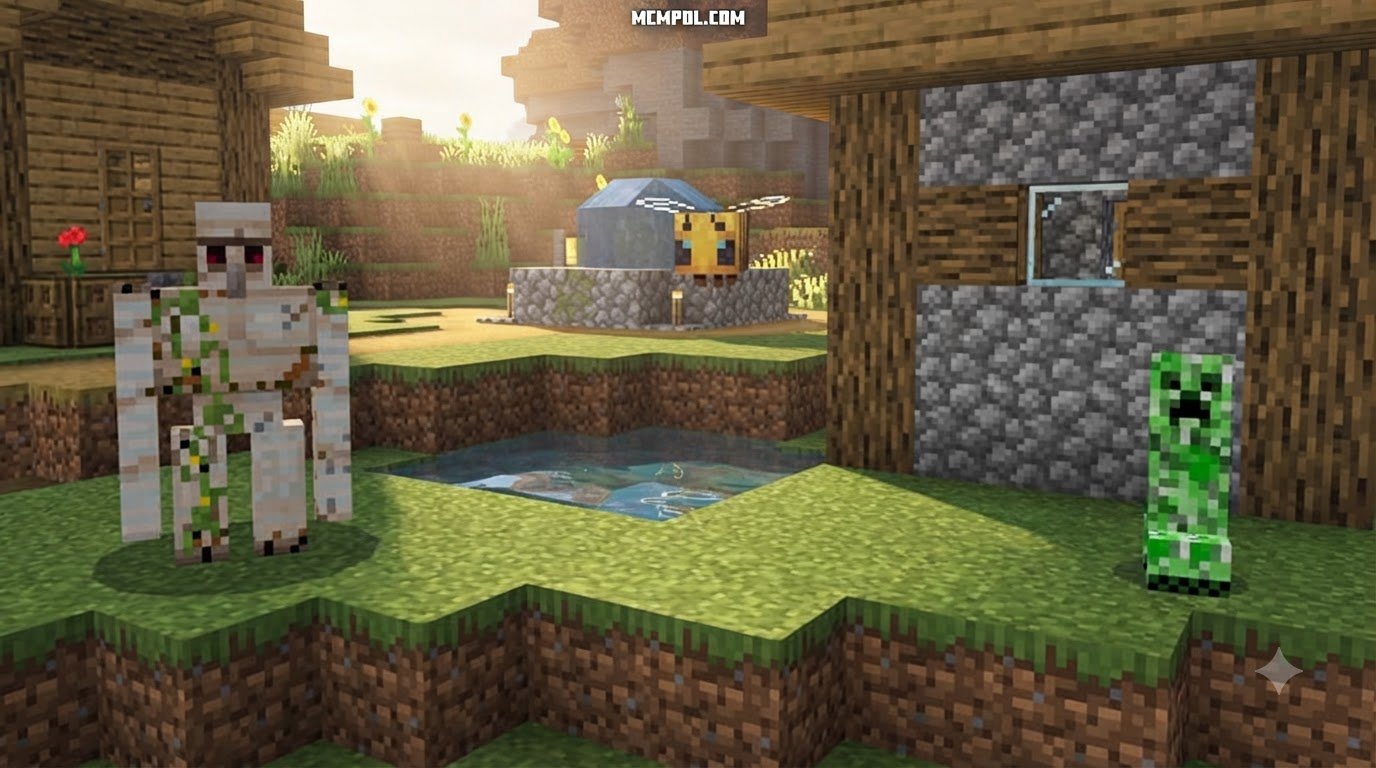
- 22 Mob Forms: Includes everyday passive animals (cows, chickens, sheep, pigs) for blending into meadows, along with iconic hostile monsters (skeletons, zombies, creepers, spiders) to spook unsuspecting friends or blend into dark caverns.
- 62 Block Forms: Ranging from common terrain like Dirt, Stone, and Grass Blocks to crafted utilities such as Crafting Tables, Furnaces, and Bookshelves.
If you enjoy specialized thematic transformations, our community catalog also showcases distinct alternatives like the Werewolf and Vampire Morph Addon for Minecraft PE/Bedrock or focused class systems like the RPG Classes Addon for Minecraft PE/Bedrock. For extensive block-only hiding, projects like MorphX: Block Edition offer hundreds of stationary textures.
How to Play Hide and Seek With Friends
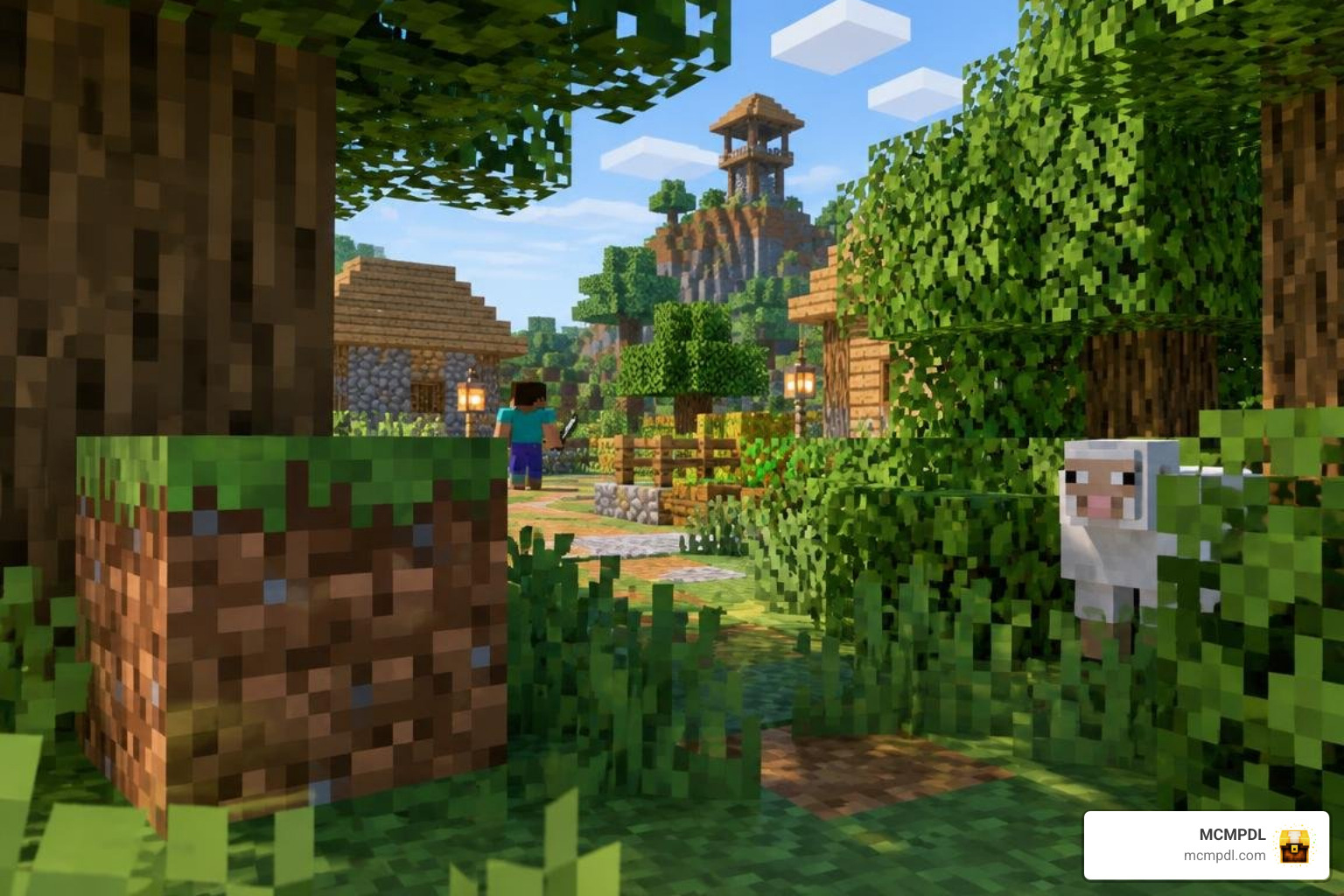
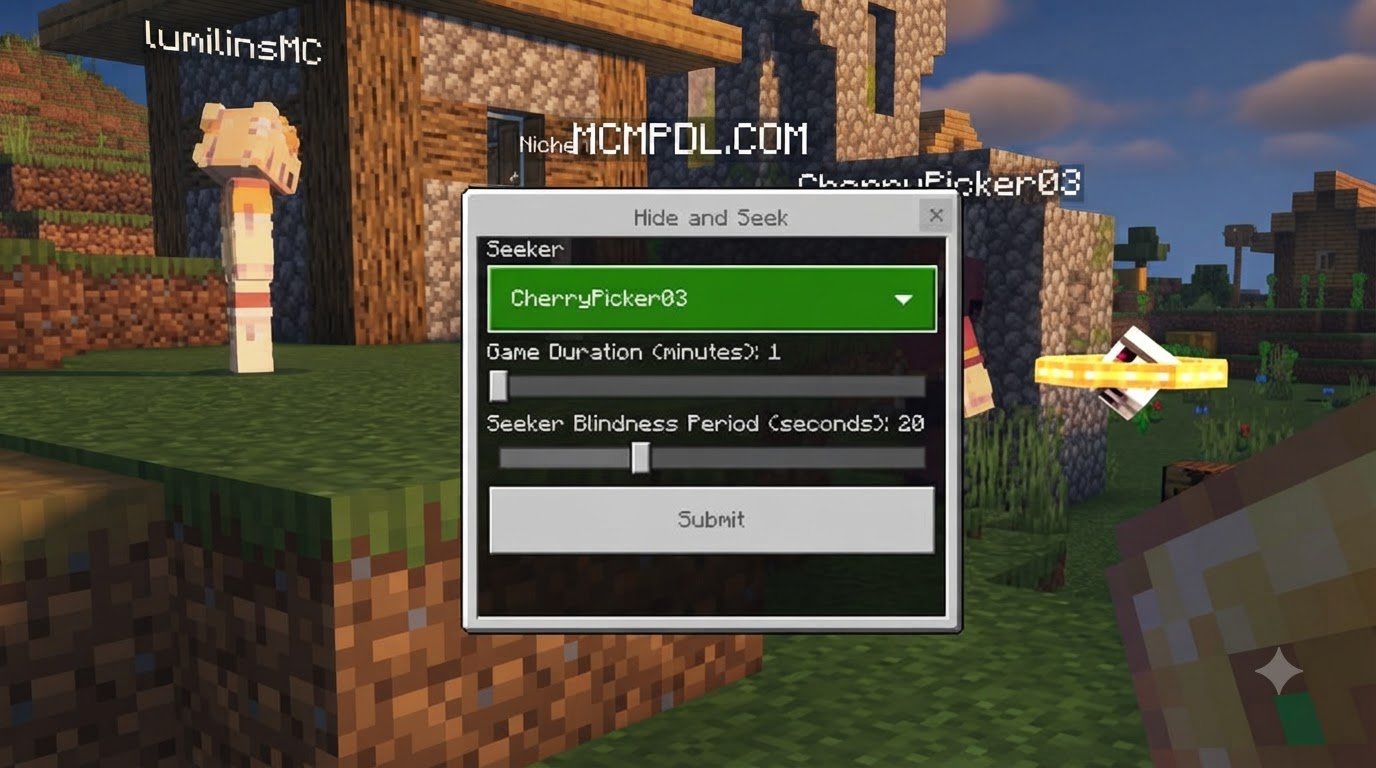
The built-in mini-game mode transforms standard hide-and-seek into an asymmetric battle of wits. One player takes the mantle of the Hunter (Seeker), while everyone else becomes a Hider.
Hiders receive immediate access to the Morph Menu right from the start of the round, bypassing the need to gather materials or capture mobs manually. Hiders are given a grace period—often 30 seconds—to choose an optimal form, run into the arena, and blend into natural surroundings. If you are building dedicated stages for your party sessions, exploring community-built Hide and Seek Maps for Minecraft PE/Bedrock or dedicated Prop Hunt Map for Minecraft PE/Bedrock arenas offers tailor-made rooms, clutter, and hiding alcoves.
How to use the MORPH + Hide and Seek Addon for Minecraft PE/Bedrock in a multiplayer round
Setting up a smooth multiplayer match takes just a few structured steps:
- Configure the Host Settings: Ensure multiplayer is turned on in your world settings before loading in.
- Assign Player Roles: Pick one Hunter and designate all remaining players as Hiders.
- Hider Preparation: Hiders open the Morph Menu, pick a strategic disguise (such as a flower pot on a shelf or a pig near a pen), and lock their position.
- Set the Match Timer: Standard matches run between 3 to 5 minutes.
- The Hunt Begins: The Hunter explores the arena, striking suspected blocks and anomalous animals.
- Determine Victory: The Hunter wins if every disguised player is eliminated before the timer expires; Hiders win if at least one survivor outlasts the clock.
How does the Soul Trapper capture mobs?
In standard survival settings, the Soul Trapper is your primary key to expanding your transformation roster:
- Equip and Approach: Hold the crafted Soul Trapper in your main hand and sneak up on the desired entity.
- Interaction: Use the primary interact action (right-click on PC, tap interact on mobile, or press the trigger button on console controllers).
- Soul Binding: A visual cue confirms the entity has been captured, immediately adding its profile to your selection catalog.
- Survival Utility: Changing forms allows you to inherit certain entity sizes and visual profiles, making it easier to slip past certain monster detection radiuses or fit through compact passages.
Installation, Compatibility, and Troubleshooting
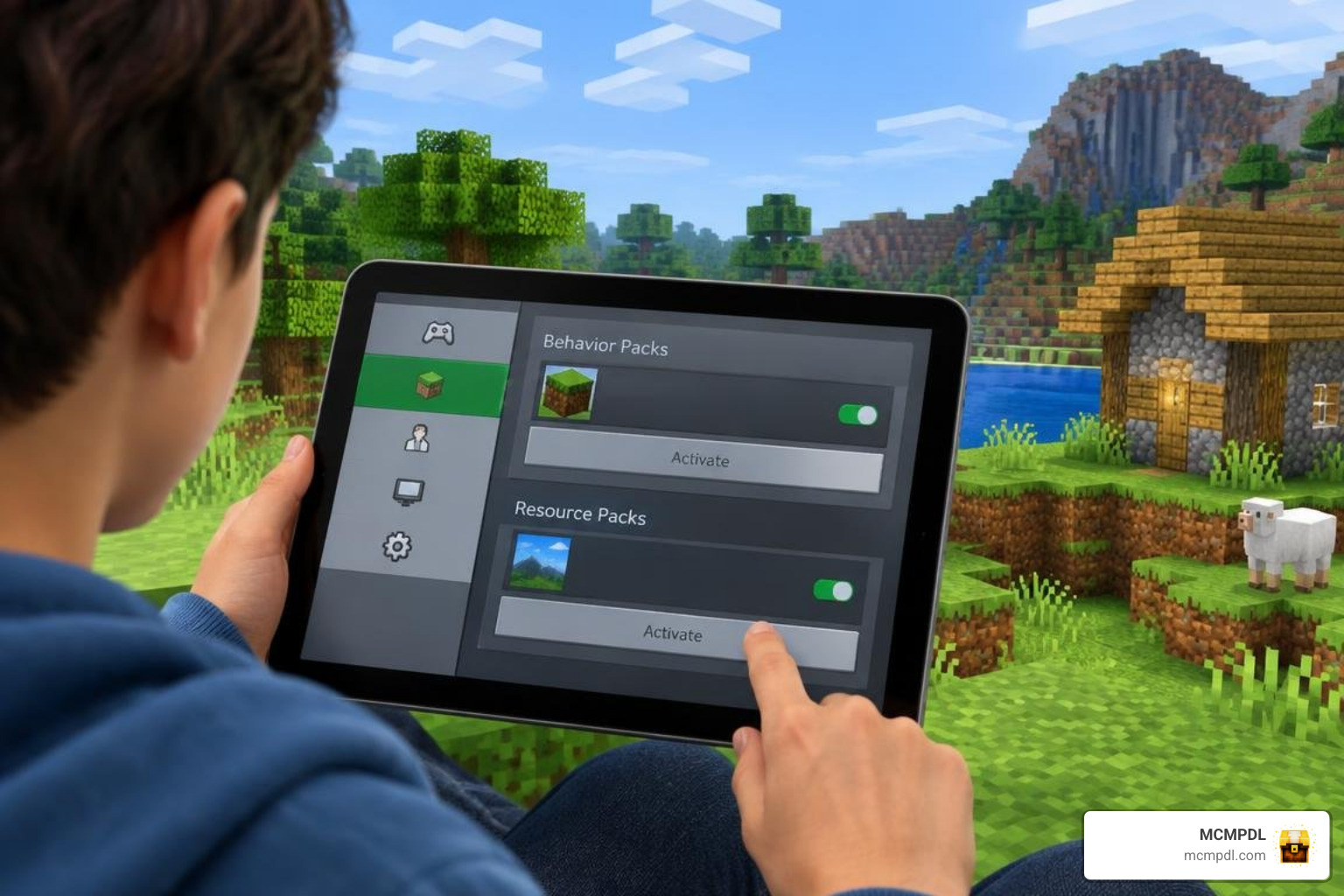
Getting the add-on running on your device is quick and straightforward whether you play on a phone, tablet, or PC.
How to install the MORPH + Hide and Seek Addon for Minecraft PE/Bedrock
- Download the Pack: Acquire the official
.mcaddonor.mcpackfiles from verified listings such as the Minecraft Marketplace or our repository. - Import to Minecraft: Tap or double-click the file. Minecraft Bedrock will launch automatically and import the components.
- Create or Edit a World: Navigate to your world settings screen.
- Apply Packs: Activate the add-on under both Resource Packs and Behavior Packs.
- Enable Experimental Toggles: Turn on Beta APIs or Holiday Creator Features if prompted by your specific Bedrock build.
- Launch and Enjoy: Enter the world and verify that the items and menu appear properly.
Can you use the addon outside Hide and Seek?
Yes! Because Ninja Squirrel Gaming built this add-on to be survival-friendly, you can take your captured transformations into standard sandbox worlds. Sneak into hostile dungeons disguised as a zombie, scout surrounding terrain as a tiny chicken, or build fantasy roleplay scenarios with friends.
If you want to complement your world with extra magical gameplay elements, consider pairing your adventures with a Spellcaster Addon for Minecraft PE/Bedrock or a broader Magic Addon for Minecraft PE/Bedrock. For players who love transforming, you can also check out the standalone Morph Addon for Minecraft PE/Bedrock and the expansive Morph Into Anything Addon for Minecraft PE/Bedrock. Those building story worlds can also combine this with a Roleplay Pack World for Minecraft PE/Bedrock or dark atmosphere packs like a Horror Addon for Minecraft PE/Bedrock.
Common issues and quick fixes
- Morph Menu Fails to Open: Ensure your Behavior Pack is active in the world, not just the Resource Pack. If the menu item does not trigger, check your keybinds or long-press settings on touchscreen devices.
- Friends Cannot Morph: Verify that your world settings grant operator or full player permissions to visitors. In survival mode, confirm that guests have gathered their own soul essences, as unlock progression is tracked individually per player.
- Visual Glitches on Newer Updates: When Bedrock releases major patches, script hooks occasionally require an update. Check your pack version against recent Bedrock version milestones (such as 1.21.x or 1.26.x series) to make sure no critical compatibility patch is missing.
- Lag or Stuttering: Running multiple entity-heavy packs simultaneously can tax mobile memory. Test the add-on in an isolated, fresh world to verify baseline performance.
Frequently Asked Questions
Is the addon multiplayer-friendly?
Yes, it was designed specifically with multiplayer party sessions in mind. Each player connects with independent transformation registries and menus. Just ensure the host enables multiplayer in world settings prior to launching the session.
What happens if I cannot morph or capture a mob?
If interacting with a mob does not capture its soul, verify that the creature is among the 22 supported entity forms. Additionally, confirm that experimental script toggles are enabled in your world configuration menu.
Does it require a specific Minecraft Bedrock version?
The add-on is maintained for contemporary Bedrock builds across mobile, desktop, and console editions. Always ensure your base Minecraft game is updated to the latest stable release to maintain full script API compatibility.
Conclusion
The MORPH + Hide and Seek add-on delivers an exciting blend of survival-ready mob capture and party mini-games. Whether you want to blend in as a simple bookshelf during a tense match against your friends or roam survival landscapes in creature disguise, this pack offers polished mechanics that breathe fresh energy into Bedrock Edition.
At MCMPDL, our mission is to provide players across Android, iOS, and Windows with a clean, centralized home for top-tier community content. Whenever you are ready to expand your world with new add-ons, skins, texture packs, and custom maps, browse Minecraft Bedrock and PE content in our extensive catalog to discover your next adventure!