Scroll down to D0vvnl0ad
Play Demon Slayer Weapons World on Minecraft PE and Bedrock
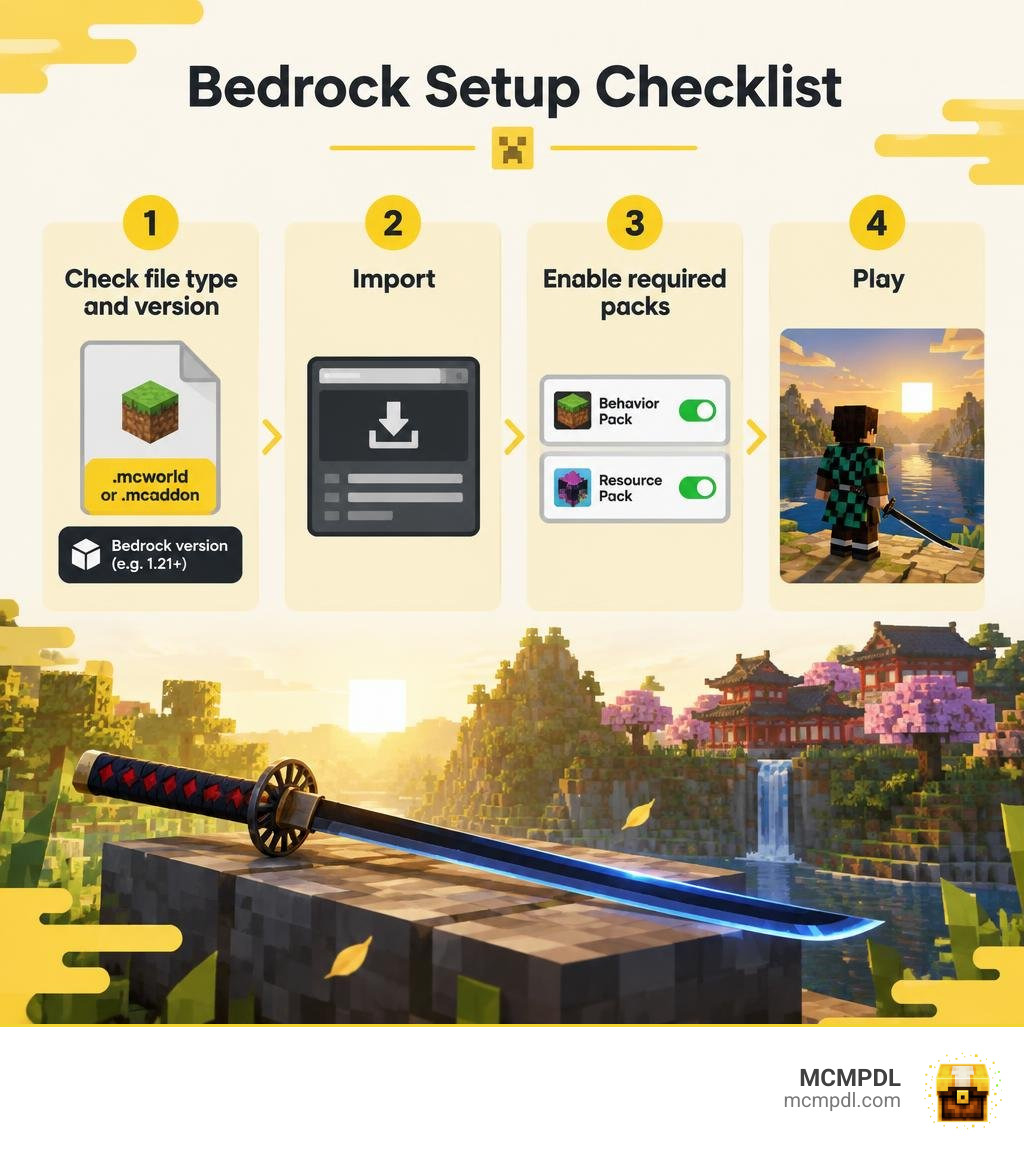
To play Demon Slayer Weapons World for Minecraft PE/Bedrock, first check what the download contains. A world appears in your world list after import. An add-on needs its Behavior Pack and Resource Pack enabled in world settings. Check the listed Bedrock version before you start, and back up any world you plan to change.
Demon Slayer content can include Nichirin swords and breathing-based combat, but features vary by download. This guide will help you tell a weapons world from an add-on, set it up on Android, iOS, or Windows, and find the controls that apply to your version.
Demon Slayer Weapons World for Minecraft PE/Bedrock: Features and Gameplay
What Is Demon Slayer Weapons World for Minecraft PE/Bedrock?
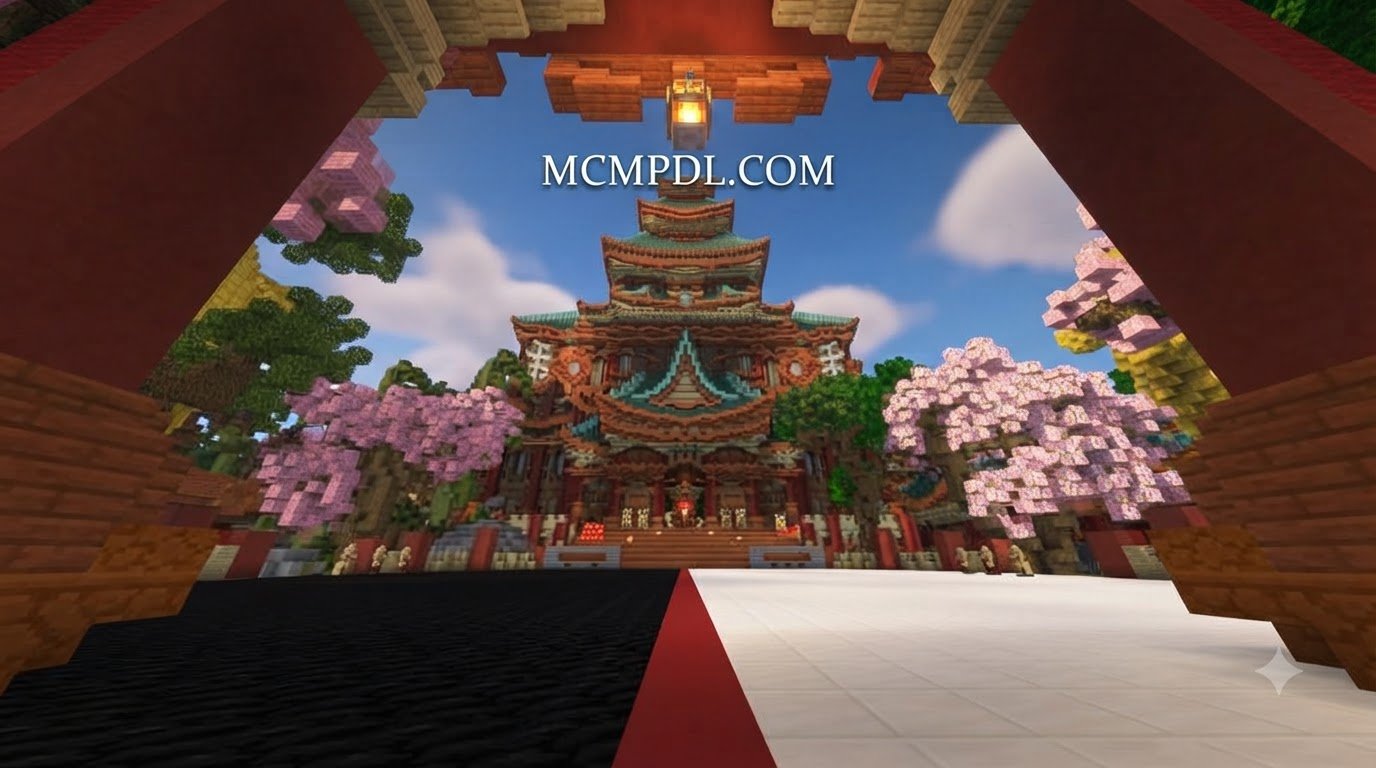
The name can describe a themed Minecraft world or an add-on that brings Demon Slayer-inspired gear and mechanics into an existing world. They are not the same kind of download. A world is a ready-made environment, while an add-on changes gameplay by adding content through Behavior and Resource Packs.
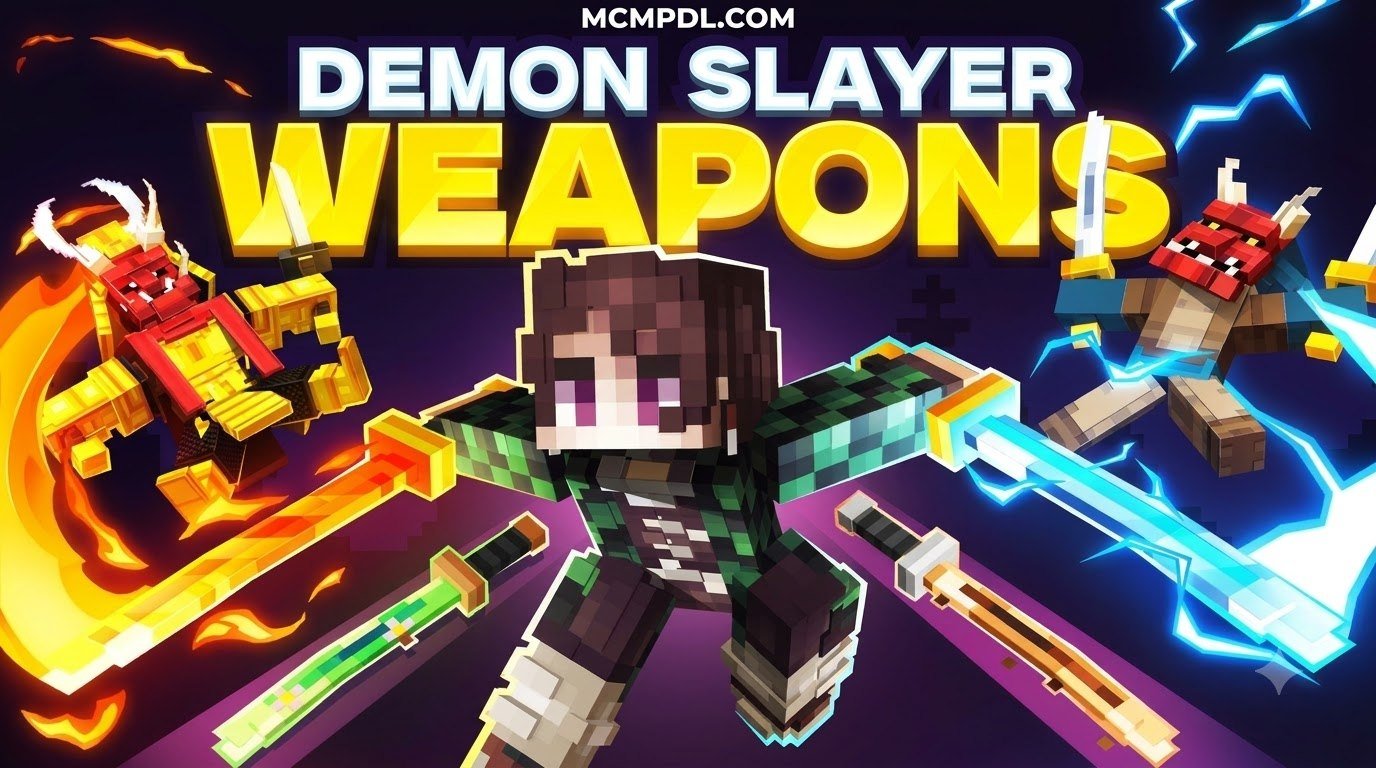
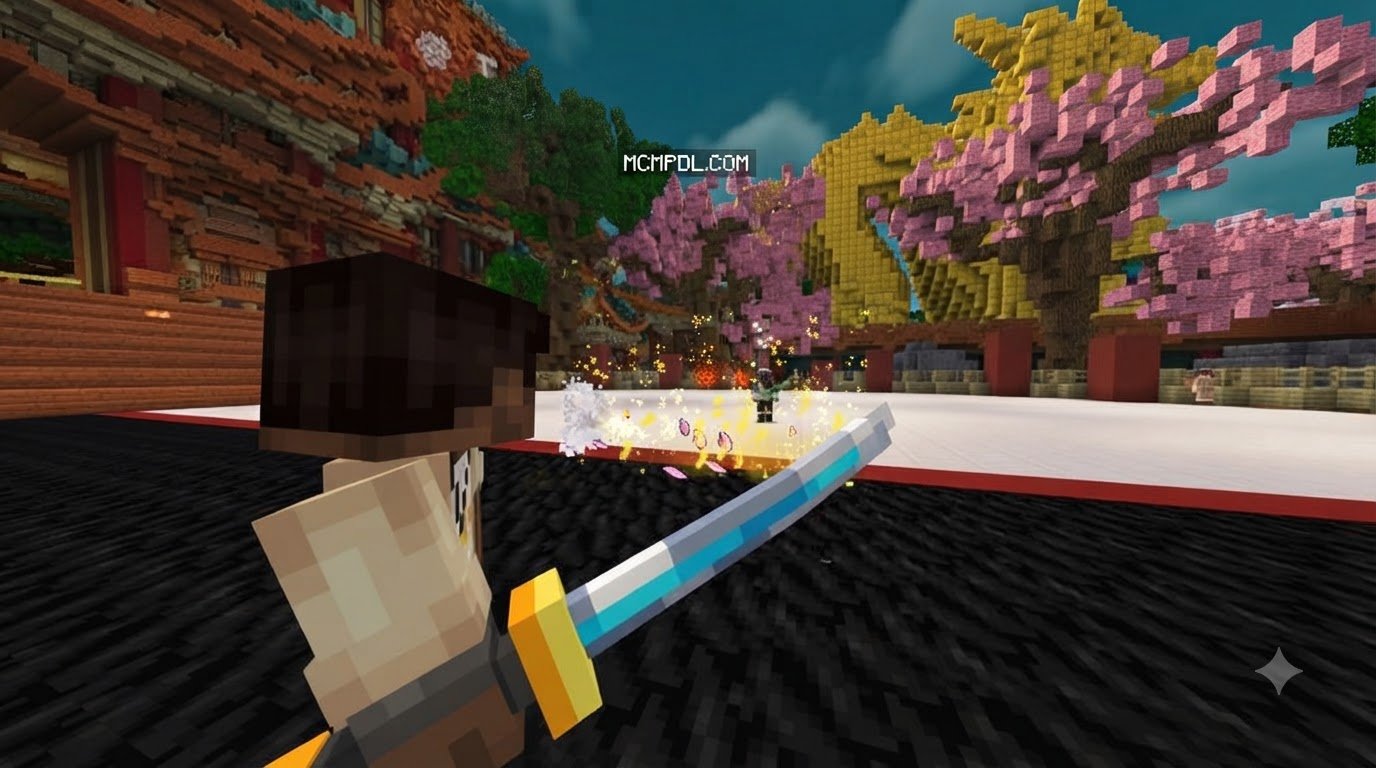
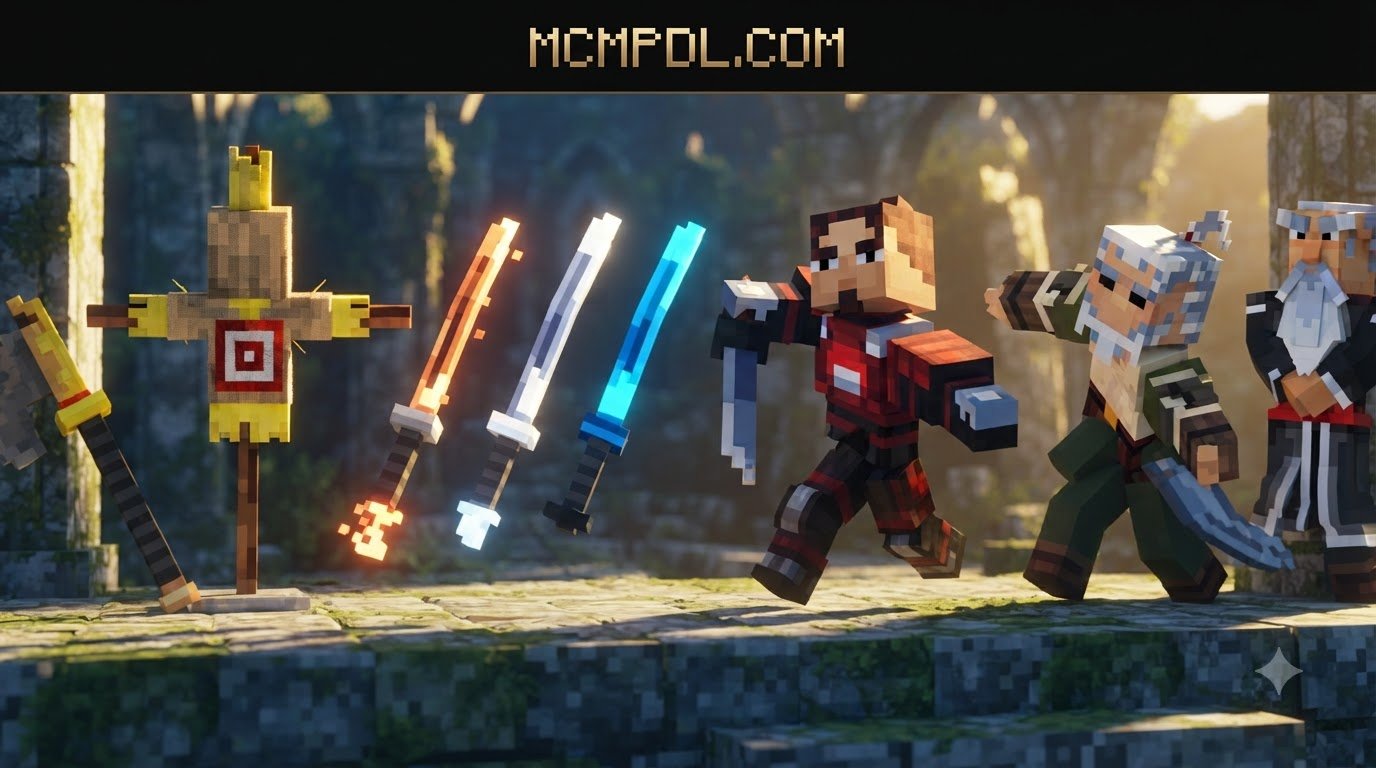
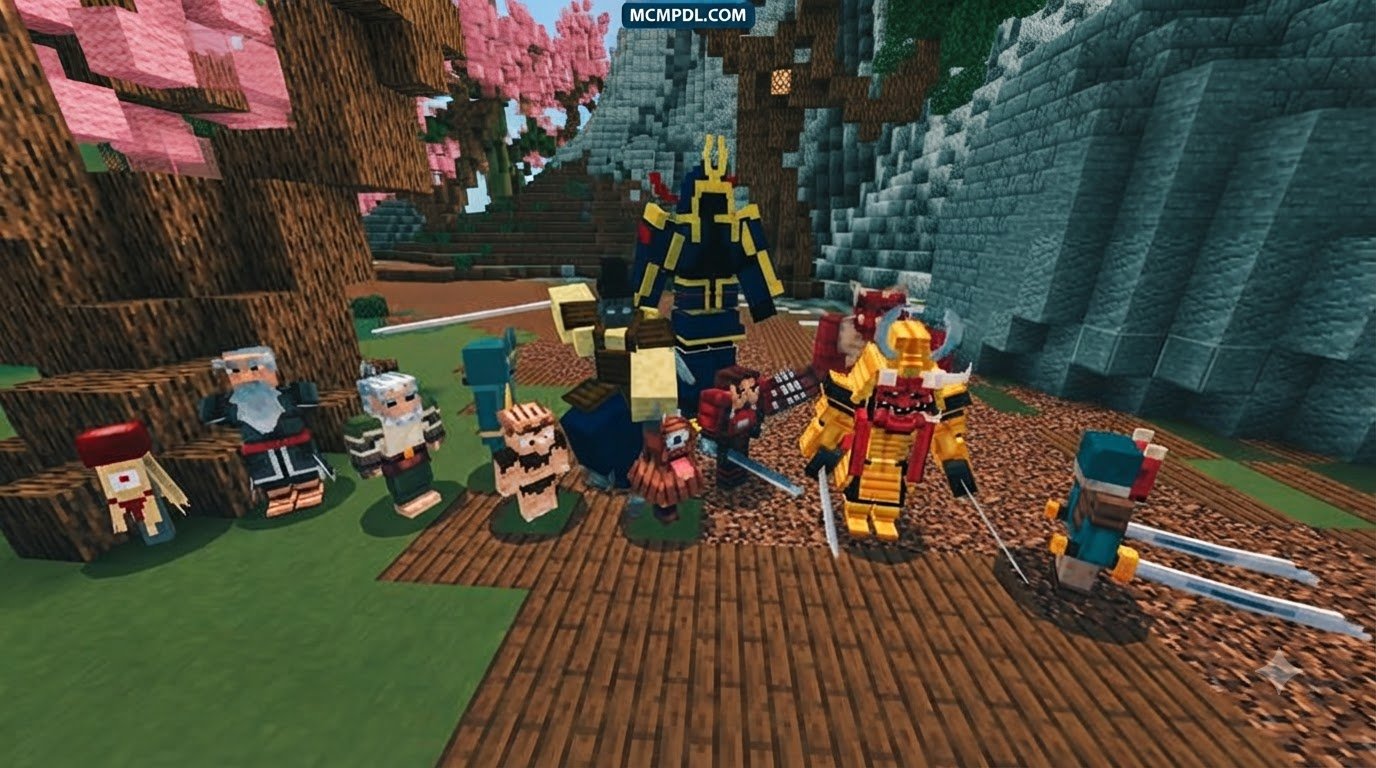
Depending on the specific download, you may find Nichirin-style swords, breathing-based attacks, custom models, or story elements. Check the listing and in-game instructions before expecting any particular feature: separate Demon Slayer projects do not necessarily share the same weapons, recipes, controls, or progression.
One Bedrock example is the Demon Slayer Story Progression add-on. Its beta listing describes 14 breathing styles, Nichirin swords, custom katana models and animations, and a five-chapter story. Those details apply to that add-on, not automatically to every Demon Slayer-themed world.
Breathing Styles, Nichirin Swords, and Custom Content
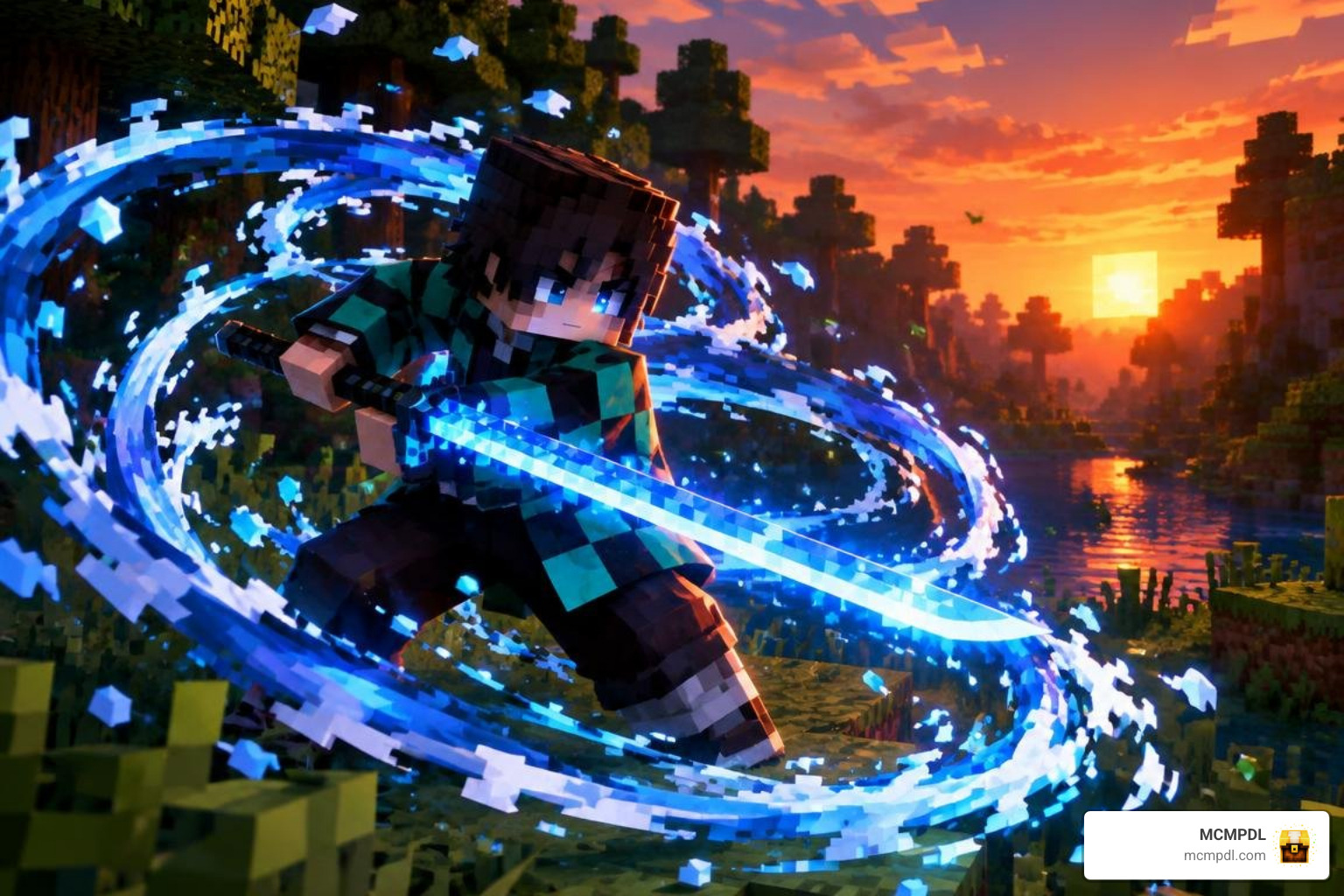
Nichirin swords are the signature weapons in many Demon Slayer-inspired Minecraft experiences. In the Story Progression add-on, compatible swords can switch between forms, while a Breathing Book is used to change the player’s breathing style. The add-on also describes a crafting system involving Scarlet Crimson Ore.
Its listed features include 14 breathing styles, five chapters, custom 3D katana models, and combat animations. The available information does not provide a complete style-by-style list or a universal crafting recipe, so we should check the add-on’s own instructions rather than assume ingredients or abilities. The project is marked as beta, which means mechanics may change or have bugs.
What to Check Before Downloading
Before importing a file, confirm whether it is a world or an add-on and check the Minecraft version it supports. For an add-on, look for both its Behavior Pack and Resource Pack, along with any instructions about experiments. A .mcaddon file may bundle the packs together, but some downloads provide separate files.
We should also check whether the project is in beta and whether its listing describes mobile support. Back up any existing world before enabling experimental features or adding packs. If you want to explore other Bedrock weapon themes, our guides to weapons and powers and legendary weapons cover other ways to customize combat.
How to Install Demon Slayer Weapons World for Minecraft PE/Bedrock
Import and Activate the World or Add-On
- Download the file intended for your Minecraft Bedrock version.
- Open it with Minecraft. Wait for the import message to confirm that the file has been added.
- For a world, select it from your worlds list. For an add-on, create a new world or edit an existing one.
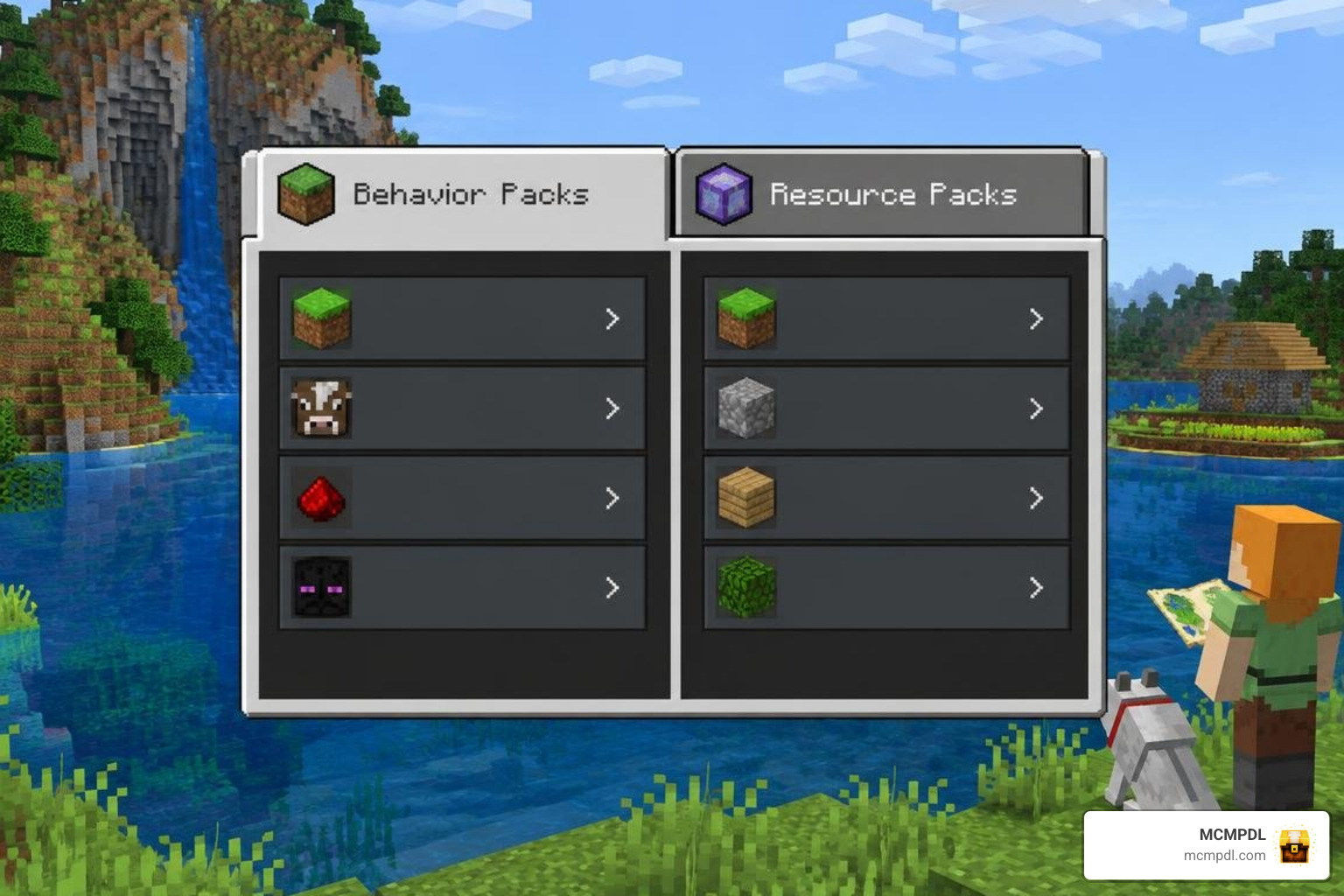
- In world settings, activate the add-on’s Behavior Pack and Resource Pack. If the download is a single bundled
.mcaddon, check that both packs appear. - Enable any experiments the creator specifically requires, then enter the world and test the content.
We recommend trying a new world first, especially when the add-on is in beta. Experimental settings and pack changes can affect a saved world, so a backup gives us a safer way to test.
Android, iOS, and Windows Bedrock Setup
On Android, open the downloaded .mcaddon or .mcpack file and choose Minecraft when prompted. After import, activate the packs in the world settings. If the file is compressed or does not open directly, follow the download’s instructions for extracting or importing it.
On iOS, use the Files app to locate the downloaded file, then use the share or open option to send it to Minecraft. Once the import completes, activate the packs in the world settings.
On Windows, open the Bedrock-compatible file with Minecraft for Windows. After it imports, check the Behavior Packs and Resource Packs sections before launching the world.
Keep enough free storage for both the download and its imported files. In multiplayer, each player may need the same compatible packs, or the host may need to make them available when players join. The exact prompt depends on the world and pack setup.
How Combat, Sword Forms, and Progression Work
Using Nichirin Swords and Changing Forms
In the Story Progression add-on, sword-form changes use the Sneak or Crouch control while a compatible Nichirin sword is held. On mobile, tap the on-screen Sneak/Crouch button. On PC, press the key assigned to crouching, which is commonly Shift but can be changed in controls.
The action cycles through forms supported by that sword. It does not mean every sword has the same forms, and a sword from another add-on may use different controls. Check the pack’s instructions if crouching does not switch forms.
Choosing a Breathing Style and Advancing Through Chapters
To change breathing style in the Story Progression add-on, hold the Breathing Book. On PC, right-click to use it; on mobile, tap the Use button. The add-on lists 14 styles, but the source information does not name every one or explain each ability in detail.
The five-chapter structure provides a progression framework for the adventure. The available description does not specify every objective or checkpoint, so we should follow in-game prompts rather than assume a fixed quest sequence. Scarlet Crimson Ore is part of the add-on’s crafting system, but recipe details may depend on the version.
Because this project is in beta, some chapter objectives, recipes, or combat features may be incomplete or subject to change. If a listed item or interaction is missing, confirm that both packs are active and that the installed version matches the instructions.
Slayer and Demon Gameplay
Combat in a Demon Slayer-themed Bedrock pack may center on using a Nichirin sword and breathing techniques against demon enemies. The Story Progression add-on’s listed features focus on swords, breathing styles, forms, and chapters. We should not assume it includes a playable Demon path or Blood Demon Arts unless its current listing or in-game content confirms those features.
For more weapon combinations in Bedrock, we can also explore swords and bows.
Compatibility, Controls, and Related Versions
Bedrock Add-On Compatibility
Bedrock add-ons use Bedrock-compatible files and packs. A .mcaddon or .mcpack is not interchangeable with a Java .jar mod. Java projects may require Forge and additional dependencies, while Bedrock packs are enabled through Bedrock world settings.
Requirements and Troubleshooting
The Story Progression add-on lists Minecraft Bedrock 1.21.50 as its minimum engine version. Its project is identified as beta, so we should check the current listing for any newer compatibility notes before installing. A different Demon Slayer add-on may support different game versions.
If content does not appear, we can troubleshoot in this order:
- Confirm that Minecraft imported the file successfully.
- Check that both the Behavior Pack and Resource Pack are active in the world.
- Verify that the add-on supports the installed Minecraft version.
- Enable only the experimental settings required by the creator.
- Test the pack in a fresh world to identify conflicts with other add-ons.
- In multiplayer, confirm that the host and players have compatible pack versions.
Missing textures can indicate that the Resource Pack is not enabled. Crashes or slow performance may be related to version incompatibility, world complexity, or conflicts with other packs. There is no single hardware specification for every Bedrock Demon Slayer download, so we should use the individual listing’s requirements and test performance on our device.
Frequently Asked Questions
How do I change a Nichirin sword’s form on mobile or PC?
Hold a compatible sword and use Sneak/Crouch. On mobile, tap the crouch button; on PC, press the assigned crouch key. The Story Progression add-on uses this action to cycle sword forms.
How many breathing styles and story chapters are included?
The Story Progression add-on lists 14 breathing styles and five story chapters. It is a beta project, so content and mechanics may change, and those numbers should not be assumed for other Demon Slayer worlds or add-ons.
Do files for other Minecraft editions work on Minecraft PE or Bedrock?
No. Files made for other editions use different formats. A Java .jar mod is not a Bedrock add-on, so we need a Bedrock-compatible world, .mcaddon, or .mcpack for Minecraft PE and Bedrock.
Conclusion
To get started, we should confirm the download type and supported Minecraft version, import the file with Minecraft, and activate both packs if it is an add-on. Backing up worlds before enabling experiments is a sensible precaution. Once we enter the world, we can test the sword and breathing controls described for that specific project.
We can find more Bedrock content in our guides to an anime-themed world, an anime lucky block map, and mob swords. To discover more worlds for Minecraft Bedrock, browse our maps.