Scroll down to D0vvnl0ad
Find an Anime Weapons Addon That Works in Minecraft PE/Bedrock
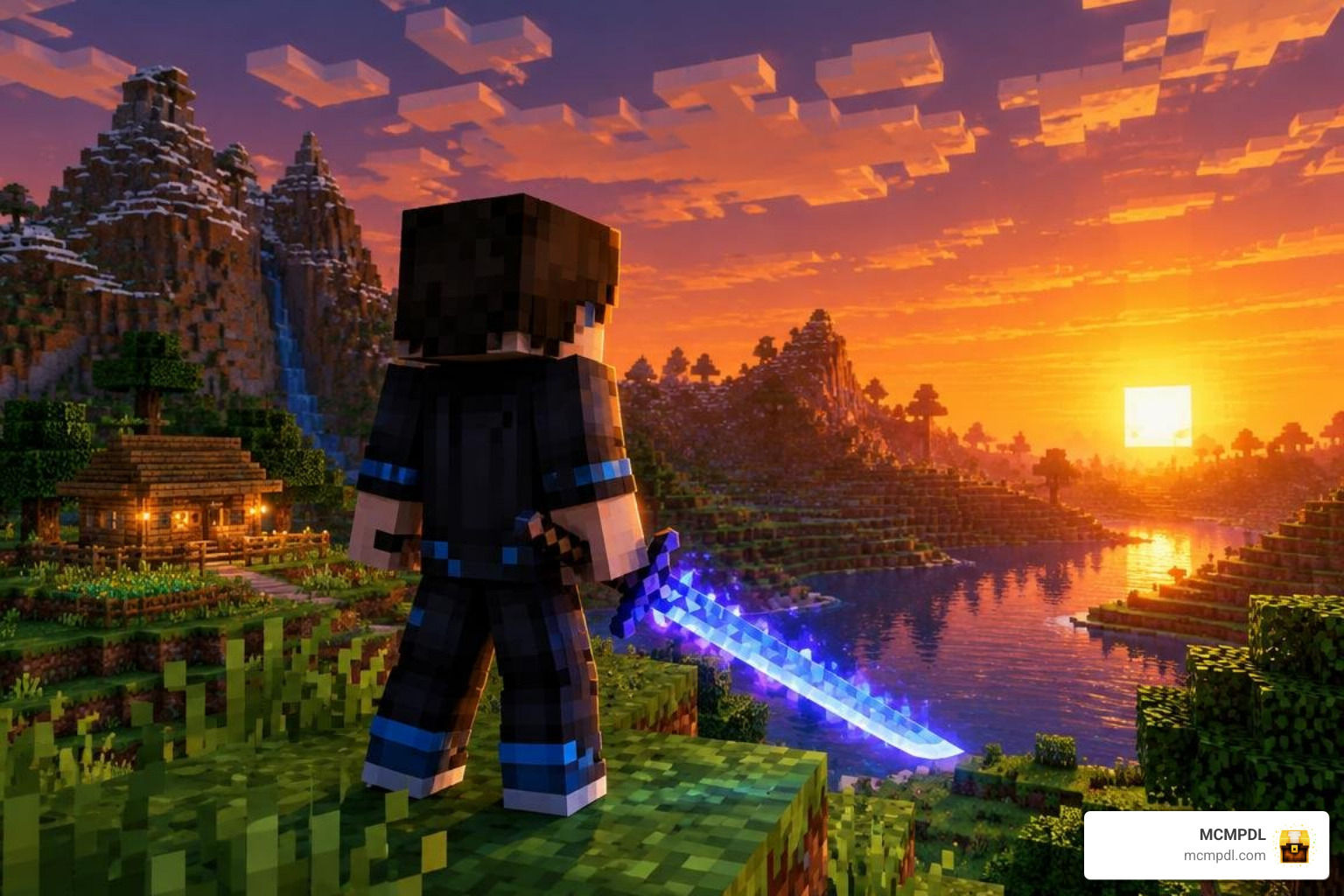
Before downloading custom combat gear for your mobile or console world, always check the edition first. The Anime Weapons listing in the research is for Java Edition with Forge, not a confirmed Bedrock Add-On. For Android, iOS, or Windows Bedrock, look for a listing that names your game version and provides a .mcaddon or .mcpack file.
This guide shows five ways to find anime-style weapons, check what they do, and avoid downloads that will not work in your world. Once you find a compatible pack, import it into Minecraft and activate the packs its instructions require.
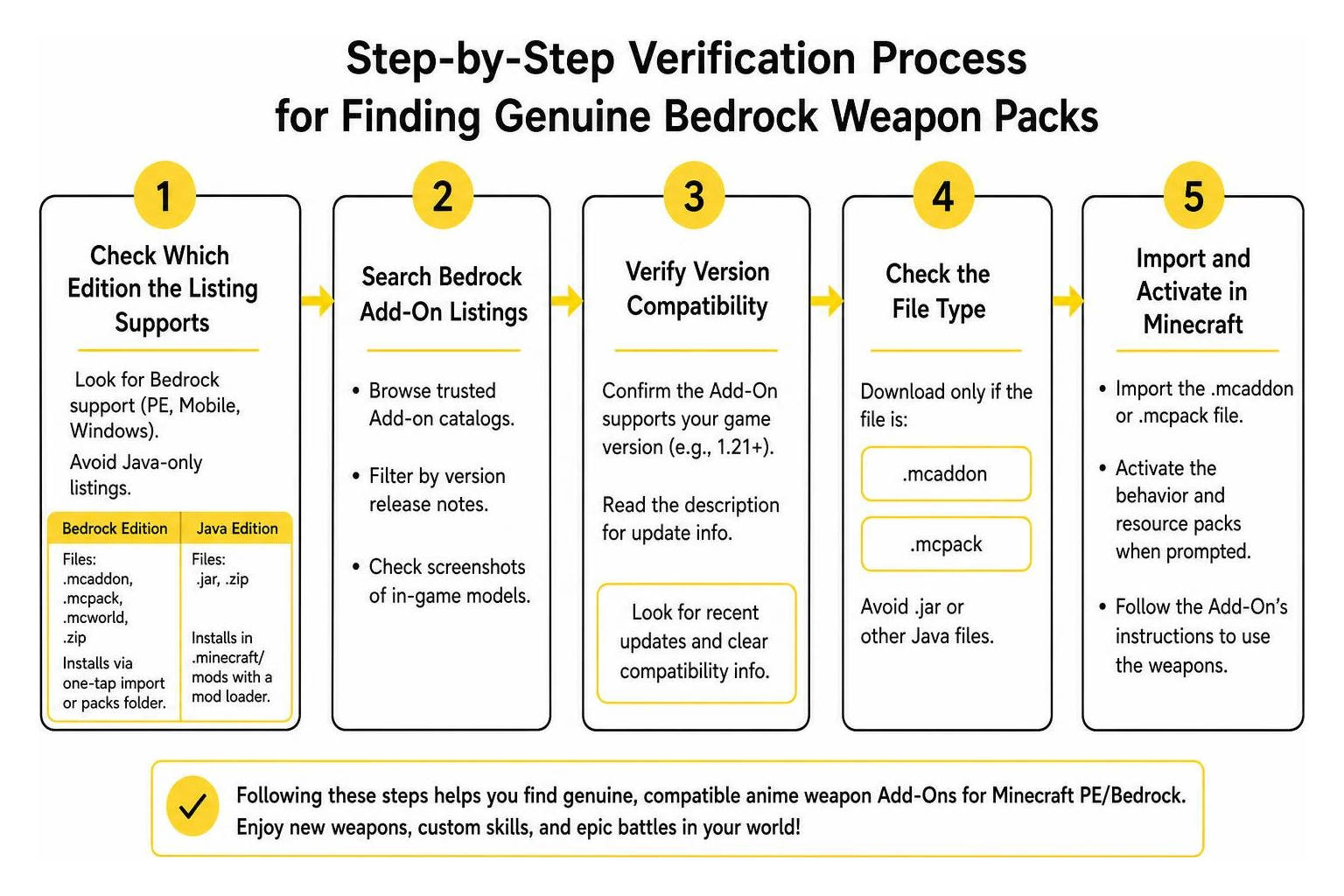
1. Check Which Edition the Anime Weapons Listing Supports
When searching for action-packed weaponry, checking edition compatibility is your most important first step. In the wider modding landscape, the popular Anime Weapons Java project has garnered over 11,665 downloads by adding over 15 dynamic weapons to the game. However, files built for Java loaders cannot run natively on Minecraft Pocket Edition or Bedrock platforms.
To ensure you download files that actually open on mobile devices, consoles, or Windows Bedrock setups, consult official resources like learn about Minecraft: Bedrock Edition Add-Ons via Minecraft Help.
| Minecraft Edition | Supported File Types | Standard Installation Method |
|---|---|---|
| Bedrock Edition (PE, Mobile, Windows) | .mcaddon, .mcpack, .mcworld, .zip | One-tap auto-import or direct placement into behavior_packs & resource_packs |
| Java Edition (Forge / NeoForge / Fabric) | .jar, .zip | Placed inside the system’s local .minecraft/mods folder alongside a mod loader |
What the Anime Weapons Addon for Minecraft PE/Bedrock Actually Is
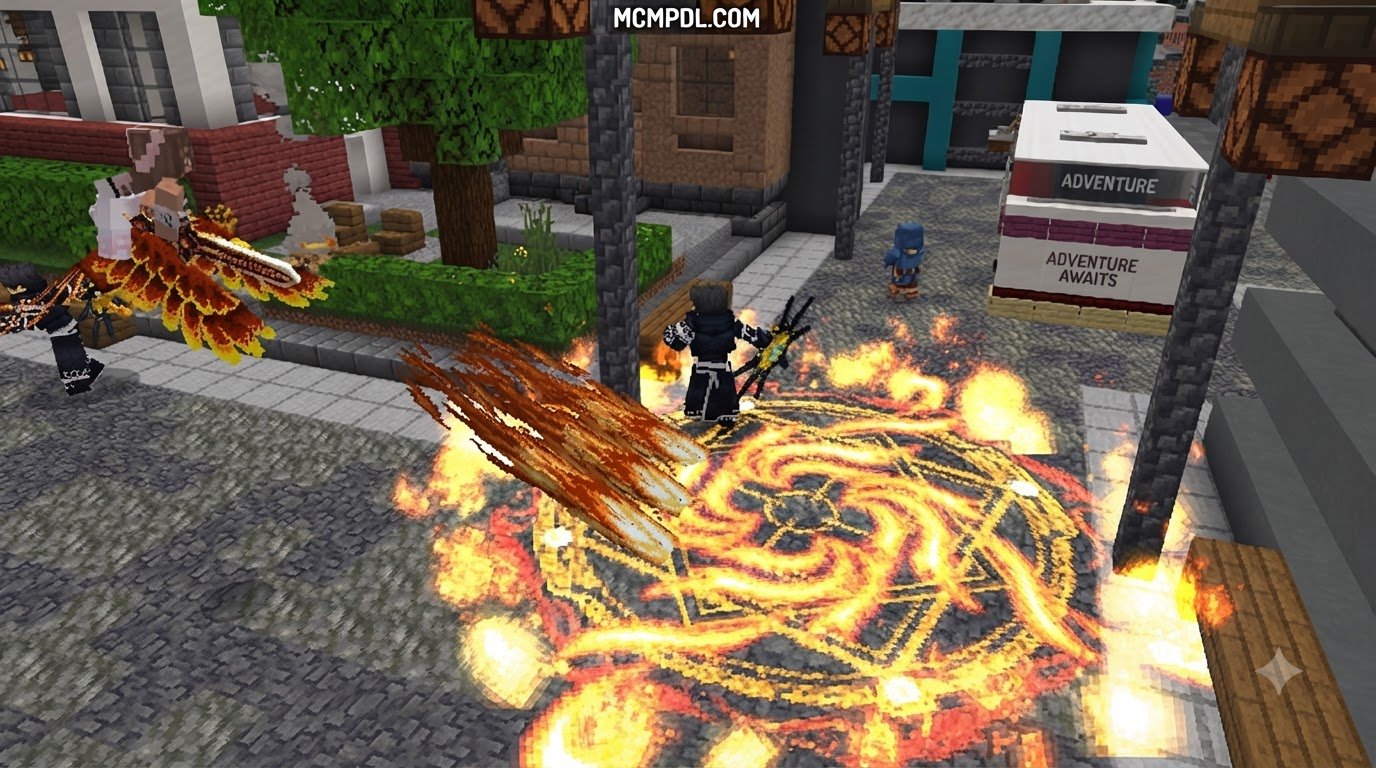
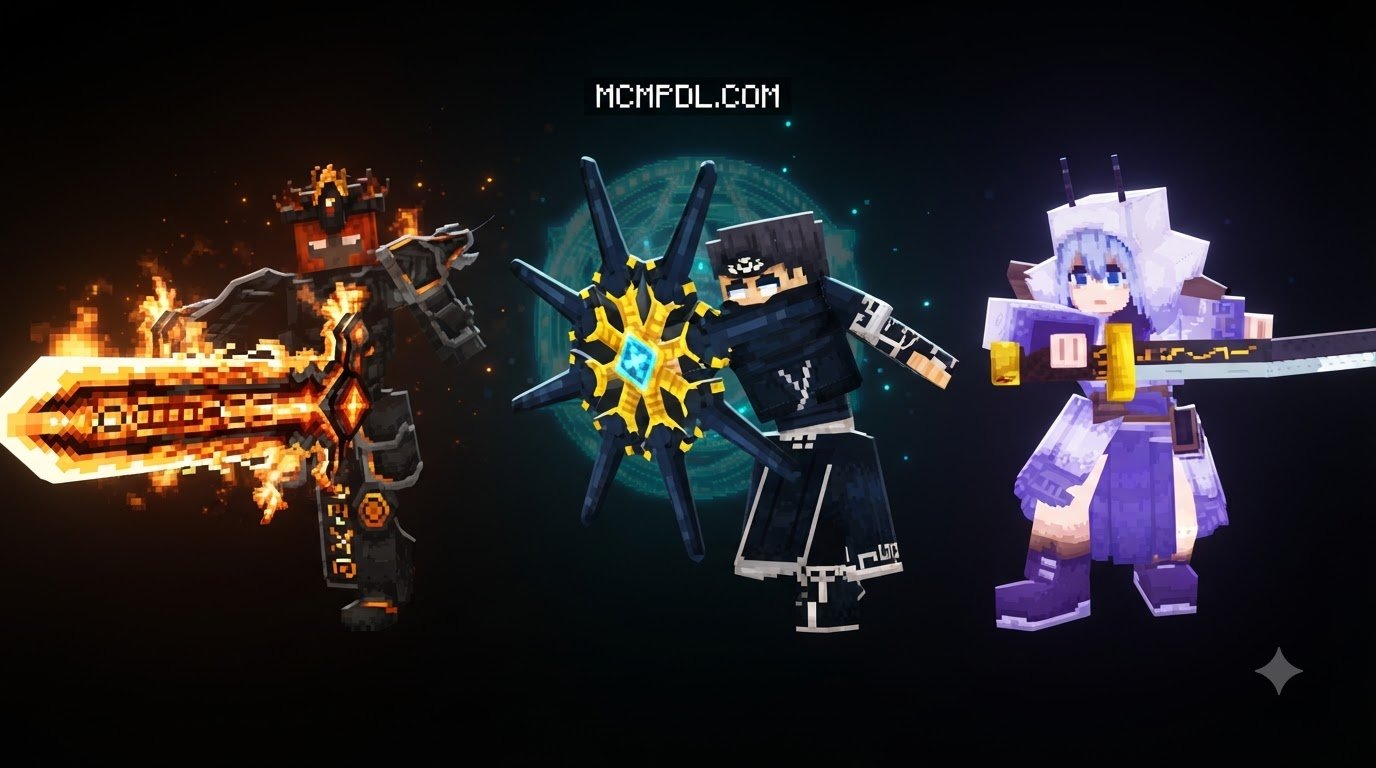
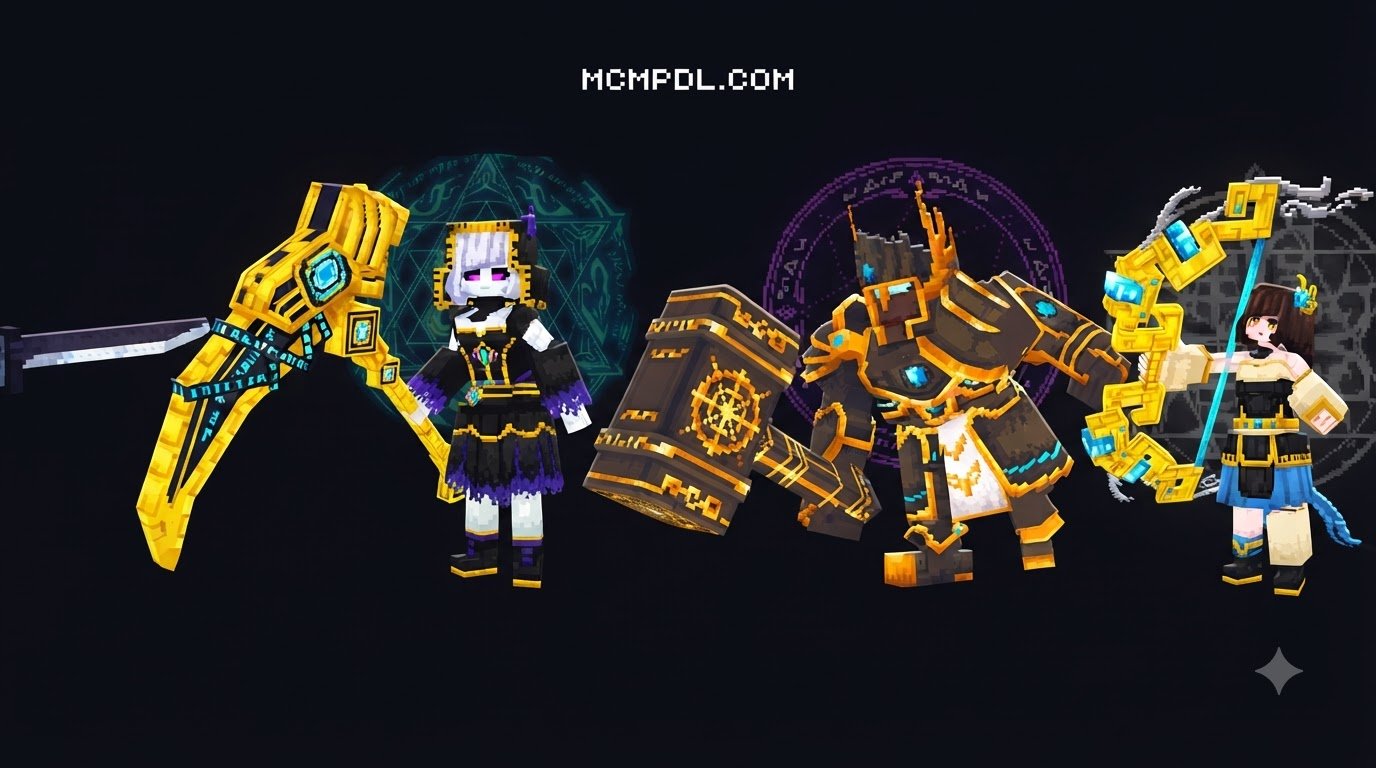
Installing a dedicated Anime Weapons Addon for Minecraft PE/Bedrock is the easiest way to bring iconic blades and devastating battle animations straight to your mobile or console world. However, the original Anime Weapons mod project was engineered specifically for Java Edition (supporting versions like 1.21.1 and 1.21.4 on Forge). It does not provide an official Bedrock .mcaddon package in that specific listing.
Similarly, cross-anime mods like The Anime Loadout offer gear from franchises like One Piece and Naruto—such as Divine Departure slashes, Haki technique scrolls, and Geppo sky-stepping—on Java platforms like Fabric and NeoForge. If you play on Bedrock, you must look specifically for custom packs created natively for Bedrock’s resource and behavior engine.
How to Find a Genuine Anime Weapons Addon for Minecraft PE/Bedrock
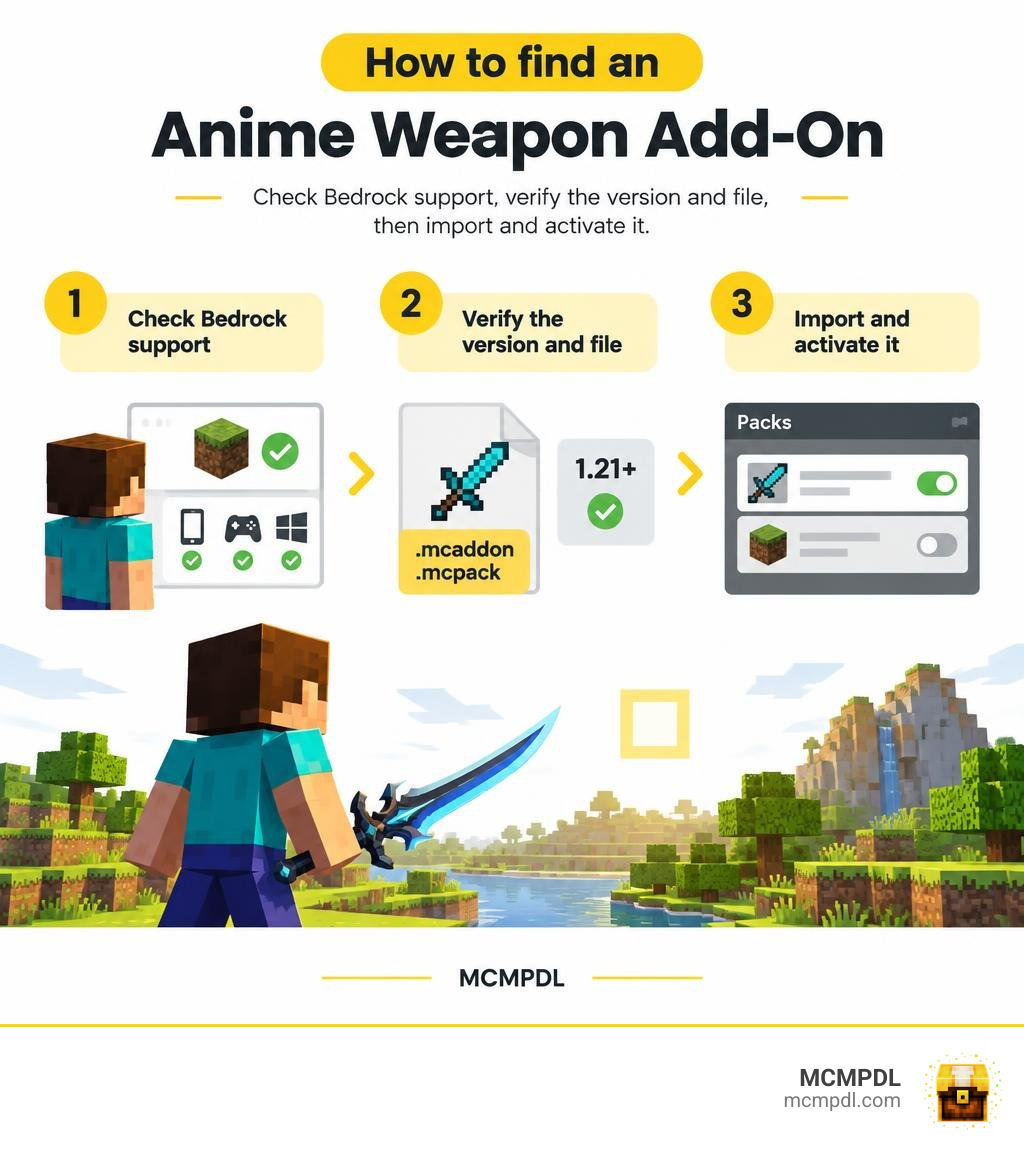
To find real anime-inspired tools on Bedrock, look strictly for files formatted as .mcaddon or .mcpack. Review the creator’s description to verify compatibility with recent updates like 1.21+.
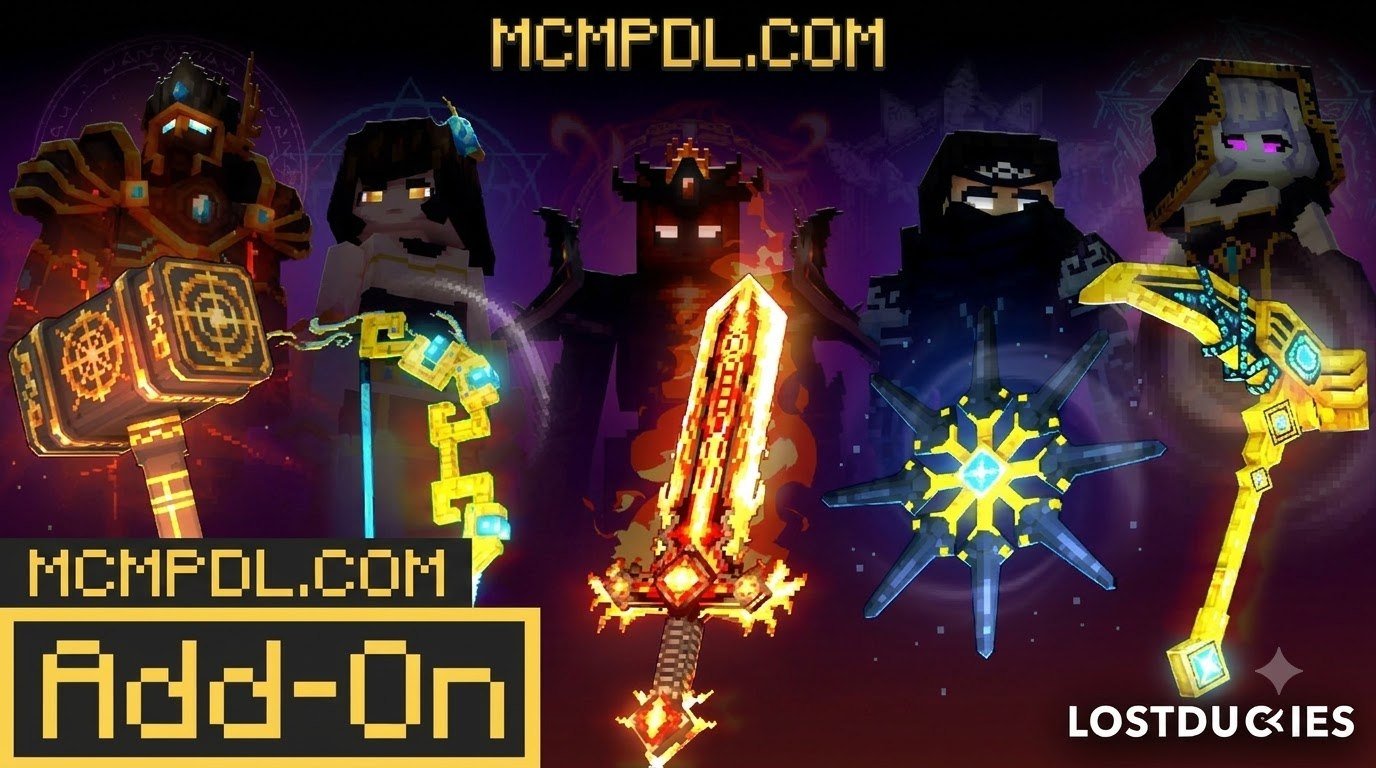
If you are looking for ready-to-play power packs with custom skills, check out the Weapons and Powers Addon for Minecraft PE/Bedrock or jump into combat with the Legendary Weapons Addon for Minecraft PE/Bedrock. Both provide custom slashes, powers, and tailored models directly formatted for Bedrock.
2. Search Bedrock Add-On Listings and Check the Download Details
Finding the best combat experience requires vetting content catalogs. When browsing through category: Add-ons or searching category: All on dedicated hubs, always filter by version release notes and verify screenshots of in-game models.
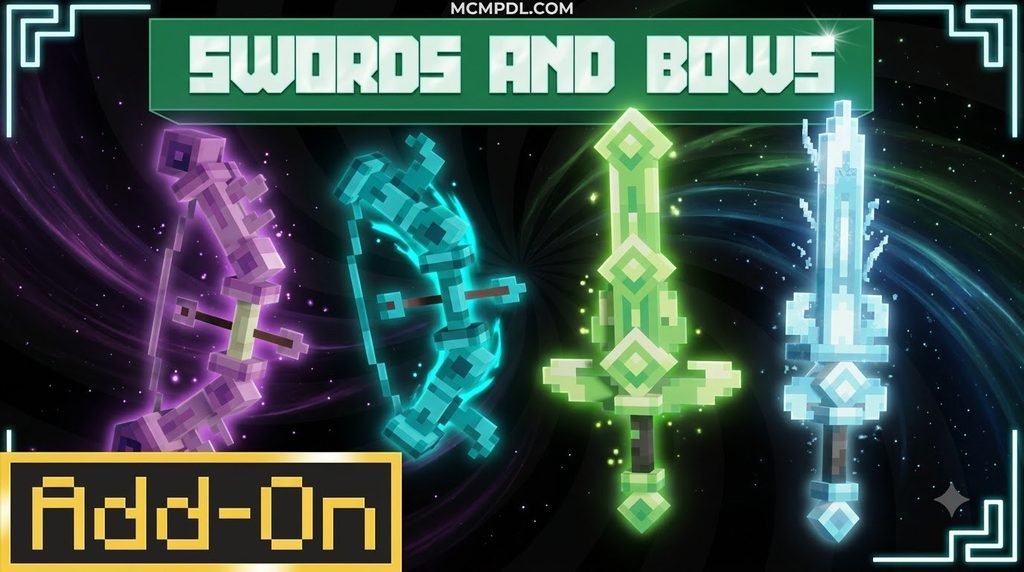
Look for packs that fit your thematic preference. If you enjoy diverse arsenals, you can test out the Swords and Bows Addon for Minecraft PE/Bedrock or take down mobs with the Mob Swords Addon for Minecraft PE/Bedrock.
How to Install an Anime Weapons Addon for Minecraft PE/Bedrock
Installing an Add-On across Android, iOS, or Windows 10/11 follows a simple, unified process:
- Download the File: Ensure your file ends in
.mcaddonor.mcpack. - Open with Minecraft: Tap or double-click the downloaded file. Minecraft will launch automatically and display an “Import Started” banner, followed by “Successfully Imported.”
- Apply to World Settings: Go to your world’s edit menu, open Resource Packs, and activate the pack. Then open Behavior Packs and activate the corresponding behavior module.
- Enable Experimental Features: Many custom weapon addons rely on experimental toggles such as “Holiday Creator Features” or “Beta APIs.” Turn these on in world settings.
- Back Up Worlds: Always duplicate your favorite survival worlds before activating new combat packs.
Bedrock Limitations to Check Before Playing
Bedrock Add-Ons use JSON scripts and animation controllers rather than Java bytecode. This means:
- Certain complex keybind remappings (like binding air-dashes directly to a custom single key) are handled via sneak-interactions or custom UI buttons instead.
- Experimental gameplay toggles must be enabled to register custom item components.
- Multiplayer sessions require that all joining players accept the world’s resource pack.
3. Compare Bedrock Add-On Listings
Comparing features helps you select the exact combat style you want without loading conflicting mechanics into your survival worlds.
| Add-On Title | Primary Content | Special Abilities | Supported Platform / Setup | File Format |
|---|---|---|---|---|
| Anime Weapons (Java Mod) | 15+ Custom Anime Weapons | Custom hit effects, wandering trader trades | Java (Forge 1.21.1 / 1.21.4) | .jar |
| The Anime Loadout (Java Mod) | 6 swords, 7 throwables, 3 armor sets | Divine Departure, Haki slashes, Geppo | Java (Fabric / NeoForge) | .jar |
| Hacker Weapons | Overpowered survival gear | Extreme attack damage, unique buffs | Bedrock Edition (PE / Win) | .mcaddon |
| Spellswords | Elemental blade weaponry | Spell casting, projectile attacks | Bedrock Edition (PE / Win) | .mcaddon |
| Overpowered Bows | Custom ranged weapon system | Explosive arrows, rapid barrage | Bedrock Edition (PE / Win) | .mcaddon |
How to Evaluate Weapon Features
When evaluating an Add-On, read the developer’s changelog. Look for specific indicators:
- Weapon Count & Models: Are the 3D models and textures custom-built for Bedrock?
- Acquisition Flow: Can items be crafted in survival tables, or must they be purchased from custom wandering traders or merchants?
- Combat Mechanics: Does each weapon feature unique hit effects, area-of-effect strikes, or special cooldown abilities?
How Bedrock Add-Ons Differ
Bedrock Add-Ons split functionality cleanly between visual resource packs (which define item textures, models, sound effects, and particle trails) and behavior packs (which define damage numbers, durability, attack effects, and entity interactions). For unique ranged play, you can explore the Overpowered Bows Addon for Minecraft PE/Bedrock or load dedicated challenges like the OP Bows Map for Minecraft PE/Bedrock and Bows Expansion Map for Minecraft PE/Bedrock.
4. Verify Weapon Features, Compatibility, and Installation Before Downloading
Before downloading any pack, check the upload date and verify that the modder actively updates their scripts for the latest Bedrock versions.
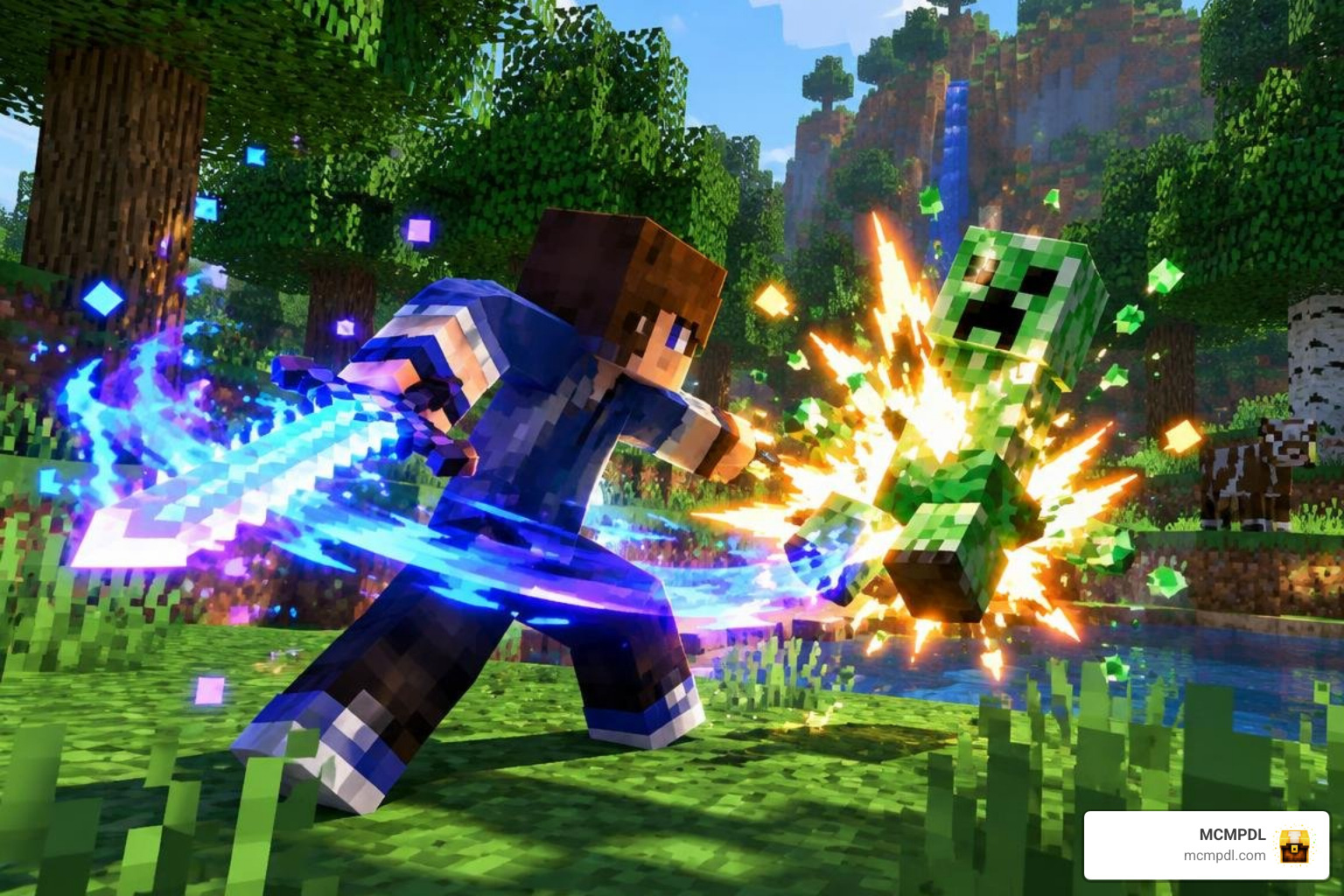
Exploring specialized weapons is a great way to expand your game. For example, test unique mechanics with the More Maces 2.0 Addon for Minecraft, fight spooky encounters with the Creaking Weapons Addon for Minecraft PE/Bedrock, explore meme-inspired tools in the Brainrot Weapons Addon for Minecraft PE/Bedrock, or wield godlike strength with the Hacker Weapons Addon for Minecraft PE/Bedrock.
Can You Use the Anime Weapons Addon for Minecraft PE/Bedrock?
If you come across a listing titled Anime Weapons that only provides .jar files for Forge, you cannot use it on Bedrock. To enjoy anime adventures on mobile or Windows Bedrock, choose dedicated worlds such as Anime World for Minecraft PE/Bedrock, smash rewards in the Anime Lucky Block Map for Minecraft PE/Bedrock, decorate your base using Anime Furniture World for Minecraft PE/Bedrock, or wield godly power with the Thor Addon for Minecraft PE/Bedrock.
If you want superhero gear and comic-inspired battles, you can also explore themed experiences like:
- Infinity Weapons World for Minecraft PE/Bedrock
- Superhero Weapons World for Minecraft PE/Bedrock
- Teen Superheroes World for Minecraft PE/Bedrock
- Adventure Time Mash Up for Minecraft PE/Bedrock
- Steven Universe Mash Up for Minecraft PE/Bedrock
- Avatar Legends Addon for Minecraft PE/Bedrock or Avatar Rites of Passage Map for Minecraft PE/Bedrock
Which Platforms and Versions Are Supported?
Check the manifest inside every Bedrock download to ensure your device runs the required update. Whether playing on mobile (iOS/Android), consoles, or Windows, Bedrock Add-Ons function seamlessly as long as you match game versions.
5. Find Creator Support and Bedrock-Friendly Alternatives
When diving into combat systems, creators frequently offer community support channels, Discord servers, and update logs where you can request new anime blades or report bugs.
If you love magic, skills, and RPG mechanics, you can expand your arsenal with several deep combat systems:
- Refine melee combat with the Advanced Combat Addon for Minecraft PE/Bedrock
- Cast spells using the Spellswords Addon for Minecraft PE/Bedrock
- Build dynamic character classes with the RPG Addon for Minecraft PE/Bedrock and RPG Classes Addon for Minecraft PE/Bedrock
- Master arcane arts through the Magic Addon for Minecraft PE/Bedrock, Spellcraft Addon for Minecraft PE/Bedrock, Spellbook Addon for Minecraft PE/Bedrock, Spellcaster Addon for Minecraft PE/Bedrock, and Spellbooks World for Minecraft PE/Bedrock
- Tame legendary beasts using Mythics and Magic Addon for Minecraft PE/Bedrock, Mythical Pets Addon for Minecraft PE/Bedrock, or Fantastic Pets Addon for Minecraft PE/Bedrock
- Transform into powerful creatures with the Morph Addon for Minecraft PE/Bedrock, Morph Into Anything Addon for Minecraft PE/Bedrock, Morph Hide and Seek Addon for Minecraft PE/Bedrock, and Werewolf and Vampire Morph Addon for Minecraft PE/Bedrock
Where to Get More Information or Help
If an Add-On fails to load or weapons do not deal custom effects:
- Check Manifest UUIDs: Ensure you do not have duplicate versions of the same pack installed.
- Review Changelogs: Check whether recent Bedrock updates changed item component syntax.
- Engage with Creators: Use project discussion boards and community links to report errors or request weapons from your favorite anime series.
Frequently Asked Questions
Can I install content that is not Bedrock-compatible on Minecraft PE?
No. Minecraft PE runs on the Bedrock engine and cannot execute Java .jar files built for Forge, Fabric, or NeoForge. You must download Bedrock-native .mcaddon or .mcpack files.
How do players get weapons and use their special attacks?
In genuine Bedrock weapon packs, items are typically acquired through custom crafting recipes, survival trading tables, or creative inventory. Special abilities are triggered using sneak-clicks, long-press interactions, or standard attack animations.
What is the main difference between Minecraft editions and a Bedrock Add-On?
Java mods alter the game’s compiled Java code directly using loaders, whereas Bedrock Add-Ons use official JSON data packages, behavior trees, and resource definitions designed for cross-platform stability across mobile, PC, and consoles.
Conclusion
Finding the ultimate anime combat experience in Bedrock comes down to checking file formats, verifying version compatibility, and reviewing creator updates. Always prioritize .mcaddon and .mcpack packages to ensure seamless installation on your device.
Ready to transform your survival world with custom blades, magic spells, and legendary powers? Take a look at our extensive library and browse Bedrock Minecraft downloads to gear up your character today!