Scroll down to D0vvnl0ad
Downloading Skyblock 2 World for Minecraft PE/Bedrock
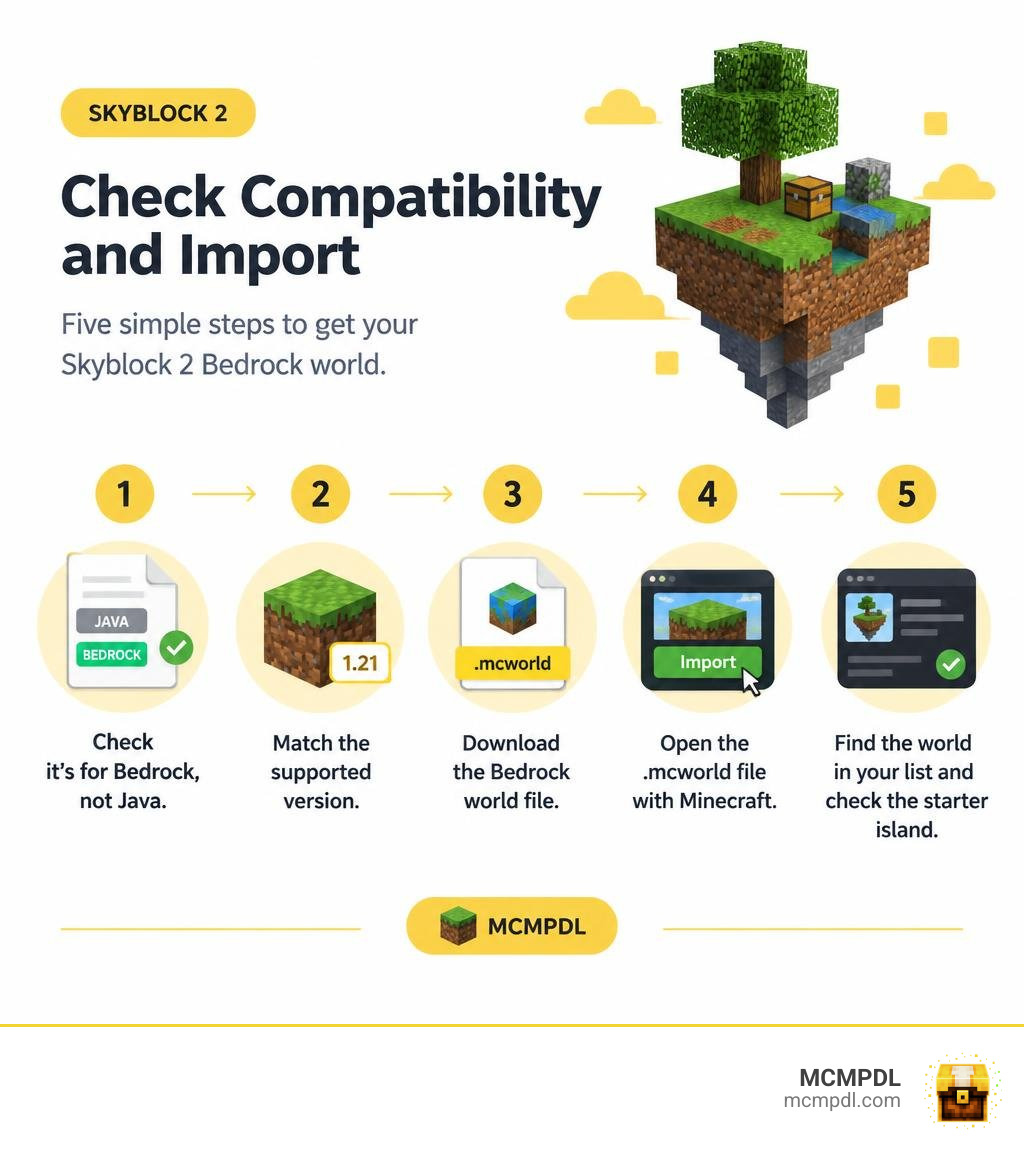
To download Skyblock 2 World for Minecraft PE/Bedrock, check the file before you import it. The documented Skyblock 2.1 download is a Java Edition ZIP, not a confirmed Bedrock world. A Bedrock-compatible release should be clearly marked for your game version and supplied as a .mcworld file.
- Check that the download is for Bedrock, not Java.
- Match its supported version to your game.
- Download the Bedrock world file.
- Open the .mcworld file with Minecraft to import it.
- Find the world in your list and check the starter island.
If you only find the Java ZIP, do not assume it will work in PE or Bedrock. The steps below show what to check before you download.
Skyblock 2 World for Minecraft PE/Bedrock: Features and Differences
Skyblock is the definitive minimalist survival experience. You spawn high above an endless abyss on a tiny patch of dirt with limited resources and zero room for error. The community has seen many iterations of this concept, from a classic Skyblock world to modern expansions loaded with custom scripts.
Understanding the specific heritage of Skyblock 2 is crucial before trying to install it on your mobile device or console. The project has logged over 32,500 downloads on community repositories, but those historic files were created specifically for Java Edition setups rather than native Bedrock code.
What does Skyblock 2 World for Minecraft PE/Bedrock include?
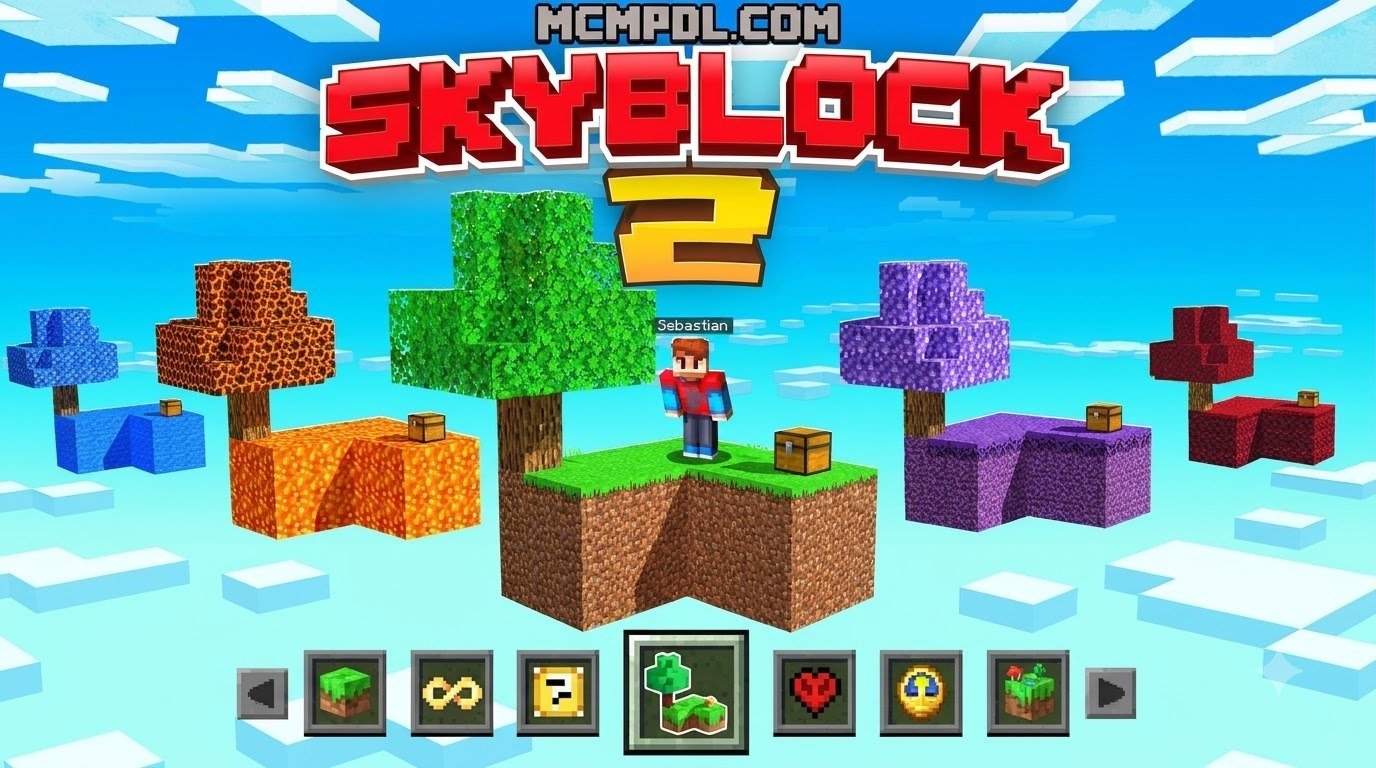
The classic Skyblock 2 setup gives players an intentionally sparse starting environment:
- The Starter Island: An L-shaped dirt island consisting of grass and dirt layers resting on a single block of bedrock.
- The Lone Oak Tree: Your initial source of wood, saplings, and apples.
- The Starter Chest: A single chest containing an ice block and a bucket of lava—the essential components for building a cobblestone generator.
- The Sand Island: A secondary small island visible across the void that contains sand blocks, a cactus, and an auxiliary chest.
- The Nether Realm: A distant destination reachable only after obtaining sufficient obsidian to construct a portal frame.
How does Skyblock 2.1 differ from the original Skyblock setup?
Skyblock evolved across several iterations. Version 1.0 and 1.1 featured very small footprints. Skyblock 2.0 expanded the terrain slightly, while Skyblock 2.1 became the most famous configuration because it featured roughly three times the block count of v2.0, introduced the sand island, and integrated Nether access.
| Feature | Classic Skyblock 2.1 (Java Legacy) | Native Bedrock Skyblock Maps |
|---|---|---|
| Primary Platform | Minecraft Java Edition | Minecraft Bedrock (PE, Win 10, Consoles) |
| File Format | .zip folder archive | .mcworld automatic installer package |
| Starting Resources | 1 Oak Tree, 1 Ice, 1 Lava Bucket | Varies; often includes starter guides or tools |
| Secondary Islands | Sand Island with cactus & chest | Often features multi-biome floating islands |
| Mechanics | Pure vanilla survival logic | May require custom behavior/resource packs |
If you are exploring other floating challenges, alternatives such as a raft survival world or survival on container world offer similar resource-management thrills tailored natively for Bedrock.
What biomes, structures, recipes, and mob drops are confirmed?
In classic Skyblock 2.1, there are no custom mob drops, no modified crafting recipes, and no custom add-on behaviors. The map relies purely on default vanilla game mechanics. If you want mob drops to yield dirt, gravel, or rare minerals, you must attach modern Bedrock behavior packs.
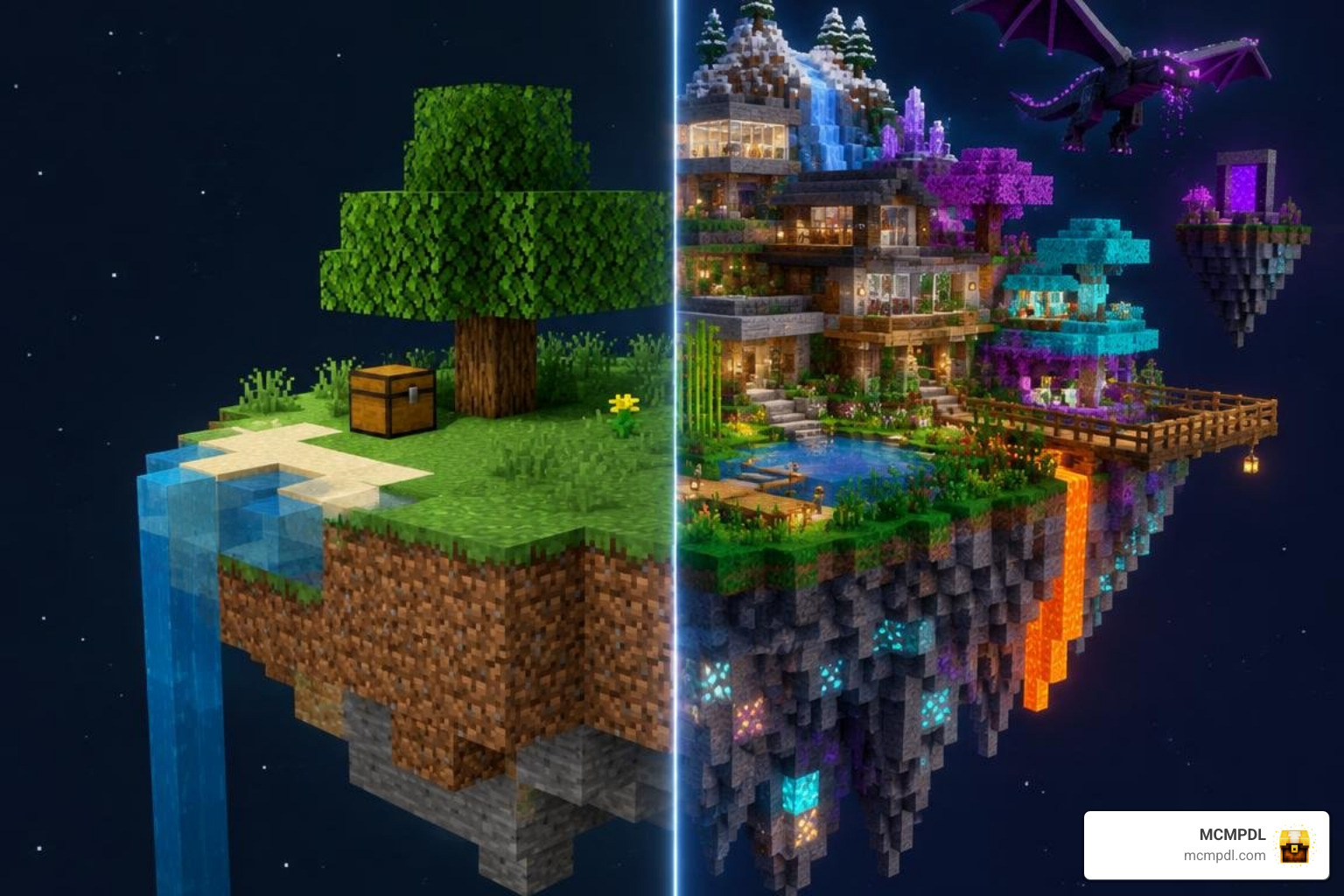
While standard Bedrock worlds generate biomes naturally across coordinate space, legacy Skyblock 2 maps only offer the void surrounding your starting blocks. For players who prefer massive multi-island exploration with built-in biomes, community projects such as Skybedrock or Tryzz’s Skyblock Adventure integrate custom structures, whereas pure Skyblock 2 keeps everything minimal.
How to Download Skyblock 2 World for Minecraft PE in 5 Steps
Importing worlds into Minecraft Pocket Edition (PE) and Bedrock on Windows or mobile requires careful attention to file extensions.
Follow our five-step method to ensure your installation works smoothly.
Step 1: Check the edition and file format
Always inspect the downloaded file extension. Java worlds are packaged as regular .zip archives containing level data that Bedrock cannot read without conversion. For Minecraft PE/Bedrock on iOS, Android, or Windows, you must find a dedicated .mcworld file.
Step 2: Confirm Minecraft version compatibility
Legacy Java files for Skyblock 2.1 were developed around versions 1.14 through 1.16 snapshots. Modern Bedrock runs on updated codebase branches. Attempting to force an outdated or incompatible world structure into your modern Bedrock build can result in corrupted chunks or an immediate drop into an empty void without islands. Always verify that the map creator notes compatibility with your current Bedrock build.
Step 3: Download the correct world file
Download the verified .mcworld release from a reputable platform. While some experiences like Original Skyblock by Sapphire Studios require Marketplace coins, community-created .mcworld template maps are distributed directly to players.
Step 4: Import a Bedrock-compatible MCWORLD file
Once downloaded, the import process is straightforward:
- Android & iOS: Tap the
.mcworldfile in your device file manager and select Open with Minecraft. The game will launch automatically and display an “Import started” banner at the top of the screen. - Windows: Simply double-click the
.mcworldfile. Minecraft Bedrock will open and import the world into your local saves.
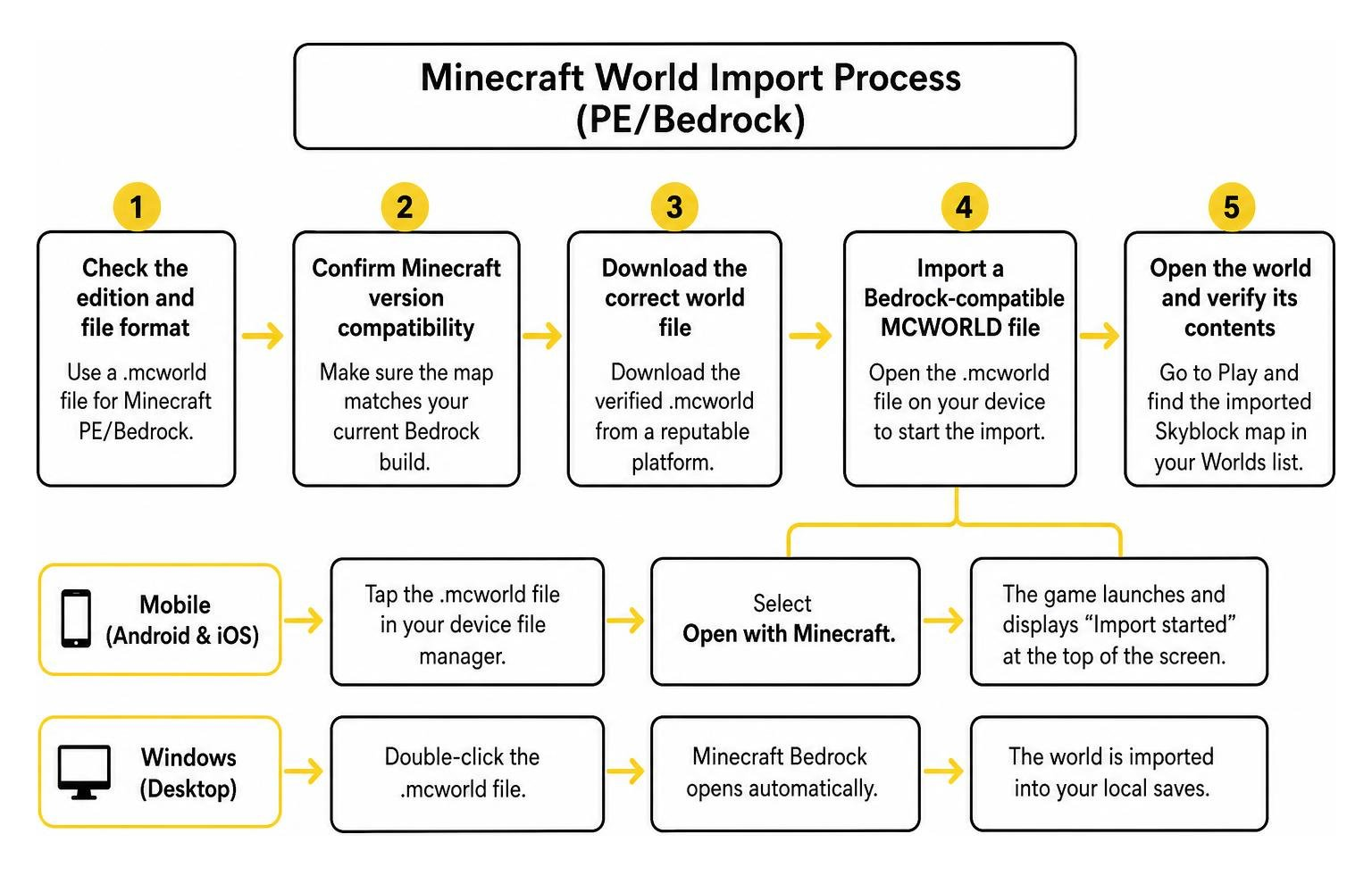
Step 5: Open the world and verify its contents
After the import succeeds, navigate to your world list:
- Click Play and locate the imported Skyblock map at the top of your Worlds menu.
- Load into the game and check that you spawn directly on the starter island with your tree and chest intact.
- Before breaking your first block, create a duplicate backup copy of the world from the game settings so you can restart quickly if your lava turns into obsidian.
If you enjoy compact survival twists, you might also like testing a one block skyblock world or pairing your playthrough with a one block dimension addon.
Progression, Challenges, Multiplayer, and Known Issues
Mastering Skyblock requires precision. The early game is entirely about resource preservation.
What are the main goals, and how do players progress?
Your journey follows a strict chain of survival milestones:
- Build a Cobblestone Generator: Carefully dig an L-shaped trench for your water source and place your lava next to it so flowing water meets flowing lava to produce infinite cobblestone.
- Safely Harvest the Tree: Sneak along the edges of the dirt block to capture every falling sapling and apple.
- Expand the Platform: Use cobblestone slabs to double your building area while preventing mob spawns on unlit lower surfaces.
- Reach the Sand Island: Build a bridge across the void to secure sand, cactus, and extra crops.
- Enter the Nether: Gather enough obsidian to activate a portal and expand your access to new blocks.
For a change of pace between Skyblock sessions, players also enjoy large-scale challenges like an earth survival world or mini-game maps like the lucky block race map.
Are custom drops, recipes, multiplayer, or Realms supported?
Classic Skyblock 2 does not natively feature custom loot tables. However, you can freely apply third-party behavior packs to your Bedrock world to enable custom mob drops.
When hosting on a local multiplayer session or a dedicated Realm:
- Ensure all players spawn at the designated coordinates.
- Keep fire spread and mob griefing settings managed to prevent an accidental disaster from destroying your limited wooden platforms.
- If you encounter broken spawn points, adjust world spawn manually using operator commands (
/setworldspawn).
Frequently Asked Questions About Skyblock 2
Is Skyblock 2.1 compatible with Minecraft PE or Bedrock?
The original Skyblock 2.1 archive was created for Java Edition. To play on PE or Bedrock, you must download a community-converted .mcworld version designed specifically for Bedrock Edition.
What is in the starter chest, and is there a sand island?
The starter chest contains one block of ice and one lava bucket. Skyblock 2 configurations include a small sand island located across the void containing sand blocks, a cactus, and additional starter seeds.
Is Skyblock 2 free, and are bugs or installation issues documented?
Community .mcworld files on aggregation platforms are free to download. The most common installation issues stem from trying to open uncompressed Java .zip files in Bedrock or falling through the void due to chunk-loading delays on mobile devices.
Conclusion
Skyblock remains one of the most rewarding ways to experience Minecraft’s fundamental survival mechanics. By checking your file format, verifying your Bedrock version, and following our five-step import guide, you can jump into the challenge without technical headaches.
At MCMPDL, our mission is to make downloading custom Bedrock content simple, organized, and accessible across Android, iOS, and Windows. Once your island is up and running, you can elevate your visuals and performance by pairing your setup with an optional PvP texture pack for clean textures and high frame rates. Good luck, build carefully, and do not let your lava turn into obsidian!