
Scroll down to Download
What is the Cars Add-On for Minecraft PE/Bedrock (Download)?
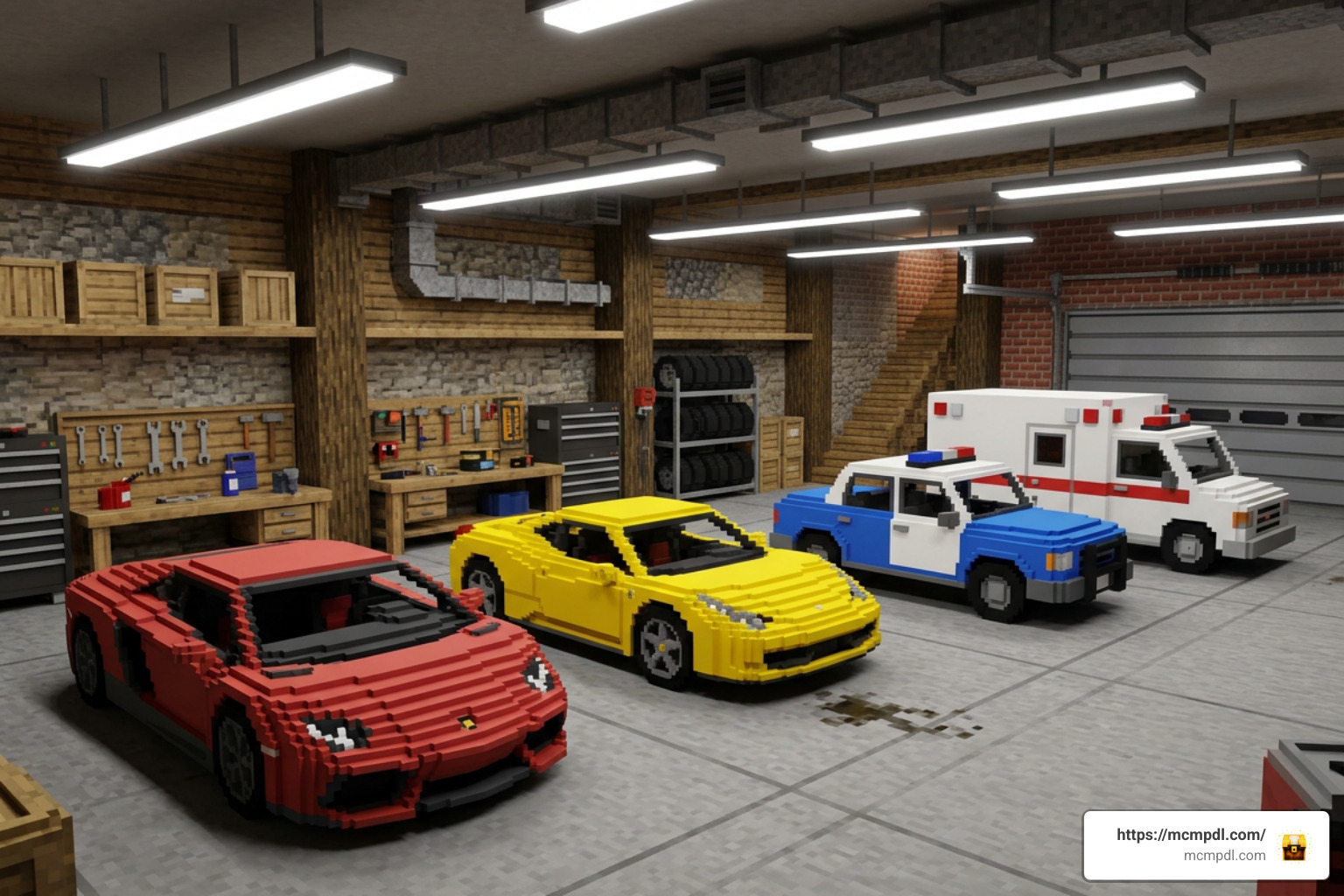
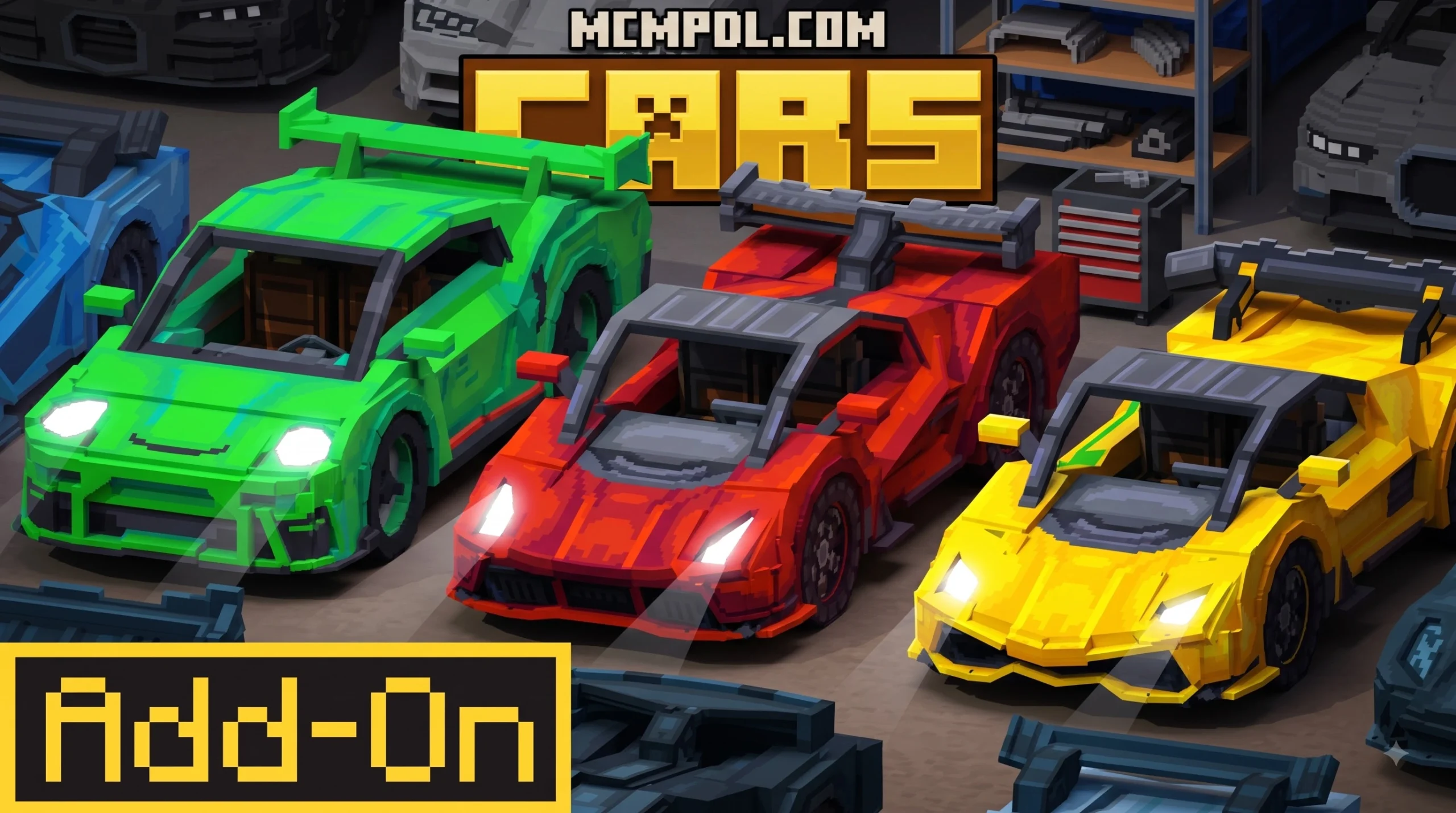
A Cars Add-On for Minecraft PE/Bedrock (Download) is a custom pack that expands the game’s transport system. While vanilla Minecraft relies on horses, minecarts, boats, and Elytra wings, vehicle add-ons introduce fast, mechanical transport options tailored for modern city roleplays, survival hauling, high-speed racing, or large-scale map exploration.
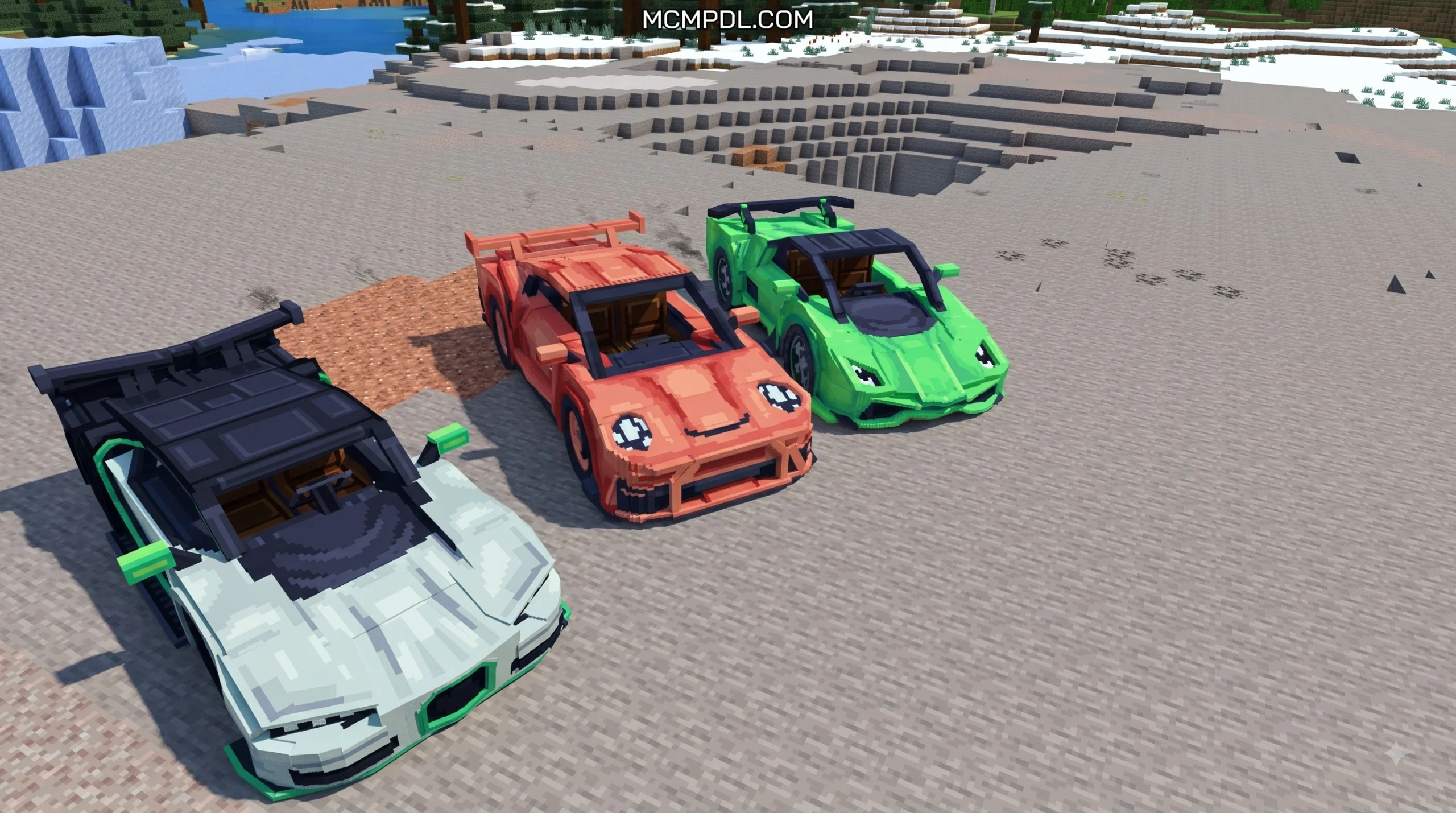
These add-ons range from simple aesthetic vehicle packs featuring over 100 car models to complex mechanical mods with functional gearboxes, custom physics, and fuel management systems. Depending on the download, players can access high-performance sports supercars like Lamborghinis, Ferraris, Bugattis, and Porsches, or everyday utility transport such as taxis, city buses, dump trucks, fire trucks, and ambulances. Many expansive packs also extend into multi-biome transit, featuring aviation vehicles (airplanes, biplanes, and helicopters) as well as aquatic options (speedboats, jet skis, hovercrafts, and submarines).
Features of the Cars Add-On for Minecraft PE/Bedrock (Download)
Modern Bedrock vehicle add-ons utilize custom scripting APIs, detailed resource packs (RP), and intricate behavior packs (BP) to bring realistic mechanics into blocky worlds:
- Drivable Mechanics & Interactive Controls: Vehicles function as fully interactive entities within the Bedrock engine. Players can open doors, trunk spaces, and hoods, hop into specific seating positions, turn on functional headlights during nighttime drives, and activate working car horns to alert nearby players or villagers.
- Ignition Keys & Fuel Systems: To prevent unauthorized driving or joyriding in multiplayer servers, many cars require specific ignition keys or key fobs to unlock and start. Operating them consumes fuel from items like Jerry Cans or gasoline canisters, introducing genuine survival management to motor transit.
- Custom Audio & Camera Views: Real-world engine revving audio, shifting sounds, brake squeal effects, custom speedometer Heads-Up Displays (HUDs), and tailored first-person and third-person camera perspectives make driving feel responsive and authentic.
- Specialized Machinery: Specialized add-ons feature functional farming and industrial equipment, such as tractors, plows, seeders, combine harvesters, and lawnmowers that actively clear tall grass, harvest crops, or pave farmland automatically as you ride over blocks.
Comparison of Vehicle Add-On Types
| Vehicle Add-On Category | Included Vehicles | Survival Crafting Support | Control Requirements | Best For |
|---|---|---|---|---|
| Supercar & Sport Packs | Over 30–100 models (Lamborghini, Porsche, Ferrari, Bugatti) | Spawn eggs or basic keys | Ignition key, direct steering | City roleplay maps & racing circuits |
| Simple Compact Add-Ons | N-Box, small town cars, sedans, hatchbacks | Workbenches, basic crafting | Direct drive, built-in trunk storage | Navigating narrow village paths & suburbs |
| Utility & Specialized Packs | Tractors, fire trucks, lawnmowers, buses, ambulances | Interactive parts, tool attachments | Jerry Cans (Fuel), specialized tools | Farm automation & city infrastructure |
| Multi-Biome Transit | Land cars, planes, jetskis, submarines, helicopters | Assembly bench, engine parts | Keys, flight controls, buoyancy systems | Broad survival world exploration & adventure |
Steps to Install Cars Add-On for Minecraft PE/Bedrock (Download)
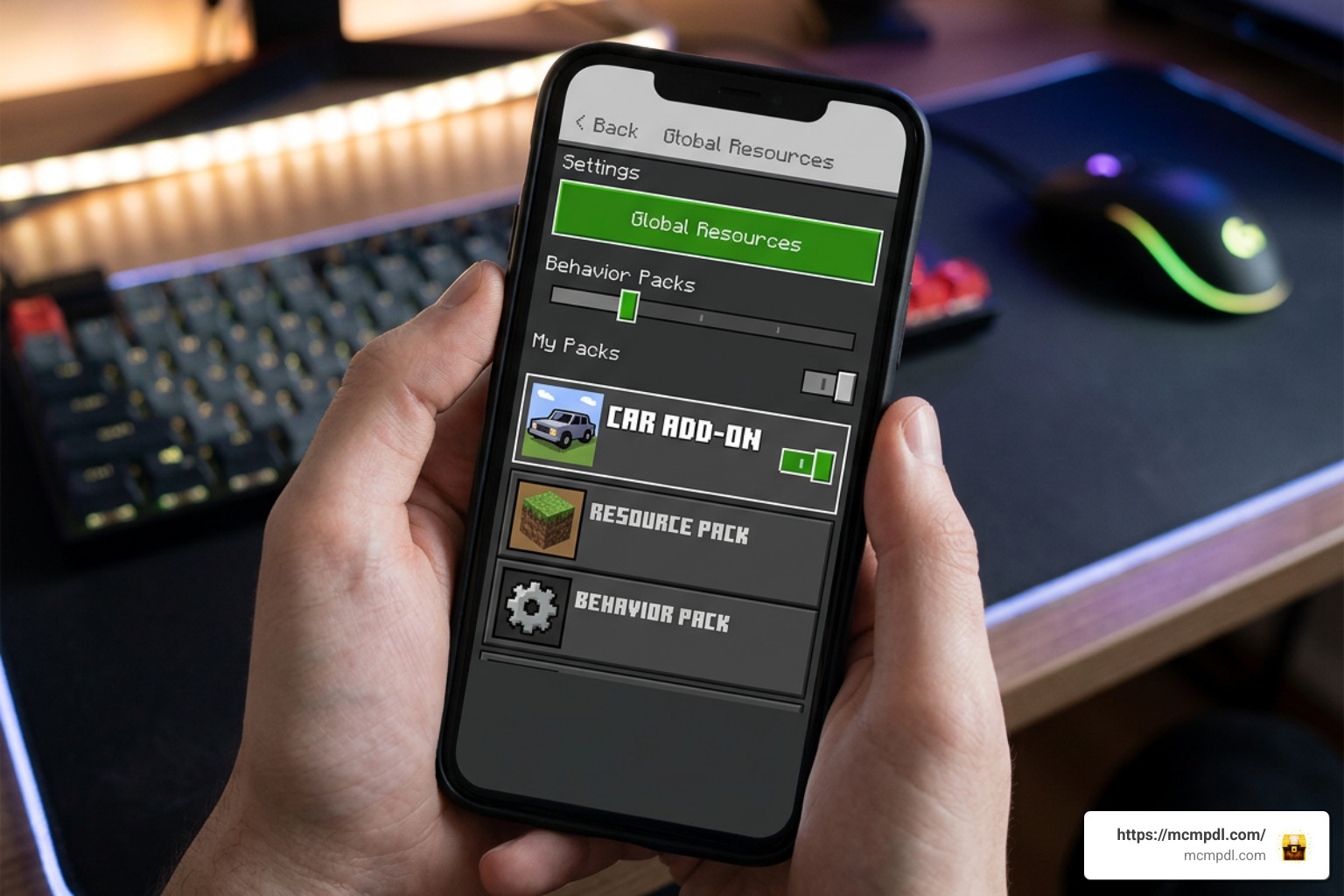
Installing a Cars Add-On for Minecraft PE/Bedrock (Download) requires setting up both Resource and Behavior packs properly. Follow these detailed steps to import your vehicle packs safely without hitting missing texture glitches, broken animation sequences, or world load crashes.
Step 1: Download the Pack Files
- Obtain the correct
.mcaddonor.mcpackfiles matching your specific version of Minecraft PE/Bedrock (such as version 1.21 or higher). - If the add-on developer splits its download into separate Resource Pack (RP) and Behavior Pack (BP) files, download both files individually onto your mobile device or computer.
- On iOS and Android devices, tap the downloaded
.mcaddonor.mcpackfile to open it directly with Minecraft. The game will launch automatically and import the pack components into your global storage. On Windows 10/11, double-clicking the file triggers the automated import process immediately.
Step 2: Enable Experimental Gameplay Toggles
Most high-function vehicle add-ons rely on custom scripts, custom entity geometry, and specialized block behaviors. Without enabling the mandatory experimental toggles in your world settings menu, vehicles may spawn without collision box data, lack custom sounds, or fail to steer properly.
- Open your world settings menu in Minecraft Bedrock (or create a new world).
- Scroll down to the Experiments tab on the left navigation panel.
- Toggle on Holiday Creator Features, Custom Biomes, Upcoming Creator Features, and Beta APIs (along with any specific experimental script toggles requested by your chosen vehicle pack creator).
- Confirm the warning prompt to duplicate or update your world settings safely.
Step 3: Configure Load Order and Launch World
- Navigate to Resource Packs under World Settings and activate your vehicle resource pack.
- Navigate to Behavior Packs and activate the corresponding behavior pack to ensure server scripts and entity interactions match.
- Android 11+ Mobile Fix: If you experience crashing upon loading your world, reorder your resource packs. Placing the main vehicle Resource Pack at the bottom of your active load order list resolves memory allocation crashes on mobile devices running Android 11 or newer.
- Click Play to launch your world with active, fully functional vehicle mechanics.
How to Drive, Craft, and Maintain Vehicles in Survival Mode
While creative mode allows players to spawn vehicles instantly using egg items, spawn keys, or inventory commands, full survival-friendly vehicle add-ons introduce dedicated construction and maintenance chains that reward player progression.
Vehicle Mechanics and Control Systems
Building and maintaining a car in survival mode typically requires constructing specialized crafting stations and gathering raw materials like iron, rubber, glass, and redstone:
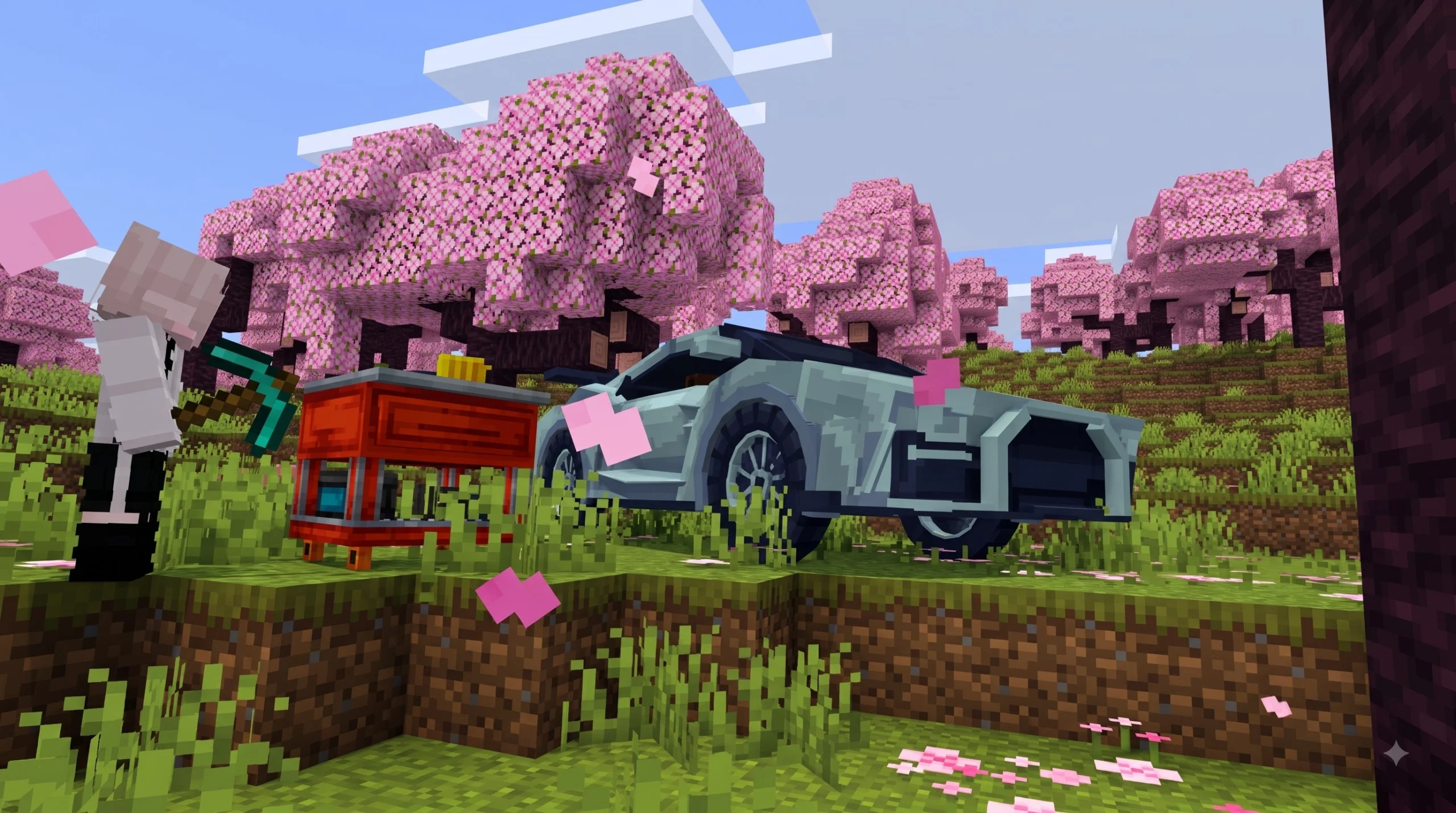
- Vehicle Workbench: Used to craft individual engine parts, iron chassis blocks, glass windshields, steering wheels, and rubber tires from raw survival ingredients.
- Vehicle Builder / Mechanical Frame: Combines the constructed vehicle body item with four tire items and an engine block to yield the complete drivable car entity ready for placement.
- Operation & Fueling: Once placed on a road or flat terrain, equip a Jerry Can (crafted with iron and redstone or filled with biofuel) to refuel the vehicle’s gas tank. Approach the car door with its matching key item, interact to enter the driver’s seat, and tap the ignition key to start the motor.
- Dashboard & HUD: When seated, custom camera angles switch to driving mode, and an on-screen speedometer HUD tracks your current velocity, terrain slope, and remaining fuel levels in real time.
How to Get the Cars Add-On for Minecraft PE/Bedrock (Download) Working in Multiplayer
Using vehicle add-ons on multiplayer roleplay servers, Bedrock Realms, or shared local worlds requires keeping performance optimized and ensuring smooth gameplay for all participants:
- Pave Smoother Roads: Minecraft’s natural one-block step height can cause vehicles without smooth climbing physics to bump or stop unexpectedly. Build dedicated roads using smooth stone, concrete, asphalt, or polished basalt blocks, using half-slabs and stairs for seamless elevation changes.
- Manage Entity Limits: High-polygon 3D vehicle models consume device memory and mobile RAM. Limit the total number of parked cars in dense city centers or spawn hubs to prevent frame rate drops and rendering lag for players on lower-end mobile devices.
- Distribute World Packs: Ensure the “Require players to accept resource packs to join” option is checked in world settings. This guarantees that all joining players automatically download the necessary resource packs so vehicle models, custom animations, and engine audio render perfectly across all connected devices.
Frequently Asked Questions
Are vehicle add-ons for Minecraft PE free to use?
Many vehicle add-ons are completely free to download and use in survival or creative worlds. Players can find standalone packs on community repositories and add-on platforms. Optional third-party management apps or premium marketplace items may offer convenience features, model editors, or specialized pack bundles, but core vehicle add-ons remain freely accessible across Bedrock platforms for Android, iOS, Windows, and consoles.
How do you resolve vehicle crashes or texture glitches on mobile?
Texture glitches (such as black-and-purple checkerboard patterns appearing on car bodies) occur when the Behavior Pack is enabled without its matching Resource Pack. Always verify that both packs are actively installed in your world settings. If the game crashes when spawning or driving vehicles on mobile, lower your render distance in video options, clear unused entity clutter around your world, and ensure all experimental gameplay toggles match the add-on’s exact specifications.
Can you customize car models and paint colors in Minecraft Bedrock?
Yes! Certain vehicle add-ons feature in-game paint tools, spray cans, or dye interactions that let players repaint vehicles on the fly into red, blue, black, yellow, or custom color schemes. Advanced creators and modders can also edit 3D models, sound assets, and texture maps directly using external modeling tools like Blockbench before exporting custom .mcaddon files straight into Minecraft PE for unique vehicle creation.
Conclusion
A Cars Add-On for Minecraft PE/Bedrock (Download) completely updates how you travel, explore, and build across your worlds. Whether you are constructing sprawling modern highways, automating crop harvesting with utility tractors, or racing high-speed supercars across custom tracks with friends, installing vehicle packs opens up endless creative and survival gameplay options.
Make sure to enable your experimental gameplay toggles, balance your active pack load order, and build smooth paved roads for the best driving experience. To discover new packs, modding utilities, and world updates, download the latest Minecraft Bedrock add-ons on mcmpdl.com!
5 thoughts on “Cars Add-On for Minecraft PE/Bedrock (Download)”