Scroll down to Download
Lucky Block Race Maps Bring Random Fun to Minecraft Bedrock
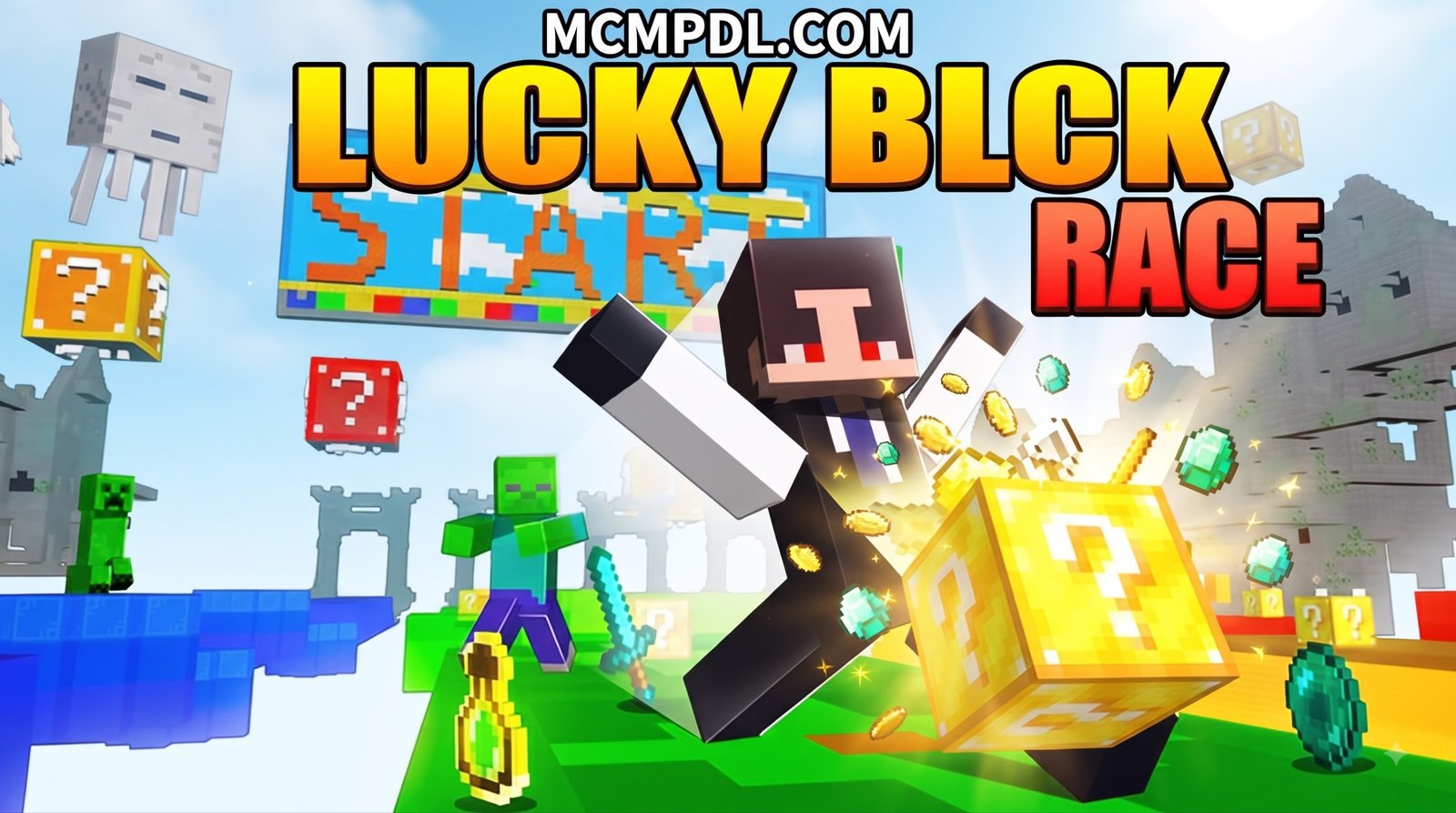
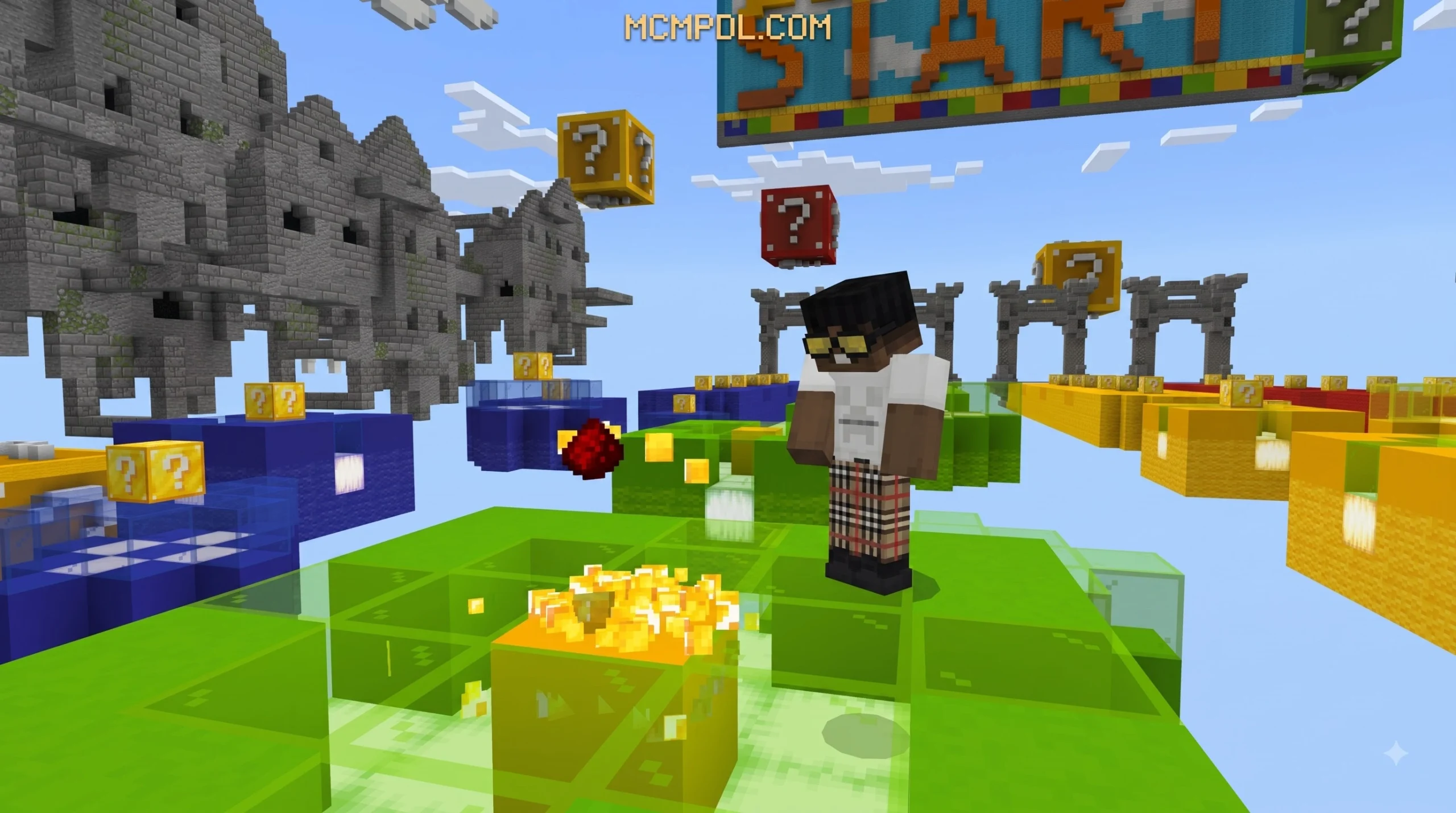
A Lucky Block Race Map for Minecraft PE/Bedrock is a custom mini-game world where players race along a track, break mystery blocks, collect random rewards or face sudden hazards, and try to reach the finish first.
In most maps, the race is not only about speed. A Lucky Block can give you useful gear, a boost, or an unexpected problem such as TNT, mobs, or a trap. Many maps also end with a PvP arena, so the items you find during the race can decide the final battle.
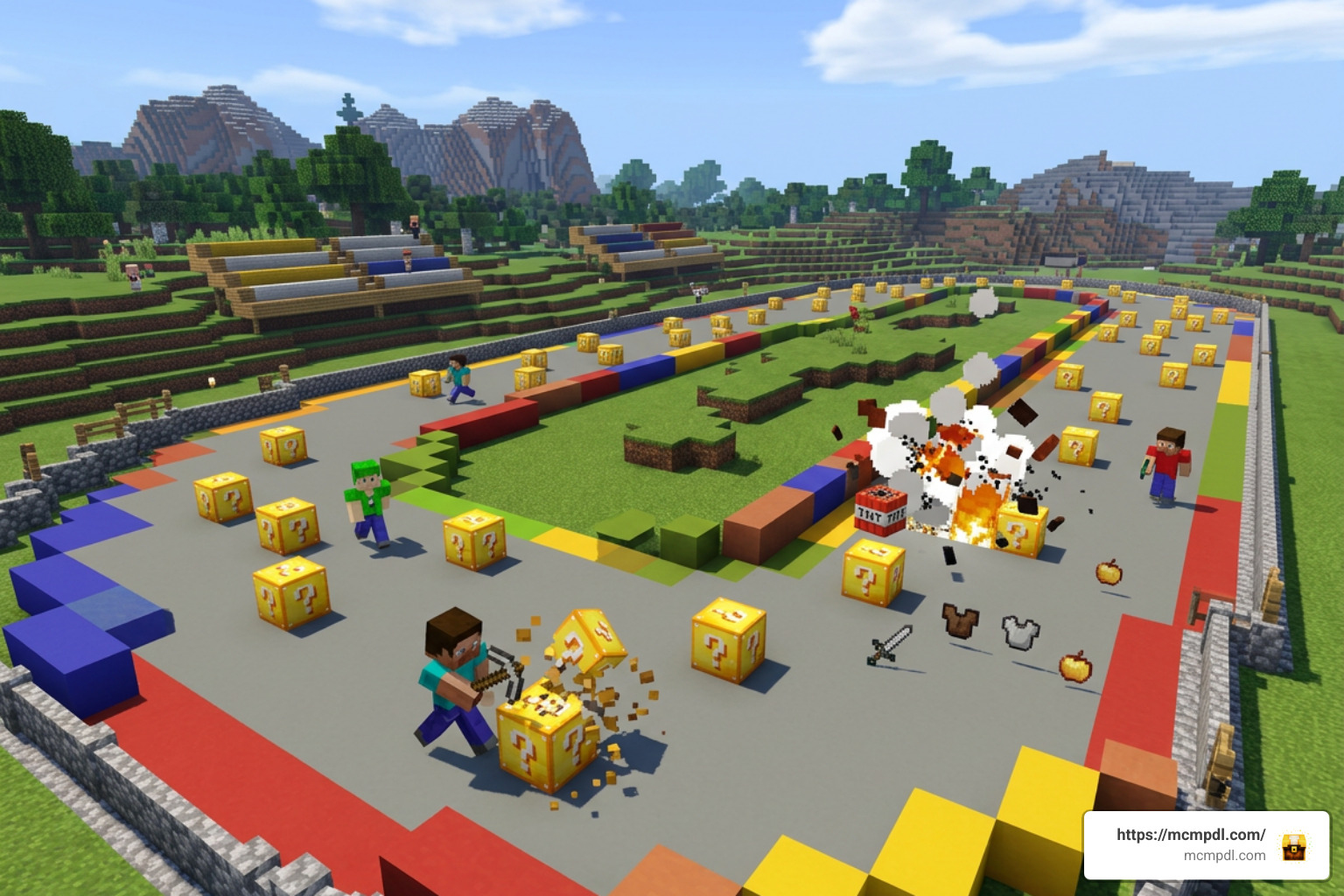
These worlds come in several formats, including solo challenges, trio races, and four-player tracks. Some add skill tests such as parkour and WaterDrop jumps, which makes every round a mix of movement skill, combat, and luck.
This guide explains how Lucky Block Race maps work on Minecraft PE and Bedrock, which versions they support, and what to check before playing with friends.
What is a Lucky Block Race Map for Minecraft PE/Bedrock?
A Lucky Block Race Map for Minecraft PE/Bedrock combines high-speed sprinting with unpredictable chance mechanics. When we jump into one of these custom worlds, every step forward presents a decision: do we break the next block and risk spawning a swarm of hostile mobs, or do we break it in hopes of pulling a set of netherite armor?
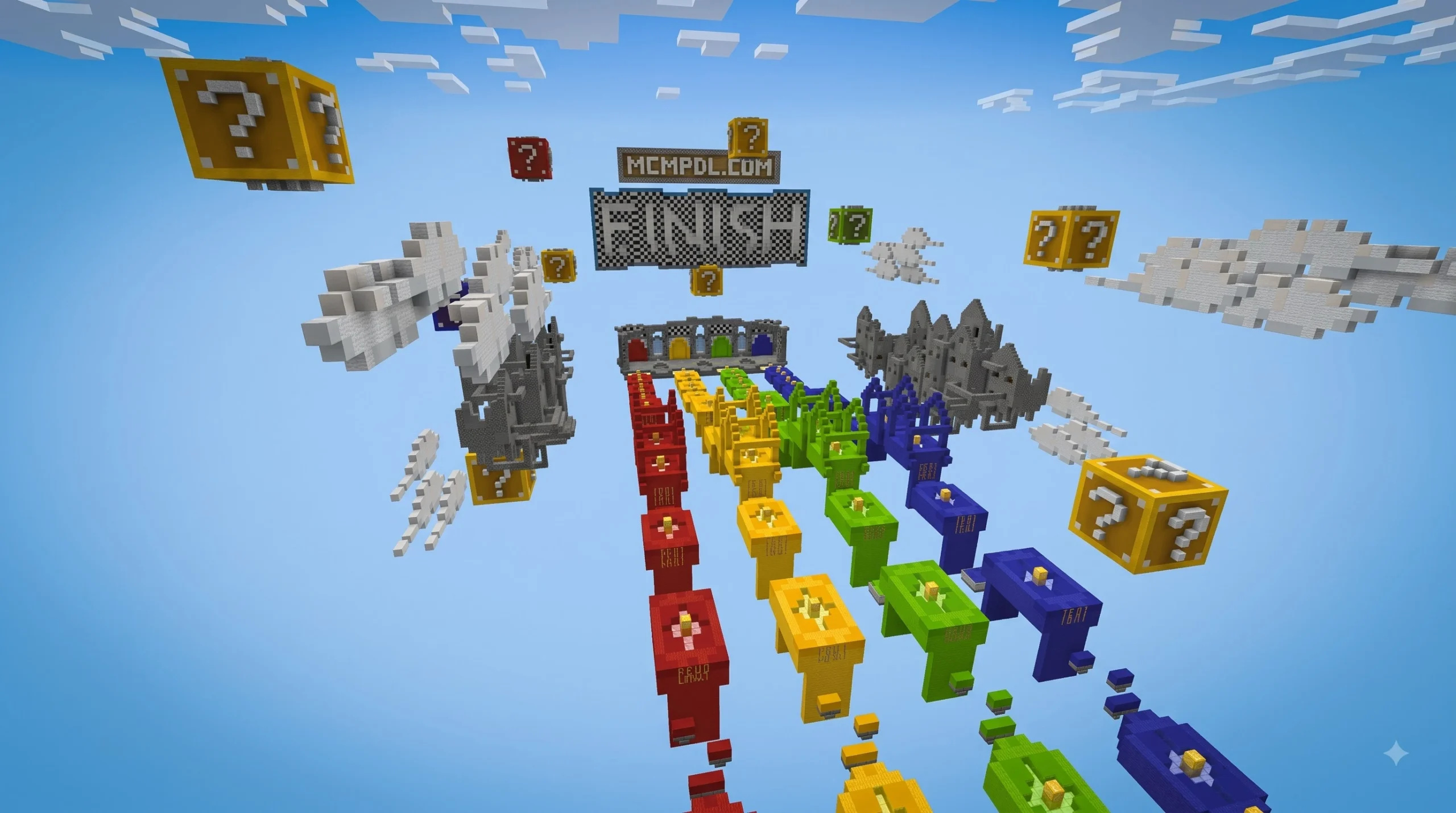
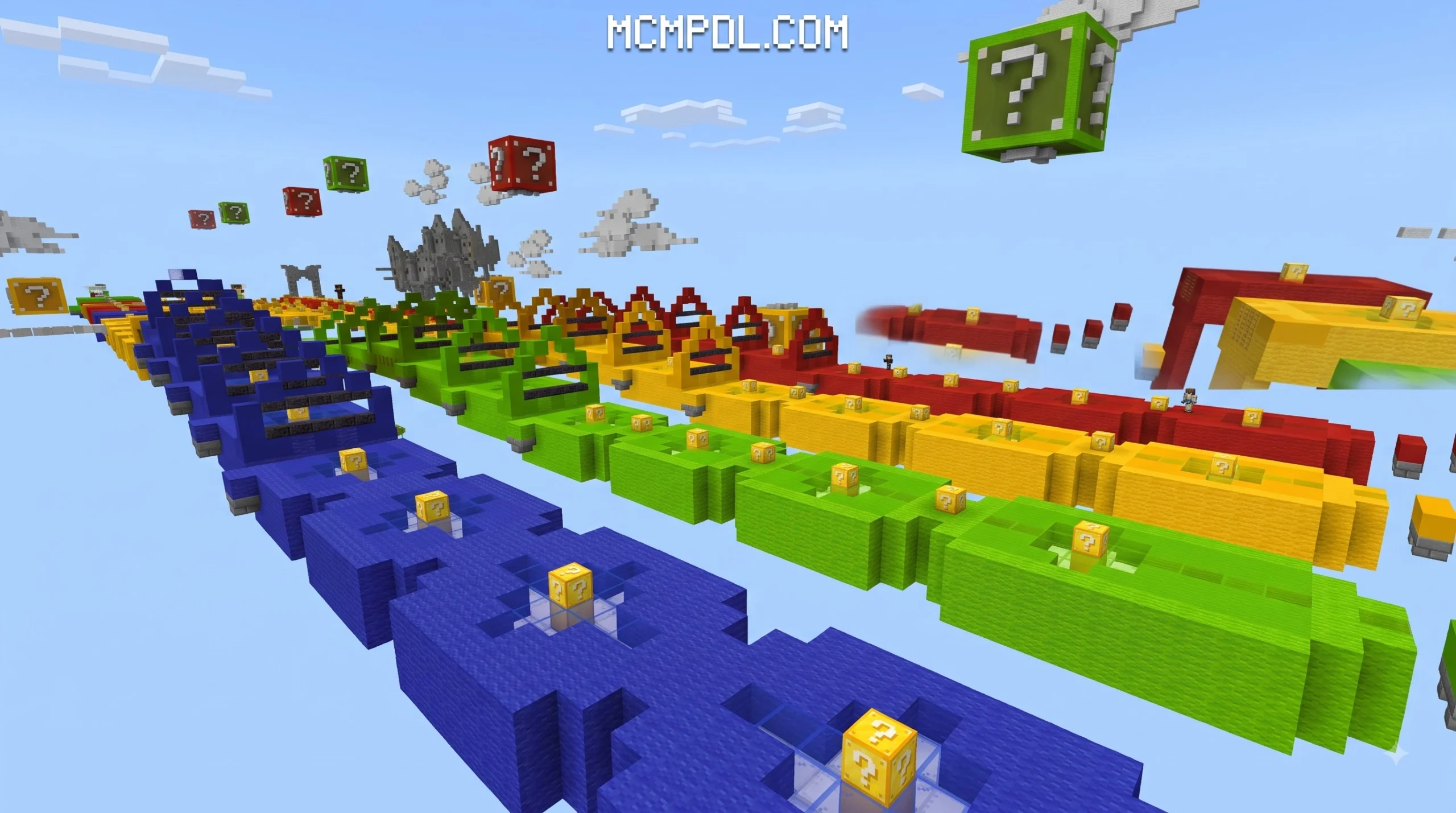
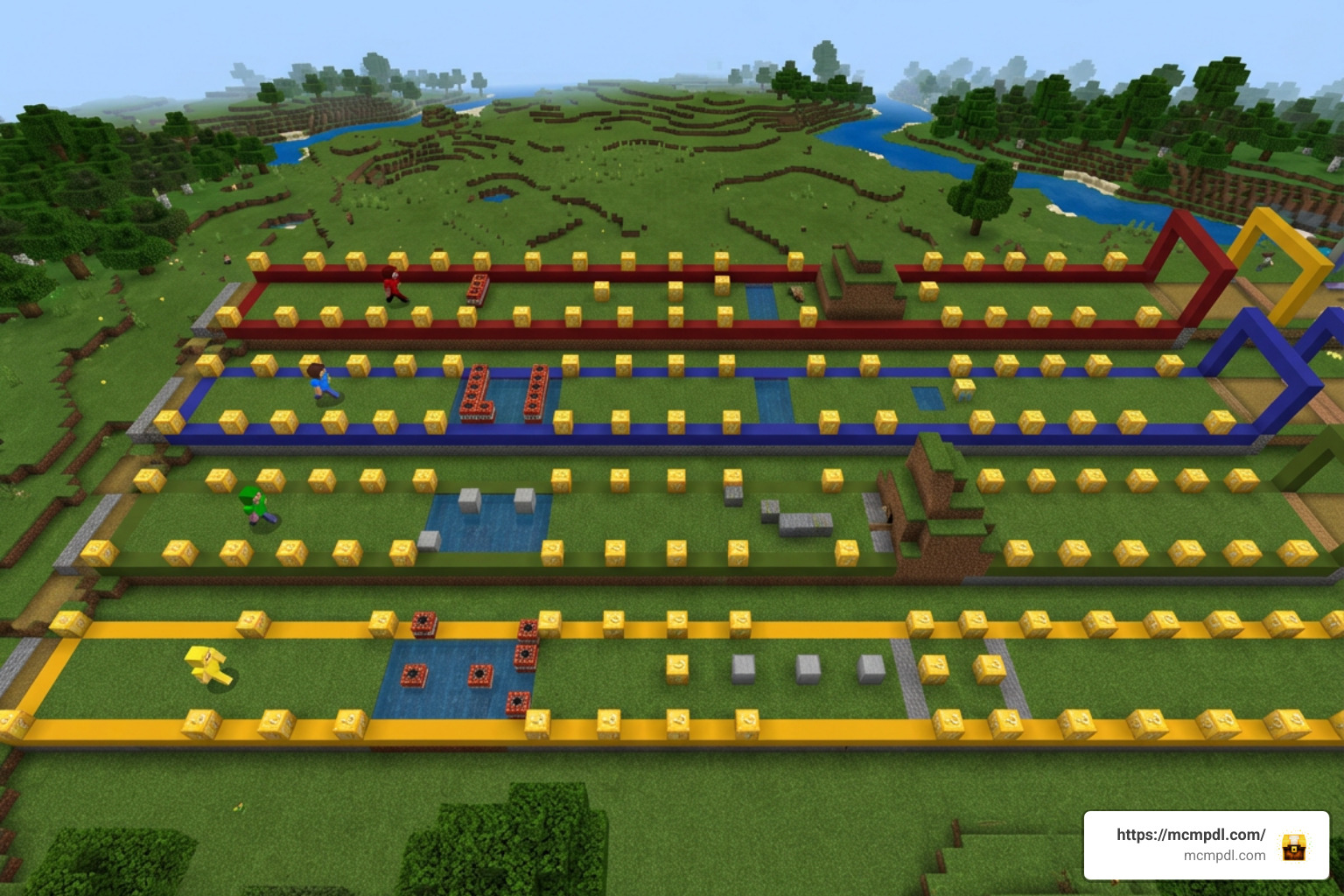
Unlike standard Minecraft races where the fastest player on ice or elytra wins automatically, a lucky block race forces players to handle surprise events on the fly. As players move down parallel color-coded tracks, they are required to break every block placed along their path. Breaking a block triggers a random event pulled from custom loot tables or function files.
The journey does not usually stop when you reach the end of the straightaway. Most popular race layouts route players through specialized obstacle sections before opening into a final arena. In this showdown area, players turn their newly acquired inventory against each other in a free-for-all brawl.
Core Gameplay Features and Obstacles
Modern creators design these maps with diverse gameplay modules to keep players on their toes:
- Mini-Parkour Sections: Tracks often incorporate precision jumps over lava pits, slime block boosters, or ladder climbs that require movement dexterity while managing inventory drops.
- WaterDrop Challenges: Players drop from high vantage points and must land safely in a single block of water to avoid fall damage and keep their tempo going.
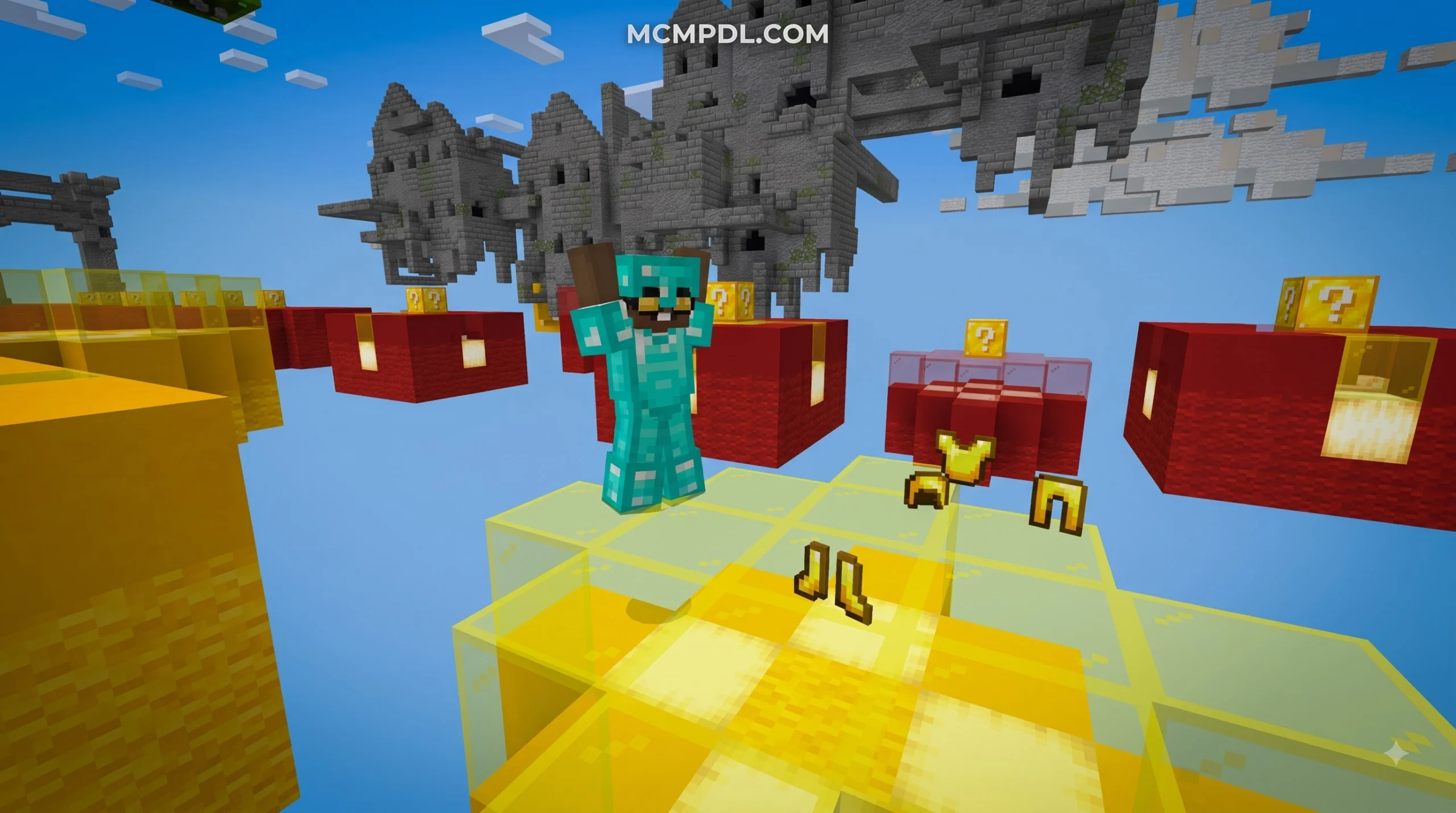
- Custom Loot Drops: Outcomes range from high-tier enchanted weapons, golden apples, and diamond armor to custom modded items that grant temporary particle trails or special abilities.
- TNT Hazards and Mob Spawns: Unlucky breaks might trigger immediate prime TNT charges, anvil drops, or sudden spawns of creepers, iron golems, or custom bosses right inside your running lane.
Popular Lucky Block Race Map for Minecraft PE/Bedrock Variants
Over the years, the community has built multiple formats catering to different group sizes and play styles:
- 4-Player Supported Tracks: Designed with four distinct lanes (frequently colored red, blue, green, and yellow) allowing four friends to compete head-to-head simultaneously.
- Trio Race Maps: Built specifically with three lanes, optimizing world render distances and device performance for medium-sized groups.
- Solo and Speedrun Challenges: Designed for single-player practice, timing runs, or personal score attacks where survival against bad luck is the ultimate goal.
- One Block Variants: Suspended high in the sky, players start on a single renewable lucky block, expanding their island foothold block by block while coping with unexpected drops.
If you are eager to dive straight into a classic four-player experience, you can explore popular four-player tracks across custom mini-game libraries to find maps featuring distinct track layouts and specialized obstacles.
Minecraft Version Compatibility and Requirements
One of the greatest strengths of Bedrock Edition is its cross-platform accessibility. Whether you play on Android, iOS, Windows, or consoles, map files in the .mcworld format allow seamless integration across platforms. For official technical reference on Bedrock content creation, players and map makers can also review the Minecraft Creator documentation.
Most modern Lucky Block Race maps support Minecraft versions ranging from 1.20.40 through 1.21 and current 26.x builds. Updates like version 1.8 of classic map tracks specifically modified Redstone mechanics, streamlined track layouts, and updated scripting to ensure stability on modern Bedrock engines. Downloads of version 1.8 have surpassed 289,000 installations across the community, highlighting how critical version maintenance is for long-term compatibility.
| Map Variant | Supported Player Count | Primary Gameplay Features | Compatible Bedrock Versions |
|---|---|---|---|
| Standard 4-Player Race | 1 to 4 Players | Parallel color lanes, PvP Finish Arena | 1.20.40 through 1.21.x / 26.x |
| Trio Race Map | 1 to 3 Players | Compact tracks, custom function loot | 1.21.x / 26.x builds |
| Parkour & WaterDrop Edition | 1 to 4 Players | Skill jumps, high-drop landings, PvP | 1.20.x, 1.21.x |
| One Block Lucky Edition | Solo / Co-op | Skyblock survival on renewable RNG block | 1.20.0 through 1.21.x |
For players seeking fresh trio-format mechanics tailored to 1.21 and 26.x engine updates, many community creators design compact trio tracks optimized specifically for these engine versions.
Enabling Experimental Mode for Lucky Block Triggers
When launching a custom map, one common issue players encounter is that lucky blocks fail to spawn items or trigger events when broken. This almost always happens because experimental world toggles were turned off.
Many lucky block additions rely on custom functions, block behaviors, and scripts that exist outside standard vanilla parameters. To ensure events trigger reliably:
- Open your world settings menu before entering the map.
- Scroll down to the Experiments tab.
- Enable features such as Holiday Creator Features, Custom Biomes, and Beta APIs (depending on the map creator’s instructions).
- Confirm the creation of a backup world when prompted, then load in.
How to Download and Install Lucky Block Race Maps
Installing custom maps on mobile platforms like Android and iOS has become vastly streamlined over recent years. Gone are the days of manual archive extraction for most users; .mcworld packages now feature direct file-association triggers.
Top Community Creators and Map Sources
The Minecraft PE community benefits from talented studios and independent developers who consistently push the boundaries of mini-game design. Creators such as PlasmaSpaceStudios are known for incorporating comprehensive features like multi-lane color track selection, elevated WaterDrop drop-offs, and custom-decorated PvP arenas. Other popular community contributors like BenTDD have experimented with unique rulesets, such as having players collect spawn items in creative mode before dropping into survival racing.
When sourcing maps, custom world archives offer extensive options. Players can easily browse curated directories and examine classic track builds to find the perfect map for their playstyle.
Step-by-Step Mobile Installation Guide
If you are installing a Lucky Block Race map on Android or iOS devices, follow these straightforward steps:
Direct Installation (.mcworld format):
- Download the
.mcworldfile (typically ranging from 2.5 MB to 20 MB) using your mobile browser. - Open your device’s File Manager or Downloads folder.
- Tap the downloaded
.mcworldfile. Select Minecraft when asked which application to open it with. - Minecraft PE/Bedrock will launch automatically and display an “Import Started” banner at the top of your screen.
- Once the notification confirms “World Import Successful,” navigate to your world selection menu to launch the map.
Manual Installation (Zip/Folder format on older Android setups):
- Extract the downloaded
.zipor archive file to reveal the underlying world folder. - Copy or move the extracted world folder into your system directory path:
/games/com.mojang/minecraftWorlds. - Launch Minecraft Pocket Edition; the map will automatically populate in your local world list.
Strategies to Master Lucky Block Racing
Winning a lucky block race requires more than just holding down the forward button. Because RNG (random number generation) can swing momentum in an instant, tactical adaptability is vital.
- Manage Inventory on the Fly: Do not wait until you reach the end of the track to organize your hotbar. Put weapons, golden apples, and speed potions in active slots immediately upon pick-up.
- Handle Traps Calmly: If a block drops activated TNT or spawns a cluster of creepers, do not panic and step into your opponent’s lane. Step backward quickly, let the explosion clear, and continue forward.
- Balance Speed and Thoroughness: Skipping blocks is almost always against map rules, but even if it weren’t, skipping blocks deprives you of crucial armor and weapons needed for the mandatory end-game PvP arena.
- Mastering the WaterDrop: When approaching high-altitude jumps, adjust your camera angle directly downward and practice double-tapping your drop placement to guarantee a safe landing in the water target.
Key Rules for a Lucky Block Race Map for Minecraft PE/Bedrock
To keep multiplayer matches fair and fun for everyone involved, establish these standard ground rules before hitting the start button:
- Mandatory Block Destruction: Every player must break every lucky block along their designated lane track. Leaving blocks behind to gain an artificial speed lead results in disqualification.
- Lane Integrity: Players must remain within their chosen color lane until the track opens into the common parkour or final PvP arena. Interfering with an opponent’s lane early is prohibited.
- Survival Progression: Players must play strictly in Survival mode without utilizing administrative privileges or cheat commands unless repairing a broken spawn trigger.
- Final Battle Readiness: Once all surviving players reach the finish area, a brief countdown initiates before opening full PvP combat. The last player standing in the arena claims overall victory.
Frequently Asked Questions
How many players can join a Lucky Block Race in MCPE?
Most standard Lucky Block Race tracks support up to 4 players simultaneously in dedicated parallel lanes. However, certain custom maps cater to trios (3 players) or offer solo practice modes. If you host a local LAN session or open a Bedrock Dedicated Server, friends can join seamlessly regardless of whether they play on mobile devices, consoles, or PC.
Why are lucky block events not triggering on my map?
If breaking a lucky block yields nothing or fails to execute custom events, the world’s Experimental Mode settings are likely disabled. Return to the main menu, edit the world settings, navigate to the Experiments section, and enable toggles such as “Holiday Creator Features” and “Beta APIs.” Additionally, make sure your game client is updated to match the map’s supported version (such as 1.20.40, 1.21, or 26.x).
Can I create custom Lucky Blocks for my own maps?
Yes! You can create custom lucky blocks with tailored drop pools using tools like the Function Manager inside companion apps or by writing custom behavior packs. Third-party utility apps on Android (which have recorded millions of downloads) allow players to program custom loot tables, adjust probability percentages, and combine structure builds into custom function packages.
Conclusion
A Lucky Block Race Map for Minecraft PE/Bedrock delivers an ideal balance of casual multiplayer competition, unpredictable RNG surprises, and technical mini-game fun. Whether you are navigating intricate parkour hurdles, surviving sudden TNT traps, or going head-to-head in a chaotic final PvP arena, every match presents a completely fresh experience.
Ready to test your luck and discover even more amazing Bedrock content? Explore our full collection of guides, maps, and texture packs directly on mcmpdl.com to take your Minecraft PE sessions to the next level!