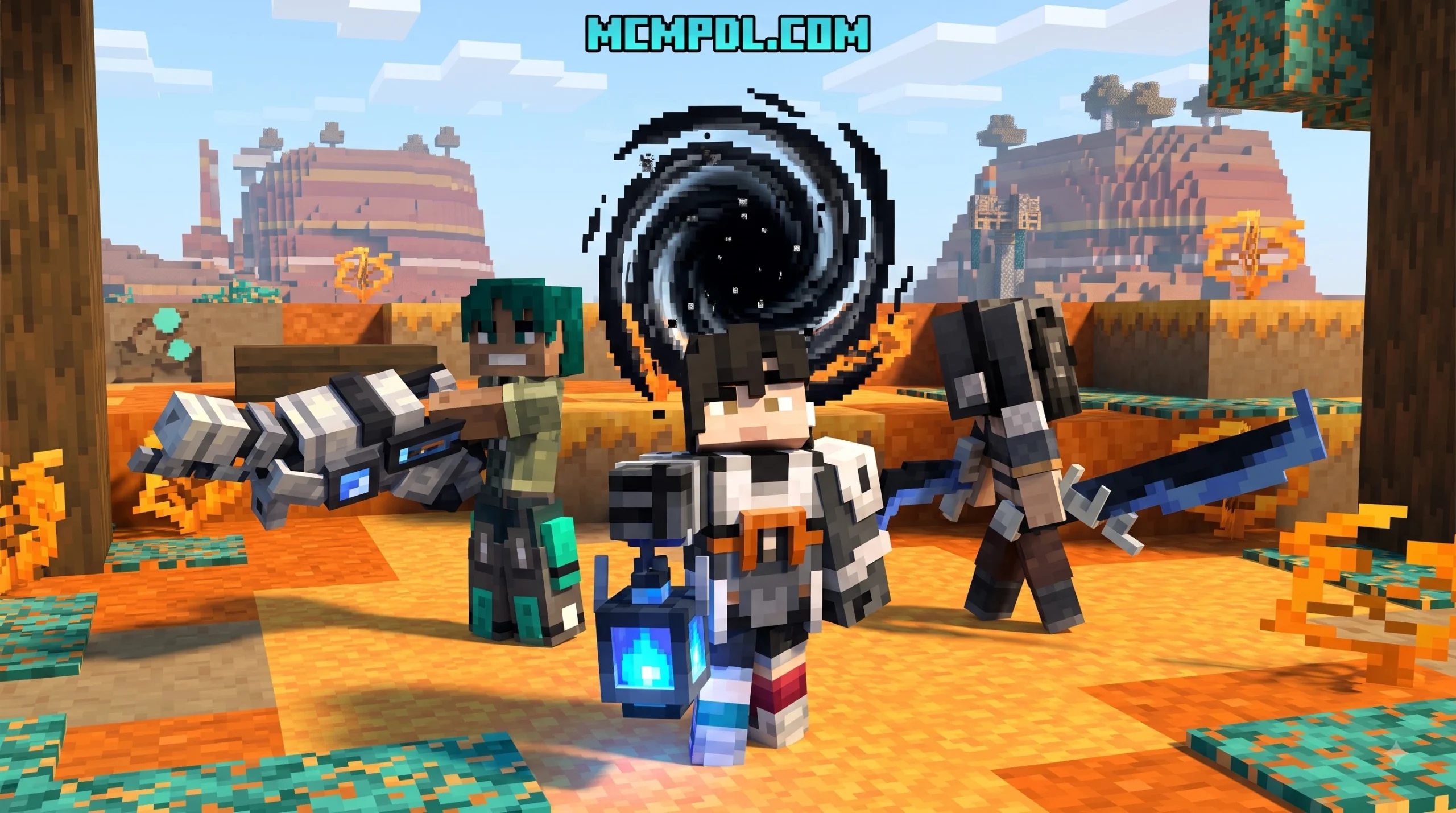
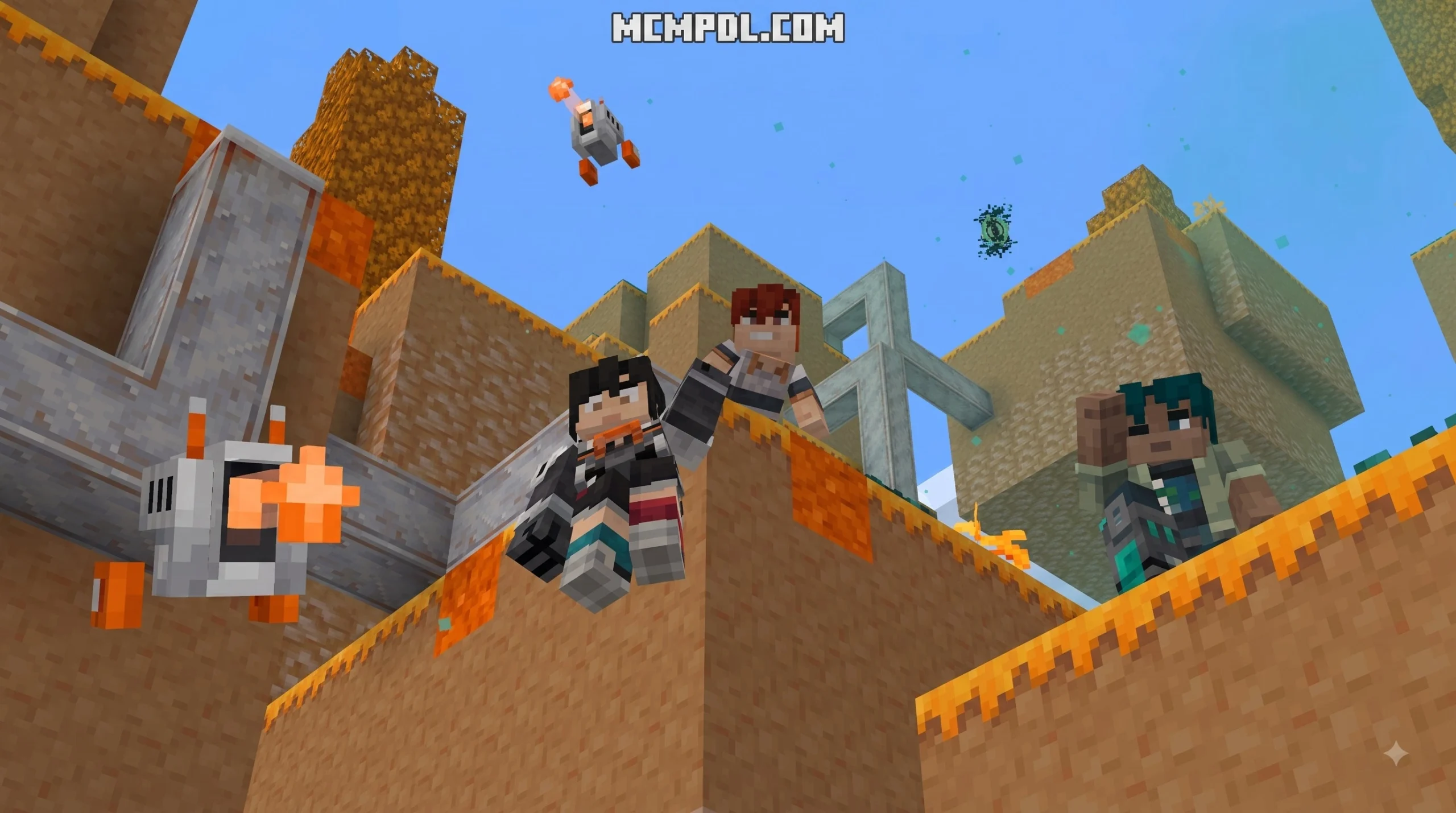
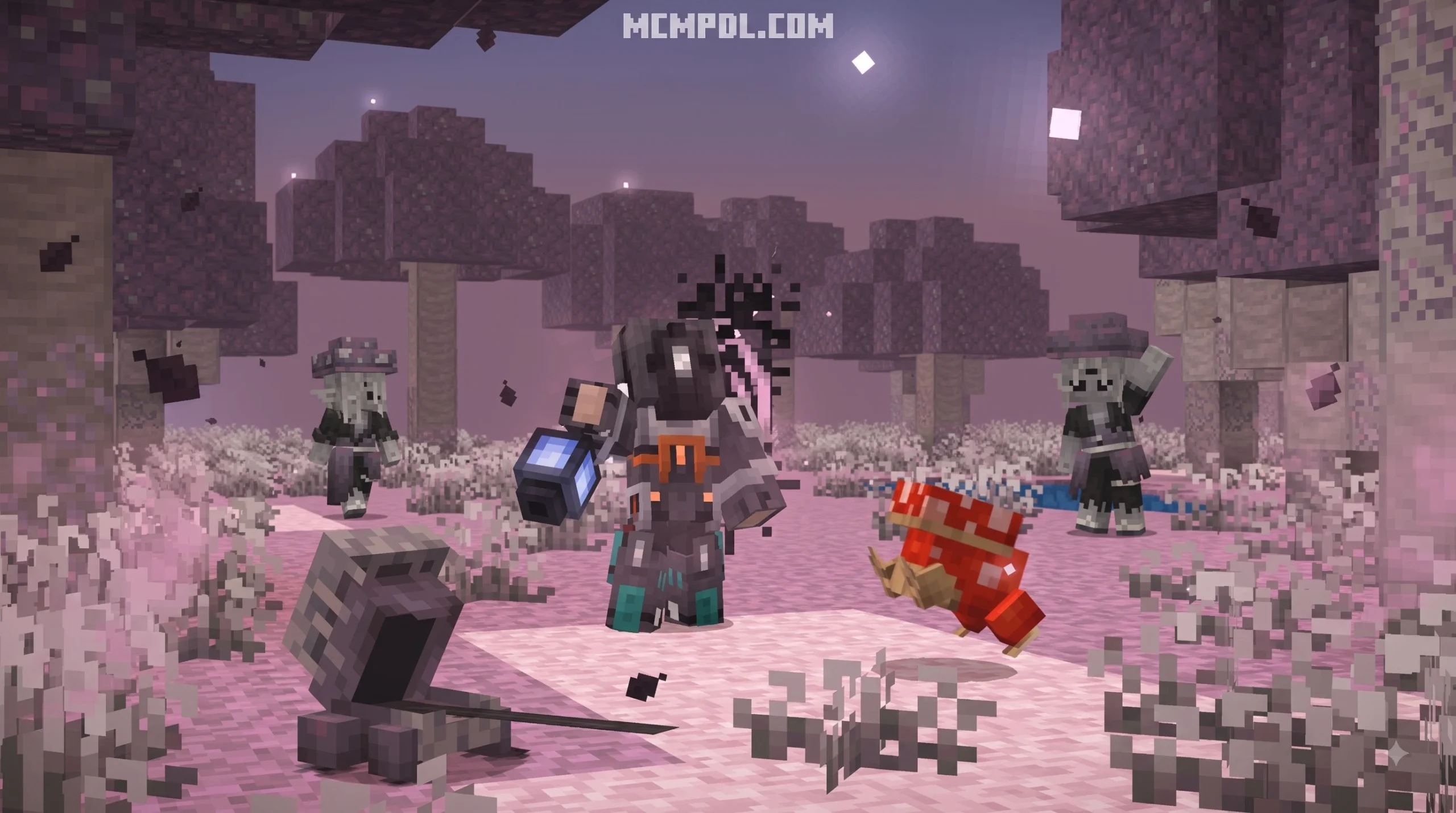
Scroll down to D0vvnl0ad
5 Easy Steps to Download and Install the Addon
To download and install the DIMENSIONS Addon for Minecraft PE, download the .mcaddon package, open the file in Minecraft PE to trigger the automatic import, activate both the Resource and Behavior packs in your world settings, enable the required experimental gameplay toggles, and create your new survival world.
Getting brand-new realms up and running on your phone or tablet does not have to be a headache. Whether you are browsing our Category/Add Ons section or downloading files shared directly by addon creators, the import process on Bedrock Edition is built to be straightforward.
Follow our step-by-step breakdown below to get your files in place and your world configured properly.
Step-by-Step Installation on Android and iOS
- Download the Addon Package: Grab the official
.mcaddonfile (or individual.mcpackfiles for behavior and resource assets) directly from dedicated addon repositories. - Open the File in Minecraft PE: On Android, tap the downloaded file directly from your browser or file manager and select Minecraft. On iOS, open the file in the Files app, tap Share, and choose Minecraft to begin the automatic import.
- Confirm Successful Import: Wait for the in-game notification banners reading “Import Started” and “Successfully Imported” to appear at the top of your screen.
- Create a New Survival World: Go to Play > Create New > Create New World. Under the world creation menu, navigate down to the left sidebar and select Resource Packs to activate the texture assets, then open Behavior Packs to activate the dimensional scripts. Always verify that both packs show up as active in your world edit screen before launching, as missing one will result in missing textures or non-functional portal logic.
- Enable Experiments and Launch: Open the Experiments tab in your world settings, toggle the necessary experimental features on, set your difficulty to Survival, and hit Create to jump in!
Required Experimental Settings and Version Requirements
Custom dimension addons push the Bedrock engine beyond its stock boundaries. Because these mods generate distinct biomes, custom blocks, and unique script-driven entities, turning on experimental toggles is essential for avoiding crashes or invisible blocks.
When setting up your world, make sure to enable the following settings:
- Beta APIs: Grants the addon access to advanced scripting APIs required for custom dimension mechanics and mob routines. Some advanced mods specifically require Beta APIs and may require testing builds.
- Holiday Creator Features: Allows the game to load custom item behaviors, tools, and igniters.
- Upcoming Creator Features & Molang Features: Ensures custom entity animations, such as multi-jointed skeletal bosses, render without graphical artifacts.
- Custom Dimension Support: Certain packs rely directly on community frameworks and scripting templates to register new environment namespaces.
Make sure your base game is updated to the required engine version. Manifest mismatches between an outdated Minecraft PE client and a newly updated addon are the number-one reason an import will fail.
Core Worlds and Realms in DIMENSIONS Addon for Minecraft PE
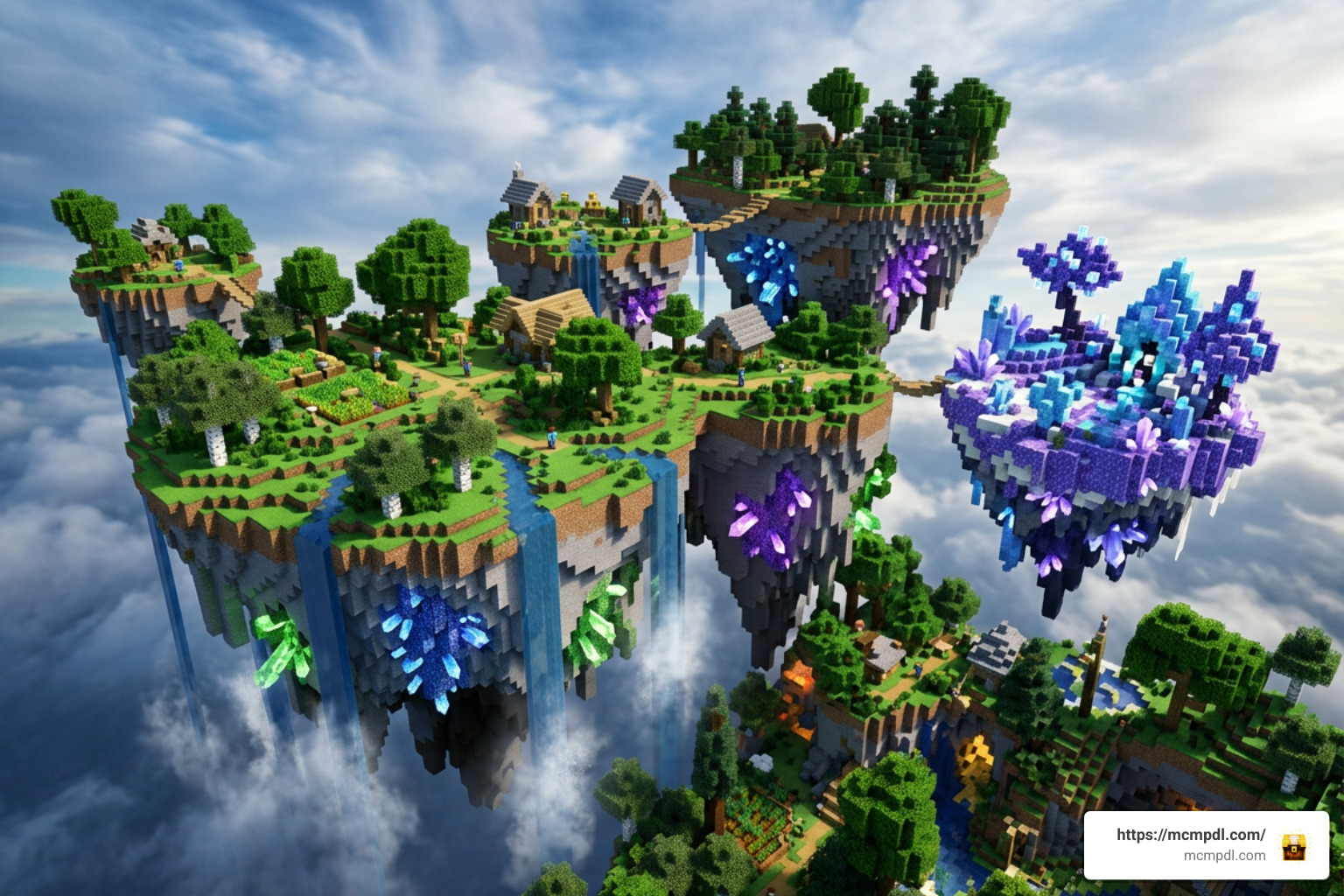
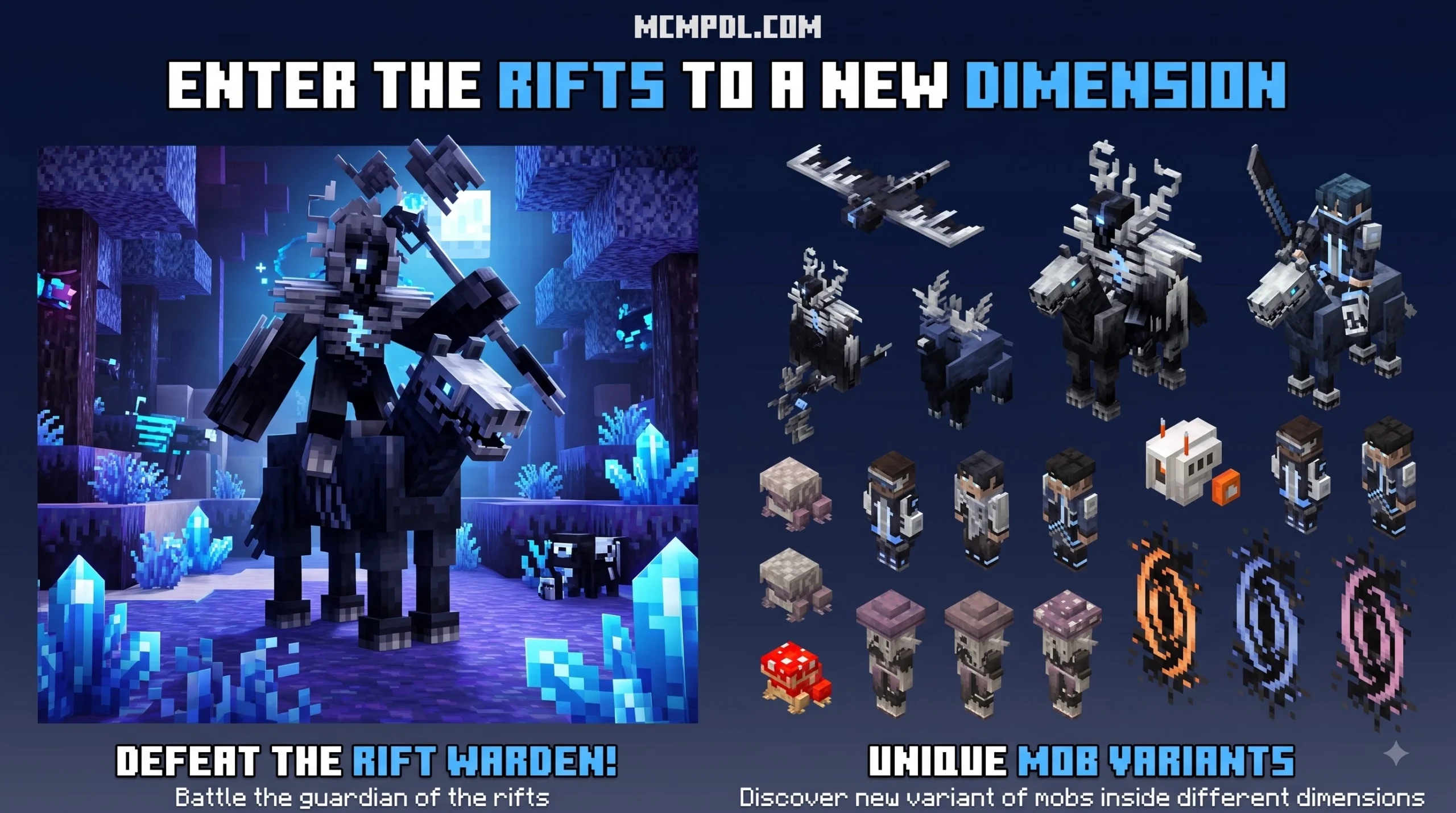
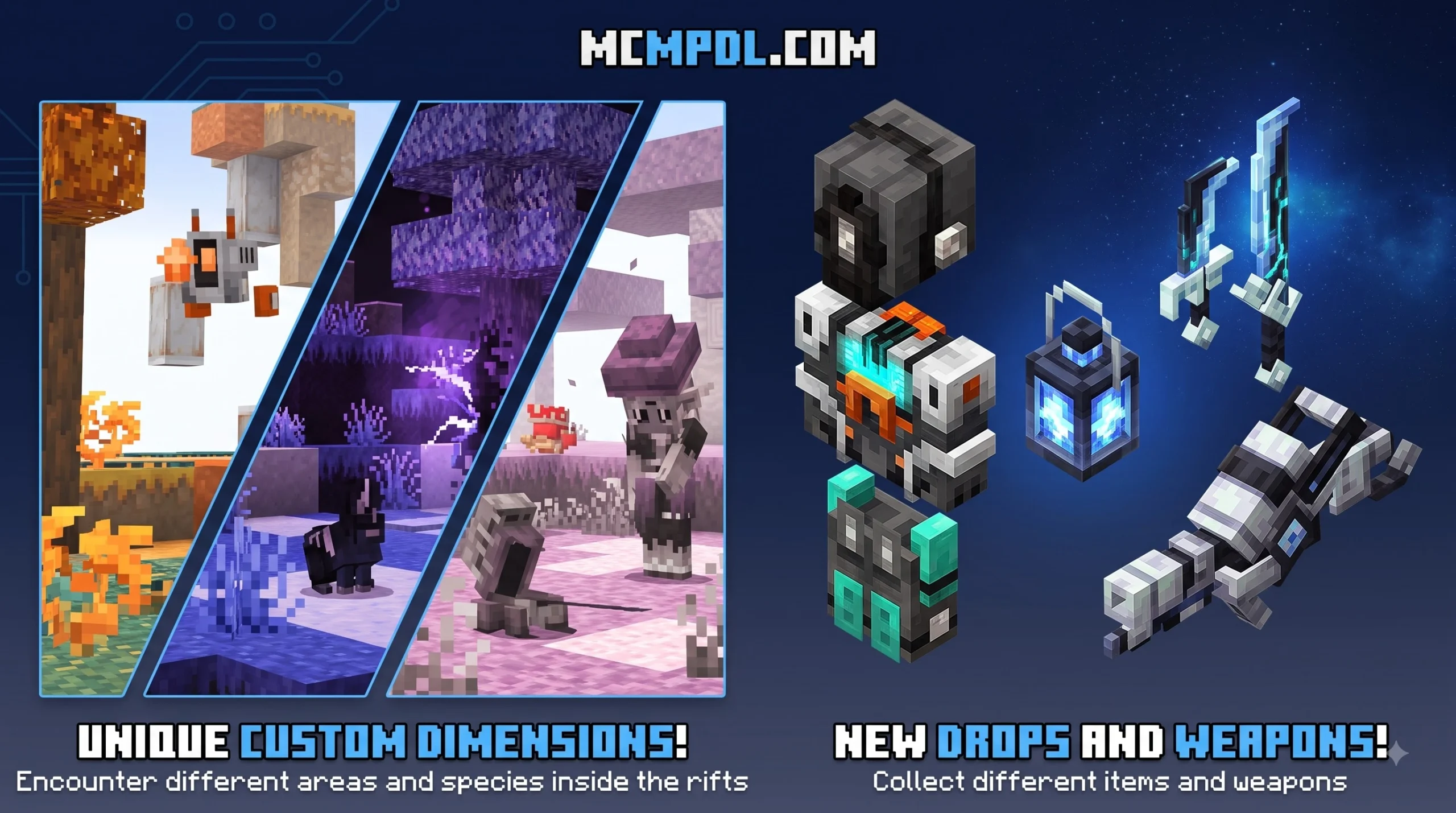
Once you jump through your first gate, the game opens up dramatically. Rather than limiting you to the standard Overworld, Nether, and End loop, this addon introduces diverse environments featuring bespoke ambient audio, atmospheric particle effects, and specialized progression routes.
Custom Biomes and Mobs in DIMENSIONS Addon for Minecraft PE
Each realm features distinct ecological hazards and indigenous fauna. You will encounter peaceful utility creatures alongside aggressive, high-tier adversaries guarding rare materials:
- The Sky Dimension: A sprawling expanse of floating celestial islands surrounded by cloud banks. Peaceful Flying Pigs glide across the breezes and serve as rideable aerial mounts or sources of food, while Ethereal Jellyfish and Horned Rabbits hop along the island edges. Watch your step, as a single slip sends you plummeting into the void!
- The Alylicas Realm: A massive overhaul that transforms standard underworld exploration into a volatile realm featuring custom hazards and high-tier Nether bosses.
- The Ruby, Swamp, and Crystal Worlds: Dedicated puzzle-and-combat environments packed with ambient soundscapes, crystalline spires, toxic mud pools, and rare ore clusters.
- Multiverse Locations: Discover ancient Temple ruins patrolled by hardened skeleton warriors, cavernous hollows harboring venomous multi-legged terrors, and fractured brick fortresses home to ancient dragons.
| Dimension | Primary Biome Type | Key Mobs & Wildlife | Notable Resources & Drops |
|---|---|---|---|
| Sky Dimension | Floating Islands & Clouds | Flying Pigs, Ethereal Jellyfish, Horned Rabbits | Aerial mount taming gear, Cloud essence |
| Alylicas Realm | Scorched Nether Expanses | Fire Wardens, Magma Stalkers | Molten alloys, High-tier boss catalysts |
| Ruby Realm | Crystalline Spire Caverns | Crystal Crawlers, Gemstone Golems | Pure Rubies, Reinforced armor materials |
| Swamp Dimension | Murky Bogs & Fungal Groves | Toxic Lurkers, Giant Toads | Alchemical moss, Poison antidotes |
| Temple Ruins | Desert Multiverse Ruins | Desert Knights, Skeleton Warriors | Ancient portal keys, Relic weaponry |
| Brick Hollows | Shattered Ruins | Skeletal Dragons, Bone Wyrms | Dragon Bone Fragments, High-tier swords |
Portal Crafting Recipes in DIMENSIONS Addon for Minecraft PE
Traversing these worlds requires crafting unique portal frames and activating them through unorthodox catalysts rather than standard flint and steel.
- Glowstone Sky Portal: Construct a frame using 8 Glowstone blocks. Fill the interior with water, then step inside the basin and drink a bucket of milk to trigger instant skyward teleportation.
- Sandstone & Temple Gateways: Build a classic rectangular frame using Smooth Sandstone or Chiseled Sandstone blocks. Throw a crafted Ancient Key into the lower frame corner to ignite the gateway.
- Quartz Multiverse Portals: Erect a frame built entirely from Quartz Blocks or Bricks. Ignite the interior using a bucket of lava or a specialized flint igniter. When using flint and steel on custom frames, click the side face of the bottom block to avoid placement glitches.
- Emergency Return (House Key): When exploring dedicated resource worlds, players receive a special House Key in their inventory. Activating this item instantly teleports you safely back to your Overworld spawn point.
Boss Encounters and Survival Progression
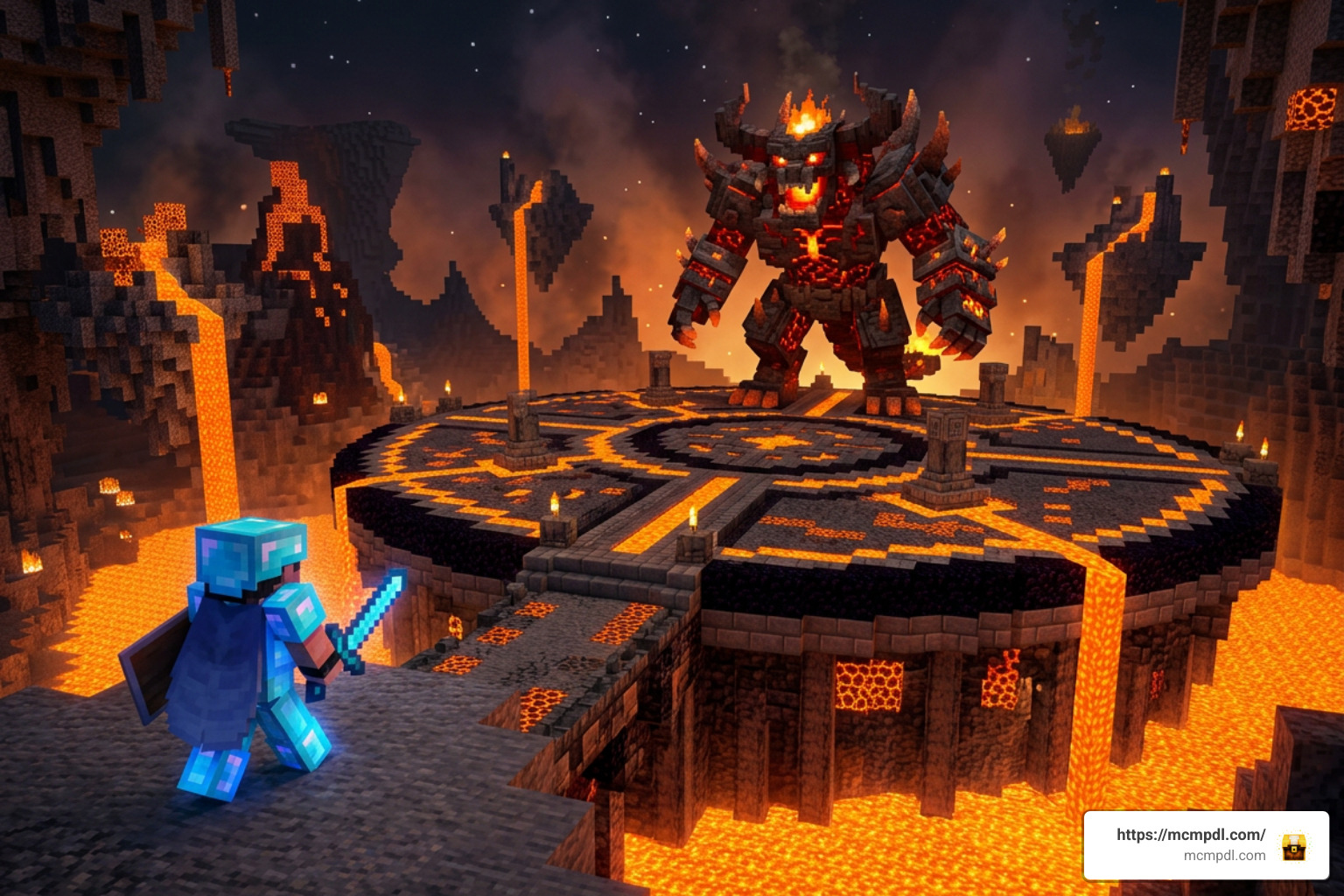
Exploring new dimensions is not just about mining new ores; it provides a structured combat progression loop designed to challenge late-game players. You will need to bring top-tier gear, enchanted apples, and tactical combat strategies to survive these boss arenas.
If you enjoy conquering powerful enemies across varied realms, exploring dedicated Boss Dimensions will give your survival world an intense combat focus.
Endgame Challenges and Unique Drops
The combat encounters across these dimensions introduce distinct attack mechanics and restrictive combat conditions:
- Adventure Mode Constraints: In hardcore encounters, entering specific boss sanctums locks your character into Adventure Mode. You cannot dig through walls or place protective barriers, forcing you to master dodging and melee mechanics until the guardian is defeated.
- Lightning Spiders & Skeletal Dragons: Bosses summon elemental hazards, ranging from area-of-effect lightning strikes in underground caverns to sweeping aerial projectile assaults over brick ruins.
- High-Tier Weapon Crafting: Defeating elite dimensional mobs such as the Green Deer allows you to harvest specialized crafting drops like Deer Horns. These can be forged into formidable weapons, including unique broadswords that deal a massive 25 base attack damage.
- Savepoint Stars & Checkpoints: To keep boss encounters engaging without causing frustrating inventory losses, several major boss chambers feature star-shaped savepoints. Interacting with these markers temporarily activates keepInventory rules and registers a local respawn anchor inside the arena.
For players seeking even more variety across their Bedrock worlds, our category/all section offers a broad library of maps, texture packs, and gameplay tweaks to expand your adventures.
Frequently Asked Questions About Minecraft PE Dimensions
Can you run the addon on low-end mobile devices?
Yes, the addon is optimized for mobile touch controls and standard Bedrock memory limits. However, because custom dimensions load unique terrain and particle systems simultaneously, we recommend lowering your Render Distance to 6–8 chunks and turning off Fancy Graphics on budget phones to maintain a smooth 60 FPS.
How do you return to your Overworld spawn point?
You can return by stepping back through your original entrance portal, using a linked exit catalyst, or activating a House Key from your hotbar if you are exploring an ore realm. Always establish a clear base marker at your dimensional arrival coordinates so you do not lose track of your return portal.
Does the addon conflict with superflat world generation?
Yes. Dimension addons require standard 3D terrain density algorithms to generate floating islands, underground caverns, and custom ruins correctly. Never load these addons on a Superflat world type, as doing so can break portal generation and cause world loading errors.
Conclusion
Custom dimension addons breathe new life into Minecraft Pocket Edition by delivering handcrafted biomes, perilous boss encounters, and rewarding crafting systems. Whether you are gliding across floating sky islands on the back of a flying pig or forging high-damage relic swords in crystalline caverns, expanding your horizons beyond vanilla gameplay offers endless replayability.
Ready to transform your survival world with new realms, custom gear, and challenging bosses? Visit mcmpdl.com to find the latest verified addons, textures, and community creations for Minecraft PE!
6 thoughts on “DIMENSIONS Addon for Minecraft PE”