Scroll down to D0vvnl0ad
CInstall 100+ GOLEMS World for Minecraft PE/Bedrock
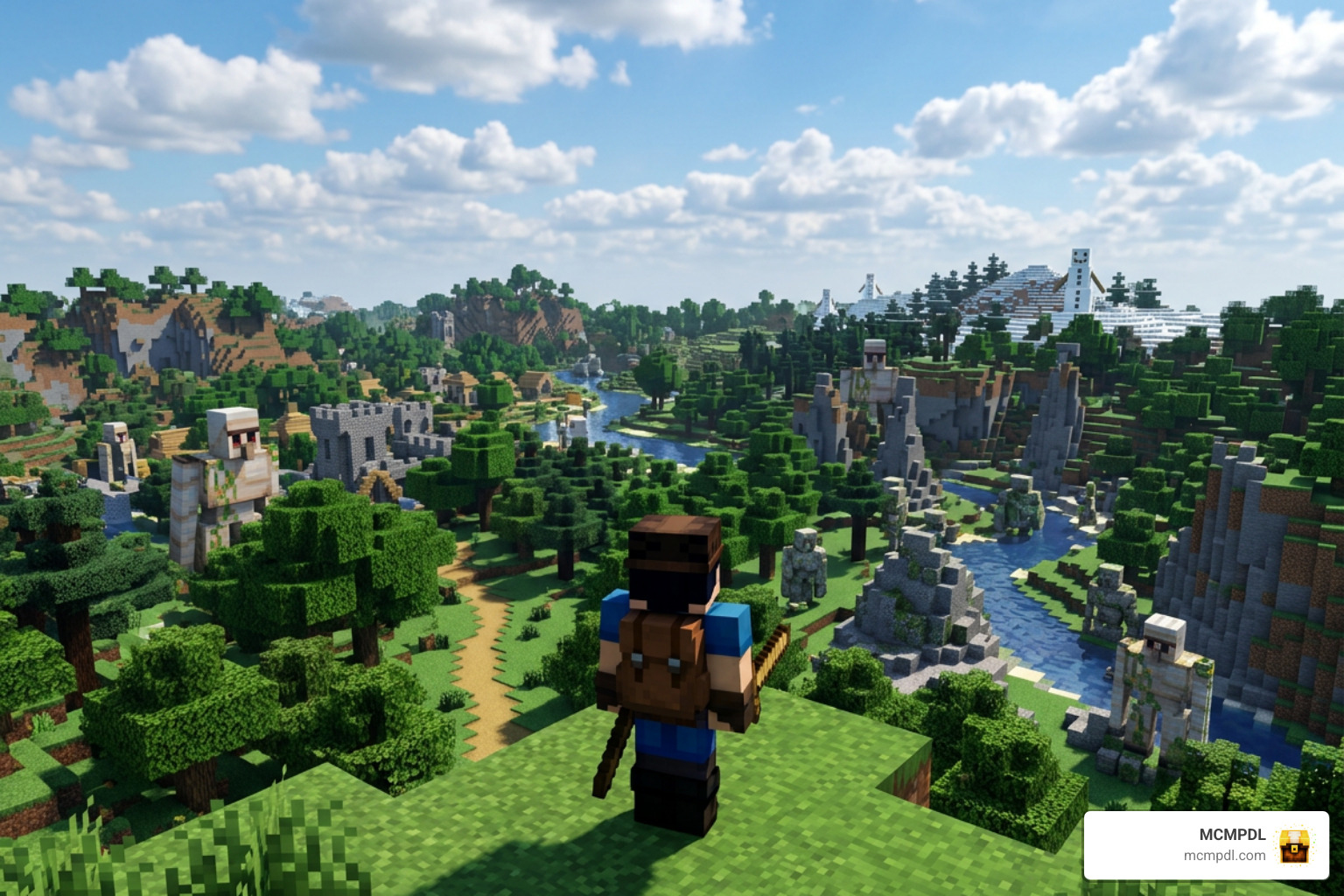
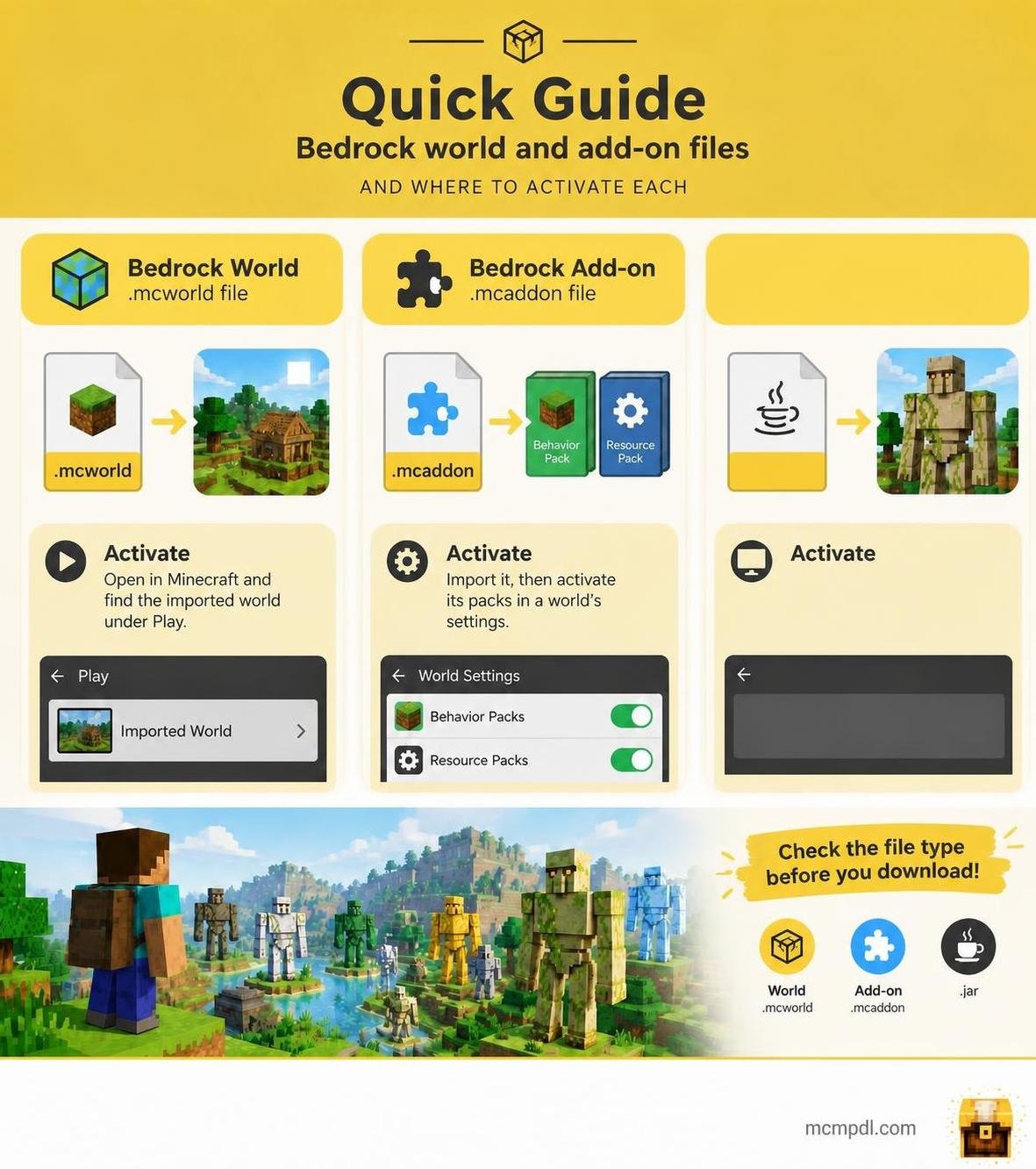
To install 100+ GOLEMS World for Minecraft PE/Bedrock, first check that the download supports your Bedrock version and device. If it is a .mcworld file, open it with Minecraft and look for the imported world under Play. If it is a .mcaddon file, import it, then activate its packs in a world’s settings. Follow the creator’s instructions for any required experimental settings.
Check the file type before you download. Bedrock worlds and Bedrock add-ons install in different ways. The “100+” name alone does not confirm which golems are included, so check the listing for its actual features and requirements.
100+ GOLEMS World for Minecraft PE/Bedrock: What to Expect
What makes the 100+ Golems World for Minecraft PE/Bedrock different?
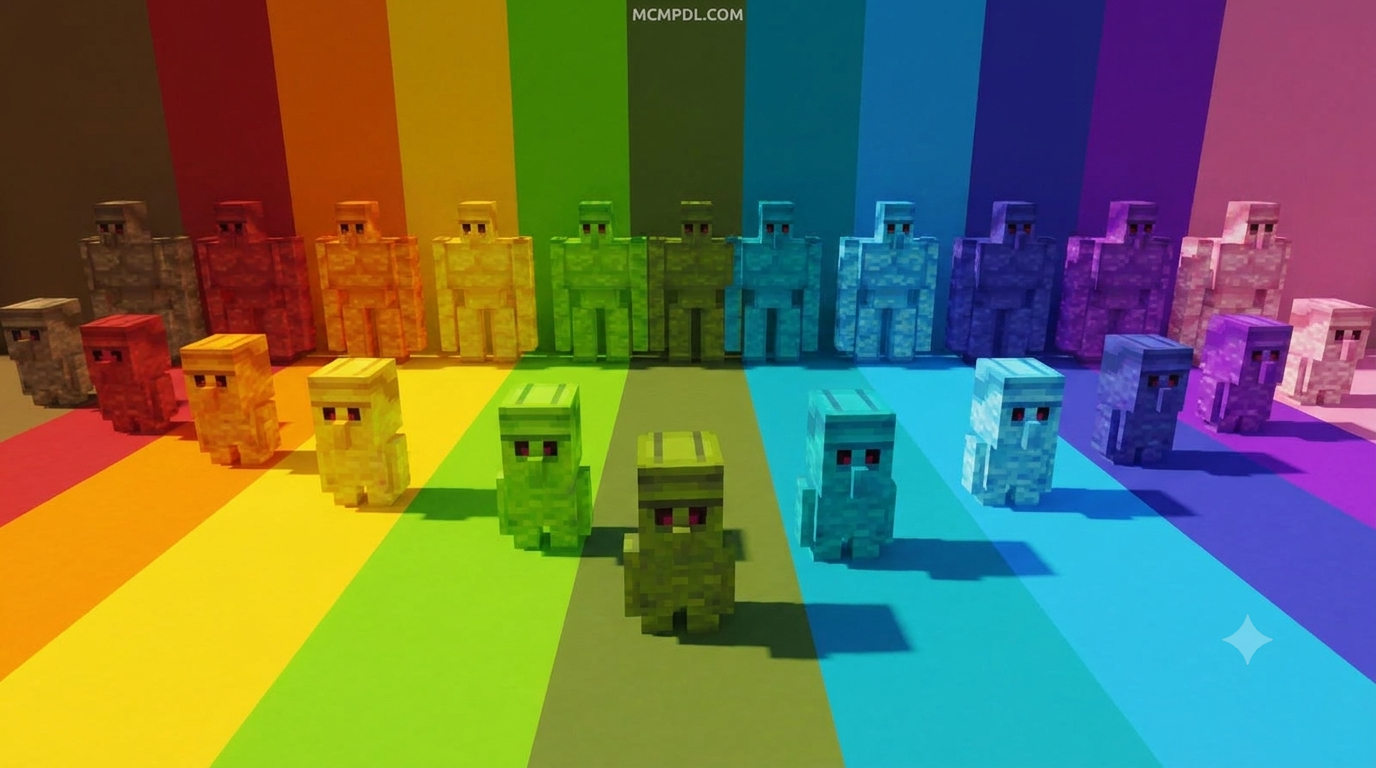
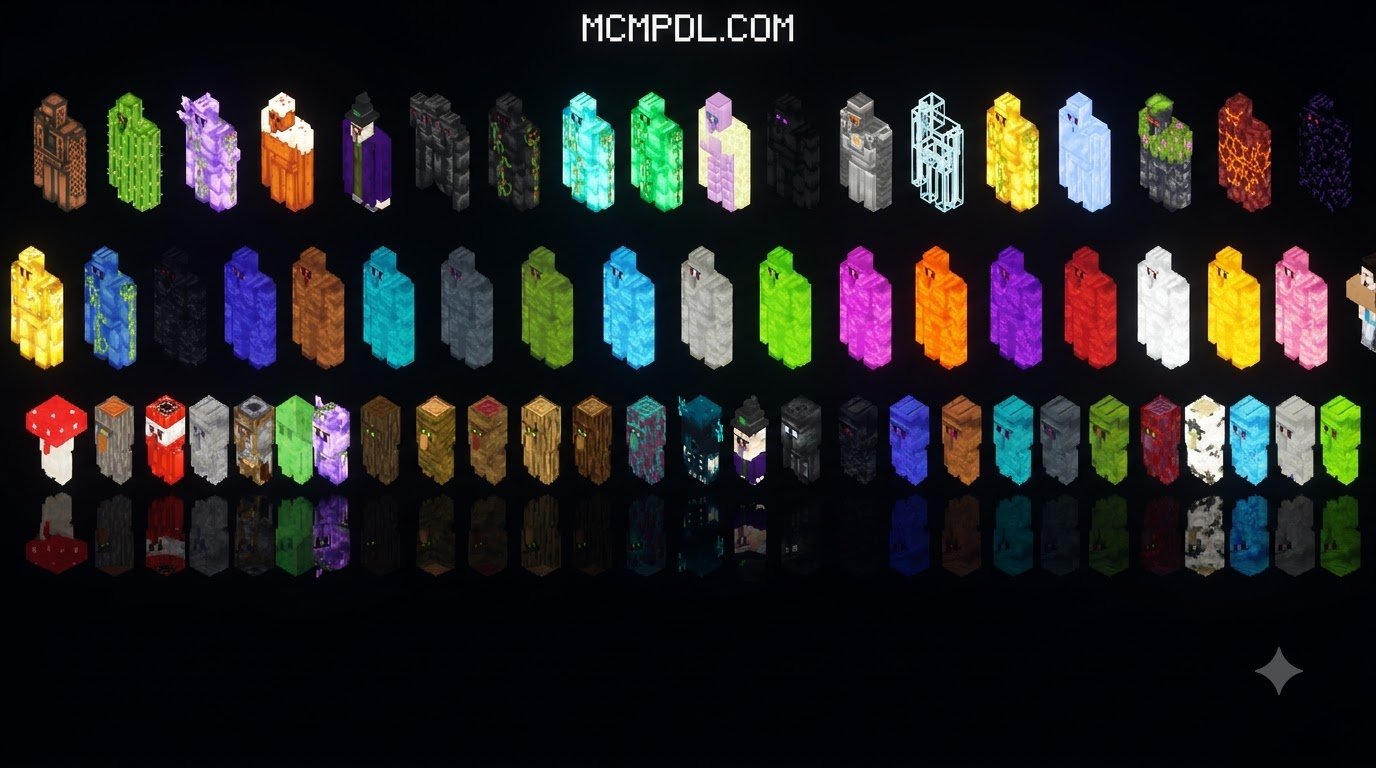
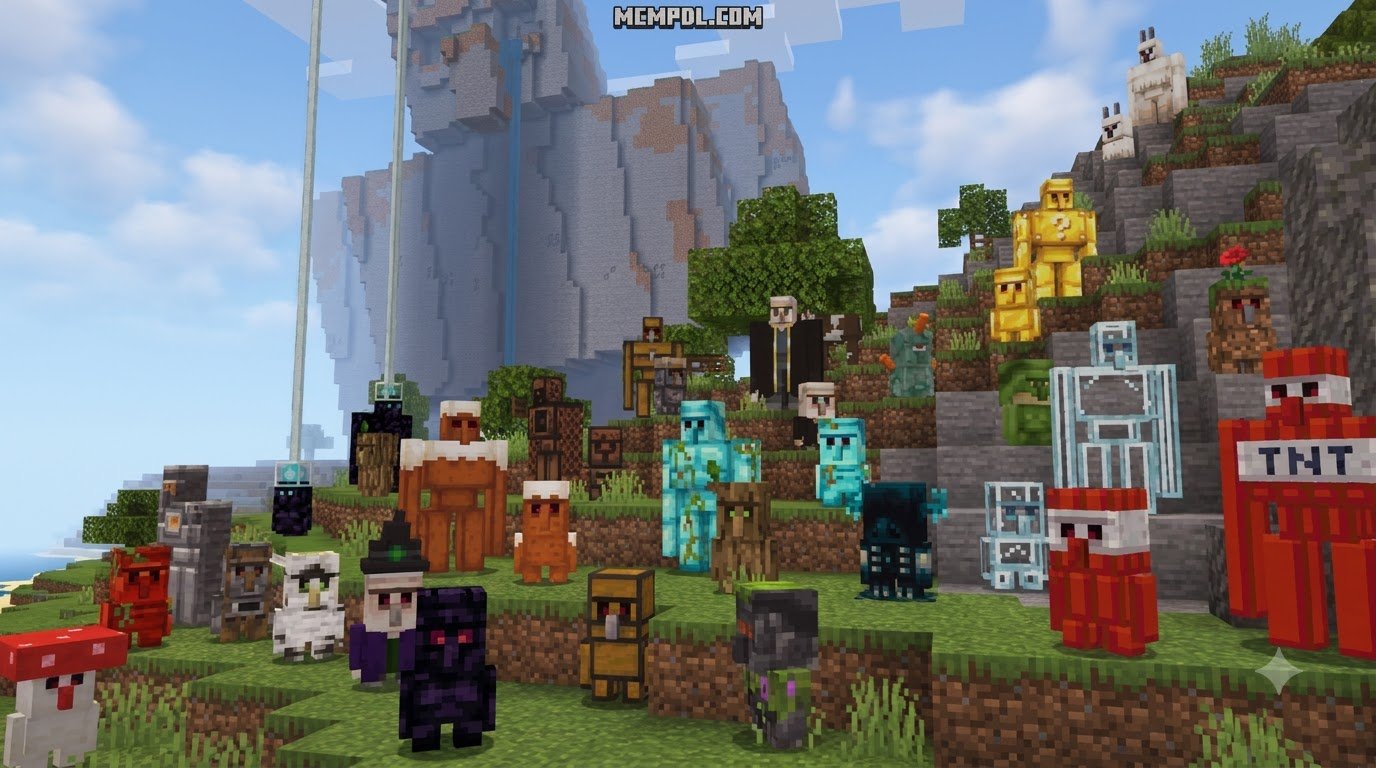
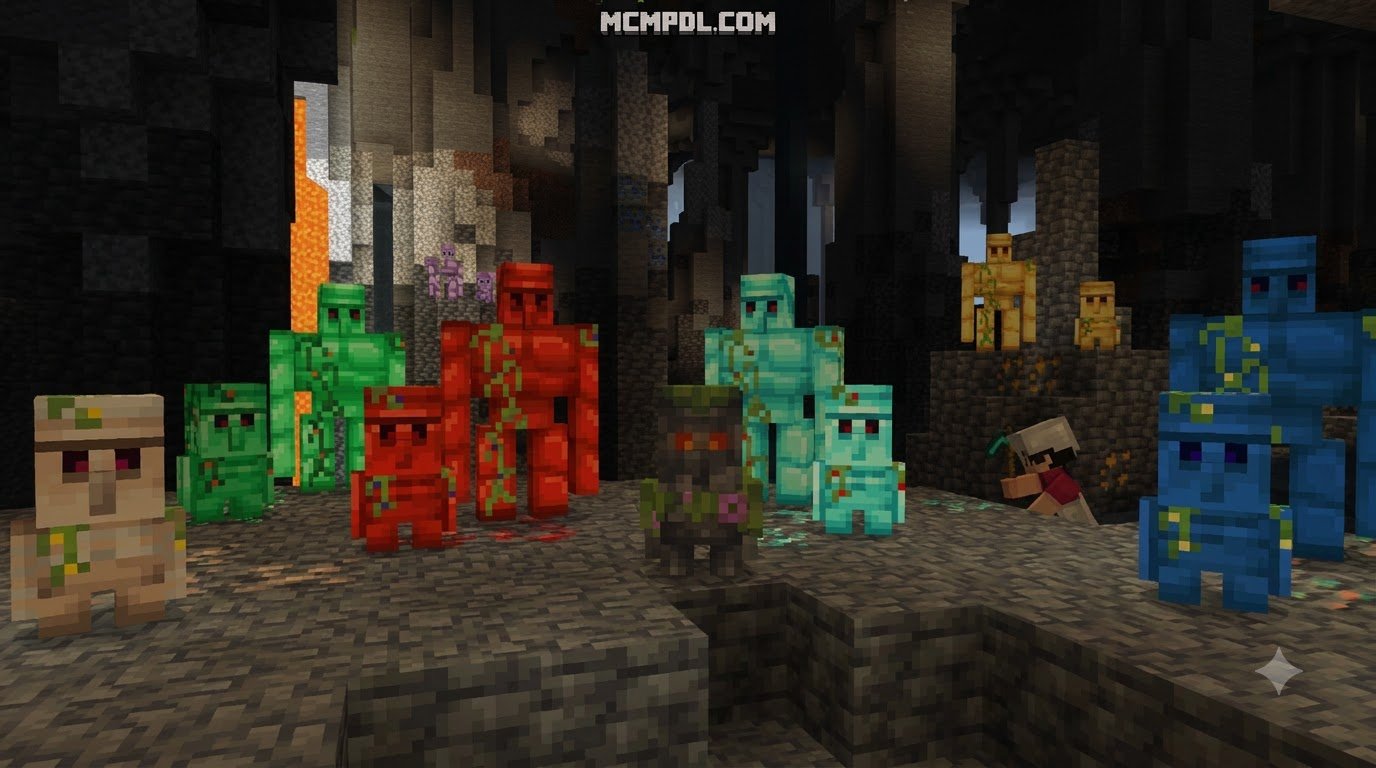
Exploring a dedicated golem showcase world completely changes how we interact with everyday Minecraft materials. Instead of relying solely on the classic Iron Golem or Snow Golem, a golem-themed world introduces custom environments, specialized arenas, and custom structures where dozens of distinct entities guard territories or offer utility services.
Whether you play in creative mode to test raw combat strength or jump straight into survival to build an automated defense network, these worlds turn base building into an interactive engineering project. However, keep in mind that the phrase “100+ Golems” is often used broadly across community showcases. Always verify the world’s actual listing, screenshots, and included roster rather than assuming every download delivers the exact same set of entities.
Is “100+ golems” a world or an add-on?
Understanding the technical distinction between content formats saves a lot of headaches during installation:
- Downloadable World (
.mcworld): A pre-built map containing custom arenas, pre-spawned entities, and showcase structures ready to play right after importing. - Bedrock Add-On (
.mcaddon/.mcpack): Behavior and Resource packs that you can apply to your own custom survival or creative worlds to introduce new recipes, behaviors, and entities.
If you are looking to expand your roster with more golem variants or want to dive into deeper golem-focused gameplay, make sure the package you choose is explicitly formatted for Minecraft Bedrock.
What should players check before downloading?
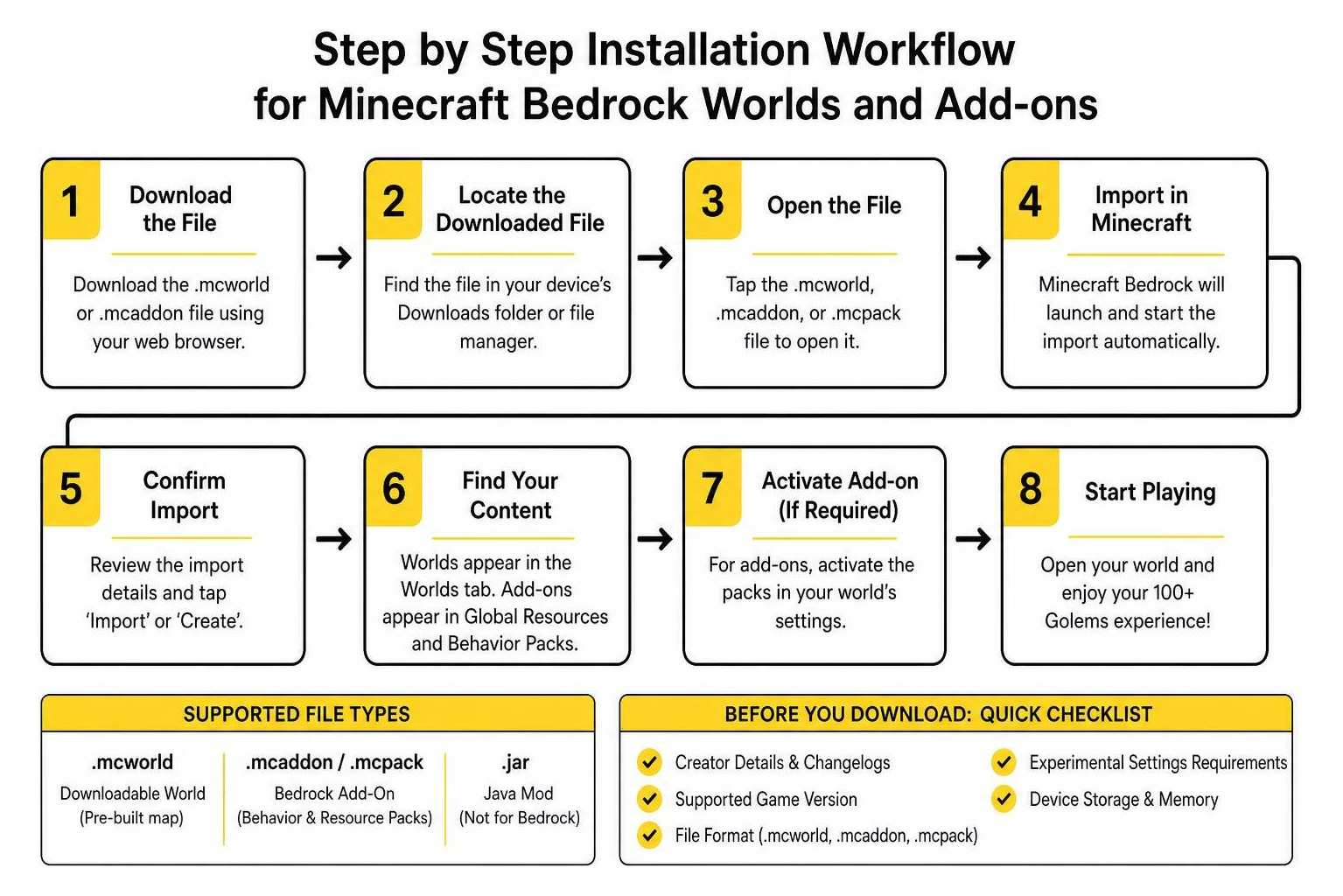
Before hitting download, run through this quick checklist:
- Creator Details & Changelogs: Check who built the project and when it was last updated to ensure stability.
- Supported Game Version: Match the pack to your current version (such as version 1.21+ releases in 2026).
- File Format: Ensure the file ends with
.mcworld,.mcaddon, or.mcpack. - Experimental Settings Requirements: Look for notes indicating whether features like Beta APIs are necessary.
- Device Storage & Memory: Custom worlds with dozens of custom entities require ample RAM and free storage space on mobile devices.
How to Download and Install the World on Bedrock
How to install on Android
Installing custom content on Android is simple thanks to native file associations:
- Download the
.mcworldor.mcaddonfile using your web browser. - Open your device’s Files or Downloads app.
- Tap the downloaded file. If prompted, select Minecraft as the application to open it.
- Minecraft will launch automatically and display an “Import Started” banner, followed shortly by “Import Successful.”
- Navigate to Play, find the new entry under My Worlds, and launch your adventure.
How to install on iPhone or iPad
iOS and iPadOS handle Bedrock imports smoothly through the native Files application:
- Download the
.mcworldor.mcaddonfile via Safari. - Open the Files app and locate the file in your Downloads folder.
- Tap and hold the file, select Share, and choose Minecraft from the app list. If Minecraft is your default handler, simply tapping the file will launch the game directly.
- Allow Minecraft to complete the import screen notifications.
- Look for the imported map under Play > My Worlds. If downloading large custom showcase maps over mobile data, allow sufficient time for the file to finalize before opening.
How to install on Windows
On Windows 10 and 11, installing Bedrock content takes just a double-click:
- Locate your downloaded
.mcworldor.mcaddonin File Explorer. - Double-click the file to automatically launch Minecraft Bedrock Edition.
- Watch for the top-of-screen import confirmation messages.
- Find the world in your world selection menu under Play.
- Pro Tip: Always make a quick backup copy of your favorite survival worlds before testing heavy entity packs.
How to activate the world and troubleshoot a failed import
If you downloaded an add-on (.mcaddon) rather than a pre-built world (.mcworld), you must manually activate it on a world:
- Open your world settings by clicking the pencil icon next to your world.
- Scroll down to Resource Packs and activate the custom pack under Available.
- Scroll to Behavior Packs and activate the matching behavior pack.
- Toggle on any creator-specified Experimental Features (such as Beta APIs or Holiday Creator Features) if required by the pack author.
If an import fails, ensure you are running the latest official non-preview release of Minecraft, delete outdated duplicate versions from your storage settings, and restart the game.
Golem Types, Summoning, and Vanilla Mechanics
Summoning mechanics vary depending on whether you are interacting with vanilla features detailed in the Minecraft 1.21.100 Bedrock Changelog or utilizing community-designed add-on systems.
How do you summon golems in custom Bedrock content?
Different custom creators use distinct systems to bring guardians to life:
- Classic Block Structures: Placing blocks in a traditional ‘T’ formation (like an Iron Golem) topped with a specialized block or carved pumpkin.
- Golem Heads & Golem Spells: Certain add-ons require crafting a magical scroll (often combining Paper, Redstone, Ink, and a Feather) paired with a pumpkin to create a living Golem Head.
- Item-Based Transformation: Interacting with a base golem while holding high-tier items (such as using a Netherite block on a Diamond Golem) to evolve the entity into a stronger form.
- In-Game Guidebooks: Many sophisticated add-ons offer craftable guidebooks (frequently crafted shapelessly using a Book and a Carved Pumpkin) that project in-game structure holograms.
What makes the 100+ Golems World for Minecraft PE/Bedrock different from vanilla?
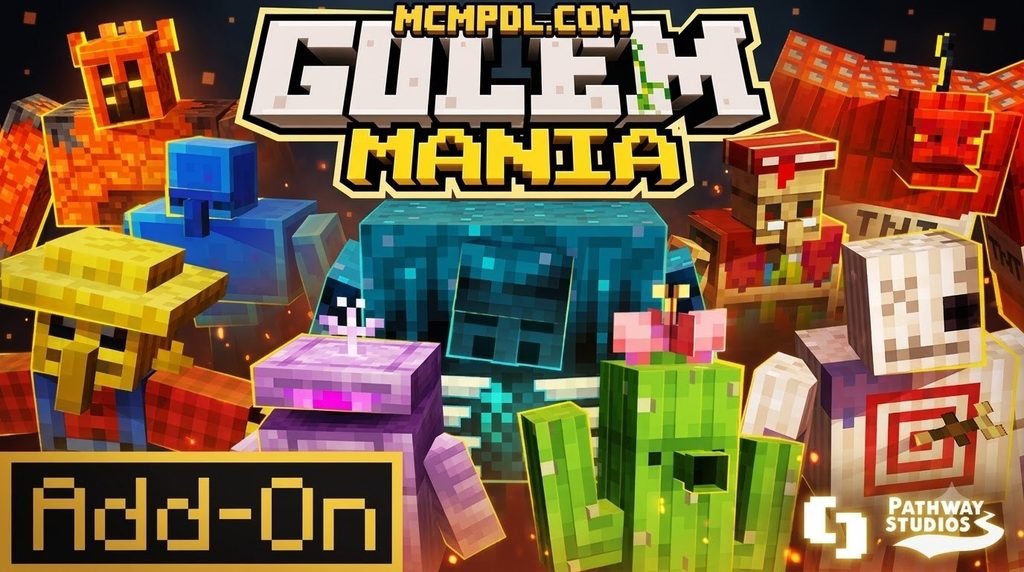
Unlike standard survival where your defensive options are limited to Iron and Snow Golems, custom content expands every vanilla material into a living protector. You encounter specialized combat tanks, farming assistants, mobile lighting units, and utility mounts.
For players who love filling their landscapes with varied creatures, comparing these creations alongside other unusual mobs and world encounters reveals just how much life custom behavior packs can breathe into a world.
How does the vanilla Copper Golem work in Bedrock 1.21.100?
With the official 1.21.100 update mechanics, vanilla Minecraft introduced its own dedicated utility golem built from copper and carved pumpkins:
- Item Sorting Automation: If an active Copper Golem is not holding an item, it scans for nearby Copper Chests (including oxidized and waxed versions) within a horizontal radius of 32 blocks and a vertical range of 8 blocks.
- Capacity and Search Limits: It retrieves up to 16 items of a single type and attempts to deposit them into regular or trapped chests that are empty or already contain matching items. It checks up to 10 chests in sequence before entering a 7-second idle state if no valid destination is found.
- Oxidation and Maintenance: Over time, unwaxed Copper Golems oxidize and eventually freeze in place as statues unless scraped with an Axe. Applying Honeycomb waxes them to preserve their current state.
- Drops: When defeated, a Copper Golem drops 1 to 3 Copper Ingots.
How do add-on golem stats compare with Iron Golems?
Vanilla Iron Golems possess 100 health points (50 hearts) and deal significant melee damage with high knockback. Add-on golems scale dynamically based on the rarity of their constituent blocks:
| Golem Type / Role | Source / Category | Primary Function & Unique Traits | Baseline Comparison vs. Vanilla Iron Golem |
|---|---|---|---|
| Vanilla Iron Golem | Base Game Vanilla | Village defense, high knockback melee attack | Standard baseline (100 HP, high physical melee) |
| Vanilla Copper Golem | Base Game (1.21.100+) | Automated item sorting between Copper Chests and chests | Pure utility; non-combatant, oxidizes over time |
| Stone / Wood Golems | Custom Add-On | Inexpensive early-game base sentries | Lower health and damage; cheap to build and repair |
| Redstone / Lapis Golems | Custom Add-On | Farm defense, status debuffs, redstone signals | Moderate health; tactical effects and crowd disruption |
| Diamond / Emerald Golems | Custom Add-On | Heavy combat tanks, village hero buffs, ground slams | Significantly higher health and single-target strike power |
| Netherite Golem | Custom Add-On | Elite boss-tier guardian, fire immunity, massive health | Ultimate defense; acts as a walking fortress against bosses |
Using Golems Safely: Strategy, Compatibility, and Troubleshooting
How can golems support defense, automation, and exploration?
To get the most out of your guardians without overloading your world:
- Layered Perimeter Defense: Place low-tier golems (like Stone or Wood) around outer farm perimeters to distract basic zombies, while keeping heavy hitters (like Diamond or Obsidian) near your villager trading halls.
- Farming and Resource Management: Station automated harvesting golems near crop plots and pair them with sorting golems to channel items directly into storage hoppers.
- Cave Lighting & Transport: Bring light-emitting golems (such as Glowstone variants) or rideable high-durability mounts into caves to maintain visibility and cross lava hazards safely.
- Mechanical Squads: If you enjoy coordinating armored squads, combining your defenders with mechanized mob encounters creates an unstoppable base protection network.
What compatibility and performance checks matter?
Every active entity in Minecraft Bedrock consumes processing cycles. To keep your frame rates silky smooth:
- Manage Entity Density: Avoid spawning dozens of golems in a single loaded chunk. Spreading them across different outposts prevents local tick-rate drops.
- Test Platform Limits: Windows PCs handle high mob counts easily, but mobile devices on Android and iOS may experience slowdowns if too many particle-heavy entities congregate.
- Single-Pack Testing: When trying new add-ons, test them in a separate test world before stacking multiple heavy behavior packs together.
What should you do if golems are invisible, frozen, or not behaving?
If custom entities glitch, follow these troubleshooting steps:
- Check Pack Dependencies: Ensure both the Resource and Behavior packs are active and matched to the same pack version.
- Verify Game Version: Running older add-on files on newer Bedrock versions can cause script errors. Keep your add-ons updated.
- Historical Desync Glitch: If an entity appears invisible or splits into a frozen phantom, this is typically a multiplayer client-server position desynchronization (a known engine bug resolved in core Bedrock versions past 1.16.200). Exiting and rejoining the world resolves temporary entity sync errors.
- Clean Up Duplicates: Remove old versions of the add-on from Settings > Storage > Behavior Packs to prevent resource conflicts.
Can the 100+ Golems World for Minecraft PE/Bedrock run on my device?
Yes! Most modern Android phones, iPhones, iPads, and Windows computers running current Bedrock Edition releases can run these worlds comfortably. Simply ensure you have at least 500 MB of free storage space for world generation files and keep active entity populations balanced across your base.
Conclusion
Custom golem worlds and add-ons transform Minecraft Bedrock into an exciting playground of defensive strategy, resource automation, and creative exploration. By verifying file types, keeping your game up to date, and following proper installation steps for your device, you can assemble an incredible army of loyal protectors.
When you are ready to expand your world even further with new adventures and survival challenges, explore our extensive Minecraft maps collection on MCMPDL, or recruit other companion creatures to join you on your next journey across the Overworld!