
Scroll down to D0vvnl0ad
Download the Rio de Janeiro Map for Minecraft PE/Bedrock
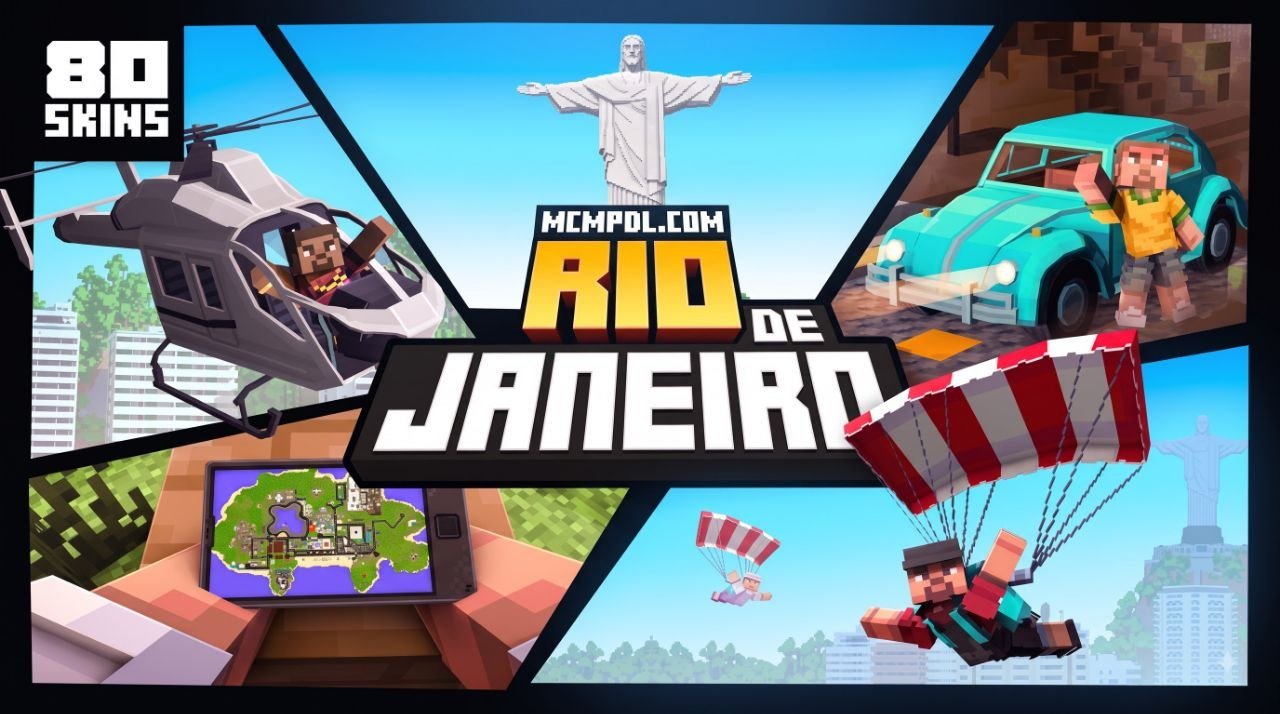
The Rio de Janeiro Map for Minecraft PE/Bedrock is a paid Minecraft Marketplace city world that lets players explore a block-built version of Rio with places such as Copacabana and Christ the Redeemer. To play it, open Minecraft Bedrock on your phone, console, or PC, search the Marketplace for Rio de Janeiro, purchase it for 660 Minecoins, then download and create the world.
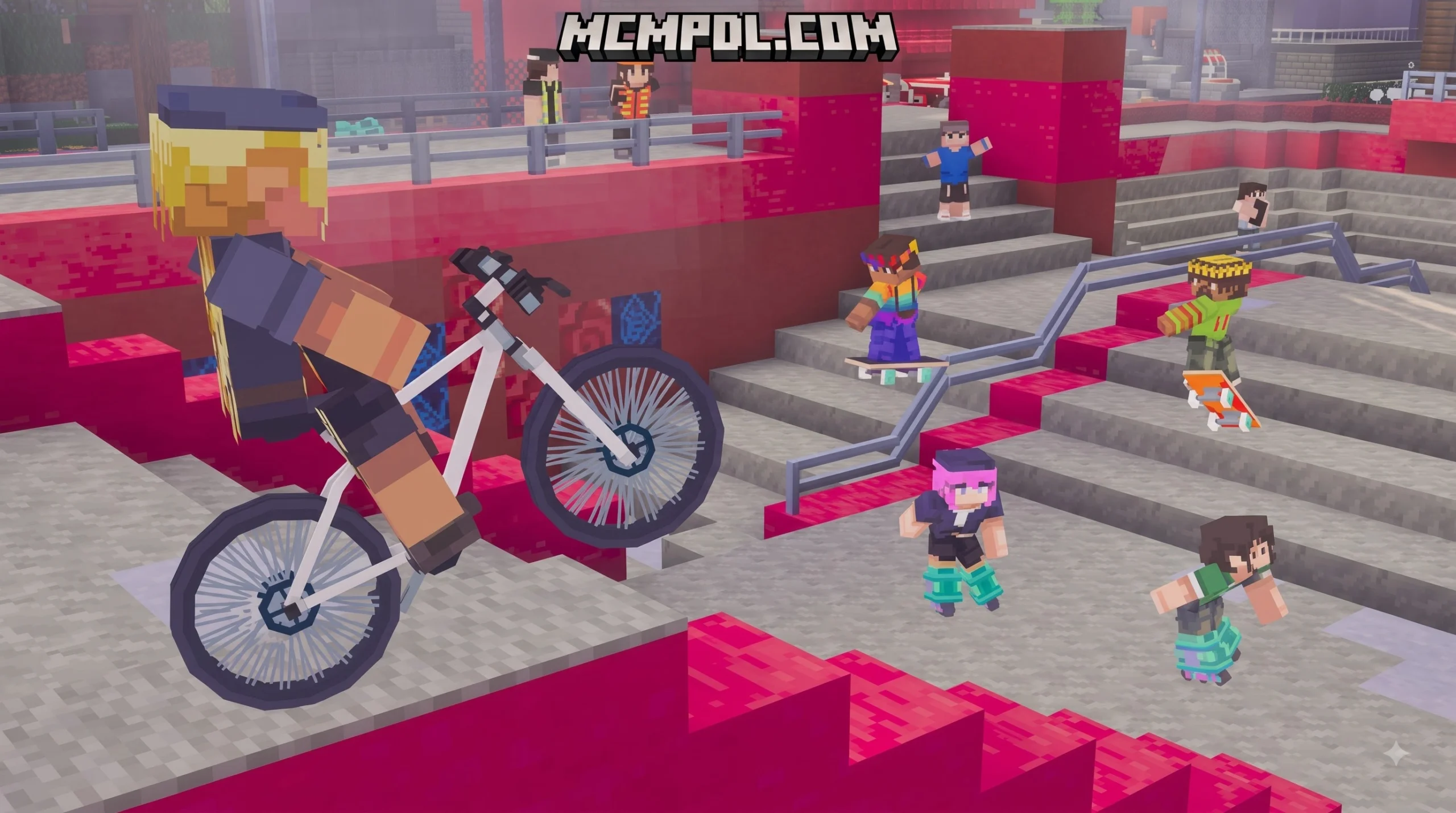
This is more than a sightseeing map. It includes Brazilian-style vehicles, trains, parachutes, soccer and volleyball activities, furnishable homes, and an 80-skin megapack. The world supports 1 to 22 players, making it a strong option for city roleplay or multiplayer exploration.
This guide explains what comes with the map, how to install it on Bedrock devices, and what to check before playing on a recent Minecraft update.
What Is the Rio de Janeiro Map for Minecraft PE/Bedrock?
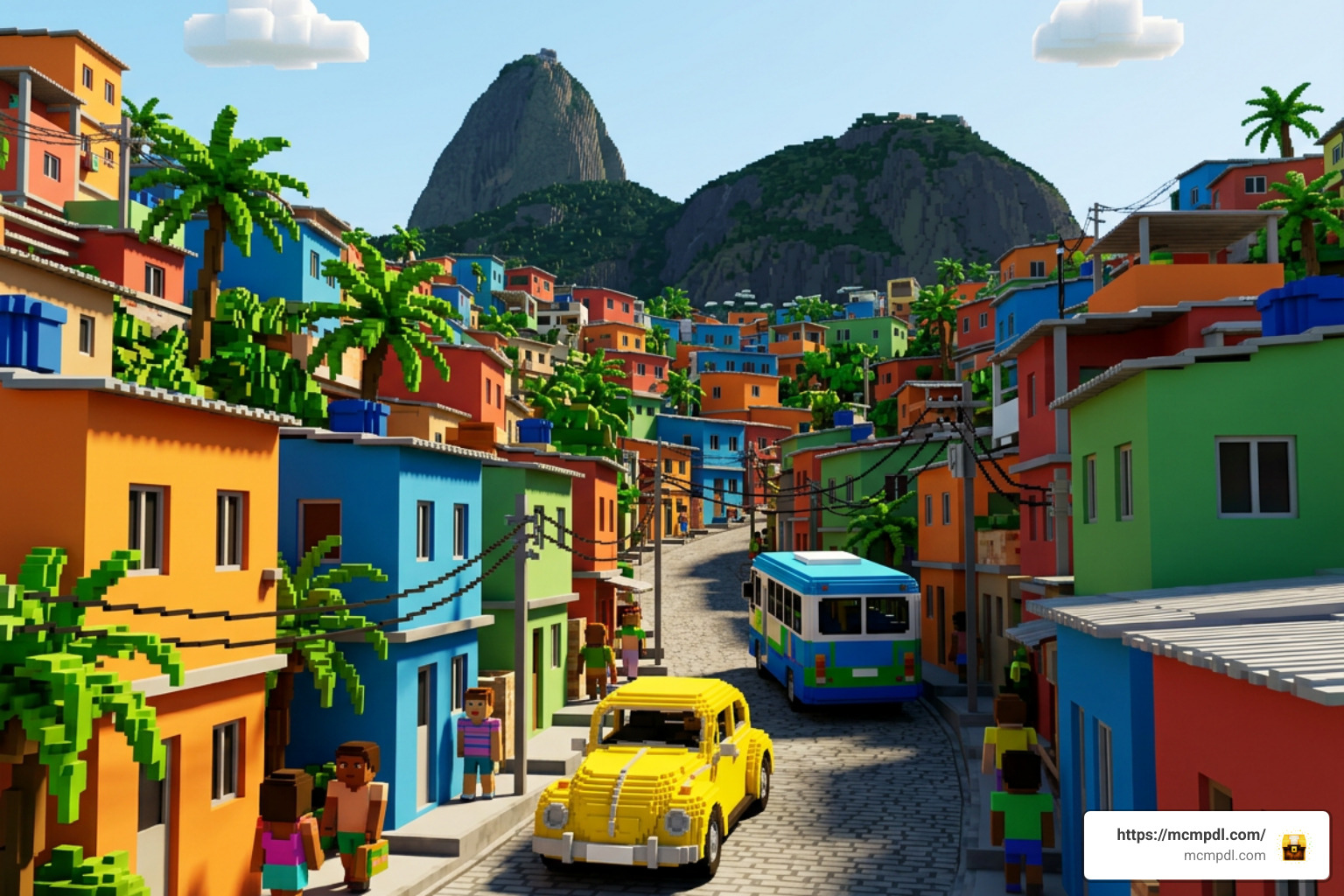
The Rio de Janeiro world project brings the cultural energy, coastal beauty, and urban density of Brazil’s famous metropolis straight into your device. Developed by Diluvian and published by creator A30x1, the map was first introduced on March 26, 2026, receiving continuous maintenance including updates through June 11, 2026. Available directly through the in-game Bedrock Marketplace, this digital city costs 660 Minecoins (approximately $3.30 USD) and boasts strong community feedback, holding an average rating of 4.1 out of 5 stars across dozens of reviews.
Unlike basic survival islands or simple static builds found across our Maps category, this creation functions as an all-in-one immersive roleplay sandbox. Whether you prefer solo sightseeing or hosting up to 22 players simultaneously, the environment has been constructed from the ground up to support massive multiplayer interactions, complete with integrated game loops, localized audio atmospheres, and custom assets that make the city feel alive.
Iconic Landmarks in the Rio de Janeiro Map for Minecraft PE/Bedrock
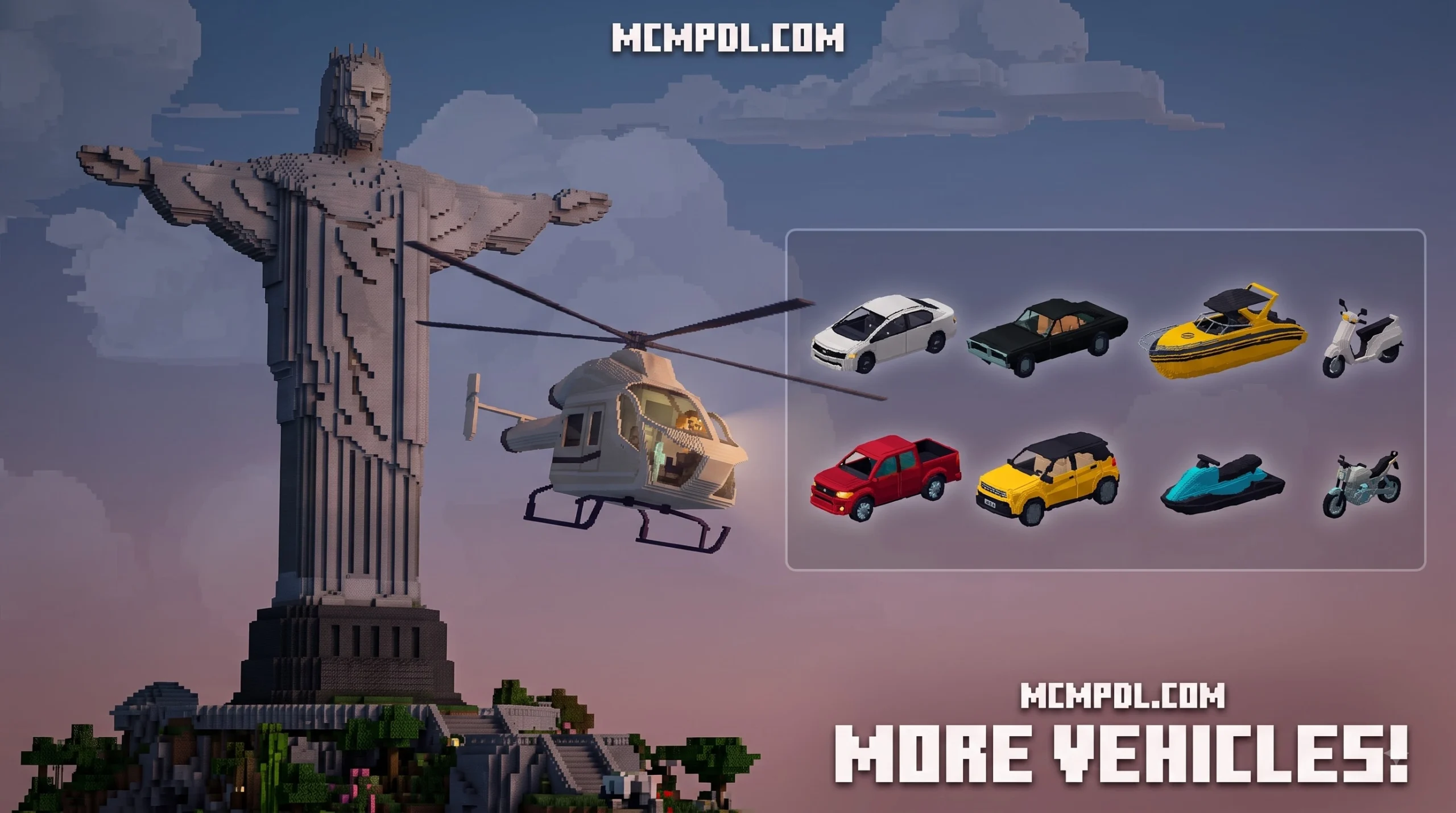
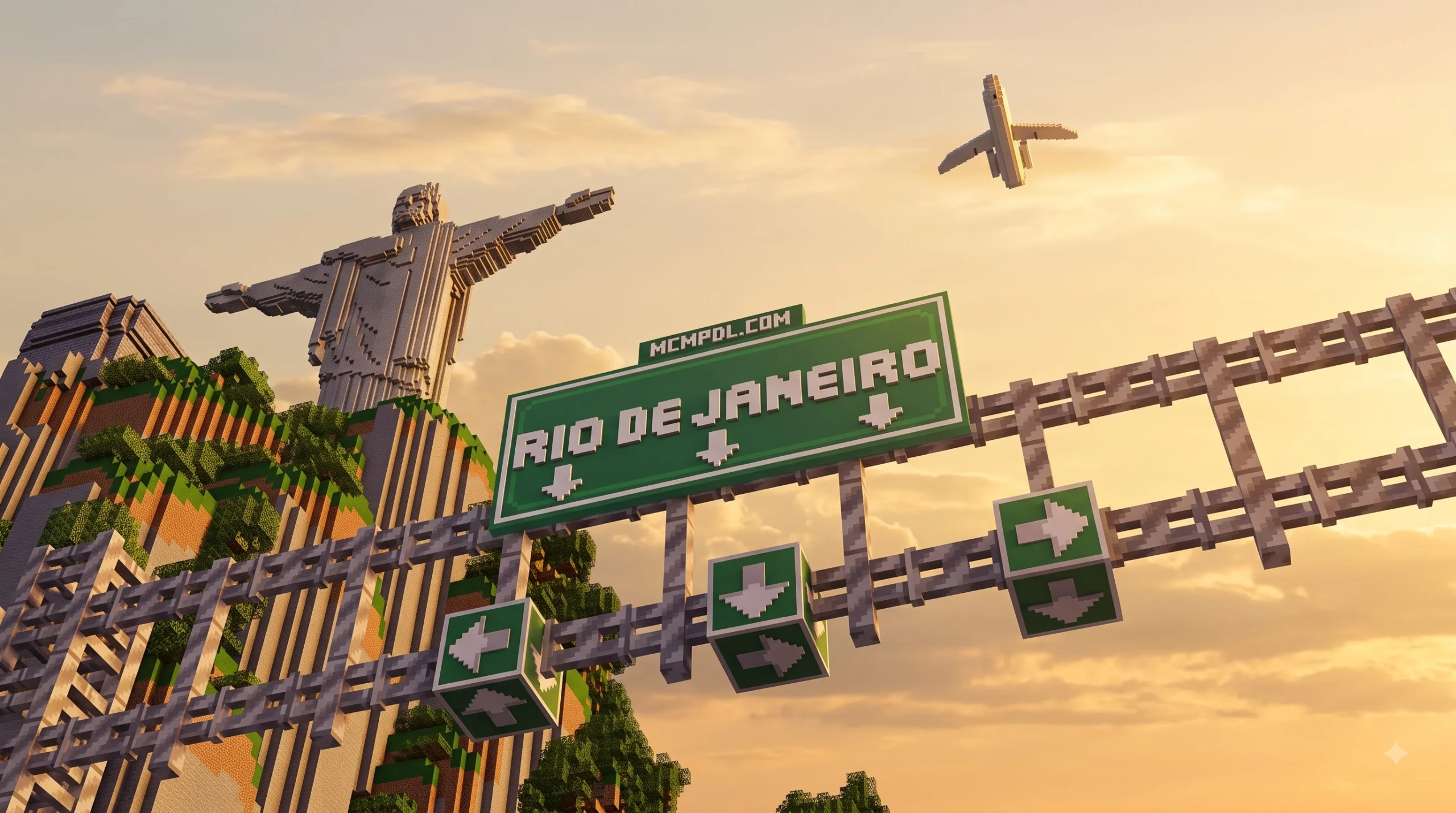
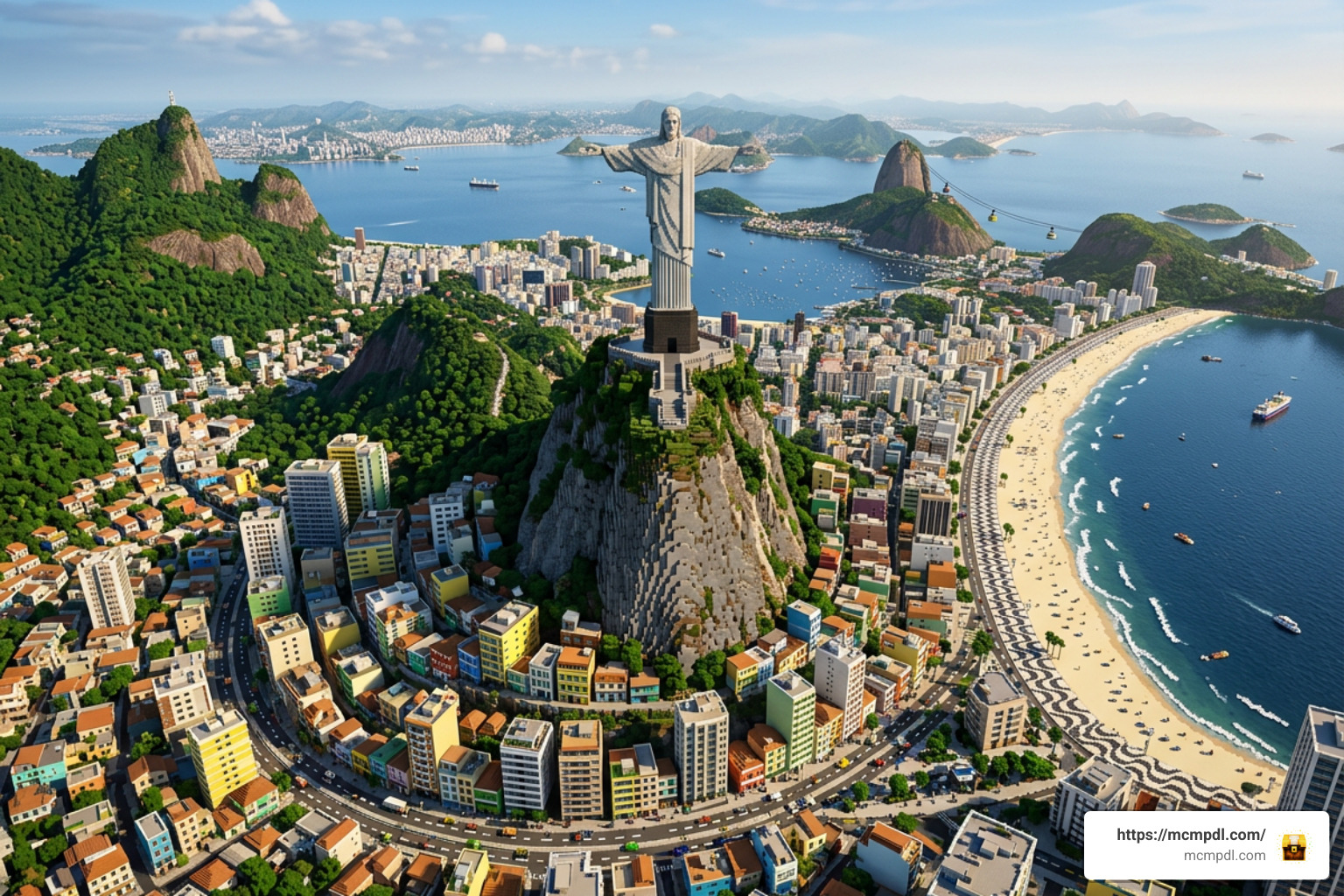
The centerpiece of the entire terrain is the colossal Christ the Redeemer) statue (Cristo Redentor), perched atop the steep Corcovado mountain overlooking the coastline. Climbing or flying to the summit grants players a complete panoramic view of the custom landscape below.
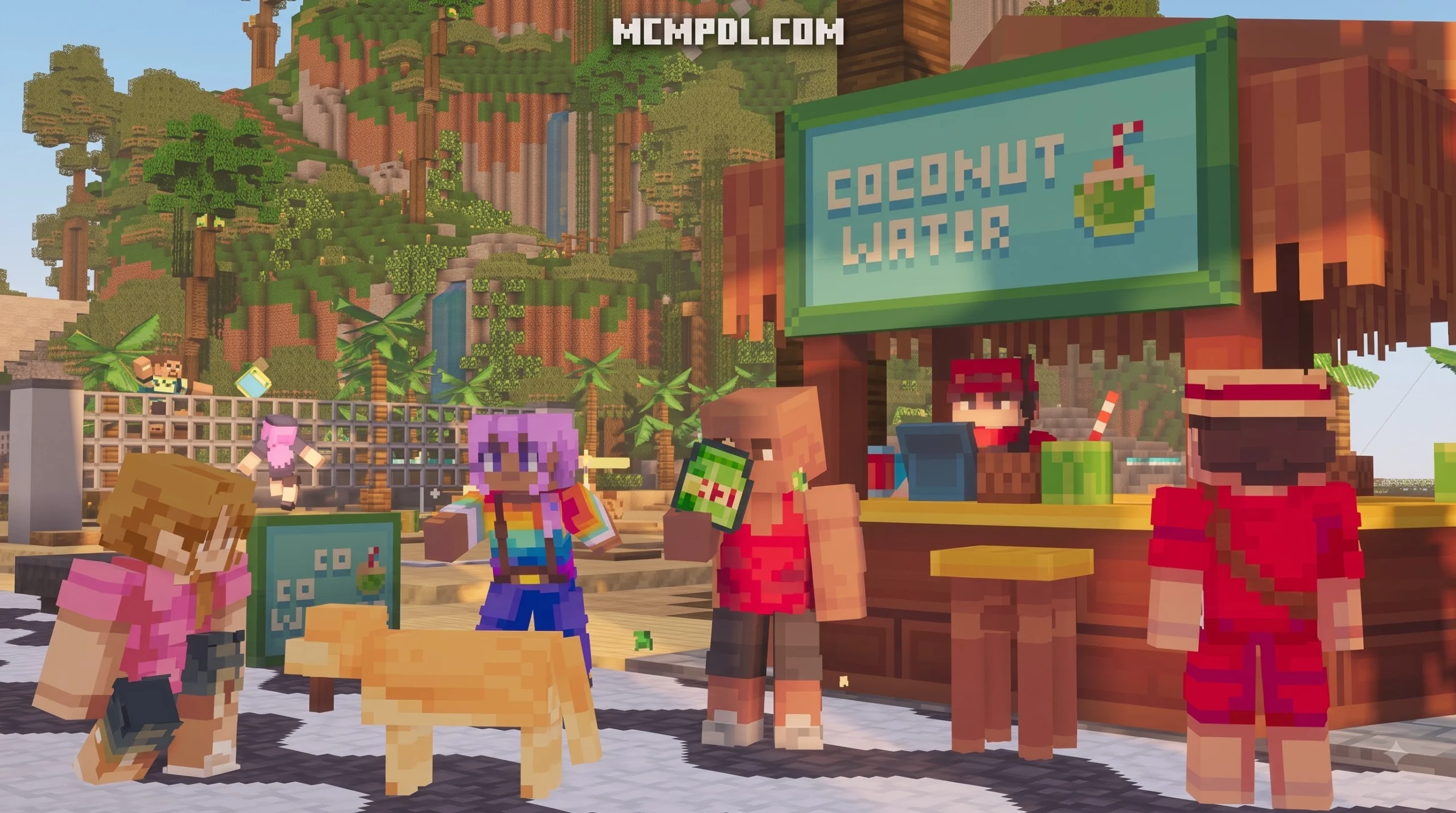
From the mountain peaks, you can head straight down to the shores of Copacabana and Ipanema Beach, which feature detailed boardwalks with authentic wavy mosaic patterns, beachside kiosks, and functional sports courts. Surrounding the urban center are realistic representations of hillside favelas, stacked densely with vibrant colored concrete, brick alleys, and winding staircases that capture Rio’s distinctive urban layout. Moving toward the Centro district, players will find high-rise corporate towers, historical municipal squares, and a sprawling stadium inspired by the legendary Maracanã. The dynamic height differences between sea-level beaches, dramatic coastal cliffs, and Sugarloaf Mountain provide natural verticality that rewards aerial and on-foot exploration alike.
Custom Mechanics, Vehicles, and 80-Skin Megapack
What elevates this build beyond standard architecture is its suite of interactive features:
- 50+ Brazilian Vehicles: Drive through the city grid using regional city buses, yellow taxis, motorbikes, helicopters, and functional passenger trains running on scenic tracks.
- Extreme Sports & Aerial Drops: Equip custom parachutes to leap off mountain peaks or skyscrapers and glide safely over the coastline.
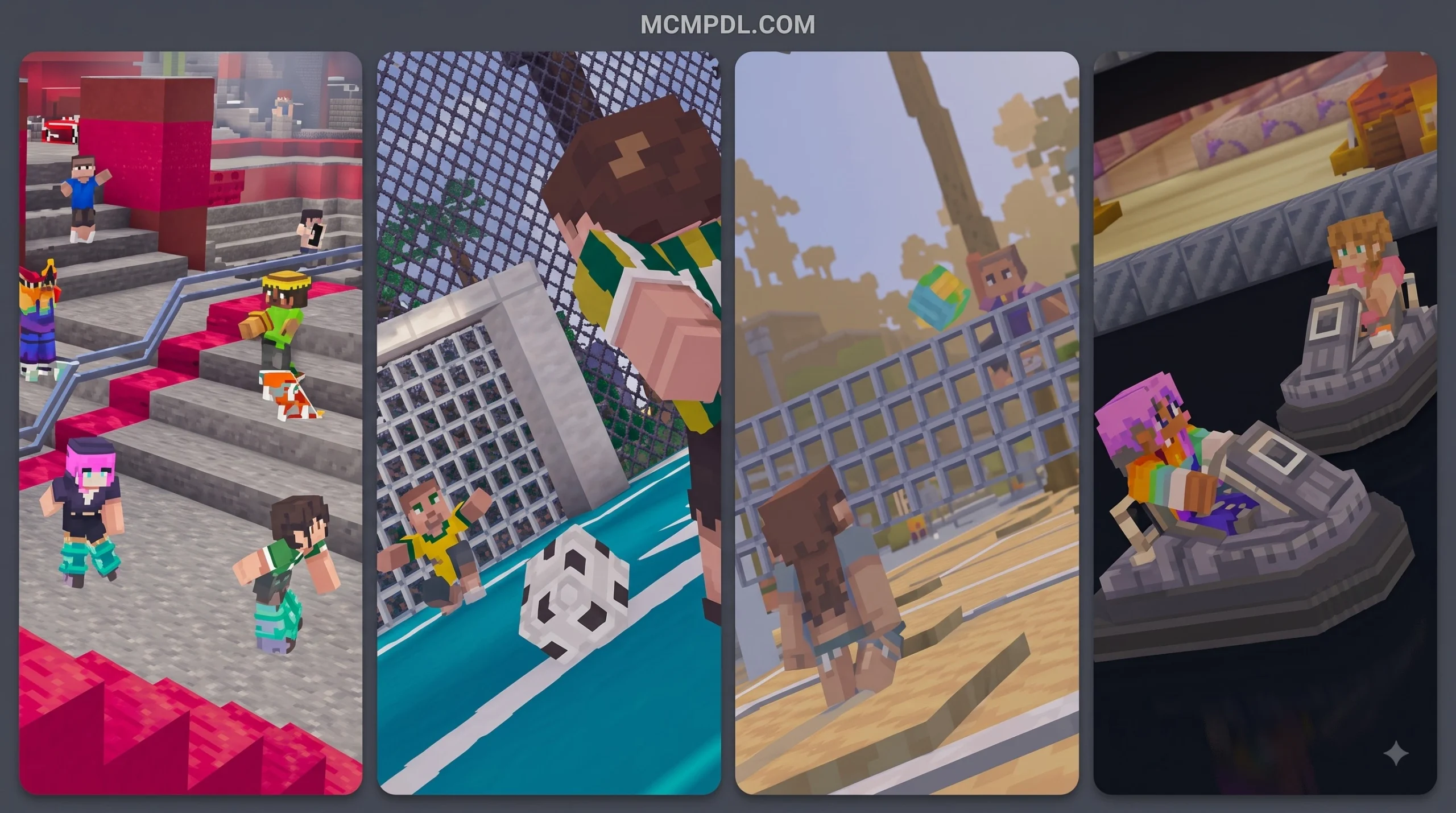
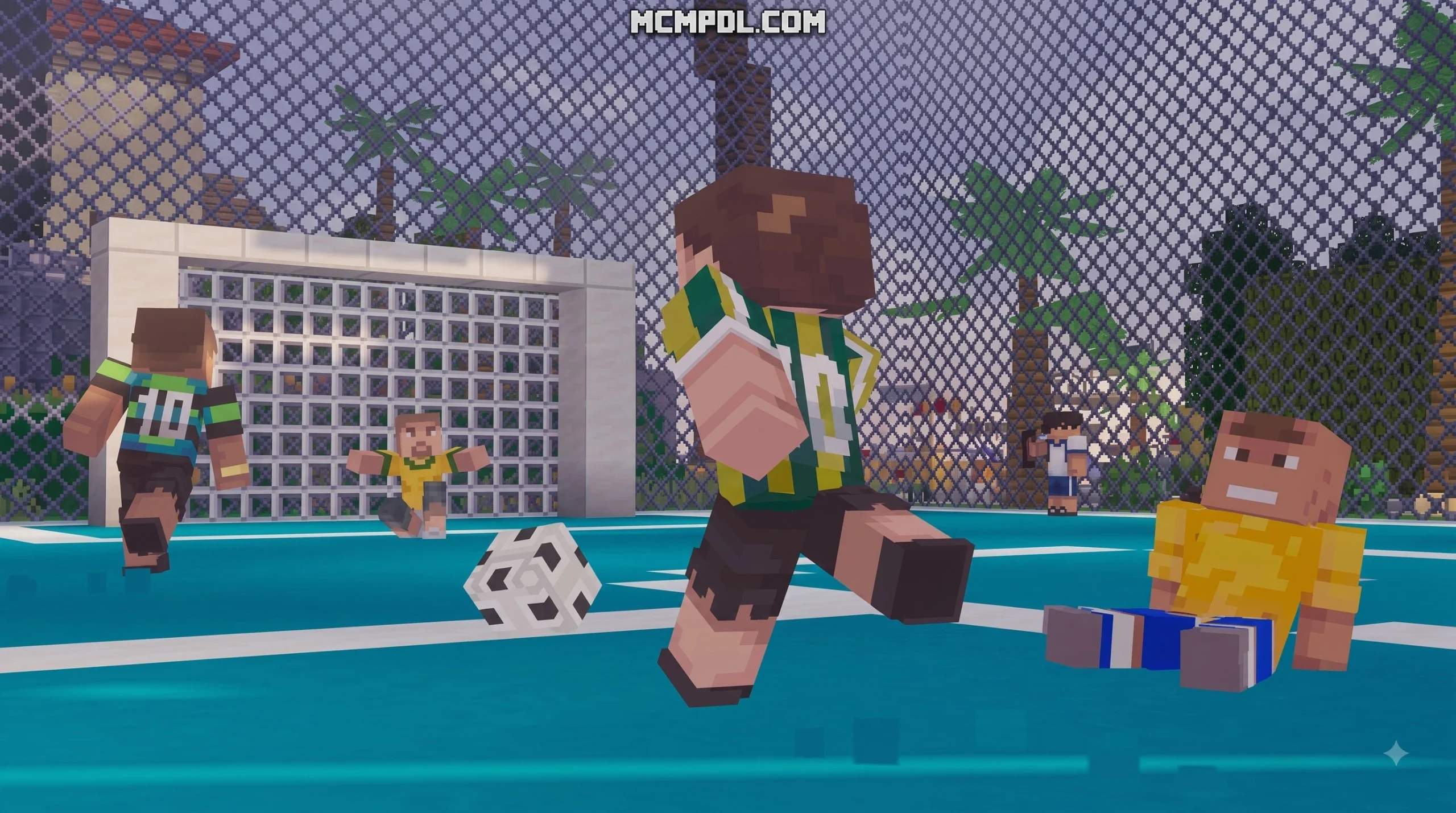
- Interactive Mini-Games: Grab friends to play functional soccer matches inside dedicated stadiums or join beach volleyball showdowns on the sands of Copacabana.
- In-Game Smartphone UI: Access a custom handheld device interface to handle navigation, transport summoning, and interactive elements across the city.
- Culinary Delights & Realism VFX: Taste authentic Brazilian dishes and experience visual enhancements tailored with Prizma Visuals 2.0 assets by Starfish Studios.
- 80-Skin Megapack: Outfit your avatar with a massive collection of 80 themed skins, ranging from beachgoers, athletes, and street musicians to municipal workers and modern city locals (which boasts an independent 4.3/5 star rating among players).
How to Download and Install the Rio de Janeiro Map on Bedrock Devices
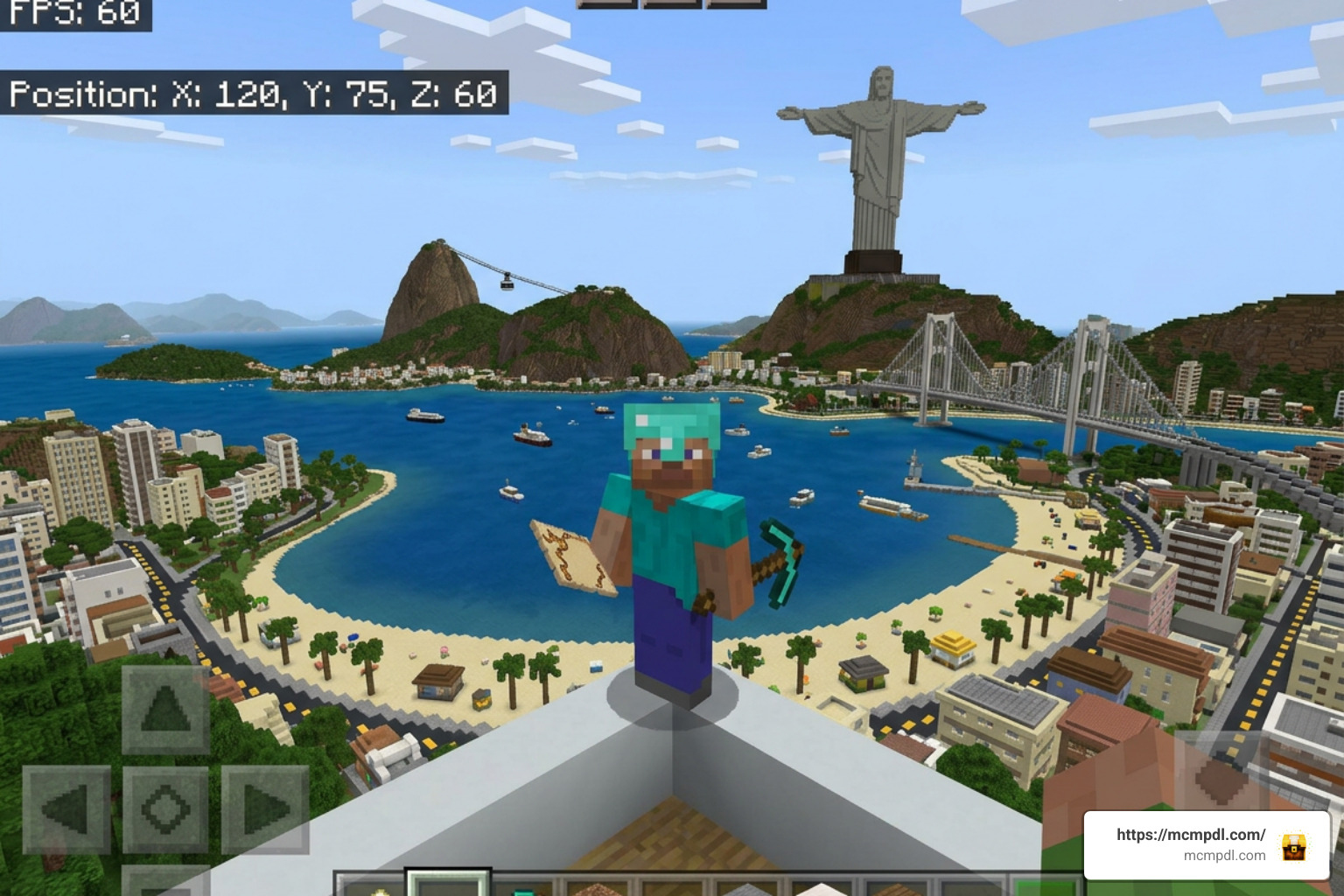
Getting your hands on the Rio de Janeiro world is simple across all platforms supporting the Bedrock codebase, including Android, iOS, Windows 10/11, Xbox One, Xbox Series X/S, PlayStation 4/5, and Nintendo Switch. Because Bedrock uses unified cross-entitlement via your Microsoft account, purchasing the map once unlocks access across every device linked to that profile.
You can download the map using two primary methods depending on whether you are buying directly from the store or installing an authorized community .mcworld template:
- Marketplace Purchase: Open Minecraft, navigate to the Marketplace search bar, type
Rio de Janeiro, select the official creation by Diluvian / A30x1, and hit the purchase button for 660 Minecoins. Once purchased, click Download and select Create This World. - Direct Template Import (
.mcworld/.mctemplate): If you acquire an authorized Bedrock world file, simply open the downloaded file on your system. Minecraft will launch automatically and begin importing the world directly into your local storage.
Step-by-Step Installation for Mobile (iOS & Android)
Mobile players can follow these quick steps to ensure smooth installation and optimal control setups on Pocket Edition:
- Step 1: Check Version Compatibility: Ensure your Minecraft app is updated to Bedrock 1.16.0 or higher (the map runs seamlessly on modern updates like 1.21.130 and 26.10).
- Step 2: Allocate Storage: City builds containing custom entities and textures require storage space. Verify that your device has at least 300–500 MB of free internal memory.
- Step 3: In-Game Download: Inside the Marketplace screen, tap the download icon. Keep your device screen active until the resource pack and behavior pack dependencies finish downloading.
- Step 4: Configure Touch Controls: City navigation with custom vehicles is easier with adjusted sensitivity. Go to Settings > Touch, set your button size to at least 70%, and consider enabling the “Split Controls” or “New Touch Schemes” (Joystick & aim crosshair) for smoother steering when operating ground vehicles.
Playing the Rio de Janeiro Map for Minecraft PE/Bedrock in Multiplayer
Hosting games in a sprawling Brazilian city is where the map shines brightest. With support for up to 22 players, you can set up roleplay servers, vehicle races, or team-based minigames.
- Local LAN & Cross-Play: If your friends are connected to the same Wi-Fi network, any player can load the world with “Visible to LAN Players” turned on in Multiplayer settings.
- Minecraft Realms & Dedicated Servers: Upload the world to a 10-player Bedrock Realm or host it on a dedicated Bedrock server instance for 24/7 access.
- Multiplayer Minigame Ideas: Because Rio features extensive winding alleyways and multi-level vertical architecture, the city is well suited for community minigames. If you enjoy urban concealment games, try organizing matches similar to Hide and Seek Maps for Minecraft PE/Bedrock across the favelas, or use the dense commercial interiors for rounds inspired by Prop Hunt Map for Minecraft PE/Bedrock.
Comparing Rio de Janeiro with Other Bedrock City & Adventure Worlds
To see how Rio de Janeiro stacks up against other popular urban and adventure roleplay worlds in Bedrock Edition, take a look at the feature comparison below:
| World Feature | Rio de Janeiro Map | Grand City Auto World for Minecraft | Pyramid City World for Minecraft PE/Bedrock |
|---|---|---|---|
| Theme / Setting | Modern Brazilian Coastal Metropolis | Modern Action-Themed Open World | Ancient/Futuristic Architectural Metropolis |
| Included Skins | 80 Character Skins | Themed Urban Costumes | Regional/Thematic Skin Pack |
| Vehicle Types | 50+ (Buses, Taxis, Trains, Parachutes) | Sports Cars, Helicopters, Bikes | Fantasy & Futuristic Transports |
| Max Player Count | 1 to 22 Players | 1 to 10 Players | 1 to 8 Players |
| Custom Gameplay | Soccer, Volleyball, Phone UI, VFX | Heists, Driving Challenges | Puzzle Exploration & Dungeon Crawls |
| Terrain Scaling | Mountainous Coastline with 1:1 Scale Landmarks | Flat Urban Grid with High-Rises | Desert Basin with Giant Monuments |
While other city worlds offer thrilling driving missions or ancient wonder roleplay, Rio de Janeiro stands out through its cultural authenticity, beachside sports systems, and massive 22-player capacity.
Technical Requirements, Performance Optimization, and Version Compatibility
Large city worlds featuring high polygon custom entities, custom audio tracks, and detailed vehicle models can stress lower-end mobile hardware if settings are not configured properly. The map operates within vanilla Bedrock parameters and does not require third-party mod loaders, but optimizing your video settings will keep framerates steady:
- Render Distance: Keep your render distance set between 8 and 12 chunks on mobile phones, and 16 to 24 chunks on Windows PCs or modern consoles.
- Simulation Distance: Set simulation distance to 4 chunks in world settings to reduce entity tick calculations for vehicles parked across distant city blocks.
- Graphics Toggles: Turn off Fancy Bubbles and Beautiful Skies if you experience framerate drops while driving near dense favela areas. Lowering Anti-Aliasing to 1 or 2 significantly improves battery life and thermal stability on mobile devices.
- Compatibility Notes: The map maintains compatibility with Bedrock versions 1.16.0 through recent major releases like Bedrock 1.21.130, 1.26.33, and 26.10. Built-in behavior packs load automatically without overriding external game files.
Frequently Asked Questions About Rio de Janeiro Map
How much does the Rio de Janeiro map cost in Minecraft Bedrock?
The official Rio de Janeiro map by Diluvian and A30x1 costs 660 Minecoins on the Minecraft Bedrock Marketplace, which equals roughly $3.30 USD. Purchasing it once ties the license to your Microsoft account, allowing you to download and play the world across iOS, Android, Windows, Xbox, PlayStation, and Nintendo Switch at no extra charge.
Can you play the Rio de Janeiro map in multiplayer on mobile devices?
Yes! The map natively supports between 1 and 22 players across all Bedrock platforms, including mobile Pocket Edition. You can host friends directly through your Microsoft Friends list, play over a local Wi-Fi LAN connection, or upload the world save to a private Minecraft Realm for cross-platform cooperative play.
Do I need any external mods or shaders to run this map?
No third-party mod loaders, external scripts, or additional apps are required. All custom Brazilian vehicles, trains, smartphone UI mechanics, sound effects, and visual assets are packaged directly into the world’s self-contained resource and behavior packs, ensuring 100% vanilla engine compatibility.
Conclusion
The Rio de Janeiro Map brings the rich culture, breathtaking coastal geography, and vibrant streets of Brazil to life within Minecraft Bedrock. Between soaring over Christ the Redeemer with a parachute, driving custom buses through bustling avenues, and challenging friends to beach volleyball on Copacabana, it delivers one of the most complete city sandbox experiences available.
If you are looking for new custom adventures, survival challenges, and community addons to enhance your gameplay, explore more downloads and expert guides right here on MCMPDL. Grab your sunhat, jump into the driver’s seat, and enjoy everything the Marvelous City has to offer!
1 thought on “Rio de Janeiro Map for Minecraft PE/Bedrock”