
Scroll down to D0vvnl0ad
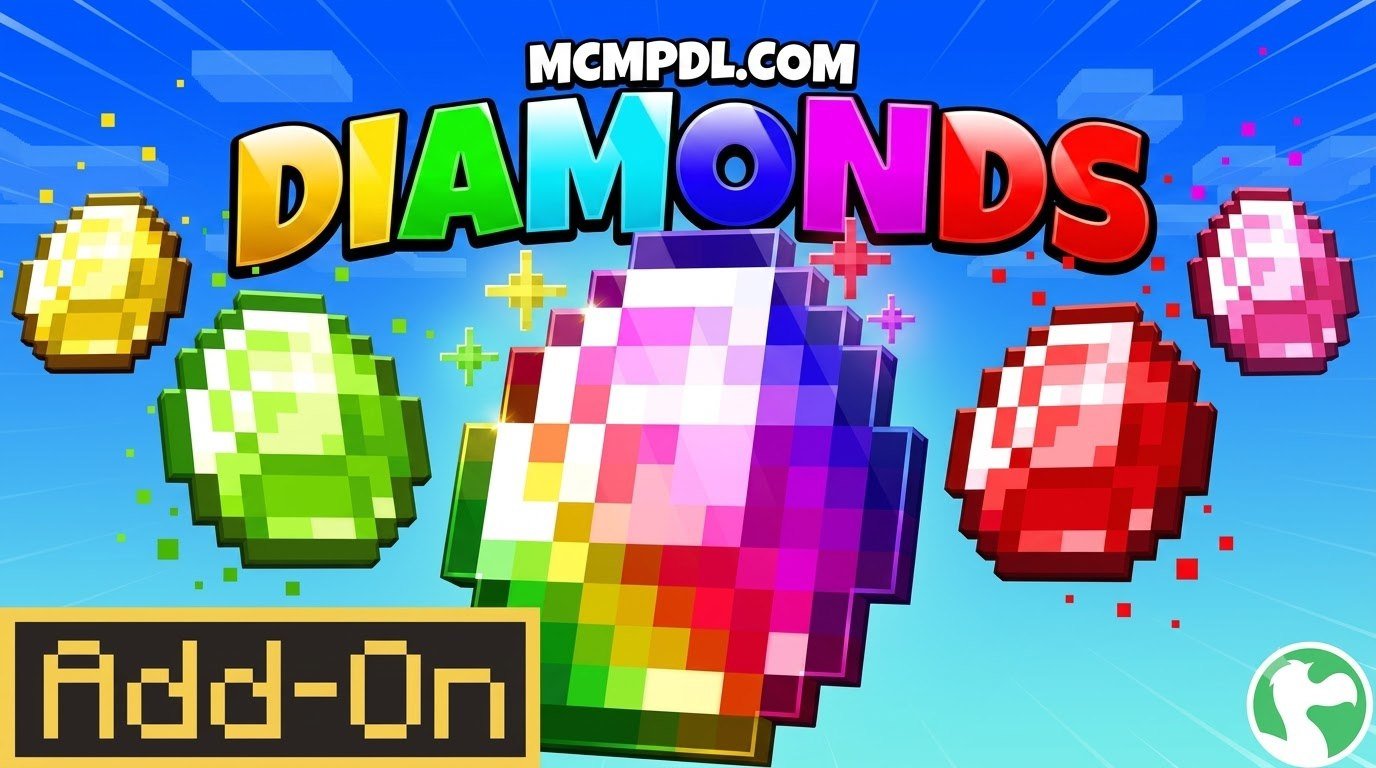
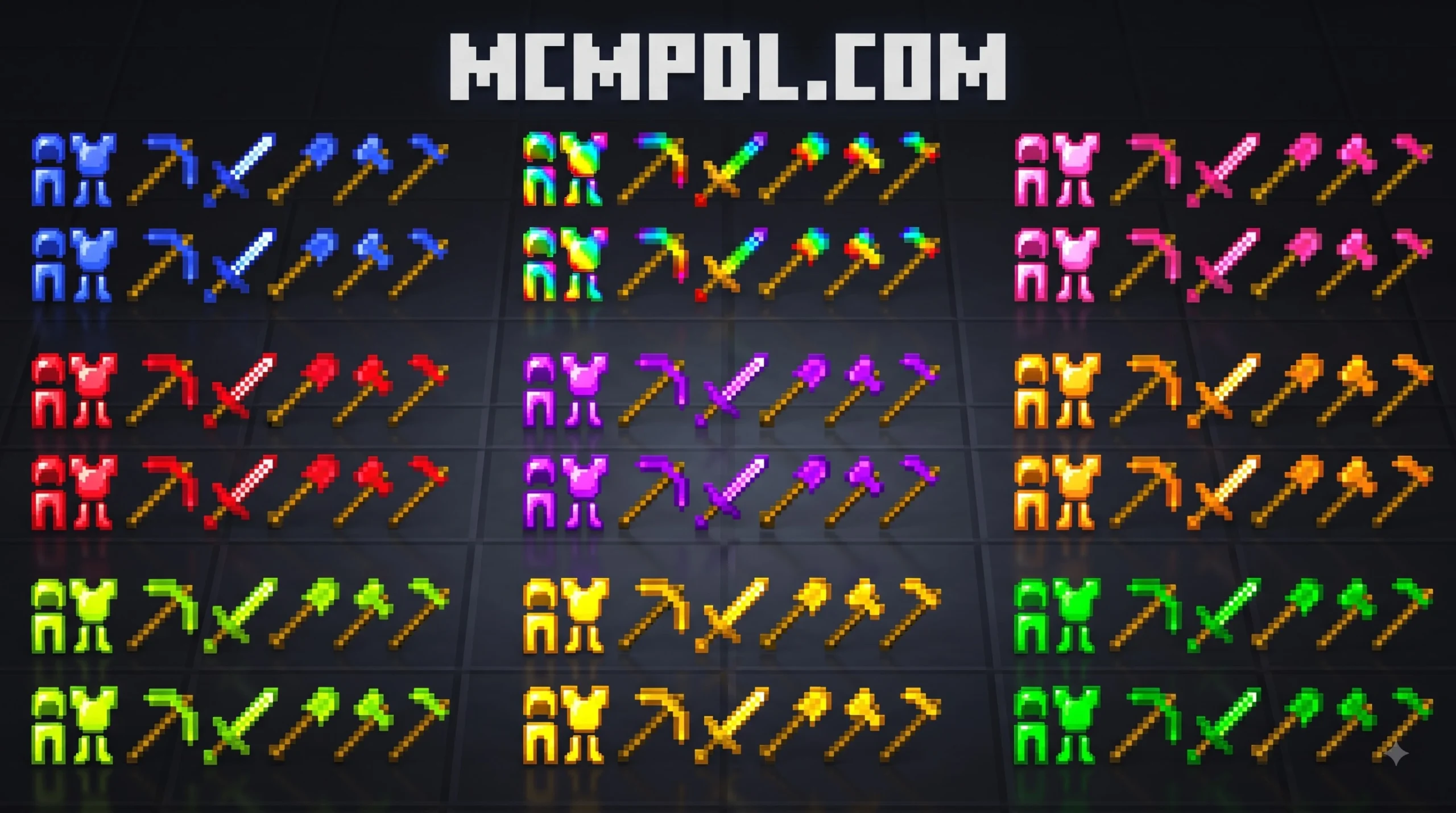
Key Features of More Diamonds Addon for Minecraft PE/Bedrock
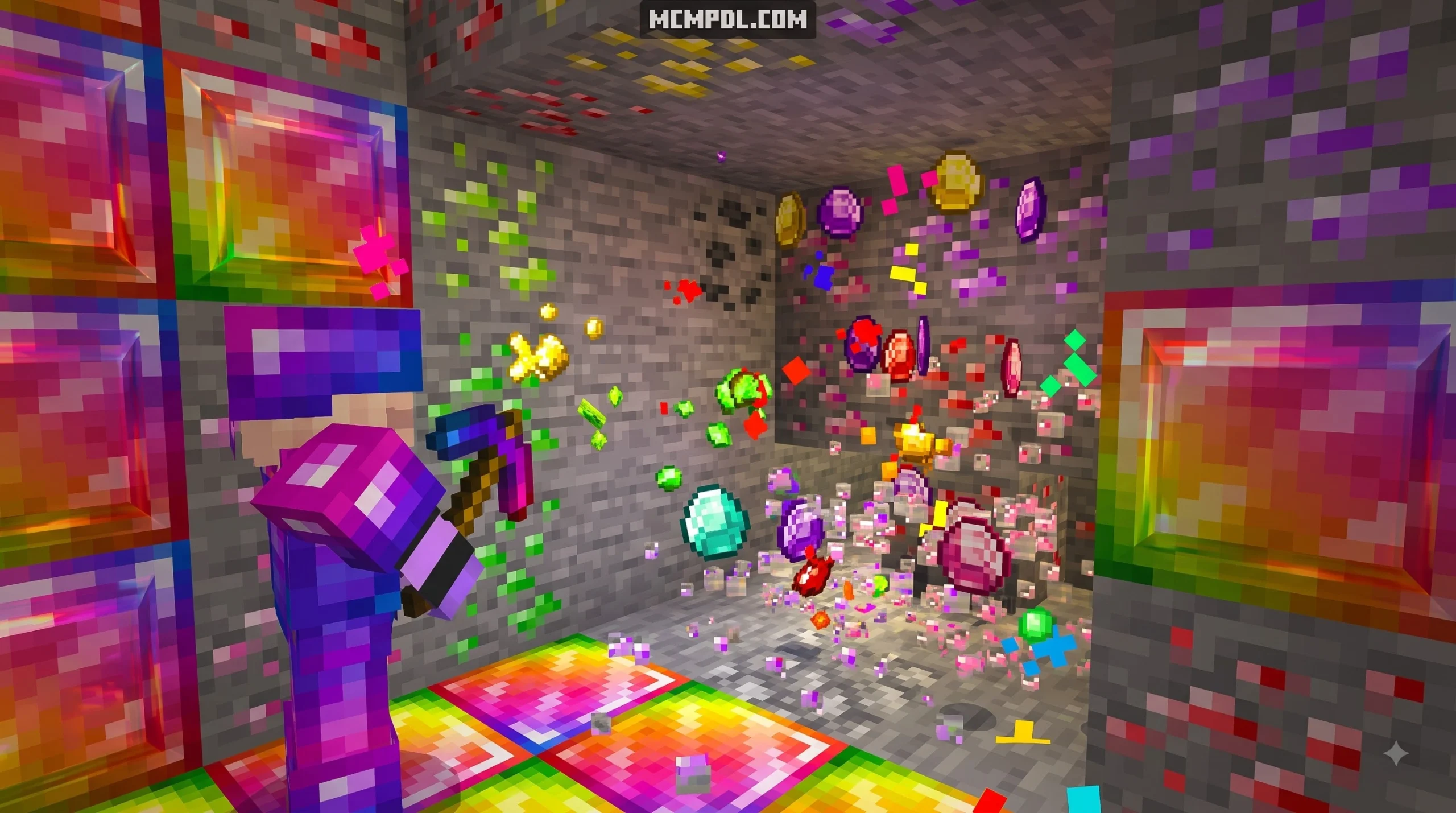
To find and install the More Diamonds Addon for Minecraft PE/Bedrock, download the .mcaddon file, import it directly into Minecraft, enable Experimental Gameplay toggles in your world settings, and activate both the behavior and resource packs. Once installed, you can find the new custom and rainbow diamond ores naturally generating throughout deepslate layers between Y = 15 and Y = -62 in newly explored chunks.
When we look at standard Minecraft survival gameplay, the hunt for diamonds remains one of the most iconic yet grind-heavy tasks in the game. The addon ecosystem on Bedrock Edition has evolved significantly, bringing fresh mechanics to your underground expeditions. Rather than simply handing you infinite vanilla resources without effort, the addon revamps the core progression loop by introducing vibrant colored mineral tiers and custom ability mechanics.
The primary highlights of this addon include:
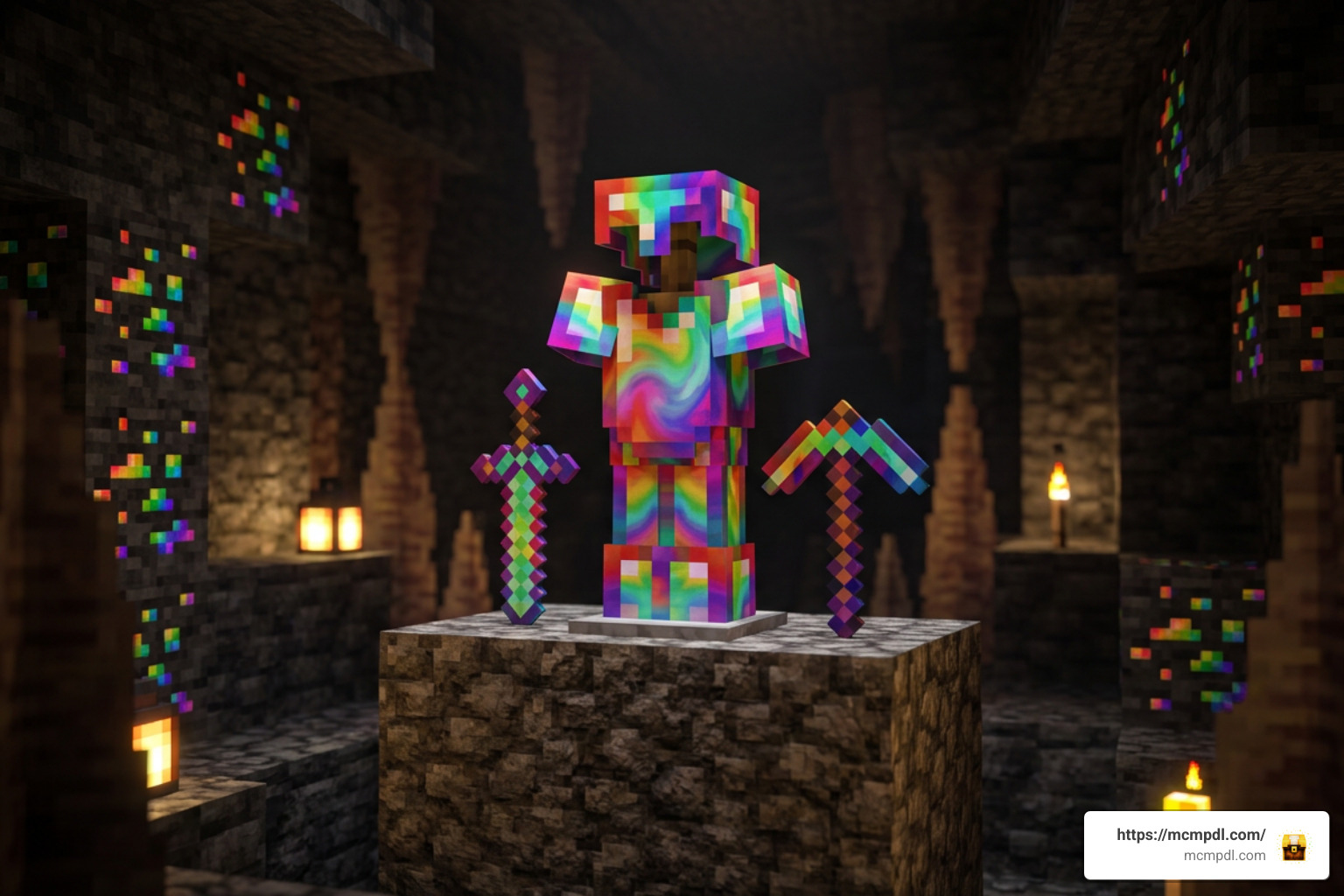
- Rainbow Diamond Ores: Naturally occurring glowing veins scattered deep underground that yield materials for high-tier equipment.
- Multicolored Ore Variants: Several unique colored diamond types (such as pink and white variants) that introduce intermediate gear tiers between traditional iron, diamond, and netherite.
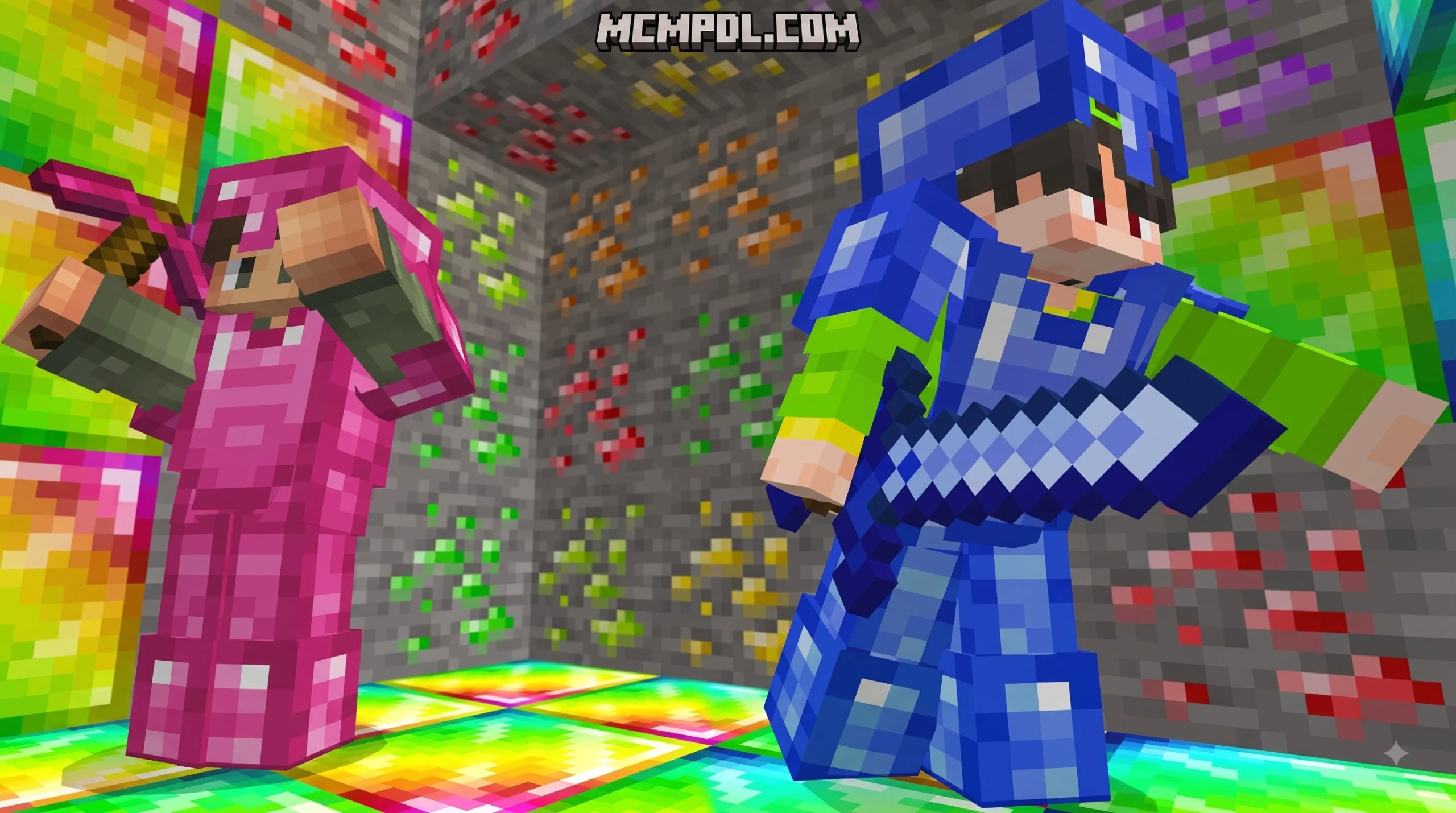
- Custom Armors and Tools: Fully craftable gear sets mapped directly to each diamond color tier, complete with distinct durability thresholds and passive defensive attributes.
- Active and Passive Abilities: Specialized offensive and defensive buffs assigned exclusively to rainbow-tier equipment to transform everyday PvE combat.
By blending visual variety with clear tiered progression, this pack gives seasoned miners and casual builders alike a reason to head back into the caves.
How More Diamonds Addon for Minecraft PE/Bedrock Modifies Ore Generation
Following modern world generation changes that extended the subterranean depth down to Y = -64, diamond hunting requires navigating massive deepslate caverns. This addon integrates naturally with those deep layers. Custom diamond variants generate dynamically across deepslate strata between Y = 15 and Y = -62, ensuring you encounter both standard vanilla clusters and custom multicolored nodes during regular branch mining.
Because these custom veins tap into Bedrock world-generation algorithms, exploring massive underground caverns feels rewarding again. Pair your underground journey with the Caves and Beyond Addon for Minecraft PE/Bedrock to experience overhauled cave biomes alongside these glowing diamond deposits. Newly generated chunks will seamlessly populate with rainbow veins, pink diamond nodes, and deepslate clusters without overwriting standard vanilla resource distributions like redstone, gold, or lapis lazuli.
Custom Weapons, Armor Sets, and Special Abilities
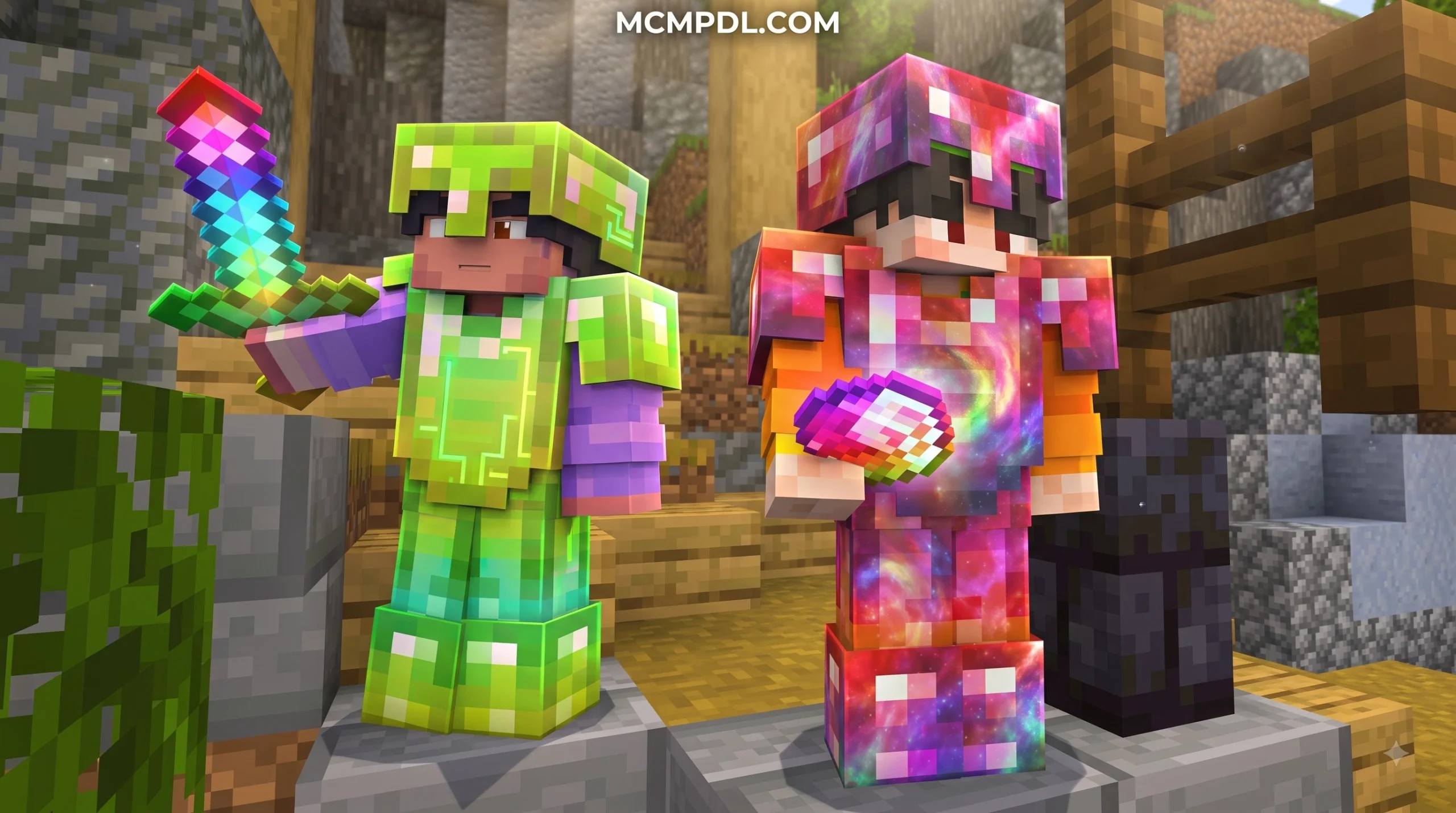
Crafting is where the addon truly shines. Gathering colored diamond ores allows you to construct full matching armor sets and weapon loadouts. While standard colored diamonds offer cosmetic flare alongside competitive protection values, rainbow diamond equipment stands in a league of its own.
Rainbow-tier weapons grant active combat enhancements such as increased attack speeds, unique area-of-effect damage procs, and built-in status effects that give you an edge against hostile mobs. If you enjoy expanding your arsenal further, combining this addon with the Legendary Weapons Addon for Minecraft PE/Bedrock turns your survival world into a full-scale action RPG.
For utility-minded miners who need advanced ways to excavate and manage resources, checking out the Utility Tools Add-on for Minecraft Bedrock Best Features 2026 will give you complementary gear like 3×3 mining hammers and tree decapitators to speed up your mineral gathering runs.
How to Install the Addon in 5 Easy Steps
Setting up custom behavior and resource packs on Minecraft Bedrock Edition (Pocket Edition) is straightforward across Android, iOS, Windows, and compatible consoles. Follow our five-step walkthrough to get your new ores up and running in minutes.
Step 1: Downloading More Diamonds Addon for Minecraft PE/Bedrock
First, download the addon installation file from a verified source. Addons for Bedrock Edition are commonly packaged as a .mcaddon file (which contains both behaviors and textures in one archive) or as two separate .mcpack files (one Behavior Pack and one Resource Pack).
Ensure your download is complete and that the file extension is properly recognized by your system. The typical file size sits between 1 MB and 2 MB, making it quick and lightweight to install even on mobile connections.
Step 2 to 5: Importing, Experimental Settings, and World Activation
Once you have downloaded the required files, complete the installation using the following steps:
- Import the File into Minecraft: Tap or double-click the downloaded
.mcaddonor.mcpackfile. Minecraft Bedrock will open automatically and display an “Import Started” banner at the top of your screen, followed by “Successfully Imported”. If you downloaded separate packs, repeat this for both the behavior and resource files. - Back Up Your Survival World: Before applying any custom content to an existing world, click the Edit (pencil) icon next to your world name, scroll to the bottom of the Game menu, and click Copy World. This ensures your original progress remains safe.
- Enable Experimental Gameplay Toggles: In your world edit settings, navigate to the Experiments tab. Turn on toggles for Holiday Creator Features, Custom Biomes, and Beta APIs / Upcoming Creator Features. Modifying world generation and adding custom blocks requires these experimental switches to be active.
- Activate Resource and Behavior Packs: In the left sidebar of your world settings, click Resource Packs > Available > Owned, locate the pack, and click Activate. Then, click Behavior Packs > Available > Owned, and activate the corresponding behavior pack.
- Launch Your World and Explore: Hit Play to enter your world! If you are using an existing save, travel to unexplored chunks to let the new rainbow and colored ores generate within the deepslate layers.
Pro Tip: Because you will be gathering tons of new mineral variations, keeping your inventory organized is critical. We recommend installing the Backpacks Addon for Minecraft PE/Bedrock alongside your mining packs to carry extra tools, ores, and torches without running out of slots.
Comparison: More Diamonds Addon vs Other Mineral Addons
Choosing the right addon depends on what you want from your survival experience. Some players prefer massive mineral overhauls with dozens of gems, while others simply want a faster way to obtain vanilla diamonds without tedious cave grinding.
Here is how the top diamond-focused addons compare against each other:
| Feature / Addon | More Diamonds Addon | Better Diamond Generation | More Ores Addon |
|---|---|---|---|
| Primary Focus | Rainbow & colored diamond tiers | Vanilla diamond yield boost | 28+ new gems, metals & bosses |
| Generation Depth | Y = 15 down to Y = -62 | Deepslate down to Y = -62 | -64 to 15 (Overworld, Nether, End) |
| Special Abilities | Yes (Rainbow weapon/armor buffs) | No (Standard vanilla items) | Yes (Talismans & set bonuses) |
| Smelting Multiplier | Standard 1:1 ore output | 4x Smelting yield multiplier | Custom ore recipes & tables |
| Endgame Bosses | Standard vanilla boss fights | None | Scalable Skeleton Bosses |
| Player.json Dependent | No | No | No (High compatibility) |
| Average User Rating | 4.6 / 5.0 Stars | 4.3 / 5.0 Stars | 4.7 / 5.0 Stars |
Smelting Multipliers vs Custom Ore Variety
When comparing mineral packs, you will notice two distinct design philosophies:
- Smelting & Yield Multipliers: Packs like Better Diamond Generation focus exclusively on eliminating the vanilla grind. They adjust furnace recipes so that smelting 1 raw diamond ore yields 4 finished diamonds. This is perfect if you want standard vanilla survival mechanics accelerated for quick building or Realm mini-games.
- Custom Ore & Mineral Variety: Packs like More Diamonds and More Ores introduce brand-new item registries. Instead of inflating vanilla diamonds, they place pink, white, and rainbow ores into the terrain. You get progressive gear steps, unique glowing textures in dark caverns, and distinctive armor colors to showcase your achievements.
If you enjoy alternative generation styles, some mods even introduce surface diamond generation in desert biomes or automated item generators that produce diamonds periodically. However, for a balanced survival feel that preserves cave exploration, custom ore sets provide the most engaging long-term gameplay.
Endgame Content and Boss Mechanics
If you want your mining efforts to feed into challenging combat encounters, expanded packs like More Ores take things further by tying mined minerals directly to boss summoning economies. For instance, crafting copper, iron, or diamond coins lets you challenge custom Skeleton Bosses that drop scaling experience points ranging from 50 EXP up to 450 EXP.
For players seeking dangerous encounters, combining your mining mods with a dedicated boss overhaul like the Bosses Addon creates a demanding gameplay loop: mine custom diamond tiers, craft powerful ability-infused gear, and conquer tough endgame encounters.
Frequently Asked Questions About Diamond Addons
Do I need to enable Experimental Gameplay for diamond addons?
Yes. Minecraft Bedrock requires Experimental Gameplay toggles to register custom blocks, modified ore feature rules, and custom item scripts. Whenever an addon introduces non-vanilla blocks (such as rainbow diamond ore) or custom armor durability scripts, you must toggle on options like Holiday Creator Features and Upcoming Creator Features in your world settings before loading the save.
Will the addon work on existing Minecraft Bedrock survival worlds?
Yes, but with an important caveat regarding world generation. The addon cannot retroactively alter underground stone blocks in chunks you have already explored and saved. To find the newly added diamond variants in an existing world:
- Activate the pack on your world save following our 5-step guide.
- Travel beyond your explored map borders into unexplored chunks.
- Dig down into the deepslate layers (between Y = 0 and Y = -60) in these fresh chunks where the new ore generation rules take effect.
Can I use diamond addons in Bedrock multiplayer and Realms?
Absolutely. Addons packaged with standard Behavior and Resource packs are fully compatible with local multiplayer, dedicated Bedrock servers, and Minecraft Realms.
When hosting a multiplayer world or Realm:
- Apply both packs to the world settings before launching.
- Check the box labeled “Require players to accept resource packs to join”.
- Friends joining your world on Android, iOS, Windows, or console will automatically download the necessary textures and behaviors upon connecting.
Conclusion
Mining in Minecraft Bedrock is far more exciting when the rewards go beyond standard light-blue gems. Whether you want to deck out your character in glowing rainbow armor, harness unique combat abilities, or expand underground mineral diversity across deepslate layers, custom diamond addons deliver a balanced survival upgrade.
Ready to transform your survival world? Discover more top-tier mods, utility tools, and gameplay expansions directly on mcmpdl.com to build your ultimate Bedrock experience. Grab your pickaxe, activate your packs, and enjoy the hunt for rainbow diamonds!
2 thoughts on “More Diamonds Addon for Minecraft PE/Bedrock”