
Scroll down to D0vvnl0ad
Realistic Landscapes World for Minecraft PE/Bedrock: What You Get
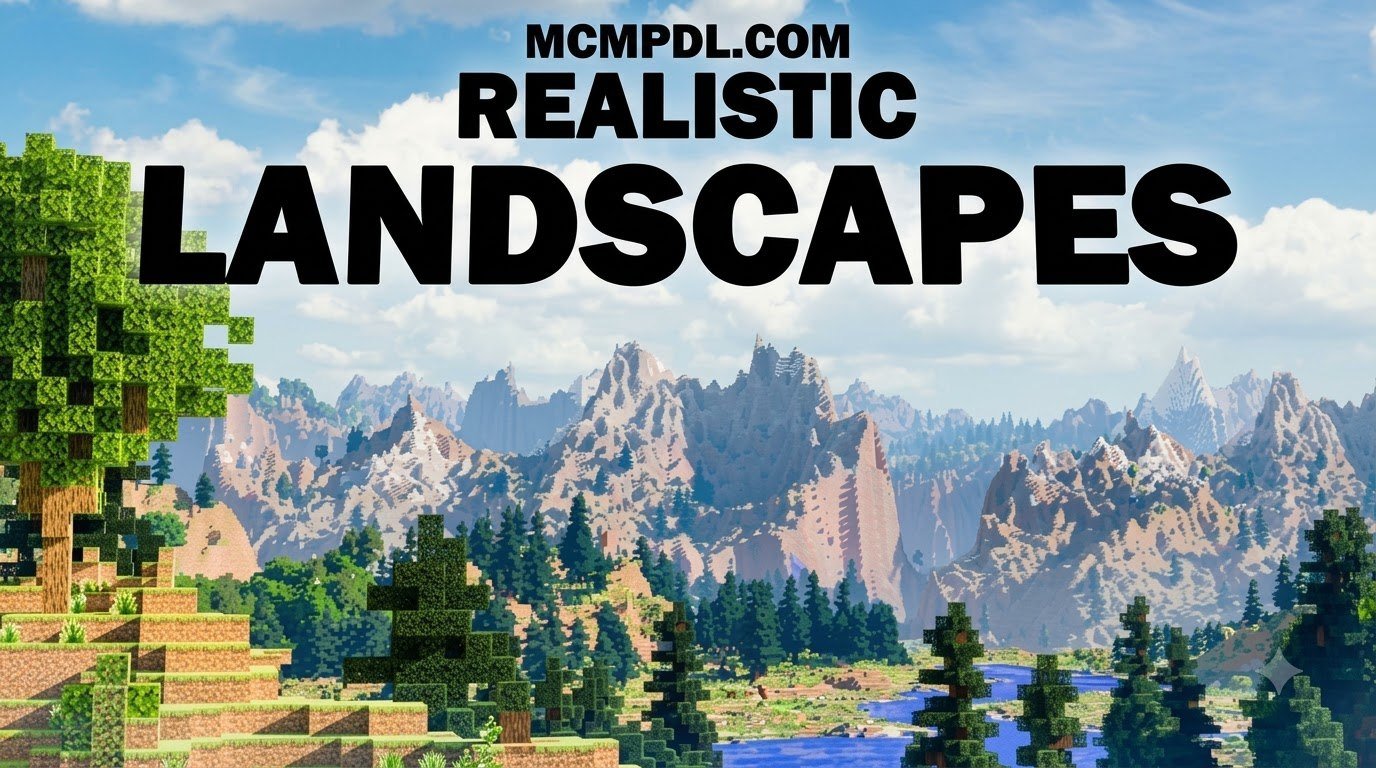
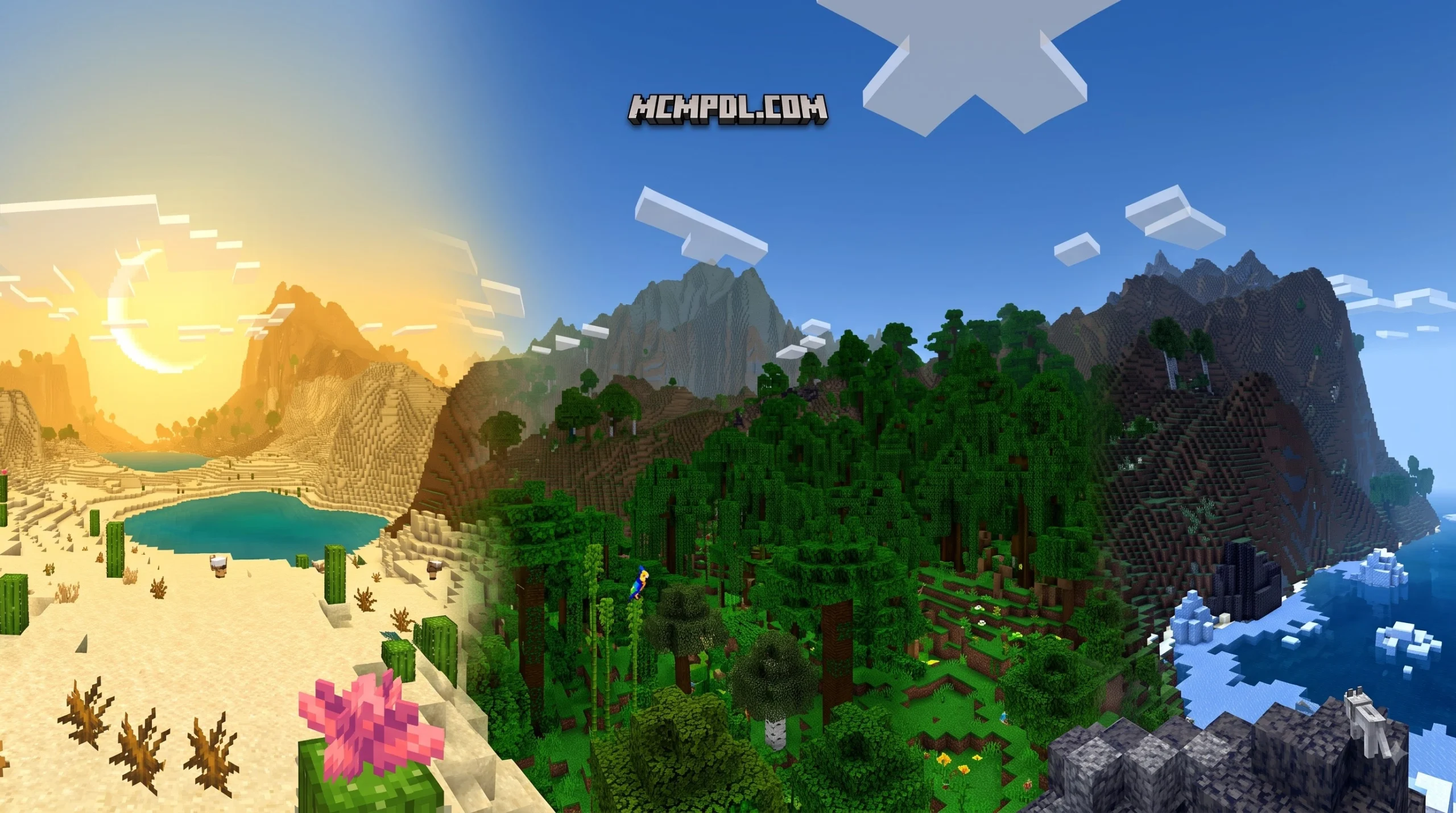
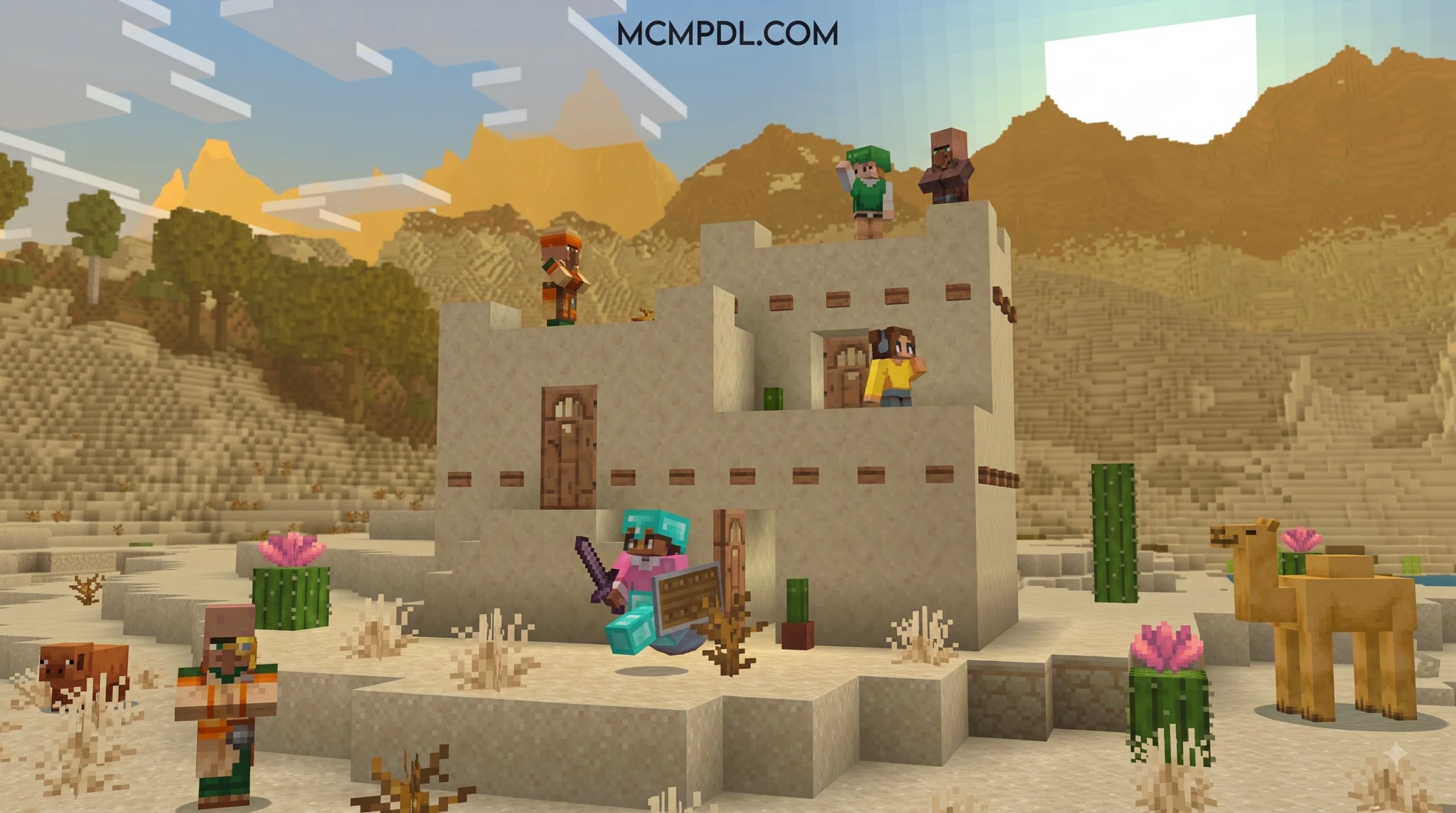
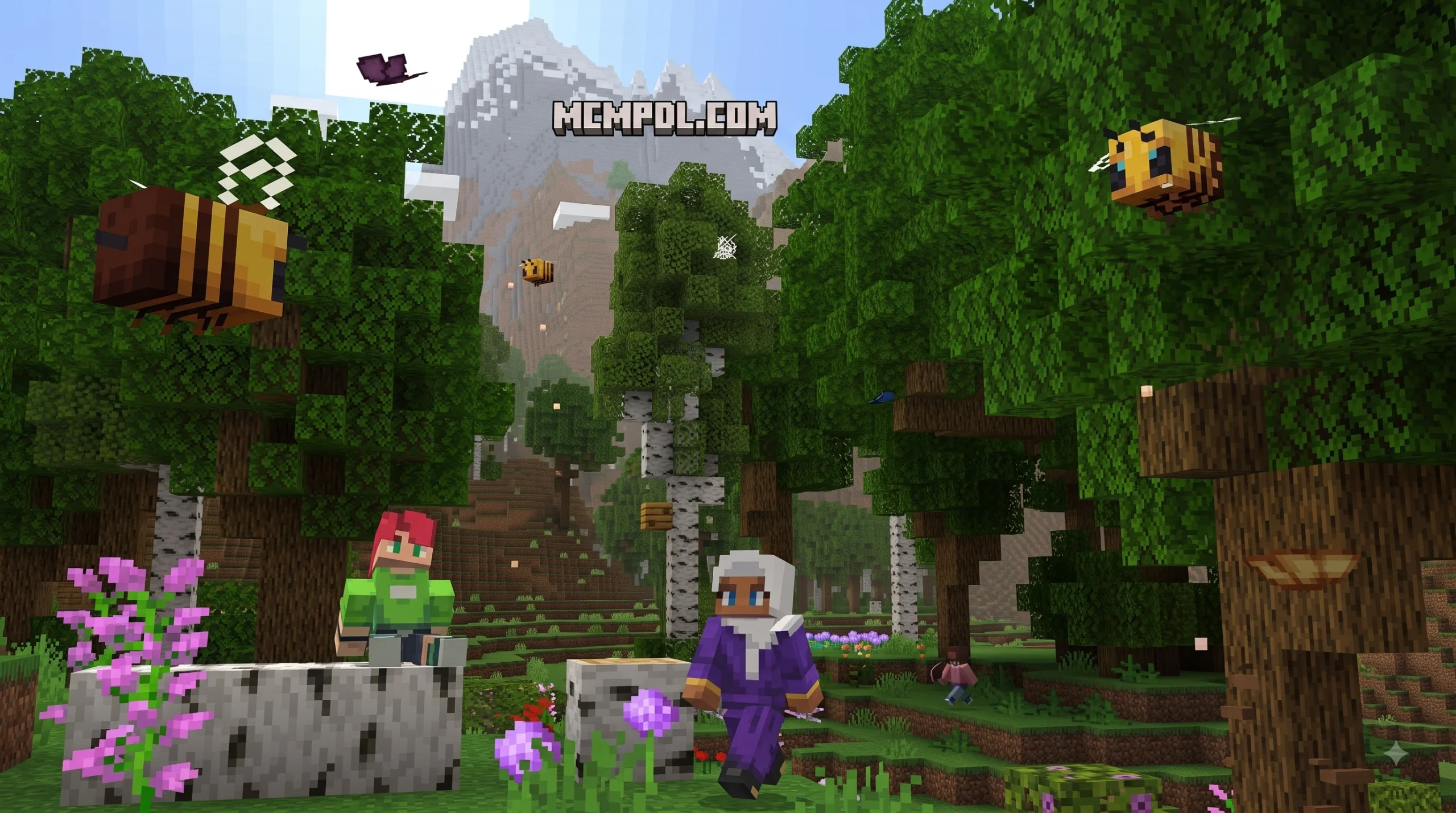
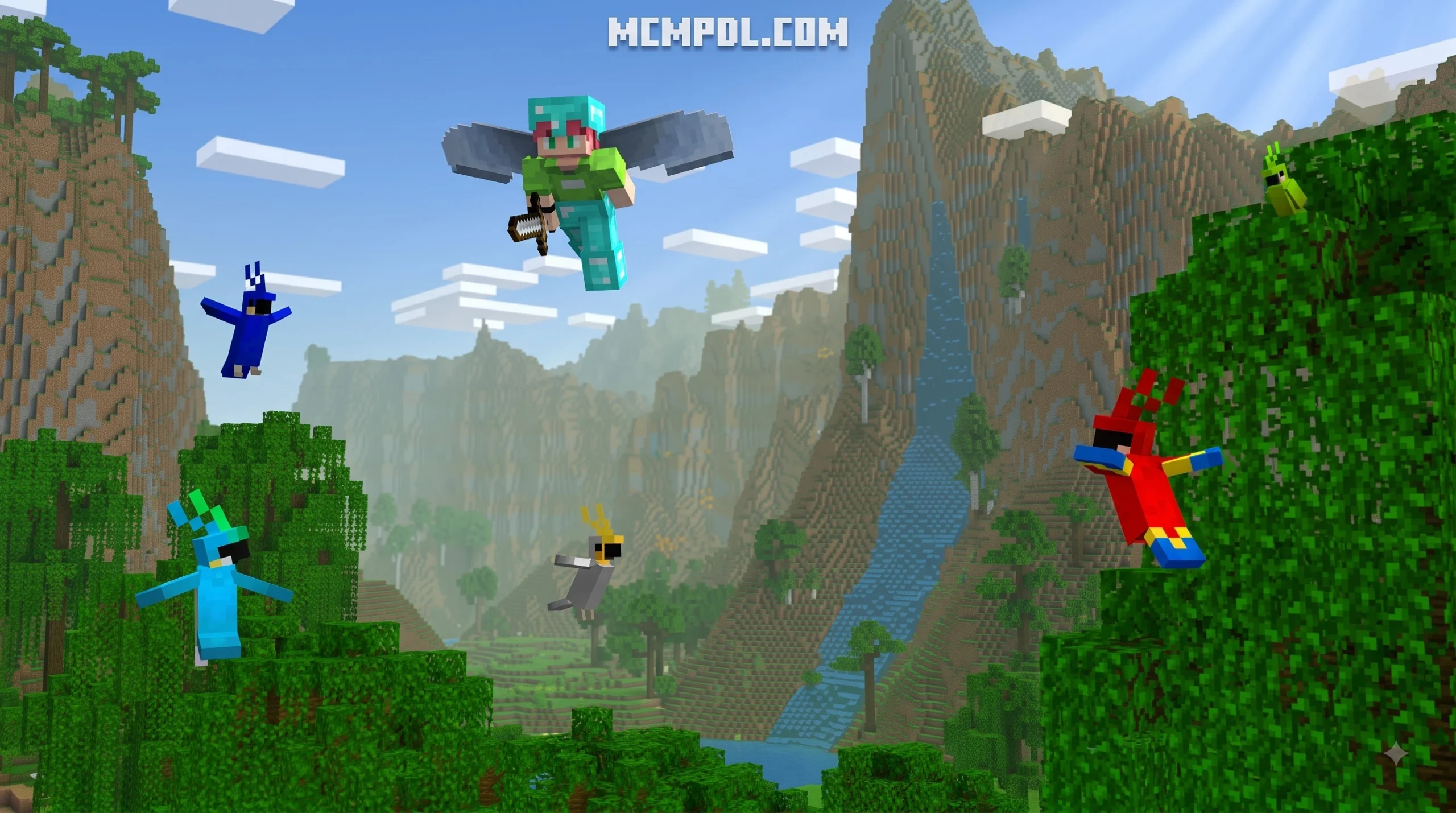
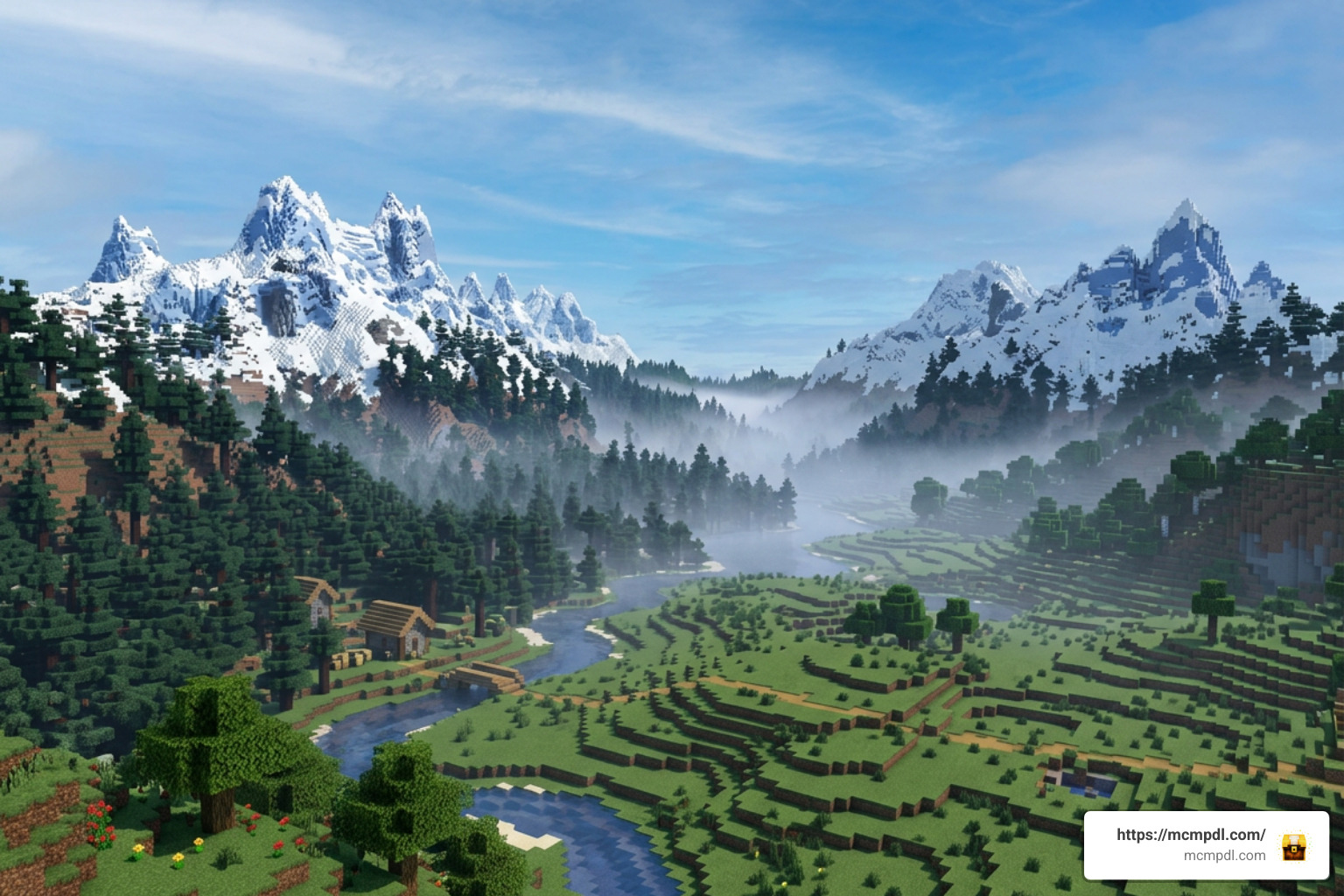
Realistic Landscapes for Minecraft PE/Bedrock is a paid Minecraft Marketplace world template that replaces ordinary-looking terrain with procedural mountains, hills, cliffs, custom trees, and atmospheric fog. Each new world uses a random seed, so it is not one fixed map; players can create fresh landscapes for survival, exploration, or scenic building.
It supports 1 to 22 players, requires Bedrock Edition 1.16.0 or later, and was updated for Minecraft 1.21.90. The template costs 830 Minecoins on the official Minecraft Marketplace.
This guide compares the Marketplace world with free Bedrock terrain add-ons and maps, then explains how to reduce lag on phones, consoles, and PCs when detailed terrain takes longer to load.
Deep Dive into the Realistic Landscapes World for Minecraft PE/Bedrock
When looking at premium world templates designed to transform world generation, the Realistic Landscapes World for Minecraft PE/Bedrock stands out because it blends procedural freedom with handcrafted visual fidelity. Developed by the well-known Marketplace creator team Shapescape, this template brings realism directly to Minecraft Pocket Edition (PE) and Bedrock Edition without requiring complex third-party tools.
Rather than locking you into a static, pre-rendered map where the borders end after a few thousand blocks, this world template is built around a dynamic generation engine. Every time you generate a world using the template, the game uses a unique random seed to construct a brand-new, infinite survival landscape. Identified on the backend by the Product UID 436ba2d2-6405-4cc9-a3c1-c0d1513a8fdd, this DLC provides players with an out-of-the-box overhaul that runs natively across mobile devices, consoles, and Windows.
Core Features of the Realistic Landscapes World for Minecraft PE/Bedrock Template
The main draw of this world template is its sweeping topography overhaul. Default vanilla generation has improved over the years, but Shapescape takes elevation and foliage density much further:
- Massive Mountains and Rolling Hills: Gentle, realistic slopes transition smoothly into colossal mountain ranges that break standard cloud levels.
- Sheer Cliffs and Ravines: Natural rock formations feature steep drop-offs, overhangs, and layered rock shelves that look remarkably lifelike.
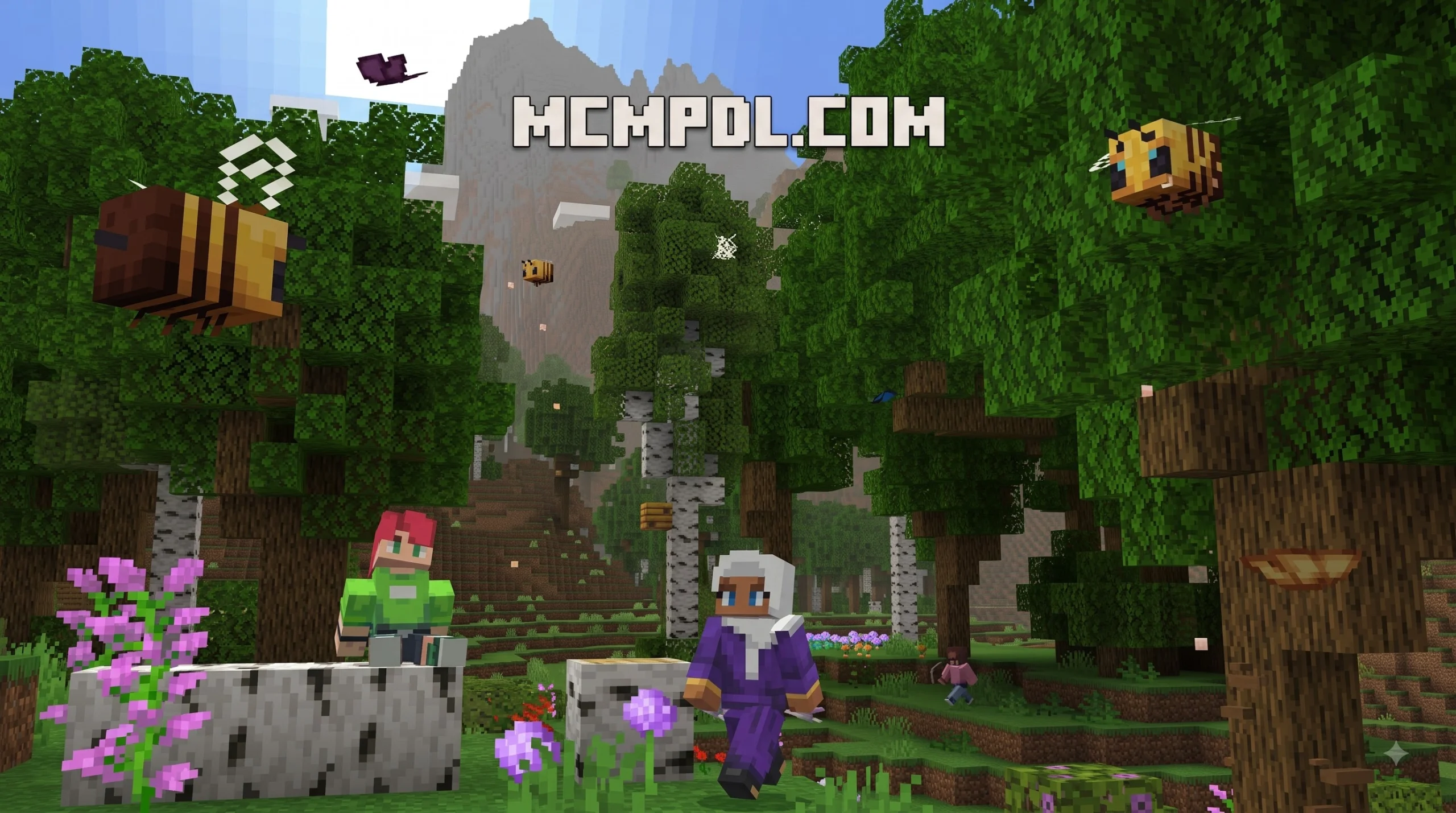
- Custom Tree Models and Dense Forests: Standard blocky vanilla foliage is swapped out for realistic canopy structures, branch formations, and dense undergrowth.
- Immersive Atmospheric Fog: Custom environmental fogs settle dynamically in valleys and mountain peaks, adding natural depth of field and scale to the terrain.
- Multiplayer Lobby Support: The world is tuned to support 1 to 22 players simultaneously, making it suitable for large multiplayer survival servers, Realms, or cooperative building projects.
- Engine Compatibility: The template requires a baseline of Bedrock Edition 1.16.0, with ongoing updates ensuring support for modern versions like Bedrock 1.21.90.
Marketplace Metrics, Pricing, and Community Feedback
Originally launched on July 8, 2025, and updated on October 31, 2025 (version 1.1.0), the template has generated a notable amount of player discussion on the Minecraft Marketplace:
- Price: 830 Minecoins (approximately $4.35 USD or €4.10 EUR).
- Player Rating: 3.6 out of 5 stars based on 251 player reviews.
- Rating Breakdown: 46% of players gave it a perfect 5-star rating (115 reviews), appreciating the dramatic mountain vistas and dynamic seed generation. Conversely, 21% of ratings are 1-star (52 reviews), largely driven by performance bottlenecks and chunk loading delays on lower-end mobile hardware.
Because dense custom foliage and complex terrain meshes place higher demands on memory bandwidth, running the template on older mobile phones can cause frame drops if in-game video settings are left at their default high levels.
Top Community Alternatives for Enhanced Bedrock Terrain
For players who prefer not to spend Minecoins or who want modular world overhauls that work with their existing survival saves, the Bedrock modding community offers several high-quality alternatives. Many free community projects use behavior and resource packs rather than fixed world templates, allowing you to apply realistic terrain to any seed or existing world.
| Feature / Metric | Realistic Landscapes [DX] (Shapescape) | Realistic Biomes Addon | Realism 1.1 Fields + Forest Map (1.21) | Earth Realism |
|---|---|---|---|---|
| Price | 830 Minecoins (~$4.35 USD) | Free (Community) | 990 Minecoins / Free Showcase | Free (Community) |
| Delivery Method | Marketplace World Template | Addon (.mcaddon / .mcpack) | World Template / Addon | Static Map (.mcworld, ~422 MB) |
| Terrain System | Procedural (Random Seeds) | Procedural (Biome Overhaul) | Procedural & Dynamic | Static 1:1 Earth Recreation |
| Multiplayer Limit | 1 to 22 Players | Unlimited (Device-dependent) | 1 to 8 Players | Unlimited (Server-dependent) |
| Custom Wildlife | Default Mobs | Enhanced Vanilla Integration | Deer, Lynxes, Owls, Insects | Bears, Elephants, Flamingos |
| Atmospheric FX | Custom Mountain & Valley Fog | Seasonal Color Shifts | Sun Rays, Pollen Particles | Waterfalls, Auroras, Rainbows |
| Platform Target | Bedrock 1.16.0 – 1.21.90+ | Bedrock / PE 1.20+ – 1.21+ | Bedrock / PE 1.21+ | Bedrock / PE (Android/iOS/PC) |
Feature Breakdown of Free Community Landscape Mods
Community-made landscape add-ons often focus on biological diversity and environmental flow rather than just raw terrain height. While the Realistic Landscapes template by Shapescape emphasizes dramatic elevation, community creators frequently introduce features like seasonal foliage changes, smooth biome blending, and specialized ambient soundscapes.
For instance, REALISM 1.1 Fields + Forests by Panascais introduces ambient fauna like deer, owls, lynxes, and fireflies alongside rolling creeks, winding forest paths, and adaptive falling leaf particles. Similarly, community-crafted options like the Realistic Landscape Map allow players to test procedural realism through standard .mctemplate installations without commercial lock-in.
Free Community Biome Addons and World Maps
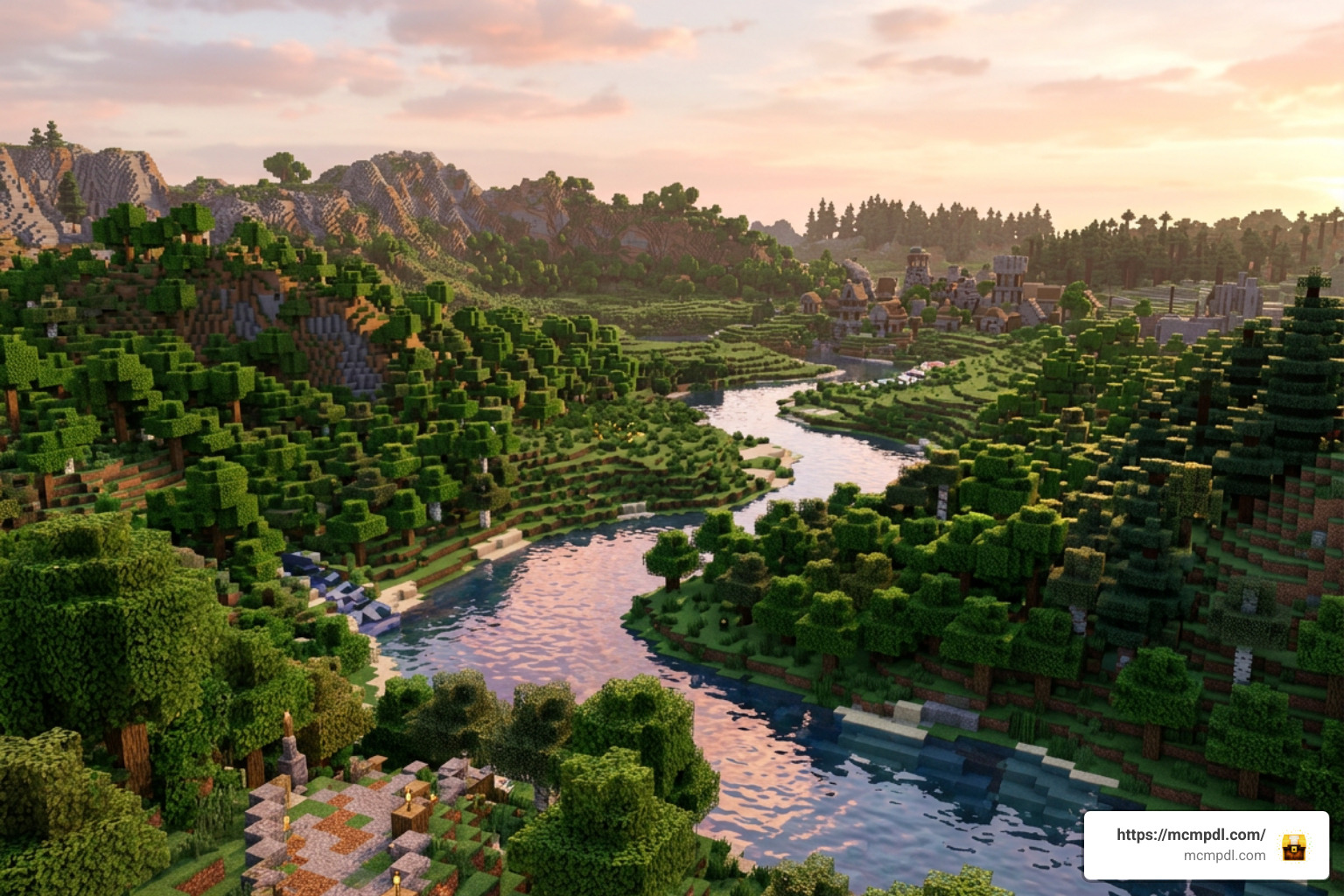
If you want to experience lifelike nature across your Bedrock worlds for free, several standout options are available in our community library:
- Realistic Biomes Addon: This add-on focuses on organic environmental transitions. Instead of harsh, straight lines dividing snowy biomes from warm deserts, it creates gentle slopes, dynamic waterways, and a seasonal color variation system that shifts tree leaves through Spring, Summer, Autumn, and Winter palettes.
- Overhauled Biomes Addon: A comprehensive overhaul that re-engineers vanilla foliage density, adds fallen log structures, introduces mossy boulders, and elevates standard forests into rich wilderness areas.
- Seasonal Biomes Addon: Perfect for players who want their world to evolve over time, introducing changing weather rhythms and foliage tint cycles to make long-term survival worlds feel truly dynamic.
- Earth Realism: For players who prefer geographic accuracy over procedural generation, this 422.59 MB map faithfully recreates Earth’s continents, complete with natural wonders like Mount Everest, the Grand Canyon, and the Amazon Basin, populated by native wildlife like bears and flamingos.
You can find more world overhauls and terrain mods by browsing our Biomes Category.
Complementing Terrain with Textures and Visual Packs
Realistic terrain looks best when paired with textures and lighting that match its scale. Even the most impressive mountain range can look somewhat flat if wrapped in standard 16×16 pixel vanilla textures.
To upgrade your visual fidelity:
- High-Resolution Texture Packs: Applying the Vanilla HD Texture Pack brings clean, high-definition clarity to stone, grass, and foliage without ruining the classic Minecraft art direction.
- Modern Physical Materials: If you prefer cleaner, ultra-smooth architectural and natural surfaces, the Vibrant Modern Textures Pack adds rich color depth and smooth gradients.
- PBR and Render Dragon Enhancements: Modern Bedrock shaders utilize Physically Based Rendering (PBR) materials to add natural relief, light bouncing, and realistic specular highlights to water surfaces and rock faces.
You can explore a wide variety of resolutions and styles across our Texture Packs Category.
Essential Optimization and Installation Guide for Bedrock Realistic Worlds
Because realistic landscape packs render significantly more geometry, custom leaves, and atmospheric effects per chunk, performance management is vital—especially on mobile devices (Minecraft PE) and Nintendo Switch.
How to Optimize Performance in Realistic Landscapes World for Minecraft PE/Bedrock
If you experience stuttering, chunk loading delays, or occasional crashes when exploring high-detail landscapes, applying these configuration tweaks in your video settings will help stabilize your frame rate:
- Lower Your Render Distance: Set your render distance between 8 and 12 chunks on mobile devices and lower-spec PCs. High-density custom trees demand significant memory bandwidth; pulling the slider down allows the game to load nearby custom terrain smoothly.
- Enable Fancy Graphics Carefully: Keep Fancy Graphics enabled for transparent leaf textures, but turn off Beautiful Skies or Smooth Lighting if you notice input lag during dense forest exploration.
- Disable Heavy Third-Party Shaders: If you are already running a terrain overhaul with custom fog, combining it with an unoptimized Render Dragon shader can overload your device’s GPU.
- Limit Background Applications: When running large maps like Earth Realism (over 400 MB) on Android or iOS, ensure background applications are closed to free up system RAM.
Step-by-Step Setup Across Mobile and PC
Installing world templates and community add-ons is straightforward on Bedrock Edition. Here is how to get started:
- Download the File: Obtain your preferred
.mcworld,.mctemplate, or.mcaddonfile from a verified source. - Automatic Import:
- On Android/iOS: Tap the downloaded file directly from your file manager and choose Minecraft to open and automatically import the pack.
- On Windows 10/11: Double-click the file to launch Minecraft and trigger the automatic import process.
- Create or Edit Your World:
- If using a world template, select it from your Templates list when creating a new world.
- If using an add-on, navigate to your world settings, click Resource Packs and Behavior Packs, and activate the relevant packs.
- Enable Experimental Gameplay: For community terrain add-ons, toggle on Experimental Gameplay features (such as Custom Biomes and Upcoming Creator Features) in your world settings to ensure custom topography and foliage generate properly.
- Create Backups: Always export a backup copy of your favorite survival worlds before applying new behavior packs or major landscape mods.
Frequently Asked Questions About Realistic Minecraft Landscapes
What is the price and player limit of the Realistic Landscapes world?
The official Realistic Landscapes world template by Shapescape costs 830 Minecoins (around $4.35 USD) on the Minecraft Marketplace. It supports lobbies of 1 to 22 players, making it well-suited for standard single-player survival, cooperative LAN play, and dedicated multiplayer Realms.
Does the Realistic Landscapes world use fixed terrain or random seeds?
Unlike static custom adventure maps, Realistic Landscapes uses dynamic procedural generation. Every time you create a world with the template, Minecraft generates a brand-new landscape using a random seed. This gives you endless variety with unique mountain ranges, valleys, and river networks in every playthrough.
How do you fix lag or crashes when loading realistic custom terrain?
The most effective fix for lag or memory crashes is to lower your in-game render distance to 8–10 chunks before entering the world. Custom terrain templates generate dense foliage and vertical elevation that take longer to process; reducing render distance significantly cuts down memory load while preserving smooth frame rates.
Conclusion
Whether you choose the official Marketplace Realistic Landscapes template by Shapescape for its procedural mountain vistas or install community creations like the Realistic Biomes Addon, upgrading your Bedrock terrain brings fresh excitement to survival exploration. With sweeping cliffs, dynamic water systems, and atmospheric fog, these mods transform standard blocky horizons into immersive natural environments.
To discover more free community add-ons, shaders, texture packs, and custom maps curated for Minecraft PE and Bedrock Edition, visit our main collection at the MCMPDL Community Hub and start building your ultimate world today!

3 thoughts on “Realistic Landscapes World for Minecraft PE/Bedrock”