Scroll down to D0vvnl0ad
Advanced Blasters Addon for Minecraft PE/Bedrock: What to Expect
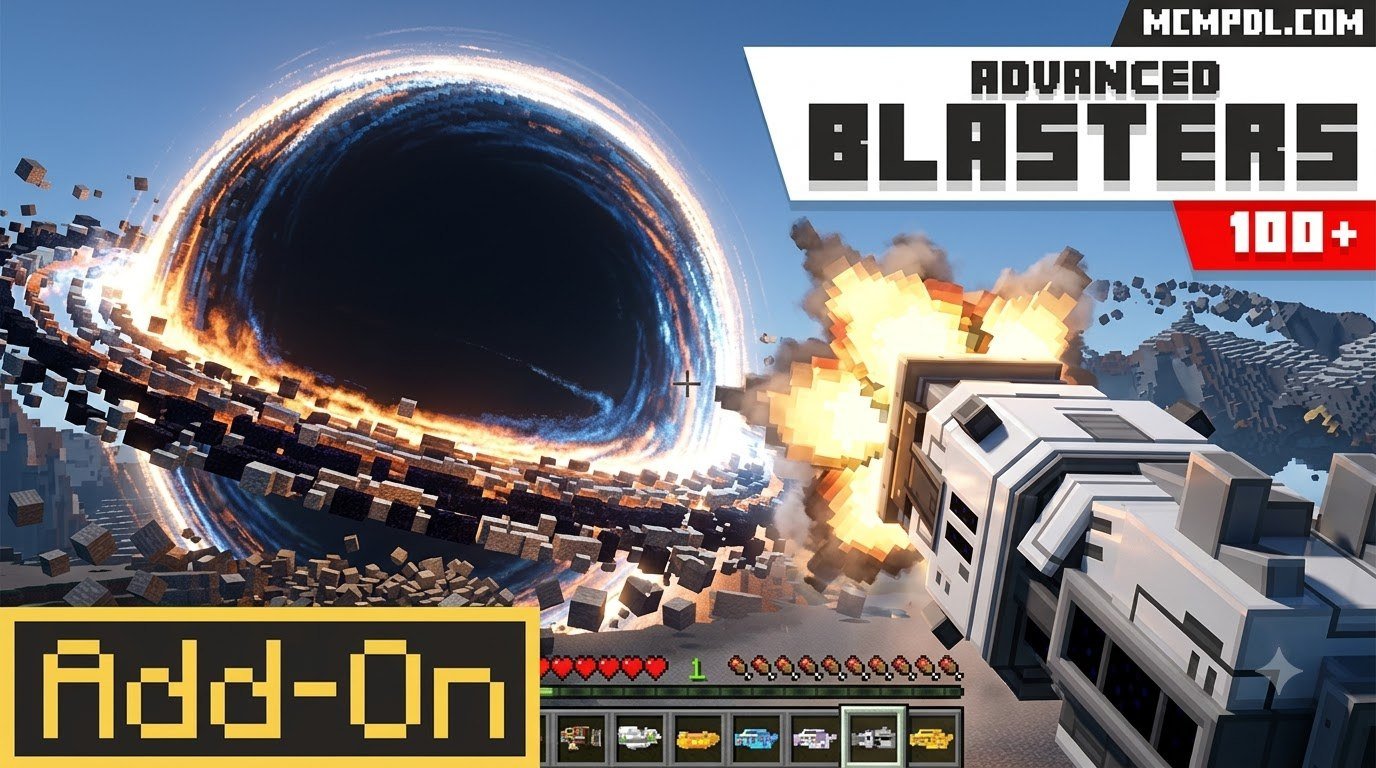
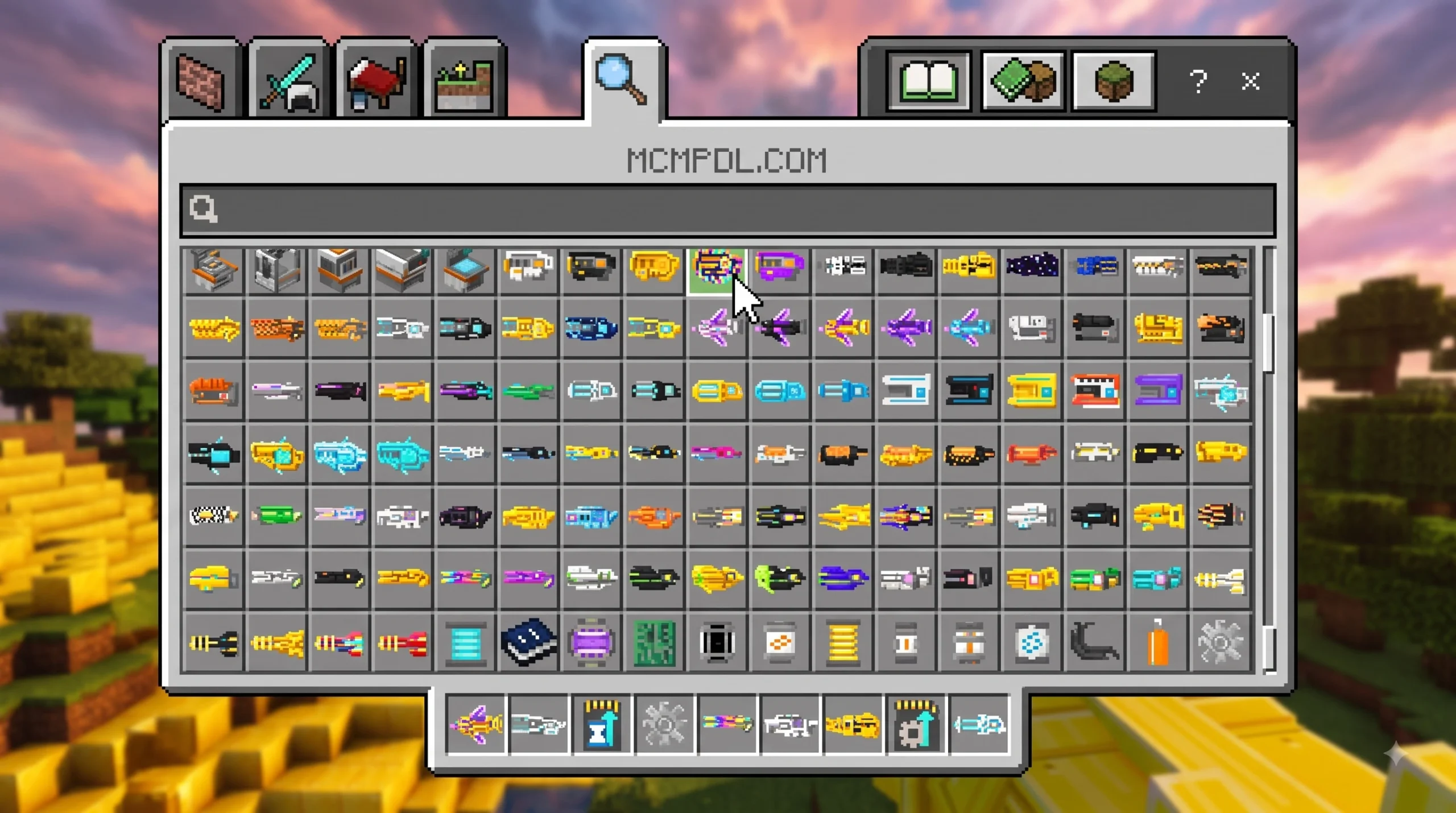
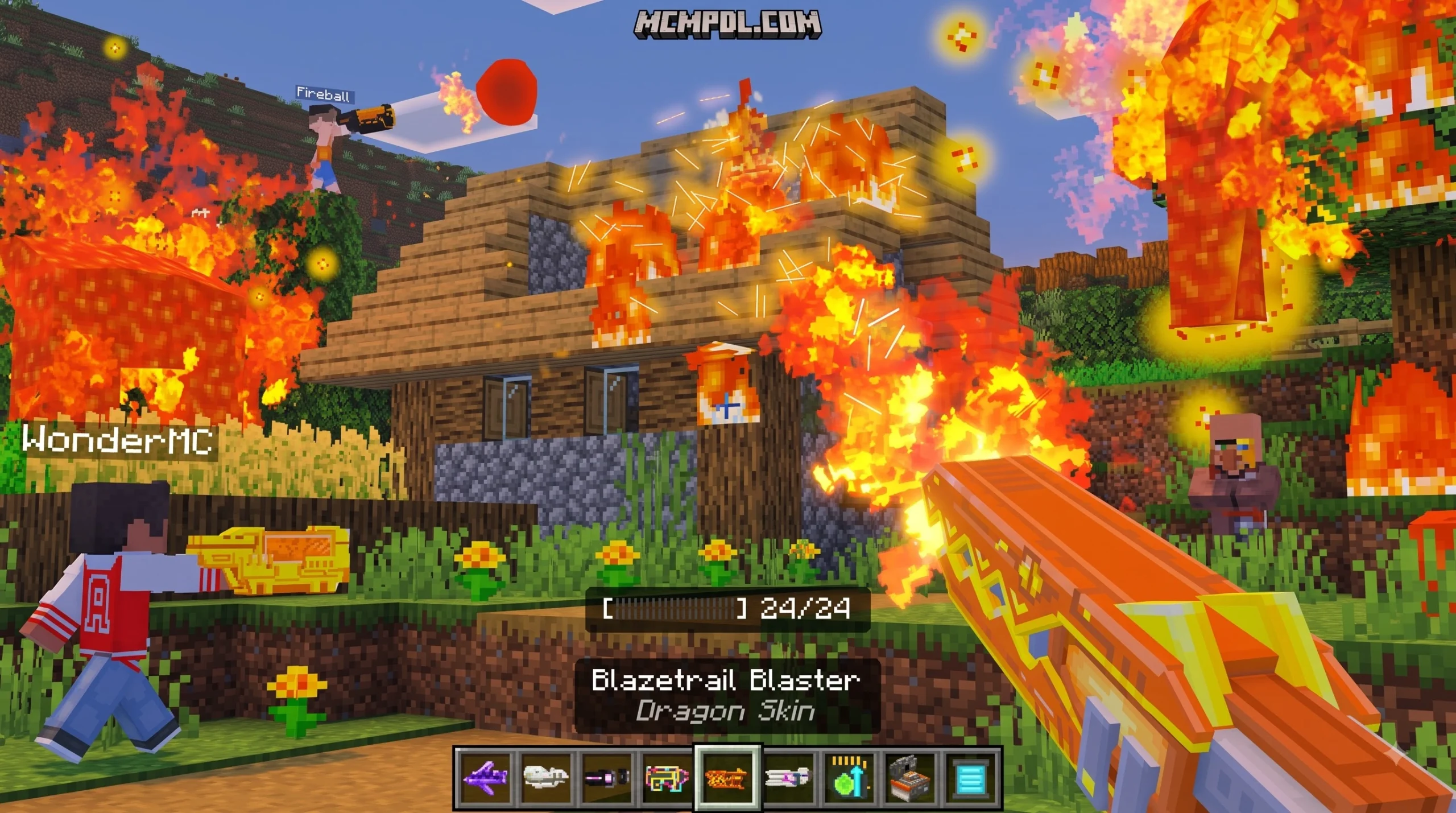
The Advanced Blasters Addon for Minecraft PE/Bedrock adds more than 100 futuristic ranged weapons to Bedrock worlds. The blasters are craftable, customizable, and designed for use in survival worlds, combat maps, and mob-fighting challenges. The official Marketplace version supports Bedrock 1.21 and is listed at 660 Minecoins.
Before installing, check that your Minecraft version matches the add-on requirements, back up important worlds, and enable any Experimental Gameplay options requested by the pack. Then activate its behavior and resource packs for the world you want to play.
This checklist explains what the add-on includes, how crafting and upgrades work, which settings matter, and how to solve common problems such as missing textures, sound glitches, or pack conflicts.
Core Features of Advanced Blasters Addon for Minecraft PE/Bedrock
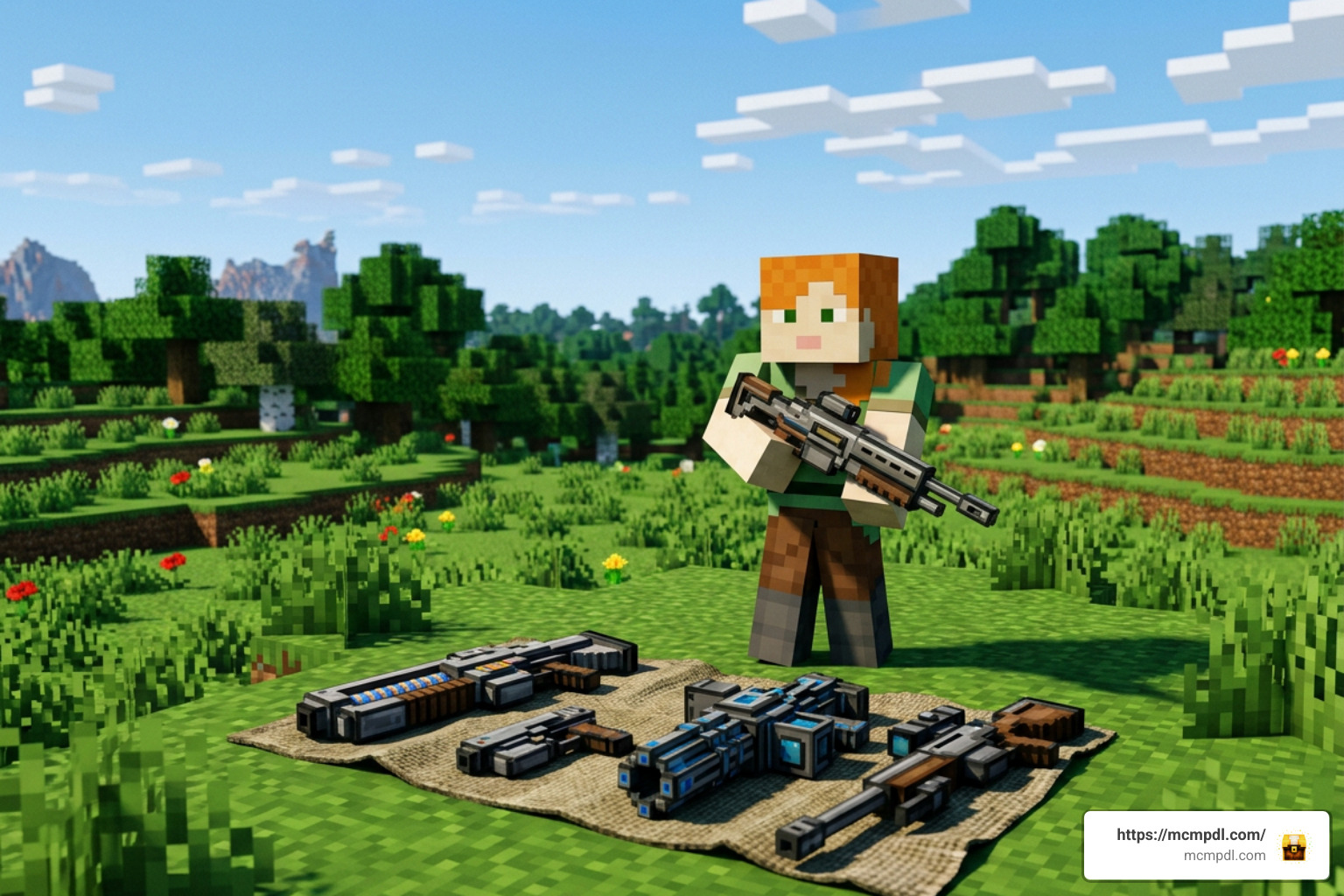
When you drop this modification into your world, the entire dynamic of ranged combat shifts. Instead of relying solely on traditional bows, crossbows, or enchanted tridents, players gain access to a massive arsenal of high-tech firepower. The pack integrates over 100 craftable weapons that fit right into survival mode without disrupting standard progression mechanics.
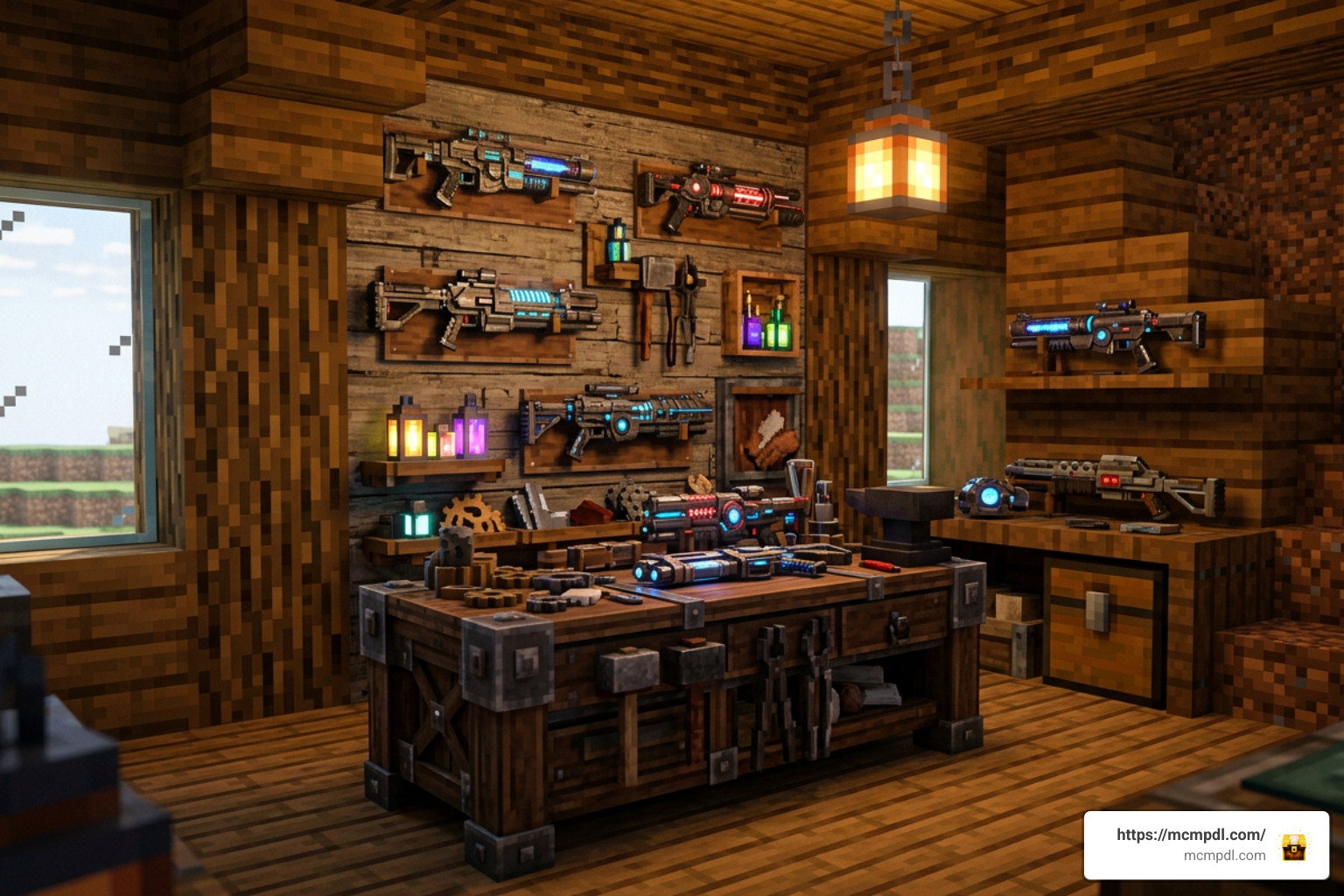
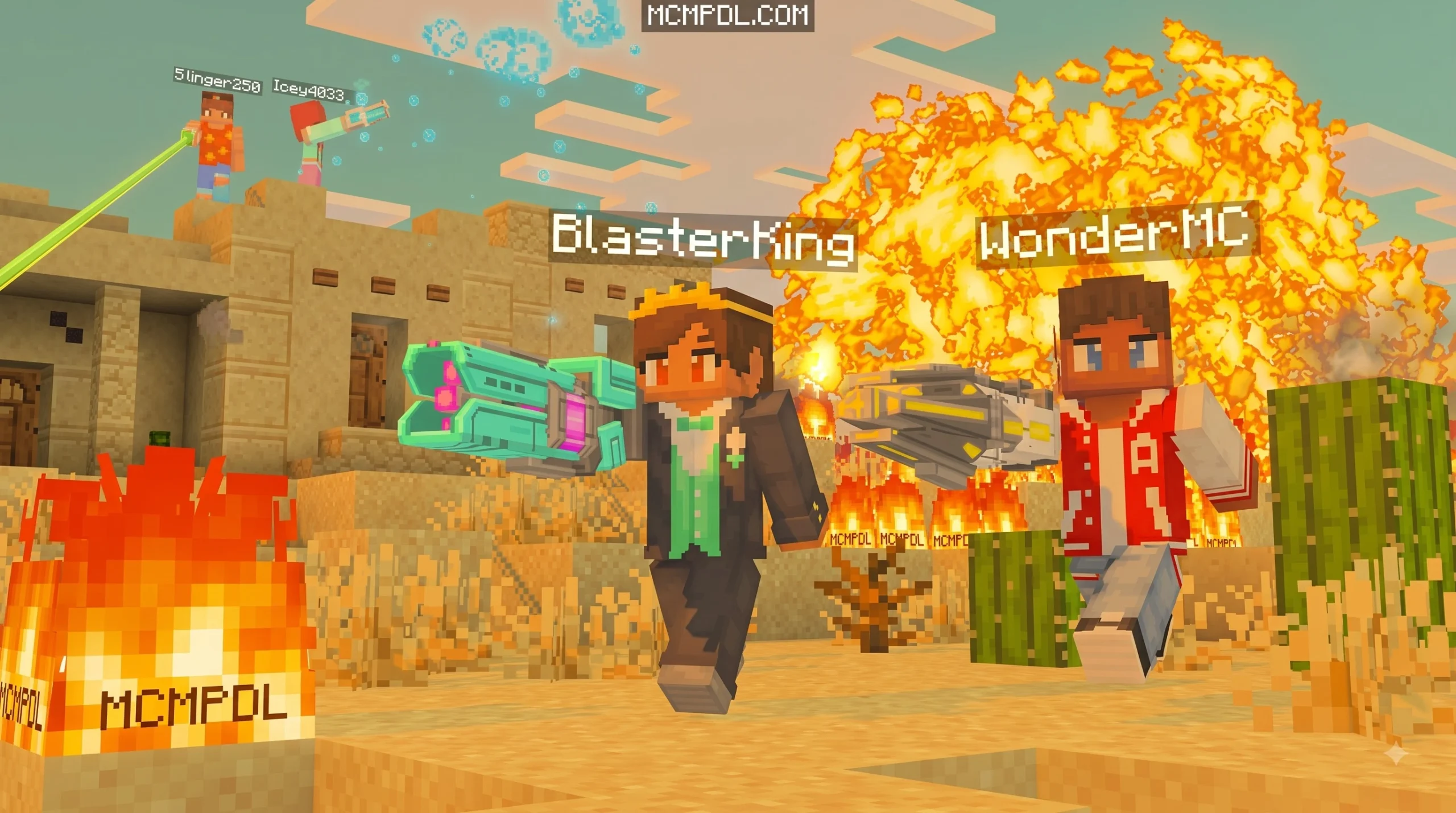
A notable aspect of this pack is its universal compatibility. You do not need to generate a specialized template world to enjoy these items; you can activate the behavior and resource packs inside any existing survival world or new realm. Whether you are hunting hostile mobs at night or building custom PvP arenas, the pack provides a complete ranger-style class experience. If you enjoy exploring different weapon packs, you can also check out our standalone Blasters Addon guide for further inspiration.
Beyond raw quantity, the addon delivers deep customization options. Each weapon archetype features unique recoil animations, distinct audio cues, bright muzzle flashes, and dynamic projectile physics that redefine how you approach resource gathering, dungeon crawling, and boss encounters. The projectile rendering engine ensures high-speed particle beams render cleanly without causing severe entity tick lag during large-scale fortress sieges or Nether expeditions.
Weapon Types and Elemental Effects
The blasters are divided into distinct functional classes. Each class delivers unique elemental attributes, firing rates, and tactical uses during combat, turning standard encounters into tactical engagements.
| Blaster Class | Primary Elemental Effect | Combat Role | Special Mechanic |
|---|---|---|---|
| Rapid-Fire Lasers | Energy / Kinetic | Single-target DPS & Sniping | High velocity, minimal projectile drop |
| Thermal Flamethrowers | Fire / Incendiary | Mob Grinding & Area Denial | Continuous spray igniting clustered targets |
| Cryo Blasters | Ice / Slowness | Crowd Control & Support | Freezes mobs, halting movement speed |
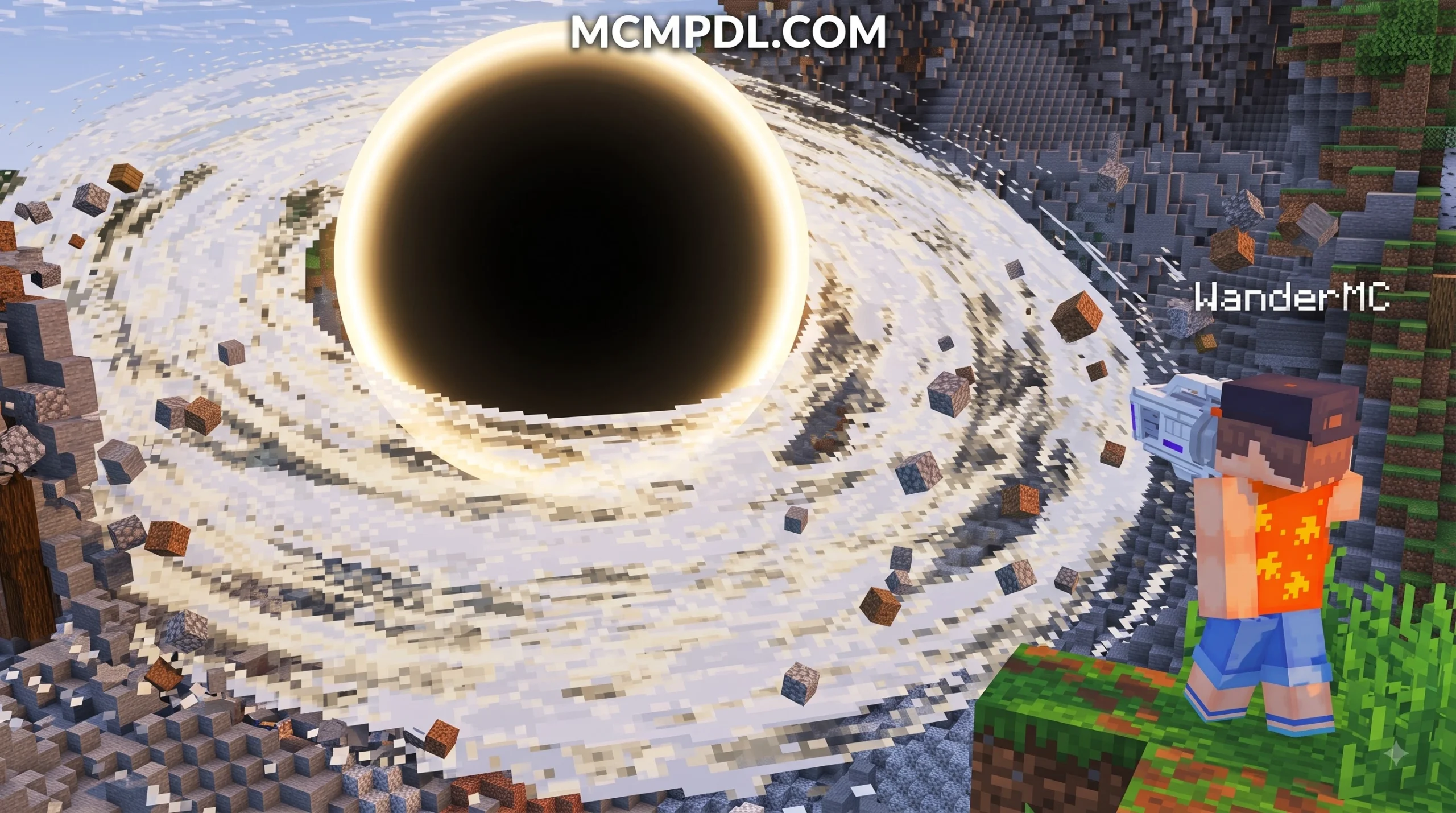
| Heavy Rocket / Explosive | Blast / Area of Effect | Siege & Hard Target Elimination | Destructive radius with dynamic screen shake |
| High-Tier Diamond/Netherite | Enhanced Plasma | Boss Fights & Late-Game Raids | Armor-piercing bursts and extreme durability |
These diverse weapon classes give players tactical flexibility. Cryo weapons allow you to pin fast-moving threats like baby zombies, cave spiders, or endermen in place, while thermal flamethrowers quickly process swarms around mob spawners. Heavy explosive blasters can blast open reinforced structures or clear out dense underground caves, though users must manage area-of-effect blowback carefully to avoid self-inflicted blast damage in tight spaces.
Survival Mode Crafting and Upgrades
Survival balance is essential for any combat addon. All 100+ blasters feature dedicated recipes that utilize standard vanilla materials alongside custom crafting components. You begin with basic iron and redstone tiers before upgrading to advanced diamond and netherite frames.
- Early-game blasters require iron ingots, redstone dust, and copper components for reliable basic kinetic firing.
- Mid-tier energy weapons incorporate lapis lazuli, glowstone, and gold wiring to enhance beam stability and rate of fire.
- End-game netherite blasters demand netherite ingots, blaze rods, and rare materials to maximize damage scaling against bosses like the Wither and Ender Dragon.
Custom projectile physics ensure that heavier shots have realistic arc trajectories, while light plasma beams travel in flat, accurate vectors. Ammunition economy is equally structured, utilizing refined energy cells crafted from coal, redstone, and quartz to prevent infinite spamming while remaining practical for standard survival expeditions. This structured progression keeps the survival experience rewarding from your first night through the final boss encounters.
Installation and Compatibility Checklist for Bedrock 1.21+
Ensuring smooth performance begins with a clean setup. The complete single-file package measures around 19.6 MB, bundling all behavior and resource files for easy deployment across Android, iOS, and Windows 10/11 devices running Minecraft Bedrock Edition 1.21 or newer. Because modern Bedrock updates continuously evolve how entity scripting functions, following structured setup practices prevents common file corruption and asset loading errors.
Prerequisites for Advanced Blasters Addon for Minecraft PE/Bedrock
Before loading the addon into your primary survival world, complete these essential preliminary steps:
- Verify Version Compatibility: Ensure your game is updated to Minecraft Bedrock 1.21 or a newer release to avoid script errors.
- Create a World Backup: Always duplicate your world file before applying new behavior packs, preserving your builds against unexpected updates.
- Check Device Storage: Ensure you have adequate storage space for the 19.6 MB addon package and temporary cache files.
- Enable Experimental Gameplay: Toggle experimental features such as Holiday Creator Features, Upcoming Creator Features, and Beta APIs within world settings where required by custom item scripting.
- Configure Multiplayer Permissions: If hosting on a Bedrock Dedicated Server or Realm, ensure pack downloading is enforced for joining players so everyone receives custom weapon models.
Step-by-Step Setup Across Platforms
- Download the verified
.mcaddonfile to your mobile device or PC. - Locate the file in your downloads folder and tap or double-click it to trigger the automatic Minecraft import process.
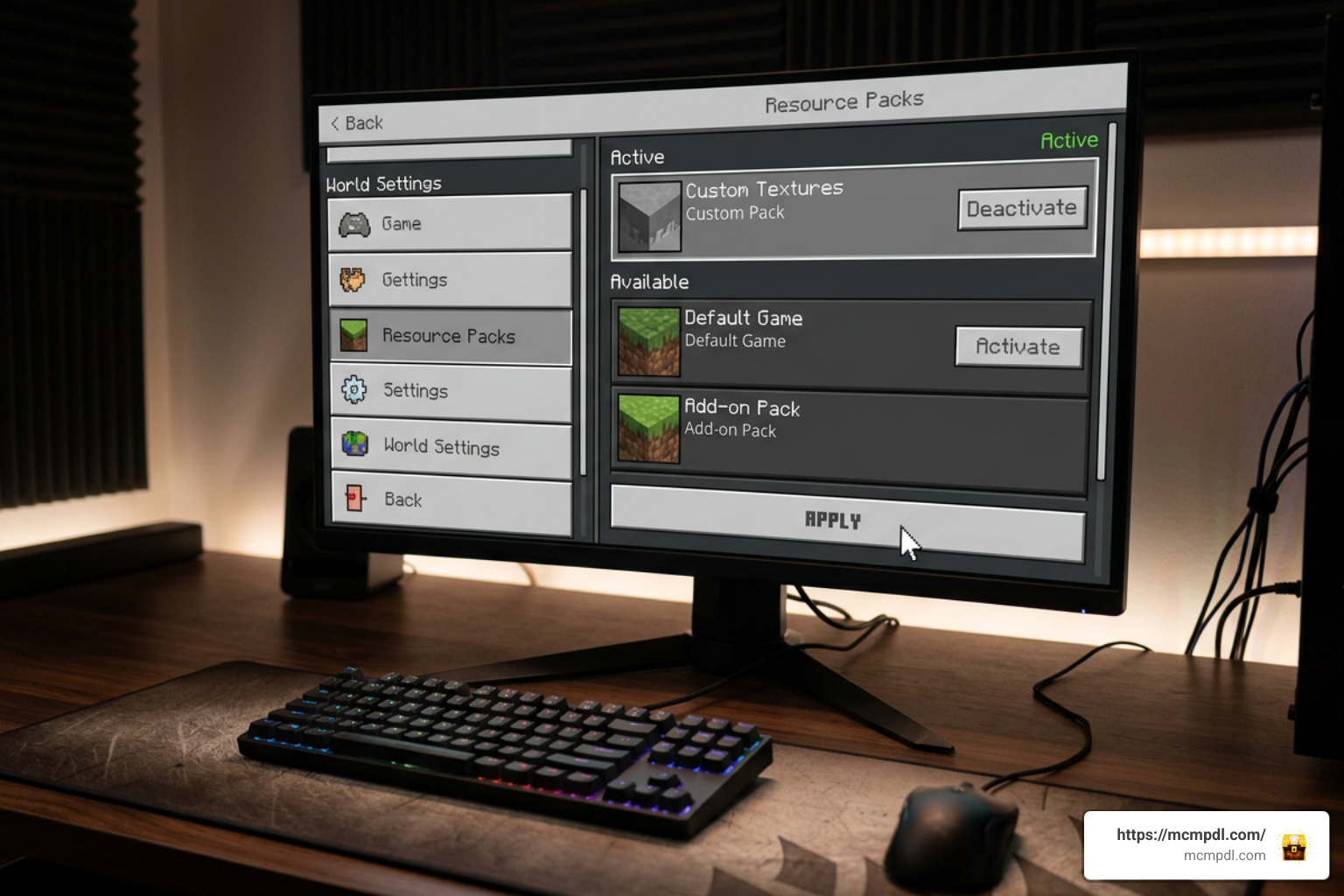
- Open Minecraft Bedrock and navigate to Settings > Global Resources (or configure individual World Settings).
- Select the Resource Packs tab, locate the blaster pack, and click Activate.
- Switch to the Behavior Packs tab and ensure the matching behavior component is active.
- Scroll down to the Experiments menu within your world settings and toggle on the necessary experimental switches.
- Launch your world and test crafting recipes or use creative inventory search to confirm all custom items appear correctly.
- Verify sound and visual effects by test-firing an entry-level laser pistol to confirm assets load without missing texture patterns.
Performance, Pricing, and Marketplace Ratings
The official marketplace release, crafted by creator Wonder, is listed at 660 Minecoins and stands at version 1.0.4. It holds an average user rating of 4.3 out of 5 stars across more than 1,000 player reviews. Players regularly highlight its weapon variety and universal world compatibility, though low-end mobile devices may experience brief frame drops during heavy explosive volleys. For deeper background on how the Bedrock scripting engine processes custom items and entity projectiles, check the detailed guides on the Minecraft Wiki. If you are developing custom arenas or want structured layouts for target practice, exploring an Ultimate Blasters Template for Minecraft PE/Bedrock can help streamline your setup.
Troubleshooting Advanced Blasters Addon for Minecraft PE/Bedrock Issues
If you encounter technical hiccups while testing your new arsenal, refer to this quick diagnostic reference:
- Missing Textures (Black and Purple Blocks): Verify that the resource pack is placed above other texture packs in your world hierarchy to prevent texture overwrites.
- Projectile Lag During Heavy Fire: Lower your in-game render distance, reduce maximum particle limits in video settings, and avoid firing multiple high-yield explosive weapons in rapid succession on budget mobile chipsets.
- Audio Glitches or Missing Firing Sounds: Ensure no other sound overhauls are overriding the custom audio behavior files, and confirm your master volume channels are balanced.
- Pack Conflict Errors: Disable third-party combat or weapon addons that modify identical player behavior components or core animation controllers.
- Experimental Toggles Inactive: If custom items do not appear in survival crafting menus or creative tabs, re-check your world settings to confirm experimental switches are fully toggled on before entering the world.
Frequently Asked Questions About Minecraft Blasters
Can you craft all 100+ blasters in survival mode?
Yes. Every blaster in the catalog has an assigned survival recipe using accessible materials such as iron, copper, redstone, blaze rods, diamonds, and netherite. Custom ammunition types and component cells are also fully craftable at standard crafting tables.
Does the addon require Experimental Gameplay settings enabled?
Yes. To ensure custom projectile scripts, item behaviors, and animations execute correctly, you must enable experimental switches (such as Holiday Creator Features and Beta APIs) in your world settings prior to launching the save file.
How much does the official addon cost on Marketplace?
The official release by creator Wonder costs 660 Minecoins on the Minecraft Marketplace and receives ongoing maintenance updates for version compatibility.
Does this addon work in multiplayer and Bedrock Realms?
Yes. The addon works smoothly in multiplayer sessions and Realms. As long as the host enables behavior and resource packs with mandatory downloads active, all connected players can use the custom arsenal without manual client-side installs.
Conclusion
The Advanced Blasters Addon brings a versatile ranged combat system to Minecraft Bedrock Edition. With over 100 craftable weapons, detailed elemental effects, and balanced survival recipes, it provides an engaging combat loop for solo adventurers and multiplayer groups alike. Follow the installation checklist above to ensure stable performance, and visit our homepage to Explore the Latest Minecraft PE/Bedrock Addons for your next adventure.
6 thoughts on “Advanced Blasters Addon for Minecraft PE/Bedrock”