

Scroll down to D0vvnl0ad
Why the adidas Adventurers Addon Is More Than a Cosmetic Pack
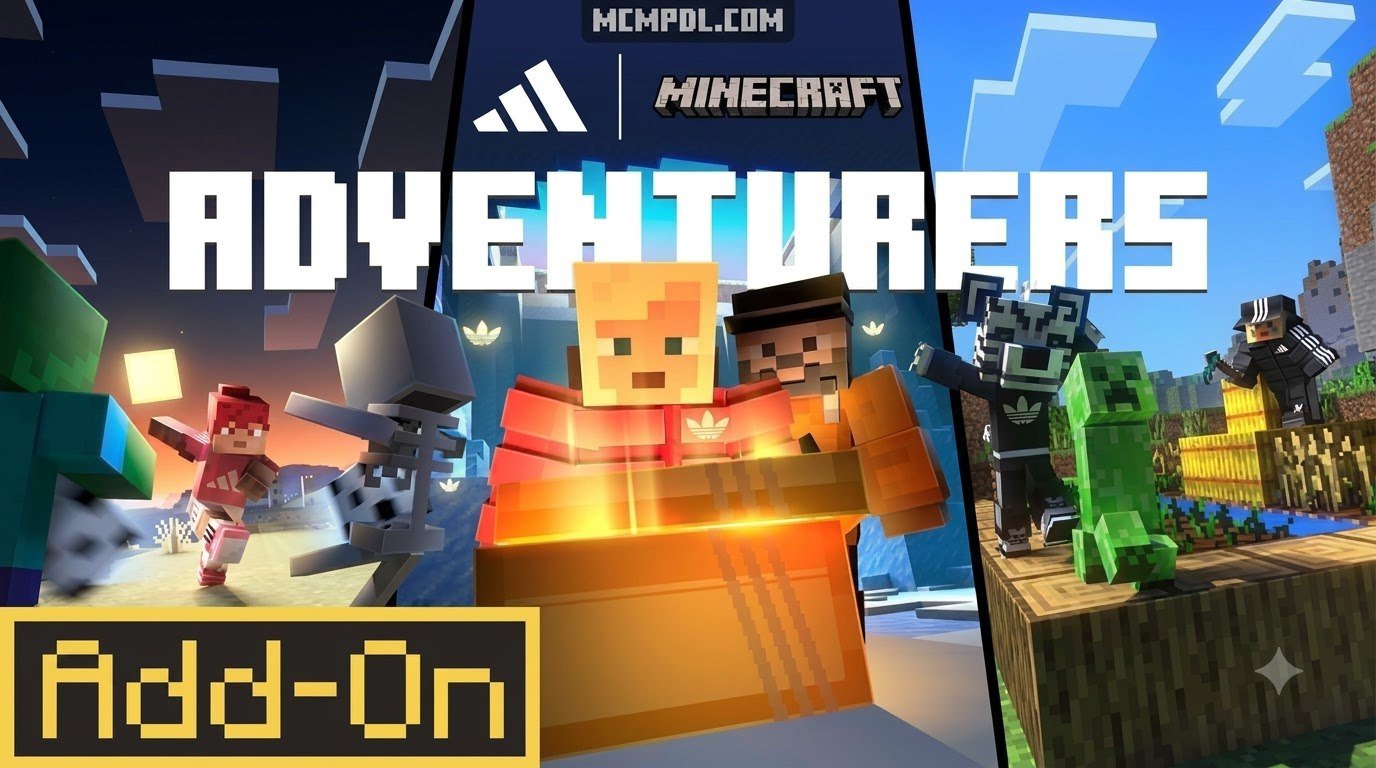
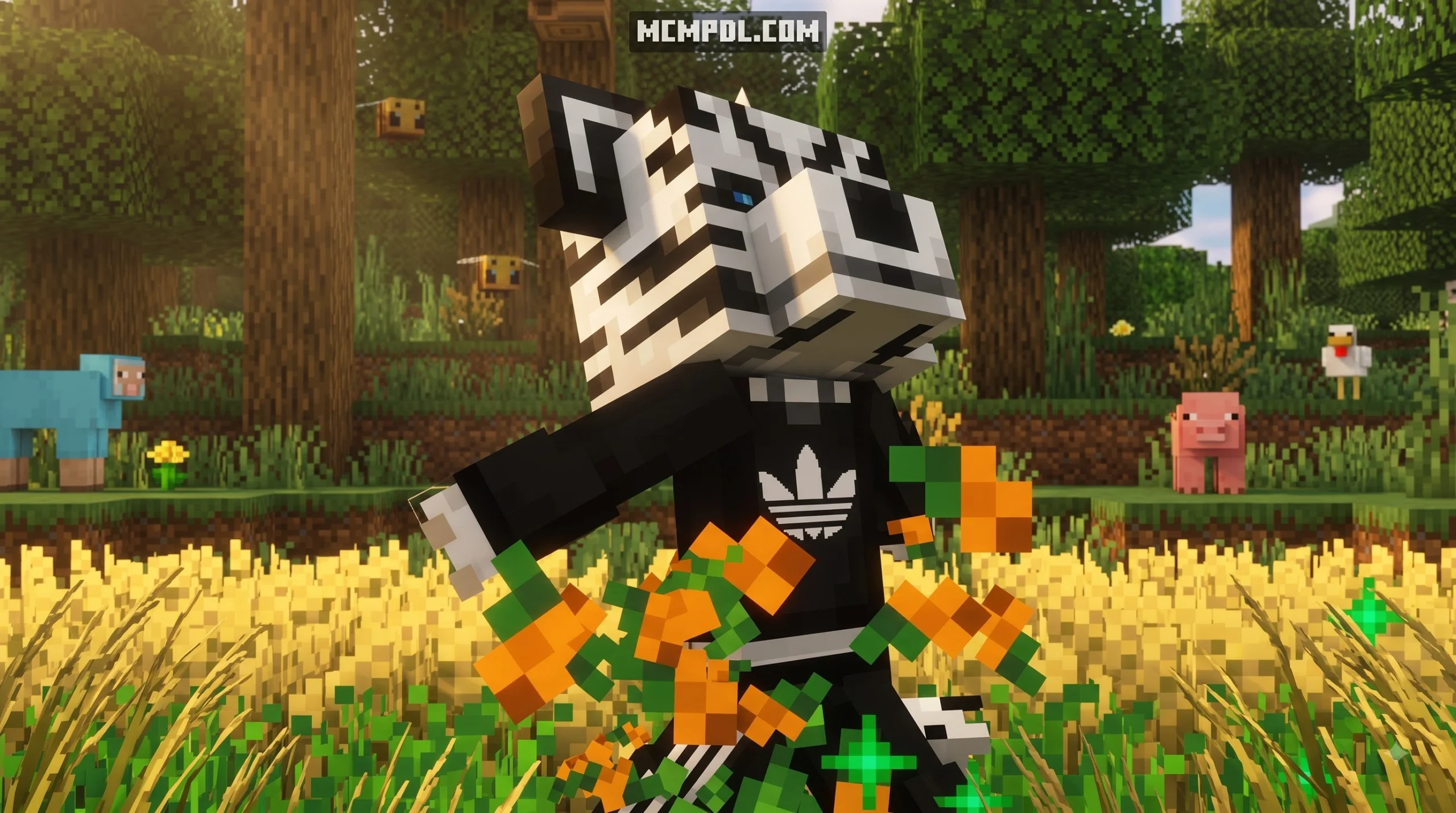
The adidas Adventurers Addon for Minecraft PE/Bedrock is a free Bedrock Marketplace add-on that gives players three helpful companions, quests, lootboxes, and gear with survival-focused effects. Install it from the Minecraft Marketplace, enable it in a new or backed-up world, and use the in-game blue book or companion menu to manage its features.
Instead of adding only adidas-themed clothing, the add-on brings useful tools for exploring and surviving. Companions can help find ores and structures, fight hostile mobs, gather crops, protect against hazards, and help you return to important locations after death.
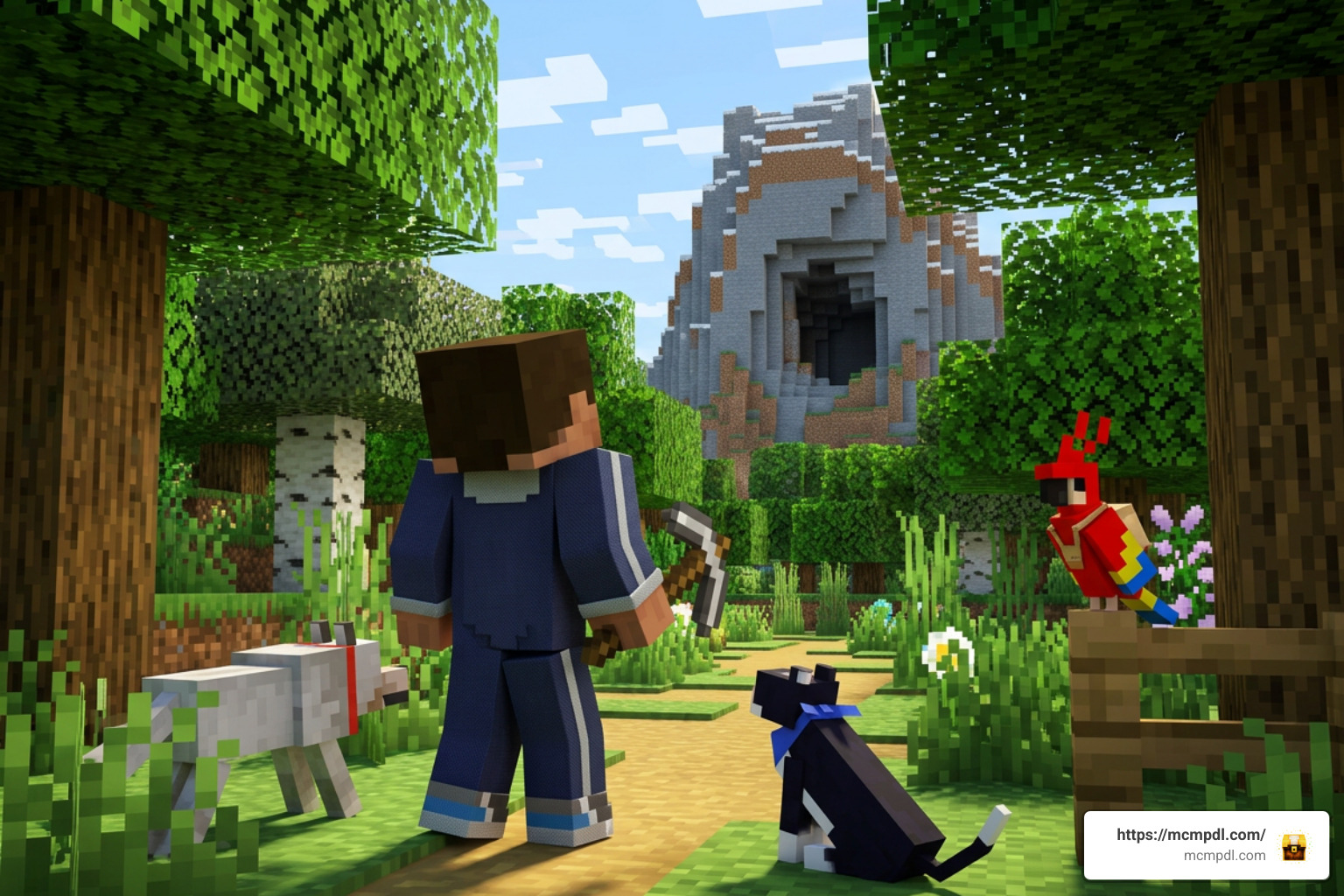
Released in 2025 for Minecraft Bedrock 1.20.60 and newer, it has earned a 4.5/5 Marketplace rating from more than 41,000 ratings. This guide explains what each companion does, how quests and armor rewards work, and what settings you should enable before playing.
Overview of the adidas Adventurers Addon for Minecraft PE/Bedrock
When many players first hear about a collaboration between a global sportswear icon and Mojang, they expect purely cosmetic character skins or decorative vanity blocks. The adidas Adventurers Add-On completely subverts those expectations. Distributed as part of the growing library of free Bedrock content, this release delivers robust, semi-autonomous AI sidekicks and functional RPG progression systems tailored for survival mode.
The numbers demonstrate its warm reception across the Bedrock community. With over 1.2 million views on its release trailer, more than 36,000 recorded downloads, and an average rating of 4.5 out of 5 stars across 41,805 Marketplace reviews (with 79% awarding the full five stars), it stands out as one of the most popular brand crossovers in Bedrock history.
Rather than locking functional mechanics behind paid Minecoins, this pack is available at zero cost to any player with a linked Microsoft account. It delivers an intuitive mix of quality-of-life improvements, exploration aids, and survival-oriented clothing that genuinely changes how you interact with your world.
Core Features of the adidas Adventurers Addon for Minecraft PE/Bedrock
At its heart, this add-on transforms the solitary survival experience into a cooperative venture. Whether you are delving deep into subterranean caverns or exploring distant biomes, the system equips you with several standout gameplay utilities:
- Ore Highlighting: Illuminates nearby mineral veins through solid rock, cutting down on blind branch mining.
- Structure Locator: Guides you toward nearby points of interest such as villages, temples, and outposts.
- Death Recall: Marks your exact point of death and offers direct navigation, saving you from losing hard-earned inventory items.
- Auto-Farming: Automatically harvests and manages crops, handling farm maintenance while you focus on building.
- Night Illumination: The companion entity naturally glows in dark environments, acting as a dynamic light source during night travel.
- Active Defense: Companions actively engage hostile threats, aggressively tackling creepers and skeleton archers before they ruin your day.
Companion Roles: Coach, Teammate, and Mascot
The add-on offers three distinct companion types: the Coach, the Teammate, and the Mascot. Each companion fulfills a specialized tactical role, giving you options tailored to resource gathering, combat, or exploration.
| Companion Role | Primary Focus | Active Abilities | Passive Buffs | Best Use Case |
|---|---|---|---|---|
| The Coach | Exploration & Mobility | Ore Highlighting, Structure Locator, Super Jump Boost | Enhanced Jump Height, Directional Navigation | Deep cave exploration, mapping biomes, traversing cliffs |
| The Teammate | Combat & Protection | Hostile Mob Aggression, Creeper Interception, Base Defense | Damage Increase, Attack Haste, Lava Safety | Nether expeditions, night raids, clearing dungeons |
| The Mascot | Farming & Utility | Crop Harvesting, Loose Item Gathering, Item Delivery | Hunger Stabilization, Sustained Saturation | Mega-base construction, farm automation, long mining trips |
Choosing the right sidekick depends entirely on your current project. If you are preparing for a massive base build, the Mascot prevents you from constantly pausing to eat steak. If you are descending into deepslate caves to find diamonds, the Coach’s ore radar and jump boosts make subterranean navigation effortless.
Companion Mechanics, Quests, and Lootbox Rewards
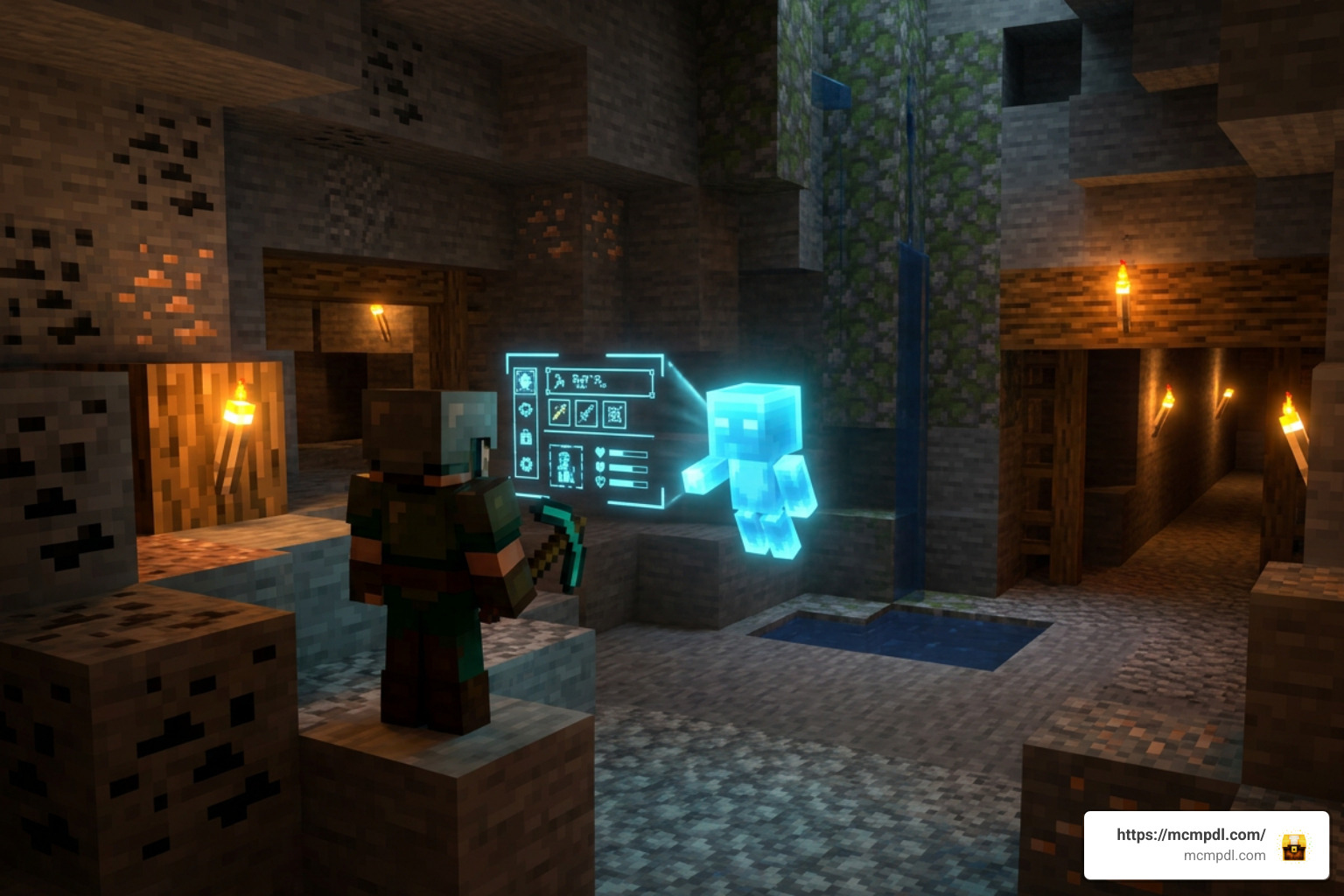
Interacting with your companion opens a comprehensive interface that lets you configure tasks, inspect current objectives, and trigger active abilities.
Using the In-Game Book Menu System
When you spawn into a world with the add-on active, you receive a special blue menu book in your inventory. This item functions as your central control station. Interacting with the book or directly talking to your companion opens an interactive menu that includes nine specific utility options:
- Quest List: Displays active survival tasks, milestone objectives, and completion criteria.
- Show Ores: Triggers an area-of-effect scan that outlines underground ores through block walls.
- Death Recall: Saves your death point coordinates and opens a direct path to retrieve dropped gear.
- Set Home: Establishes a permanent custom waypoint at your current location.
- Teleport Home: Instantly transports you back to your registered base waypoint.
- Request Items: Instructs the companion to deliver gathered items directly into your inventory.
- Throw: Launches a companion-assisted utility action or projectile.
- Structure Locator: Scans for and points toward the closest generated structure.
- Close: Exits the interface smoothly without disrupting gameplay.
For an extensive technical overview of every UI command and data value, you can also consult the community-curated Adidas Adventurers Add-On – Minecraft Wiki page.
Quest Milestones and Gold Lootbox Armor Buffs
As you progress through survival mode, your companions present varied milestone quests. These tasks range from harvesting specific resources to defeating waves of hostile mobs. Completing these challenges rewards you with tiered lootboxes:
- Blue Lootboxes: Contain random survival consumables, utility materials, food supplies, and standard crafting ingredients.
- Gold Lootboxes: Reward exclusive, enchantable adidas-branded armor pieces loaded with built-in status effects.
Unlike standard armor, this signature three-stripe athletic gear provides game-changing intrinsic perks:
- Lava Protection & Lava Walking: Reduces or negates environmental fire and lava hazard damage, allowing you to walk across lava pools safely.
- Mob Tracking: Highlights hostile monster hitboxes through terrain, preventing sneaky ambushes.
- XP Multipliers: Boosts the amount of experience points earned from mining and mob defeats.
- Water Breathing: Grants extended underwater oxygen capacity.
- Speed & Jump Enhancements: Significantly increases sprinting velocity and clearance height.
These survivability buffs prove invaluable when facing overwhelming enemy waves, pairing smoothly with combat packs like the Zombies Addon for Minecraft PE/Bedrock to turn your survival world into an action-packed RPG experience.
How to Download, Install, and Configure the Add-On
Getting the add-on running on your device is simple, provided your game meets the baseline requirements. Mojang requires Minecraft Bedrock version 1.20.60 or newer (including 1.21+ updates).
How to Install the adidas Adventurers Addon for Minecraft PE/Bedrock
Follow these steps to claim and activate the add-on on your Bedrock device:
- Launch Minecraft Bedrock on your platform (Windows 10/11, Android, iOS, Xbox, PlayStation, or Nintendo Switch).
- Ensure you are logged into your active Microsoft account.
- Open the in-game Marketplace from the main menu.
- Search for
adidas Adventurersin the Marketplace search bar. - Select the pack and click the Free (or “Get This Item”) button to bind the license permanently to your account.
- Click Download to save the behavior and resource packs locally (file size is approximately 3.7 MB to 23 MB depending on assets).
- Create a New World (or open world settings on an existing world).
- Navigate to the Resource Packs tab on the left and activate the adidas Adventurers Resource Pack.
- Navigate to the Behavior Packs tab and ensure the matching adidas Adventurers Behavior Pack is enabled.
- Launch your world, grab your starter book, and summon your companion!
To discover more expansions to pair with this pack, explore our curated selection of Bedrock add-ons.
Experimental Settings and World Backup Tips
While modern Marketplace add-ons utilize stable Bedrock scripting APIs, activating experimental toggles is good practice if you run secondary third-party mods alongside it:
- Beta APIs / Scripting: Ensure modern entity scripting hooks are active if running alongside custom behavior packs.
- Holiday Creator Features / Molang Features: Keep these toggled on if you are loading older custom mod variants.
- World Backups: Always use the “Copy World” feature before applying new behavior packs to long-standing survival saves to preserve your builds against unexpected file conflicts.
Version Comparison, Multiplayer Compatibility, and Performance

Whether you prefer single-player runs or hosting shared multiplayer worlds, understanding performance overhead and mod version differences ensures smooth play.
Classic Adidas Adventures Mod vs Official Marketplace Add-On
Before the polished Marketplace release, community creators shared third-party “.mcpack” scripts under names like Adidas Adventures and Adidas Adventures v2.
While legacy community mods focused heavily on custom wardrobe items and basic sprint multipliers, the official Marketplace add-on features native UI books, intelligent entity pathfinding, robust quest tracking, and full cross-platform compatibility across mobile and console environments. We recommend using the official Marketplace edition for the most stable and bug-free experience.
Realms Stability and Combining with Other Add-Ons
The add-on is lightweight and works seamlessly on Bedrock Dedicated Servers and Minecraft Realms. The AI routines for the Coach, Teammate, and Mascot are well-optimized, creating minimal server tick lag (TPS drops) even when multiple players active their companions simultaneously.
For players building a custom modpack, this add-on integrates cleanly alongside other gameplay enhancements. You can pair companion combat abilities with challenging encounters from the Bosses Addon, or enhance your world’s atmosphere with upgraded lighting from our Minecraft Bedrock shaders collection.
Frequently Asked Questions About Adidas Adventurers Addon
Is the adidas Adventurers Add-On completely free on Minecraft Bedrock?
Yes, it is 100% free on the official Minecraft Marketplace. It costs zero Minecoins and permanently links to your Microsoft account once claimed.
What abilities do the Coach, Teammate, and Mascot companions provide?
The Coach highlights ores, locates structures, and boosts jump heights. The Teammate engages hostile mobs, handles base defense, and provides damage buffs. The Mascot automates crop harvesting, picks up loose items, and stabilizes hunger levels.
Does the adidas gear provide permanent survival buffs like lava protection?
Yes. The branded armor sets obtained from gold quest lootboxes include functional enchantments that grant lava protection, lava walking, water breathing, increased movement speed, and mob tracking.
Conclusion
The adidas Adventurers Add-On is one of the most practical and well-designed free additions available for Minecraft Bedrock Edition. By combining brand aesthetics with functional AI companions, death recovery tools, and rewarding quest milestones, it provides genuine survival utility for both solo players and multiplayer groups.
Grab your companion, suit up in three-stripe armor, and explore your world with a reliable sidekick by your side. For more guides, world downloads, and mod spotlights, visit MCMPDL home and elevate your Minecraft experience today!