Scroll down to D0vvnl0ad
Start Automating Minecraft PE/Bedrock With TECH CRAFT
To download and install the TECH CRAFT Addon for Minecraft PE/Bedrock, acquire the pack directly from the in-game Minecraft Marketplace or open the downloaded .mcaddon file on your device so Minecraft imports it automatically. Next, open your world settings, activate TECH CRAFT under both Resource Packs and Behavior Packs, and switch on the required toggles in the Experiments menu—specifically Beta APIs, Holiday Creator Features, and Molang Features.
Once configured, the add-on introduces mechanical blocks, automated drills, transport pipes, ore generators, and robotic companions into your survival world. Designed for players who want to eliminate repetitive manual mining and farming, TECH CRAFT lets you create interconnected automated factories on mobile, console, and Windows editions. Always create a world backup before loading new systems to keep your survival builds safe.
What Is the TECH CRAFT Addon for Minecraft PE/Bedrock?
The add-on is an industrial expansion designed specifically for the Bedrock engine by creator Levelatics. Instead of relying purely on complex redstone circuits or vanilla hopper minecarts, it provides dedicated mechanical blocks and specialized stations that handle resource extraction, refining, and item transportation.
By integrating custom blocks, new armor tiers, and utility units into standard survival gameplay, it bridges the gap between traditional survival mechanics and modern automated engineering. Whether you play on mobile, console, or Windows, it lets you overhaul your base into a functional production facility.
Core Machinery and Automation Features in TECH CRAFT Addon for Minecraft PE/Bedrock
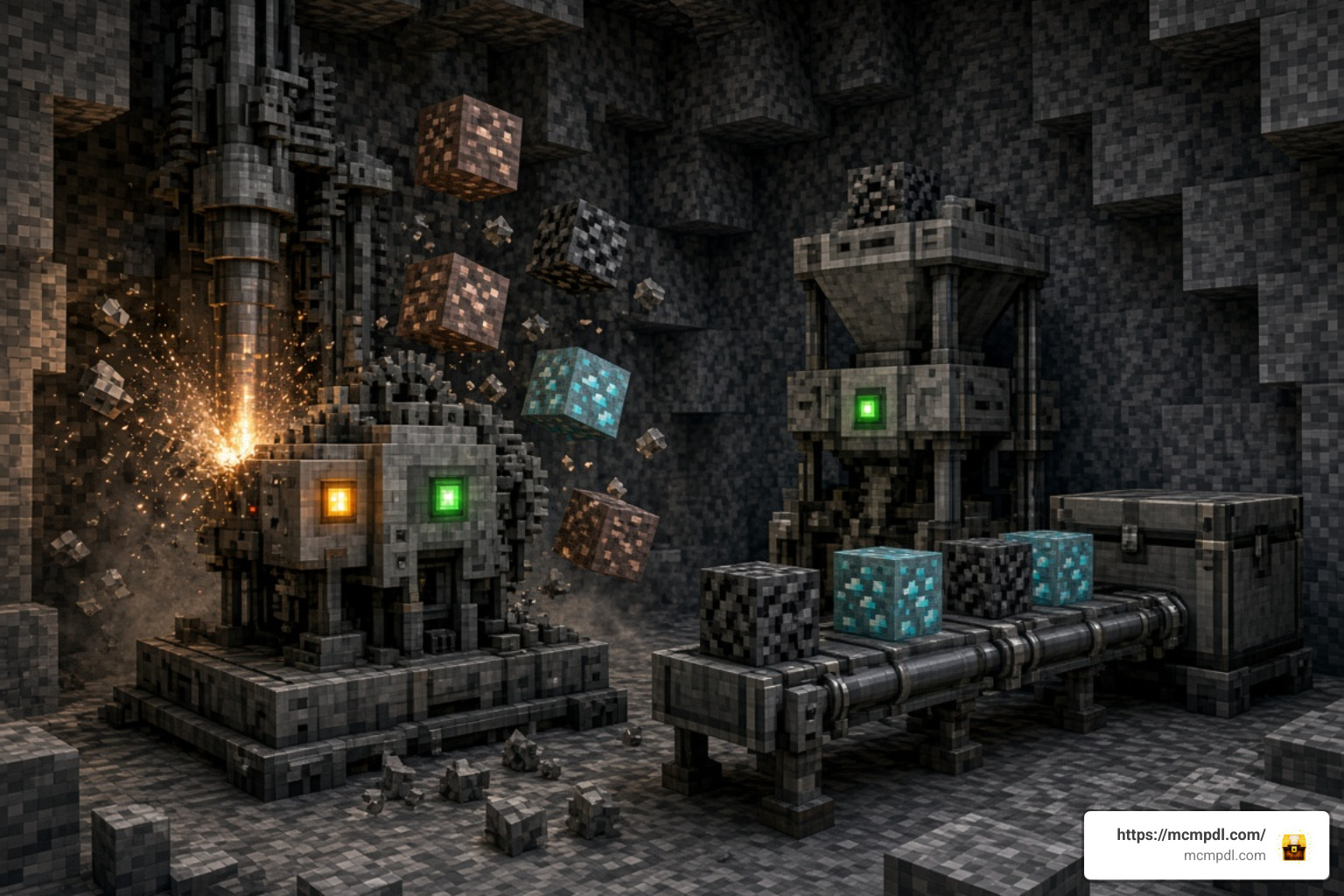
The pack introduces a cohesive set of tools and stations aimed at cutting down the manual grind across mining, farming, and crafting.
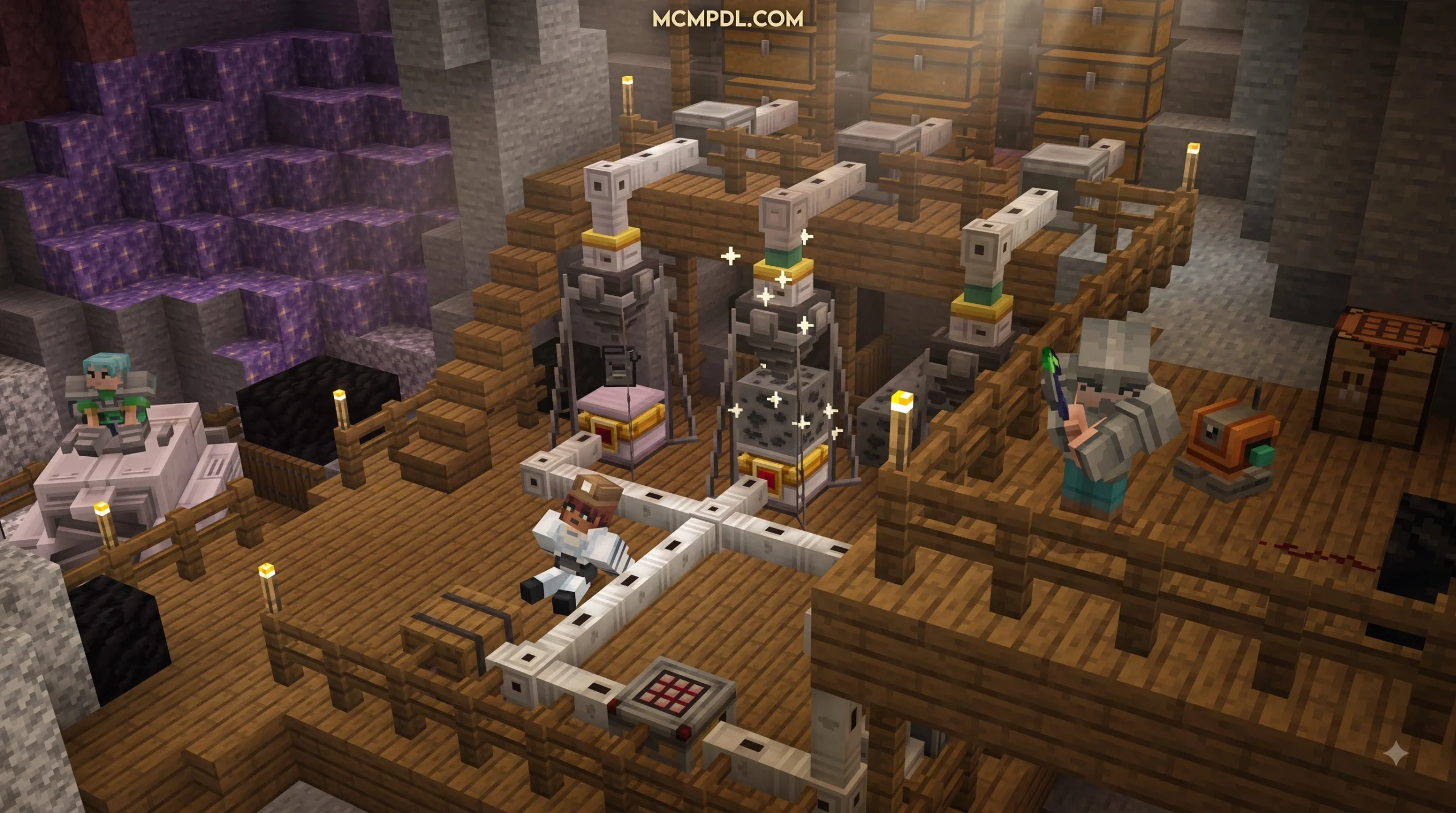
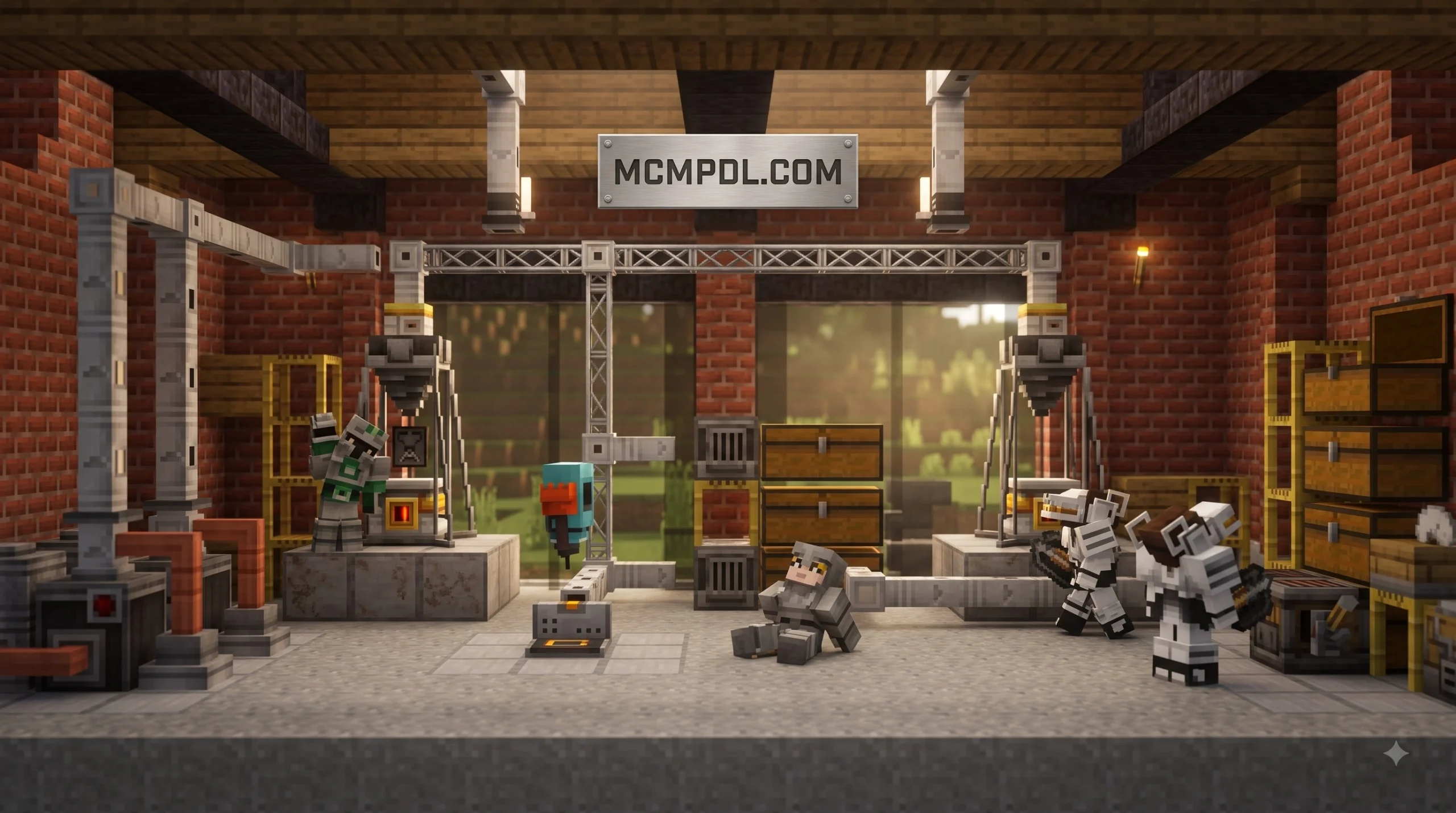
- Automatic Drills & Ore Generators: Passive resource generators produce raw ores continuously, while directional automatic drills mine into rock formations and veins without player intervention.
- Transport Pipes: Connect production blocks directly to storage containers to move items across your workshop seamlessly.
- Tree Breaker: Instantly brings down entire trees, turning forestry from a slow chore into an instantaneous harvest.
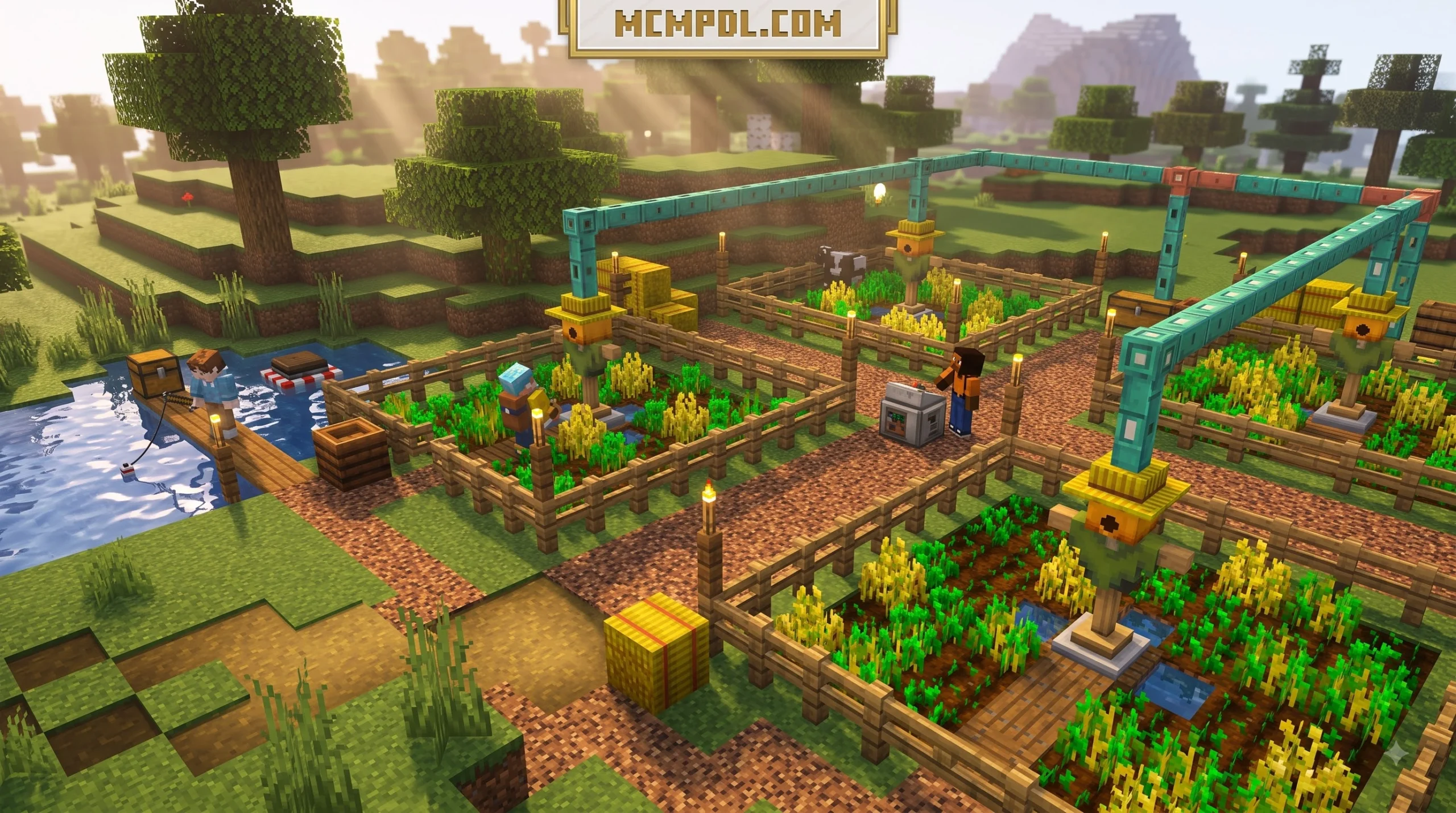
- Automated Harvesting Systems: Manage and collect mature crops automatically, ensuring a steady supply of food and botanical items.
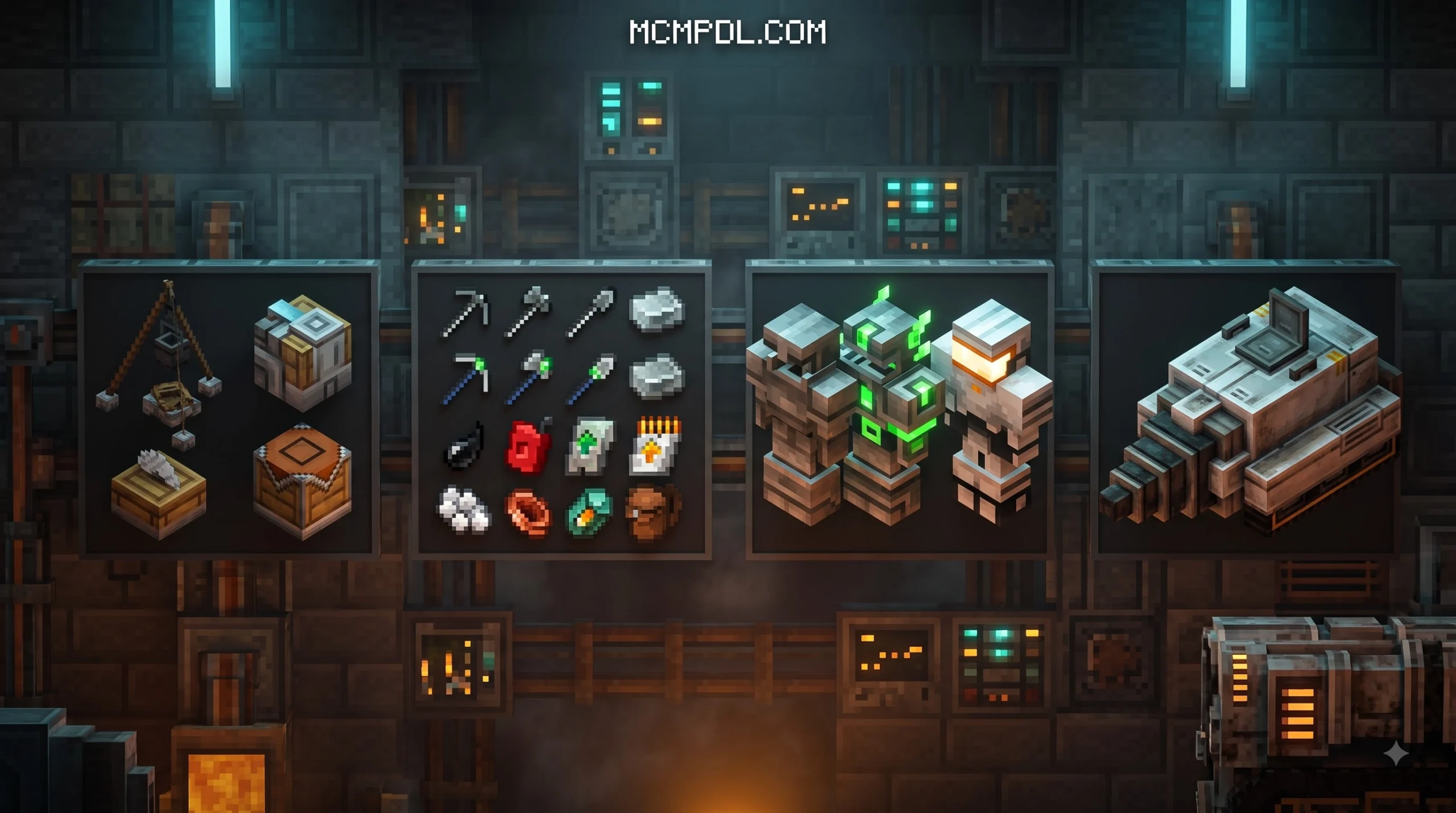
- Upgraded Smelting & Uncrafting Table: Superheated smelting options speed up processing times, while the uncrafting mechanic lets you salvage components from excess or outdated gear.
- Robot Companions: Deployable mechanical helpers assist in day-to-day base maintenance, item handling, and passive operations.
| Machine / Feature | Primary Function | Operational Output | Best Use Case |
|---|---|---|---|
| Ore Generator | Generates raw minerals over time | Iron, gold, diamond, and base ores | Underground passive quarries |
| Automatic Drill | Breaks blocks in a straight line ahead | Mined blocks and loose ores | Tunneling and strip mining |
| Transport Pipes | Moves items between inventories | Automated item logistics | Connecting drills to storage chests |
| Tree Breaker | Clears connected wood blocks | Logs, saplings, and apples | Rapid timber harvesting |
| Uncrafting Station | Breaks items down into ingredients | Raw materials and crafting components | Recycling old gear and tools |
| Robot Companion | Follows and aids the player | Automated labor and task execution | General base assistance |
Product Details, Pricing, and Creator Information
TECH CRAFT was created by the developer Levelatics and officially launched on May 6, 2025, receiving subsequent stability updates like version 1.0.10. On the official Minecraft Marketplace, the pack is listed for 990 Minecoins (approximately $5.19 USD), where it maintains a 3.9 out of 5-star rating across more than 100 community reviews.
The add-on requires Minecraft Bedrock Edition version 1.20.60 or newer (including 1.21+ updates). Periodic hotfixes have addressed item placement, uncrafting recipe balance, and pipe connection logic, ensuring compatibility with the newest bedrock releases.
Step-by-Step Installation and Setup Guide
Installing the add-on depends on whether you acquire it through the in-game Marketplace or import it as a standalone file.
- Marketplace Installation: Search for the official TECH CRAFT listing in the Minecraft Marketplace, unlock it for 990 Minecoins, and click Download. Once downloaded, the pack will be stored in your global resources and ready to attach to any world.
- Manual File Import: If you have a
.mcaddonfile, tap or double-click it on your device to launch Minecraft and let the game import both the behavior and resource packs automatically into your storage. - World Backup: Before applying new systems, open your world edit menu and select Make Backup or Copy World to safeguard your survival progress against unexpected data errors.
- Apply Packs: Go to your chosen world’s settings, navigate to Resource Packs, activate TECH CRAFT, and ensure the corresponding pack under Behavior Packs is enabled as well.
Configuring Settings for the TECH CRAFT Addon for Minecraft PE/Bedrock
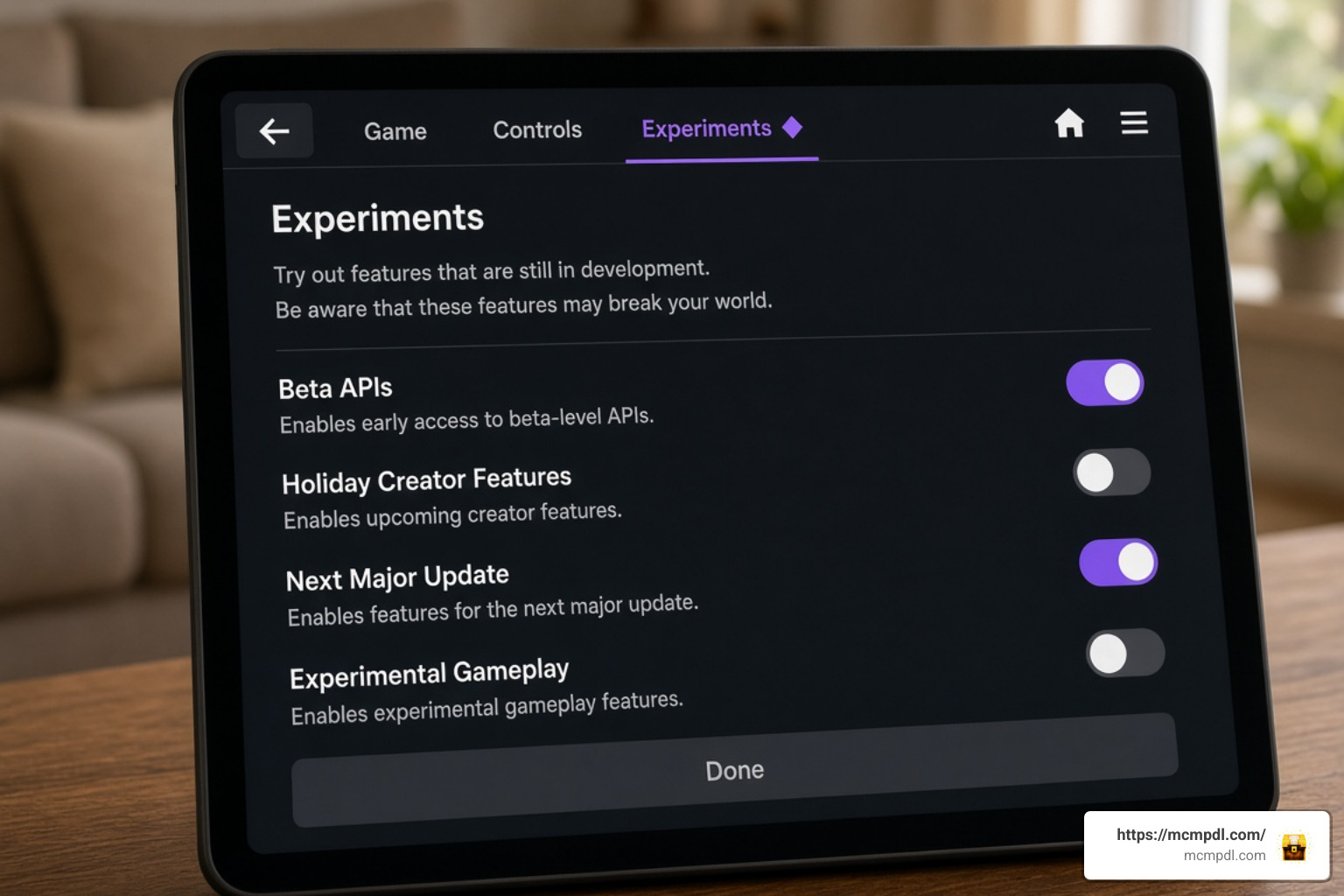
Bedrock add-ons that add custom blocks, custom entities, and automated scripts depend on experimental toggles to function correctly.
Navigate to the Experiments tab within your world settings and toggle the necessary switches:
- Beta APIs: Enables the underlying scripting that powers companion behaviors, inventory queries, and machine interaction loops.
- Holiday Creator Features: Ensures that custom block geometries and machine models render properly in the game world without invisible textures.
- Molang Features & Upcoming Creator Features: Required for smooth custom animations on drills, pipe flows, and robotic helpers.
Troubleshooting Common World and Script Glitches
If machines stop working or items do not travel correctly, run through these common operational checks:
- Pipe Orientation: Make sure transport pipes are facing directly into the input slot of the destination chest or furnace. When updating an older world, breaking and replacing existing pipes often resolves pathing issues.
- Chunk Boundaries: Avoid placing an interconnected machine network across multiple chunk borders, as unloaded adjacent chunks can freeze item transfer and cause inventory sync errors.
- Entity Limits & Performance: Keep your active robot helpers and automated farms within reasonable limits on lower-end mobile devices to avoid memory spikes and frame drops across your base area.
Performance, Pros & Cons, and Other Technical Gameplay Options
The add-on balances resource output with standard survival progression, giving players a modern factory feel without completely invalidating exploration. However, running dozens of automated drills and sorting pipes simultaneously will demand more CPU resources on mobile hardware, so it helps to plan machine placement carefully before scaling up your base.
If you want to customize your Bedrock setup further or explore other technical tools, you can review technical game mechanics on Minecraft.net and explore top Bedrock add-ons to discover new ways to upgrade your survival experience.
Community Reviews and In-Game Performance
With a steady 3.9-star average rating, player feedback highlights both notable strengths and minor limitations:
Pros:
- Drastically cuts down on manual branch mining and timber clearing.
- Uncrafting stations provide great utility for reclaiming rare materials from damaged or excess gear.
- Visual machine animations and pipe routing make base building satisfying and visually rewarding.
- Multiplayer sessions remain fairly stable even when several players interact with the same automated network at once.
Cons:
- Placing high numbers of active generators in a single area can cause battery drain and tick lag on older phones.
- Uncrafting recipes required careful balancing in early versions to prevent duplication exploits.
Top Technical Options for Bedrock Edition
If you enjoy tech, automation, and industrial machinery, TECH CRAFT pairs well with other utility-focused add-ons that expand storage, sorting, and base management on Bedrock Edition. Combining these technical expansions with automated storage networks gives Bedrock players total freedom to build complex industrial factories, and browsing a wider catalog of add-ons can help you find complementary tools that match your building style. For a broader look at what else is available, you can explore top Bedrock add-ons covering everything from decoration packs to gameplay overhauls.
Frequently Asked Questions About TECH CRAFT
Does TECH CRAFT require Experimental Gameplay settings?
Yes. To allow the add-on’s custom block models, automated behaviors, and scripting to run properly, you must enable options like Beta APIs and Holiday Creator Features in your world settings.
How much does the official pack cost?
The pack is available on the official Minecraft Marketplace for 990 Minecoins, which is approximately $5.19 USD.
Can robot companions protect you during survival combat?
While robot companions primarily assist with routine maintenance, logistics, and resource gathering, they can distract nearby hostile mobs and support you while you work around your base.
Conclusion
TECH CRAFT brings balanced industrial automation, smarter resource gathering, and functional robotics directly into Minecraft Bedrock. By combining automated drills, pipe transport, and uncrafting stations, it eliminates tedious manual chores so you can focus on grand architecture and technological expansion.
Make sure to configure your experimental settings correctly, optimize your machine layouts to preserve performance, and discover the latest Minecraft PE content on MCMPDL to take your survival world to the next level.