Scroll down to D0vvnl0ad
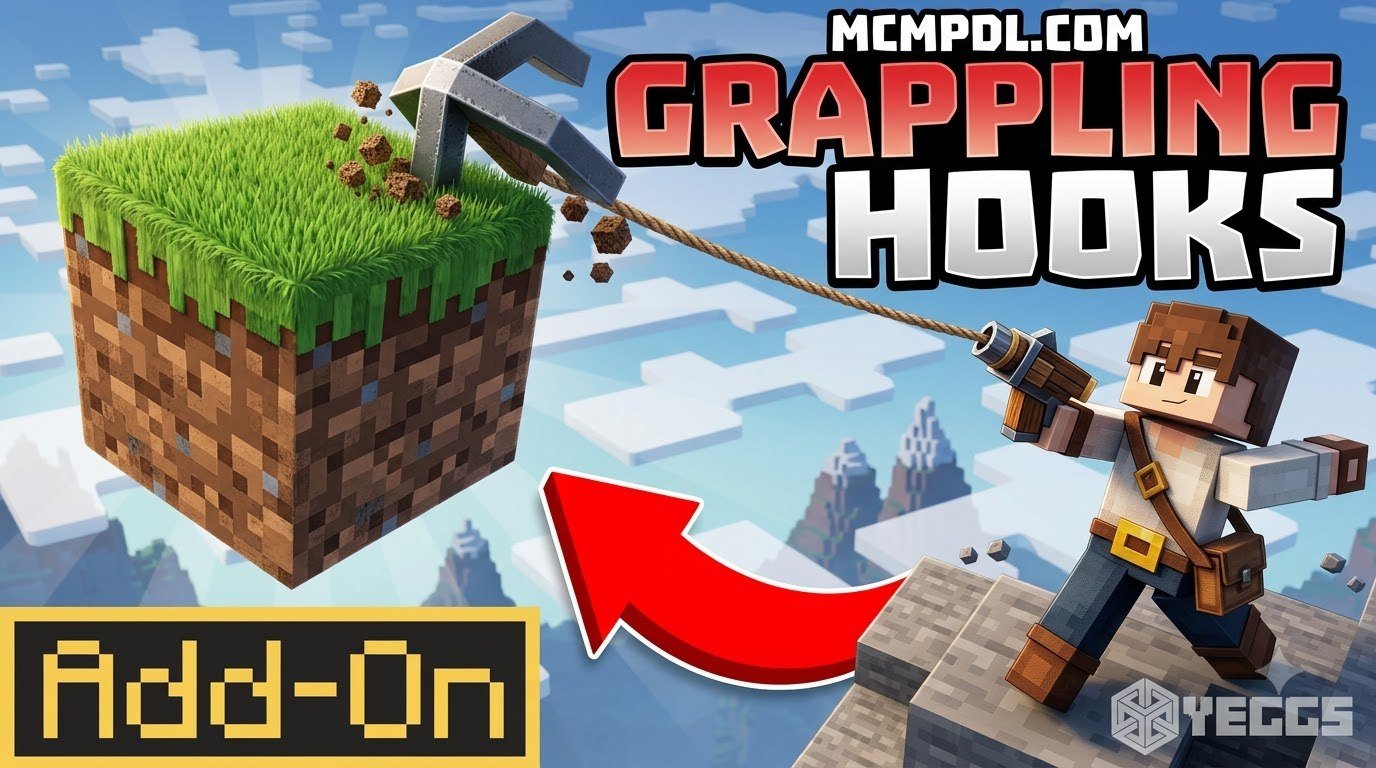
Download the Grappling Hooks Addon for Minecraft PE/Bedrock
To install a Grappling Hooks Addon for Minecraft PE/Bedrock, download the .mcaddon file that matches your Bedrock version, open it to import it into Minecraft, then activate its behavior and resource packs in your world’s settings. If the addon requires it, turn on the listed experimental option, such as Beta APIs or Script API support, before launching the world.
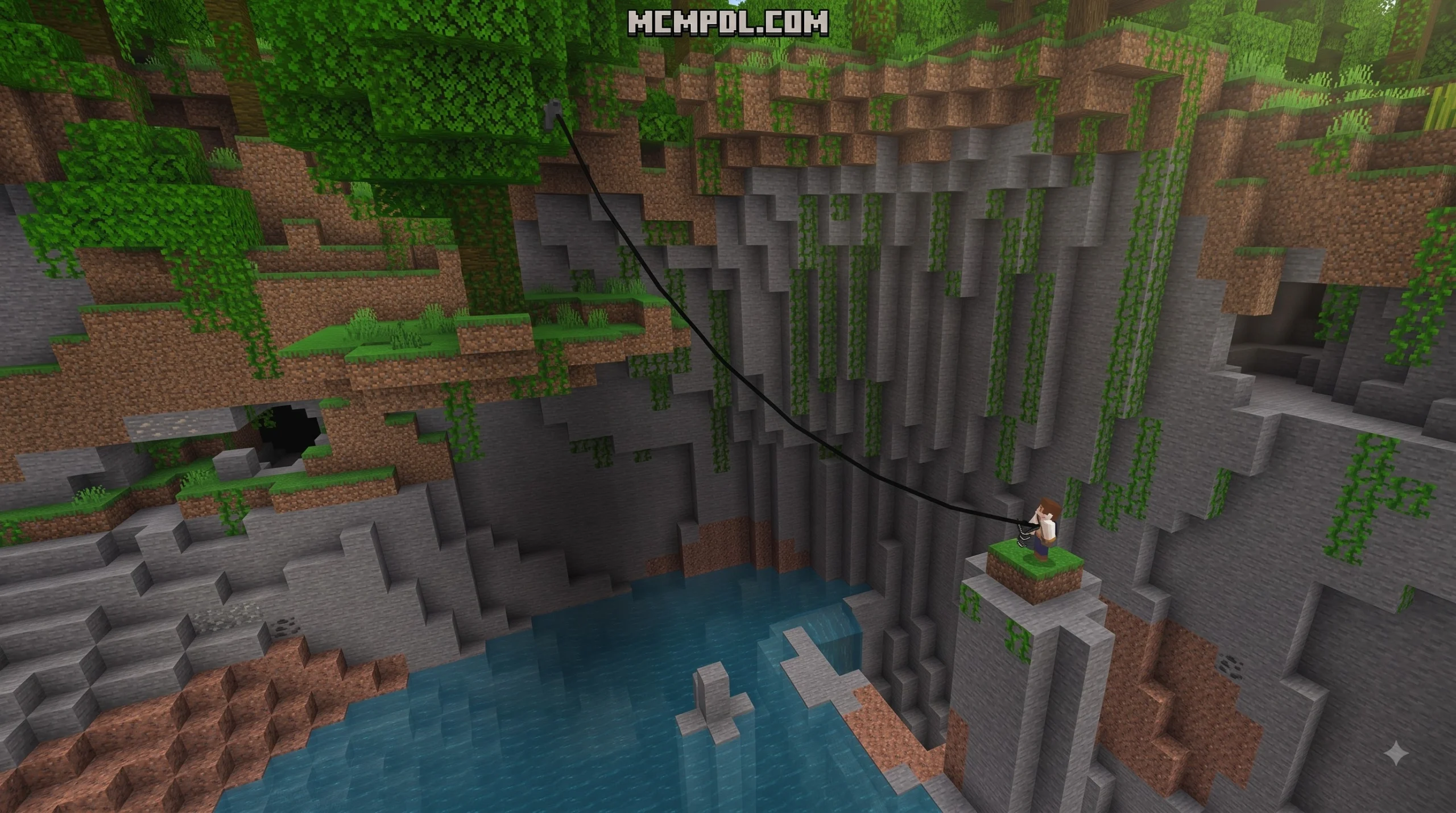
A grappling hook can make cave climbs, ravine crossings, and tall builds much faster. Depending on the pack, it may pull you toward blocks, tether mobs, launch you forward, or teleport you to a target location. The underlying mechanics are similar to the movement systems described in the grappling hook entry on Wikipedia, adapted for Bedrock’s block-based world.

Before adding any pack to a survival world, make a backup and check its exact version requirements. Some grappling addons work only on a specific Bedrock release, while others offer an achievement-friendly edition.
Introduction
Scaling jagged mountains and diving into massive cavern networks has always been a core part of survival mode, but building endless dirt staircases or burning through stacks of scaffolding can quickly slow down our adventures. Rapid traversal completely transforms how we experience the game. As of 2026, the modern Script API and Bedrock mechanics allow community creators to introduce smooth rope physics, directional momentum, and agile swing mechanics directly into Minecraft Pocket Edition and Bedrock platforms.
Whether we want to slingshot across deep canyons, escape hostile mobs in lush caves, or climb massive builds without placing a single block, vertical agility changes everything. Adding a grappling hook turns standard exploration into a fast, fluid experience where every cliff face and cavern ceiling becomes a path forward.
Step-by-Step Guide: Download and Install in 3 Easy Steps
Installing custom utility tools into Minecraft Bedrock does not have to be complicated. Thanks to the integrated .mcaddon file standard, setting up custom mechanics takes only a few minutes.
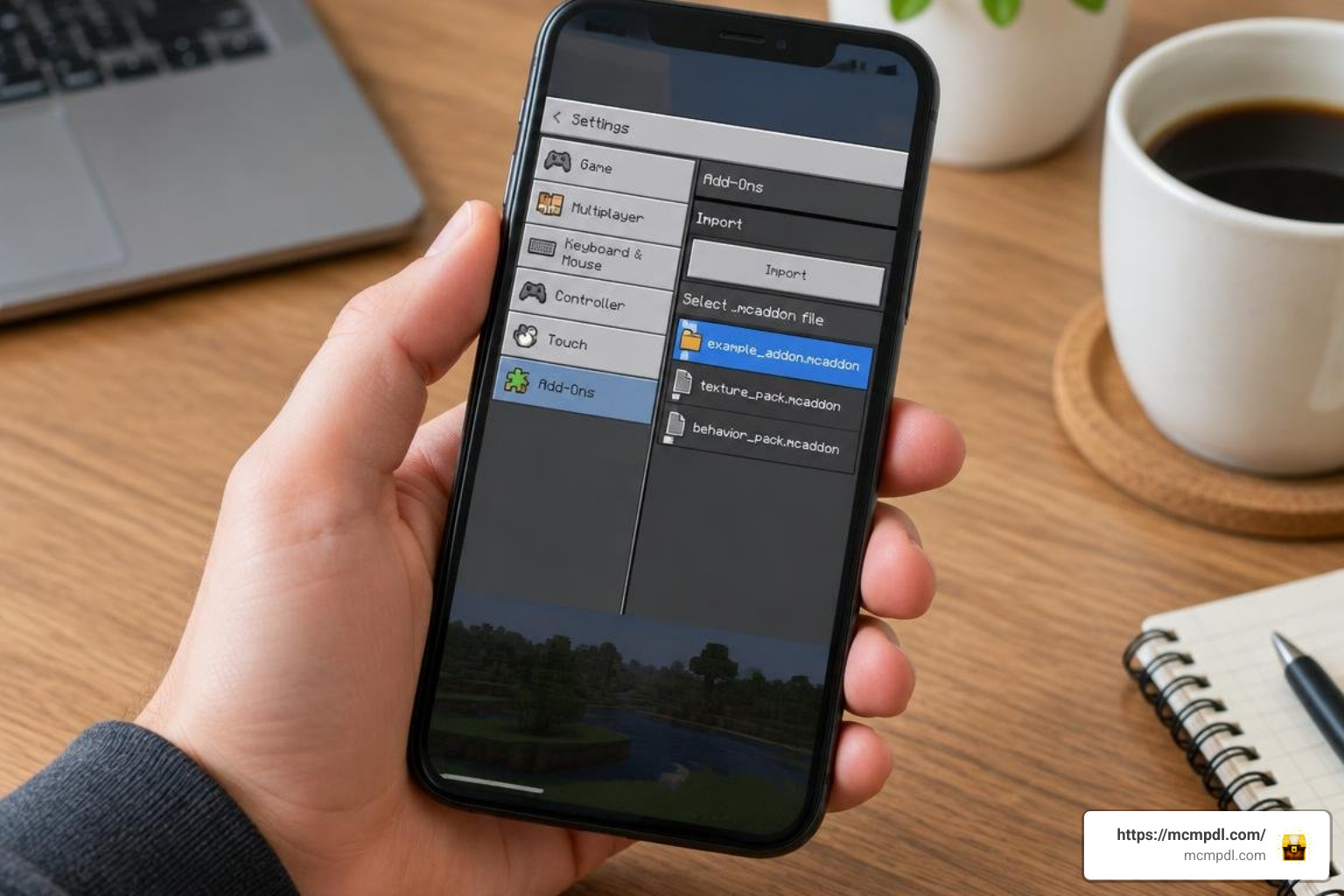
Follow our simple three-step walkthrough below to get your grappling gear ready for your next survival journey.
Step 1: Download the Correct .mcaddon File
The first step is selecting the package that best matches our gameplay style and Minecraft version. Most grappling hook packs are remarkably lightweight—often ranging between 49 KB and 504 KB—meaning they load quickly without bogging down device memory.
When downloading, pay attention to the specific build variant:
- Achievement-Friendly Builds: Some lightweight releases (around 503.8 KB) are built to preserve standard survival achievements without requiring heavy script injections.
- Script API & Advanced Physics Builds: Other releases (such as modern 49 KB packages designed for Bedrock version 26.30, or 1.20/1.21 Beta API packages) deliver multi-hook mechanics, mob tethering, and customizable pull forces.
If you enjoy expanding your survival utility set, pairing mobility packs with the versatile Bedrock Tools Add On creates an all-around upgrade for resource gathering and world interaction.
Step 2: Import Pack and Enable Experimental Toggles
Once the file is downloaded to your device, importing it into the game is practically instantaneous:
- Locate the downloaded
.mcaddonfile in your device’s file manager or browser download history. - Tap or double-click the file. Minecraft Bedrock will open automatically and display an “Import Started” banner at the top of your screen, followed by a success confirmation.
- On iOS and Android, choosing to open the file with Minecraft handles the extraction automatically. On Windows, double-clicking executes the import into your game directory.
Before entering your world, open world settings and navigate to the Experiments tab. Turn on Beta APIs and any required scripting toggles. These experimental settings allow custom scripts to accurately calculate entity velocity and hook attachment points. If you frequently manipulate terrain or design custom obstacle courses, incorporating a World Editing Addon for Minecraft PE/Bedrock alongside your experimental setup can make world design much simpler.
Step 3: Activate Resources and Launch Your World
With the files imported and experiments toggled, we must link the packs to our chosen world:
- Go to your world settings and select Resource Packs. Locate your grappling pack under “Available” and click Activate.
- Go to Behavior Packs directly underneath and activate the corresponding behavior pack.
- Some advanced editions feature subpack gear options in the resource settings. Here, you can adjust settings such as fall damage dampening (reducing fall impact to 20% of standard damage) or custom pull speeds.
- Launch your world and test your new gear in a safe, open area.
For players who love automated gear workshops, pairing your movement setup with a technical Machines Addon for Minecraft PE/Bedrock allows you to automate the raw materials needed to craft and maintain your survival utility gear.
Features of the Grappling Hooks Addon for Minecraft PE/Bedrock
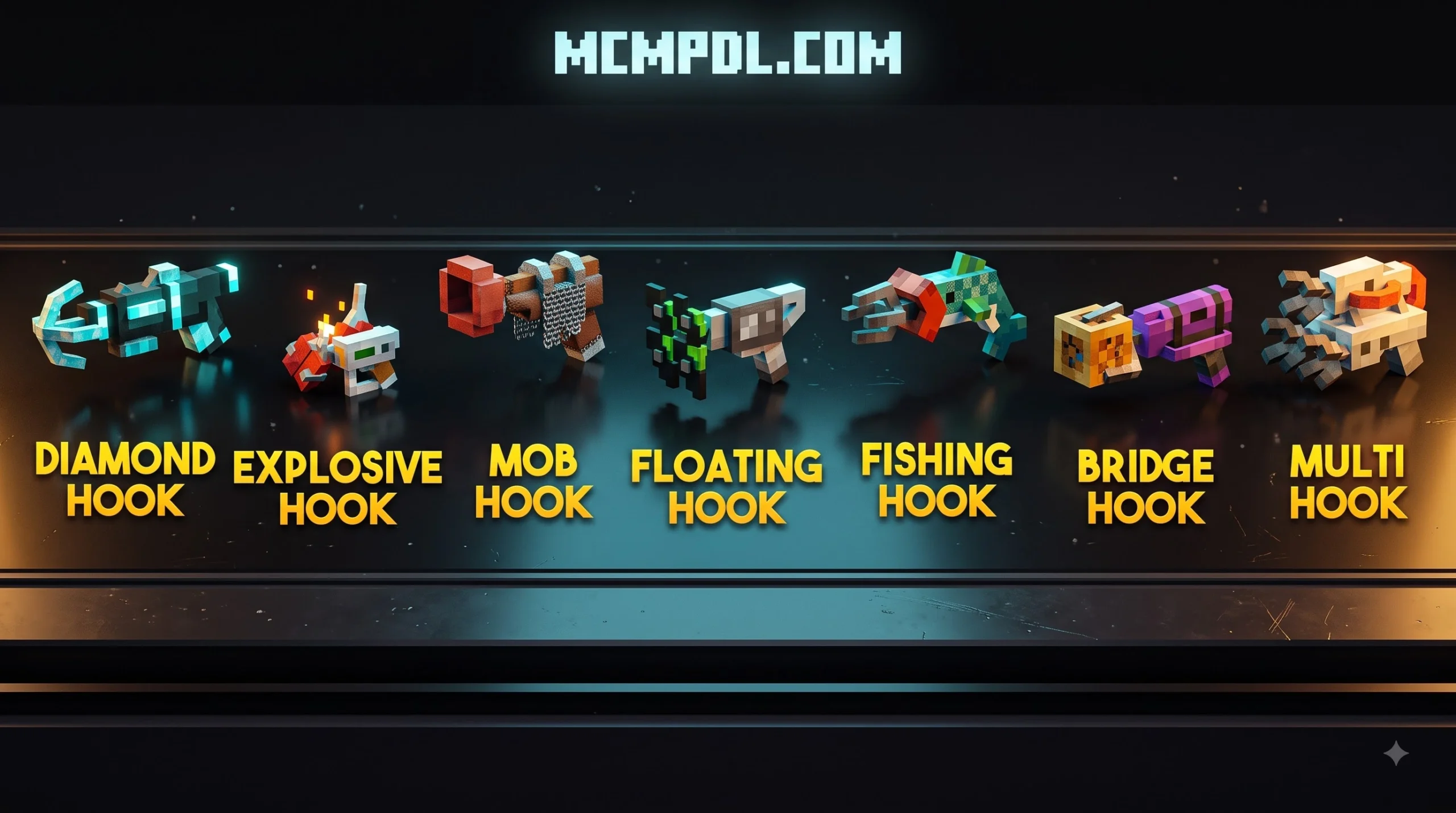
Grappling addons introduce dynamic traversal mechanics that bridge the gap between early-game walking and late-game Elytra flight. By utilizing rope physics, targeted vector acceleration, and momentum retention, these tools give players complete aerial control.
| Hook Type | Primary Traversal Mechanism | Range / Limits | Special Effect / Perk |
|---|---|---|---|
| Standard Grapple | Direct line pull / block latching | Up to 64 blocks | Can tether hostile or passive mobs |
| Rocket Hook | Forward horizontal propulsion | Medium-to-long distance | High-speed burst across open ravines |
| Ender Hook | Instant coordinate teleportation | Line-of-sight target | Teleports player safely above block |
| Knockback Hook | Reverse propulsion / directional blast | Short distance escape | Grants temporary Slow Falling effect |
| Tool-Based Hook | Weapon conversion (Sword/Pickaxe trigger) | Variable pull force | Configurable subpack fall reduction |
Standard, Rocket, Ender, and Knockback Hooks
Advanced Bedrock releases expand far beyond basic rope swings, giving us dedicated tools for specialized tactical situations:
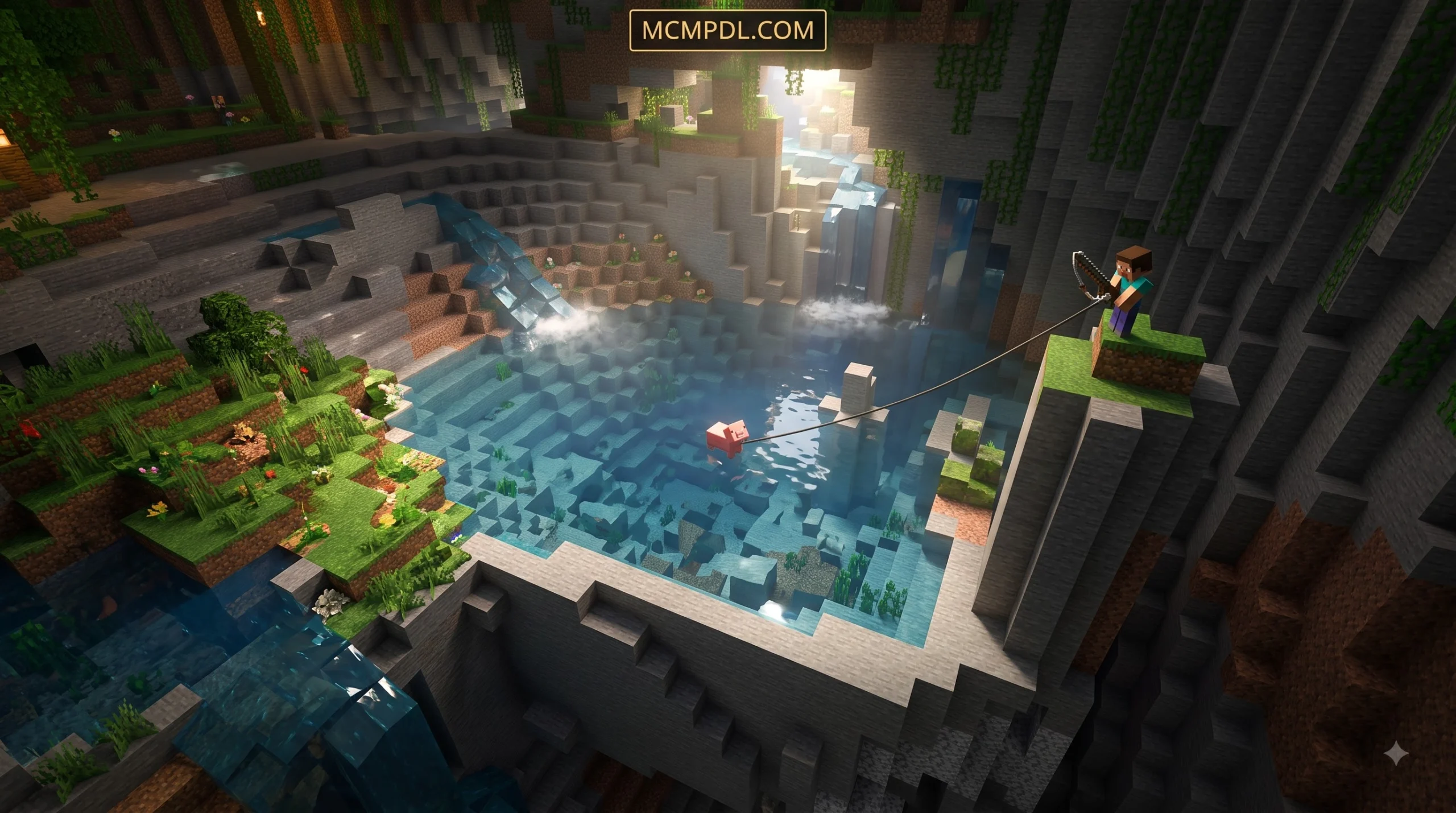
- Standard Grapple: Fires an anchor line up to 64 blocks away, pulling our character directly to the targeted block. It doubles as a tethering line, letting us snare mobs and pull them into traps or away from teammates.
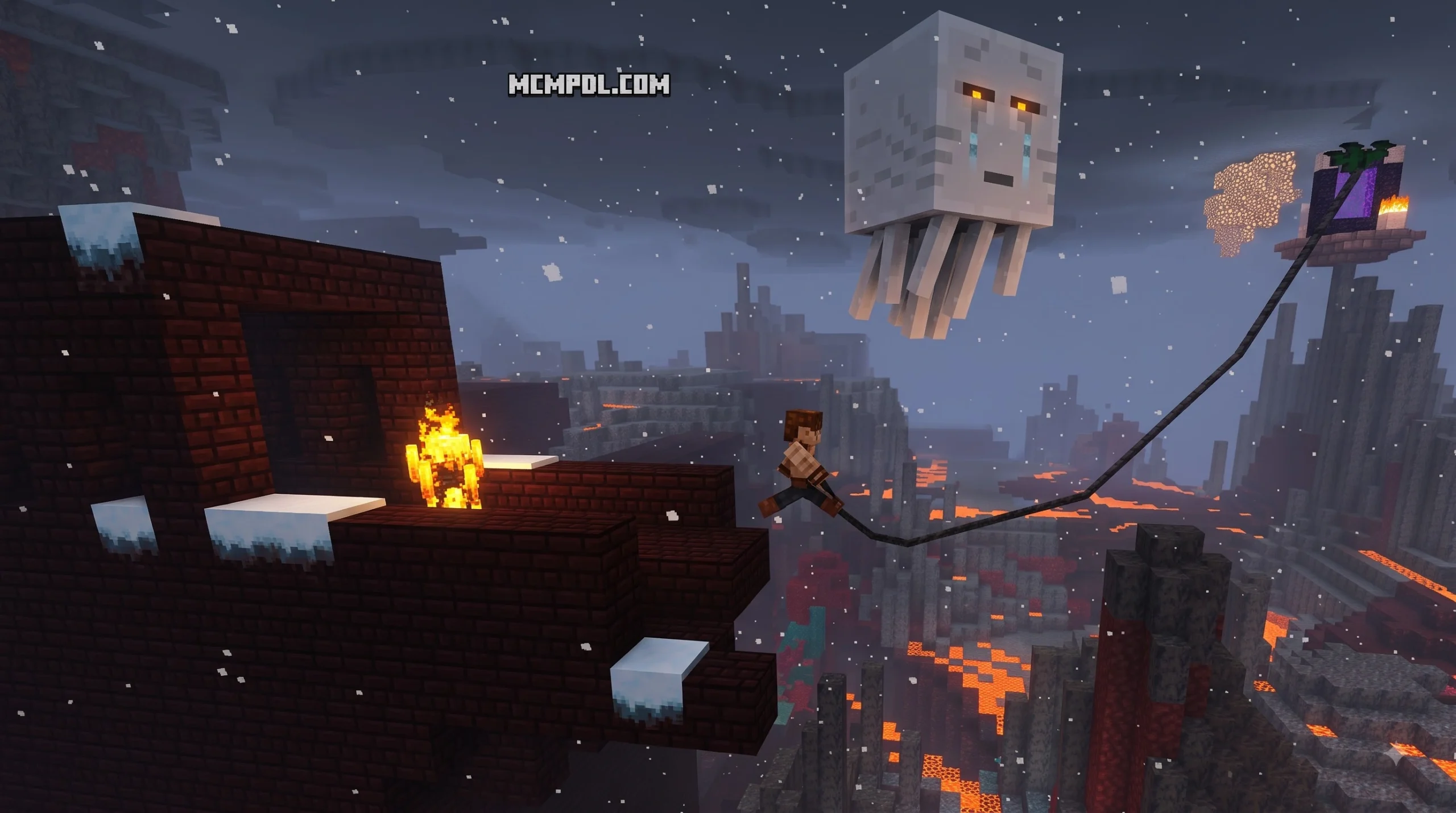
- Rocket Hook: Designed for raw horizontal momentum, this variant launches the player forward in a powerful burst. It is ideal for clearing massive lava lakes in the Nether or canyon gaps in seconds.
- Ender Hook: Combining Enderman magic with precision targeting, this tool teleports you instantly to the space directly above the hooked surface, playing signature portal sound effects upon arrival. For players who love ranged utility, pairing teleportation gear with ranged upgrades like the Overpowered Bows Addon for Minecraft PE/Bedrock gives you unmatched tactical dominance.
- Knockback Hook: Acting as a fast defensive retreat, firing this hook blasts you backward away from danger while providing a brief Slow Falling effect to guarantee a safe, cinematic landing.
Why Choose the Grappling Hooks Addon for Minecraft PE/Bedrock?
Navigating deep cave systems generated in modern Bedrock updates can consume hours of tedious block placing. With a grappling hook equipped in your hotbar:
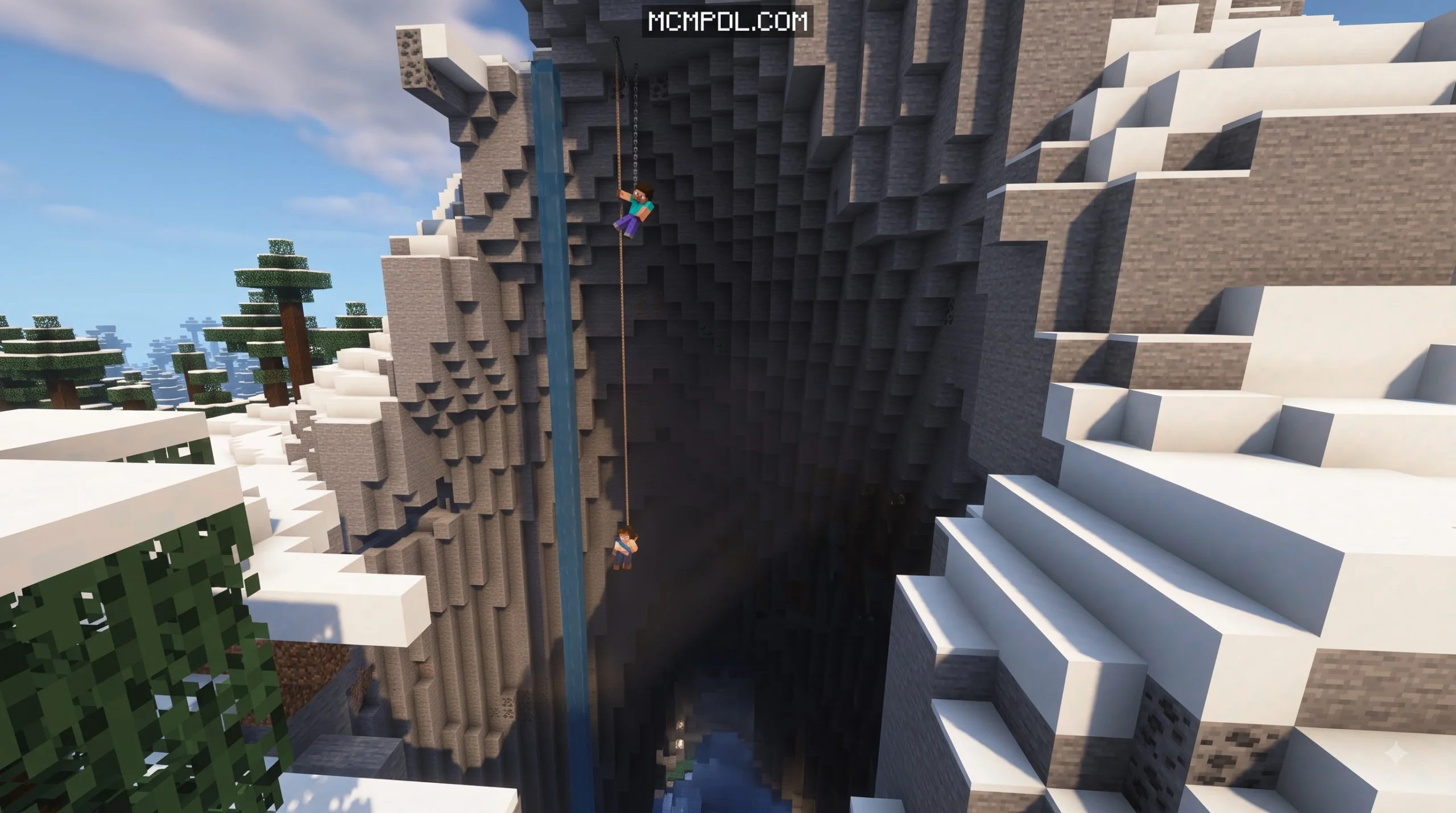
- Cave & Ravine Exploration: You can latch onto distant ceiling stalactites, swinging over bottomless chasms effortlessly.
- High-Altitude Building: Reach skyscraper roofs, castle parapets, or floating islands without cluttering your build with temporary scaffolding.
- Combat Agility: Quickly reposition during boss fights or dungeon raids. If surrounded by hostile swarms, hook onto a nearby ledge to escape, or combine rapid repositioning with magic combat using the Spellswords Addon for Minecraft PE/Bedrock to strike foes from above.
Crafting Recipes and In-Game Usage Guide
Obtaining your grappling tools in survival mode is well-balanced and uses standard crafting stations.
Depending on the specific pack variant you install, crafting generally follows one of two intuitive survival methods:
- Fletching Table Upgrade System:
- Gather 1 Slimeball, 3 Iron Nuggets, and 1 Copper Ingot.
- Combine them at a Fletching Table to produce a Grappling Hook Upgrade module.
- Apply this module to a standard Fishing Rod within the Fletching Table interface to forge your functional grappling hook.
- Crafting Table Assembly:
- Place 3 Leads and 1 Amethyst Shard into a standard 3×3 Crafting Grid.
- The amethyst provides directional resonance, while the leads form the reinforced tension cord.
To keep your inventory organized while carrying various grappling lines, hooks, and spare repair materials, using a Backpacks Addon for Minecraft PE/Bedrock ensures you never run out of storage space on long expeditions.
Durability, Enchanting, and Fall Damage Management
Grappling hooks consume durability points with each launch or tether. To keep your favorite mobility tools from snapping mid-flight, keep these maintenance practices in mind:
- Anvil Repairs: Standard hooks can be repaired on an anvil using thread, iron nuggets, or matching base components.
- Enchantment Support: Most Bedrock grappling items accept Unbreaking III and Mending. Connecting your hook to an active XP farm ensures your line remains permanently repaired.
- Managing Fall Damage: Standard gravity rules still apply when swinging at high speeds. To survive steep ascents, aim your hooks slightly above your landing zone, utilize water bucket clutches, or equip heavy weapons like those found in the More Maces 2.0 Addon for Minecraft to turn downward falling momentum into devastating smash attacks.
Frequently Asked Questions About Grappling Hooks in Bedrock
How do I fix the Grappling Hooks Addon for Minecraft PE/Bedrock if it doesn’t work?
If the hook fails to pull your player or does not appear in your crafting menus, verify that Beta APIs and Script API toggles are enabled in your world’s Experiments tab. Additionally, ensure that your Minecraft Bedrock client version matches the pack’s requirements (for example, version 26.30 for modern script-driven releases). Deactivating and reactivating both the resource and behavior packs can also resolve cache conflicts.
Does using a grappling hook disable achievements?
Standard packs that require experimental scripting toggles will disable Xbox Live achievements for that world. However, if you install a dedicated Achievement-Friendly release (typically around 503 KB), you can enjoy climbing and swinging mechanics while keeping your world’s achievement tracking active.
Can you repair or enchant grappling hooks in survival mode?
Yes. In survival mode, you can repair grappling hooks on an anvil using thread or the hook’s base crafting materials. They also accept standard durability enchantments, including Unbreaking and Mending, through an anvil or enchantment table.
Conclusion
Adding grappling tools to your world delivers unmatched mobility, fluid exploration, and fresh tactical possibilities. Whether you are navigating intricate cave systems, constructing massive survival bases, or swiftly escaping dangerous mob encounters, having a reliable hook in your hotbar elevates the entire Minecraft Bedrock experience.
Ready to transform your survival adventures with new tools, mechanics, and custom gear? Discover our full collection and explore top-rated Bedrock mods at MCMPDL to build your ultimate add-on loadout today.