
Make the Nether Bigger, Harder, and More Rewarding
Scroll down to D0vvnl0ad
A Nether Expansion Addon for Minecraft PE/Bedrock adds fresh biomes, dangerous creatures, new materials, and better reasons to explore the Nether. To get started, choose an add-on that matches your Bedrock version, download its resource and behavior packs, import them into Minecraft, enable any required experimental settings, and activate both packs in your world.
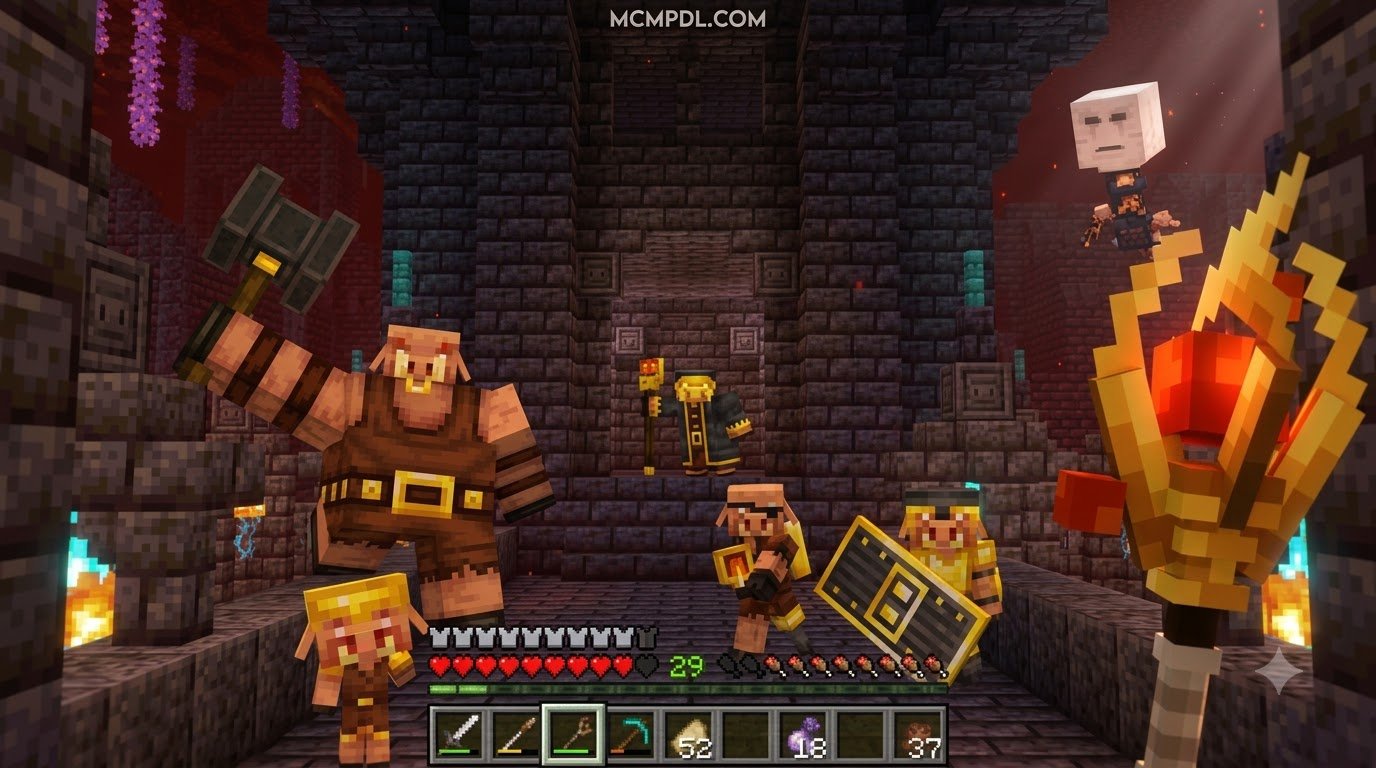
These add-ons can turn a quick Nether trip into a full survival adventure. Depending on the version you choose, you may find new ores and blocks such as Sunstone and Moonstone, custom plants and wood types, hostile mobs, dungeon-like structures, powerful gear, and boss encounters.
The important detail: not every Nether expansion is current or compatible with every Bedrock release. Back up your world first, check the creator’s supported-version notes, and test new world-generation add-ons in a copy of your save before making the Nether more dangerous. For a broader look at how custom content changes the game, see the Minecraft modding overview.
Nether Expansion Addon for Minecraft PE/Bedrock: Core Features and Variants
The vanilla Nether update brought huge improvements to Minecraft, but over time even Crimson Forests and Soul Sand Valleys can start to feel familiar. Community-built expansion packs breathe new life into the underworld by introducing procedural dungeons, specialized ores, hostile flora, and dangerous bosses.
Because several different creators have released mods under similar names, here is a breakdown of how the most popular options compare:
| Addon Name / Variant | Primary Focus & Features | Key Mobs & Entities | New Ores, Blocks & Gear | Supported Versions |
|---|---|---|---|---|
| Nether Expansion (v2.0) | High-tier survival overhaul, custom wood, ores, and hostile variants | Magma Tyrant, Wildfire, Amber Ghast, Wither Beast | Sunstone, Moonstone, Dullstone, Marouge wood, Brimstone | 1.18 (Legacy) |
| Nether Biomes Expansion | Atmospheric biome overhauls, dense terrain generation, custom fogs & OSTs | Fleshy, Parasite | Custom foliage, Blight Mace, 7 unique status potions | 1.21.130+ / 2026 Bedrock |
| NetherPlus Addon (v3.0) | Utility weapons, pet mechanics, deep underground ore generation | Warped & Crimson Creepers, Soul Striders | 4 custom Hammers, Nether Blood Ore, Basalt Ore | 1.20 – 1.21+ |
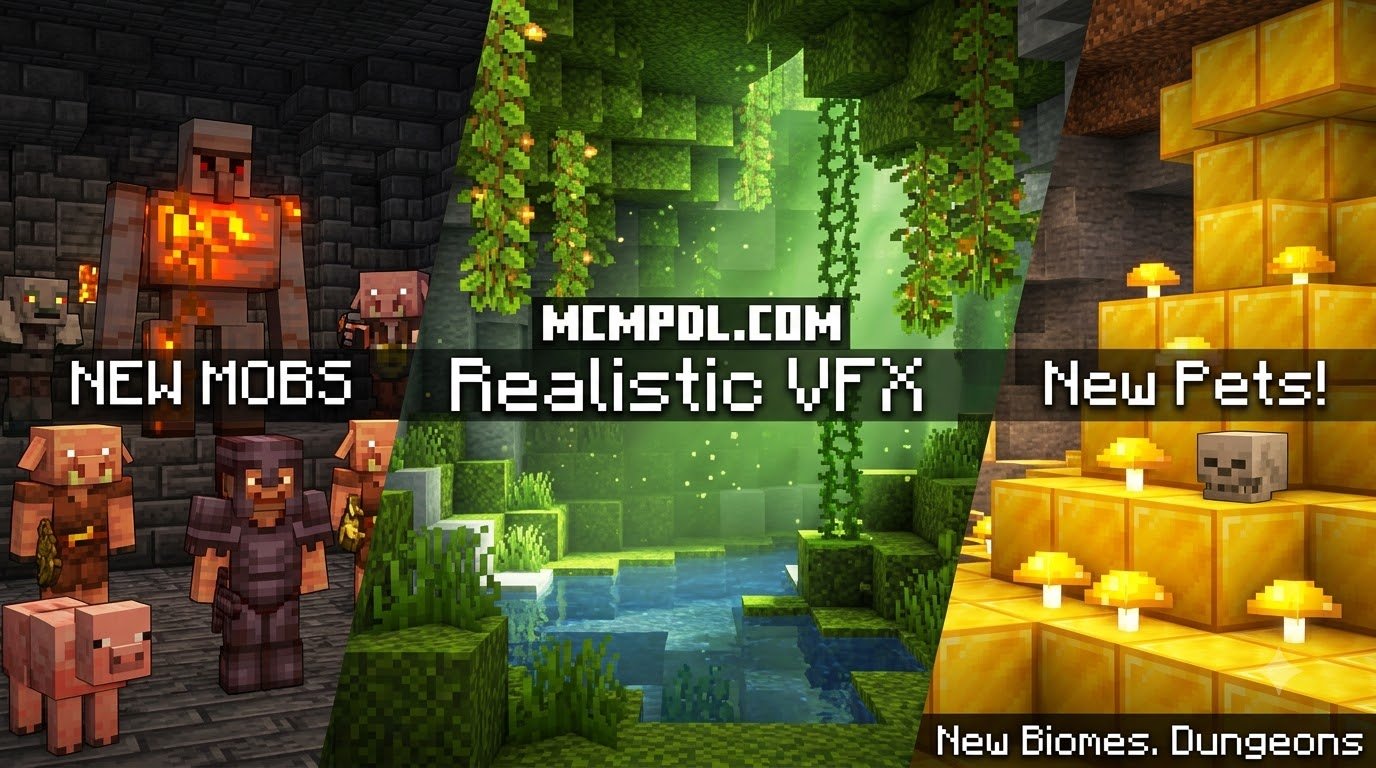
| Nether Expansion (Marketplace) | Procedural dungeons, companion mechanics, custom visual effects (VFX) | Dimension bosses, underworld companions | Dungeon loot sets, specialized armor & tool trees | 1.16.0+ to Current |
New Entities, Bosses, and Hostile Creatures
Stepping into an expanded Nether means facing threats far more cunning than regular Piglins or Blazes. For example, the Magma Tyrant acts as an apex predator in scorching zones, while the Wildfire (the shielded, hovering blaze variant) challenges your ranged combat tactics.
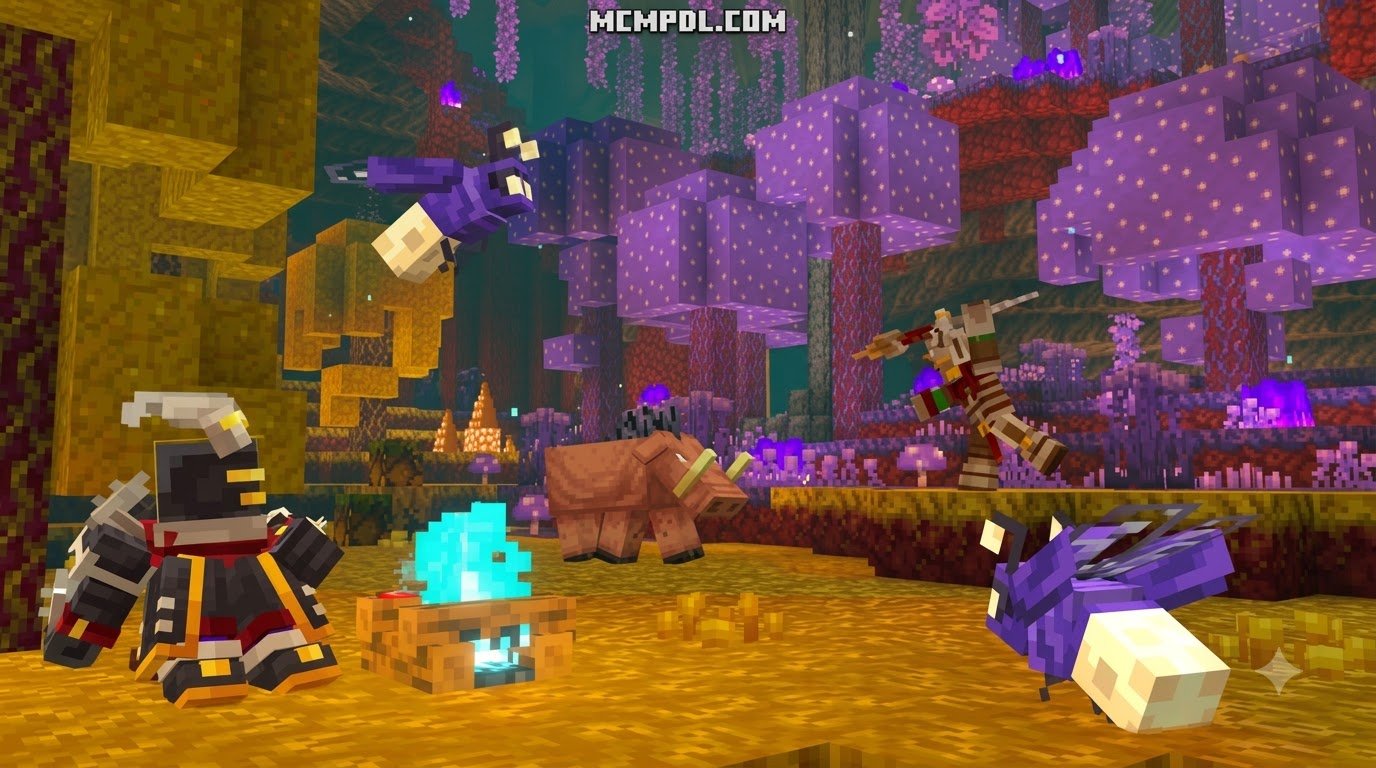
You will also cross paths with the Amber Ghast, which hurls high-velocity explosive charges, and the ruthless Wither Beast, a creature designed to overwhelm unprepared players in close-quarters combat. In damp, spore-choked regions, the Piglin Fungus Thrower disrupts your footing from afar, while the swift Warped Stag roams dense forests alongside floating Wandering Souls.
Other biome expansions introduce unsettling biological horrors like Fleshy (a shambling monster that inflicts lingering decay) and Parasites (silverfish-sized pests that latch onto their victims). Defeating these beasts is just as rewarding as surviving epic custom boss encounters, providing the rare materials required to craft late-game survival gear.
Biome Overhauls, Unique Blocks, and Materials
Exploration becomes significantly more rewarding when every corner of the Nether holds unique resources. Expanded packs introduce durable building materials and ores, including glowing Sunstone, resilient Moonstone, and sturdy Dullstone. Deep underground, you can strip-mine for Brimstone, Nest Blocks, and specialized wood types like the vibrant Marouge wood family.
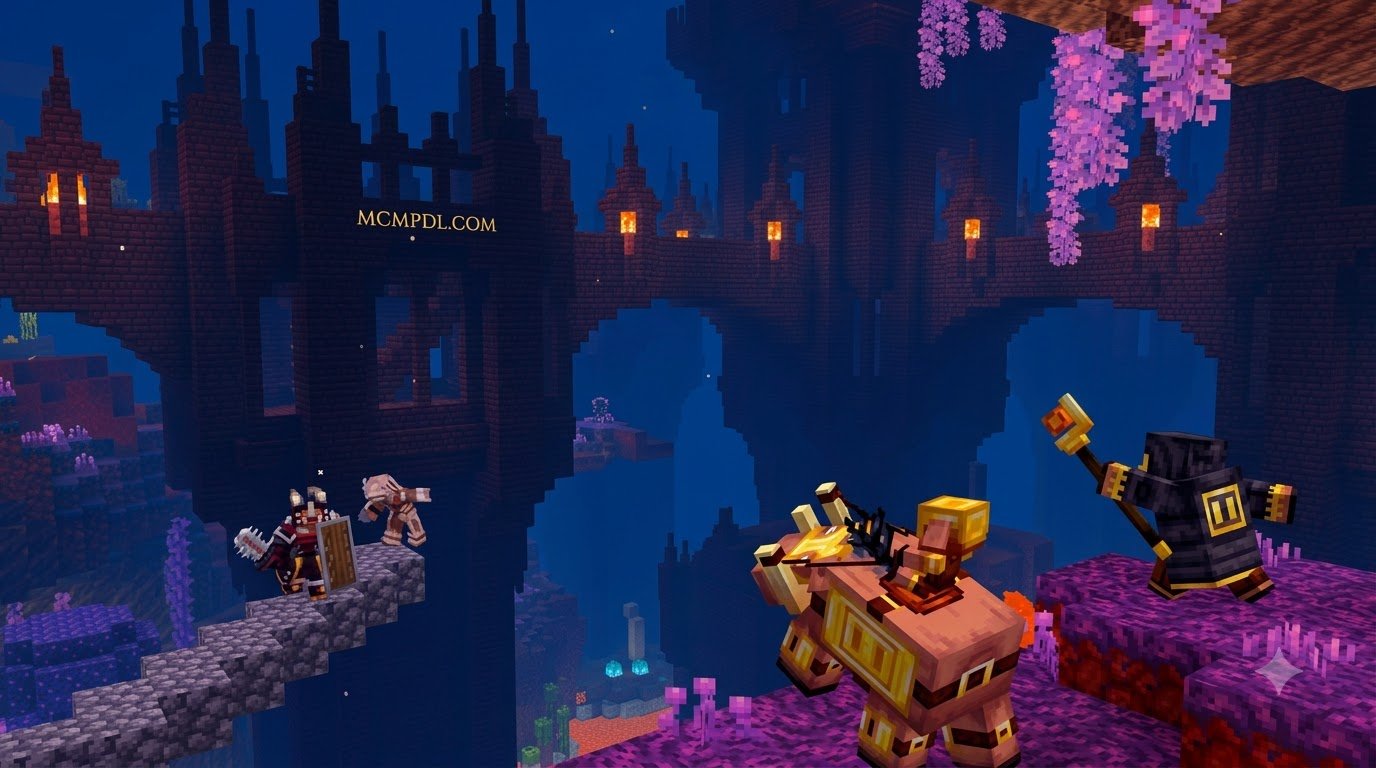
These materials are distributed across newly designed terrain, ranging from shady mangrove-style underworld swamps to procedural stone dungeons. Much like exploring enhanced world generation and biomes in the Overworld, these Nether landscapes feature dense foliage, vertical hazards, and biome-specific fog that completely alters how you navigate the realm.
5 Simple Steps to Install and Maximize Your Nether Expansion
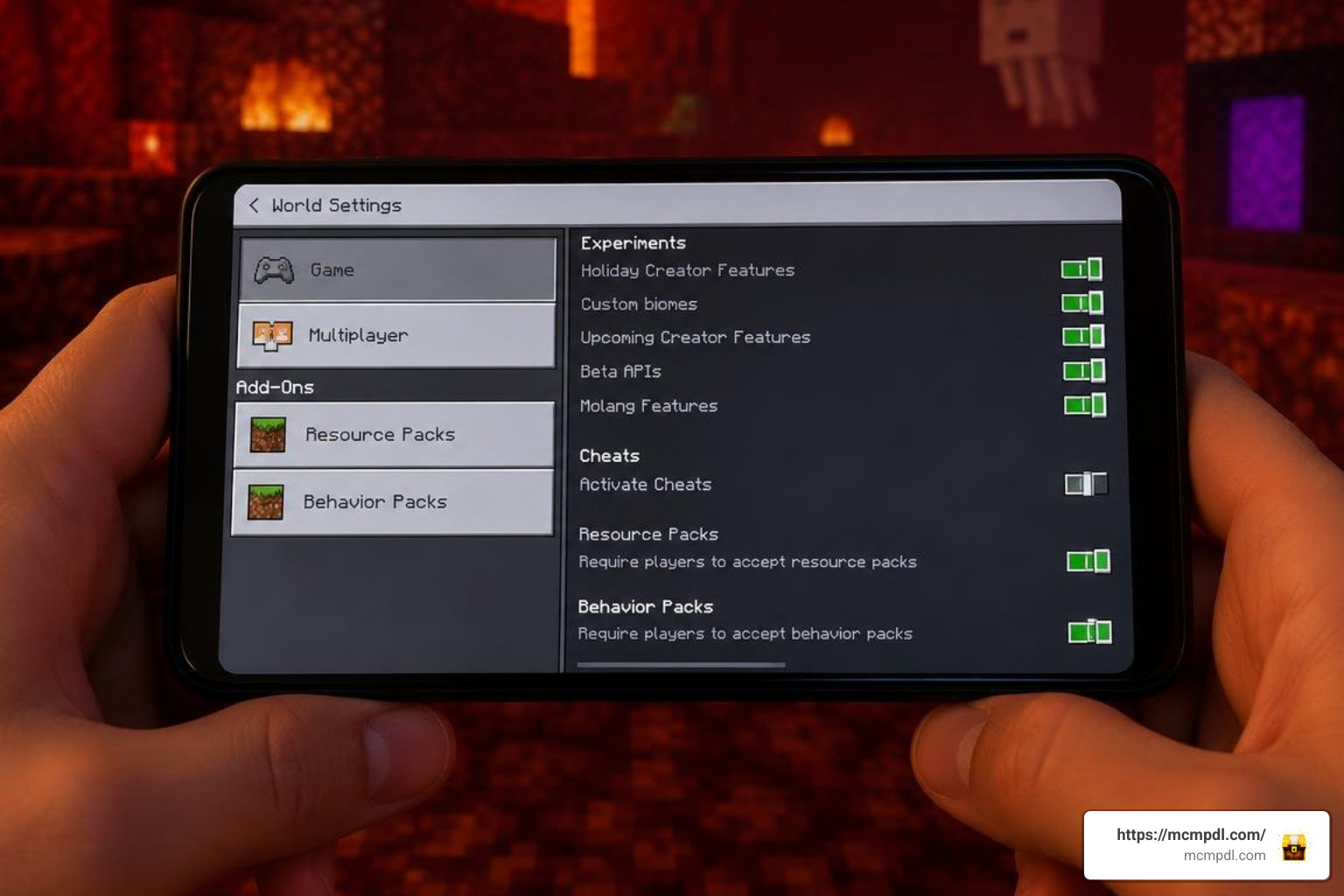
Getting an expansion up and running on Minecraft Pocket Edition or Bedrock Edition is straightforward once you know how the game handles custom files. Follow these five steps to set up your game correctly.
Step 1: Select Your Nether Expansion Variant
First, decide which style of gameplay fits your current world. If you want sprawling dungeons and turnkey stability, a marketplace pack or a modern biome expansion might be ideal. If you are chasing weapon diversity, hammer crafting, and companion creepers, community favorites like NetherPlus offer deep survival mechanics. Make sure the file format you download contains both a Behavior Pack (BP) and a Resource Pack (RP).
Step 2: Check Compatibility and Experimental Gameplay Settings
Most custom entities, biomes, and blocks rely on experimental features to run within the Bedrock engine. When creating a new world or editing an existing one, navigate to the Experiments tab in your world settings and toggle on:
- Beta APIs
- Holiday Creator Features (if listed for your specific game build)
- Custom Biomes
- Molang Features
Pro Tip: Always make a duplicate backup of your world before toggling experimental features, as these settings permanently alter how world data is saved.
Step 3: How to Install the Nether Expansion Addon for Minecraft PE/Bedrock on Any Device
Installation varies slightly depending on your platform:
- Android: Download the
.mcaddonor.mcpackfiles. Use a modern file manager to tap the file, selecting “Open with Minecraft.” If you download.zipfiles, extract the Behavior Pack intogames/com.mojang/behavior_packsand the Resource Pack intogames/com.mojang/resource_packs. - iOS / iPadOS: Tap the downloaded
.mcpackor.mcaddonfile in the Files app and choose to share or open it with Minecraft. The game will launch automatically and import the pack. - Windows 10 / 11: Double-click the
.mcaddonfile. Minecraft Bedrock will launch and display an “Import Started” banner at the top of the screen.
Step 4: Apply Packs to New or Existing Worlds
Once imported, open your world settings, scroll down to the left sidebar, and access Resource Packs and Behavior Packs. Under “Available,” select your installed expansion and click Activate.
Ensure both the BP and RP are active. If you are combining this with mods that offer expanding underground cave systems, make sure the resource packs are arranged properly in the load order so custom block textures render without conflicts.
Step 5: Master New Crafting Recipes and Exploration Gear
After entering the world, open your crafting interface to discover new tools. Many expansions introduce heavy Hammers capable of clearing 3×3 mining areas, durable Blight Maces, and lava-resistant armor sets that allow you to survive accidental dips into magma seas.
Pairing these defensive items with defensive and offensive lifesteal mechanics will give you the resilience needed to conquer the Nether’s deepest dungeons without constantly retreating to the Overworld.
Surviving New Nether Biomes, Dungeons, and Boss Encounters

Survival in an overhauled Nether requires careful preparation. Between atmospheric hazards, unique status ailments, and aggressive mob spawns, walking in with standard iron armor will quickly send you back to your Overworld spawn point.
Navigating Hostile Underworld Biomes and Hazards
Custom biomes introduce unique environmental challenges. In dense, spore-filled regions, mobs can inflict dangerous debuffs such as Necrosis, which rapidly drains your health pool and prevents natural health regeneration from high saturation.
When exploring high-density dungeons or exploring custom structures across dimensions, keep these tactics in mind:
- Manage Biome Fog: Custom fog colors (like deep blood-red or hazy violet) can reduce visibility to fewer than sixteen blocks. Use visual markers like glowstone or jack-o’-lanterns to track your path back to your Nether portal.
- Counter Lingering Status Effects: Brew plenty of splash potions of healing and carry milk buckets or honey to clear lingering debuffs.
- Mine with Caution: Ores like Basalt Ore and Nether Blood Ore frequently generate near active lava pockets between Y-levels 20 and 110. Always carry fire resistance potions before starting a mining trip.
If your survival playthrough includes multiple multidimensional survival addons, secure a fortified base near your portal with blast-resistant Marouge blocks to keep your exit route protected.
Troubleshooting the Nether Expansion Addon for Minecraft PE/Bedrock and World Settings
If you run into issues while playing, common problems can usually be fixed with a few quick adjustments:
- Missing Textures (Black and Purple Checkers): This occurs when the Resource Pack is either missing or deactivated. Ensure that the pack’s RP is placed above any generic UI texture packs in your active resource list.
- Persistent Fog After Death: If custom fog colors remain on your screen after dying in a modded biome, close the world to the main menu and re-enter to reset the camera rendering pipeline.
- Custom Biomes Not Generating: If your world only generates vanilla Nether wastes, you may be exploring areas of the map that were already loaded. Travel past your previously explored coordinates to allow new chunks to generate.
- Frame Rate Drops / Lag: High-density foliage and particle-heavy mobs can impact performance on mobile devices. Lower your render distance by 2–4 chunks and turn off “Fancy Bubbles” and “Beautiful Skies” in the video settings.
Frequently Asked Questions about Nether Expansions
Does the Nether Expansion Addon work on existing worlds?
Yes, you can safely apply the add-on to existing worlds. However, new biomes, procedural dungeons, and custom ore veins will only generate in unexplored chunks. If your Nether is already heavily explored, you will need to travel beyond your charted coordinates to find the new content.
What experimental settings are required for the addon to work properly?
Most Nether expansions require Beta APIs, Custom Biomes, and Molang Features enabled in the world settings. Without these settings turned on, custom entity animations may break, and new blocks might appear as untextured placeholders.
Are there multiplayer compatibility requirements for Bedrock realms and servers?
Yes. When hosting a multiplayer session or dedicated Bedrock server, check the box labeled “Require players to accept resource packs to join.” This ensures that all connected players automatically download the matching behavior and resource files, preventing invisible mob glitches and missing texture errors.
Conclusion
Overhauling the Nether turns one of Minecraft’s most intimidating realms into an expansive, rewarding destination filled with deep lore, terrifying bosses, and versatile crafting materials. Whether you are building an underground fortress from Marouge wood or hunting down the elusive Magma Tyrant, an expansion add-on completely revitalizes your survival loop.
Ready to transform your worlds further? You can find more dimension overhauls, custom tools, and explore the latest Minecraft PE and Bedrock mods at MCMPDL to build your ultimate survival setup.



1 thought on “Nether Expansion Addon for Minecraft PE/Bedrock”