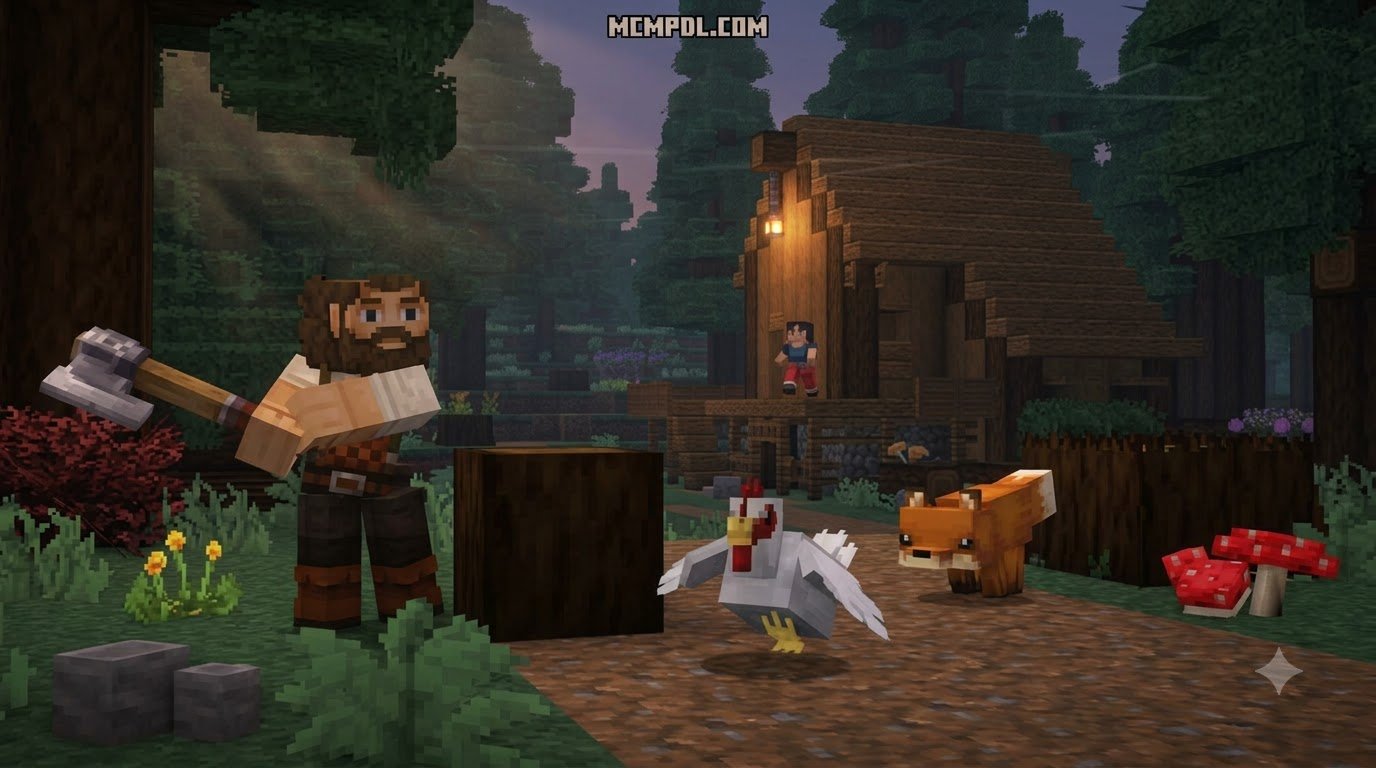
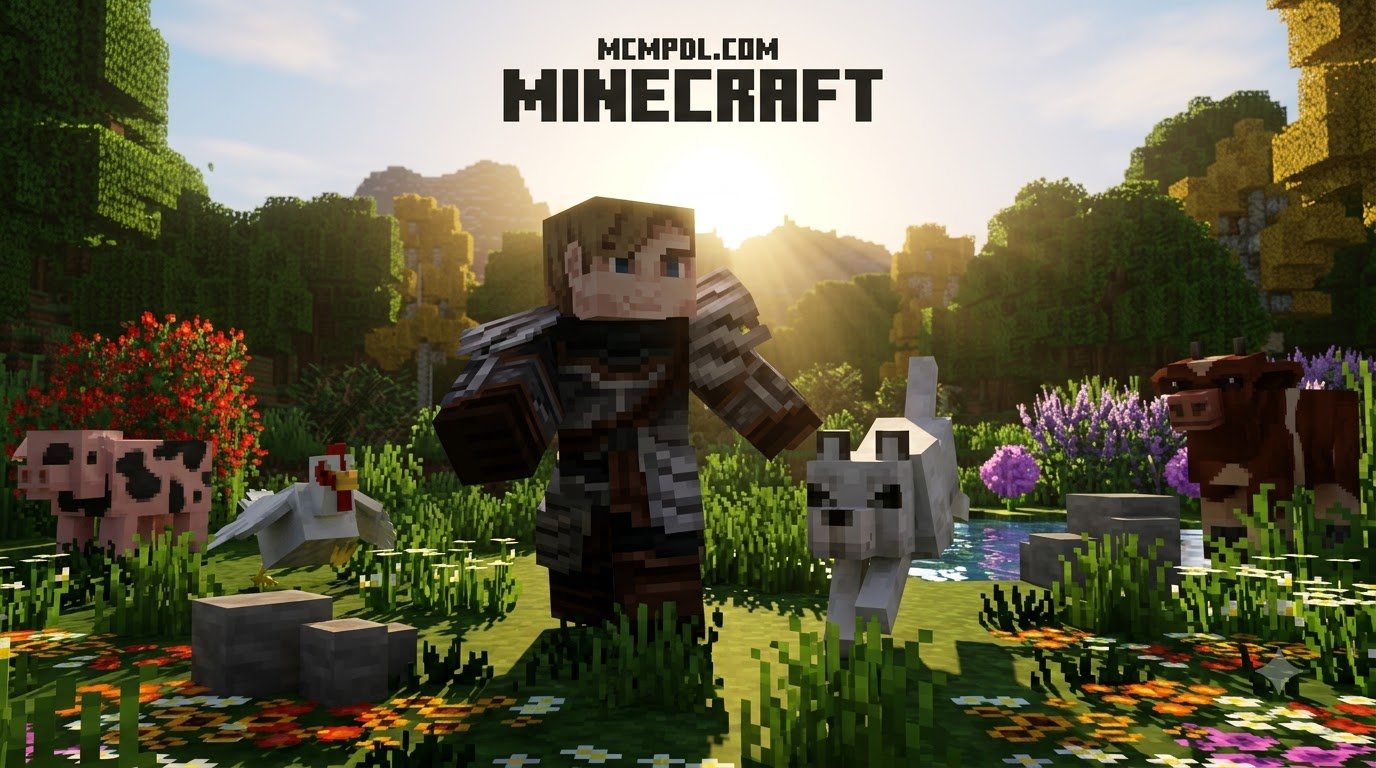
What Is the Realism Remagined Texture Pack for Minecraft PE/Bedrock?
Scroll down to D0vvnl0ad
Before downloading the Realism Reimagined texture pack, make sure your Bedrock client is updated to the latest 2026 patch, free up at least 500 MB of storage, and set your file storage location to External on Android if you plan to import a standalone .mcpack file. Once installed, activate it under Settings > Global Resources > My Packs and place it at the top of the active list so its custom UI, skies, and foliage override default assets. The pack is a paid Marketplace product, but you can test it on a single world first by activating it under that world’s resource pack settings.
The Realism Reimagined texture pack was developed by creator team The Craft Stars. Designed specifically around the nuances of the Bedrock rendering engine, this project aims to bridge the gap between blocky simplicity and photographic fidelity. Rather than replacing every block with unrelated real-world photos, the creators rebuilt vanilla textures from the ground up, adding physical depth, natural color variation, and dynamic animations.
If you are browsing through official listing details for Realism Reimagined, you will notice it positions itself as a comprehensive vanilla overhaul. It takes familiar blocks like dirt, stone, and oak bark, upgrading their resolution so they feel tactile and authentic. If you appreciate this authentic look but want cleaner default pixels, exploring high-resolution vanilla options can provide great perspective on how artists enhance standard assets.
Core Features of the Realism Remagined Texture Pack for Minecraft PE/Bedrock
Realism Reimagined integrates several core visual systems that modernize standard Bedrock worlds:
- Animated Environmental Foliage: Tree leaves and ground vegetation feature subtle swaying motions, making forests feel alive rather than static.
- Dynamic Skies & Lifelike Clouds: Instead of flat, blocky rectangles floating overhead, skies feature layered, realistic cloud formations with natural horizon gradients.
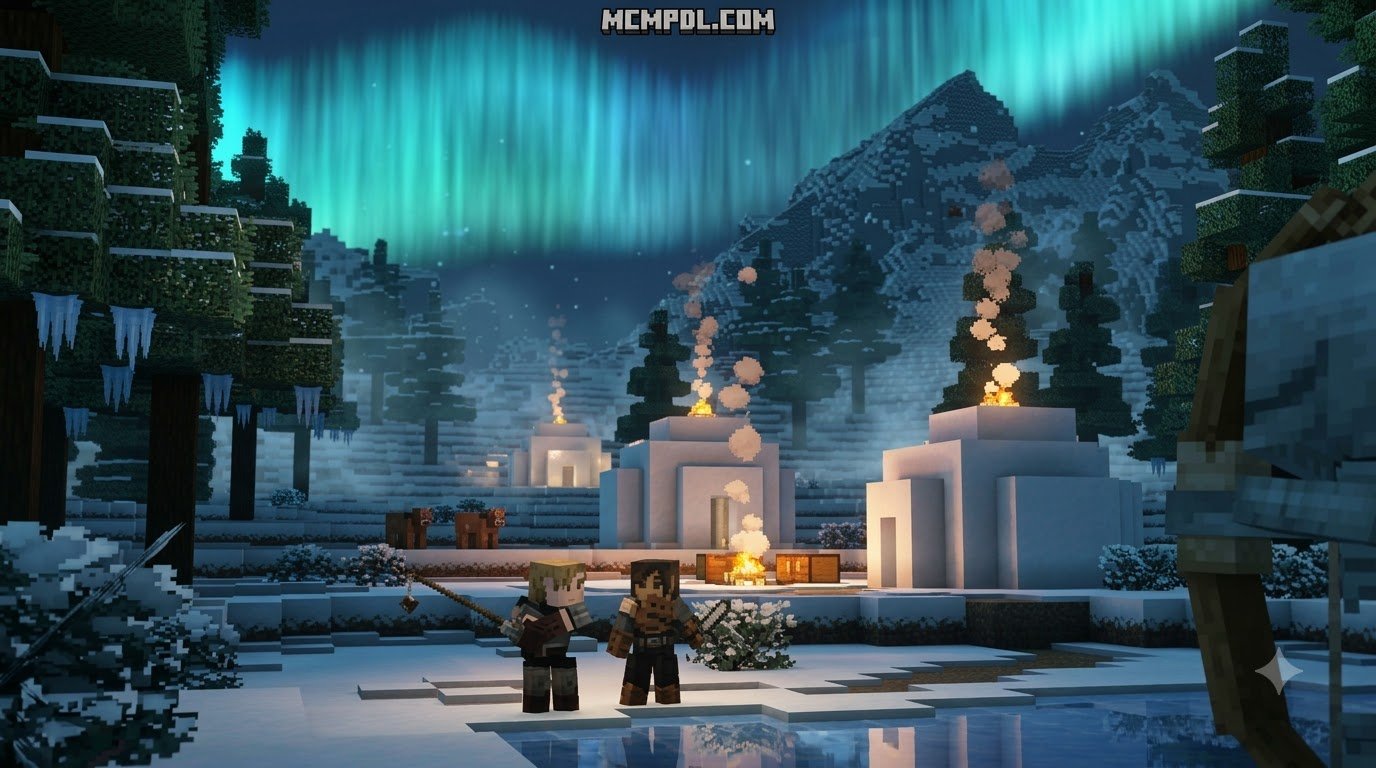
- Atmospheric Fog Effects: Distance rendering is softened by deep biome fog, hiding harsh chunk borders during exploration.
- Refined Natural Lighting: Sunlight and torchlight cast softer ambient shadows across building surfaces.
- Streamlined Custom UI: Menus, inventory frames, and hotbars are reskinned with a clean, semi-translucent interface.
If you enjoy sleek visual revamps for your interfaces and modern builds, you can also experiment with custom modern aesthetic packs to see different design philosophies in action.
Visual Upgrades: Blocks, Mobs, and Environmental Fog
The visual upgrades in Realism Reimagined focus heavily on organic immersion. Terrain blocks such as grass, podzol, and stone include multi-texture rotations that eliminate repetitive grid patterns across rolling hills. Water surfaces receive improved transparency and wave reflections, allowing you to clearly see aquatic life and underwater ravines beneath the surface.
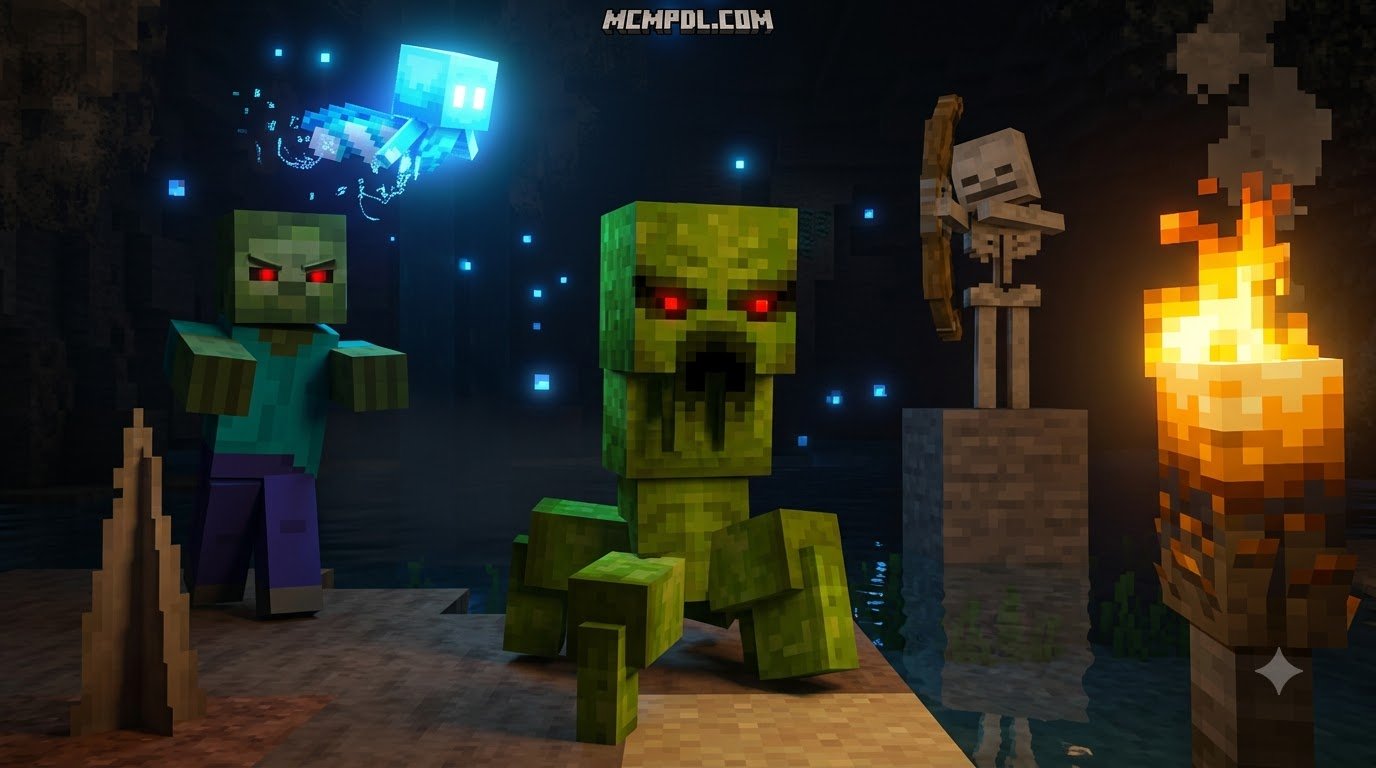
Mobs receive subtle anatomical refinements and realistic fur, skin, or feather shading without breaking their core silhouettes. Biome-specific coloring ensures that swamps feel murky and humid, while deserts feature crisp, sun-bleached sand. Paired with environmental fog that shifts tint between sunrise, midday, and twilight, the overall visual presentation creates a cohesive, cinematic survival experience.
Performance Benchmarks and Hardware Requirements
Adding high-resolution assets and custom shaders to mobile and console platforms requires careful hardware budgeting. While standard Bedrock 16x textures demand minimal memory, running detailed textures alongside animated foliage introduces extra GPU and RAM overhead.
Mobile Optimization and FPS on Low-End Devices
On entry-level Android and iOS devices with 3 GB to 4 GB of RAM, you can expect an average frame rate of 30 to 45 FPS when running this pack at modest render distances (8 to 10 chunks). If you push your render distance to 16 chunks or higher, thermal throttling may cause frame drops during dense jungle exploration.
To maintain a smooth 60 FPS on mid-tier phones, we recommend disabling in-game screen animations, reducing anti-aliasing to 1 or 2, and ensuring background applications are closed before launching your world.
RTX Support and Vibrant Visuals Compatibility
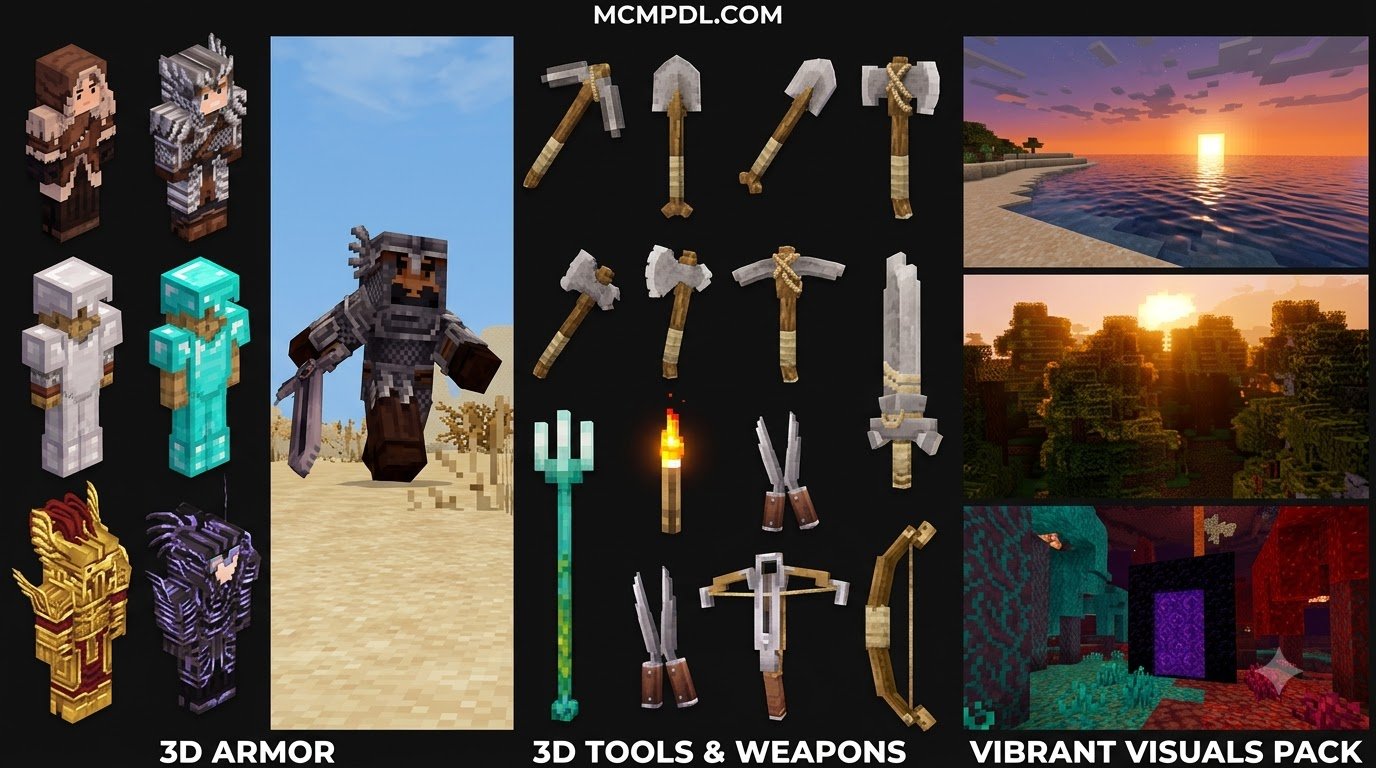
For players running Windows Bedrock Edition with DirectX Raytracing (DXR) enabled GPUs or devices supporting updated deferred lighting pipelines, Realism Reimagined pairs well with custom light sources. The pack includes Physically Based Rendering (PBR) roughness and height data, allowing surfaces like wet cobblestone, polished granite, and metallic ores to reflect sunlight and torch flares with lifelike specular highlights.
Installation and Setup Checklist for Bedrock Edition
Before installing, work through this quick checklist to ensure a smooth, error-free setup:
- Verify your game client is updated to the latest 2026 Bedrock patch (1.21 / 26.x series).
- Check that your mobile device or console storage has at least 500 MB of free internal space for resource caching.
- Set File Storage Location under Settings > Storage to External if you are manually importing third-party
.mcpackfiles on Android. - Create a backup copy of your favorite survival worlds before applying new global resource overhauls.
Step-by-Step Installation via MCPack and Official Store
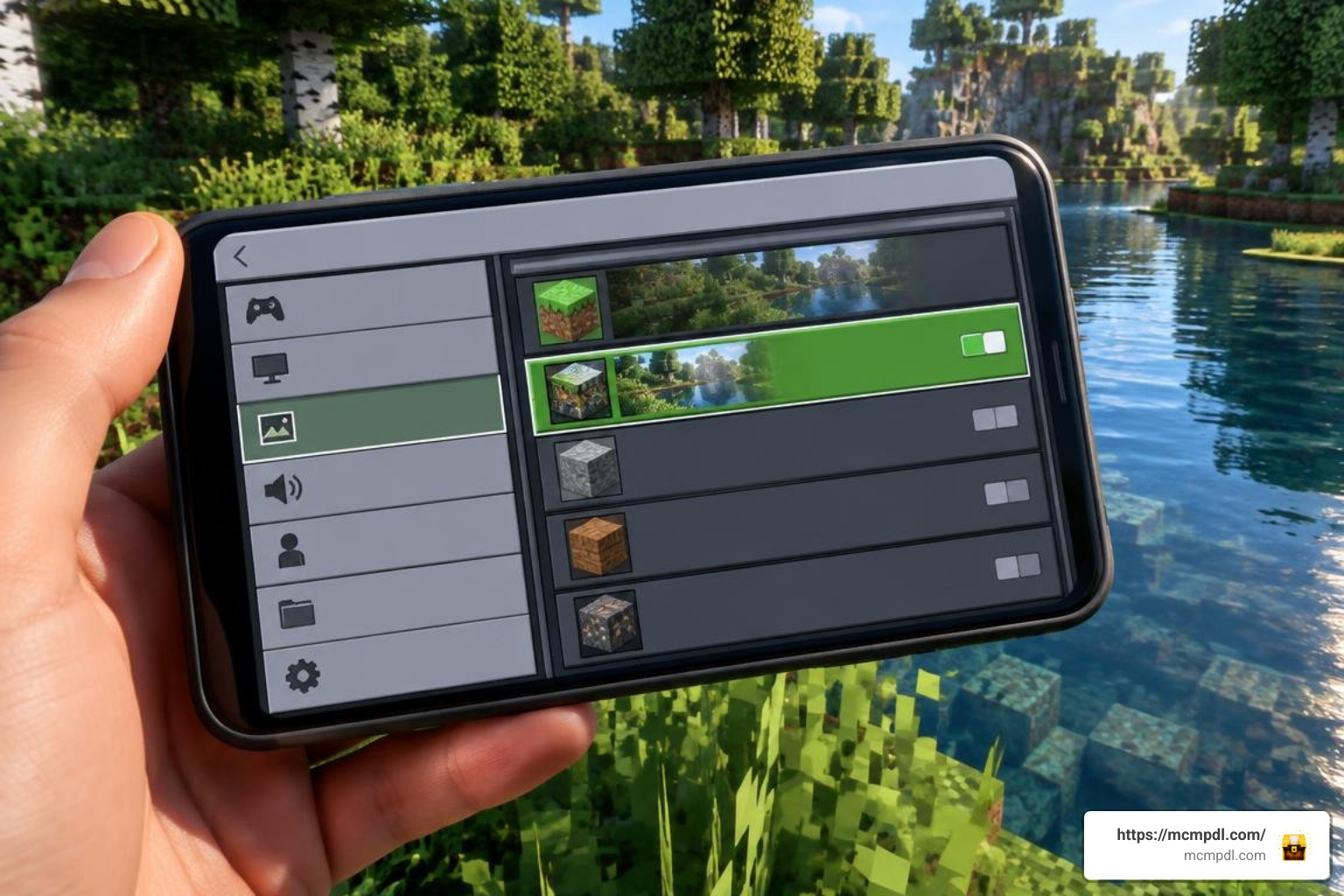
Installing the pack takes only a couple of minutes depending on your source:
- Marketplace Installation: Open the in-game Marketplace, search for Realism Reimagined, complete your purchase using Minecoins, and click Download.
- Manual .mcpack Import: If using a standalone file, download the
.mcpackarchive directly to your device. Tap or double-click the file; your operating system will automatically launch Minecraft and begin importing the assets. - Activating Globally: Navigate to Settings > Global Resources > My Packs, find Realism Reimagined, and click Activate.
- Setting Resource Priority: Ensure the pack sits at the top of your Active list so its custom UI, skies, and foliage override default vanilla assets.
- Per-World Activation: To test the pack on a specific world first, open your world settings, click Resource Packs, and activate it under that world’s individual pack list.
Troubleshooting Common Compatibility Glitches
If textures appear missing (displaying magenta and black checkerboards) or UI text renders misaligned, try these solutions:
- Clear Marketplace Cache: Go to Settings > Storage, locate the cached resource data, and clear old pack caches to force a fresh reload.
- Toggle Graphics Settings: If tree leaves appear solid black, toggle Fancy Graphics off and back on in your video settings.
- Resolve Pack Conflicts: Deactivate custom UI mods, third-party crosshair packs, or outdated shader manifests that might conflict with the pack’s custom interface assets.
- Restart the Client: Fully close the Minecraft app from your device’s multitasking menu to clear system RAM after applying high-resolution assets.
How Realism Reimagined Compares to Other Realistic Packs
Choosing the right realism pack depends on your device’s capabilities and your personal aesthetic taste. Realism Reimagined sits in the 32x to 64x resolution range, making it well suited for mid-range mobile devices, consoles, and PCs. Its animated leaves, custom UI, and dense environmental fog give it a distinct identity among realism-focused overhauls, while its resolution keeps performance demands reasonable compared to ultra-high-fidelity options that push past 256x.
To discover more community creations and resolution options, browse our curated Bedrock texture pack catalog.
Evaluating the Realism Remagined Texture Pack for Minecraft PE/Bedrock Against Alternatives
While Realism Reimagined offers a polished all-in-one package with custom UI and foliage animations, other realism-focused packs on the market may emphasize deeper PBR textures and parallax occlusion mapping for ray tracing enthusiasts, trading some performance headroom for extra visual depth.
If you prefer atmospheric world overhauls that trade photographic modernism for stylized fantasy, you can explore historical and medieval resource packs to see how gritty texturing completely transforms survival gameplay.
Official Listing Ratings and Community Feedback Analysis
On the official marketplace, Realism Reimagined holds an aggregate user rating of roughly 2.2 out of 5 stars across several hundred player reviews. Analyzing this feedback reveals two main trends:
- Visual Praise: Players on high-end phones, Xbox Series consoles, and Windows PCs praise the lush forest atmospheres, animated leaves, and clean inventory screens.
- Performance Complaints: A significant portion of lower ratings stems from players on budget mobile hardware encountering frame rate dips, memory crashes during initial loading, or unexpected UI scaling bugs on smaller touchscreens.
Evaluating your hardware realistically before purchasing ensures you get the experience intended by the creators without encountering hardware-related frustration.
Frequently Asked Questions
Is the Realism Reimagined pack free or paid?
The official release by The Craft Stars is a paid Marketplace product purchased with Minecoins, reflecting the extensive custom UI, foliage animation, and fog systems built into the pack.
Which Minecraft Bedrock versions are compatible in 2026?
Realism Reimagined is maintained for the current 2026 Bedrock ecosystem, functioning smoothly on version 1.21 through 26.x updates across Android, iOS, Windows 10/11, Xbox, PlayStation, and Nintendo Switch.
Can you run this realistic pack in multiplayer worlds?
Yes. If the host applies Realism Reimagined to world settings and checks the box Require players to accept resource packs to join, all connecting players will download the textures automatically when joining the session or Realm.
Conclusion
Realism Reimagined offers a compelling graphical overhaul for Bedrock players who want lifelike foliage, deep fog, and cleaner textures without sacrificing vanilla gameplay mechanics. As long as your mobile device or console meets the memory demands, it provides an immersive, cinematic way to experience your survival worlds.
For more guides, shader updates, and community texture releases, visit our comprehensive Minecraft Bedrock download library to elevate your gameplay today.