Scroll down to D0vvnl0ad
Key Features of Physics Pro Addon for Minecraft PE/Bedrock
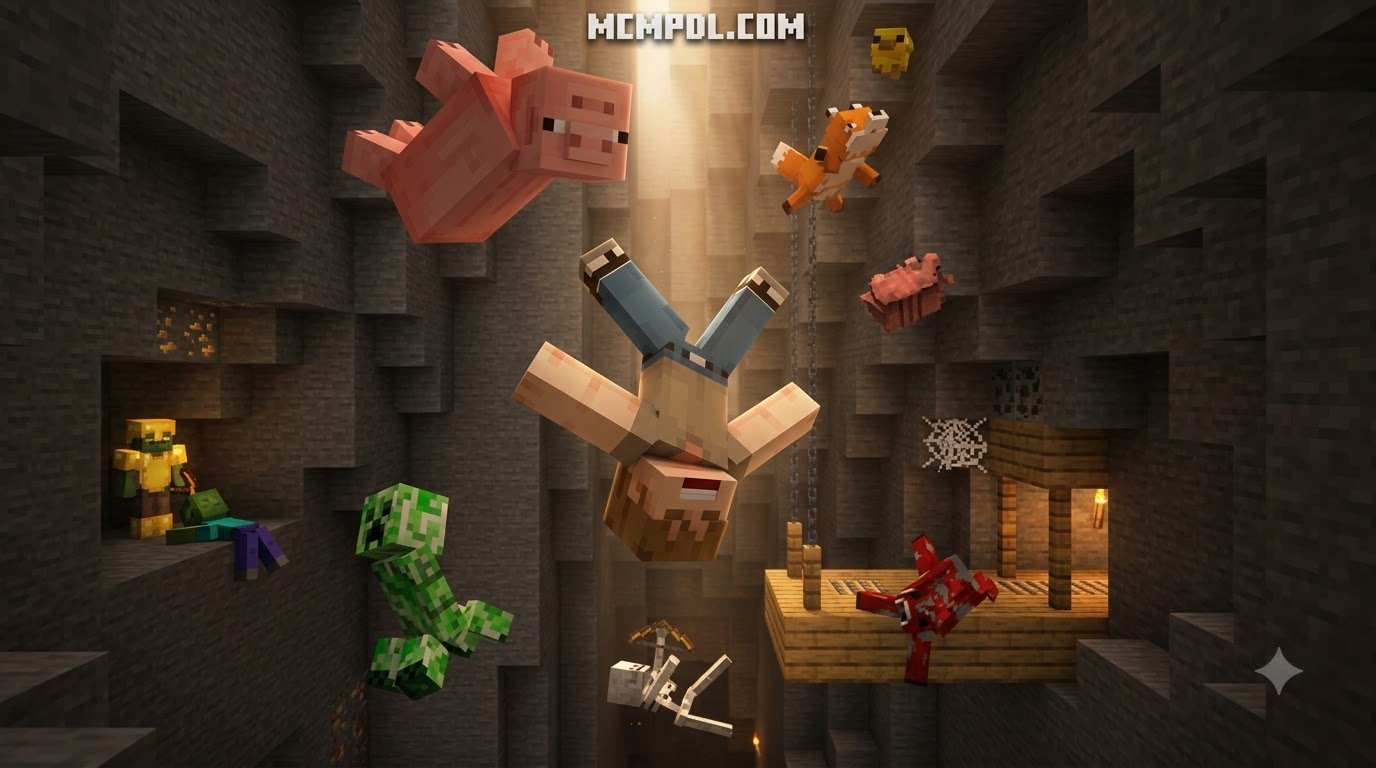
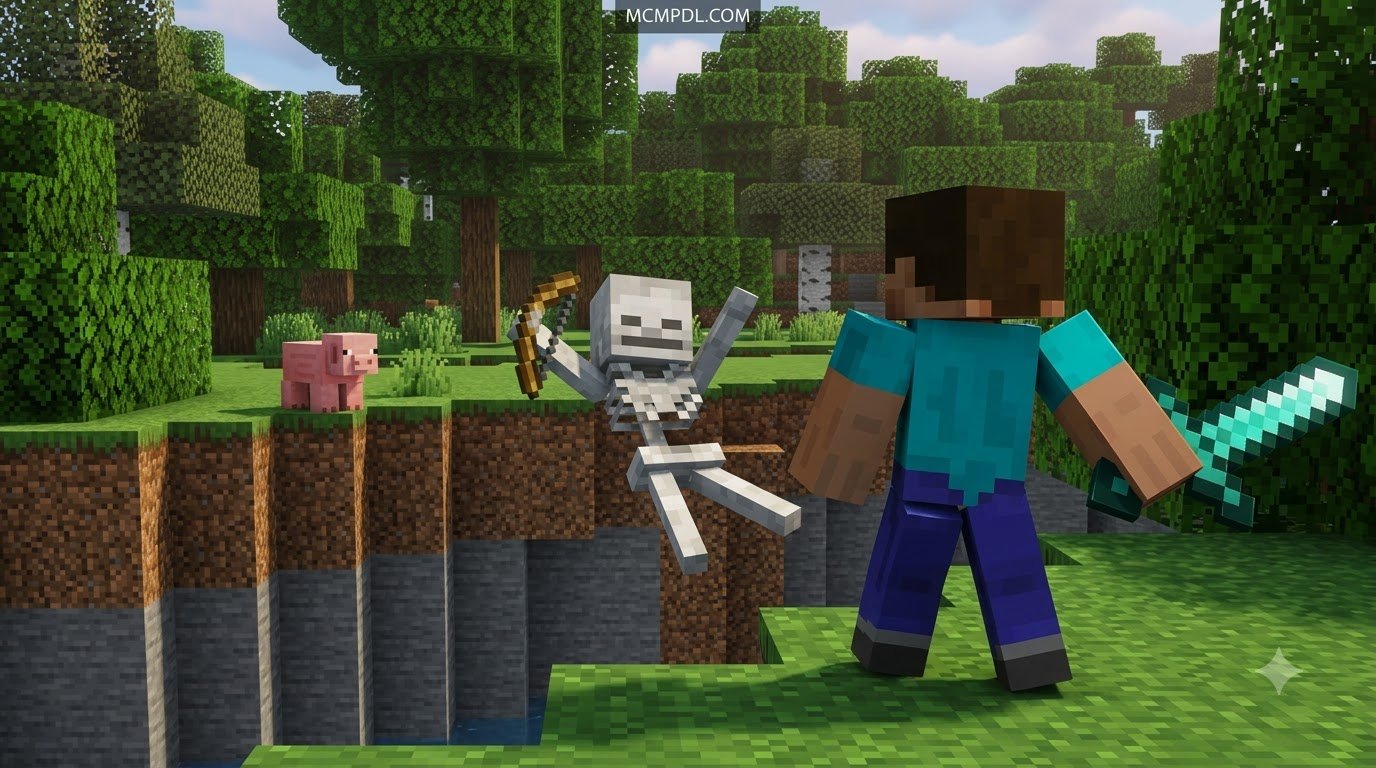
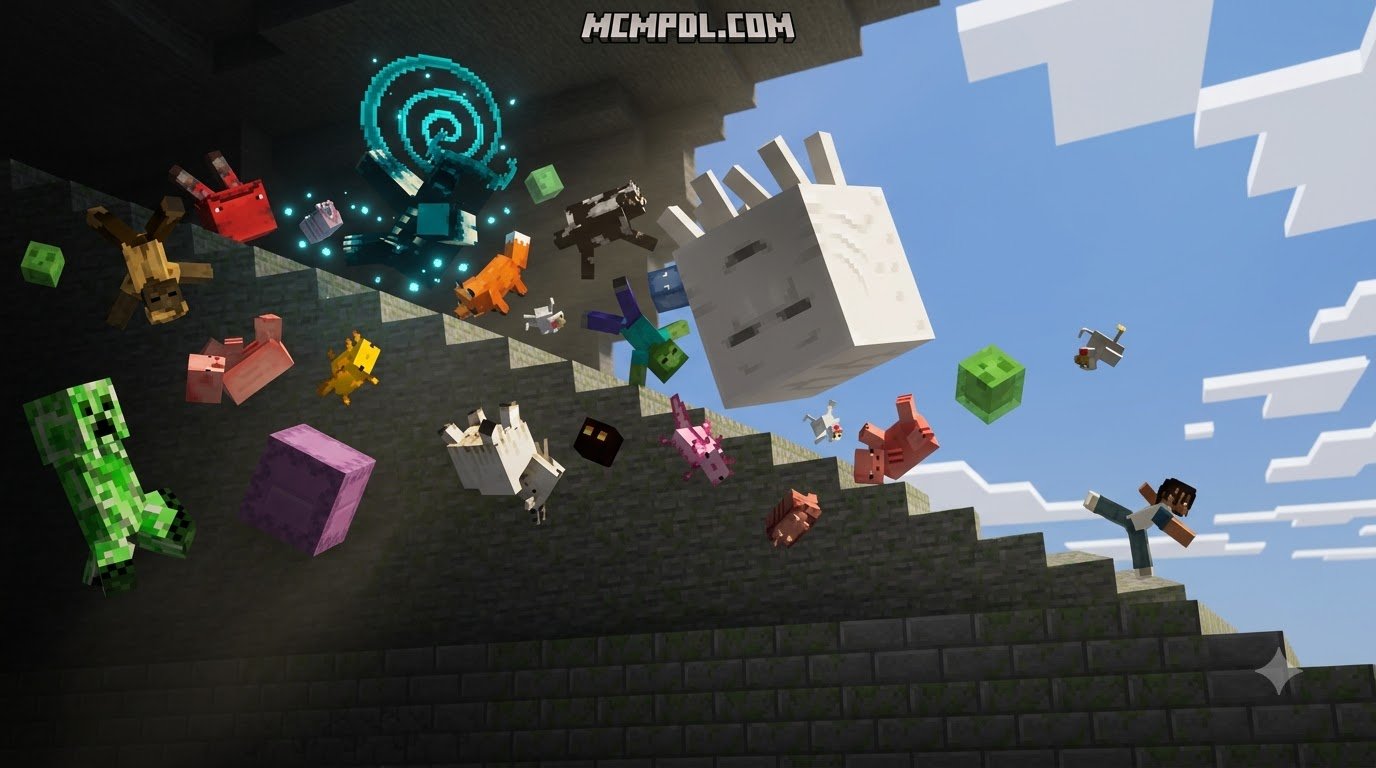
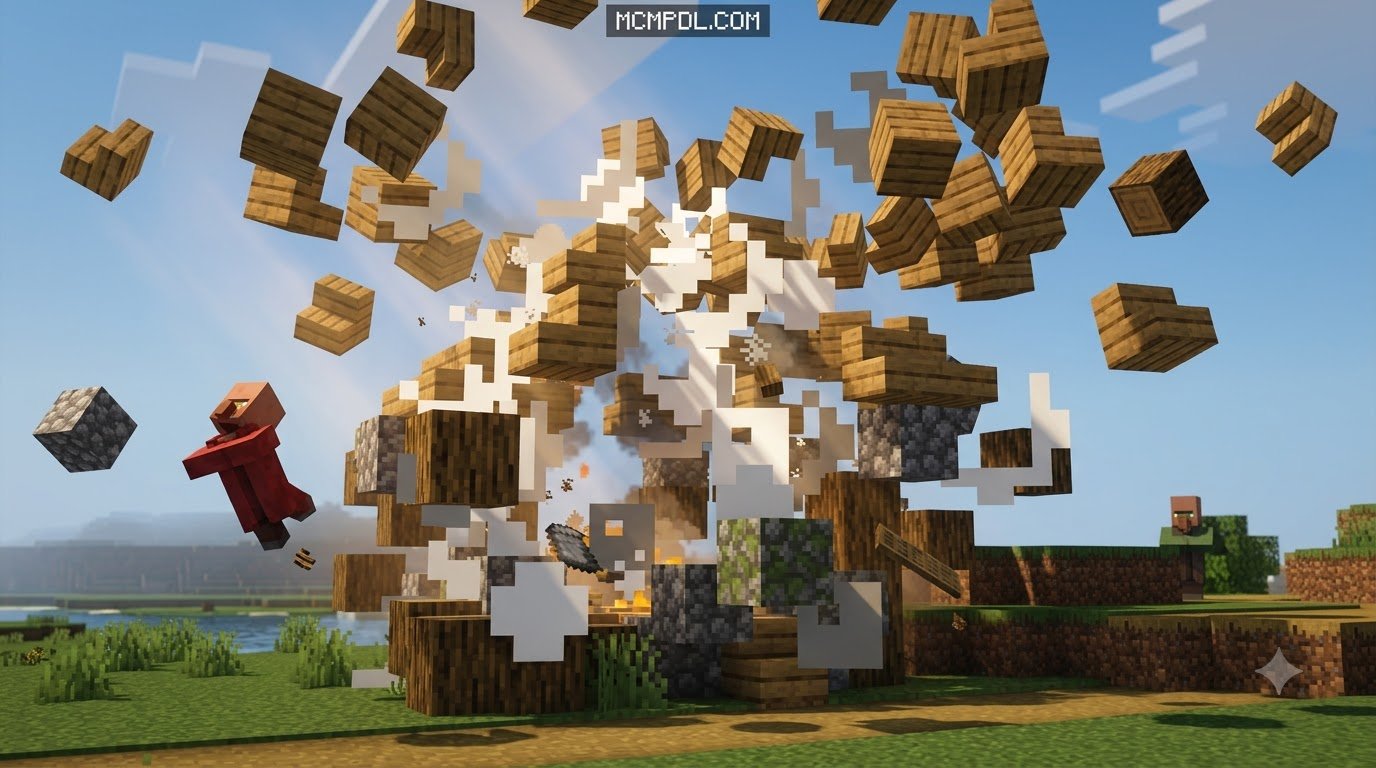
When we play standard Bedrock Edition, breaking a block instantly turns it into a tiny spinning cube floating in mid-air, while explosions simply delete terrain on contact. Installing the Physics Pro Add-on for Minecraft fundamentally transforms these basic visual cues into interactive events driven by momentum, mass, and genuine collision mechanics.
By integrating a custom physics simulation directly into Bedrock’s entity framework, the addon introduces dynamic movement to blocks, dropped resources, and world destruction. Instead of rigid, scripted animations, you get organic interactions that react according to the force applied.
Realistic Block Fragmentation and Explosion Dynamics
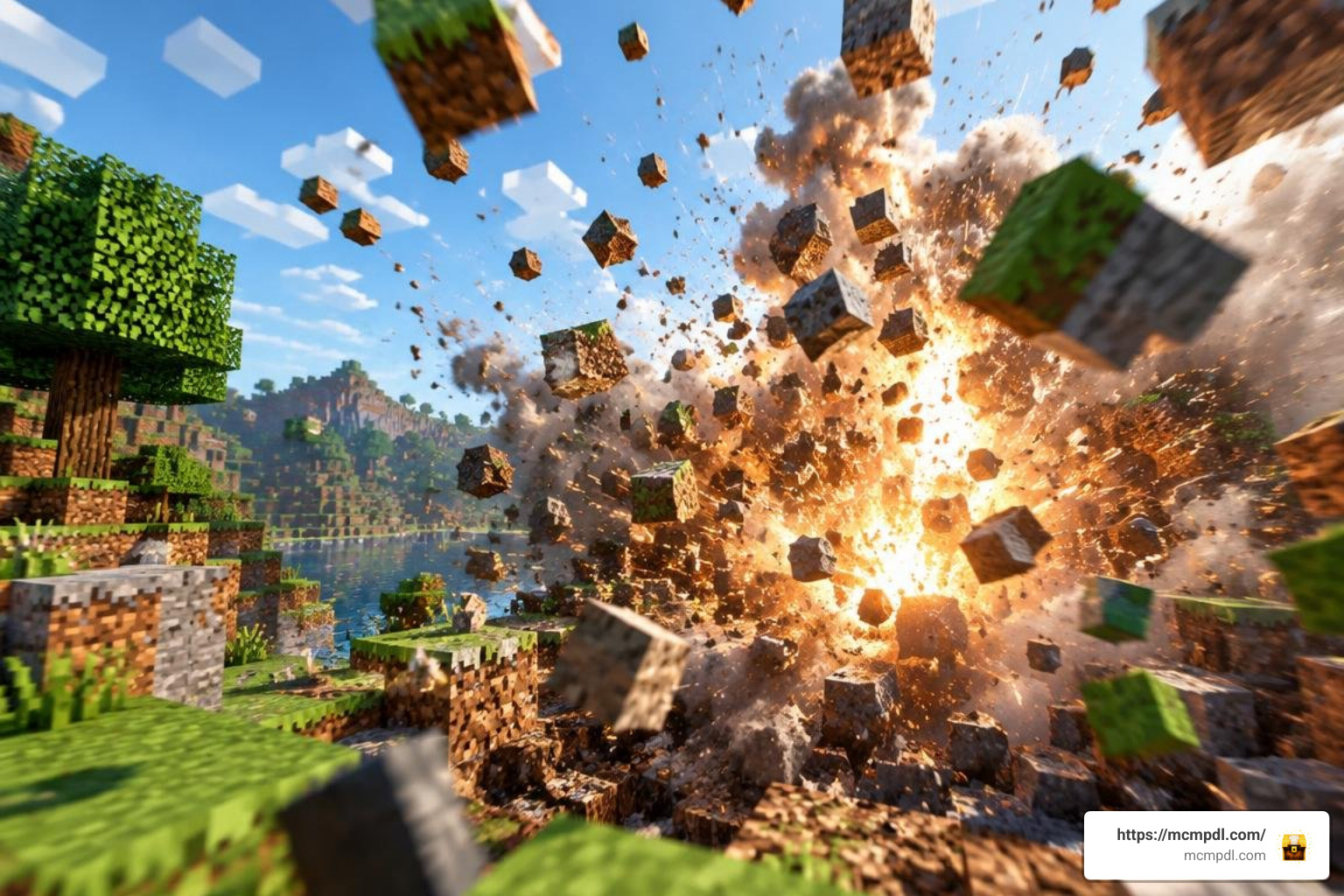
The standout feature of this addon is the transition from instant block deletion to full fragmentation. When an explosion occurs—whether triggered by a creeper sneaking up behind you or a carefully placed block of TNT—the surrounding terrain fractures into physical debris.
- Dynamic Explosions: Blasts generate radial force vectors that propel block fragments outward based on their distance from the blast center.
- Particle Limits and Explosive Mass: To prevent your device from choking during massive detonations, the engine calculates an explosive mass limit, regulating how many active fragments can exist simultaneously.
- Chain Reactions: Detonating multiple explosive blocks creates chaotic shockwaves where airborne debris collides with other falling structures.
- Debris Lifespan: Fragment breaking mechanics allow shattered stone, dirt, and wood to linger on the ground for a configurable duration before dissolving into standard collectible resources.
Immersive Item Drops and Fluid Movement
Say goodbye to magical floating loot hovering an inch above the ground. This pack reworks item behavior from scratch:
- Realistic Gravity and Momentum: Dropped items inherit the velocity and angle of your throw, sliding across ice, rolling down hills, or bouncing off solid walls.
- Fluid Dynamics: Items interact naturally with liquids. Dense items like iron ingots or cobblestone sink straight to the ocean floor, while wooden planks, kelp, and lighter objects bob dynamically to the surface.
- Standard Despawn Timers: Despite the dramatic visual overhaul, core survival rules remain intact. Items respect standard vanilla 5-minute despawn timers unless they are Nether Stars or custom-named items. Netherite items still resist burning in lava, even while reacting to real-time fluid currents.
Multiplayer Synchronization and Server Performance
One common concern with physics-heavy modifications is how they hold up during multiplayer sessions. Fortunately, modern physics packs developed for Bedrock Edition prioritize server-client synchronization.
Physics calculations run efficiently across dedicated tick budgets, ensuring that all players on a LAN world or Bedrock Realm observe identical fragment arcs and item movement simultaneously. The network architecture passes lightweight positional coordinates rather than full entity data over the wire, keeping packet sizes small and tick rates steady. This makes the addon a practical choice for cooperative survival worlds, creative building sessions, and custom adventure maps where every player needs to see the same physical interactions in real time.
How to Download and Configure the Add-on
Getting optimal performance out of physics mods requires choosing the right balance between visual flair and hardware limits. The table below outlines recommended settings based on device capabilities:
| Device Tier | Hardware Example | Subpack Preset | Fragment Duration | Recommended Render Distance | Target FPS |
|---|---|---|---|---|---|
| Low-End | Budget Android / Older iPhones | Performance / Lite | 1 Second | 6–8 Chunks | 30–45 FPS |
| Mid-Range | Modern Mobile / Nintendo Switch | Balanced | 2–3 Seconds | 10–14 Chunks | 60 FPS |
| High-End | Windows 10/11 PC / Flagship Phones | Cinematic / Ultra | 5+ Seconds | 16–24+ Chunks | 60–120+ FPS |
Installing Physics Pro Addon for Minecraft PE/Bedrock on Mobile and PC
Setting up community-created packs requires placing both resource and behavior files into your Minecraft directory. Follow these platform-specific steps:
- Download the Add-on: Obtain the
.mcaddonor.mcpackfile from a verified creator source. - Android Setup:
- Locate the downloaded file using a file manager app.
- Tap the
.mcaddonfile and choose Minecraft as the default opening app. The game will launch automatically and display an “Import Started” banner.
- iOS Setup:
- Open the Files app and find your download.
- Long-press the file, select Share, and tap Minecraft. The game will boot and import the behavior and resource packs.
- Windows 10 / 11 Setup:
- Double-click the
.mcaddonfile directly. Bedrock Edition will open and register the pack into your global storage automatically.
- Double-click the
- World Activation:
- Open Minecraft, navigate to Create New World (or edit an existing one), and open Resource Packs to activate the physics textures.
- Switch to Behavior Packs and activate the physics engine.
- Under the Experiments tab, toggle on Beta APIs, Holiday Creator Features, and Upcoming Creator Features to allow custom physics scripts to run properly.
Optimizing Settings for Physics Pro Addon for Minecraft PE/Bedrock
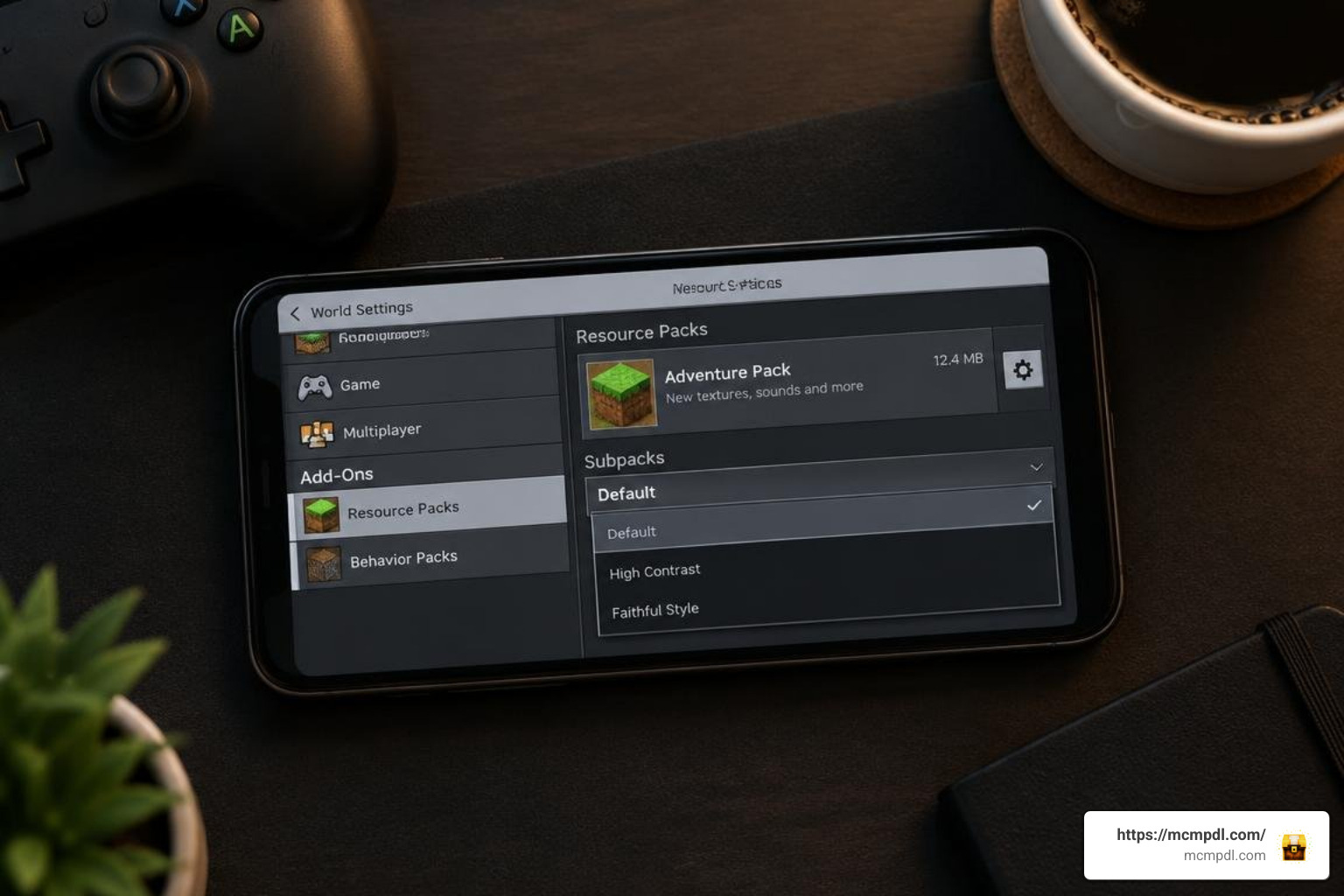
To maintain high frame rates during intense survival battles or mining trips, adjust your in-game video settings:
- Subpack Selection: When applying the resource pack in the world settings menu, click the gear icon (Settings) on the pack card to select the Performance, Balanced, or Ultra subpack preset.
- Lower Render Distance: Physics calculations scale with chunk simulation. Keeping your render distance between 8 and 12 chunks on mobile hardware prevents CPU thermal throttling.
- Disable Unnecessary Graphics: Turning off fancy leaves and smooth lighting can free up GPU headroom, which helps balance the extra rendering load caused by fragmented block debris.
For more ways to improve Bedrock performance while using add-ons, check out our top Bedrock addons and guides for practical setup advice and recommended packs.
Troubleshooting Common Issues and Performance Drops
If your physics pack fails to load or causes game instability, run through these proven troubleshooting steps:
- Invalid Zip or File Extension Errors: If your browser downloads the pack as a
.ziparchive instead of.mcaddon, rename the file extension from.zipto.mcaddon. On some Android devices, you may need to extract the archive and manually move the resource pack togames/com.mojang/resource_packsand behavior files togames/com.mojang/behavior_packs. - Missing Experimental Toggles: If blocks drop as standard vanilla items without fragmenting, verify that all experimental gameplay toggles were turned on before loading the world.
- Sudden Frame Rate Freezes: If massive explosions cause noticeable stutter, enter the pack’s settings to reduce the explosive mass limit and shorten debris duration to the lowest tier (1 second).
- Pack Duplication Glitches: If broken logs or ores appear to duplicate on screen, update the pack to its latest build to clear legacy collision bugs where ghost debris fails to clear from memory.
- World Loading Failures: If the world crashes during loading, remove any older physics packs from your global resources and behavior pack storage, then restart Minecraft and reapply only the current addon files.
- Multiplayer Desync: If players on a Realm see different fragment behavior, have the host re-upload the world with the addon active and confirm that all joining players are running the same Minecraft Bedrock version.
Frequently Asked Questions About Minecraft Physics Add-ons
Does Physics Pro work in Minecraft Bedrock multiplayer?
Yes. As long as the world host or Realm owner installs the behavior and resource packs with required experimental toggles enabled, all joining players will automatically download the required files and experience synchronized physics effects. The addon is designed to work across LAN worlds, Bedrock Realms, and cross-platform sessions without requiring each player to manually install files beforehand.
How do I fix the addon failing to load or crashing?
Make sure your Minecraft Bedrock build matches the supported version listed on the pack’s release notes. Clear your game’s cache, remove older versions of conflicting physics mods from your storage menu, and make sure that your world has sufficient experimental settings turned on. If the issue persists, re-download the .mcaddon file from the original source and import it again.
What are the system requirements for realistic physics in MCPE?
For smooth mobile gameplay, we recommend a device with at least 3GB of RAM running Android 8.0+ or iOS 13+. For PC users on Windows 10/11, any standard multi-core processor paired with 4GB of system RAM will easily handle balanced physics simulations. Lower-end devices should use the Performance subpack preset and keep render distance between 6 and 8 chunks to maintain stable frame rates.
Conclusion
Physics add-ons breathe new life into Minecraft Bedrock Edition, transforming simple mining and base defense into immersive, cinematic encounters. By combining realistic gravity, fluid interactions, and explosive block fragmentation, your world feels more alive and reactive than ever before.
Whether you are designing custom adventure maps or seeking a grounded survival playthrough, you can explore top Bedrock addons and guides to build your ultimate modded Minecraft experience today. From performance tuning to creative world design, the right addon setup can completely change how you experience Minecraft PE and Bedrock Edition.