
Scroll down to D0vvnl0ad
Key Features of a Wilderness Addon for Minecraft PE/Bedrock
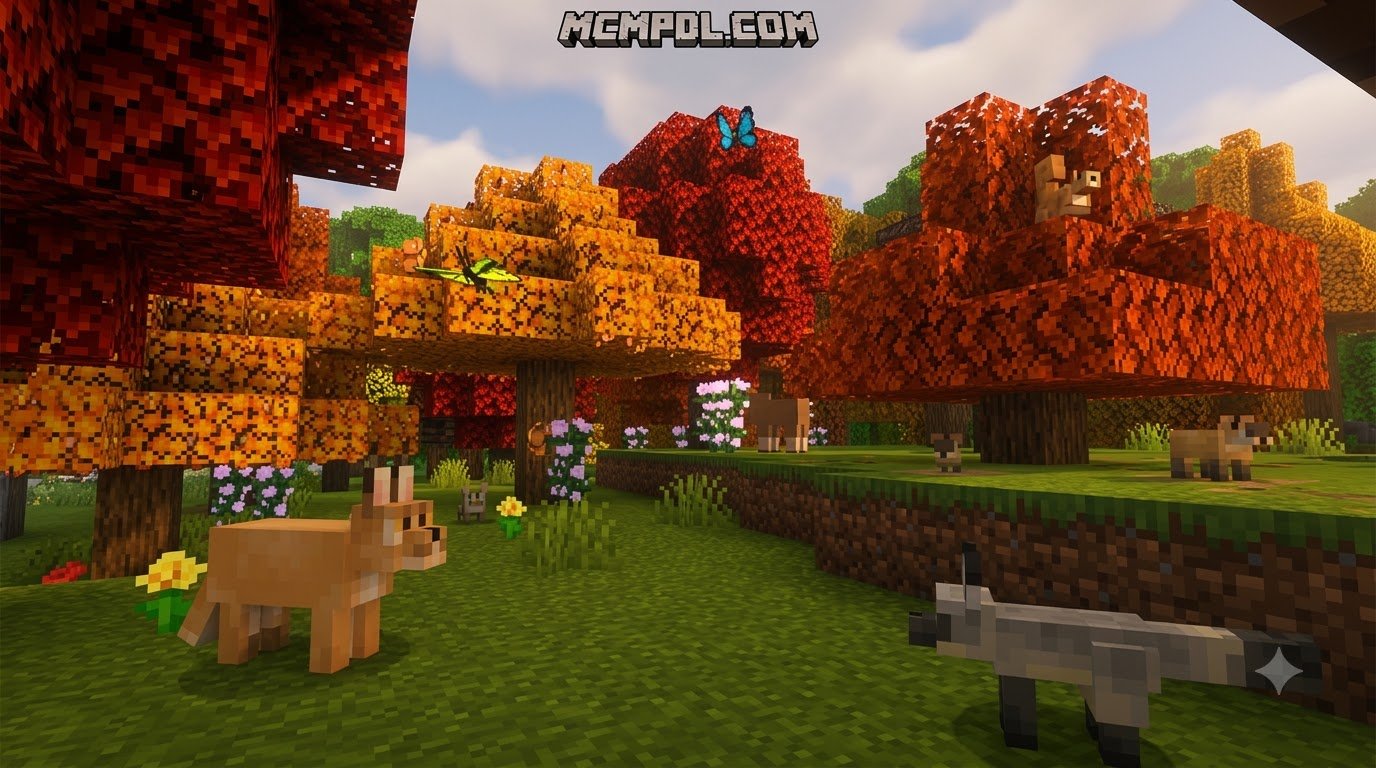
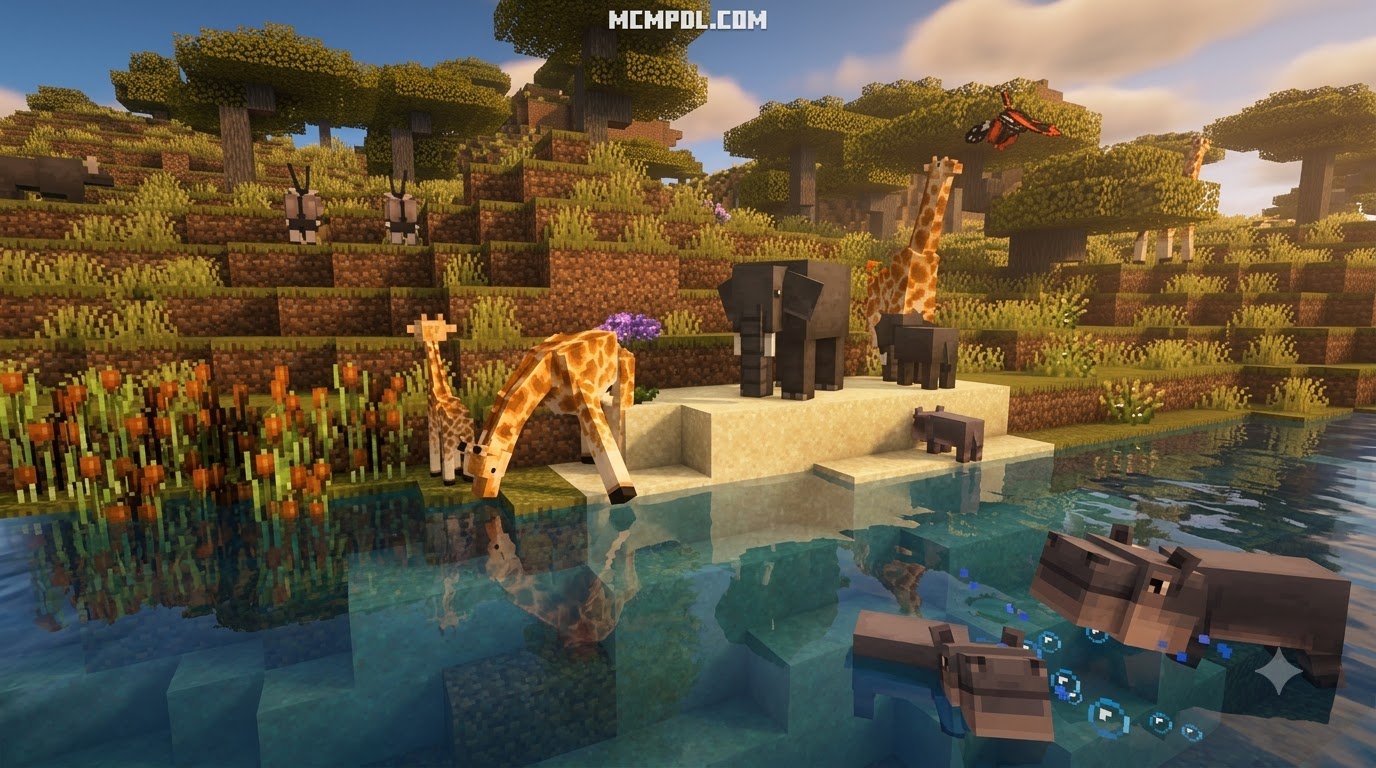
A Wilderness Addon for Minecraft PE/Bedrock reshapes how you experience survival gameplay by revamping empty landscapes and populating biomes with realistic flora and fauna. Vanilla Minecraft often features wide, vacant fields where trees stand far apart and identical passive mobs spawn in repetitive loops. Wilderness addons transform these areas into dense, vibrant ecosystems filled with ambient life, diverse plant layers, dynamic terrain features, and interactive wildlife.
Depending on the specific addon you install, the focus can vary from subtle vanilla-style landscape touch-ups to massive overhauls that add hundreds of custom creatures and distinct biomes. If you appreciate immersive terrain generation, these addons provide the extra organic layers needed to make every biome feel truly wild.
| Feature Category | Environment Generation Overhauls | Wildlife Expansion Addons |
|---|---|---|
| Primary Focus | Vegetation, ocean floors, terrain decoration | Animal behaviors, predator hierarchies, farming |
| World Generation | Denser grass, rock patches, fallen logs, ponds | Habitat-specific entity spawns, nesting zones |
| Average File Size | Lightweight (often under 2 MB to 8 MB) | Moderate to Large (ranging from 10 MB to 90 MB+) |
| Entity Impact | Low (mainly blocks and generation features) | High (can introduce 15 to 400+ distinct entities) |
| Core Gameplay Loop | Aesthetic exploration, forestry, landscaping | Hunting, taming, breeding, wildlife conservation |
| Performance Demand | Minimal impact on mobile devices | Requires entity management on low-end hardware |
Environment Generation vs Wildlife Expansions
When exploring wilderness mods, players usually encounter two distinct development philosophies: environmental generation packs and wildlife expansion packs.
Environmental overhauls focus on what grows and sits on the ground. Instead of flat grass plains, these packs introduce mud patches across savanna surfaces, fallen tree trunks covered in moss, dense azalea bushes inside caves, small ponds, and vibrant coral arrangements across the ocean floor. These packs enhance the wilderness without altering entity mechanics, making them exceptionally stable for everyday survival.
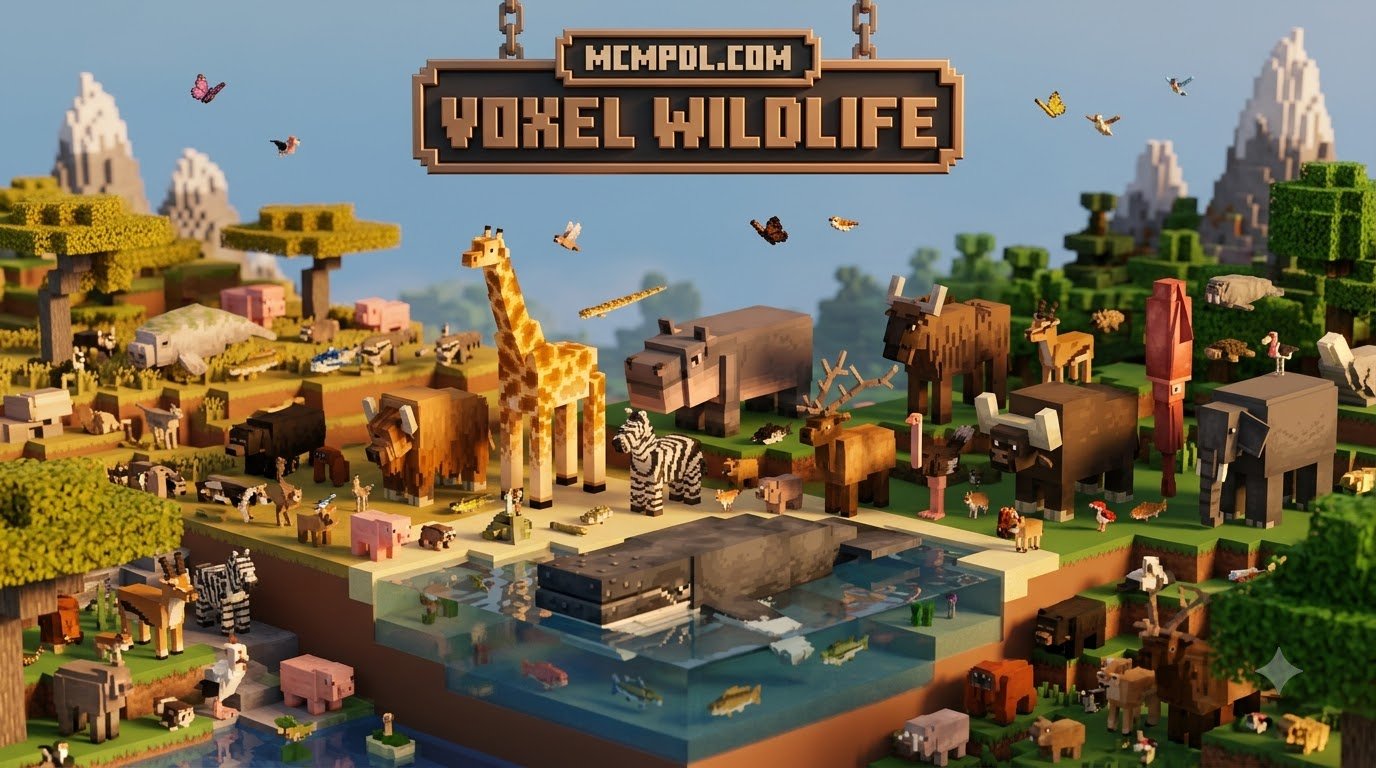
Wildlife expansions, on the other hand, prioritize biological diversity. Some addons introduce specialized creature rosters featuring elephants, lions, giraffes, zebras, and arctic bears, creating authentic safari and polar ecosystems. Larger expansions introduce hundreds of living species, mixing contemporary wildlife with prehistoric fauna. If you enjoy building natural reserves or exploring custom wildlife ecosystems, wildlife-focused addons provide deep interactions through detailed models, authentic animations, and dynamic food chains.
New Mobs, Behavior, and Taming Mechanics
The creatures introduced in wilderness addons feature complex AI behaviors that simulate natural animal instincts. Animals are generally divided into three behavioral classes:
- Passive Grazers: Animals like antelopes, zebras, tortoises, and camels wander their native habitats peacefully. Many can be bred using local foliage, crops, or custom leaf delicacies.
- Neutral Mobs: Creatures like African buffalos, elephants, gorillas, and baboons mind their own business until provoked or approached too closely during territorial displays.
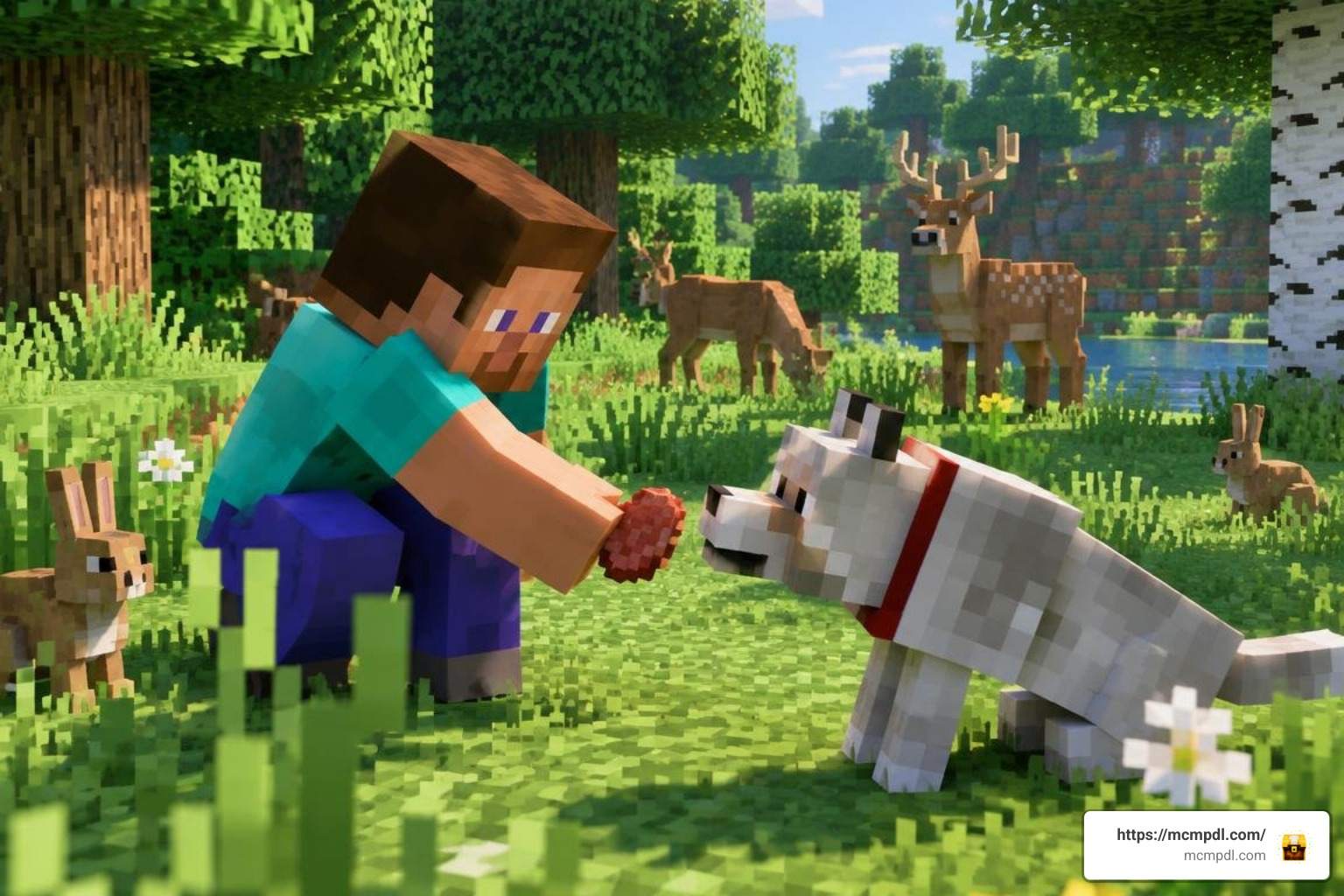
- Apex Predators: Lions, panthers, tigers, and crocodiles actively hunt smaller prey across plains, jungles, and riverbanks. Stepping into their territory without proper armor turns standard survival into a tactical challenge.
Taming mechanics in these expansions often move beyond standard vanilla wheat or bones. Carnivores may require specialized meat blocks, cooked rodent meat, or raw fish, while large herbivores might only respond to watermelons or specific wild crops. Packs that introduce expanded wildlife rosters encourage players to study each creature’s natural diet before attempting to domesticate them or build an enclosed sanctuary.
Step-by-Step Guide: How to Install a Wilderness Addon
Installing a Wilderness Addon for Minecraft PE/Bedrock is straightforward across mobile devices, consoles, and Windows. Most community addons are distributed as packaged .mcaddon or .mcpack files that handle file placement automatically when opened with Minecraft.
Preparing Your World for the Wilderness Addon for Minecraft PE/Bedrock
Before installing any major addon, prepare your game world to prevent data loss or broken chunk generation:
- Back Up Your World: In your world list, tap or click the Edit (pencil) icon next to your world, scroll to the bottom of the Game settings tab, and select Export World or Copy World.
- Enable Experimental Toggles: Many wilderness addons rely on custom scripts, entity models, and world features. In the world settings under the Experiments section, toggle on options such as Holiday Creator Features, Custom Biomes, and Beta APIs if required by the addon’s documentation.
- Check Version Compatibility: Ensure your Minecraft Bedrock build matches the version targeted by the addon creator. Running older scripts on newer releases can cause entities or custom blocks to fail silently. When pairing with overhauled biome environments, verifying version alignment prevents broken world borders.
Activating Behavior and Resource Packs on Mobile and PC
Follow these steps to import and activate your packs properly:
- Download the Pack: Download the
.mcaddonfile (or the separate Resource and Behavior.mcpackfiles) to your device’s download folder. - Import into Minecraft:
- Android / iOS: Tap the downloaded file in your file manager and select Minecraft from the “Open with” prompt. The game will launch and display an “Import Started” banner followed by “Successfully Imported”.
- Windows: Double-click the
.mcaddonfile to launch Minecraft and import the contents automatically.
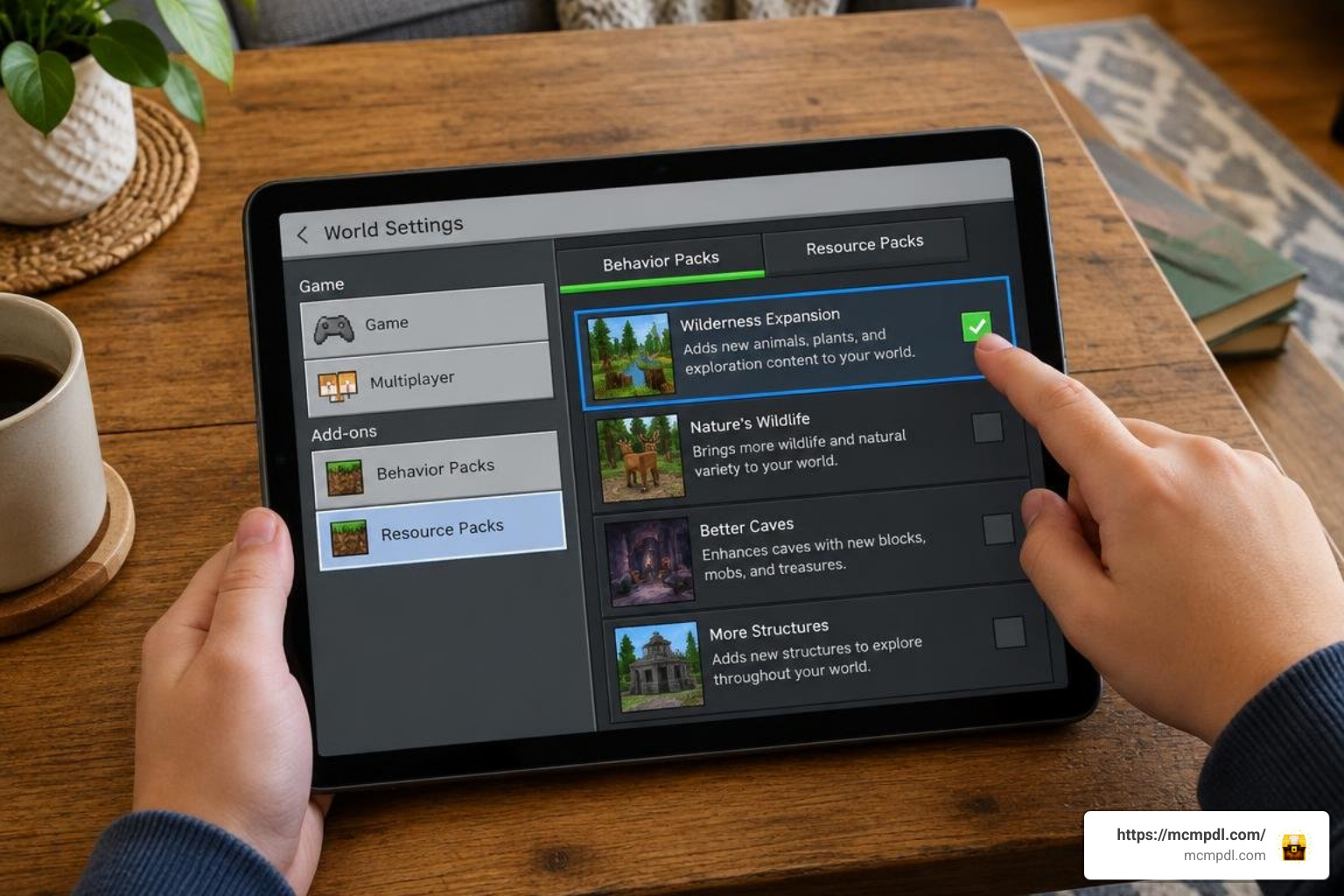
- Open World Settings: Navigate to the world where you want the wilderness features active and open its settings menu.
- Activate the Resource Pack: Select Resource Packs under the Add-Ons header on the left menu. Go to Available > Owned, select your wilderness pack, and click Activate.
- Activate the Behavior Pack: Select Behavior Packs, find the corresponding behavior pack under Available, and click Activate. Confirm the pop-up warning regarding achievements if prompted.
- Verify Pack Order: In the Active list for both sections, ensure the wilderness resource and behavior packs are placed above default game resources.
- Restart and Load: Close Minecraft completely and reopen it to ensure the custom asset cache refreshes cleanly, then load into your world.
Gameplay Mechanics and Wilderness Survival Tips
Surviving in a revamped wilderness requires adjusting your early-game routines. With denser vegetation and wandering predators, navigating unfamiliar biomes demands situational awareness and smart resource management.
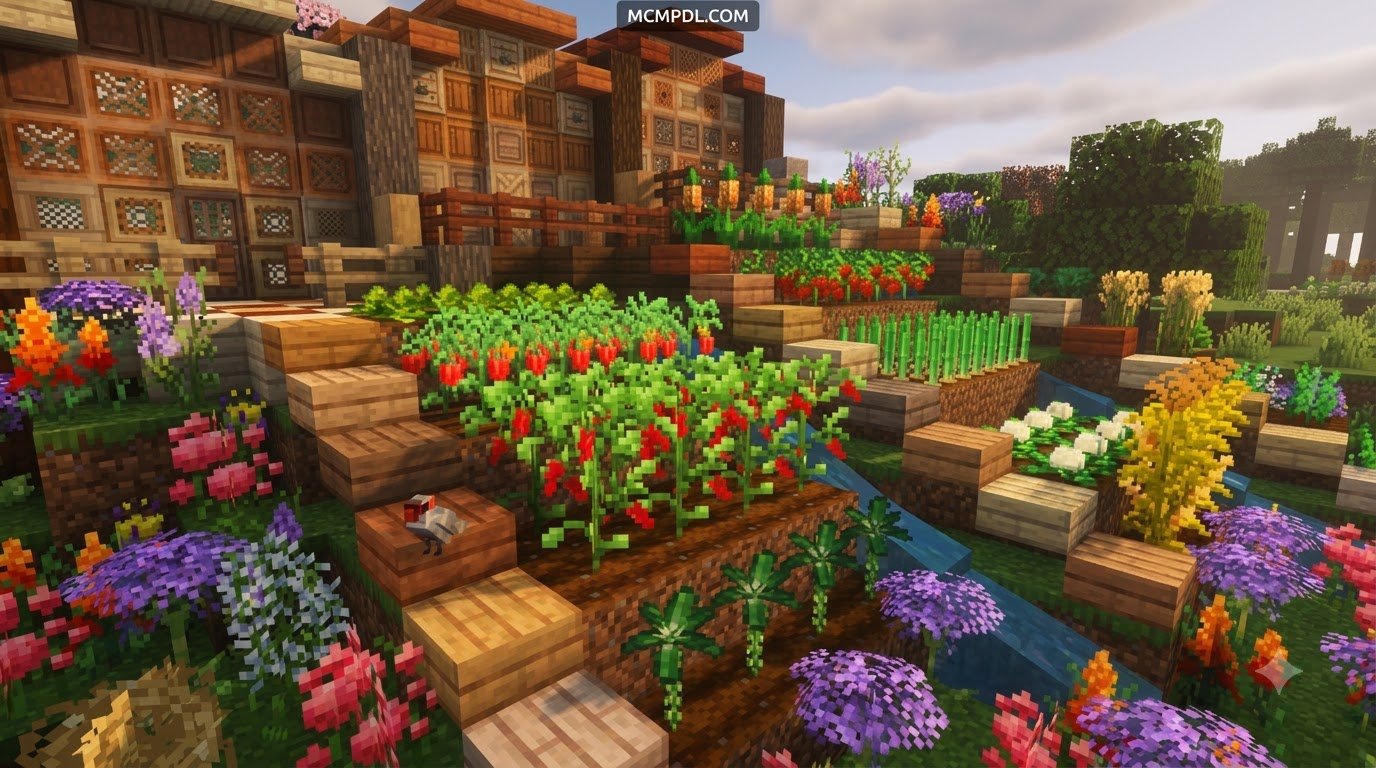
Wilderness addons frequently expand the agricultural and foraging systems. Some addons introduce dozens of new wild crops, berry bushes, and harvestable tree fruits alongside expanded fishing mechanics. Instead of relying solely on standard wheat farms, you can gather regional edibles to sustain yourself while exploring. If you want an even deeper environmental challenge, pairing wildlife with seasonal survival challenges forces you to stockpile food before winter sets in.
Managing Performance with the Wilderness Addon for Minecraft PE/Bedrock
Addons that introduce dense vegetation or large numbers of animal species can impact frame rates on lower-end mobile devices and older consoles. To keep your game running smoothly:
- Adjust Render and Simulation Distance: Lower your simulation distance to 4 or 6 chunks in the game video settings. This reduces the number of active mob AI routines processed simultaneously.
- Manage Mob Spawning: In packs that introduce hundreds of entities, avoid building massive animal farms near dense natural spawning zones to prevent tick lag.
- Balance Hostile Spawns: If high predator counts make exploration overwhelming, consider balancing hostile mob encounters by lighting up your base perimeter and using elevated fences that custom wildlife cannot leap over.
Compatibility with Other Addons and Achievements
When combining wilderness mods with other Bedrock addons, keep these structural mechanics in mind:
- Xbox Achievements: Activating behavior packs or experimental game toggles automatically disables Xbox achievements for that specific world. If earning achievements is a priority, test the addon in a separate creative or survival world first.
- Biome and Settlement Overlaps: Environmental addons that modify vanilla chunk generation blend well with custom architecture packs. You can enhance the lived-in feel of your world by integrating populated settlements into the newly forested landscapes.
- UI and Texture Overlays: Ensure that custom HUD or minimap packs are placed higher in the Resource Pack load order than your wilderness textures so that health bars and custom status effects render properly.
Frequently Asked Questions
Do wilderness addons disable Xbox achievements in Bedrock Edition?
Yes. Any addon that uses a Behavior Pack or requires Experimental Features will permanently disable Xbox achievements on that world save. If you want to keep earning achievements on your main survival save, create a dedicated copy of the world before activating the addon.
Why are some wilderness mobs invisible or failing to spawn properly?
Invisible mobs or missing textures usually point to a mismatch between the Resource Pack and the Behavior Pack. Ensure both packs are updated to the exact same version and that both are active in your world settings. If custom models still fail to appear, verify that Beta APIs and Holiday Creator Features are enabled under the Experiments menu.
Can I install a wilderness addon on an existing Minecraft world?
Yes, you can apply wilderness addons to existing worlds. However, new terrain features, custom flora, and specific mob nests will only generate in newly explored, previously unloaded chunks. To experience all environmental additions immediately without traveling thousands of blocks, starting a new world save is recommended.
Conclusion
A Wilderness Addon transforms Minecraft PE and Bedrock into an organic, breathing world filled with environmental detail, unpredictable wildlife, and rewarding exploration. Whether you want subtle forest brush, dense jungle ecosystems, or sprawling savannas roamed by authentic predator-prey food chains, these addons breathe new life into standard survival worlds.
Take the time to back up your worlds, configure your experimental settings, and test pack combinations to build your ideal natural sandbox. To expand your survival experience with more custom biomes, creatures, and gameplay overhauls, discover top addons and mods on MCMPDL and start your next expedition today.