Scroll down to D0vvnl0ad
Why the Advanced Combat Addon Changes Minecraft PE/Bedrock Fighting
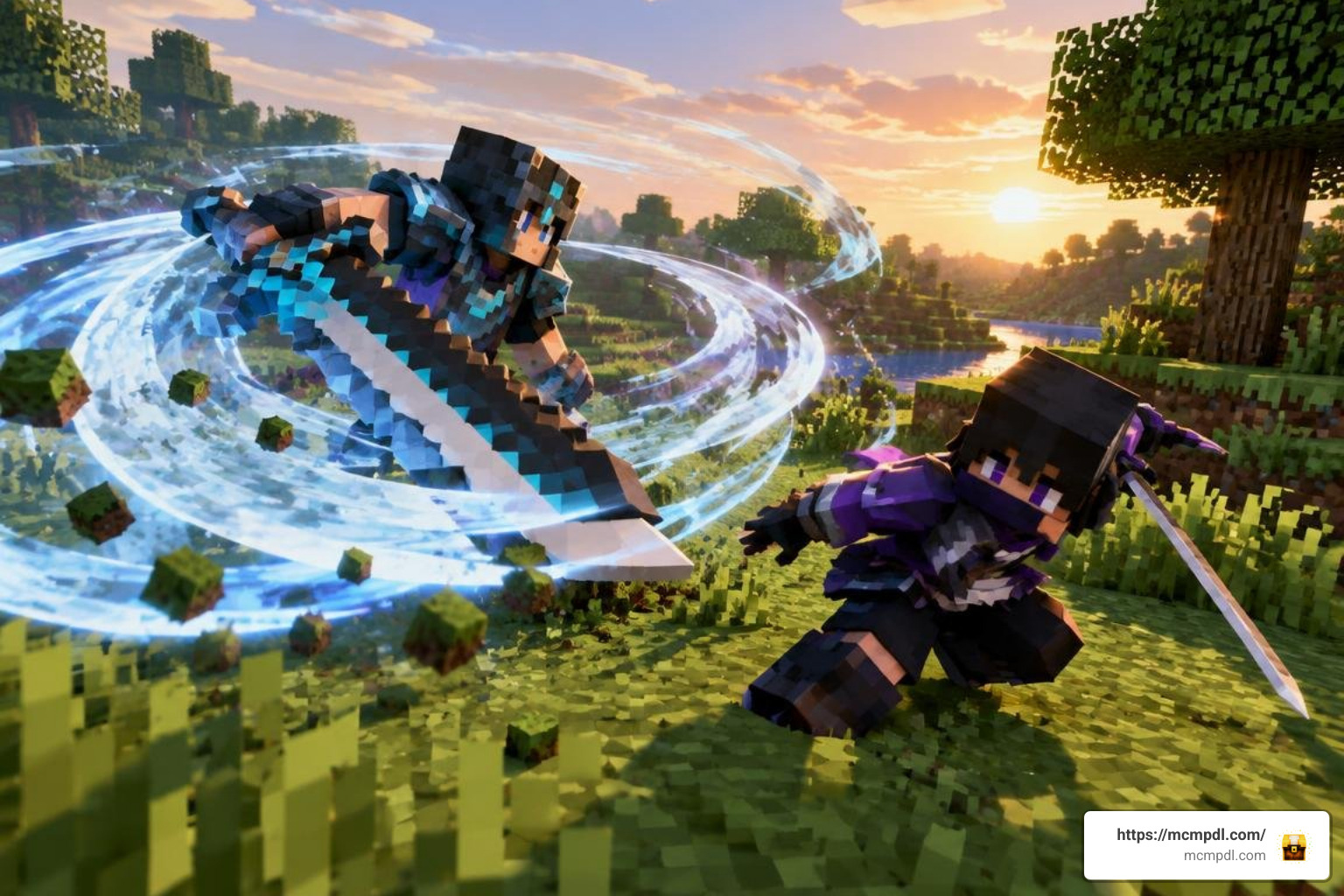
The Advanced Combat Addon for Minecraft PE/Bedrock makes melee fights more tactical by adding weapon-specific attacks, long-press special moves, and sneak-triggered combos. To use it, install the version that matches your Bedrock release, activate its behavior and resource packs in your world, and enable the required Experimental Gameplay settings before loading in.
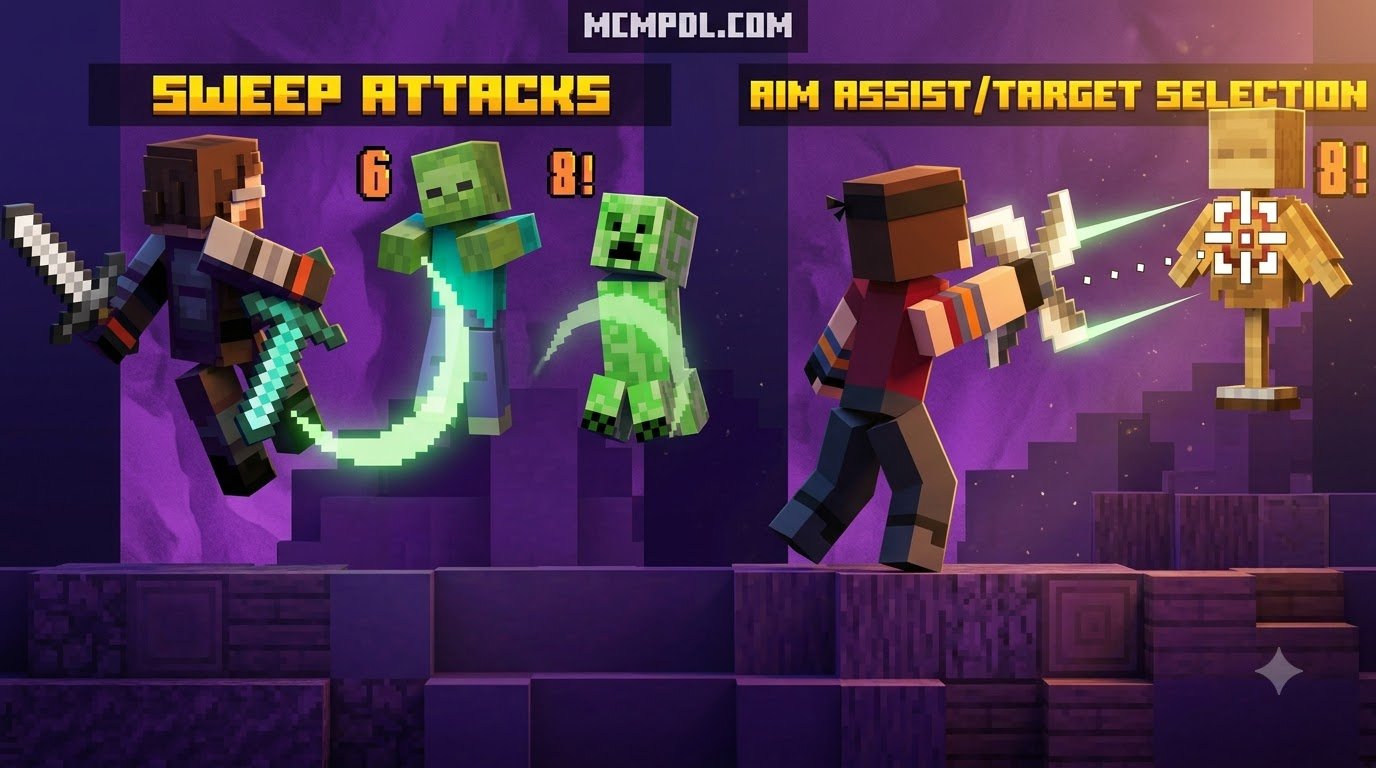
Instead of relying on repeated taps, players can choose attacks based on timing, range, and the weapon in hand. Giant swords can use sweeping whirlwind moves, daggers favor fast close-range or thrown attacks, spears help control distance, and katanas support rapid strikes and mobility-focused play.
For survival players, PvP groups, and map makers, this creates combat that rewards better choices rather than faster clicking. This guide explains the core mechanics, weapon roles, setup steps, compatibility concerns, and common fixes so you can build a smoother Bedrock combat experience. For broader context on how combat systems have evolved in sandbox games, see Minecraft on Wikipedia.
Core Mechanics of the Advanced Combat Addon for Minecraft PE/Bedrock
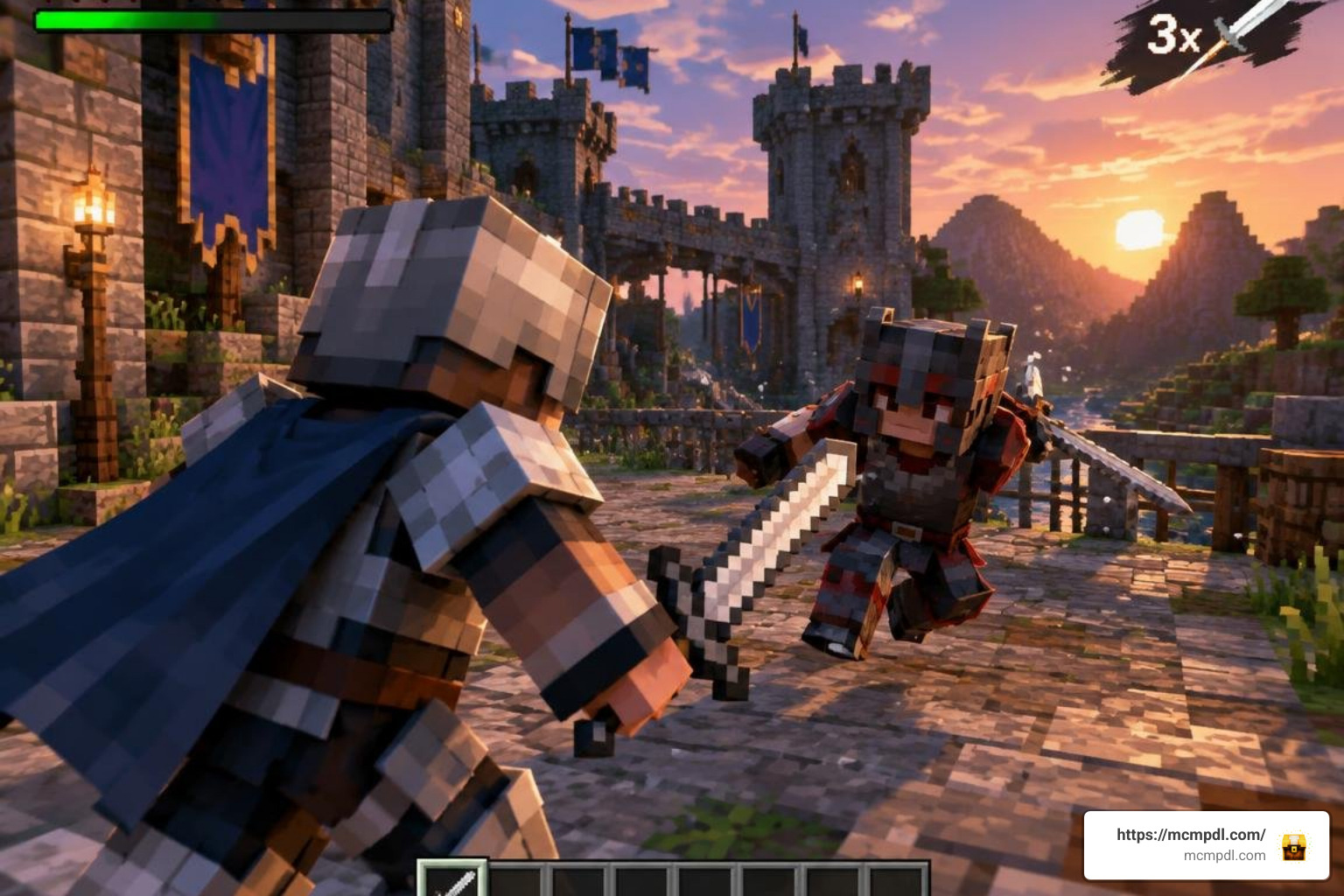
Vanilla Bedrock combat has long suffered from a basic routine: hold forward, mash the attack button, and step back whenever health dips. The combat overhaul replaces that mindless loop with deliberate, tactical choices. Every swing carries weight, animations dictate your recovery time, and mistimed strikes leave you wide open to counter-offensives.
By moving away from standard click spam, combat becomes an engaging battle of spacing, footwork, and resource management. Whether you are holding off a horde of cave spiders or challenging another player in a competitive arena, success relies on reading opponent telegraphs and executing the proper string of blows. Integrating these combat mechanics alongside custom survival tools like lifesteal mechanics allows players to build versatile, high-risk playstyles that reward pinpoint offensive execution.
Three-Tier Attack Architecture and Combo Chains
At the center of this combat overhaul is a versatile, three-tier attack architecture supported across almost all melee weapons:
- Basic Attacks: Standard light swings executed via single taps. These provide reliable, low-commitment damage for routine encounters.
- Special Attacks: Executed by performing a long tap (or holding the primary interaction button). This unleashes a signature heavy strike, such as an area-clearing broad sweep or an armor-piercing thrust.
- Sneak-Activated Combo Attacks: Triggered by shifting into sneak mode and delivering a long tap. This initiates high-impact combo finishers with unique visual effects and damage multipliers.
These moves weave into responsive three-hit combo chains. Connecting successive strikes builds rhythm, culminating in a third strike that delivers bonus damage, expanded attack angles, and satisfying knockback to disrupt incoming enemy swings.
Stamina Management and Attack Cooldowns
Unchecked aggression is kept under control by an integrated stamina and attack pacing system. Swinging heavy two-handed armaments or sprinting continuously draws directly from a visible energy reserve. If you deplete your stamina bar completely, your movement slows, and heavy attacks become temporarily unavailable until the bar regenerates.
Every weapon features distinct backswing tick values—the brief recovery window between swings. Light weapons reset almost instantly, while massive polearms demand careful commitment. Managing your energy output complements broader RPG character progression, pairing naturally with stats and skills systems that reward stamina conservation, agility, and tactical pacing.
Defensive Tactics: Blocking, Parrying, and Dash-and-Stun
Defense in this system is proactive rather than passive. Instead of crouching statically behind a wooden shield, timing your raise perfectly as an incoming blow lands triggers a parry. A successful parry deflects the attack, absorbs incoming damage, and allows an immediate counter-attack that deals bonus damage while briefly staggering the attacker.
Mobility also plays an active defensive role. Sprinting while activating your shield initiates a forward dash-and-stun maneuver. Any mob or player caught in your path is knocked backward, suffering temporary Slowness and Weakness debuffs on a 5-second cooldown. Conversely, players wielding heavy axes can unleash anti-blocking strikes that bypass raised shields entirely, dealing base damage that scales upward with each level of the Strength effect. Combining these defensive maneuvers with evasive tools from the grappling hooks addon creates unmatched aerial mobility and dynamic battlefield positioning.
Weapon Arsenal and Customization Systems
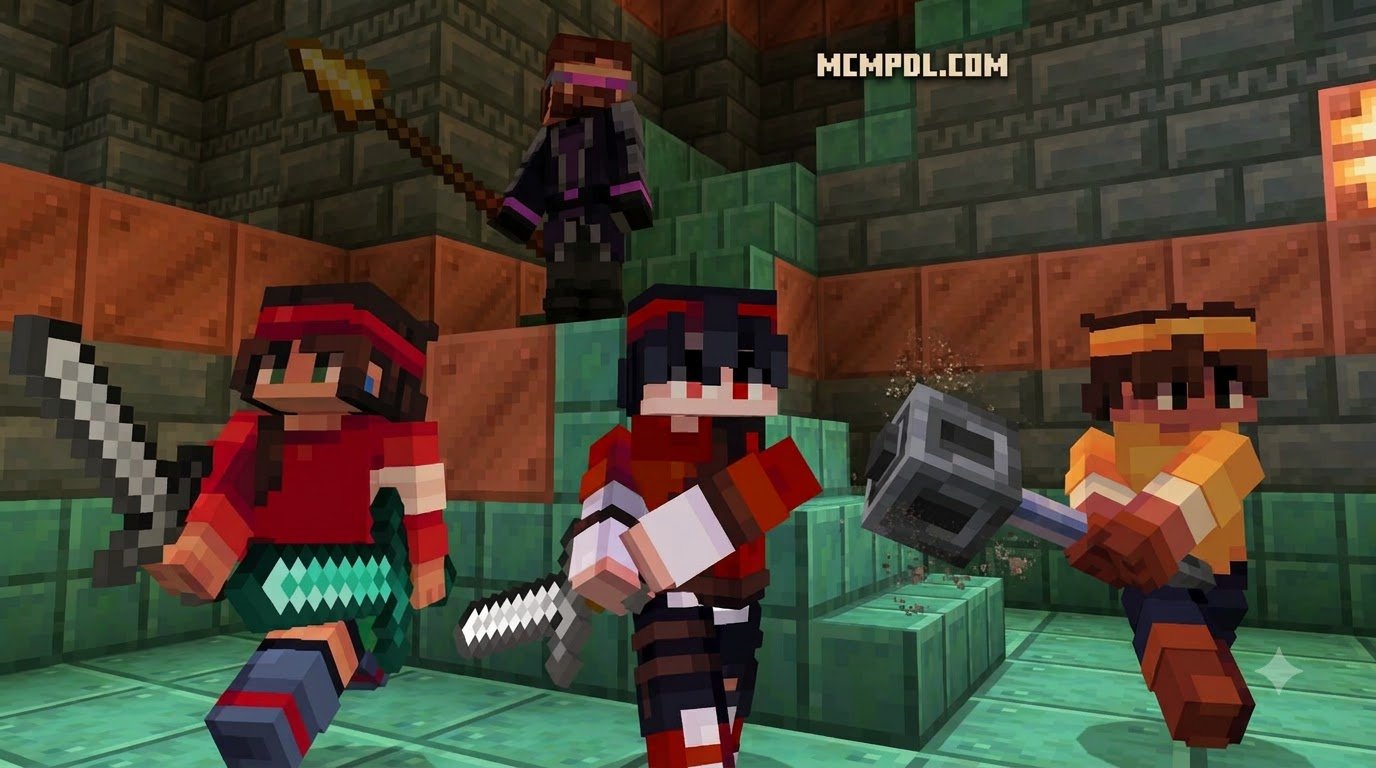
The addon expands your armory well beyond standard swords and axes, introducing dedicated weapon classes engineered for distinct combat roles, engagement ranges, and tactical matchups.
| Weapon Class | Primary Attack Style | Special Ability (Long Tap) | Sneak Combo Ability | Optimal Playstyle |
|---|---|---|---|---|
| Giant Sword | Heavy wide cleave | 360-degree whirlwind spin | Ground slam wave | Crowd control & multi-mob clearing |
| Dagger | High-speed close slashes | Ranged throwing blade | 6-block evasive dash | Hit-and-run ambushes & duels |
| Spear / Polearm | Extended frontal thrust | Armor-piercing charge | Defensive knockback thrust | Spacing control & mounted combat |
| Katana | Rapid multi-strike slashes | Forward blink slash | Teleportation behind target | High-agility 1v1 execution |
| Halberd | Sweeping overhead chop | Armor-crushing slam | Wide horizontal trip sweep | Heavy armor destruction |
| Broadsword | Balanced medium slashes | Shield-breaking cleave | Double-slice counter | Frontline survival & all-around defense |
Upgrading to higher tiers requires an Advanced Smithing Table, combining base materials with specialized smithing templates. If you wish to expand your armory with fantasy-tier relics, you can integrate weapons from the legendary weapons addon to discover ancient blades with unique elemental attributes.
New Weapon Classes in the Advanced Combat Addon for Minecraft PE/Bedrock
Each weapon class fundamentally alters how you approach an encounter:
- Giant Swords: Massive greatswords built for clearing packs of hostiles. Their signature whirlwind special attack spins your character in a full circle, damaging and knocking back all nearby hostiles.
- Daggers: Ultra-light blades offering rapid attack speeds. When trapped in close quarters, daggers shred unarmored foes, and their secondary function lets you throw blades to pick off retreating enemies at medium range.
- Spears and Polearms: The kings of reach. Spears allow you to keep creepers and ravagers outside their standard attack radius. Their charging special move carries you forward across the terrain, making them especially deadly during mounted horseback engagements.
- Katanas: Designed for high-speed martial arts combat. Katanas feature fast animations, high critical strike chances, and an evasive teleportation slash that lets you reposition directly behind your opponent.
- Broadswords and Halberds: Balanced armaments built for heavy encounters, delivering consistent poise damage that staggers shielded opponents.
For warriors who prefer heavy blunt impacts, blending these blades alongside blunt weapons from the more maces addon provides crippling overhead strikes and armor-shattering shockwaves.
Weapon Polishing and Advanced Stats Customization
To maximize your gear’s offensive output, the addon introduces a dedicated polishing system. By enabling the polishing function via in-game commands and interacting with a grindstone while holding a diamond in your hotbar’s final slot, you can hone your blades:
- Each diamond consumed adds +1 attack damage level.
- Weapons can be polished up to 4 times, providing an extra +4 base damage boost.
- Polishing preserves existing enchantments while elevating the weapon’s damage ceiling.
Server administrators and modpack creators can further fine-tune combat parameters through JSON configuration files. Key attributes such as swing angle (in degrees), effective reach range, minimum backswing ticks, maximum combo limits, and combo charge speed bonuses can be modified directly. If you enjoy crushing blocks and testing impact physics with large mining tools, trying out the block hammers addon offers heavy-duty utility that matches this tactile combat feel.
Balancing, Compatibility, and Mobile Performance
Maintaining smooth performance is vital for mobile players on touchscreens. The addon achieves high frame rates across Android, iOS, and Windows Bedrock by utilizing optimized JSON script events, lightweight particle emitters, and clean entity collision checks without bogging down tick rates.
Visual cues are kept crisp and uncluttered, ensuring you can track combo windows clearly on smaller mobile displays. Pairing weapon attacks with elemental magic from the spellswords addon introduces dynamic visual spell effects that remain stable even during chaotic multiplayer skirmishes.
PvP Duels vs. PvE Mob Encounters
Balancing combat for both computer-controlled monsters and player-versus-player competition is a major challenge in Minecraft Bedrock:
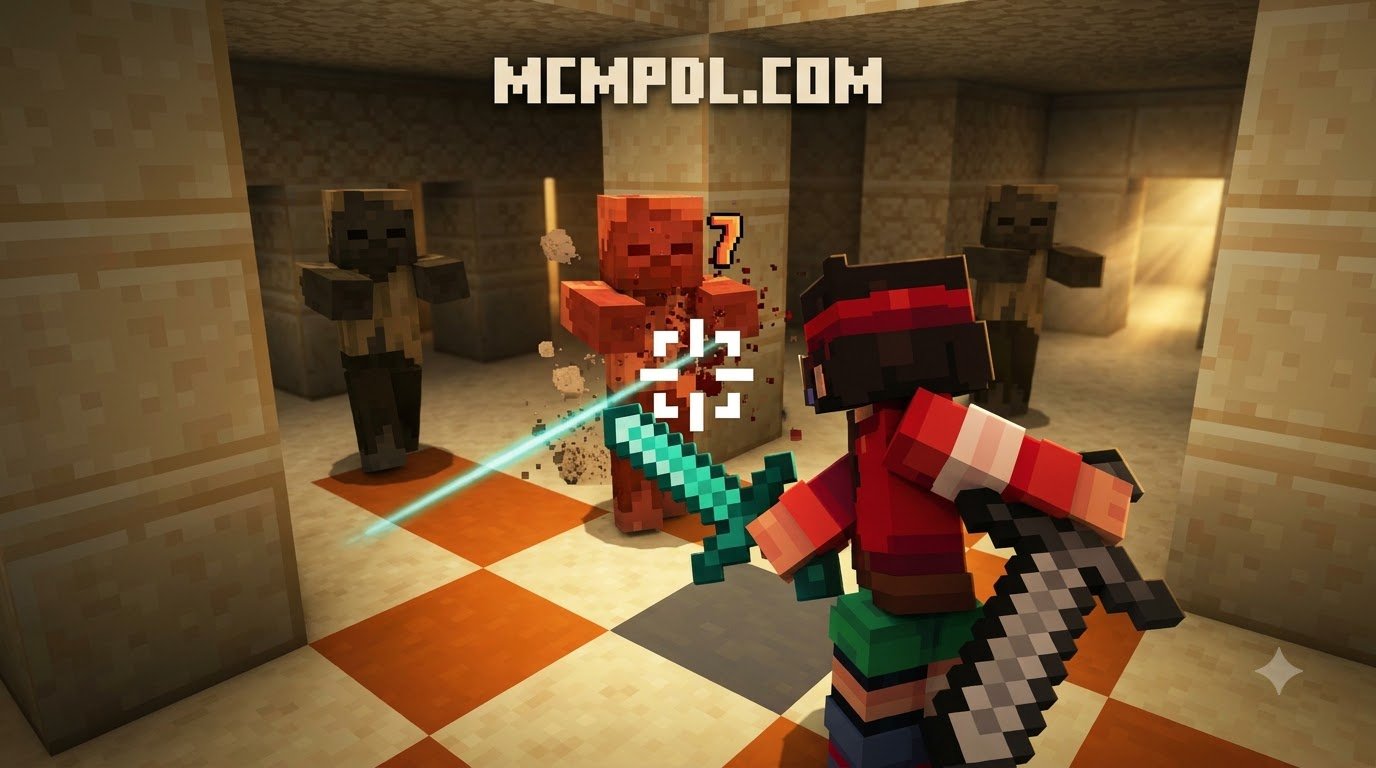
- PvE Encounters: Mob spacing becomes an active mini-game. Spears keep exploding creepers at bay, giant swords sweep through zombie sieges, and shield parries neutralize heavy hits from vindicators and Iron Golems.
- PvP Matchups: Duels transition from raw armor checks into mind games of baiting, feinting, and stamina management. Mistiming a heavy strike leaves you open to a dagger dash or shield stun, rewarding deliberate spacing over blind aggression.
For worlds featuring custom boss fights, balancing these weapons alongside gear from weapons and powers addons guarantees that every class role—from heavy tank to agile skirmisher—contributes meaningfully to the raid.
Multi-Addon Compatibility and Resource Pack Hierarchy
To ensure seamless stability when combining multiple mods, organize your world’s resource and behavior pack load order correctly.
Always place animation and behavior script packs high in the priority list to prevent other addons from overriding custom swing frames or particle identifiers (bvc:).
Setup, Installation, and Troubleshooting Guide

Installing the addon is straightforward, but it requires specific configuration steps in your world settings to run properly.
Installing the Advanced Combat Addon for Minecraft PE/Bedrock Across Platforms
- Download the Addon: Obtain the latest
.mcaddonor paired.mcpackfiles matching your Minecraft version (compatible with releases 1.20 through 1.26+). - Importing on Android: Tap the downloaded
.mcaddonfile directly from your file manager or browser downloads. Select Minecraft to open the file, prompting automatic import. - Importing on iOS: Use the Files app, tap the downloaded archive, and select “Share” > “Open in Minecraft”.
- Importing on Windows 10/11: Double-click the
.mcaddonfile. Minecraft will launch automatically and import both Behavior and Resource packs. - World Activation: Open your world settings, navigate to Resource Packs and Behavior Packs, locate the addon, and click “Activate” on both. Always create a world backup before activating new behavior packs.
Experimental Gameplay Toggles and Bug Resolution
For custom attack scripts and weapon entities to function, toggle the following Experimental Gameplay settings in your world edit screen:
- Holiday Creator Features
- Beta APIs
- Molang Features
- Upcoming Creator Features
If you encounter issues during gameplay, follow these proven troubleshooting solutions:
- Missing Weapon Textures: Ensure the Resource Pack is activated and placed directly beneath any required animation packs in the load order.
- Attack Combos Not Registering: Verify that “Beta APIs” is toggled on in world settings; without it, script-driven combos will not execute.
- Polishing Grindstone Inactive: Run the in-game command
/function polishing/onin chat and ensure your diamond rests in the far-right hotbar slot. - Stuck UI Screens: If an interface freezes on mobile, restart the Minecraft client and verify that your device storage has at least 1 GB of free space.
Frequently Asked Questions About Bedrock Combat Addons
What experimental settings must be enabled for combat addons to function?
To allow custom combat mechanics, entity behaviors, and animation scripts to load properly, you must enable Holiday Creator Features, Beta APIs, and Molang Features within your world’s Experimental Settings menu before loading in.
How does weapon polishing work to increase melee damage?
Weapon polishing sharpens your melee weapons using diamonds. After activating the system using the /function polishing/on command, place a diamond in the last slot of your hotbar, hold your weapon, and interact with a grindstone. Each polish level grants +1 attack damage up to a maximum of +4 extra damage.
Can the addon be used in multiplayer worlds and dedicated servers?
Yes. The addon fully supports multiplayer sessions, LAN games, Bedrock Dedicated Servers (BDS), and Minecraft Realms. The world host or server must install both the Behavior and Resource packs, and players joining will automatically download the required resource files upon connecting.
Conclusion
Upgrading your Bedrock world with advanced combat mechanics transforms Minecraft from a basic click-spamming survival builder into an engaging, skill-rewarding action RPG. Mastering combo chains, timing your shield parries, and managing your stamina across diverse weapon classes brings fresh excitement to every mob encounter and player duel. Explore extensive mods, weapons, and community addons on MCMPDL to build your ultimate custom Minecraft experience today.
4 thoughts on “Advanced Combat Addon for Minecraft PE/Bedrock”