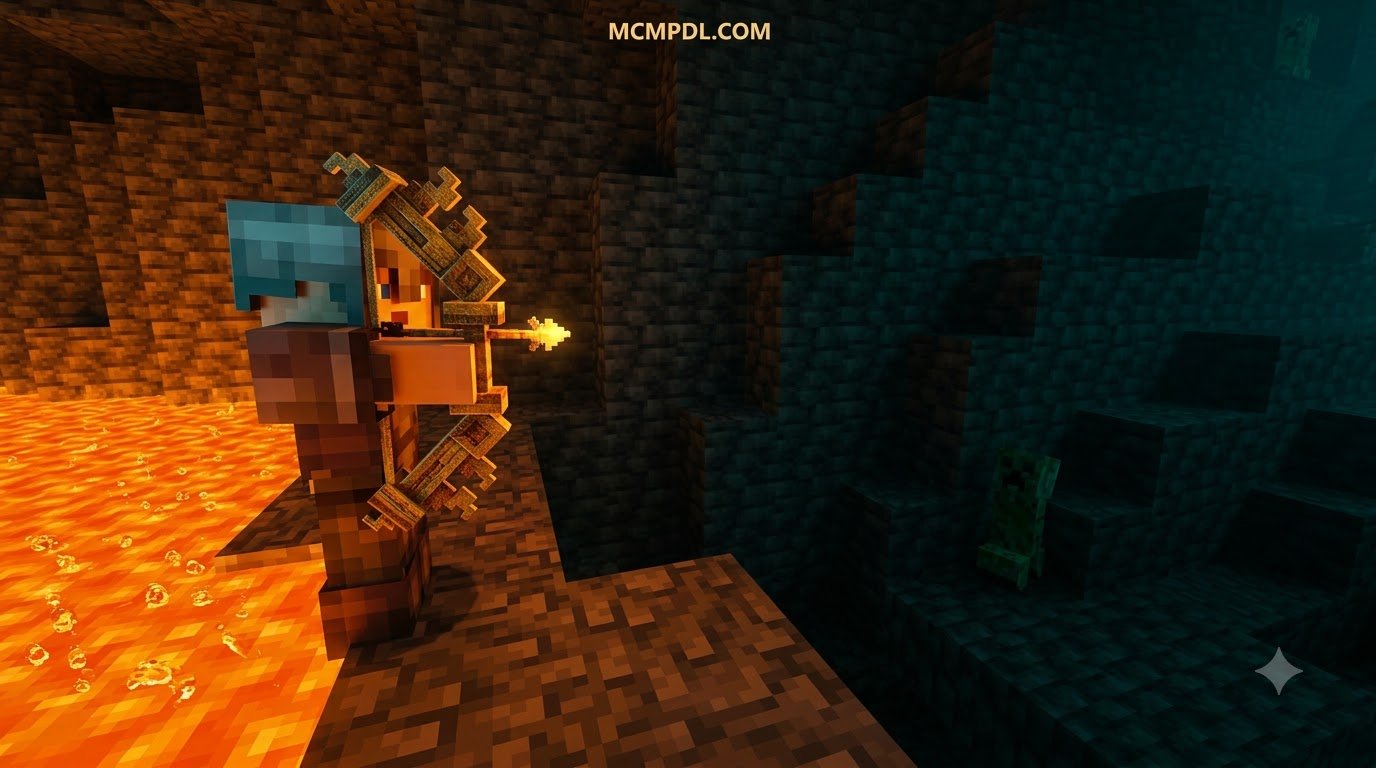
Scroll down to D0vvnl0ad
Overview of the Swords And Bows Addon for Minecraft PE/Bedrock
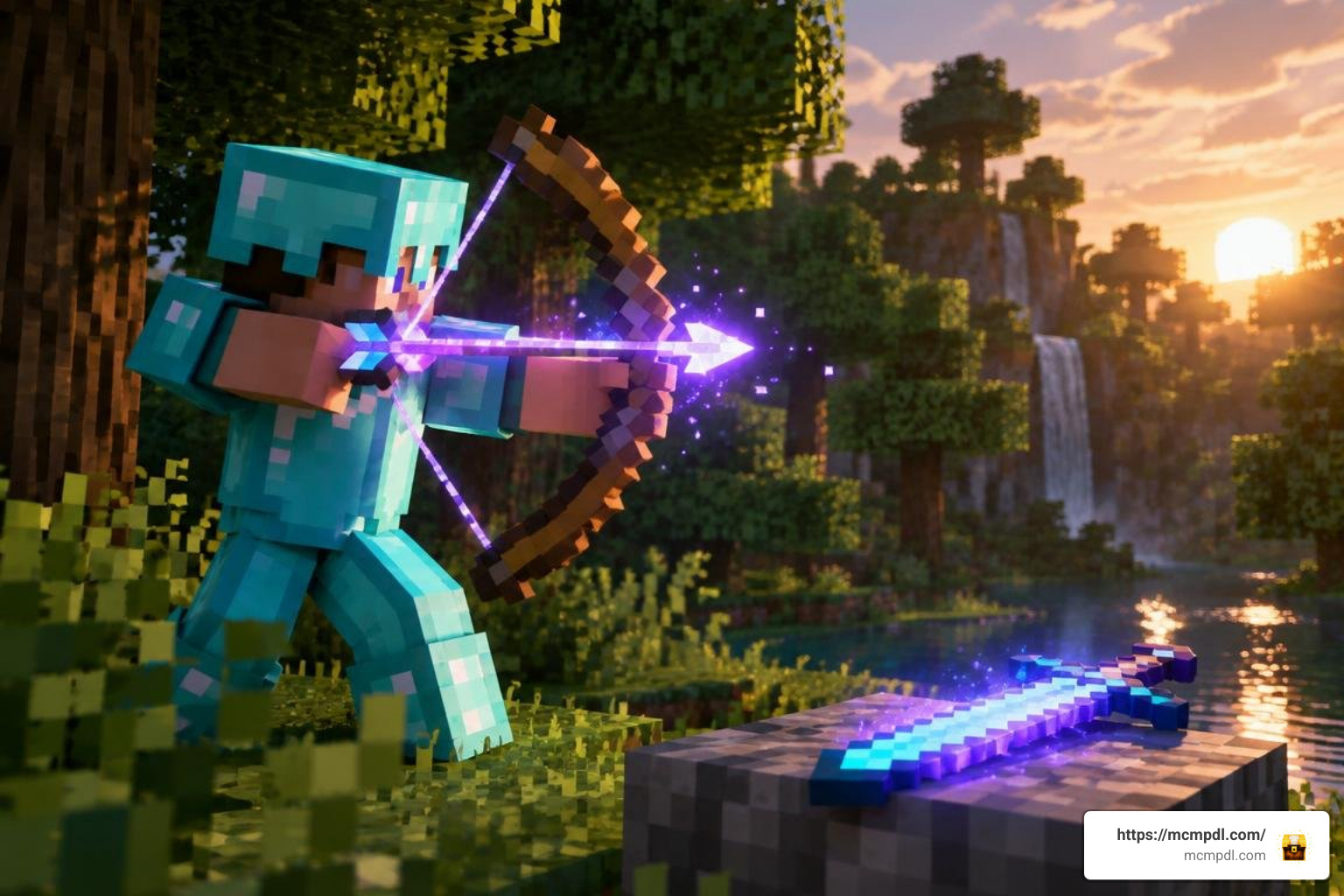
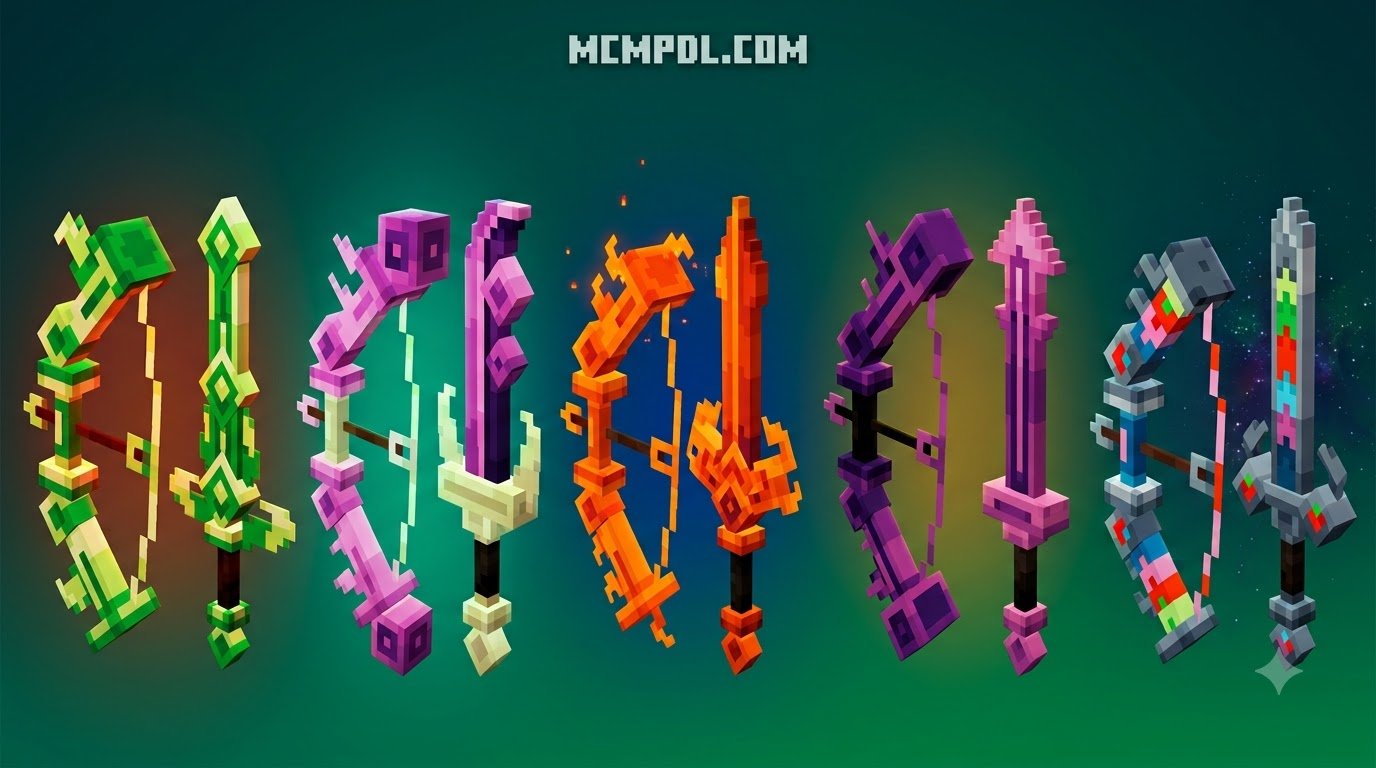
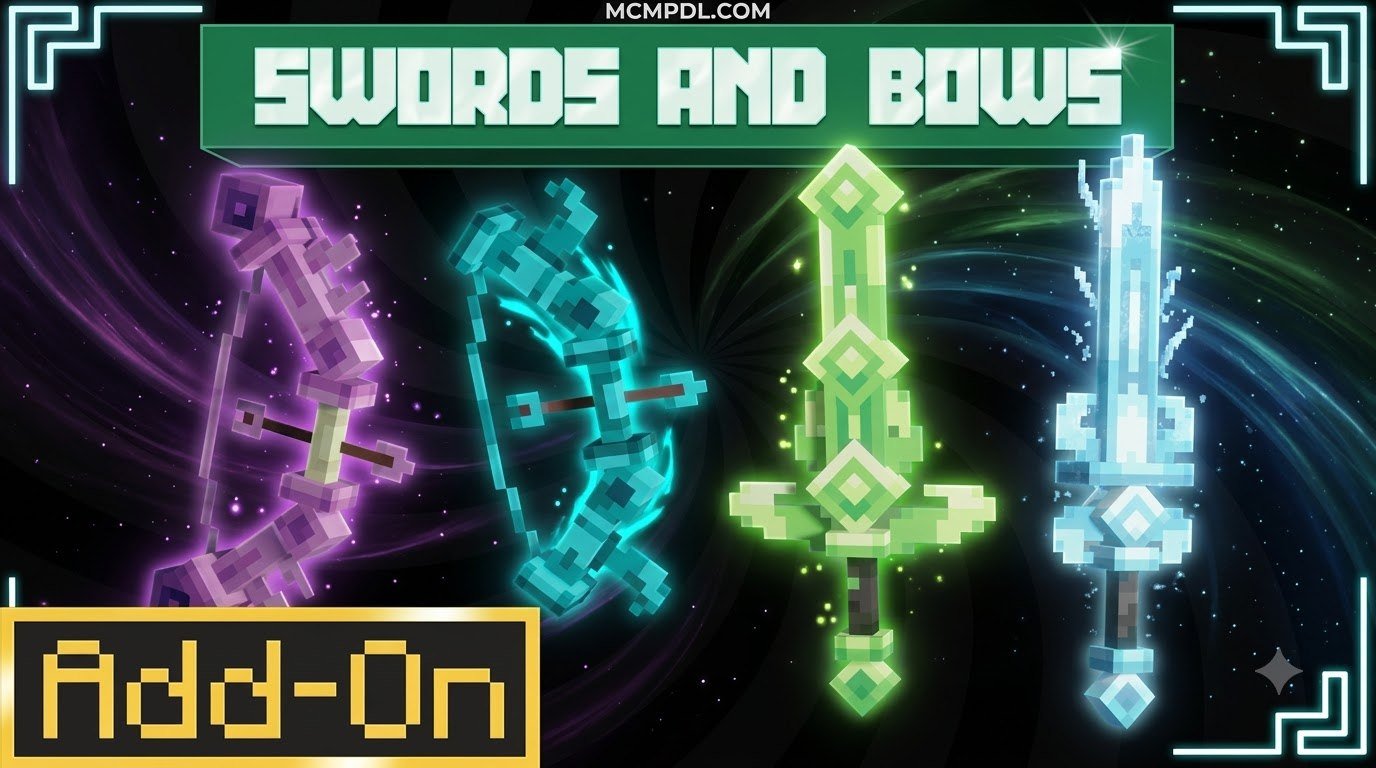
The Swords And Bows Addon for Minecraft PE/Bedrock adds 20 new craftable weapons—10 swords and 10 bows—each with unique elemental abilities, custom attack animations, and full vanilla enchantment support. It transforms standard combat into tactical skirmishes by introducing specialized gear for crowd control, ranged damage, and survival utility.
Combat in vanilla Minecraft Bedrock can sometimes feel like a monotonous cycle of hit, back up, hit, and repeat. If you have spent hundreds of hours clearing caves or defending villages, swinging the exact same diamond or netherite blade can lose its charm. This addon breathes fresh life into every encounter by introducing specialized combat gear that turns simple brawls into tactical skirmishes.
With over 22,000 community downloads, this pack has quickly become a favorite for players seeking variety without overwhelming complexity. The v2.3 release, weighing in at a lightweight 2.52 MB, runs smoothly across supported platforms without bogging down your device’s memory. It bridges the gap between classic survival progression and high-stakes fantasy combat, providing options whether you prefer to crush swarms up close or pick off targets from a safe ridge.
Key Weapon Mechanics in Swords And Bows Addon for Minecraft PE/Bedrock
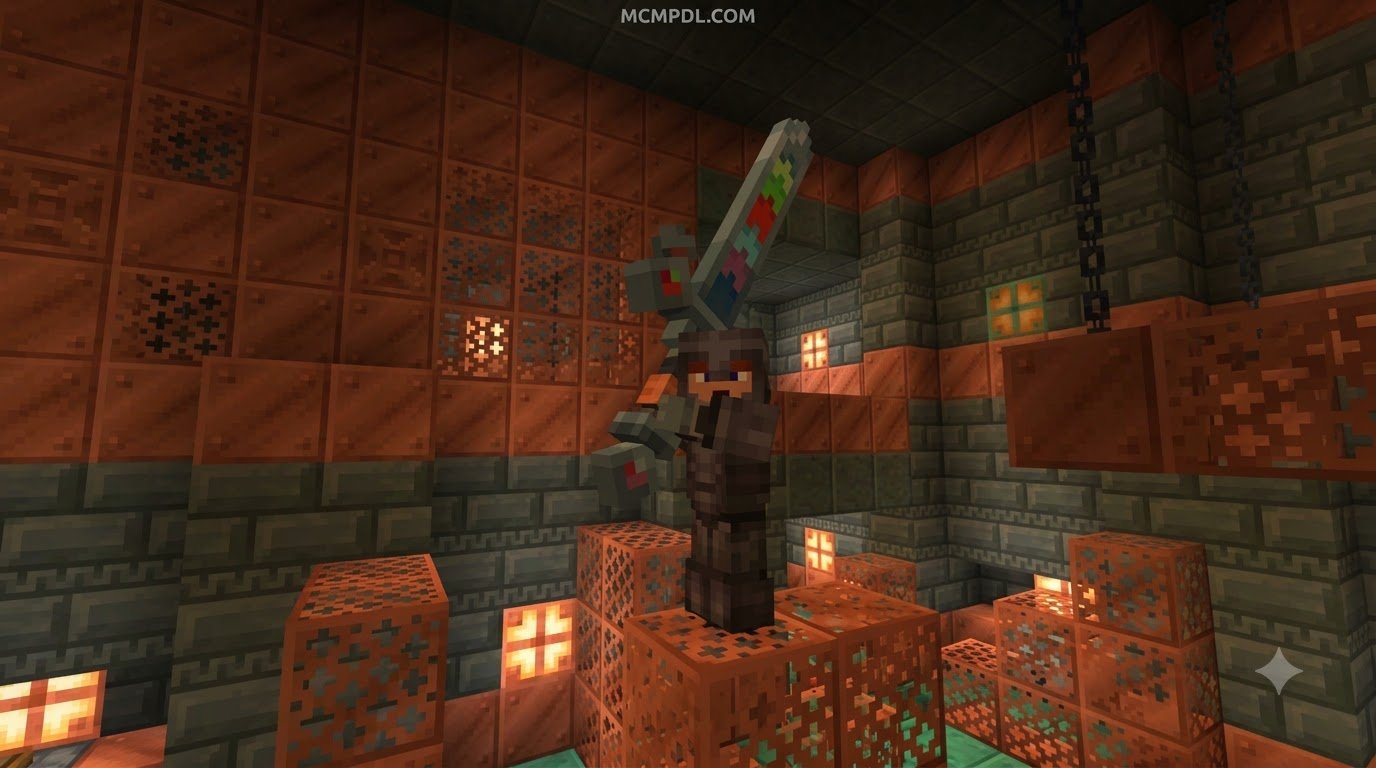
Rather than simply boosting flat damage values, this addon emphasizes tactical utility. Each weapon brings unique elemental interactions, crowd-control tools, and secondary effects to the battlefield. For instance, rather than just delivering raw strike damage, certain blades can ignite clusters of enemies, trigger shockwaves, or inflict slowing debuffs on high-threat targets.
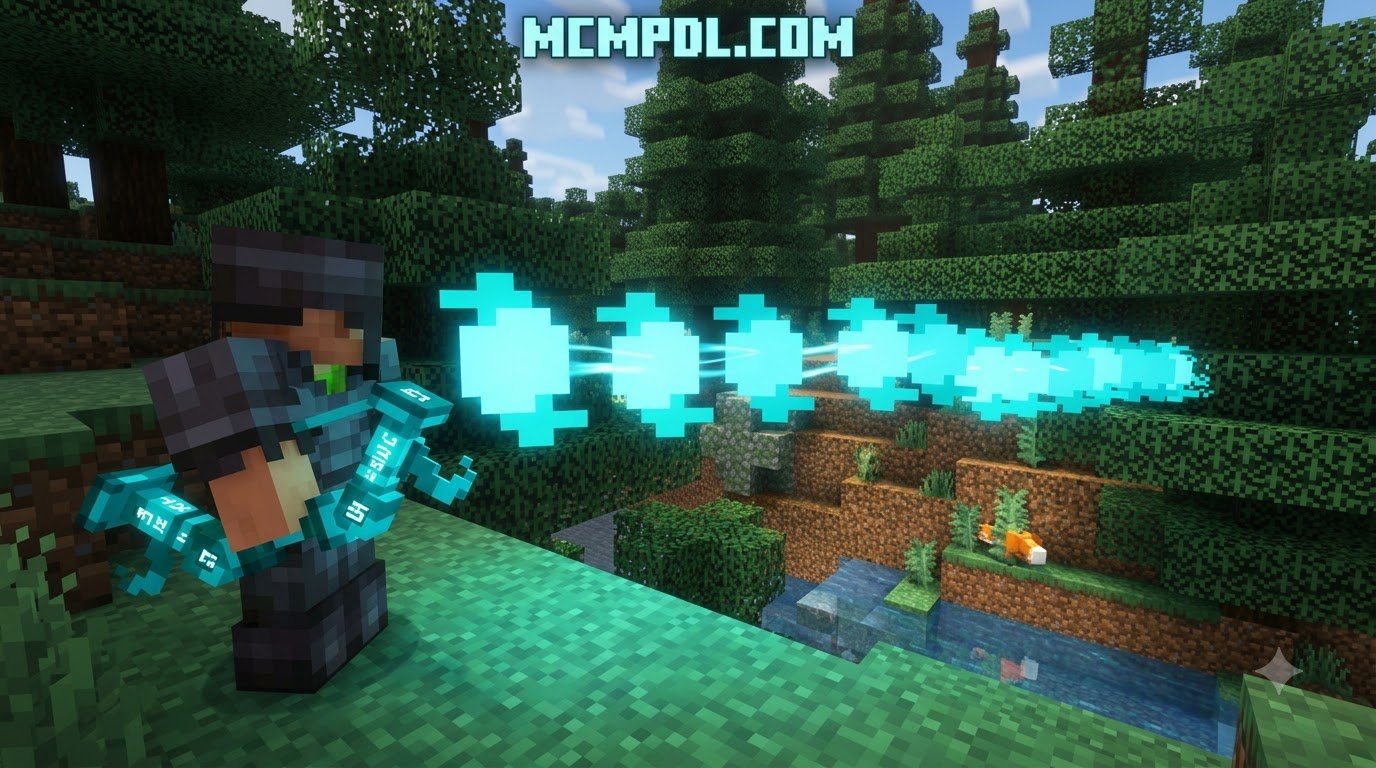
Ranged combat receives an equally substantial upgrade. Instead of relying solely on standard arrows, the custom bows allow you to alter the battlefield from a distance. You can unleash explosive volleys, pierce heavy armor, or lock rapid-moving mobs in place before they close the distance. Integrating these mechanics gives your survival sessions the same strategic depth found in advanced combat mechanics, turning everyday monster hunting into an engaging experience.
Custom Animations and Enchantment Support
One standout improvement in the latest versions of the addon is the inclusion of dedicated attack animations and full enchantment support. Older weapon mods often felt clunky because custom items lacked fluid swinging motions or refused to accept enchantment glints at the anvil.
In version 2.3, melee swings feature smooth visual feedback that makes every hit feel impactful. More importantly, both the swords and bows now integrate seamlessly with the vanilla enchantment table. You can apply essential enchantments like Unbreaking and Mending to keep your prized weapons in peak condition. Bows properly support Infinity and Power, while swords benefit from Sharpness, Looting, and Knockback, ensuring your custom arsenal remains competitive into the late game.
Weapon Arsenal: Swords, Bows, and Unique Abilities
The core of the addon revolves around 20 brand-new craftable weapons: 10 distinct swords and 10 specialized bows. These tools are designed to fit different combat roles, whether you are farming mob drops, exploring deep caverns, or challenging friends in survival PvP.
If you have previously experimented with a legendary weapons expansion or a spellswords addon, you will appreciate how these weapons retain a grounded, balanced feel while still packing a punch.
| Weapon Name | Weapon Type | Primary Ability / Special Effect | Best Survival Use Case |
|---|---|---|---|
| Blaze Saber | Sword | Sets targets ablaze and releases a fiery slash | Clearing dense zombie swarms and cooking meat drops |
| Frost Brand | Sword | Inflicts Slowness and chills nearby enemies | Controlling aggressive mob groups in caves |
| Thunder Edge | Sword | Calls down localized lightning on critical strikes | High-damage single-target strikes during boss fights |
| Venomous Blade | Sword | Applies lingering Poison damage on contact | Hit-and-run tactics against heavily armored foes |
| Earth Crusher | Sword | Creates a minor shockwave that knocks back foes | Escaping tight corners and ravines |
| Shadow Dagger | Sword | Grants brief invisibility and speed bursts after hits | Stealth maneuvering and quick escapes |
| Lifesteal Rapier | Sword | Restores small amounts of health upon enemy defeat | Sustained endurance during dungeon raids |
| Gale Scythe | Sword | Sweeps multiple enemies with wide air blades | Defense during village raids and outpost sieges |
| Obsidian Cleaver | Sword | High base damage with enhanced durability | Extended mining trips without repair benches |
| Celestial Blade | Sword | Emits radiant light that weakens undead mobs | Clearing Nether fortresses and Skeleton spawners |
| Explosive Bow | Bow | Arrows trigger small, controlled explosive impacts | Breaching mob clusters and clearing obstacles |
| Frostbite Bow | Bow | Freezes targets in place for several seconds | Halting Creepers before they ignite |
| Lightning Bow | Bow | Strikes targets with focused lightning bolts | Long-range sniper combat in open plains |
| Poison Spore Bow | Bow | Releases a poison cloud around the impact site | Area-of-effect damage against grouped raiders |
| Wind Gale Bow | Bow | Launches arrows with massive knockback force | Pushing Endermen and hostile mobs off cliffs |
| Phantom Bow | Bow | Ignores gravity over extreme distances | Eliminating Ghasts and flying targets easily |
| Vampiric Bow | Bow | Siphons health from distant targets on hit | Safely restoring health from high perches |
| Magma Bow | Bow | Ignites terrain and targets on hit | Illuminating dark caverns and setting traps |
| Heavy Ballista | Bow | Slower charge time with massive armor piercing | Defeating Ravagers and Warden encounters |
| Reinforced Bow | Bow | Ultra-high durability with rapid firing capability | General survival defense and mob farming |
Crafting System and Using the In-Game Guidebook

Unlike addons that force you to constantly switch out of your game to search for crafting recipes on a wiki, the Swords and Bows Addon includes a built-in guidebook. This in-game manual details the exact materials, crafting grids, and unique ability triggers for every piece of gear.
To open the guidebook:
- Craft or obtain the guidebook item upon entering your world.
- Hold the guidebook in your main hand.
- Right-click on the ground (or tap the screen on mobile devices) to open the interactive interface.
The recipes utilize balanced materials gathered through standard survival exploration, such as Blaze Rods, Amethyst Shards, Obsidian, and Redstone. This progression ensures that high-tier elemental weapons feel earned without requiring external custom magic addons to manage resource gathering.
How to Install and Configure the Addon
Setting up the Swords and Bows Addon is a quick process, whether you are playing on a phone, tablet, or desktop computer. The addon is distributed as a packaged .mcaddon or paired .mcpack files containing both the behavior and resource components. If you are also running an overpowered bows mod, make sure to check load orders so texture overrides do not conflict.
Platform Installation for Swords And Bows Addon for Minecraft PE/Bedrock
Follow these step-by-step instructions depending on your operating system:
- Android Devices:
- Download the
.mcaddonfile using your web browser. - Open your device’s File Manager and locate the downloaded file in your Downloads folder.
- Tap the file and select Open with Minecraft. The game will launch automatically and import both the Behavior Pack and Resource Pack.
- Edit your existing world or create a new one, navigate to Resource Packs and Behavior Packs, and activate the addon in both menus.
- Download the
- iOS Devices (iPhone / iPad):
- Download the
.mcaddonpackage via Safari. - Open the Files app and locate the file.
- Long-press the file, tap Share, and choose Minecraft.
- Once imported, go to your World Settings, enable the packs, and apply the changes before loading in.
- Download the
- Windows 10 / Windows 11:
- Download the latest version 2.3 file from the repository.
- Double-click the
.mcaddonfile. Minecraft Bedrock will open and display an “Import Started” banner followed by “Import Successful.” - Open your World Settings, scroll down to the Addons tab, and activate the pack under both Behavior Packs and Resource Packs.
Multiplayer Setup and Compatibility
The addon works smoothly in multiplayer sessions, local LAN games, and dedicated Bedrock servers. When hosting a multiplayer world, ensure that the option “Require players to accept resource packs to join” is checked in your World Settings. This ensures your friends see the custom weapon textures and fluid attack animations instead of missing models.
In co-op survival, these weapons shine when players assign tactical roles. One player can wield heavy melee weapons to hold the front line, while another uses specialized bows to provide ranged crowd control. This role-based teamwork fits naturally alongside larger RPG expansions, offering diverse combat strategies for group adventures.
Frequently Asked Questions About Swords and Bows Addon
Does the addon disable achievements in Minecraft Bedrock?
Yes. Like almost all Bedrock addons that introduce custom behavior packs and modified combat scripts, activating this addon will disable Xbox achievements for that specific world. If you are currently working toward earning vanilla achievements or trophies, we recommend testing the addon in a duplicated world or starting a dedicated survival save.
Are the custom weapons compatible with standard vanilla enchantments?
Yes! Starting with update v2.3, full enchantment compatibility has been added. You can place the custom swords and bows onto an Anvil or into an Enchantment Table to apply standard books such as Sharpness V, Power V, Unbreaking III, Looting III, and Mending. Both standard and custom bows will respect Infinity arrows where applicable.
Do you need experimental gameplay toggles enabled for this addon?
For standard gameplay on modern versions of Minecraft Bedrock (including 1.21.121, 1.21.132, and 26.x releases), the basic weapon recipes and abilities operate without extensive modifications. However, to guarantee that all custom item definitions and attack scripts load without errors, we recommend enabling Holiday Creator Features and Beta APIs under the Experiments tab in your World Settings.
Conclusion
The Swords and Bows Addon provides an accessible, balanced combat overhaul for players who want more depth from their Minecraft Bedrock arsenal. With 10 swords, 10 bows, fully functional enchantments, and a convenient in-game guidebook, it eliminates the guesswork and lets you jump straight into the action.
Explore new weapon combinations, prepare your loadouts, and discover more curated mods, maps, and texture packs at MCMPDL to take your survival worlds to the next level.