Scroll down to D0vvnl0ad
Build with AsianCraft on Minecraft PE and Bedrock
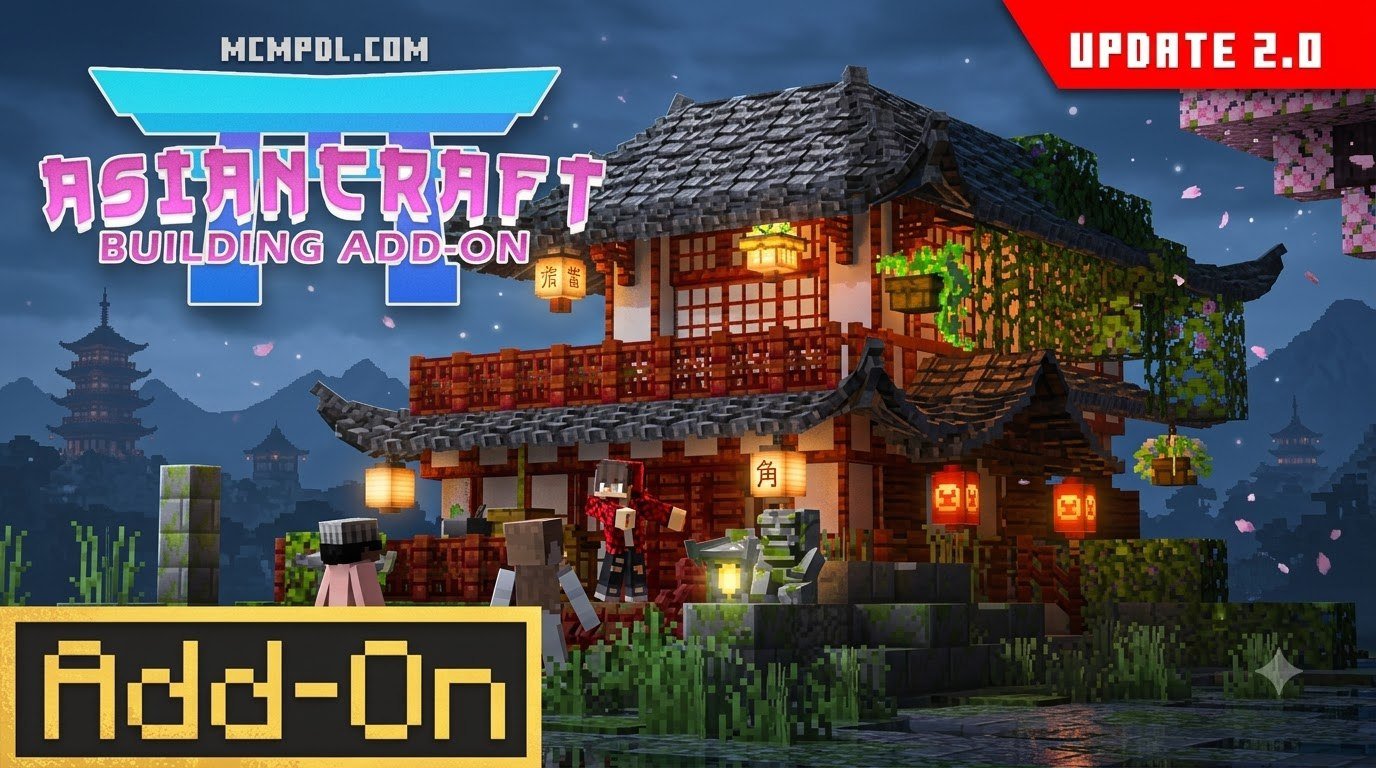
AsianCraft Building Add-On adds more than 90 Asian-inspired building and decoration blocks to Minecraft PE and Bedrock, with over 2,200 block variations. It is made for detailed roofs, gardens, and interiors.
To get started, choose a copy that matches your Bedrock version, import the add-on into Minecraft, then activate its packs in your world’s settings. This guide walks through those steps on Android, iOS, and Windows, including what to check if the new blocks do not appear.
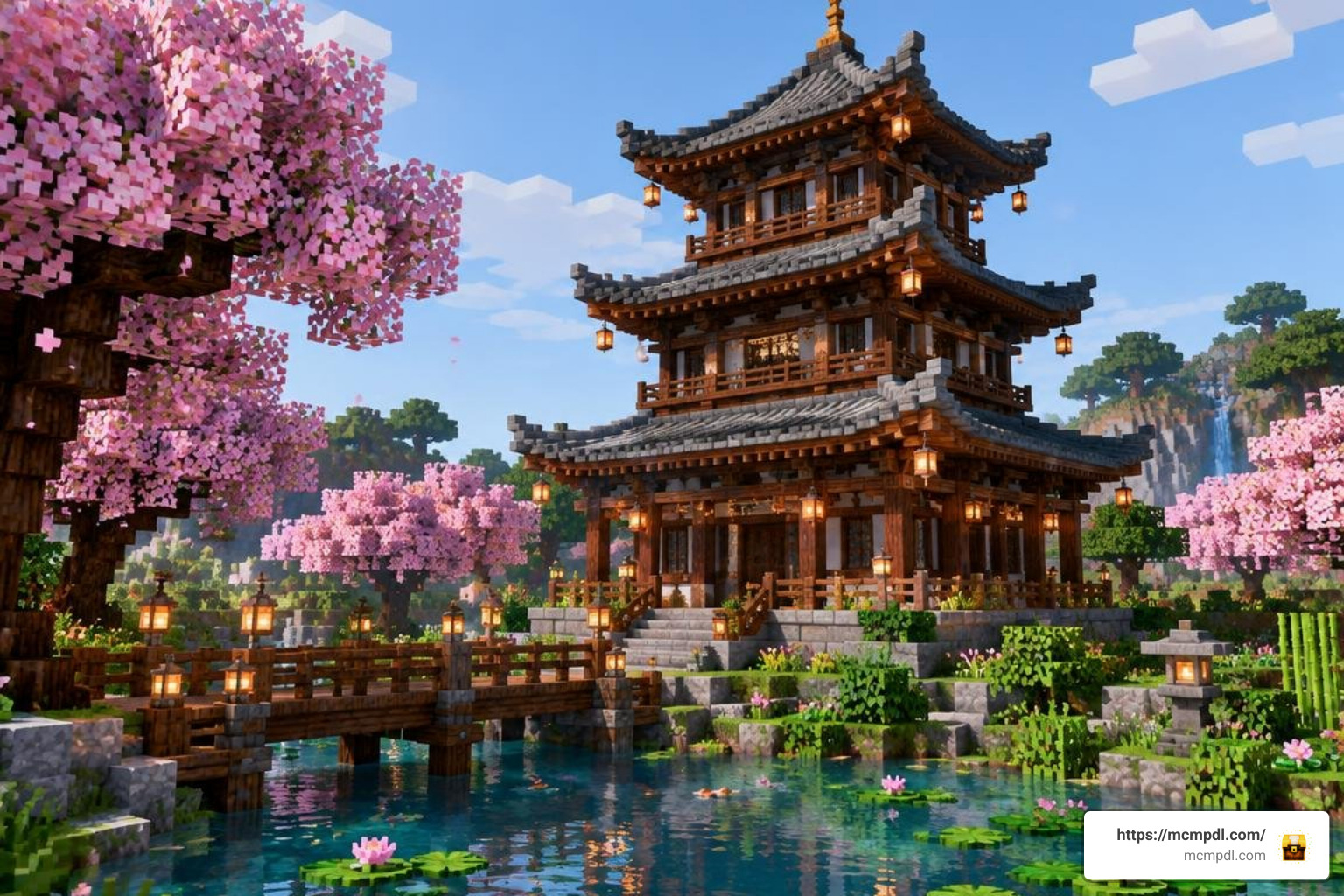
Builders who enjoy themed construction often start with a broad more blocks addon to expand their material library, but AsianCraft goes further by providing a cohesive East Asian construction kit. Instead of mixing generic textures, you can work with purpose-built roof ridges, timber frames, paper screens, and garden ornaments that are designed to complement vanilla blocks such as cherry wood, bamboo, and deepslate. The result is a smoother creative workflow for pagodas, shrines, tea houses, and historic town districts.
Because the add-on introduces custom block geometry and collision boxes rather than simple texture replacements, it behaves like a true building expansion. You can place curved eaves, corner ornaments, and modular flooring without relying on awkward stair or trapdoor combinations. This makes it especially useful for large projects where visual consistency and placement accuracy matter.
Before installing, it helps to understand how Bedrock add-ons are packaged. AsianCraft is distributed as a single .mcaddon file that contains both a resource pack and a behavior pack. The resource pack supplies textures, models, and sounds, while the behavior pack defines block behavior, crafting recipes, and interactions. Both packs must be active in your world settings for the full block set to appear correctly. The following sections explain the installation process in detail and cover common troubleshooting steps for mobile and desktop players.
Features of the AsianCraft Building Addon for Minecraft PE/Bedrock
Finding the right palette to build authentic historic shrines or tranquil tea houses has always been a creative challenge in vanilla Minecraft. The AsianCraft Building Addon for Minecraft PE/Bedrock bridges this gap by introducing an expansive construction suite tailored specifically for East Asian architectural styles. Developed by the creator RareLoot, this pack transforms your creative toolkit by providing over 90 base blocks that expand into an astonishing 2,200+ distinct block permutations and state variations.
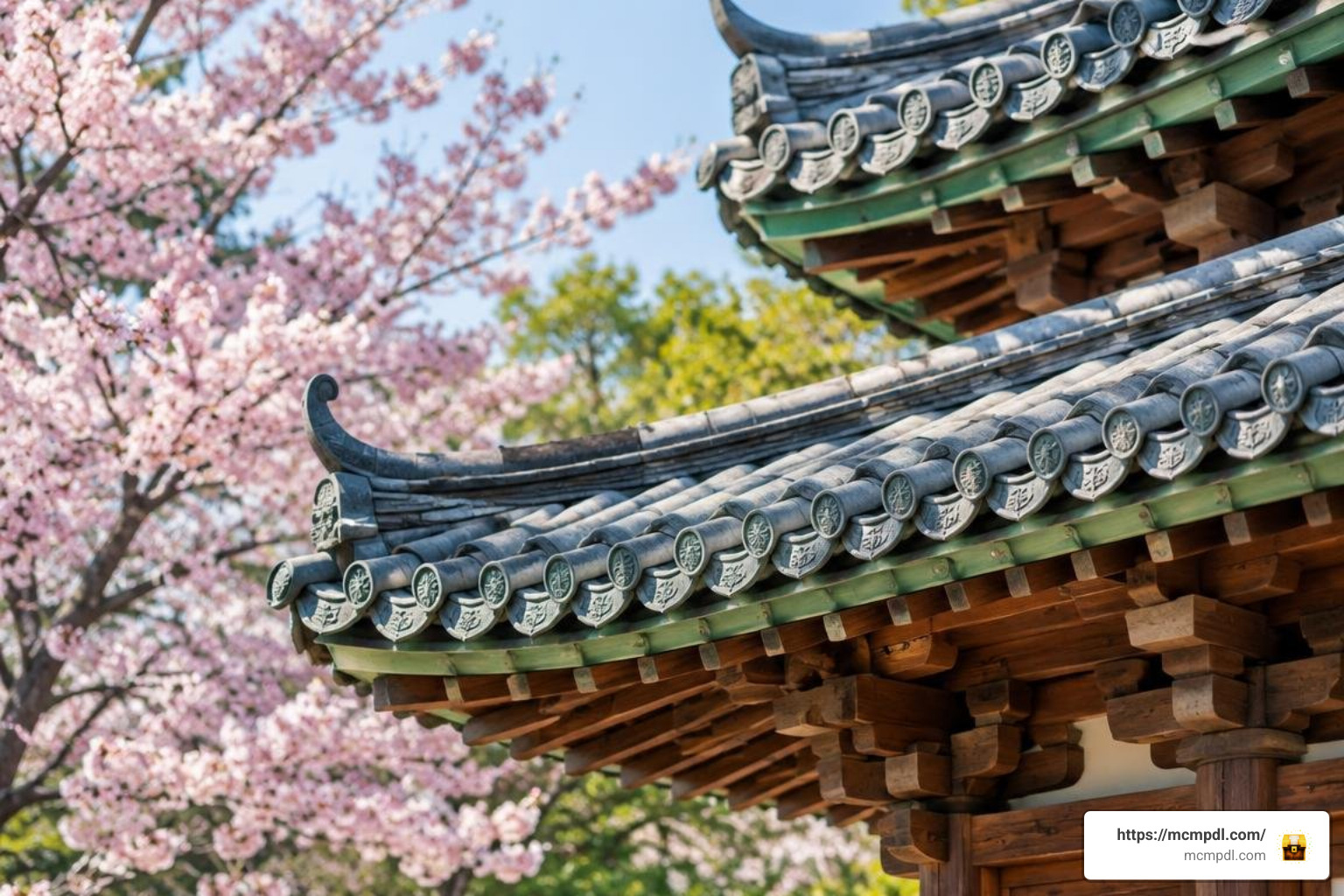
Unlike standard texture packs that simply paint over existing blocks, this add-on introduces standalone materials with custom geometry, unique collision boxes, and tailored textures. If you have previously experimented with a more blocks addon to widen your material choices, AsianCraft takes customization even further by focusing deeply on thematic consistency. Every timber beam, ceramic tile, and paper screen is designed to blend effortlessly with vanilla blocks like cherry wood, bamboo, and deepslate.
The pack is also notable for its lightweight footprint. At approximately 10.6 MB, it installs quickly on mobile devices and does not place heavy demands on storage. This is a practical advantage for players who want to keep multiple building add-ons installed without running into space limitations. The block models are optimized for Bedrock’s rendering pipeline, which helps maintain stable frame rates even when large pagoda complexes or dense garden scenes are loaded.
Exploring AsianCraft Building Addon for Minecraft PE/Bedrock Block Permutations
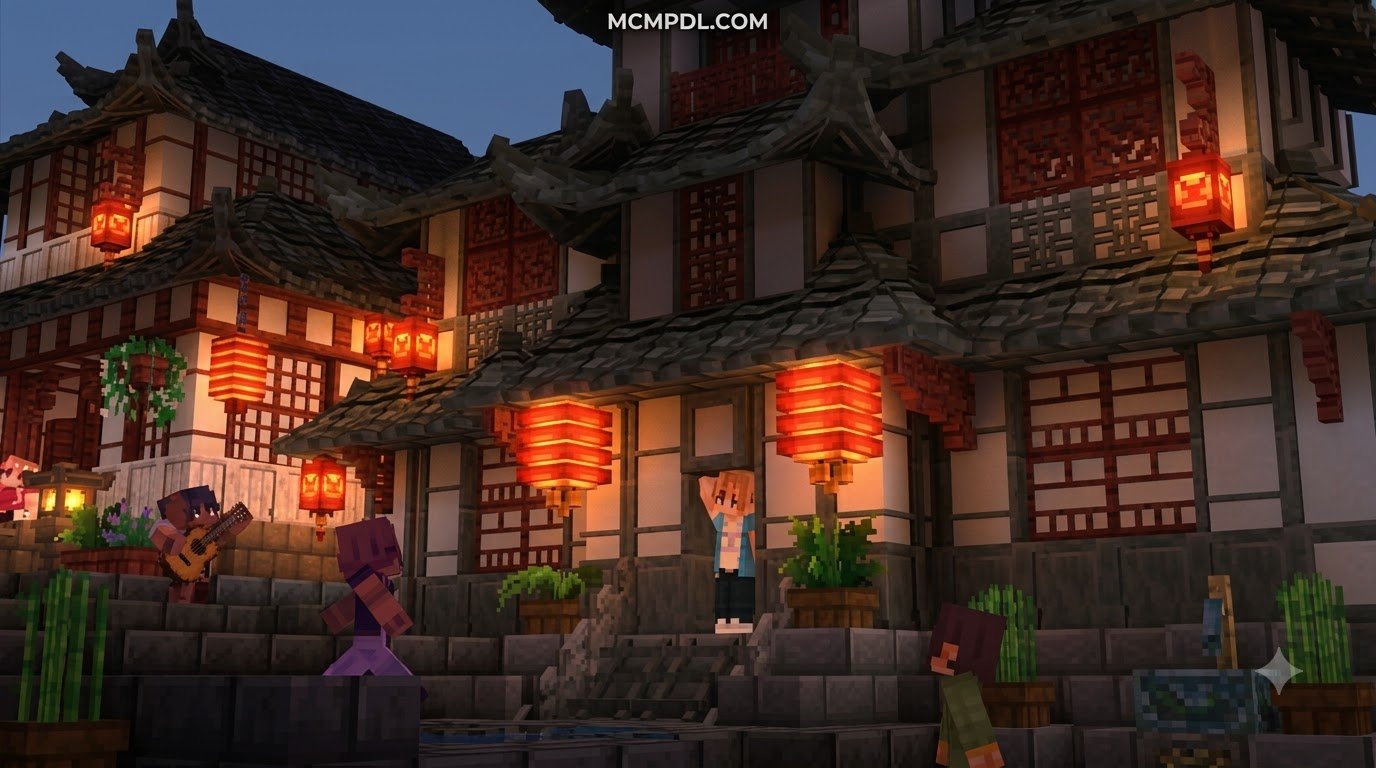
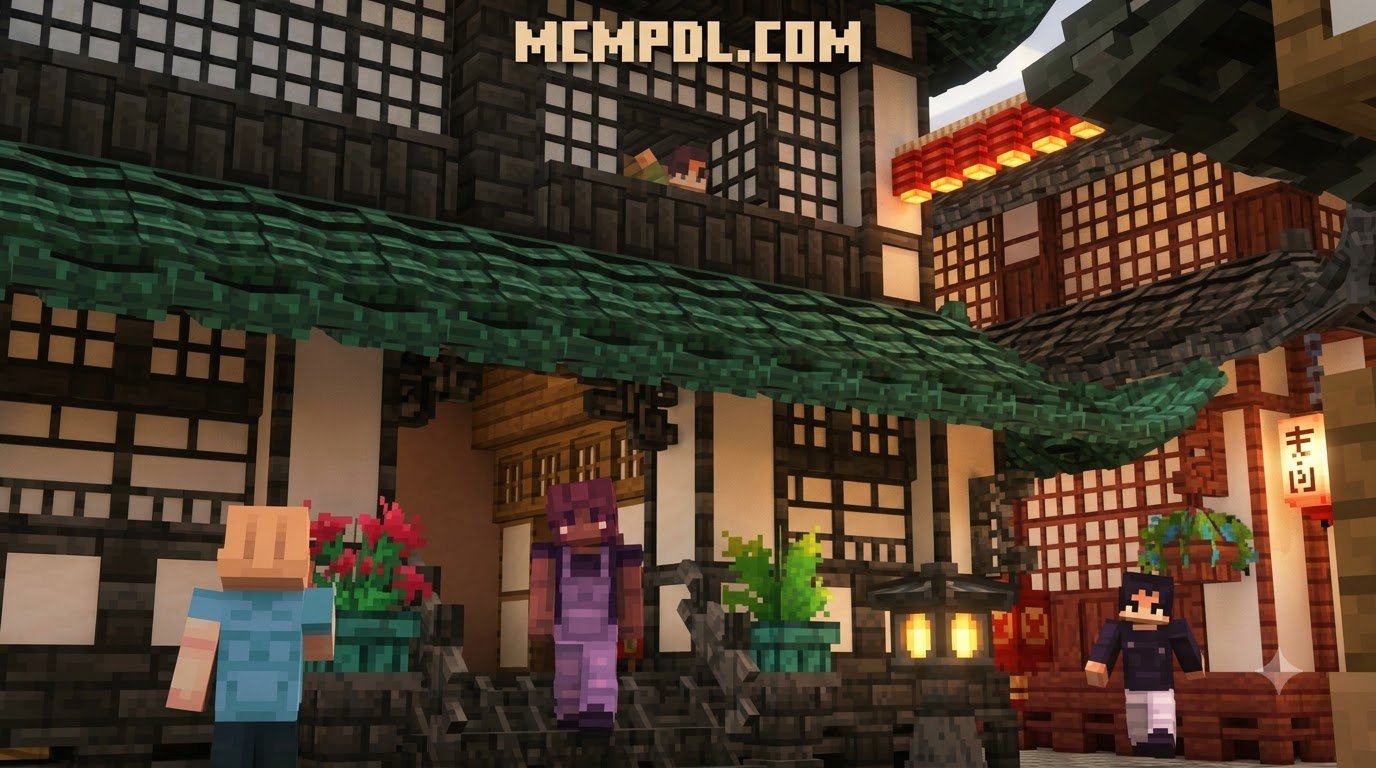
The true strength of AsianCraft lies in its staggering variety of specialized decorative components. Instead of forcing players to create makeshift roofs using stairs and trapdoors, the add-on introduces purpose-built pagoda roof ridge tiles, curved eaves, and corner ornaments that produce authentic sloping silhouettes.
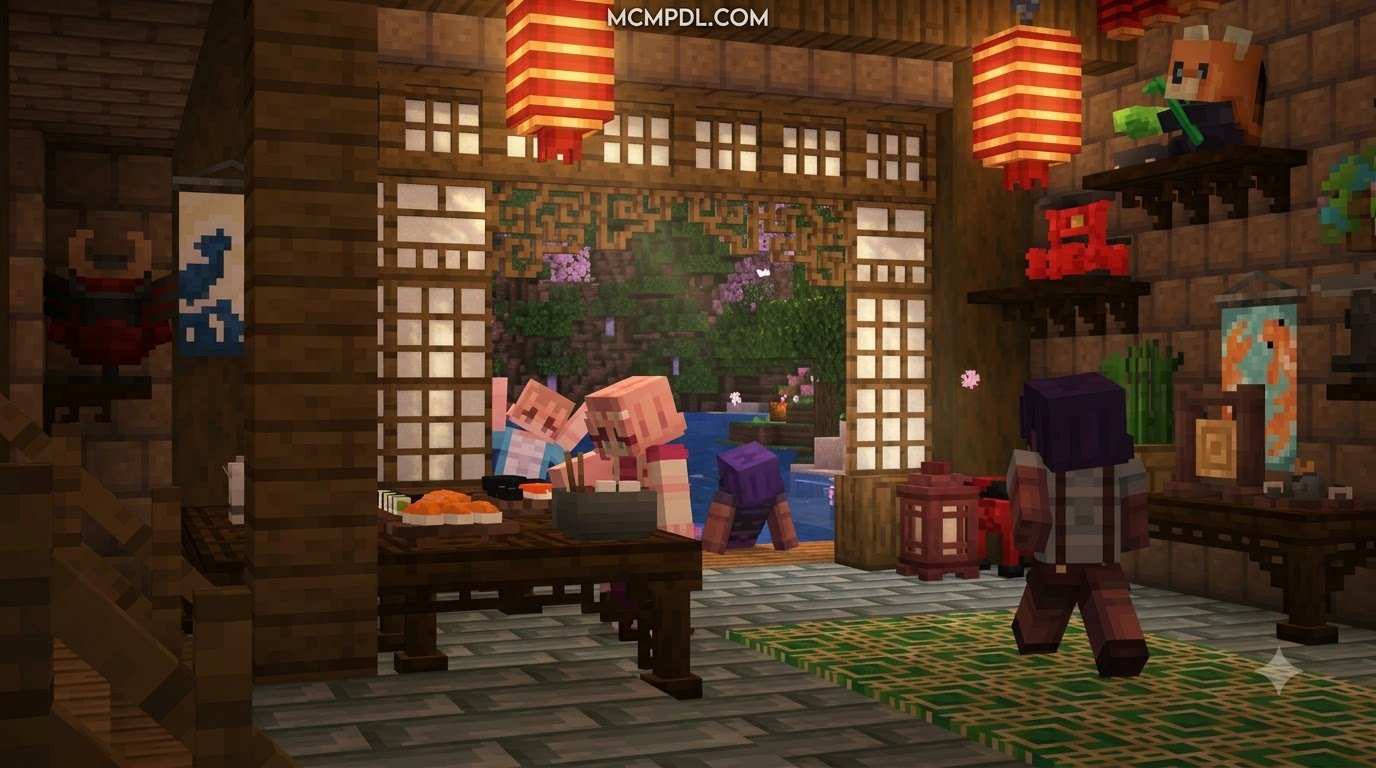
Interior decorators will appreciate the extensive selection of traditional living elements. Much like using a dedicated block furniture addon to furnish modern homes, AsianCraft allows you to design authentic historical rooms using:
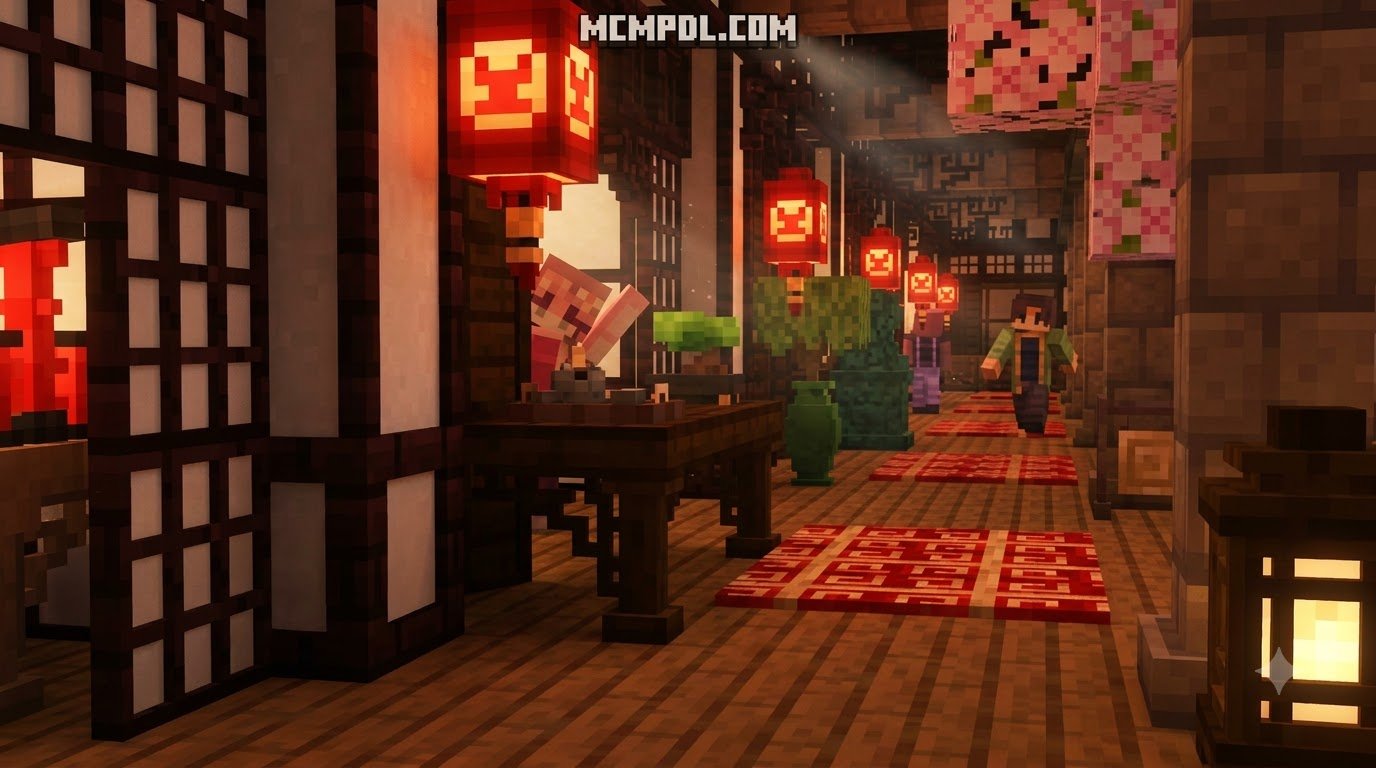
- Sliding Shoji Screens & Partition Walls: Functional-style partition frames and lattice panels that separate interior living quarters gracefully.
- Tatami Mats & Low Tables: Modular flooring mats with border trimmings that snap together seamlessly to create traditional dining spaces.
- Illumination & Lanterns: Ornate hanging paper lanterns, stone garden lamps (tōrō), and festival light fixtures that cast a cozy, ambient glow.
- Ceramic & Storage Accents: Decorative tea sets, ceramic vases, painted storage urns, and carved display shelving.
These pieces are not purely decorative. Many can be crafted in Survival mode through standard crafting tables and stonecutters, which means you can integrate them into a legitimate building workflow rather than relying on Creative inventory access. The block states also allow for subtle variations in orientation, color, and finish, giving you fine control over the final appearance of each room.
Architectural Influences: Japanese, Chinese, and Korean Motifs
AsianCraft draws distinct artistic inspiration from across East Asia, allowing builders to branch out into multiple cultural styles:
- Japanese Shrines and Residences: Utilize rich cherry wood grains, weathered cedar beams, dark roof ridges, and delicate bonsai plants to craft serene mountain shrines or suburban Kyoto-inspired streets.
- Chinese Imperial Palaces and Tea Houses: Build grand courtyards using vivid crimson pillars, carved golden accents, ornamental roof dragons, and Lunar New Year decorative banners.
- Traditional Korean Hanok Structures: Recreate classic wooden eaves (cheoma), raised timber flooring, and earthen-toned walls that harmonize with surrounding natural landscapes.
- Lush Garden Foliage: Populate courtyard ponds and paths using custom bamboo arrangements, flowering planters, decorative stone arrangements, and tranquil garden foliage.
This cultural range makes the add-on suitable for more than a single build style. You can create a Japanese shrine district, a Chinese imperial garden, or a Korean hanok village within the same world while maintaining visual coherence. The shared material language of timber, ceramic, and paper helps different districts feel connected even when their architectural silhouettes differ.
How to Download and Install on Bedrock Platforms
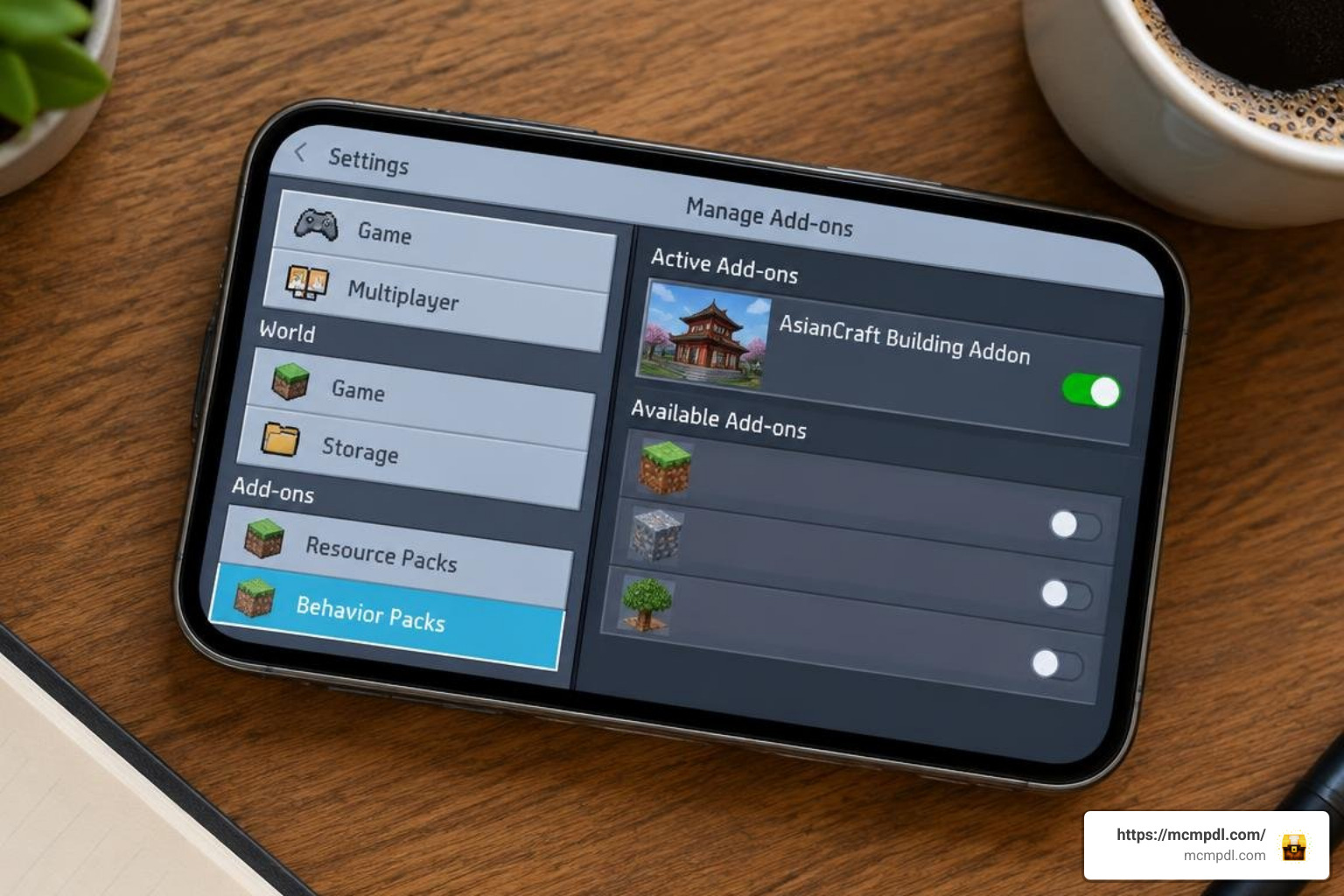
Installing the add-on is straightforward across all devices running Minecraft Bedrock Edition (formerly known as Pocket Edition). With a lightweight download size of approximately 10.6 MB (10,615,317 bytes), the pack installs quickly without consuming valuable device storage.
Installing AsianCraft Building Addon for Minecraft PE/Bedrock on Mobile and PC
Follow these steps to import and configure the add-on on your platform of choice:
- Download the Package: Download the official
.mcaddonfile to your device. - Import into Minecraft:
- Android & iOS: Tap the downloaded
.mcaddonfile from your device’s file manager or browser download list. Select Minecraft when prompted to open the file. Minecraft will launch automatically and display an “Import Started” banner followed by “Import Successful.” - Windows 10 / 11: Double-click the
.mcaddonfile. The game will launch automatically and import the resource and behavior files into your internal directory.
- Android & iOS: Tap the downloaded
- Apply to World:
- Open Minecraft and select Create New World (or click the edit pencil icon next to an existing world).
- Scroll down on the left-hand menu to the Resource Packs tab, locate AsianCraft, and click Activate.
- Navigate to the Behavior Packs tab and confirm the matching behavior pack is active.
If the import does not start automatically, check that your device has Minecraft Bedrock Edition installed and updated. On Android, you may need to grant your file manager permission to open .mcaddon files. On iOS, use the Files app or the share sheet from Safari to send the file to Minecraft. On Windows, make sure you are signed in to the Microsoft account that owns the Minecraft license.
Experimental Gameplay and Multiplayer Configuration
Because custom building blocks utilize Bedrock’s custom block geometry and scripting systems, ensuring experimental switches are enabled is essential for full functionality:
- Enable Experimental Toggles: Inside your world settings menu, scroll down to the Experiments section. Turn on Beta APIs, Holiday Creator Features (if listed in your build), and Upcoming Creator Features.
- Multiplayer and Realms Compatibility: The add-on is fully functional in multiplayer sessions and Bedrock Dedicated Servers. Only the world host or realm owner needs to possess and install the files. When friends join your world, the server will prompt them to download the required resource files automatically, ensuring everyone sees identical textures and models.
For players who want to understand the broader context of Bedrock add-on installation, the Minecraft Wiki provides a useful overview of how resource packs and behavior packs work together. While AsianCraft follows the standard .mcaddon import process, reviewing the general mechanics can help if you encounter version-specific differences on your device.
Performance Analysis
When adding thousands of block variations to a world, stability and frame rates are always top priorities. AsianCraft is highly optimized for mobile devices, consoles, and lower-spec PCs alike.
| Add-on Title | Estimated Block Variations | File Size | Recommended Gameplay Theme | Best Paired With |
|---|---|---|---|---|
| AsianCraft Building Add-on | 2,200+ Variations (90+ base) | ~10.6 MB | East Asian Architecture, Temples, & Shrines | Custom foliage and traditional interiors |
| Fantasy Blocks Addon | 100+ Base Construction Blocks | ~15.0 MB | Medieval Castles & Arcane Fortresses | Fantasy building sets |
| RPG Themed Expansion Packs | 50–200 Blocks / Interactive Items | ~25.0 MB | Story Quests, Dungeons, & World Lore | Immersive world add-ons |
Thanks to efficient texture atlas mapping and lightweight block collision hulls, loading multiple complex builds simultaneously causes minimal memory overhead on mobile hardware.
This optimization matters in practice. A large pagoda with layered roofs, interior partitions, and garden ornaments can contain hundreds of individual block placements. Because AsianCraft uses compact collision hulls and shared texture atlases, the game does not need to process excessive geometry for each placed block. Players on mid-range phones and tablets can typically build and explore these structures without significant frame rate drops.
For builders who want to combine AsianCraft with other themed packs, the table above offers a useful comparison. Fantasy and RPG expansions tend to be larger because they include interactive items, quest logic, or more complex entity models. AsianCraft remains comparatively light while still offering a deep block library, making it a practical choice for long-term survival worlds and multiplayer realms where performance consistency is important.
Frequently Asked Questions
Is the AsianCraft Building Addon free and multiplayer-friendly?
Yes, the add-on is completely free to download and use. It runs smoothly in multiplayer sessions, local LAN games, and dedicated Realms. As long as the host enables resource pack sharing upon player connection, every guest can interact with the blocks without separate manual installations.
Are the custom decorative blocks craftable in Survival mode?
Yes. While all 2,200+ permutations are readily accessible within the Creative inventory menus, survival builders can craft these decorative elements directly. Custom recipes are supported using standard crafting tables and stonecutters, allowing you to convert basic wood planks, terracotta, and stone into finished architectural tiles efficiently.
Which Minecraft versions support this addon in 2026?
The add-on is fully tested and maintained for modern Bedrock updates, including versions 1.21 through 1.26. The creator RareLoot regularly updates package dependencies to preserve block rendering behaviors and ensure compatibility with modern Bedrock scripting engines.
Does the add-on work on consoles and low-end devices?
Yes. The pack is designed for Bedrock Edition, which means it runs on Android, iOS, Windows, Xbox, and PlayStation. Its compact file size and optimized block models make it suitable for lower-spec phones and tablets. If you experience any performance issues, try reducing your render distance or closing background apps before loading a world with large AsianCraft builds.
Can I use AsianCraft blocks alongside other building add-ons?
In most cases, yes. AsianCraft introduces standalone blocks rather than replacing vanilla assets, so it generally coexists well with other building packs. However, if two add-ons modify the same crafting recipes or use conflicting block identifiers, you may need to adjust the pack order in your world settings. Place AsianCraft above packs that share similar decorative functions to ensure its blocks load correctly.
Conclusion
The AsianCraft Building Addon stands out as an essential creative tool for builders looking to construct detailed pagodas, serene zen gardens, and historic East Asian towns in Minecraft Bedrock. With its massive collection of roof tiles, sliding doors, lanterns, and modular furnishings, your architectural possibilities are virtually limitless.
Whether you are designing a quiet Japanese shrine, a grand Chinese palace courtyard, or a traditional Korean hanok, the add-on provides the specialized blocks needed to achieve an authentic look without fighting against vanilla limitations. Its lightweight performance profile and multiplayer compatibility make it a practical addition to both solo creative worlds and shared Realms.
Ready to expand your building collection further? You can discover more community modifications to find matching landscaping tools, custom props, and creative building packs to complete your dream world.