Scroll down to D0vvnl0ad
Build Faster with Build Assist for Minecraft PE and Bedrock
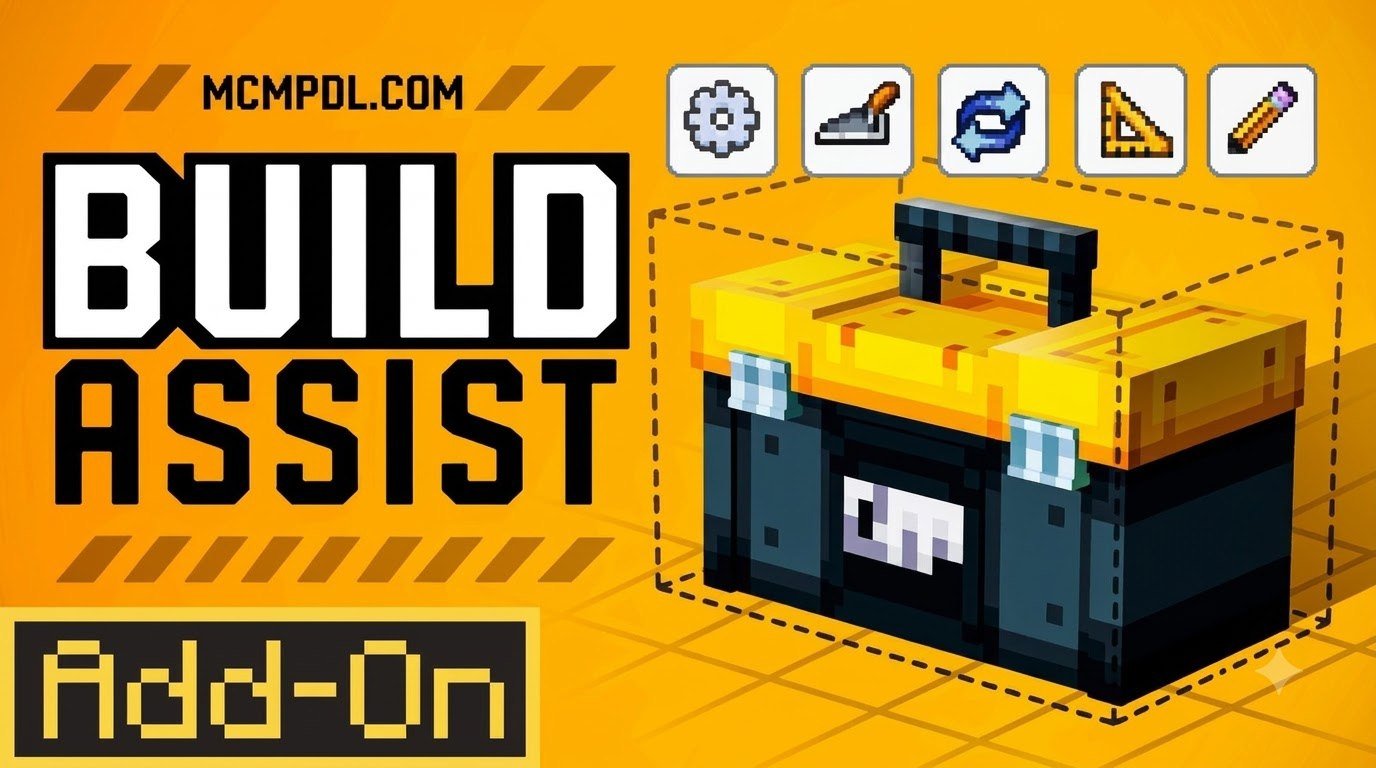
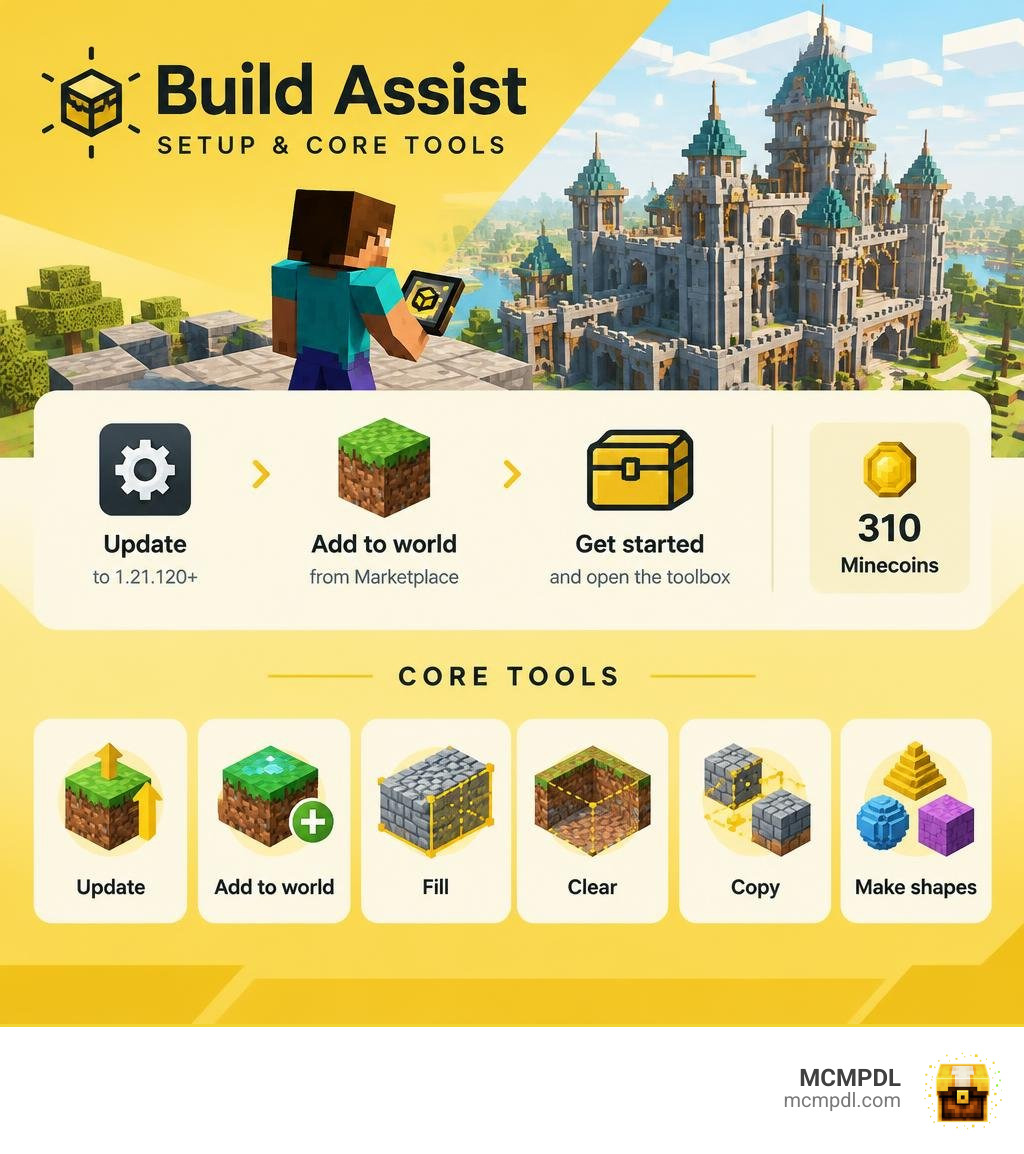
Build Assist is a world-editing add-on that helps you fill or clear areas, copy and move blocks, and make shapes without placing every block by hand. To get started, update Minecraft PE or Bedrock to version 1.21.120 or newer, find Build Assist in the Minecraft Marketplace, and add it to your world. Back up an existing world before making large edits.
The add-on costs 310 Minecoins. Once it is active, use its toolbox to speed up projects such as towers, roads, and cleared building sites.
What Is the Build Assist Addon for Minecraft PE/Bedrock?
Building massive projects in Minecraft has always been one of the most rewarding parts of the game, but placing every single block by hand can turn an exciting concept into hours of repetitive grinding. Whether you are laying down foundation slabs for a bustling fantasy town or carving out an underground bunker, repetitive tasks quickly eat into your creative time. That is where modern editing utilities come in.
Created by Builders Horizon, the package launched on September 1, 2026, receiving a rapid refinement update on September 2, 2026. Designed from the ground up as a dedicated world manipulation tool, it provides a comprehensive in-game system that streamlines the most tedious parts of construction. Unlike traditional Java-based external programs, this modification integrates straight into the Bedrock ecosystem.
If you have explored external tools or other options, you know how important intuitive touch and controller support can be. This add-on provides a self-contained toolbox item directly within your inventory, bypassing the need for complex, manual text commands during routine construction.
It is worth noting what this package is and what it is not: it is a pure, functional utility pack. It does not bundle extra cosmetic character skins, custom texture overhauls, or separate adventure DLC maps. Every bit of its design focuses purely on providing fast, reliable world editing right at your fingertips.
Overview and Features of the Build Assist Addon for Minecraft PE/Bedrock
At the heart of the add-on is a streamlined utility interface that unlocks a suite of construction features tailored for both mobile devices and consoles. Instead of spending an entire evening flattening a stubborn hillside or plotting coordinates on graph paper, you can execute complex architectural actions in seconds.
The primary capabilities included in the toolbox encompass:
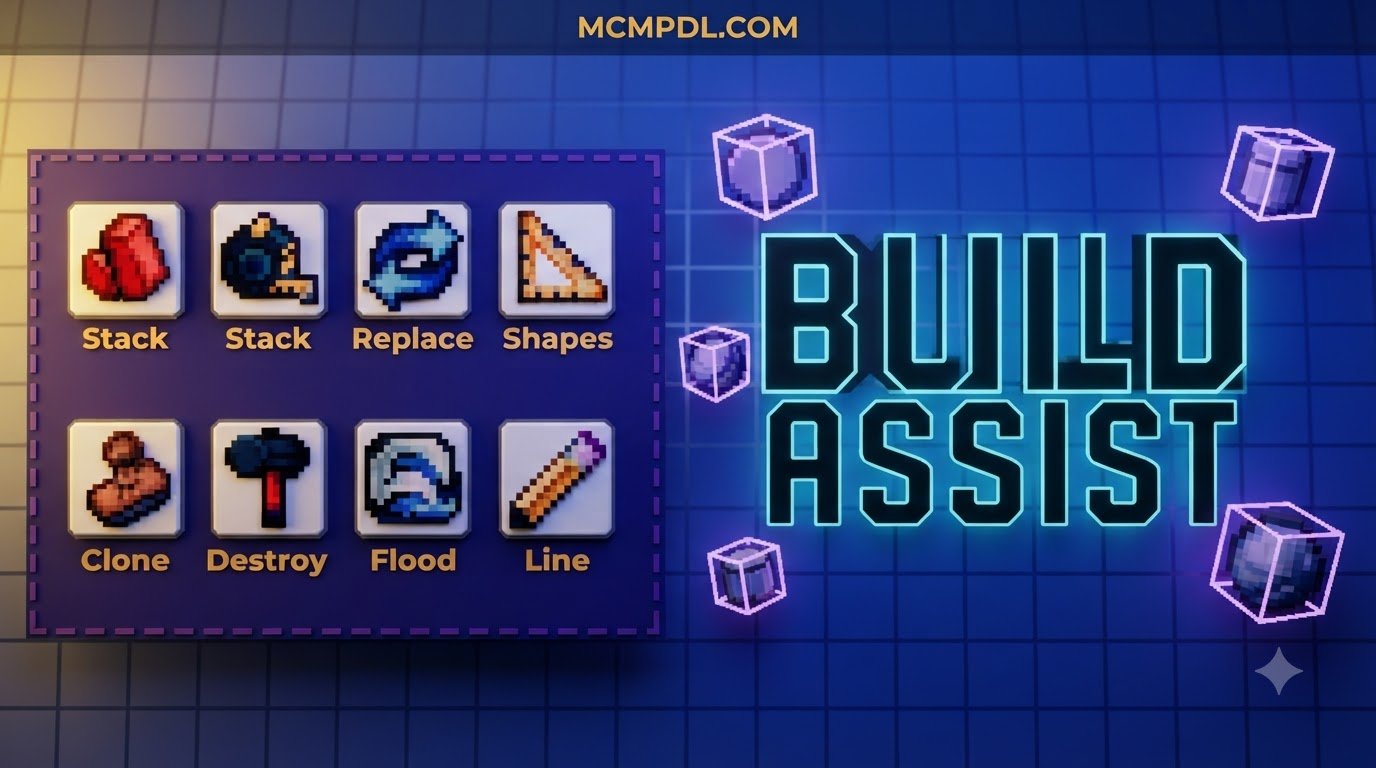
- Area Filling and Bulk Clearing: Select boundaries to fill vast empty zones with your chosen material or clear massive cubes of terrain with a single confirmation.
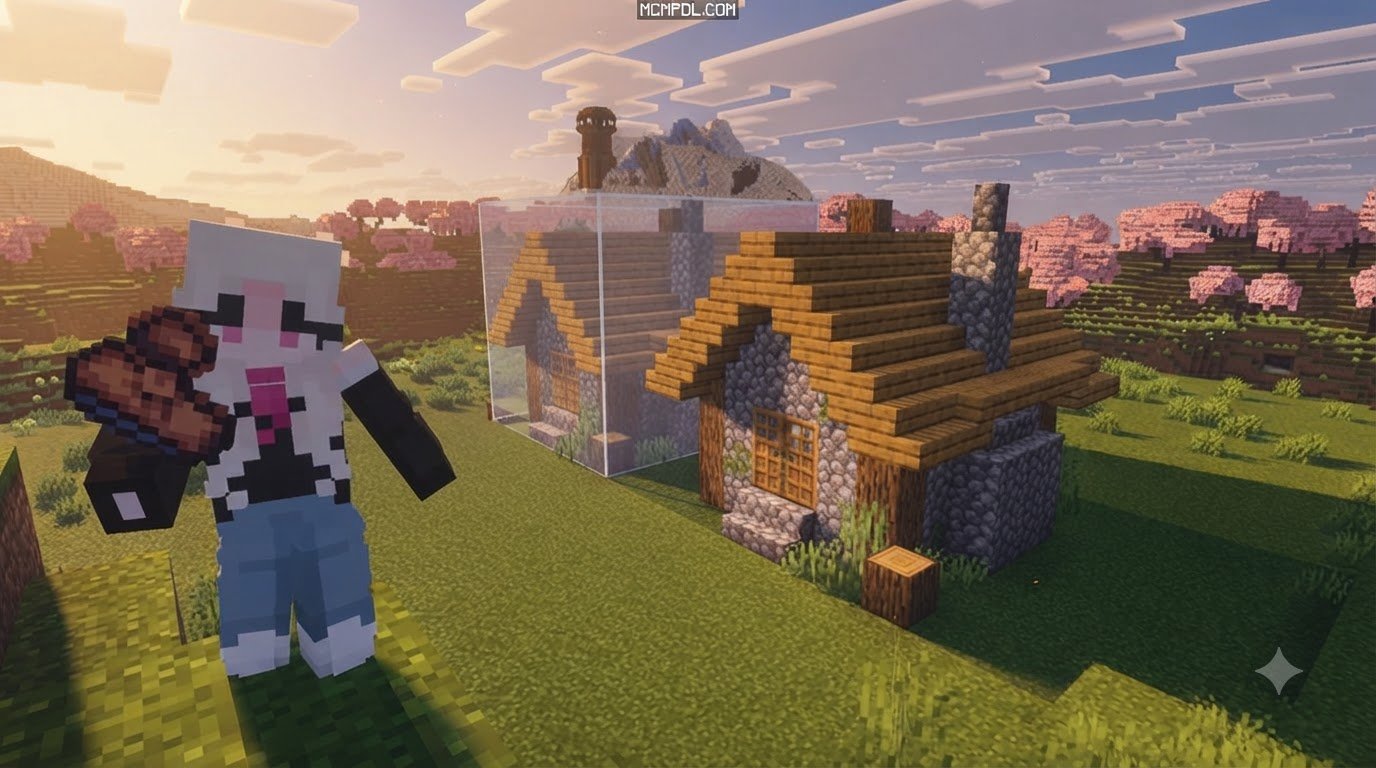
- Volume Stacking and Moving: Clone and shift architectural segments upward, downward, or laterally. If you design a detailed castle pillar, you can stack it vertically to create grand halls instantly.
- Precision Block Replacement: Swap out placeholder materials across an entire build. If you decide your cobblestone fortress looks better in deepslate bricks, you can replace the blocks without breaking the structure apart.
- Geometric Shape Generation: Automatically calculate and generate complex geometric shapes that are notoriously difficult to build freehand, including perfect circles, mathematical lines, cylinders, and smooth spheres.
- Intelligent Flood Tool: Fill organic, irregular interiors or hollow caves with fluid precision without spilling over into adjacent structures.
By integrating these features directly into mobile and console interfaces, the add-on eliminates the friction of traditional console building.
Community Reception
Since its debut in late 2026, the tool has earned strong praise across the Bedrock community. On the official Minecraft Marketplace, the add-on holds an impressive average rating of 4.3 out of 5 stars across 107 player ratings. Notably, 71% of all reviews (76 out of 107) award it a full 5-star rating.
Players frequently highlight its stable performance and mobile usability. Editing large areas in Pocket Edition can sometimes strain lower-end devices, but this add-on executes operations smoothly without crashing active sessions. Builders who transition between mobile phones, tablets, and dedicated console setups appreciate the intuitive touch and controller integration, making it a reliable companion for any construction project.
How to Install and Activate the Build Assist Addon in Minecraft PE
Installing custom tools on Minecraft PE and Bedrock platforms has become remarkably simple thanks to modern pack management. Whether you are running on an iPhone, an Android tablet, a gaming console, or a Windows workstation, you can get everything configured in just a few minutes.
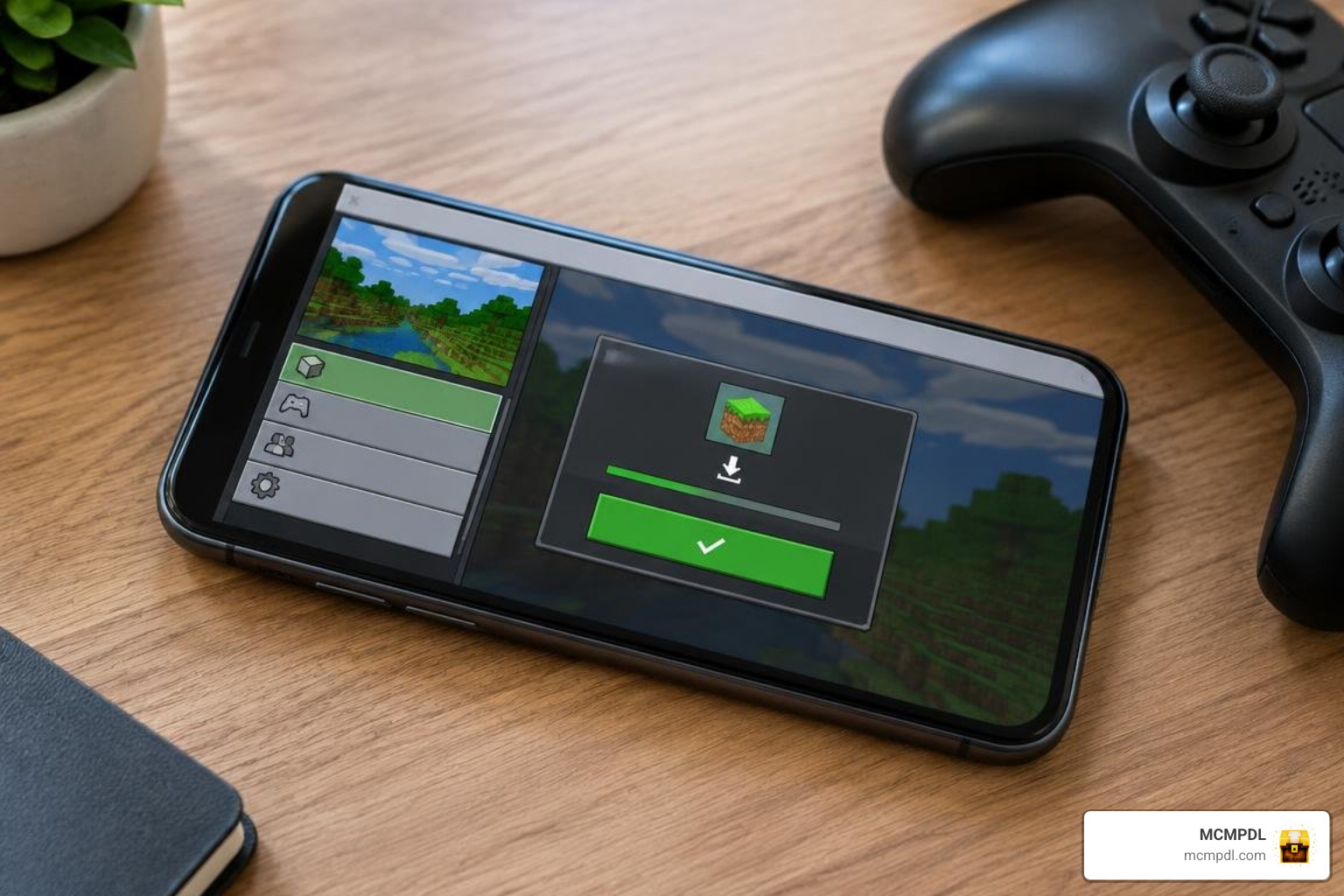
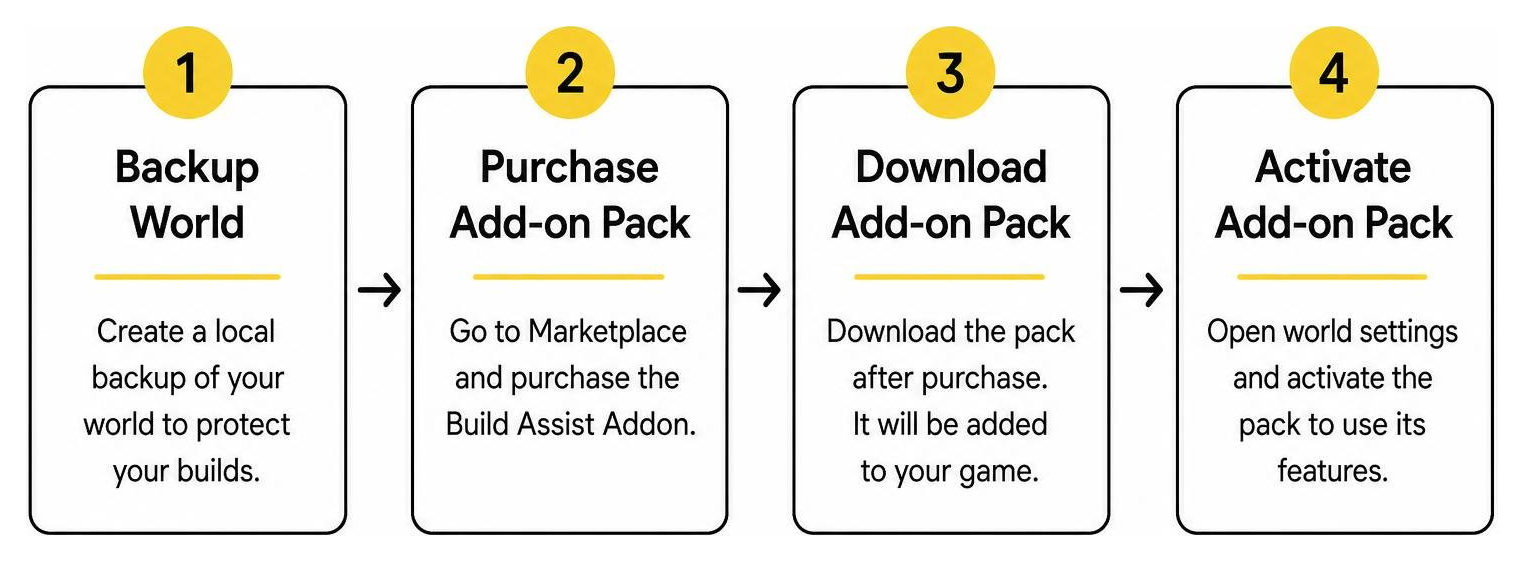
Before modifying any existing build projects, we strongly recommend creating a local duplicate of your world. Large-scale structural modifications and terrain removals happen instantly when using automated tools; having a fresh backup ensures your hard work remains safe if you accidentally select the wrong coordinate boundaries.
Step-by-Step Installation Process
Follow these steps to purchase, install, and activate the utility on your device:
- Open the Marketplace: Launch Minecraft Bedrock Edition and select the Marketplace button from the main menu screen.
- Search for Build Assist: Use the built-in search bar to search for the official listing created by Builders Horizon.
- Purchase and Download: Complete the purchase of 310 Minecoins (approximately $1.62 USD or €1.53 EUR). Once processed, tap the Download button to store the pack files locally on your device.
- Apply to World Settings: Navigate back to your world list. Tap the edit (pencil) icon next to an existing world or select Create New World.
- Enable Behavior and Resource Packs: Scroll down the left sidebar to the Behavior Packs section, locate the tool under your owned packs, and tap Activate. Check the Resource Packs tab to ensure the companion textures are active as well.
- Launch and Access the Toolbox: Enter the game in Creative mode. Open your inventory screen to find the newly added toolbox item, ready for immediate use.
World Compatibility and System Requirements
To run the add-on smoothly, make sure your game client meets the following basic requirements:
- Minecraft Version: Requires Bedrock version 1.21.120 or newer. Ensure your game is updated through your platform’s app store.
- Cross-Platform Support: Fully compatible with iOS, Android, iPadOS, Nintendo Switch, PlayStation, Xbox, and Windows PC.
- Multiplayer & Realms: Works seamlessly in local co-op, dedicated Bedrock servers, and active Minecraft Realms, provided the host world has the behavior pack enabled.
For players who enjoy combining multiple construction suites, this utility works well alongside other Bedrock-compatible resources curated right here on MCMPDL.
How to Use Build Assist In-Game: Core Editing Tools and Features
Once you load into your world, using the toolbox feels straightforward compared to remembering dozens of complex text commands. While traditional server environments often relied on legacy plugins or complex multi-command setups, this Bedrock utility in Minecraft uses interactive visual menus.
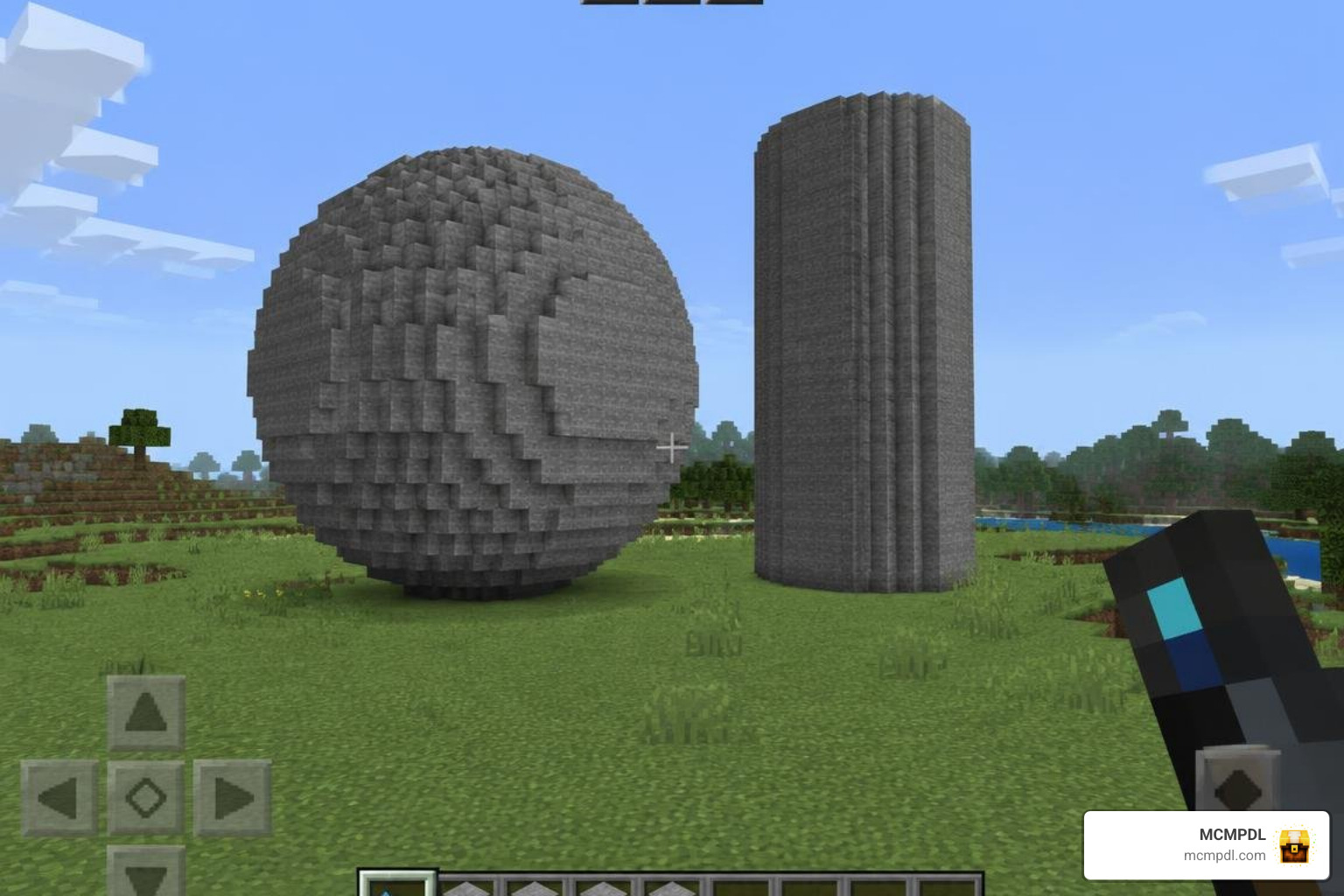
Here is how you can make the most of the primary builder functions during your construction sessions:
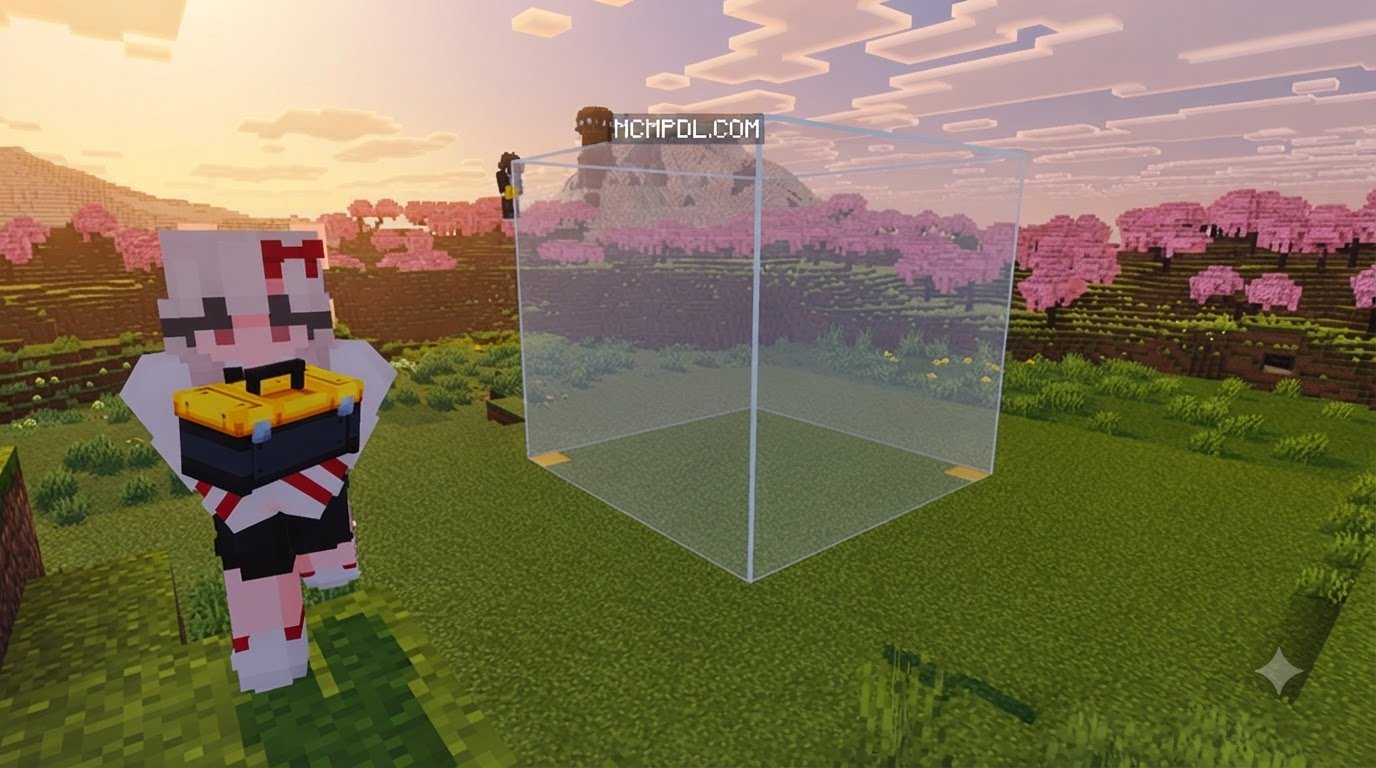
- Coordinate Boundary Selection: Hold the tool and select two opposite corner blocks of any area. A visual boundary highlights the selected volume so you can confirm dimensions before executing an edit.
- Fast Fill & Clear: With your selection active, open the tool interface, pick your desired block from your inventory, and confirm the fill action. To dig out basements or clear forests, simply select the Clear command to instantly void the selected area.
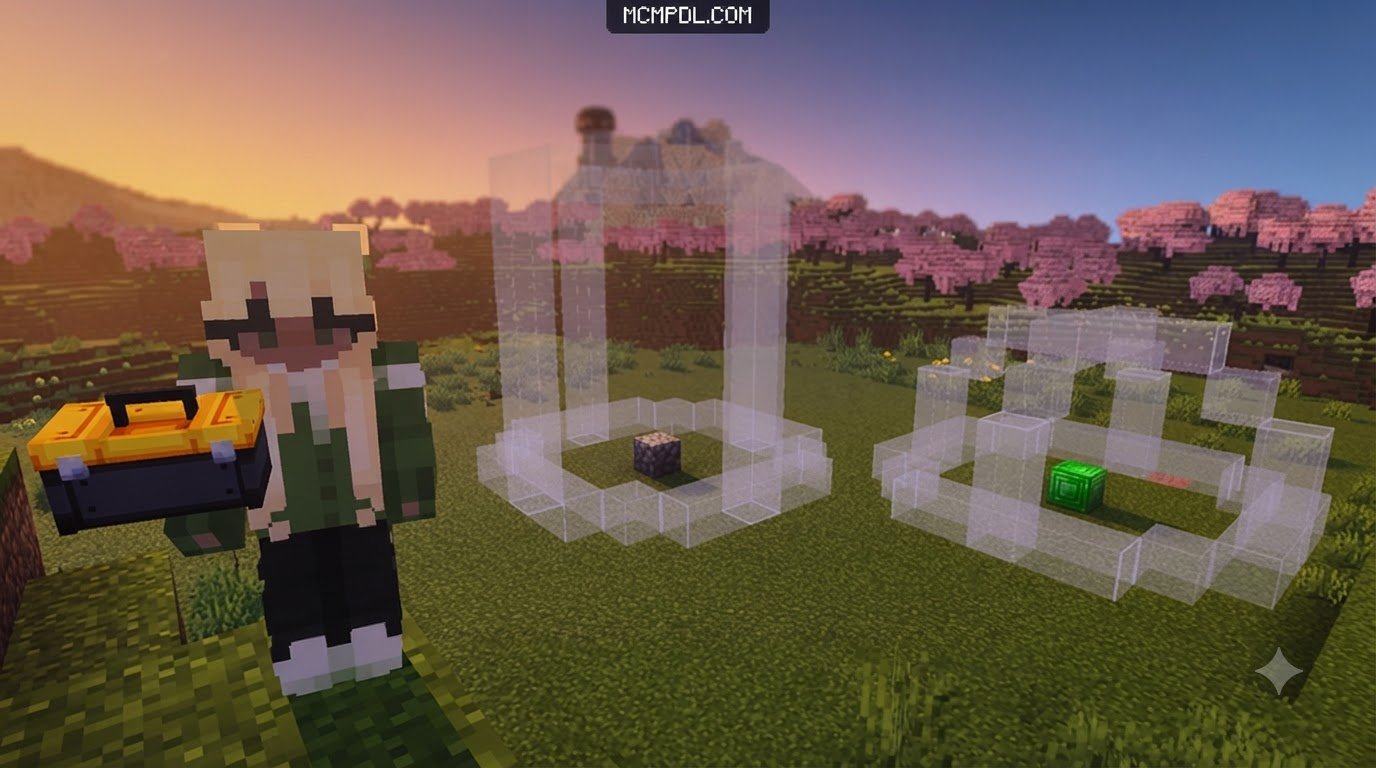
- Generating Spheres and Domes: Building curved geometry on mobile touchscreens is notoriously tricky. Using the shape tool, select your center point, enter your desired radius, choose whether the shape should be solid or hollow, and let the generator construct a mathematically perfect sphere in seconds.
- Cylinders and Towers: Need an imposing wizard tower or round defensive bastion? Set your base circle radius and height parameters to generate tall, hollow cylinders instantly.
- Pattern Stacking: If you have built an intricate architectural detail—such as a custom window frame or a segment of a city wall—you can highlight the section and stack it horizontally or vertically multiple times.
- Smart Block Replacement: Change the mood of your structures without tedious manual demolition. Select your build volume and swap out specific block types (such as changing all oak planks into dark oak planks) while leaving every other block completely untouched.
- Flood Filling Interiors: Use the flood tool inside enclosed underground chambers or uneven spaces to fill voids quickly with water, lava, or solid filler blocks up to the surrounding walls.
Frequently Asked Questions about Build Assist
How much does the Build Assist Add-On cost?
The add-on is available on the Minecraft Bedrock Marketplace for 310 Minecoins. In real-world currency, this comes out to approximately $1.62 USD or €1.53 EUR, depending on regional pricing and local store taxes.
What is the minimum Minecraft Bedrock version required?
You must be running Minecraft Bedrock version 1.21.120 or newer. If you are playing on an older version of the game, update your app or console client to ensure full compatibility.
Does the Build Assist Add-On include custom skins or DLC?
No. The add-on is purely a functional construction and world-editing tool. It does not bundle character skin packs, custom textures, or pre-made adventure maps, focusing entirely on practical building utilities.
Conclusion
Mastering large builds in Minecraft Bedrock no longer requires endless hours of placing blocks one by one. With tools to generate spheres, clone wall sections, clear land, and replace materials in seconds, you can spend less time grinding and more time designing incredible worlds.
At MCMPDL, our mission is to bring you the best guides, news, and resources to take your gameplay to the next level. If you are ready to expand your toolkit even further, explore our curated collection of the latest Minecraft PE add-ons to discover new ways to transform your worlds!



1 thought on “Build Assist Addon for Minecraft PE/Bedrock”