Scroll down to D0vvnl0ad
Build a House Faster in Minecraft Bedrock
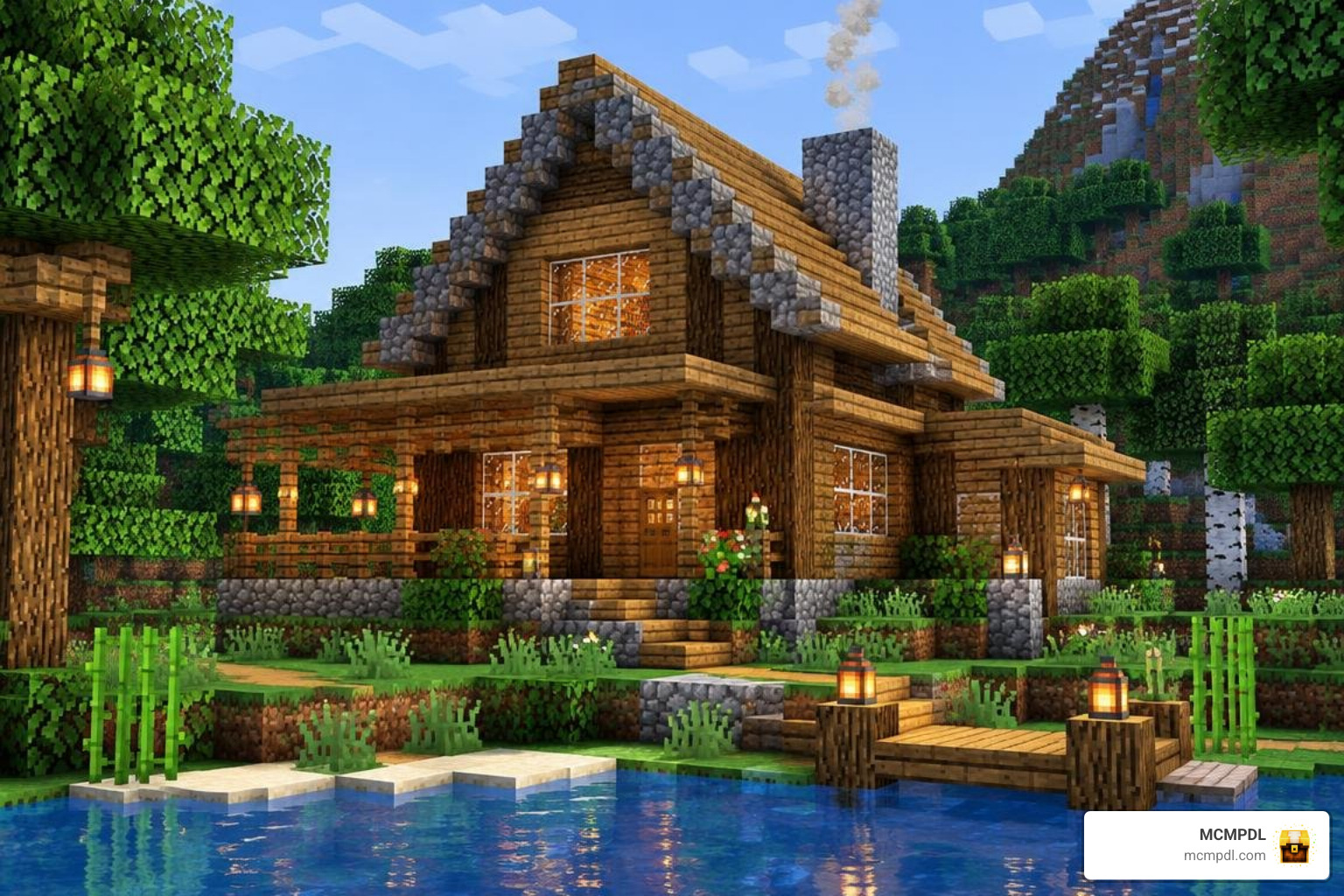
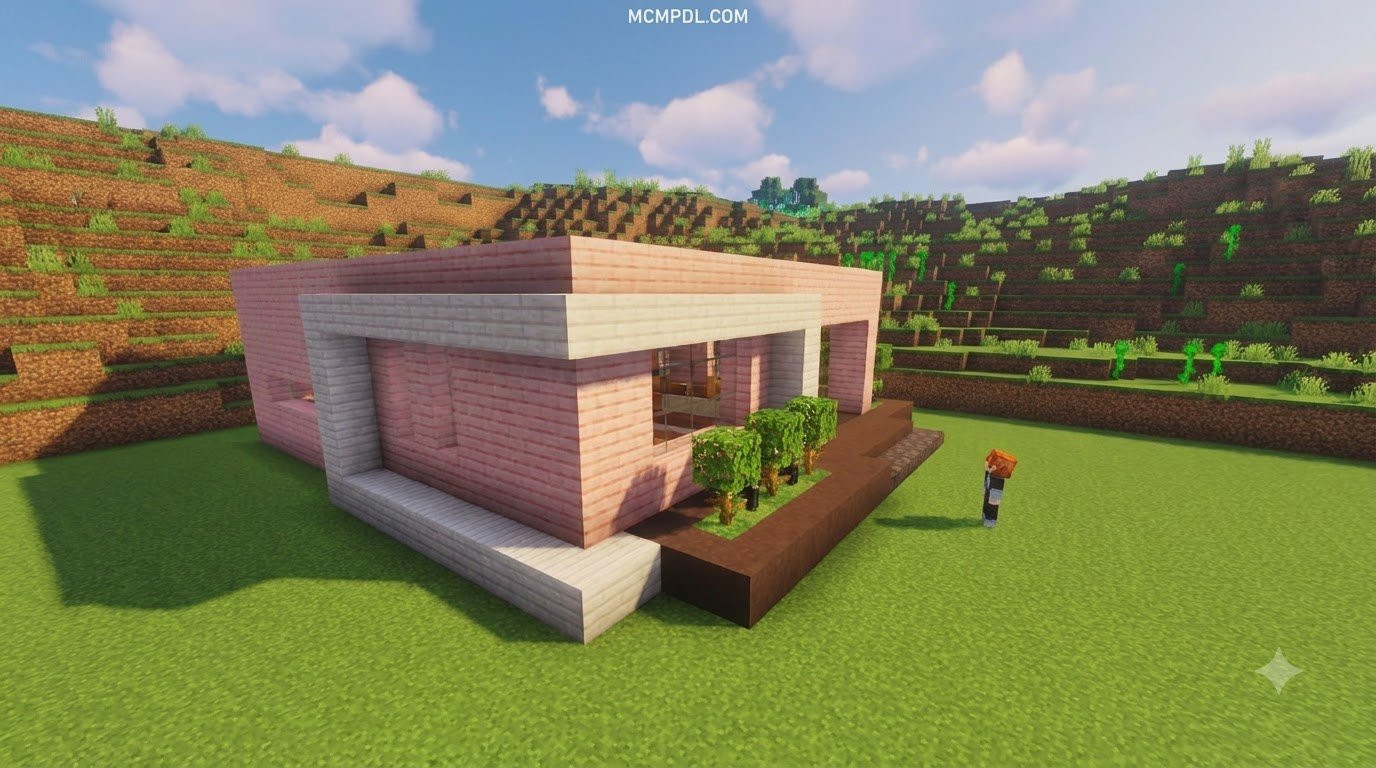
A craftable houses add-on for Minecraft PE and Bedrock lets you place a ready-made home using an item you craft or select in-game. It can save you time on your first shelter or help you fill a creative world with buildings. The houses, crafting costs, and placement tools depend on the pack you choose.
Before downloading, check your Minecraft version, whether the pack works in an existing world, and whether it needs both a behavior pack and a resource pack. Some options are free; others cost Minecoins. This guide compares what they offer and shows you how to get started.
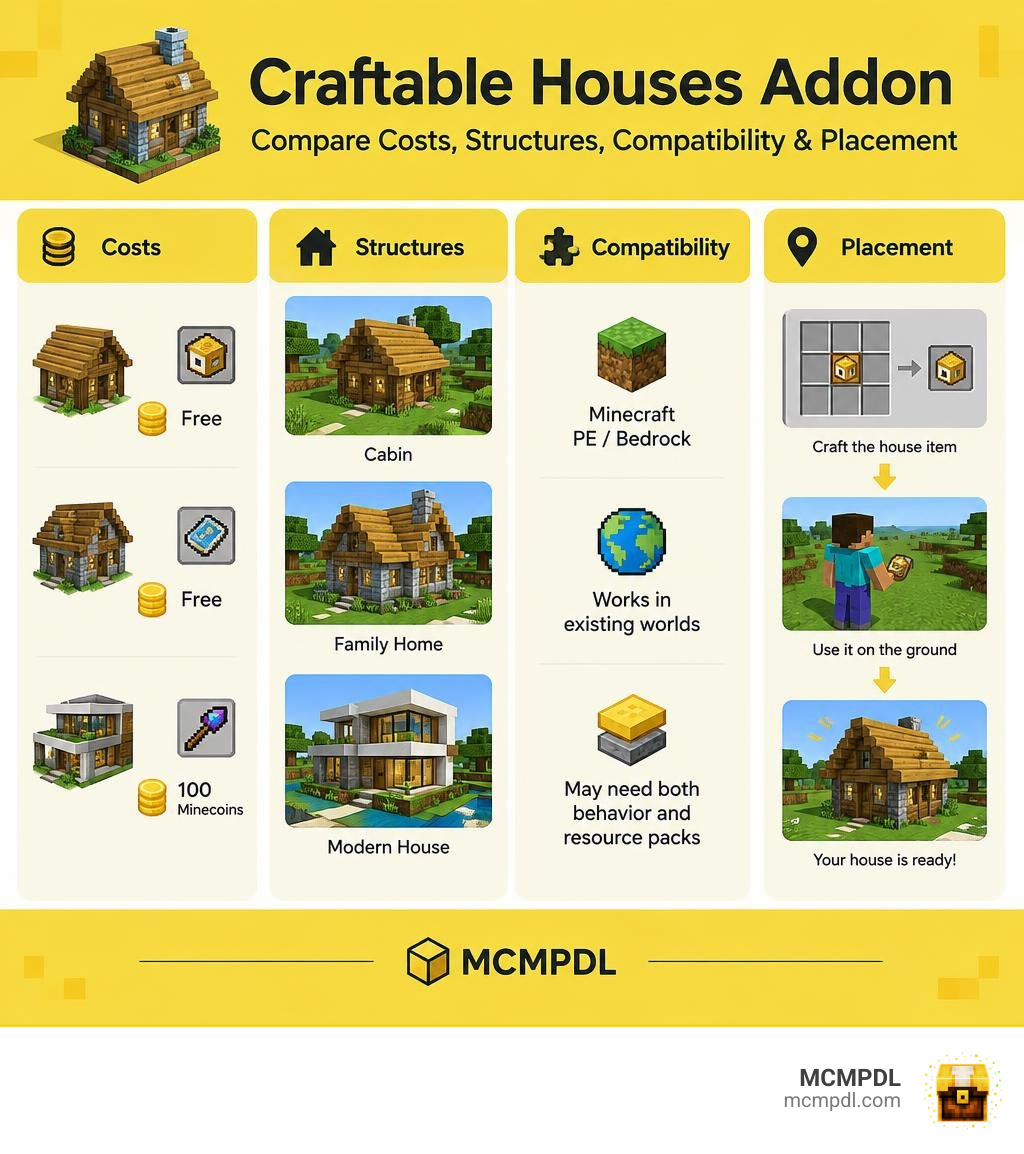
What is a Craftable Houses Addon for Minecraft PE/Bedrock and How Does It Work?
Building a solid base by hand is one of the most rewarding parts of Minecraft, but it can also be an exhausting time sink. Between chopping down entire forests for oak logs, mining stacks of cobblestone, and carefully placing blocks layer by layer, building a simple shelter can eat up hours of your early gameplay. If night falls before your roof is finished, you might find yourself trapped in a dirt hut dodging creepers.
A Craftable Houses Addon for Minecraft PE/Bedrock changes this dynamic by turning complex architectural blueprints into compact, portable inventory items. Instead of placing hundreds of individual blocks by hand, you craft a specific item at a crafting table—like a house token, a blueprint scroll, or a specialized selector wand—and interact with the ground. Within seconds, the add-on reads the item data and places a fully furnished, multi-room building right in front of you.
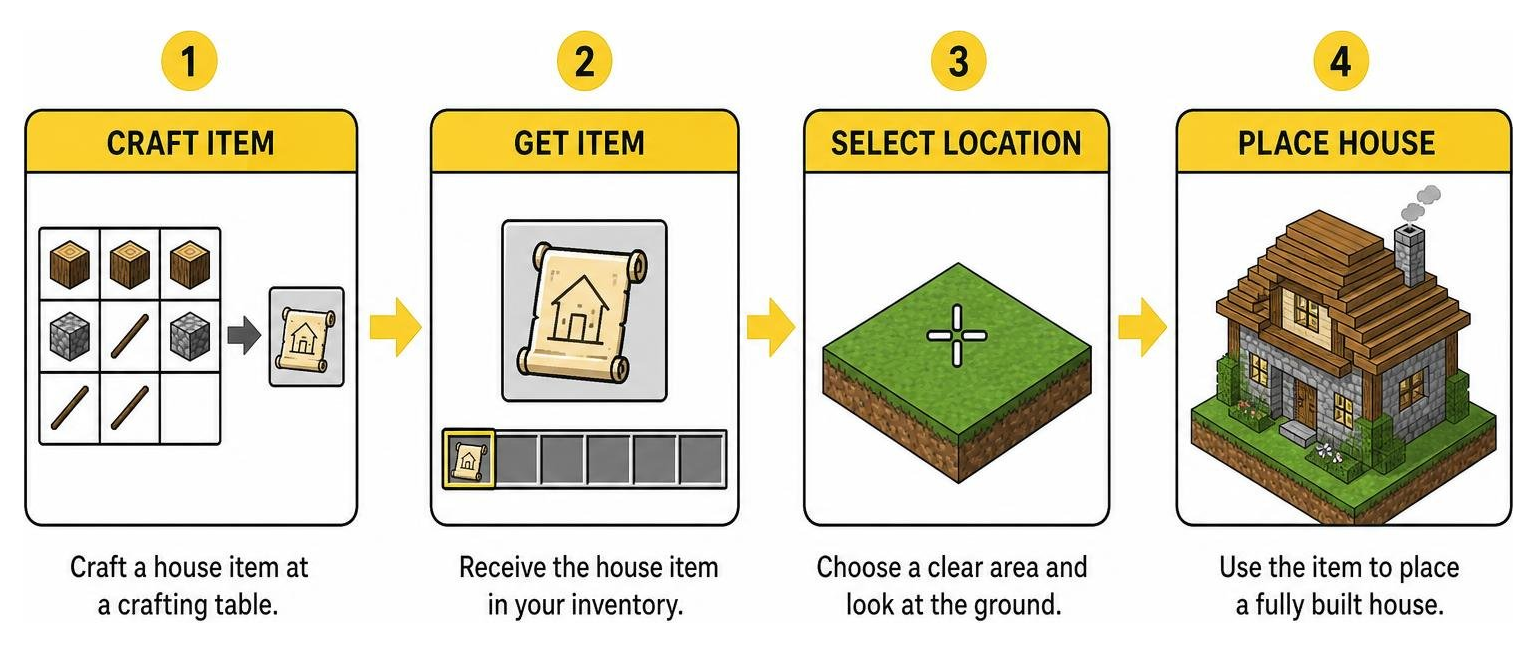
These modifications bridge the gap between pure manual construction and creative-mode speed. While some players enjoy using a Build Assist Addon For Minecraft Pe Bedrock to speed up block placement block-by-block, craftable house packs take automation a step further by generating entire structures at once.
Core Mechanics of Craftable Houses Addon for Minecraft PE/Bedrock
Under the hood, these add-ons rely on Bedrock’s custom entity definitions, animation controllers, and structure template features:
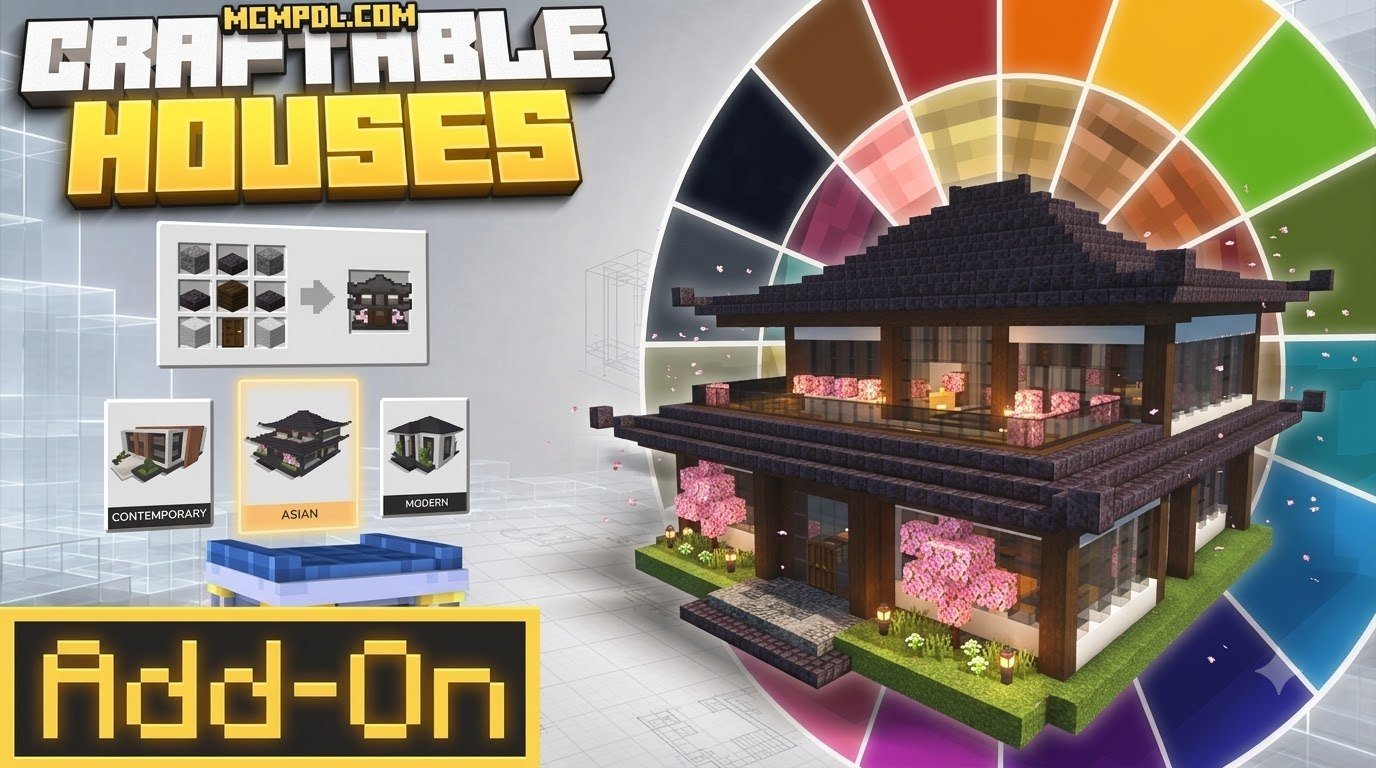
- Custom Crafting Recipes: Each structure corresponds to a recipe in the standard 3×3 crafting grid. Basic wooden cabins typically require common materials like wood planks, stone, and iron ingots, while massive mansions require higher-tier resources like diamond, gold, or quartz blocks.
- Selector Tools and Spawners: Some packs give you an all-in-one item (such as a selector wand crafted from four iron ingots) that opens an interactive user interface menu, allowing you to browse different categories of buildings.
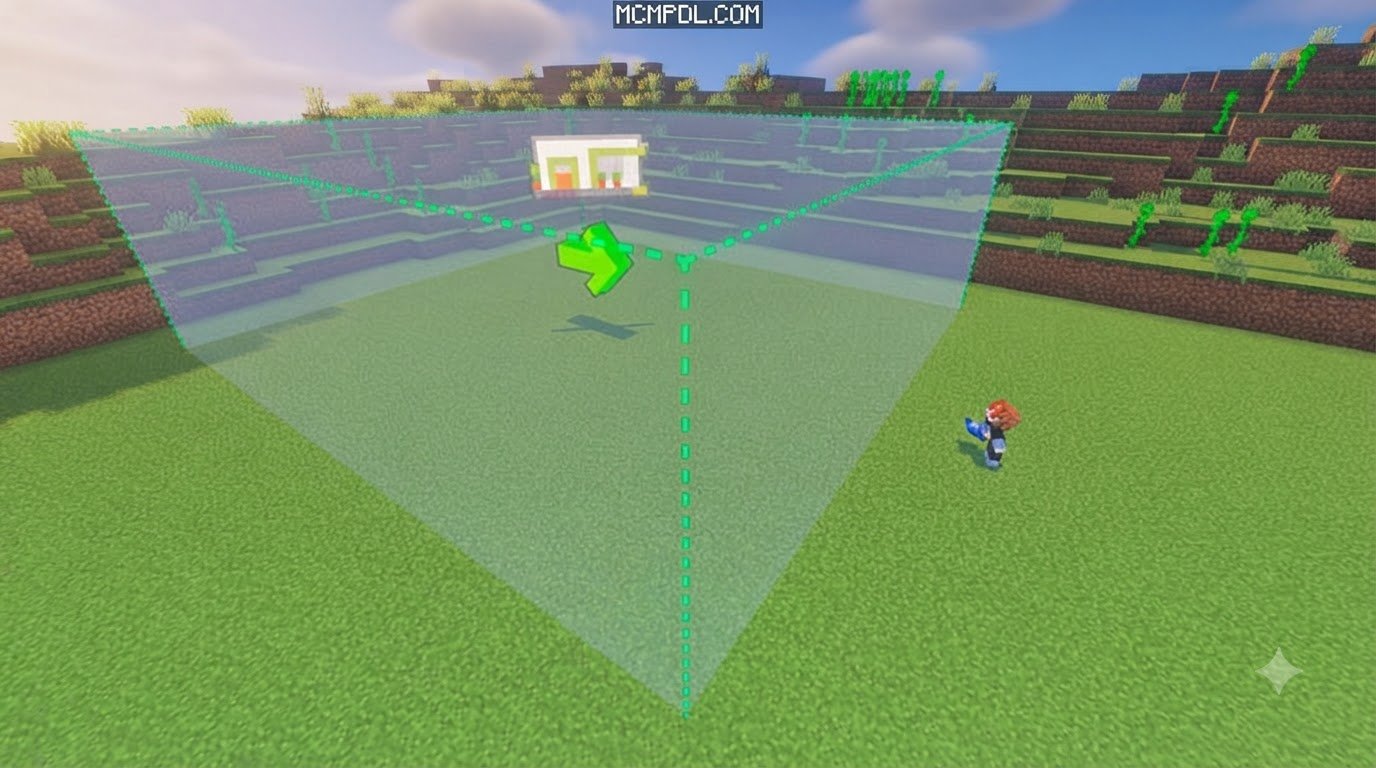
- Particle Bounding Previews: Advanced add-ons project a glowing particle box showing the exact width, length, and height of the structure before you commit to placing it.
- Directional Orientation: The structure automatically faces the direction your character is looking, ensuring doorways and porches align with your pathways.
- Automated Block Generation: When confirmed, the game loads the pre-saved structure template, replacing air blocks and flattening minor terrain variations to assemble walls, roofs, windows, and light sources instantly.
Structure Customization and Undo Features
Once an instant house is placed, it is made of standard Minecraft blocks. You can tear down walls, expand basements, swap oak planks for spruce, or add personal touches anytime.
Many players like to combine these buildings with a Furniture Addon For Minecraft Pe Bedrock to upgrade kitchens and bedrooms, or use a World Editing Addon For Minecraft Pe Bedrock to terraform the surrounding landscape.
Accidental placements happen. Some leading packs now include dedicated undo tools or refund items that can roll back up to five recent placements, clearing the misplaced blocks and returning the crafting item to your inventory.
Choosing a Craftable Houses Addon: Features and Structure Options
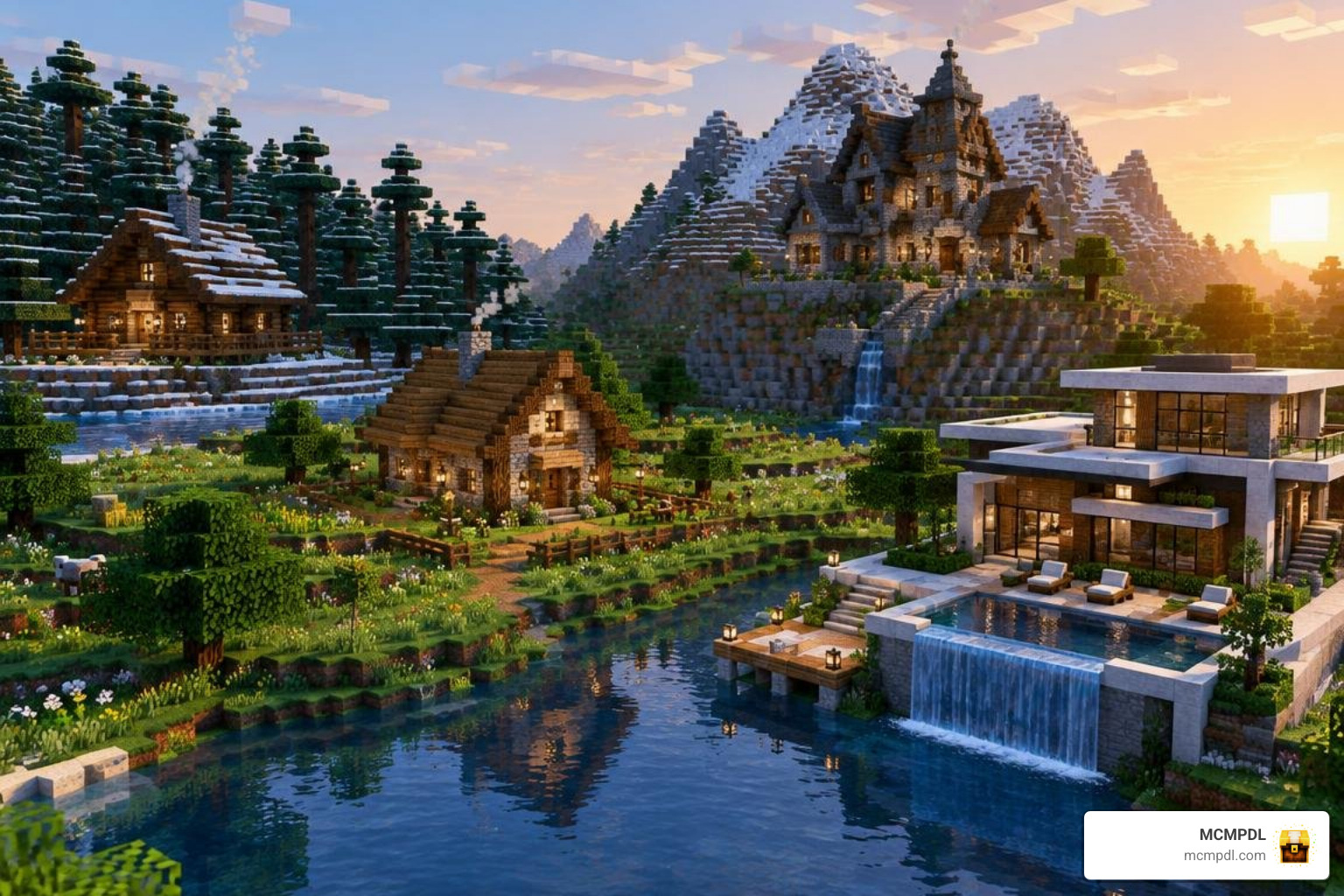
Finding the right pack depends on whether you prefer compact survival shelters or sprawling fantasy towns. As of October 2026, the Bedrock community offers several distinct options ranging from lightweight free packs to feature-packed premium add-ons.
| Add-on Name | Structure Count | Price / Currency | Key Architectural Styles | Standout Features |
|---|---|---|---|---|
| Craftable Houses Plus | 5 Houses | Free | Wooden Cabin, Rustic Cottage, Medieval, Stone, Luxury Mansion | 10,813+ downloads; balanced for early-to-mid survival |
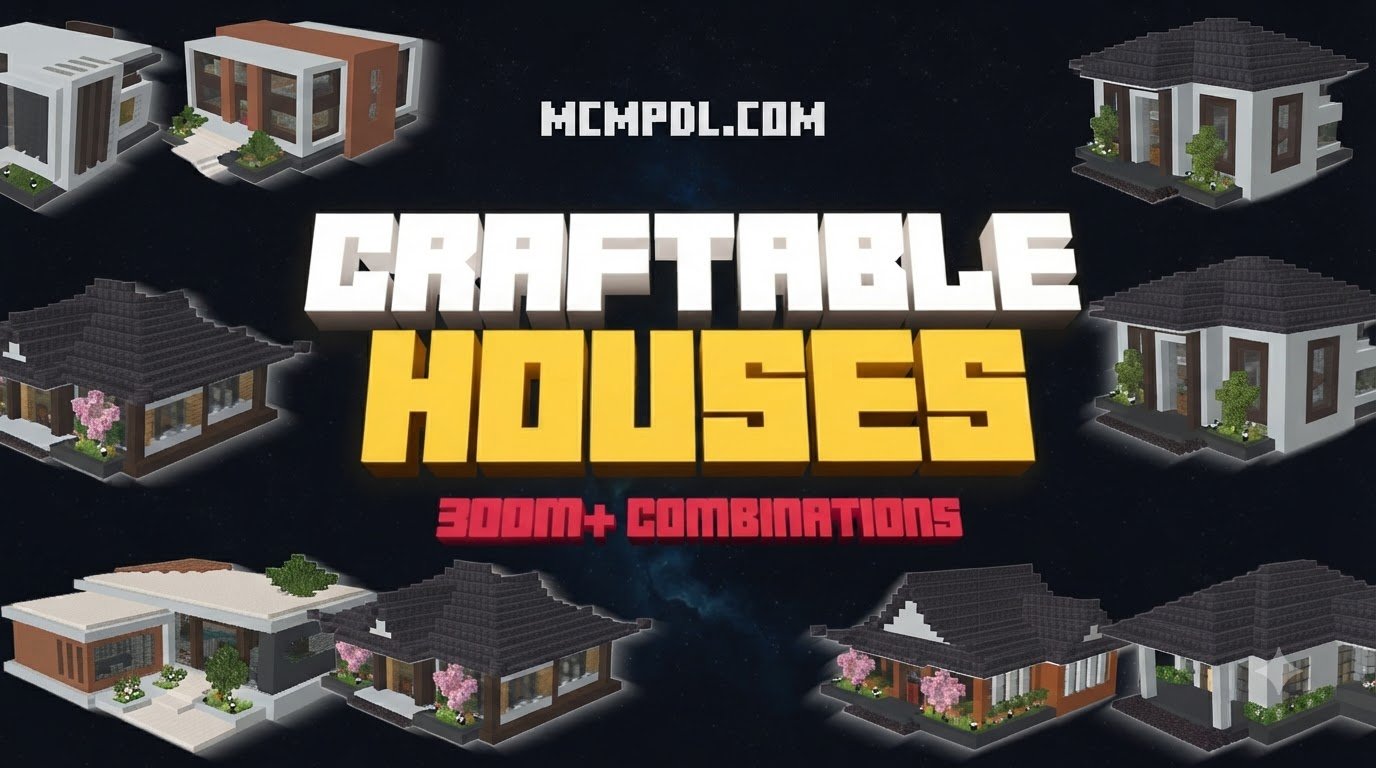
| Craftable Houses Add-On (Teplight) | 80+ Buildings | 660 Minecoins (~$3.46 USD) | Medieval, Modern, Fantasy, Asian, Desert | 4.3/5 rating (56 ratings); includes 60+ interactive furniture blocks |
| Craftable Houses 2 (Cubed Creations) | 20+ Buildings | 830 Minecoins (~$4.35 USD) | Castles, Treehouses, Modern Villas, Whimsical (Cake House) | 4.7/5 rating (10 ratings); 1–99 multiplayer support; interior blueprints |
| Craftable Builds Add-On | 200+ Builds | Paid (Premium) | Mansions, Cottages, Pools, Rollercoasters, Roads | 5-build undo feature; preview bounding box; vehicle compatibility |
| Instant Structures v7 | 100+ Builds | Free | Houses, Automatic Farms, Towers, Custom Trees | 1.3M+ downloads; 4 pricing modes (Free, Paid, Blocks, XP) |
Evaluating Addon Options
When comparing these options, consider the following factors:
- Structure Quantity vs. Quality: Small packs like Craftable Houses Plus provide five carefully detailed starter homes, whereas larger packs offer dozens of buildings covering various themes.
- Resource Balance: Check whether crafting requirements match your survival stage. High-end packs include graduated resource costs for different tiers of buildings.
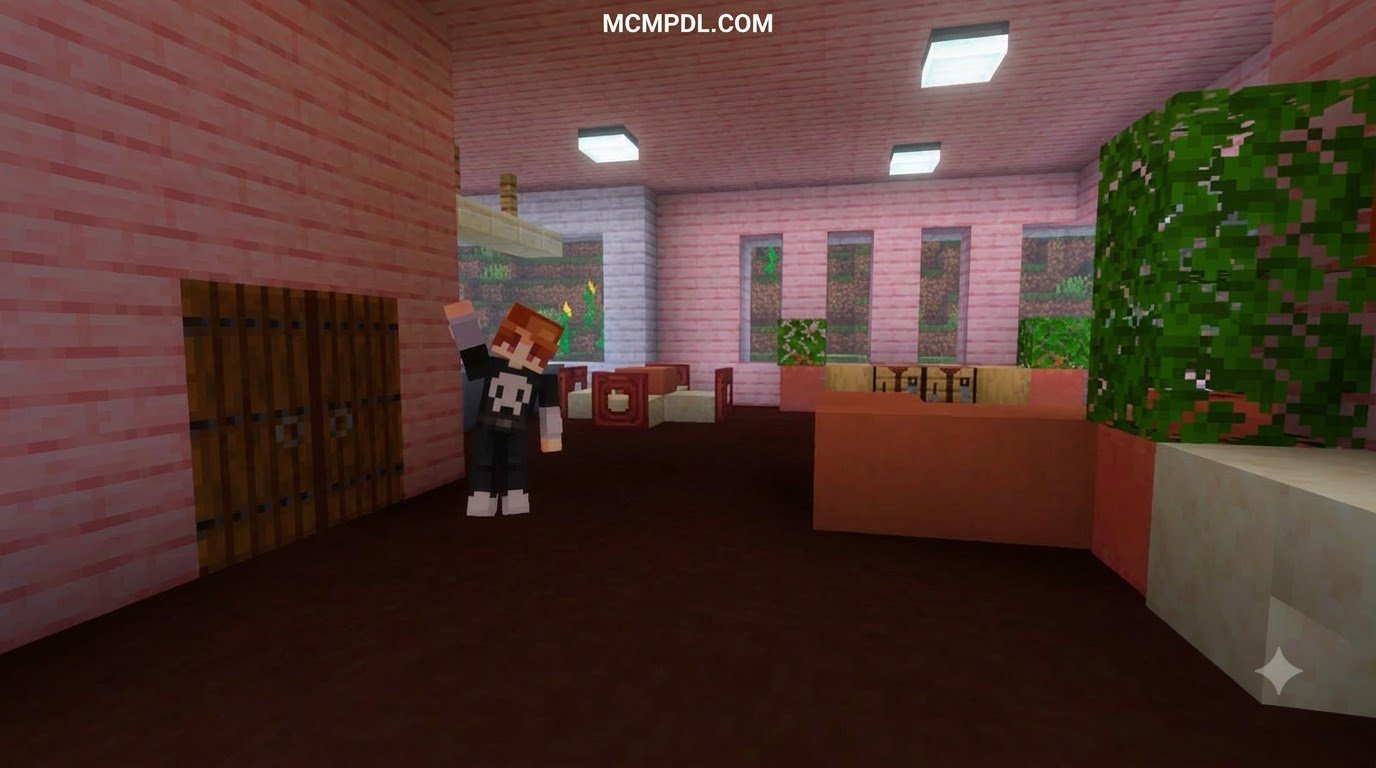
- Interactive Additions: Some packs provide pre-installed interactive decor like working kitchen appliances and sports blocks alongside the main structures.
- Undo and Preview Capabilities: If you are building on uneven terrain, a pack with particle placement outlines prevents structures from cutting into hillsides awkwardly.
Choosing a Craftable Houses Addon for Minecraft PE/Bedrock
For players looking for general structure packs, the range of available add-ons demonstrates how far Bedrock add-on development has come. Whether you want a compact survival bunker or an entire Asian-inspired village, selecting a pack with active version support ensures you won’t encounter broken crafting recipes.
Survival Mode vs. Creative Mode: Which Addon Fits Your Playstyle?
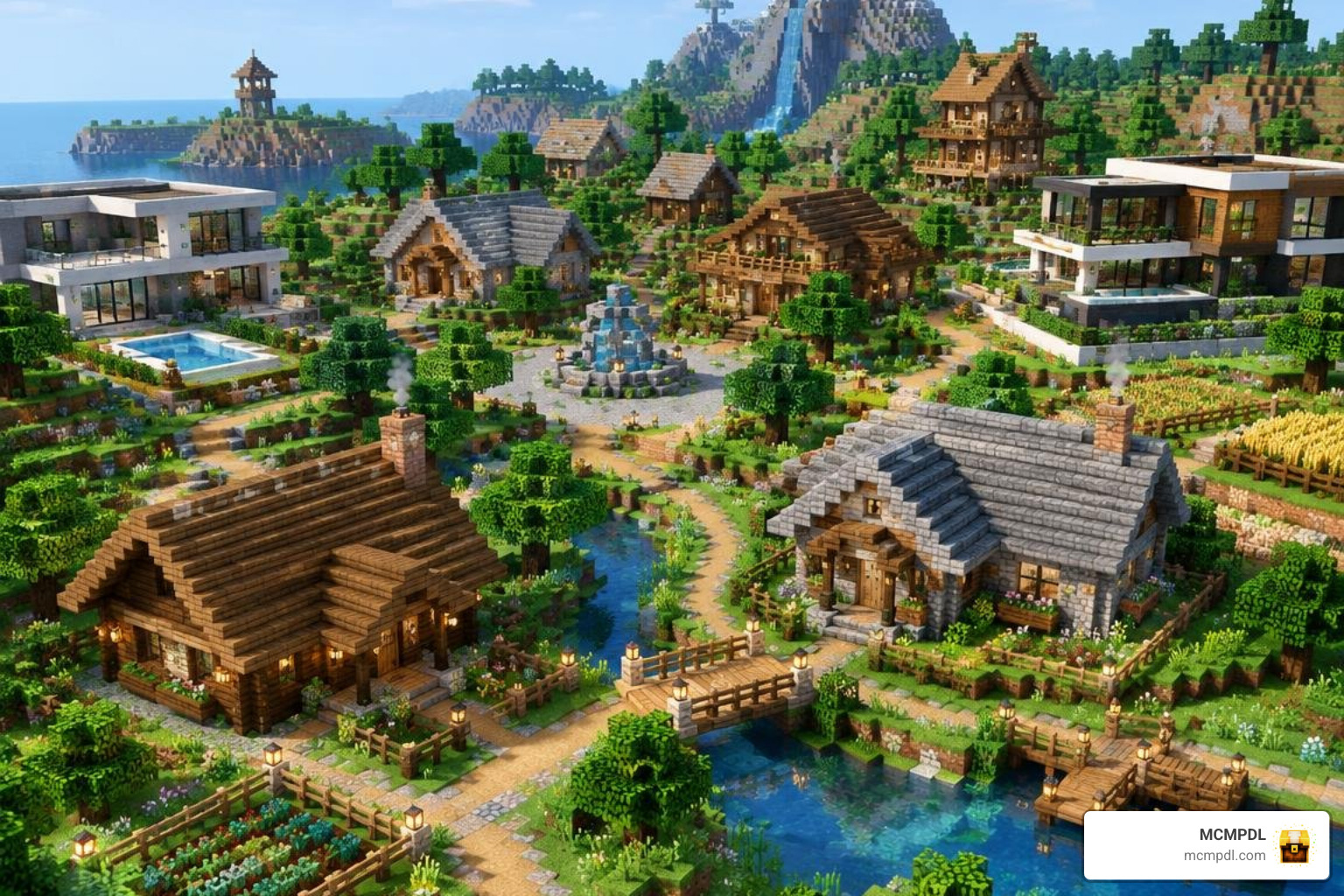
Your choice of add-on will depend heavily on your primary game mode:
- Survival Mode: In pure survival, resource balance is essential. You want an add-on that requires gathering wood, stone, iron, and glass before placing a home. This keeps gameplay rewarding without skipping early progression entirely. You can also pair these shelters with resource-generating add-ons like the Tiny Farms Addon For Minecraft Pe Bedrock or special homes from the Dimension Homes Addon For Minecraft Pe Bedrock.
- Creative Mode and World Building: In creative mode, gathering costs do not matter. The goal is rapid layout creation. Packs that offer selector menus with hundreds of assets allow map creators, roleplay server hosts, and city planners to construct detailed settlements in minutes.
Multiplayer Survival and Server Compatibility
Most modern Bedrock house add-ons work smoothly in multiplayer environments, including local LAN sessions, custom Bedrock Dedicated Servers, and Bedrock Realms.
Because the structures use native Bedrock blocks rather than complex ongoing entity scripts, placing a house generates a brief burst of block updates without causing permanent server lag. Packs like Craftable Houses 2 officially support 1 to 99 players simultaneously, allowing entire friend groups to craft their own neighborhood houses on a shared realm.
How to Install and Use Craftable House Packs in Bedrock Edition
Installing community add-ons on mobile, Windows, and console is straightforward thanks to the unified .mcaddon and .mcpack formats.
Follow these steps to install and activate your add-on:
- Download the File: Obtain the
.mcaddonor separate Resource Pack (.mcpack) and Behavior Pack (.mcpack) files. - Import into Minecraft: On mobile (iOS/Android) or Windows 10/11, tap or double-click the downloaded file. Minecraft will launch automatically and display an “Import Started” banner, followed by “Successfully Imported.”
- Create or Edit a World: Navigate to your world settings screen.
- Enable the Packs:
- Scroll down to the Resource Packs tab on the left menu, select the add-on under Available, and click Activate.
- Scroll to the Behavior Packs tab and ensure the matching behavior pack is also active.
- Turn On Experimental Features (If Required): Check the add-on documentation. Many custom crafting packs require toggling options like Holiday Creator Features, Custom Biomes, or Beta APIs under the Experiments toggle in World Settings.
- Enter Your World and Craft: Open your crafting table, place your materials according to the pack’s recipe guide, grab your house spawner item, and tap the ground to place your structure!
Frequently Asked Questions About Craftable Houses Addons
Do Craftable Houses Addons Work in Multiplayer Survival Worlds?
Yes. As long as the world host or Realm owner activates both the resource pack and behavior pack in the world settings, all connecting players can craft and place houses. Joining players will automatically download the required resource pack when connecting.
Can You Remove or Undo Placed Structures?
It depends on the pack. Add-ons like the Craftable Builds Add-On feature a dedicated “Undo Build” tool that reverses up to five recent placements. Packs without an undo mechanic require manually breaking blocks or restoring a prior world backup, so we always recommend saving a backup copy of your world before placing large mansions.
Which Minecraft Bedrock Versions Support Craftable Houses Addons?
Most active house add-ons support Bedrock versions 1.20 through 1.21.x. Community packs like Craftable Houses Plus support Bedrock versions 1.21.100 through 1.21.111, while premium packs require version 1.16.0 or newer. Always check your game version to ensure complete compatibility.
Conclusion
Craftable house add-ons take the repetitive grind out of early survival shelter construction and let you focus on exploring, crafting, and decorating. Whether you prefer a quick wooden cabin for your first night or an expansive 80-building architectural suite, these packs offer tremendous versatility for solo and multiplayer worlds alike.
Ready to transform your survival world? At MCMPDL, we curate the best community creations so you can download files directly with confidence. Take a moment to explore curated Minecraft Bedrock add-ons and find the perfect building tools for your next grand adventure!
C