
Scroll down to D0vvnl0ad
Install a Capybara Addon for Minecraft PE or Bedrock
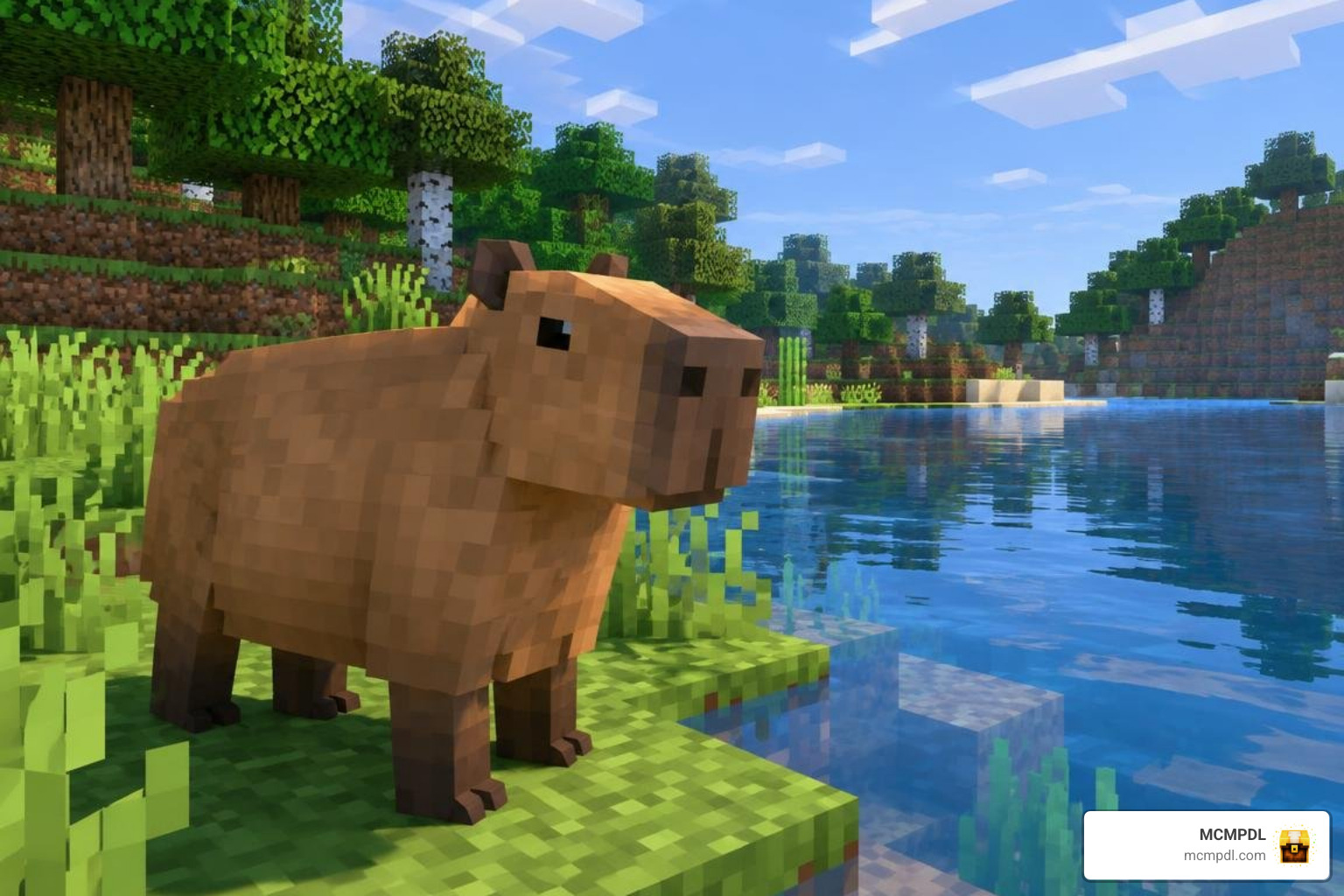
To install the Capybara addon for Minecraft PE or Bedrock, download a version that matches your game, open its .mcaddon or .mcpack file with Minecraft, and activate the imported packs in your world settings. If the addon says it needs experimental features, turn those on before opening the world.
Capybara addons can add peaceful animal companions, but their features vary. Some let you tame and ride a capybara; others focus on its appearance. Check the addon description before you install so you know which features you’re getting.
What Is the Capybara Addon for Minecraft PE/Bedrock?
The Capybara addon brings the world’s largest, most relaxed rodent into your Minecraft Bedrock and Pocket Edition worlds. Whether you are building an elaborate sanctuary or wandering through dense biomes, these chill creatures add life, humor, and practical utility to your survival adventures.
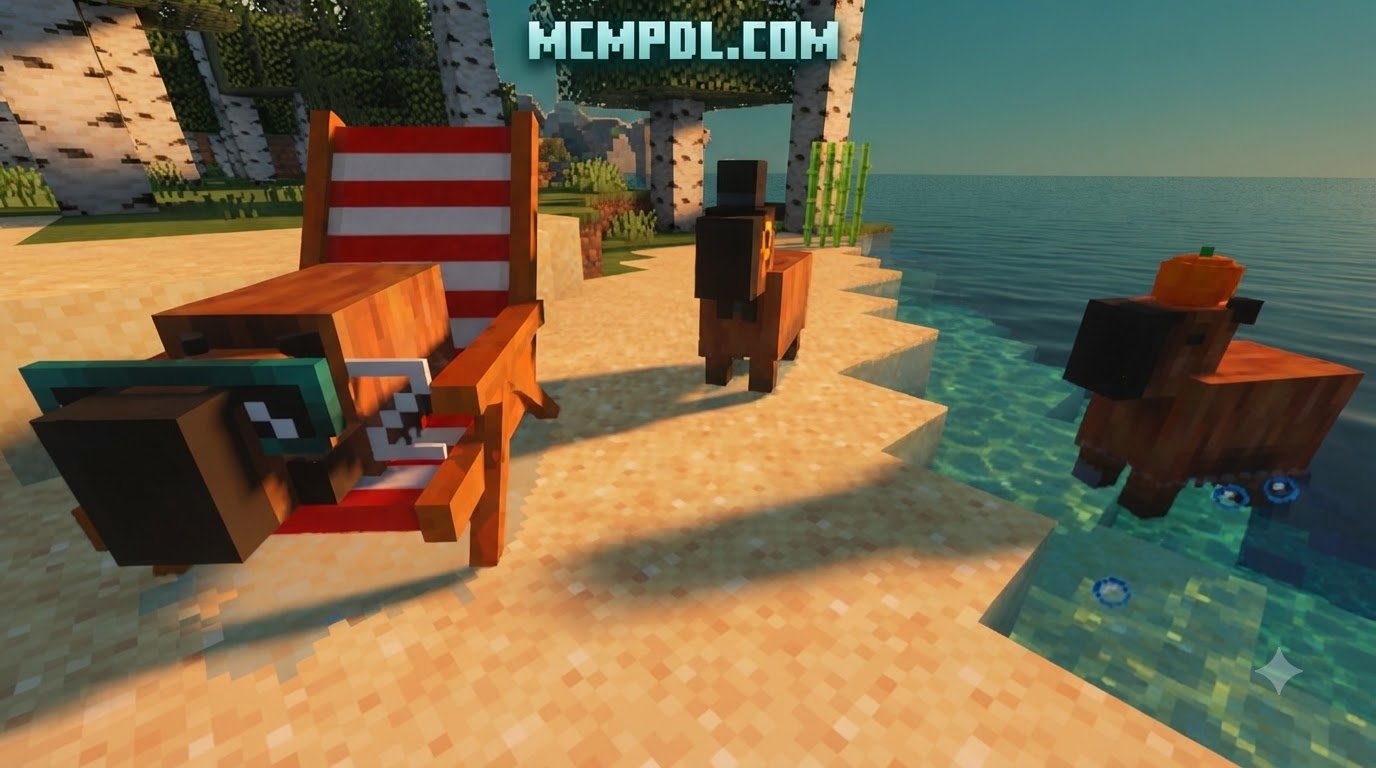
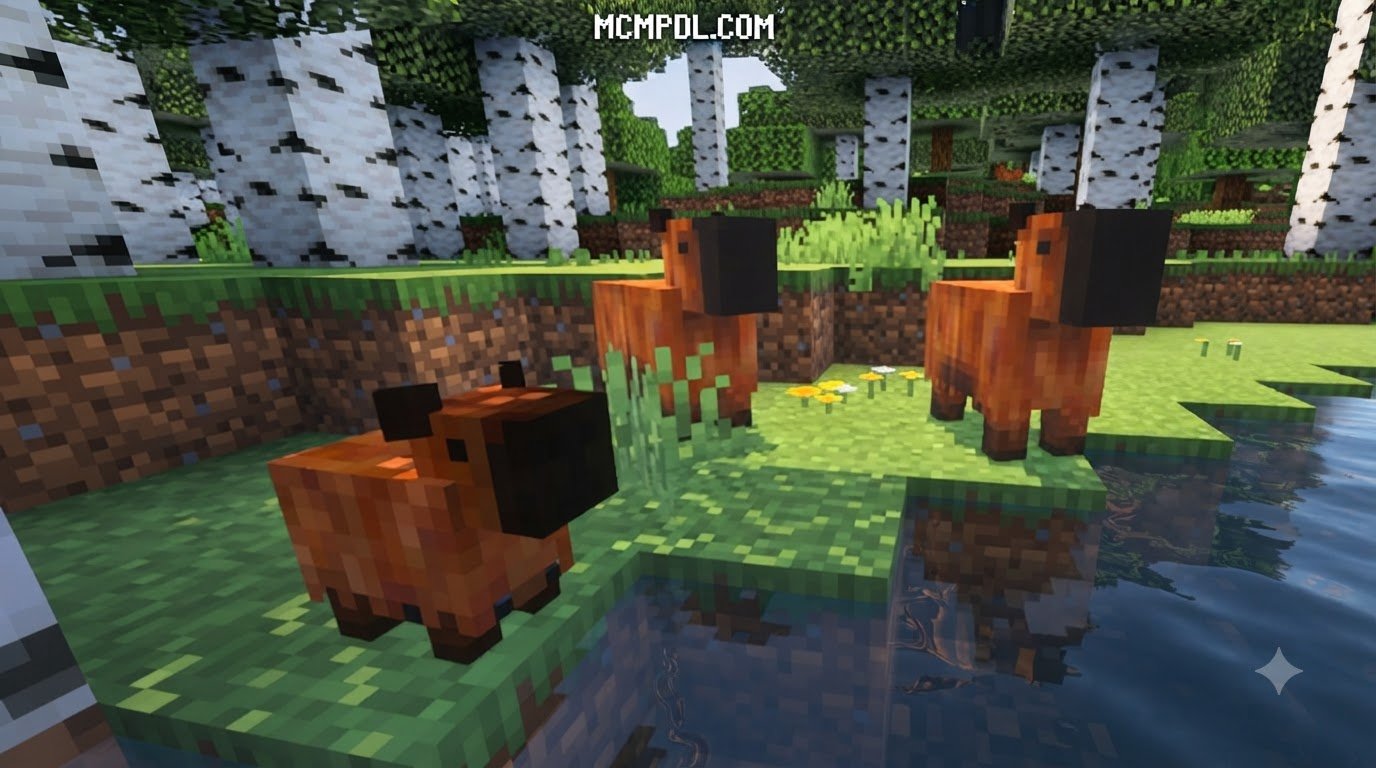
In standard Minecraft gameplay, riverbanks and wetlands can sometimes feel empty. With community creations and the growing library of options on Minecraft Bedrock Edition Add-Ons, creators have turned these quiet spots into lively ecosystems. When exploring standard add-ons or comprehensive mods, you will find that these creatures naturally spawn across tropical and wetland biomes. They feel right at home in lush Jungles, murky Swamps, and dense Mangrove Swamps.

Depending on the specific package you choose, a capybara mod can serve several purposes:
- Stand-alone Companion Mob: Introduces independent entities with custom AI, custom hitboxes, unique sound effects, and interactable mechanics.
- Utility Mount and Storage Pack: Converts the mob into a swift water mount or a pack animal capable of carrying extra chests across long distances.
- Visual Texture Replacement: Replaces default vanilla passive mobs (such as pigs) with high-quality capybara models, as seen in popular visual overhauls and The Ultimate Animal Texture Pack for Minecraft PE/Bedrock.
- Multi-Pet Expansion: Packs that incorporate capybaras alongside a host of domestic and exotic pets with trick systems and care items.
Core Stats and Passive Behaviors in the Capybara Addon for Minecraft PE/Bedrock
Capybaras are strictly passive mobs designed to bring peaceful vibes to your survival bases. Across the primary Bedrock standalone versions, capybaras boast a sturdy health pool of 35 health points (equivalent to 17.5 player hearts). In lighter ecological packs, their health ranges between 8 and 20 points, giving them plenty of durability against minor accidental bumps.
Their behavioral coding includes several distinctive traits:
- Exceptional Aquatic Skills: True to their real-world nature, capybaras love the water. They can dive and hold their breath underwater for up to two full minutes without taking drowning damage.
- Social Mechanics: They travel in peaceful herds. When startled, untamed capybaras will scatter together, though they will never attack players or other peaceful creatures.
- Whimsical Mob Interactions: Much like wildlife overhauls such as the Naturalist Addon for Minecraft PE/Bedrock or WildlifeCraft Addon for Minecraft PE/Bedrock, capybaras feature rich inter-mob behaviors. Baby capybaras will happily hop on their parents’ backs for a free ride, and some variations will even climb onto the backs of nearby neutral crocodiles or pelicans without provoking aggression.
- Follow and Teleport Routines: Once tamed, your capybara will faithfully follow you across land and sea. If you pull too far ahead, it will safely teleport to your position unless you have commanded it to sit and stay.
Taming, Breeding, and Riding Mechanics
Taming a capybara is simple, rewarding, and accessible early in survival mode. While specific items can vary slightly depending on the exact pack build, standard mechanics follow a clear progression.
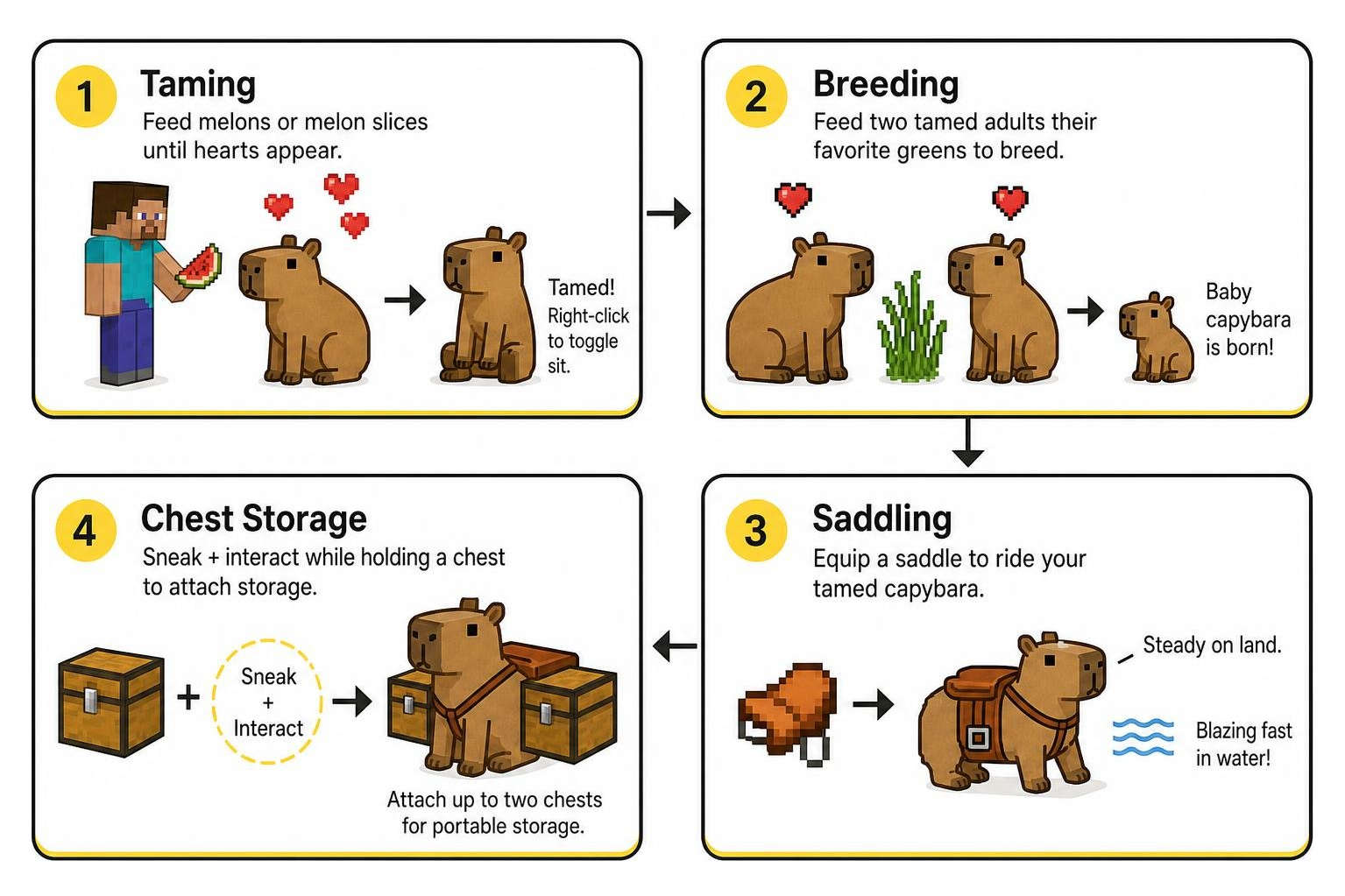
- Taming: Approach a wild capybara while holding melons or melon slices. Feed the capybara until heart particles appear over its head. Once tamed, right-clicking or tapping the interaction button toggles its sitting state. In specific marketplace builds, items like crisp red apples can also be used to tame your new companion.
- Breeding: You can expand your capybara family by feeding two tamed adults their favorite greens. Capybaras accept a surprisingly wide diet for breeding, including sugar cane, tall grass, seagrass, potatoes, sea pickles, sticks, and wheat. Feeding them triggers love mode, producing a miniature baby capybara that grows over time.
- Riding (The Living Jet Ski): Once tamed, equip your capybara with a standard saddle. On land, they move at a steady, relaxed pace. However, the moment your saddled capybara touches water, it turns into a literal living jet ski. Capybaras glide across rivers, oceans, and swamps at blistering speeds, bypassing the slow drag of standard swimming and letting you outpace boats with ease.
- Chest Storage: In utility versions, you can sneak and interact with your tamed capybara while holding a wooden chest. This attaches up to two storage containers directly to the mob’s flanks, transforming your aquatic pet into a portable storage convoy for long mining and foraging trips.
Step-by-Step Guide: How to Install the Capybara Addon on Minecraft PE
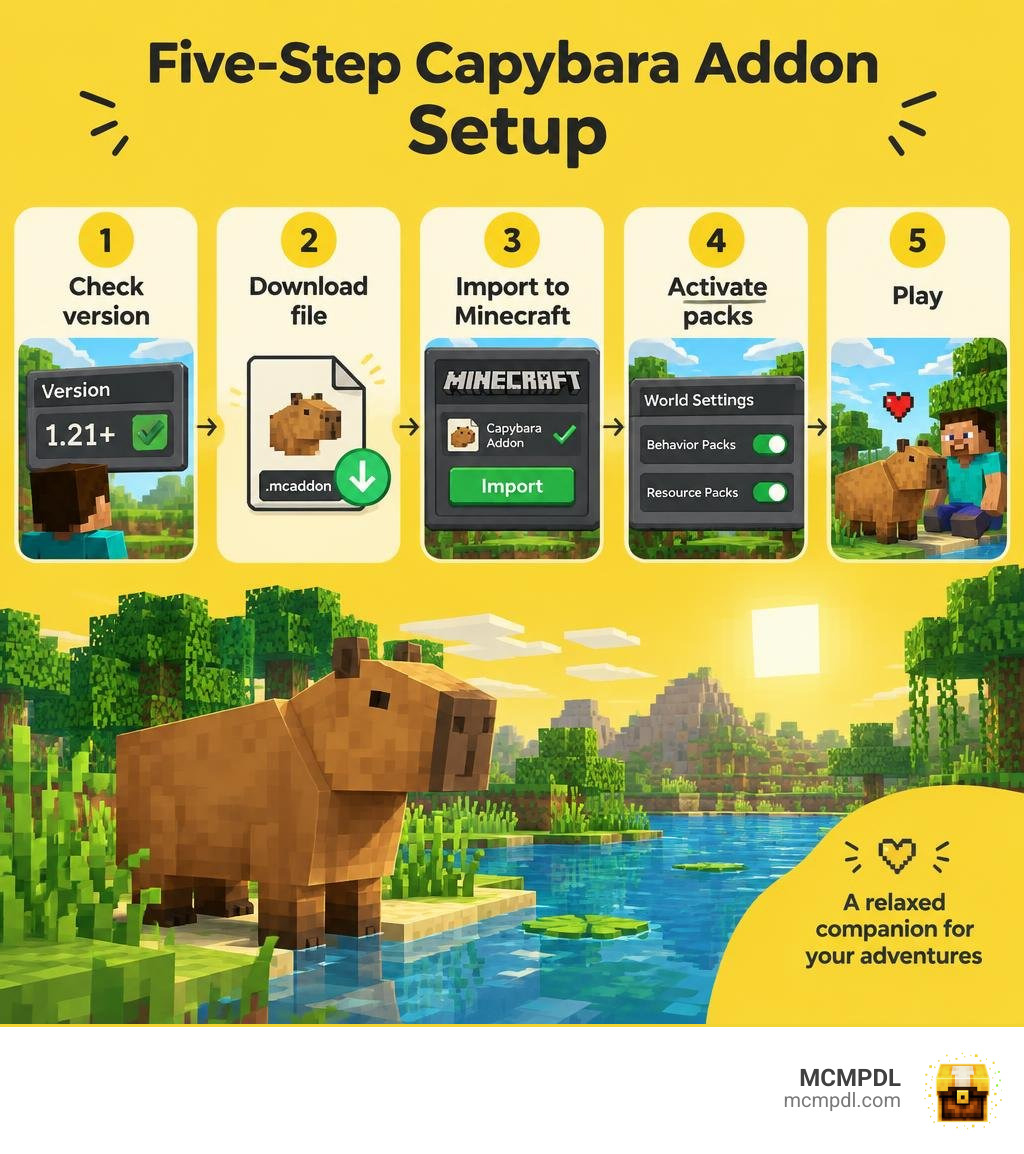
Installing custom content on Minecraft Pocket Edition and Bedrock platforms is quick and straightforward. Follow these five simple steps to import your addon and jump into your world.
Step 1: Download the Addon Files
Obtain the .mcaddon or .mcpack files for your chosen Capybara addon from a trusted hub. Ensure the file version matches your installed version of Minecraft Bedrock.
Step 2: Open and Import the File
On iOS, Android, or Windows, locate the downloaded file in your device’s file manager or browser downloads. Tap or double-click the .mcaddon file. Minecraft will launch automatically and display an “Import Started” banner at the top of your screen, followed by “Successfully imported”.
Step 3: Create or Edit Your World
In Minecraft, select Play, then either choose Create New World or tap the pencil icon next to an existing world where you want capybaras to spawn.
Step 4: Activate Resource and Behavior Packs
In the world settings menu, scroll down to the left sidebar:
- Select Resource Packs > Available > Owned, locate your Capybara addon, and tap Activate.
- Select Behavior Packs > Available, find the matching behavior pack, and tap Activate (ensure both are active).
Step 5: Enable Experimental Gameplay and Play
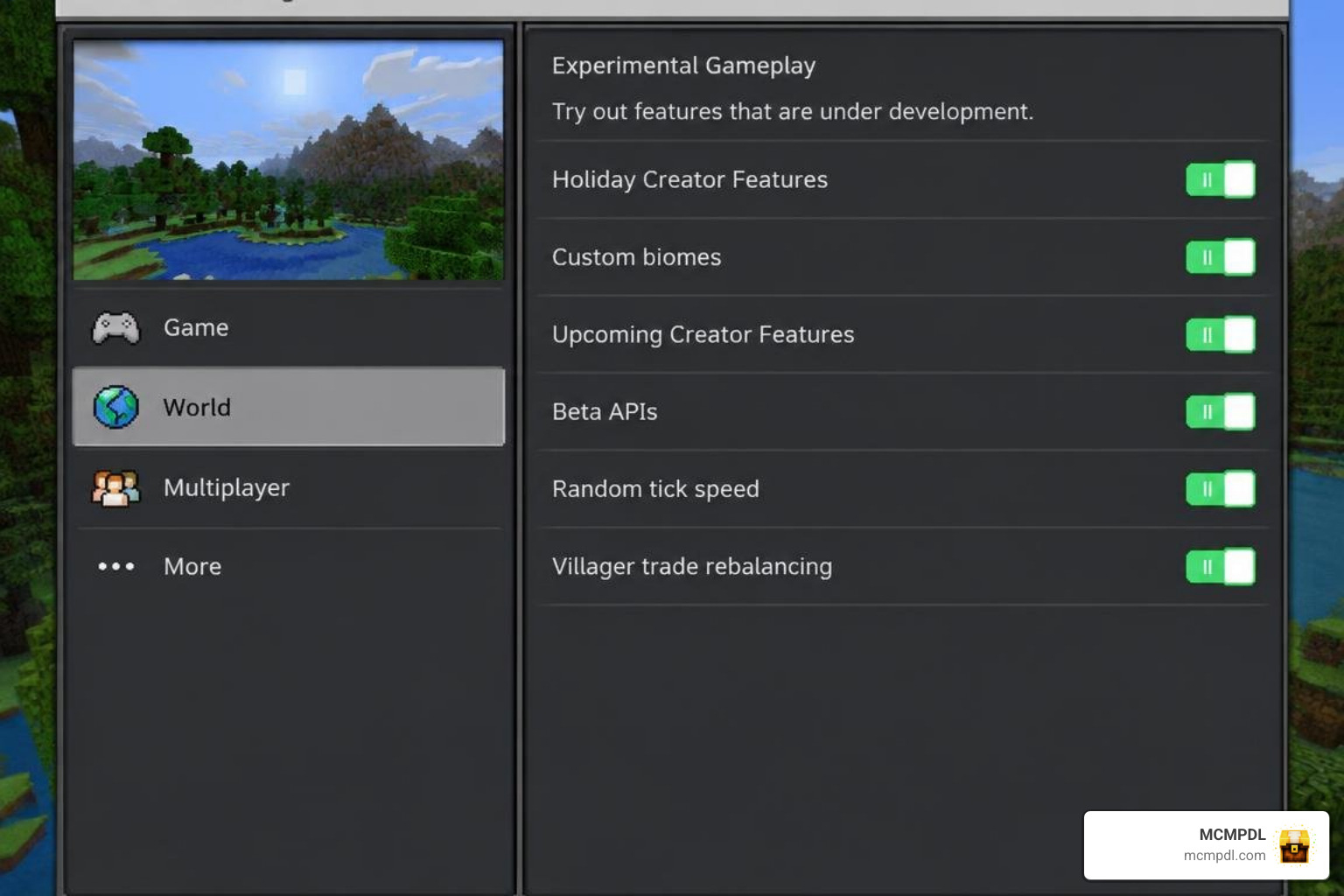
Navigate to the Experiments tab in your world settings. Toggle on options such as Holiday Creator Features, Custom Biomes, and Beta APIs if specified by the addon creator. Once toggled, click Play or Create to enter your world and meet your new capybaras!
Capybara Addon Features
Costumes, Beacon Effects, and Storage Customization
Capybara addons stand out not just for the adorable mob itself, but for the extensive customization tools creators build into them. If you love dressing up your companions, addons like the Spark Pets Addon Premium for Minecraft PE/Bedrock provide dozens of whimsical cosmetics.
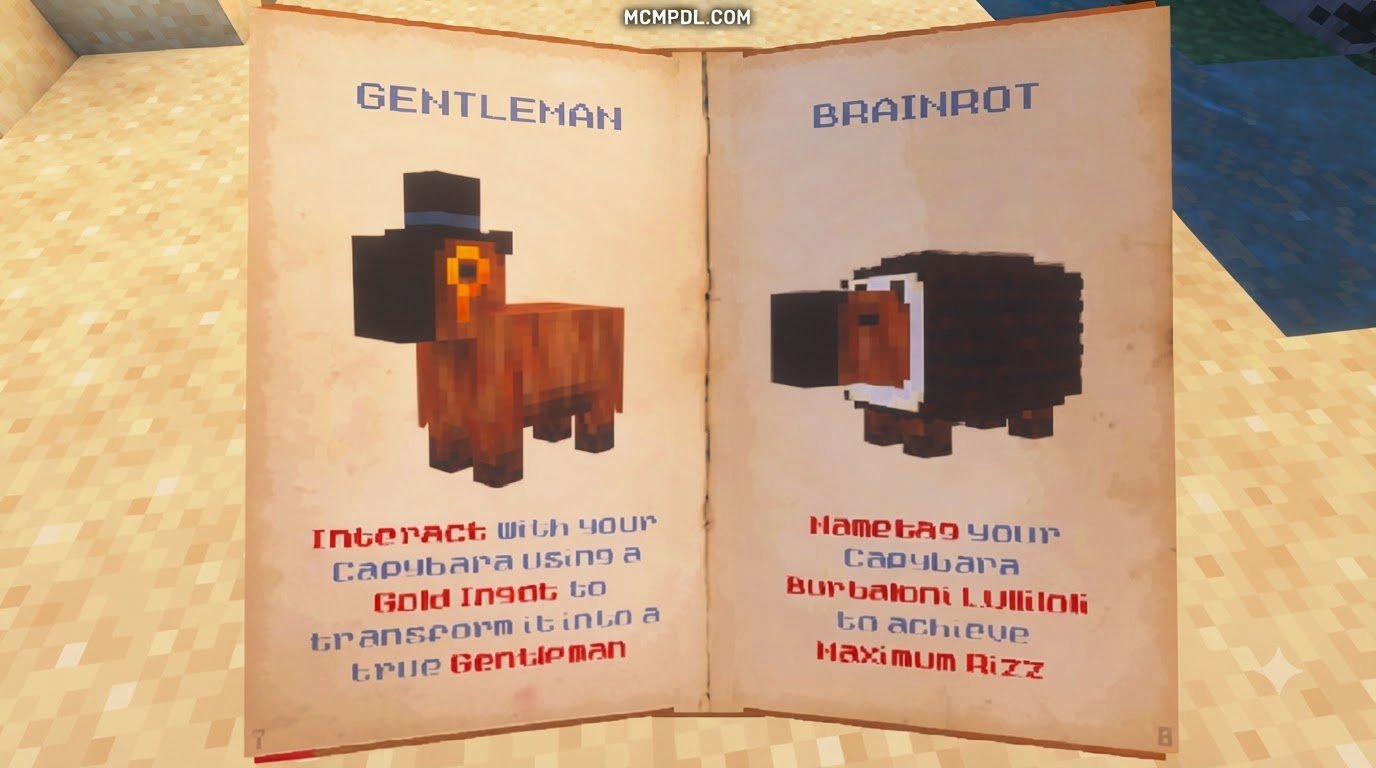
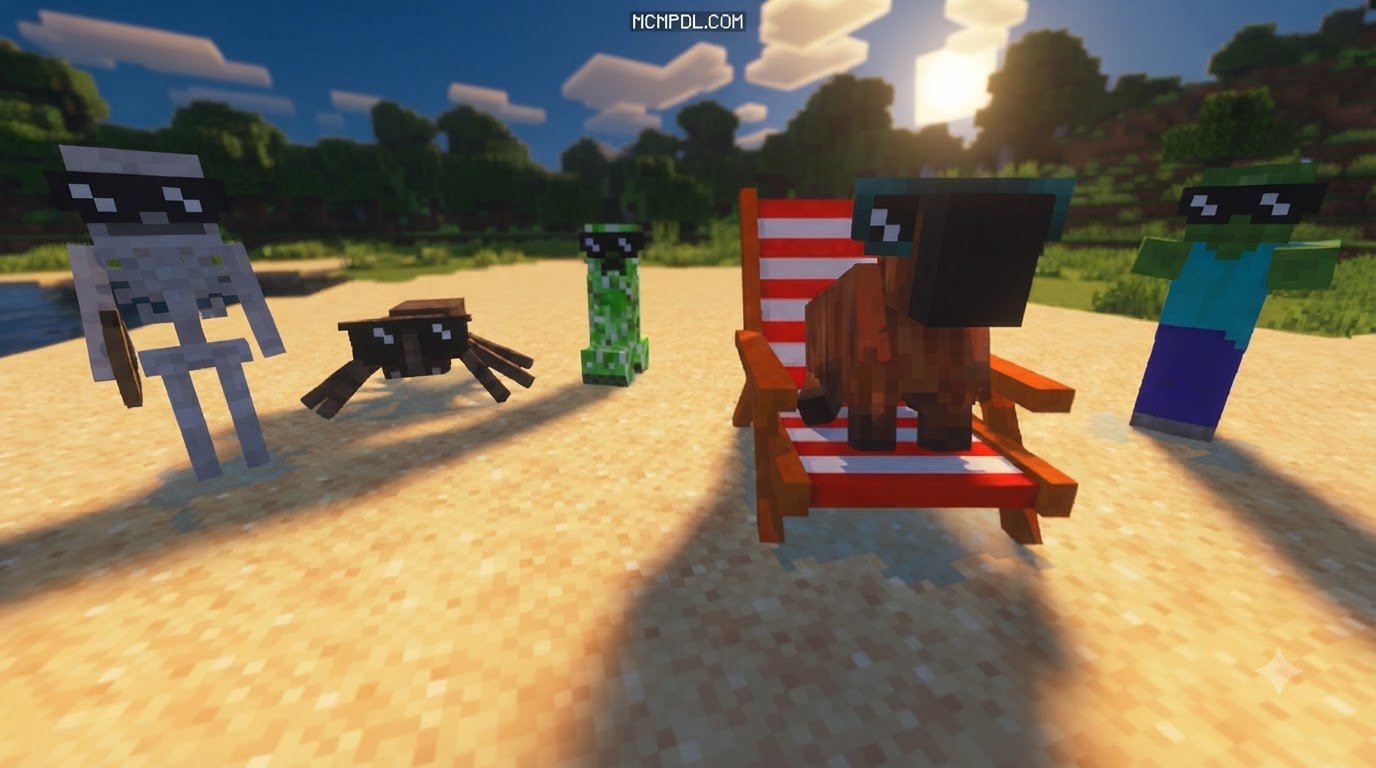
- The Costume Basket: In dedicated standalone addons, you can craft a specialized Costume Basket item. Interacting with your tamed capybara while holding this basket shuffles through a vibrant wardrobe of randomized outfits—from top hats and sunglasses to cozy sweaters. If you want your capybara to return to its natural look, simply sneak and interact with an empty hand to strip away all cosmetics.
- Passive Beacon Buffs: In premium gameplay expansions, capybaras do more than look stylish. They emit passive, beacon-style area-of-effect buffs to nearby players. Keeping a well-protected capybara by your side can grant passive Regeneration, Speed, or Haste during tough mining expeditions and base defense raids.
- Protection Upgrades: Some releases feature leveling mechanics that let you upgrade your capybara’s armor rating, ensuring it remains safe from creepers and hostile wildlife during your travels.
Hidden Easter Eggs in the Capybara Addon for Minecraft PE/Bedrock
Addon developers love sneaking in lighthearted secrets, and capybara packs are no exception:
- The “Mario” Nametag Secret: In several versions, applying a nametag labeled
"Mario"to your capybara triggers a hidden visual or audio Easter egg, transforming your chill companion into a playful gaming tribute. - Custom Authentic Audio: Many capybara sound effects—from their signature soft squeaks and chirps to their underwater splashing—are sampled directly from viral internet clips and authentic wildlife recordings.
- Zoo Exhibitions: If you enjoy designing full animal enclosures alongside other packs like the Zoo Builder Add-on, capybaras naturally integrate with hot springs, mud baths, and bamboo groves, giving your custom exhibits an authentic wildlife aesthetic.
Frequently Asked Questions About Capybara Addons
How do you tame and breed capybaras in Minecraft Bedrock?
To tame a capybara, hold a melon slice, whole melon, or apple in your hand and interact with the animal until floating red heart particles appear. Once tamed, you can command it to sit or follow you. To breed two adult capybaras, feed both of them sugar cane, tall grass, seagrass, sticks, potatoes, wheat, or sea pickles. They will enter love mode and produce a baby capybara.
Can you ride a capybara across water in Pocket Edition?
Yes! After taming a capybara, place a standard saddle on it. Mount the capybara and guide it directly into any body of water. Capybaras feature high-speed aquatic propulsion, allowing them to glide over rivers and oceans significantly faster than a wooden boat.
How do you equip and remove capybara costumes?
Craft a Costume Basket (or use the addon’s designated cosmetic applicator) and tap or right-click your tamed capybara to cycle through available outfits and accessories. To remove an equipped costume, sneak (crouch) and interact with the capybara using an empty hand.
Conclusion
Whether you want a high-speed aquatic mount, a mobile storage companion, or just a delightfully round friend to lounge beside your riverside cottage, installing a capybara addon completely transforms your Minecraft survival experience. With simple installation steps and cross-platform support across mobile devices, tablets, consoles, and Windows, adding these beloved animals to your game takes only a few minutes.
Ready to expand your Bedrock world with new creatures, custom mechanics, and immersive worlds? Check out our extensive, up-to-date collection and explore more Minecraft PE add-ons to discover your next favorite companion today!