
Scroll down to D0vvnl0ad
Install Structures 2.0 Addon for Minecraft PE/Bedrock
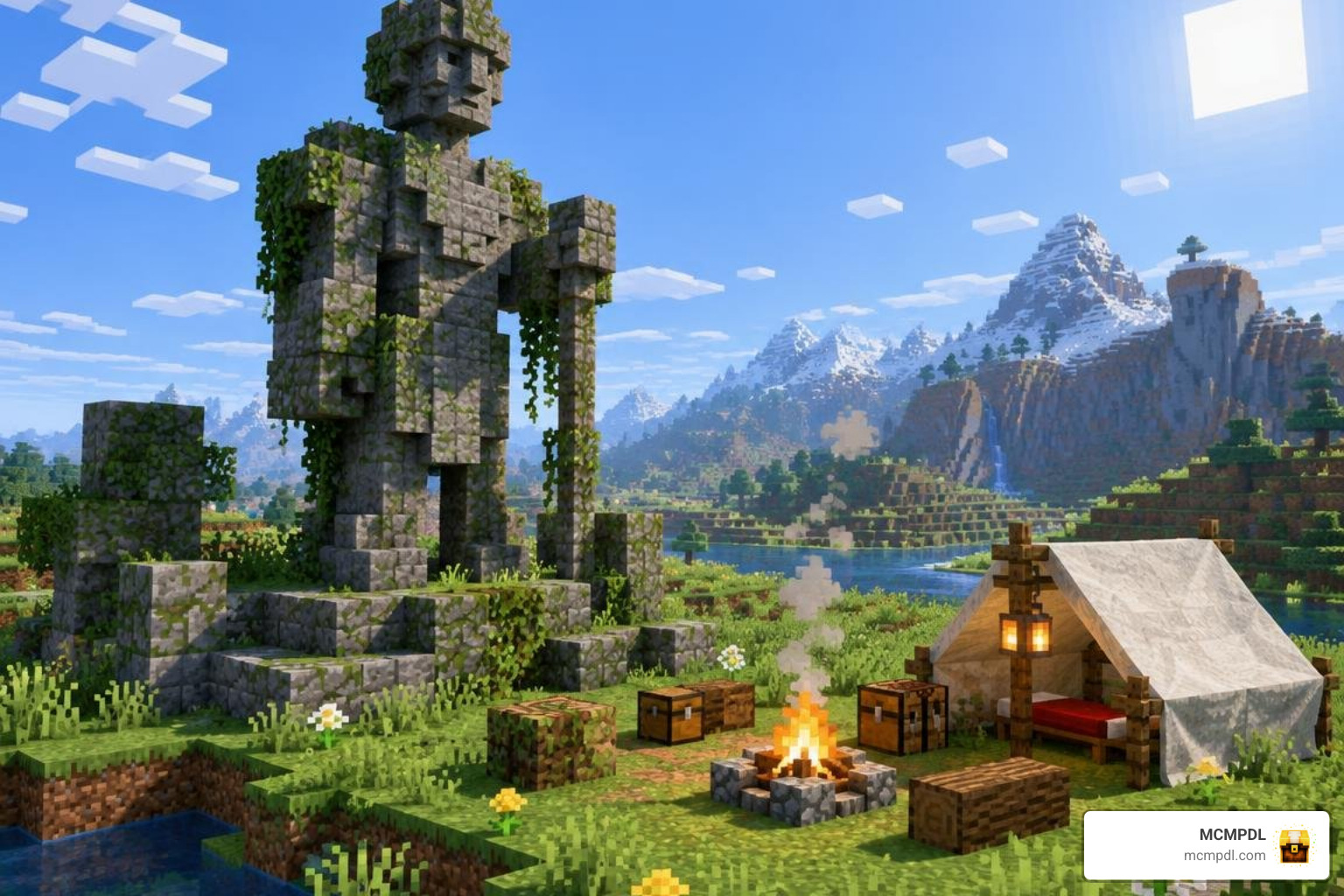
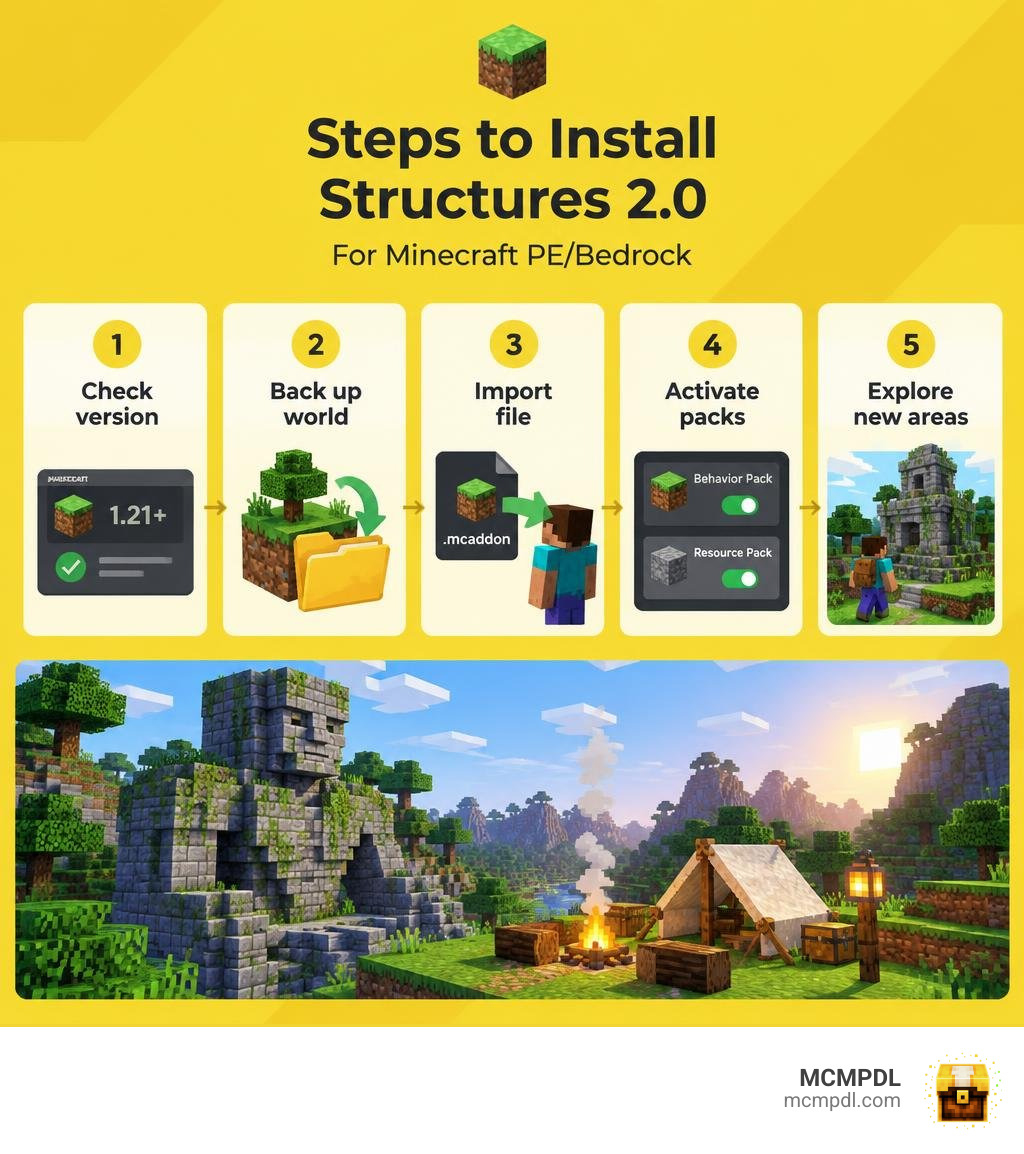
To install the Structures 2.0 Addon for Minecraft PE/Bedrock, first check that its download supports your Bedrock version. Back up your world, then open the downloaded .mcaddon file with Minecraft. In your world settings, activate the included behavior pack and resource pack, if one is provided. Start a new world or explore areas you have not visited yet to look for added structures.
Check the pack’s own instructions before changing world settings. Some add-ons need experimental features, but those settings should not be turned on by guesswork. The guide below covers installation, compatibility, and what to try if structures do not appear.
What Is the Structures 2.0 Addon for Minecraft PE/Bedrock?
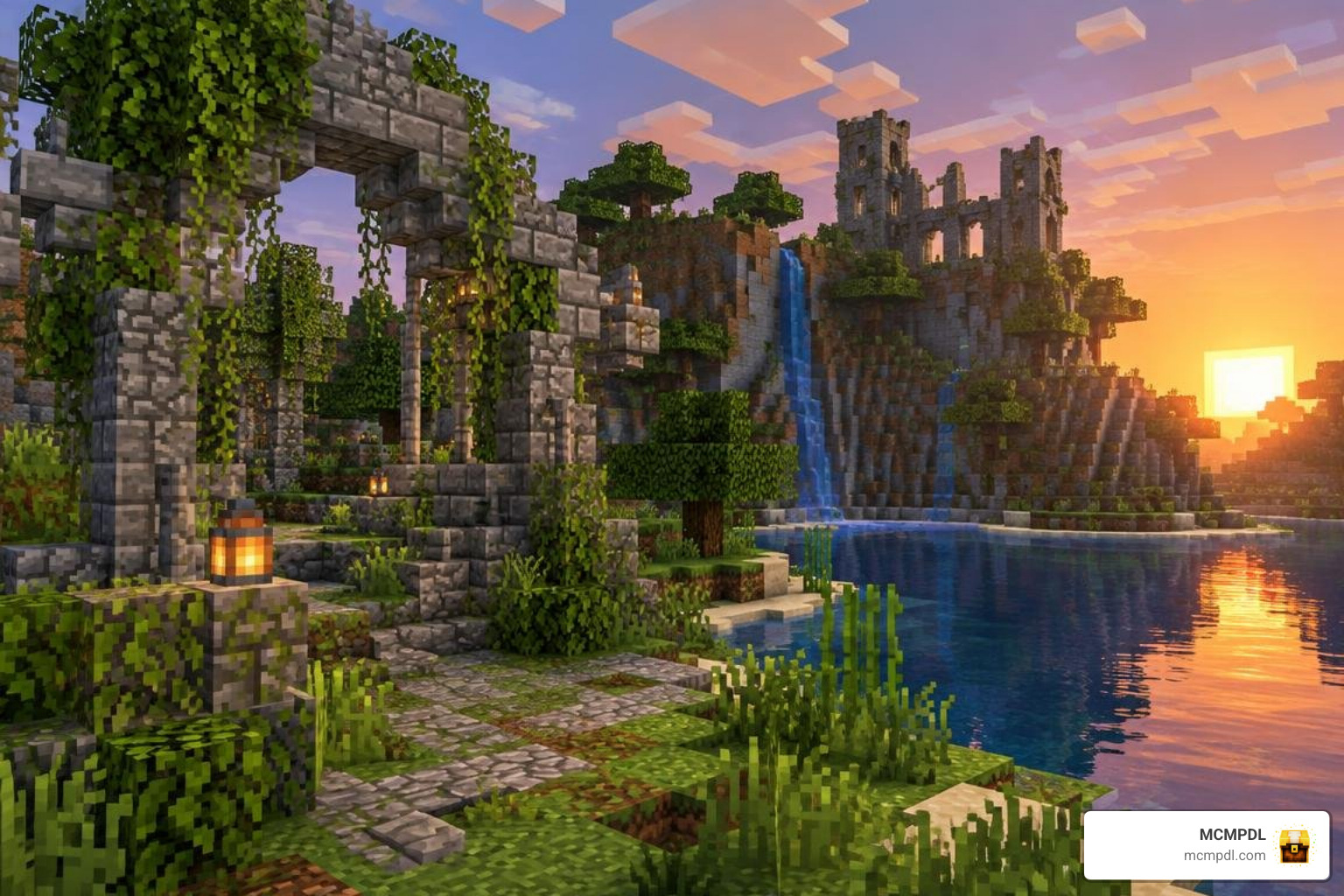
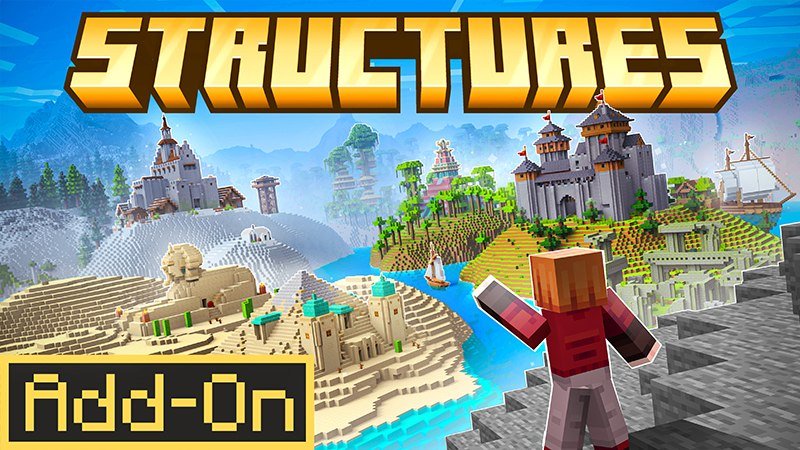
Minecraft Bedrock’s vanilla world generation is expansive, but after traveling thousands of blocks across familiar biomes, the landscape can start to feel repetitive. Standard villages, desert pyramids, and ocean ruins only offer so much variety. The Structures 2.0 Addon overhauls Bedrock terrain generation by seamlessly injecting dozens of handcrafted, naturally blending buildings into your survival worlds.
Unlike basic map imports, this pack uses Bedrock’s native structure-generation mechanics. This means that as you wander across hills, dive into dark oceans, or explore subterranean caverns, the game procedurally populates previously empty terrain with living campsites, weathered ruins, towering lookout posts, and forgotten temples.
The modding community has embraced structure expansion with enthusiasm. Popular structure packs have attracted millions of downloads by offering dozens of diverse builds across the Overworld, Nether, and End, while lightweight packs under 100 KB show how small additions can transform landscapes with unique stone monuments. Structures 2.0 brings that same spirit of wonder straight to Minecraft Bedrock Edition.
Core Features of the Structures 2.0 Addon for Minecraft PE/Bedrock
The Structures 2.0 Addon focuses on enhancing survival immersion without breaking gameplay balance. Key features include:
- Balanced Loot Integration: Chests inside newly discovered buildings do not immediately hand you overpowered enchanted gear. Instead, they provide useful survival resources, food, decorative blocks, and rare artifacts tailored to the structure’s difficulty.
- Hostile & Friendly Spawners: Danger lurks where it belongs. Desert tombs and ruined fortresses feature custom monster encounters, while roadside wagons and secluded shrines offer peaceful resting spots.
- Biome-Specific Blending: Red sandstone temples spawn exclusively in badlands, cozy log cabins populate spruce forests, and sunken wreckage dots the ocean floor.
- Zero Dependency Overhead: You do not need to install massive separate library packs or script runtimes to enjoy the content.
If you enjoy comprehensive world expansions, pairing this pack with a specialized structure expansion add-on will guarantee that your world never runs out of fresh discoveries.
Related Structure Addons
The Bedrock modding scene offers an impressive variety of architectural add-ons. Over the years, creators have released packs covering everything from quaint fantasy dwellings to massive combat dungeons. If you want to expand your collection, check out the More Structures Addon for Minecraft PE/Bedrock, a beloved staple that introduces dozens of compact survival buildings, towers, and surface dungeons.
Top Types of Buildings Added to Your World
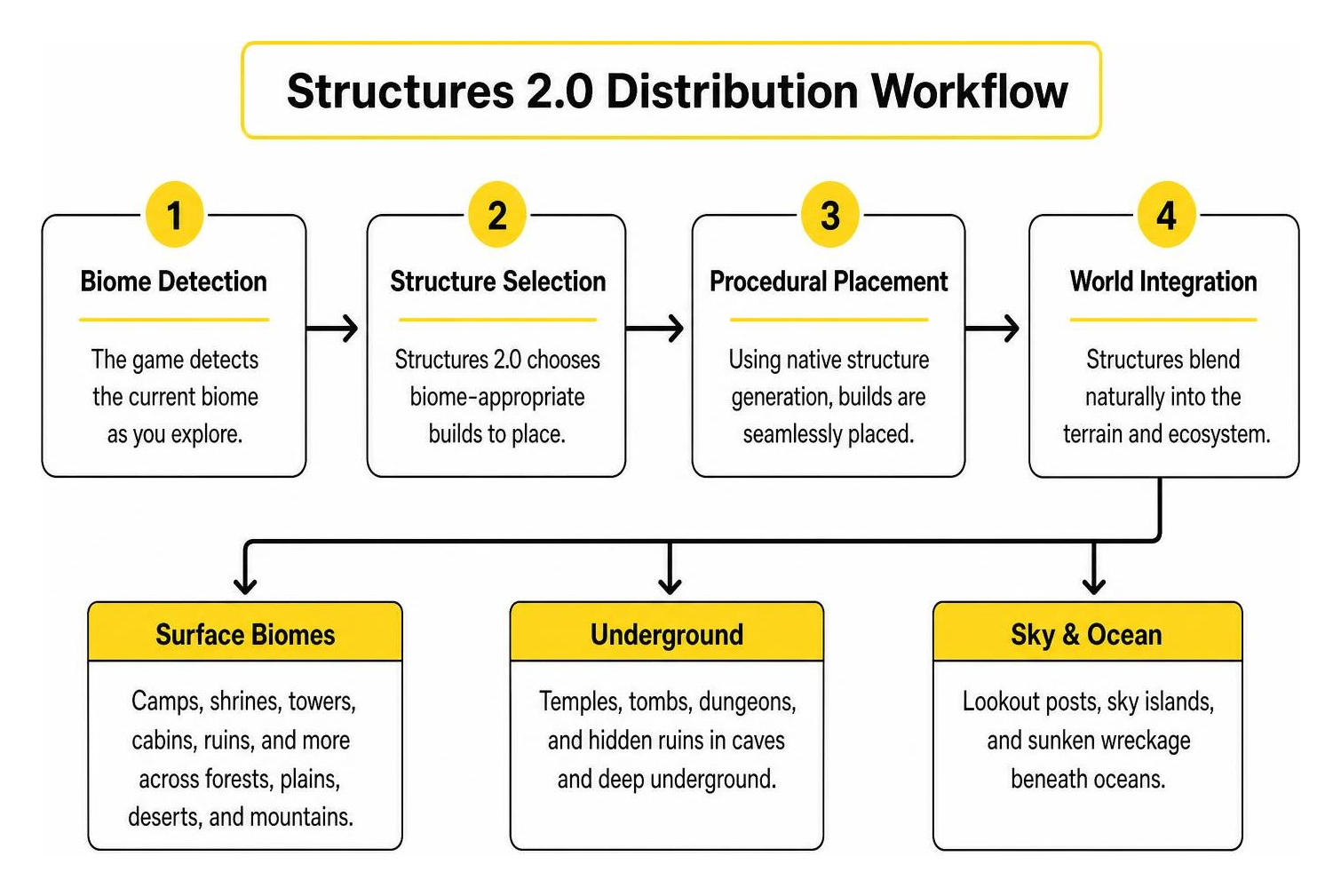
Structures 2.0 enriches every corner of the map. Whether you are trekking through mountain passes or delving into deep caves, you will encounter distinct categories of procedural builds.
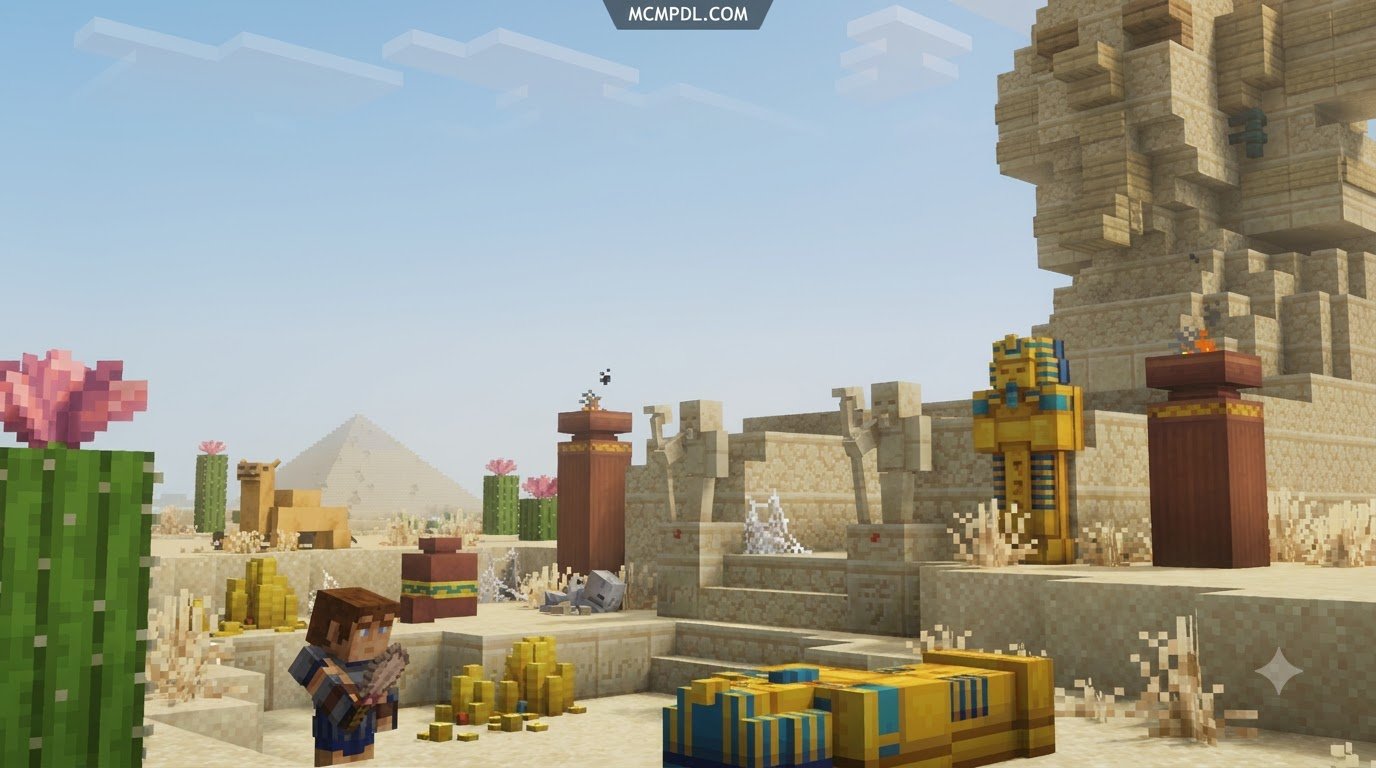
Hidden Camps, Shrines, and Ancient Statues
As you travel through forests, plains, and savannahs, you will regularly stumble across subtle signs of life. These small-scale structures breathe narrative storytelling into your world:
- Nomad & Villager Camps: Small groupings of tents, campfires, bedrolls, and supply crates. These serve as perfect emergency shelters during your first night in a new world.
- Ancient Stone Statues: Weathered stone effigies representing ancient warriors or forgotten deities. These landmarks provide excellent navigational waypoints when exploring without a map.
- Wayside Shrines: Tiny stone and wooden alters with decorative offerings, lanterns, and occasional hidden loot beneath floorboards.
To completely revitalize civilized settlements alongside these wilderness camps, you can also install the overhauled villages add-on for upgraded village layouts and trade halls.
Dungeon Ruins, Towers, and Sky Islands
For adventurous players hunting for combat and rare treasure, the addon introduces challenging mid-to-high tier structures:
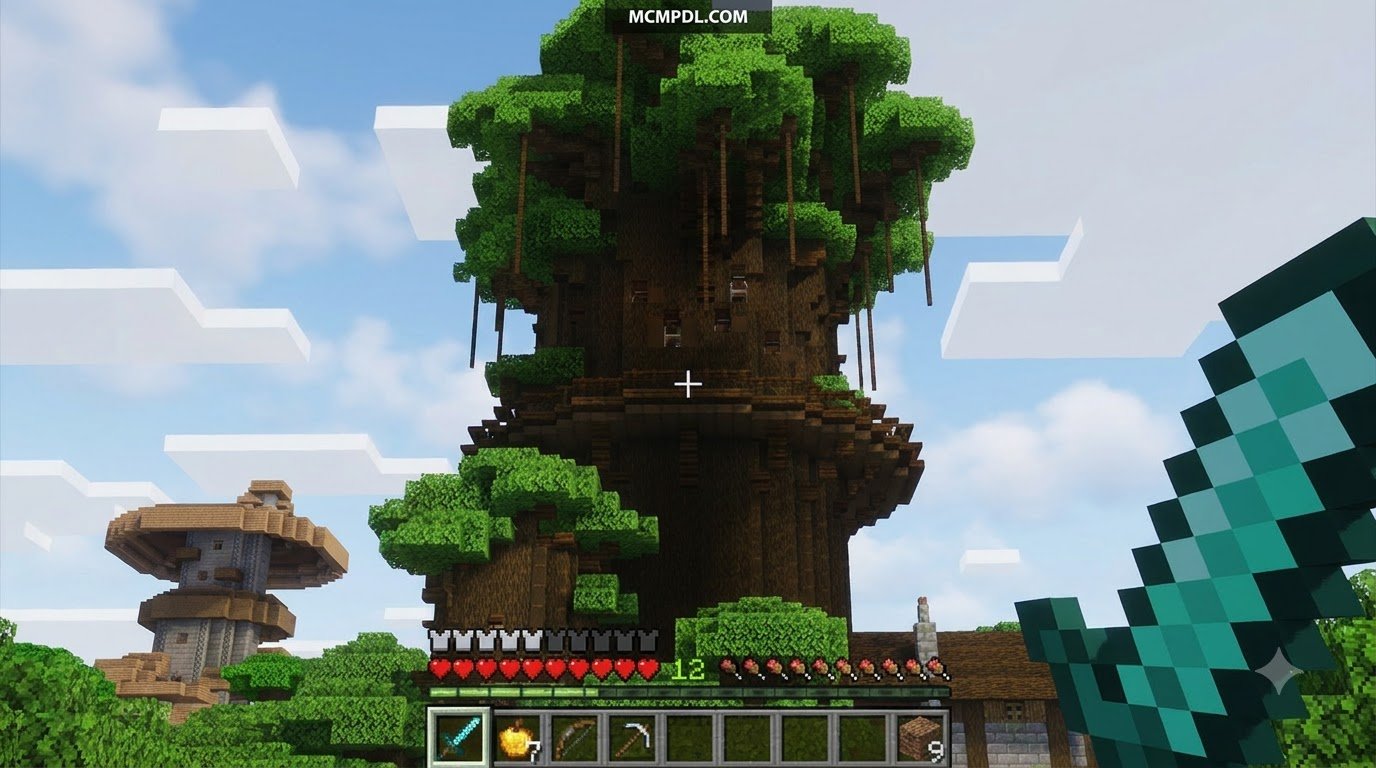
- Watchtowers and Outposts: Tall stone and timber towers occupied by hostile mobs. Reaching the rooftop chest requires clearing out archers and close-quarters guards.
- Subterranean Labyrinths: Underground ruins integrated deep inside stone layers. These dungeons complement subterranean overhauls like the caves and beyond add-on by turning dark caverns into dangerous expeditions.
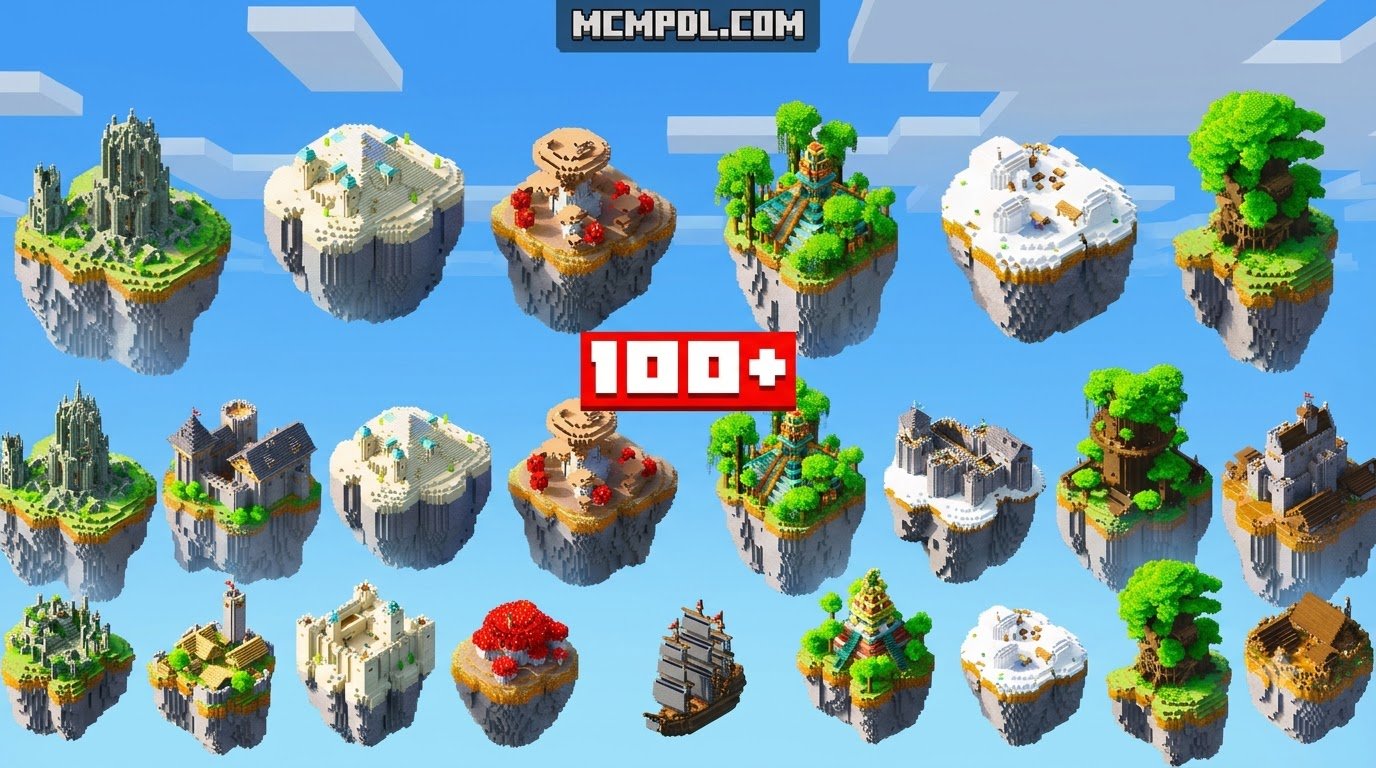
- Sky Islands: Floating landmasses suspended in the clouds containing unique foliage, shrines, and high-altitude loot chests.
- Haunted Ruins: Decaying stone forts blanketed in cobwebs and dark decor, offering a spooky vibe similar to dedicated horror structures.
Step-by-Step Installation and Setup Guide
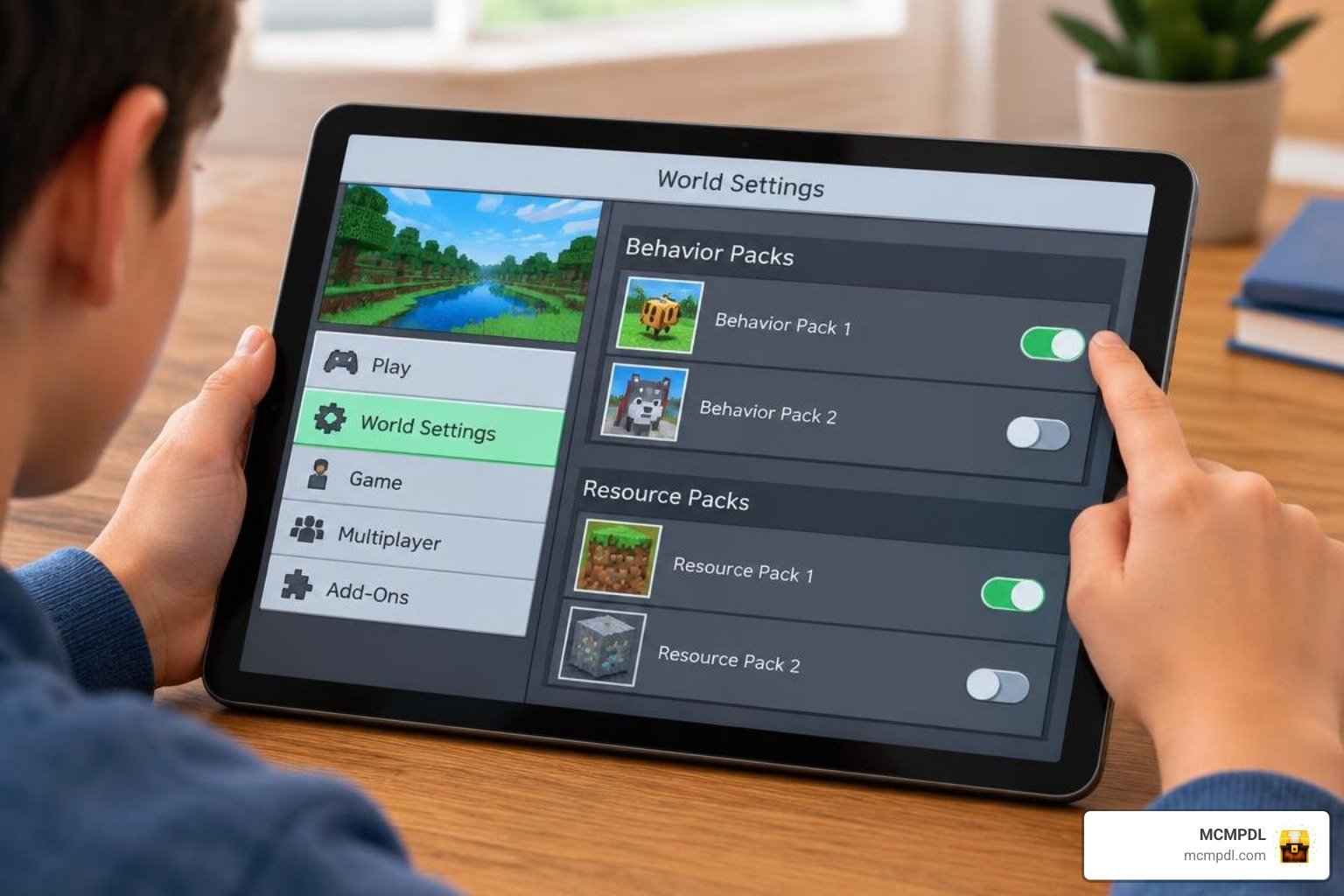
Installing custom content in Minecraft Bedrock Edition is straightforward once you know how the file system interacts with your game client. Follow our step-by-step instructions below to ensure a smooth, error-free setup.
Preparing Your World and Enabling Experimental Toggles
Before activating any world-generation mod, make sure to configure your world properly:
- Always Create a Backup: Navigate to your world list, click the edit pen icon next to your world, scroll down the Game settings tab, and click Copy World.
- Review Experimental Toggles: Open your world settings, navigate to the Experiments section, and enable required options such as Holiday Creator Features, Custom Biomes, and Upcoming Creator Features if the pack specifies them in its documentation.
How to Download and Install Structures 2.0 Addon for Minecraft PE/Bedrock
Here is how to get the addon up and running on mobile, console, and PC:
- Download the File: Grab the official
.mcaddonor.mcpackfile directly from MCMPDL. - Import into Minecraft:
- iOS / iPadOS: Tap the downloaded file in the Files app and select Open in Minecraft.
- Android: Open the file via your favorite file manager and choose Minecraft to launch automatic import.
- Windows 10/11: Simply double-click the
.mcaddonfile; Minecraft will launch automatically and import the resource and behavior components.
- Activate the Packs in World Settings:
- Open Minecraft, click Play, and create a new world (or click the edit pen on an existing world).
- In the left menu, select Resource Packs > Available > Owned, locate Structures 2.0, and click Activate.
- Select Behavior Packs, find the corresponding behavior file, and activate it.
- Launch and Explore: Enter your world and travel to newly generated chunks to see the brand-new structures appear across the landscape!
Compatibility, Performance, and Troubleshooting Tips
Adding procedural generation packs requires a little care to keep your frame rates high and your world data stable.
Bedrock Version Support and Achievements
Structures 2.0 is designed for modern Minecraft Bedrock releases (version 1.20 and 1.21+). Because behavior packs alter core world generation logic, enabling behavior packs will disable Xbox achievements in that specific world.
If you want to create an extensive multi-addon survival world, Structures 2.0 pairs cleanly with custom dimension mods like the dimensions add-on for Bedrock without overriding custom dimension generation.
Managing Addon Conflicts and Game Lag
- Lower Render Distance on Mobile: If you experience stutter when generating new terrain, lower your in-game render distance from 16+ chunks down to 8–10 chunks.
- Pack Order Priority: In your world settings, place structure behavior packs near the top of your active load order so their generation rules execute cleanly before basic item or mob tweaks.
- Avoid Excessive Entity Spawning: If a custom dungeon spawns a large cluster of mobs, clear them out or place torches to prevent background tick-rate lag on lower-end devices.
Frequently Asked Questions
Is the addon safe to use on existing survival worlds?
Yes, but new structures will only spawn in unexplored chunks. Any area of your world that you have already walked through has its terrain permanently saved. To find the new buildings, simply travel outside your previously explored map borders into newly loaded terrain. Always back up your world before applying the pack!
Does this addon disable Xbox achievements?
Yes. Activating behavior packs or experimental game toggles in Bedrock Edition disables achievements for that world save. If you are hunting achievements, we recommend playing on a pure vanilla world and keeping a separate modded world for exploration.
Can Structures 2.0 run smoothly on mobile devices?
Yes! Because Structures 2.0 relies primarily on native blocks and lightweight procedural placement rules rather than thousands of heavy tick entities, it runs smoothly on modern iOS and Android smartphones. Lowering your simulation distance to 4 chunks will ensure solid 60 FPS performance.
Conclusion
The Structures 2.0 Addon completely revitalizes the exploration experience in Minecraft Bedrock Edition, transforming empty plains and silent forests into living, mystery-filled landscapes. From cozy survival camps to perilous dungeon towers, every journey across your world becomes a memorable adventure.
At MCMPDL, we make discovering, downloading, and installing top-tier Minecraft PE/Bedrock content simple and effortless. If you are ready to expand your game even further, head over to our main library to explore new Minecraft Bedrock add-ons and level up your survival world today!

1 thought on “Structures 2.0 Addon for Minecraft PE/Bedrock”