Scroll down to D0vvnl0ad
How to Start a One Block Skyblock World for Minecraft PE/Bedrock
To play a One Block Skyblock World for Minecraft PE/Bedrock, download a Bedrock-compatible .mcworld file, open it with Minecraft to import the map, then find it under Play > Worlds. You can browse Minecraft PE maps on MCMPDL; check a map’s supported game version before downloading.
Unlike traditional Skyblock, you start with one block that replaces itself when broken. Mine it for resources, build a safe platform, and work through new phases as the challenge grows.
What Is a One Block Skyblock World for Minecraft PE/Bedrock?
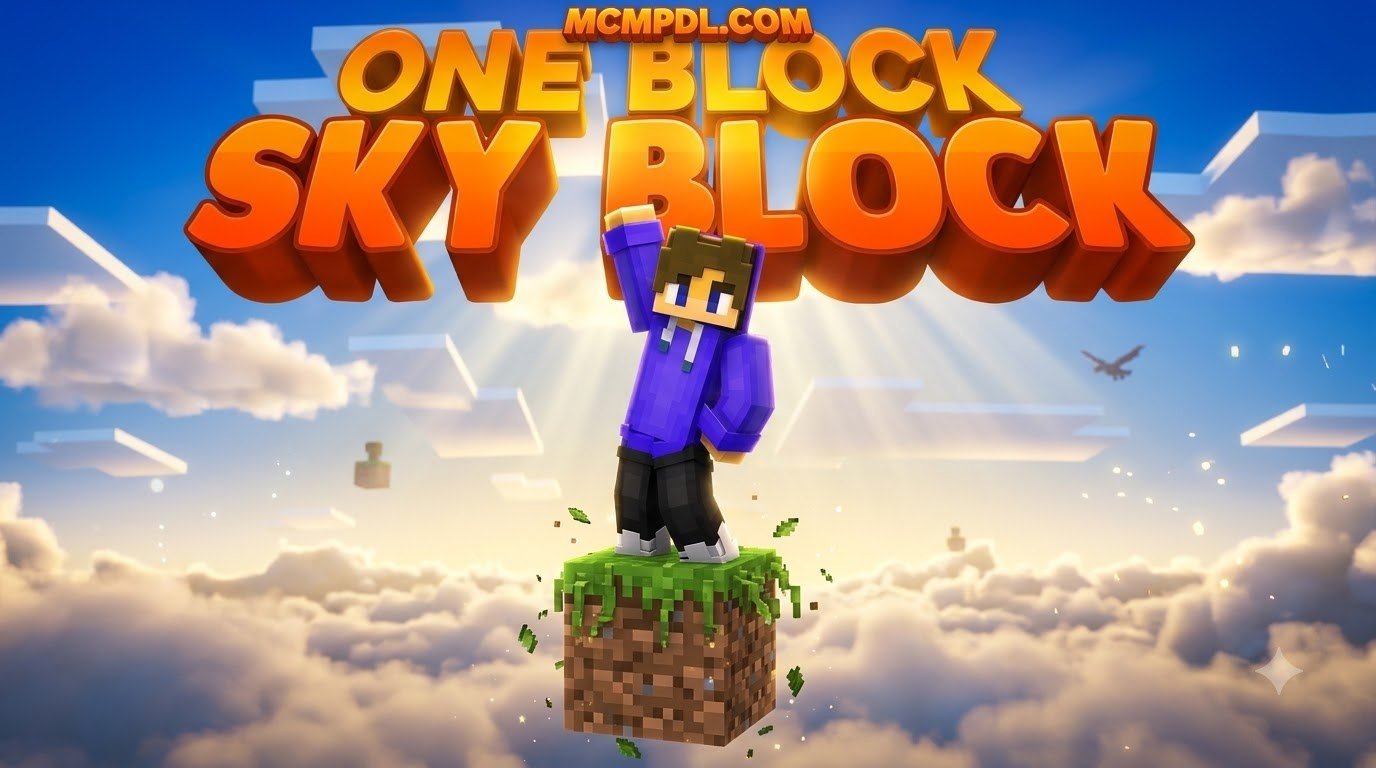
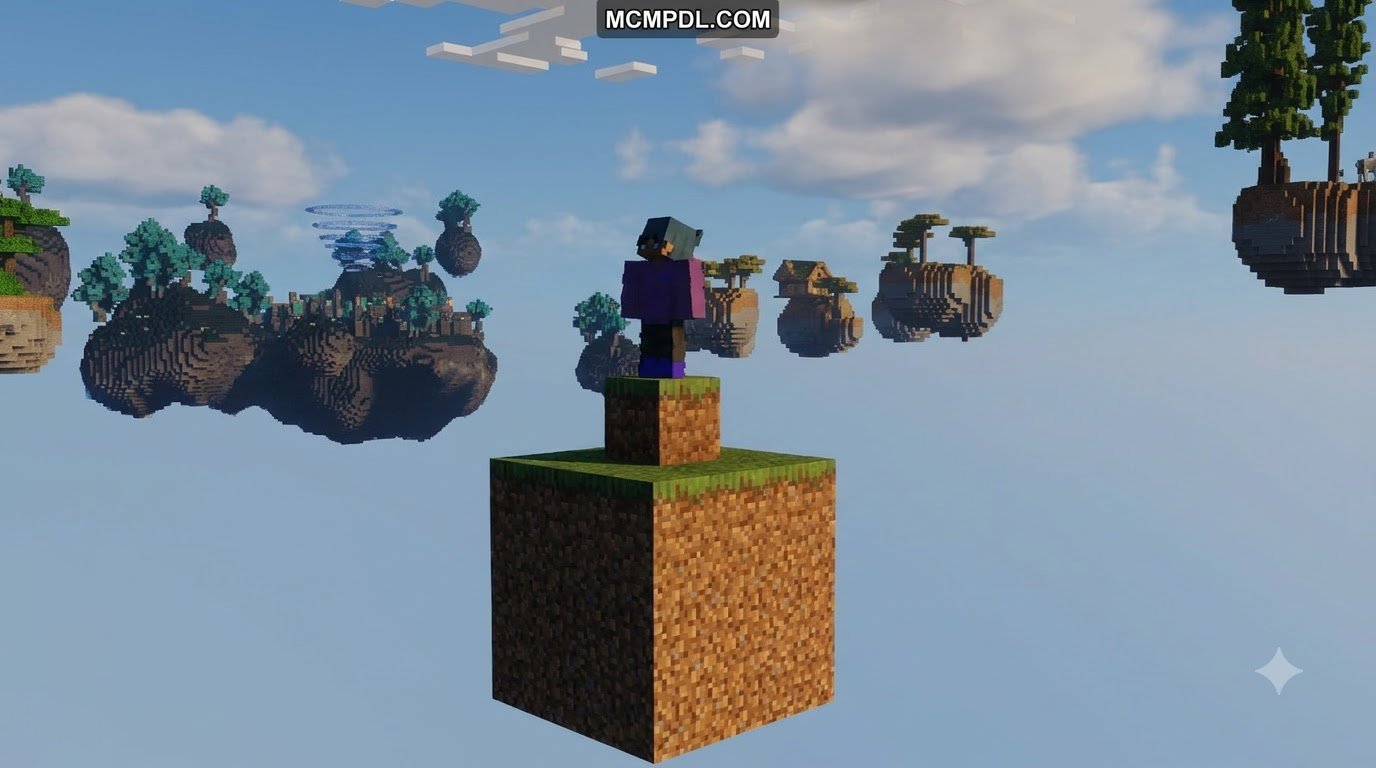
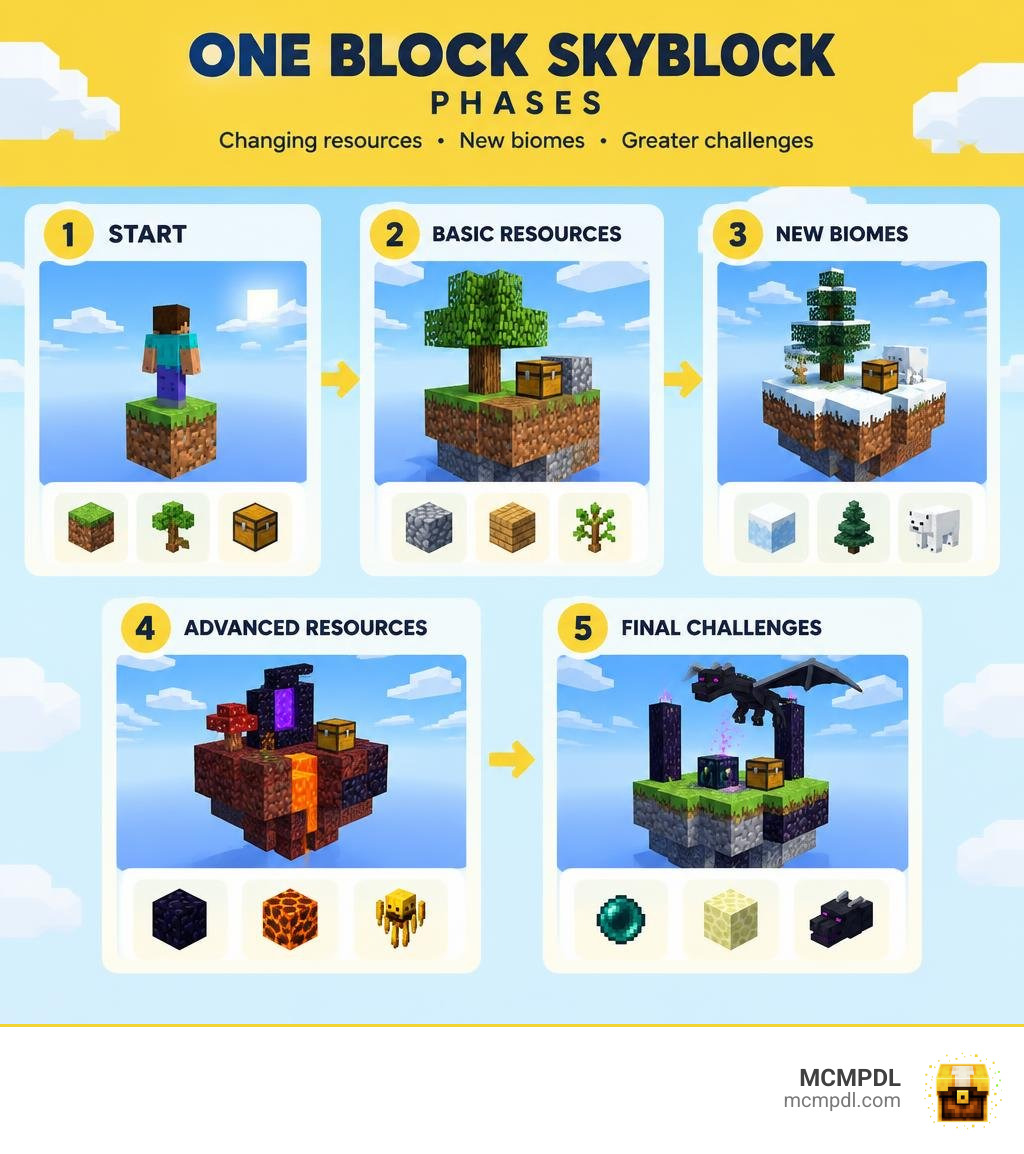
In standard Skyblock, you spawn on an L-shaped dirt island with a lone tree and a chest containing a lava bucket and ice. From there, you set up a classic cobblestone generator and build outward. A One Block Skyblock world flips that formula entirely. Instead of an island, you stand in the middle of the empty void atop a single magic block.
Every time you break this block, it instantly regenerates into another block, item chest, or living creature. You do not begin with a preset supply of dirt or starter trees. Your entire world originates from an endless mining loop beneath your feet.
As you continuously dig, the block cycles through distinct resource tiers. You start with basic dirt and wood, but your endless block eventually yields rare ores, Nether materials, and End portal frames. Because one misstep sends you plummeting into the void, careful platform expansion is essential. If you want to take the concept beyond standard sky islands, pairing your world with the One Block Dimension Addon for Minecraft PE/Bedrock introduces custom dimensions and unique block progression paths to test your survival instincts.
Core Mechanics and Progression Phases in a One Block Skyblock World for Minecraft PE/Bedrock
The defining mechanic of any One Block survival challenge is its phase-based progression system. Rather than generating random blocks endlessly without structure, the game tracks the total number of blocks you have mined and evolves the block’s loot table across several defined biome phases.
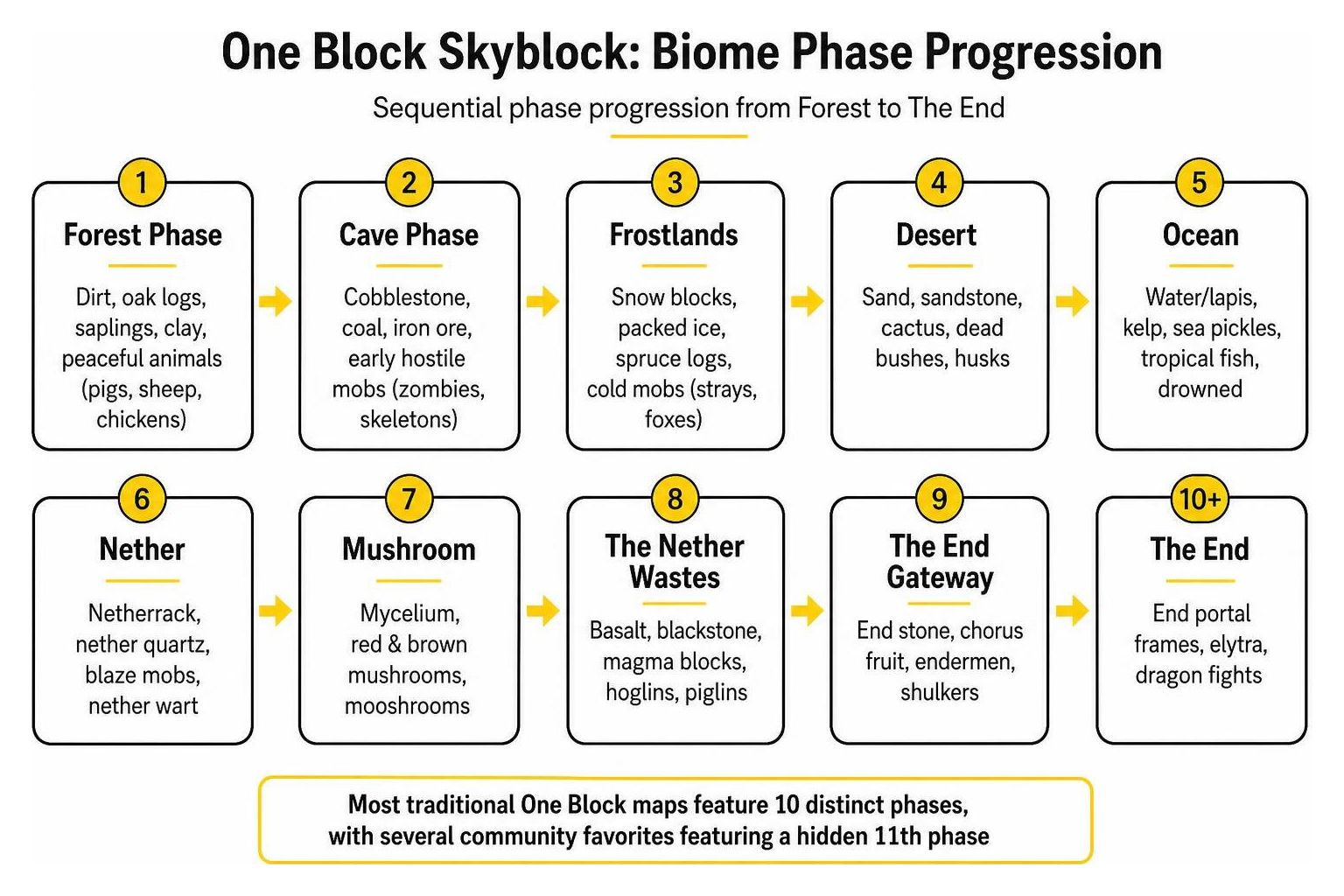
Most traditional One Block maps feature 10 distinct phases, with several community favorites featuring a hidden 11th phase:
- Forest Phase: The starting phase. The block yields dirt, oak logs, saplings, clay, and peaceful animal spawns like pigs, sheep, and chickens.
- Cave Phase: Introduces cobblestone, coal, iron ore, and early hostile encounters like zombies and skeletons.
- Frostlands: Yields snow blocks, packed ice, spruce logs, and cold-biome entities such as strays and foxes.
- Ocean Phase: Drops prismarine, sea lanterns, sand, gravel, water buckets, and ocean mobs.
- Wild Jungle: Provides jungle wood, melons, bamboo, vines, cocoa beans, and occasional ocelots or parrots.
- Red Desert: Unlocks red sand, terracotta, cactus, and gold ore.
- The Nether: Spawns netherrack, soul sand, quartz, magma blocks, and dangerous Nether mobs like blazes and piglins.
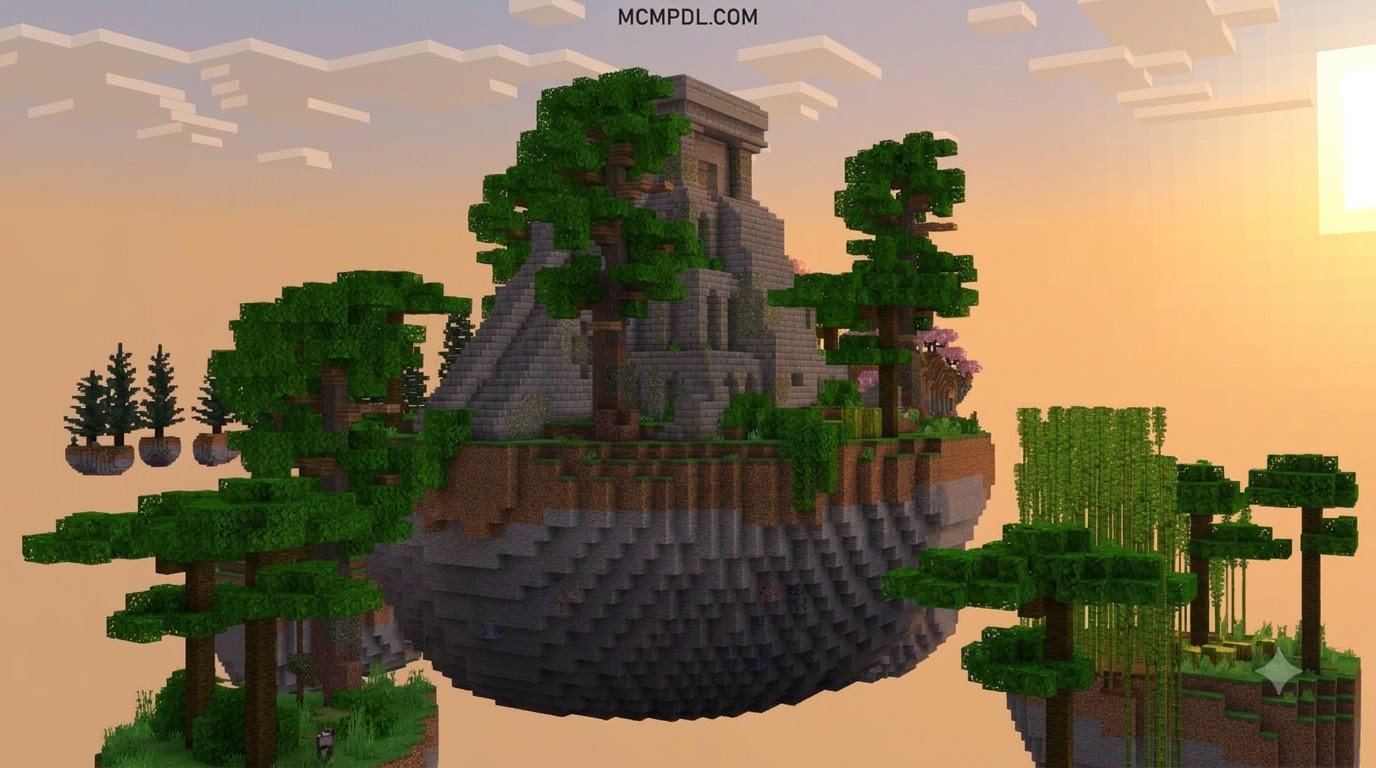
- Sky Isles: Delivers purpur blocks, feathers, end stone, and rare building materials.
- Stronghold: Drops mossy stone bricks, iron bars, silverfish, and End portal frames with Eyes of Ender.
- The End: Spawns obsidian, chorus fruit, shulkers, and endermites, preparing you for the final dragon battle.
- Secret Phase / Infinite Phase: Once you conquer the primary phases, the block enters an infinite loop, cycling randomized high-tier ores, lucky chests, and boss encounters.
Throughout these phases, the block periodically drops bonus chests loaded with essential survival tools, armor, and rare plants. However, dangerous mobs can also spawn directly on the block without warning, making quick reflexes and secure barriers critical.
How to Download and Install One Block Skyblock on Bedrock Edition
Installing custom maps on Minecraft Bedrock (PE) is a straightforward process thanks to the unified .mcworld file format.
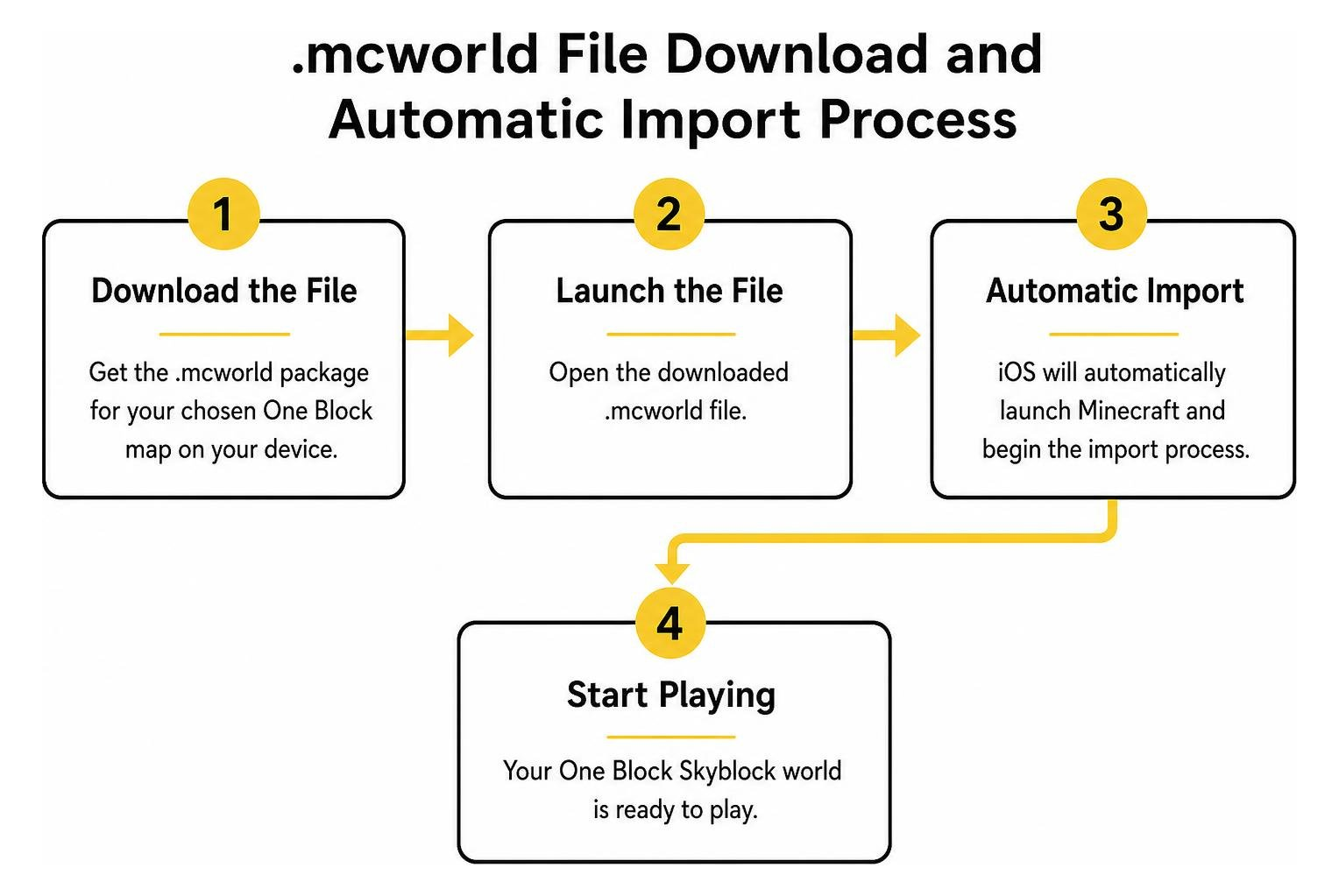
Here is how you can install your map across different devices:
- Download the File: Get the
.mcworldpackage for your chosen One Block map on your mobile device, tablet, or PC. - Launch the File:
- iOS / iPadOS: Open the native Files app, locate your downloaded
.mcworldfile, and tap it. iOS will automatically launch Minecraft and begin the import process. - Android: Tap the downloaded file directly from your browser’s download manager or a file manager app. Select Minecraft when prompted to “Open with.”
- Windows 10/11: Double-click the
.mcworldfile to trigger an automatic world import in Bedrock Edition.
- iOS / iPadOS: Open the native Files app, locate your downloaded
- Open the World: Once Minecraft displays the banner notification confirming “World import finished successfully,” navigate to Play > Worlds and click on your new One Block map to start.
Troubleshooting Common Bedrock Errors and Item Bugs
While Bedrock maps are generally plug-and-play, you might occasionally run into minor glitches or performance hiccups. Here is how to resolve the most common issues:
- Corrupted World Import: If Minecraft displays an “Import Failed” error, check that your game version matches or exceeds the map’s minimum requirement (such as Bedrock 1.21). If the file failed to download completely, re-download the
.mcworldarchive. - Item Pickup Glitches: Some complex scripts or heavy addon packs can cause mined items to hover above the block without entering your inventory. To fix this, log out of the world, restart the Minecraft app, and log back in. Standing on a half-slab adjacent to the main block also helps your player hitbox collect drops instantly.
- File Verification: When downloading community mods or setting up dedicated servers, you can review community threads like the Awesome List of Minecraft Bedrock Server Mods on GitHub to verify file hashes and read user notes regarding mod stability.
- Mobile Lag and Memory Drops: Running automated farms or rapid mob spawners on mobile devices can strain system RAM. Lower your in-game Render Distance to 8–10 chunks, disable Fancy Bubbles and Beautiful Skies in video settings, and slaughter surplus livestock to keep frame rates steady.
Top One Block Maps and Unique Gameplay Twists
The One Block community has produced a wide variety of survival experiences, ranging from vanilla phase progressions to deep economy-driven tycoon challenges.
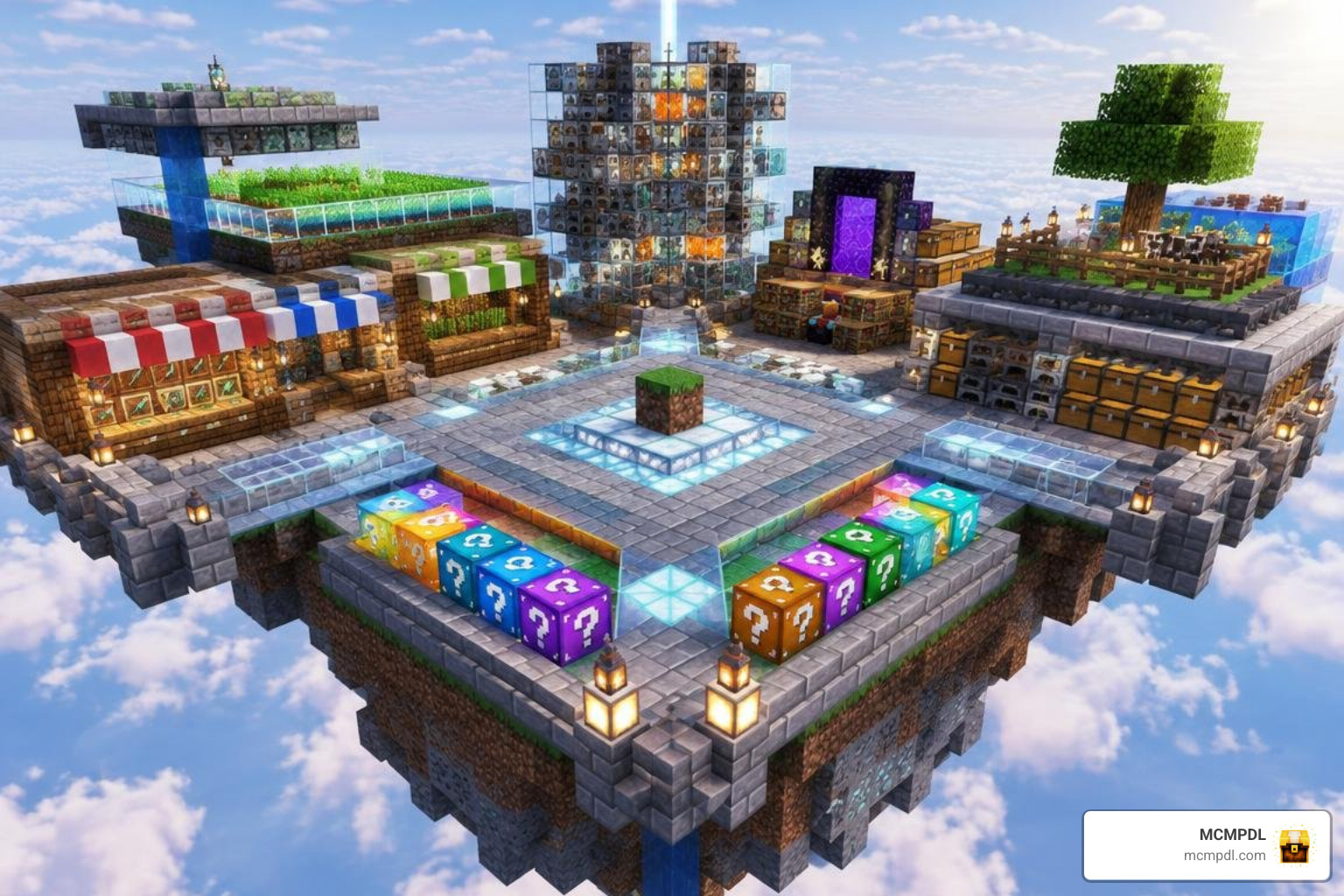
Whether you prefer a free classic map or an expanded adventure featuring custom machinery, here is a look at how top One Block offerings compare:
| Map Title | Price / Platform | Key Features | Player Count | Community Rating |
|---|---|---|---|---|
| OneBlock by CBZ Studio | Free (.mcworld) | 10 phases + secret 11th phase, vanilla progression, 1.21 support | 1+ Players | 439k+ Downloads |
| One Block Skyblock by Nitric Concepts | 310 Minecoins | Custom progression, 1.20 block updates, stable multiplayer | 1–12 Players | 4.6 / 5 Stars (171k+ reviews) |
| One Block – Tycoon by Aurrora | 990 Minecoins | 15+ biome phases, automated drills, lucky blocks, shop economy | 1+ Players | 4.6 / 5 Stars (91% positive) |
| Three in One by Pixel Smile Studios | 490 Minecoins | Multi-mode pack (SkyBlock, Raft Survival, OneBlock combined) | 1–4 Players | 1.9 / 5 Stars (19 reviews) |
For players who love surviving in constrained, resource-gathering environments, you might also enjoy the drifting ocean challenge in Real Raft Survival World for Minecraft PE/Bedrock.
Choosing the Best One Block Skyblock World for Minecraft PE/Bedrock: Free vs. Expanded Gameplay Options
Selecting the right map depends entirely on your preferred playstyle.
If you want a pure, challenging survival run, community maps like CBZ Studio’s OneBlock offer balanced vanilla progression without distracting UI elements. With over 439,000 downloads, it remains one of the most reliable free options for Bedrock 1.18 through 1.21.
On the other hand, if you enjoy clicker mechanics and automation, tycoon variants like Aurrora’s One Block – Tycoon provide over 20 hours of content. These maps let you place automated mining drills, purchase rare items from custom shops, and crack open lucky blocks for random bonuses or hazards. If you want a giant-sized survival twist, testing your skills in the 100 Days Mega Blocks World for Minecraft PE/Bedrock offers an exciting alternative to single-block sky worlds.
Essential Survival Strategies and Multiplayer Setup
Surviving on a solitary block requires discipline, smart construction habits, and cautious resource management.
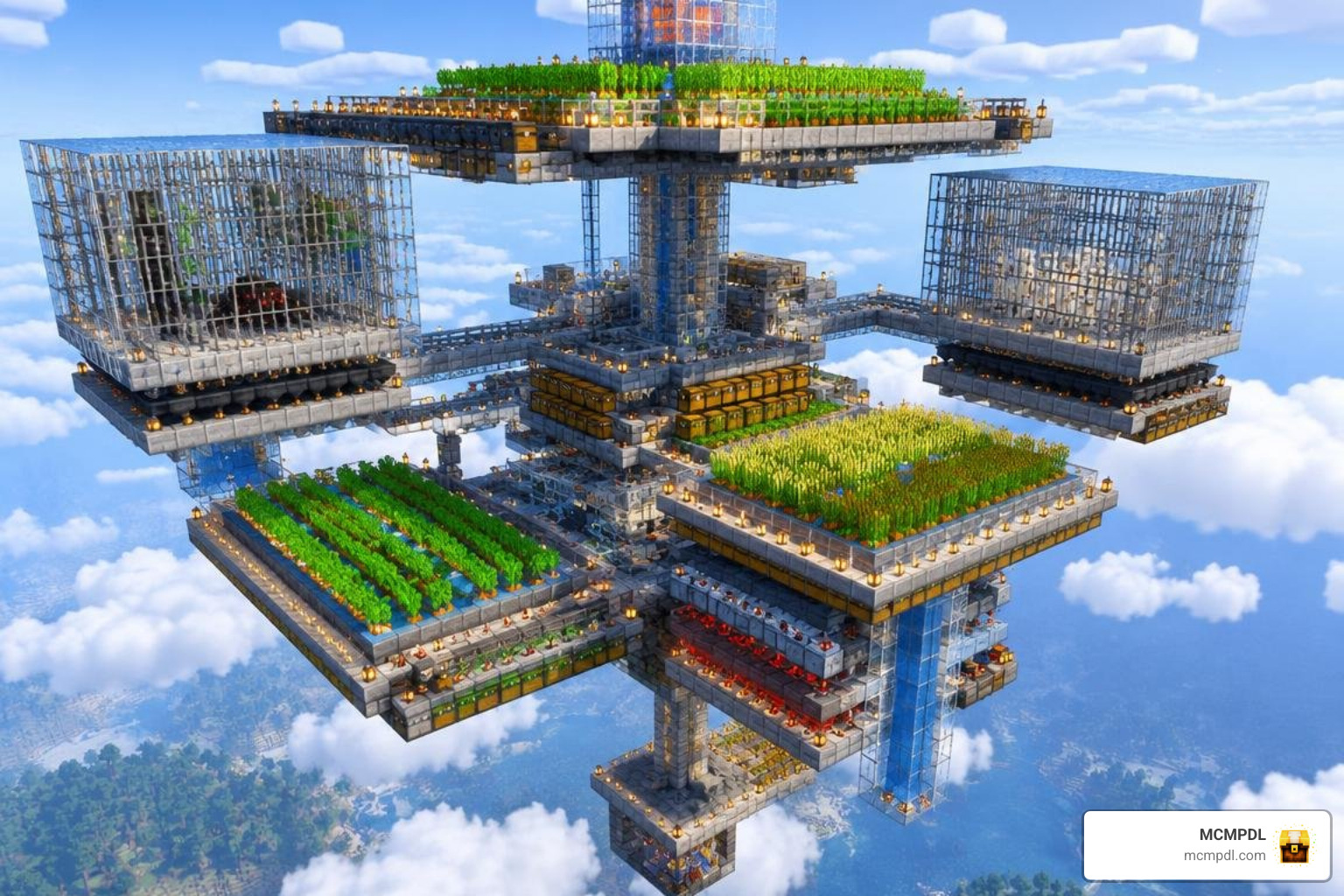
Follow these survival strategies to protect your hard-earned loot:
- Always Sneak When Mining: Hold the crouch button while breaking blocks during early phases. This locks your character in place and prevents you from slipping off the edge when unexpected blocks (like sand or gravel) fall into the void.
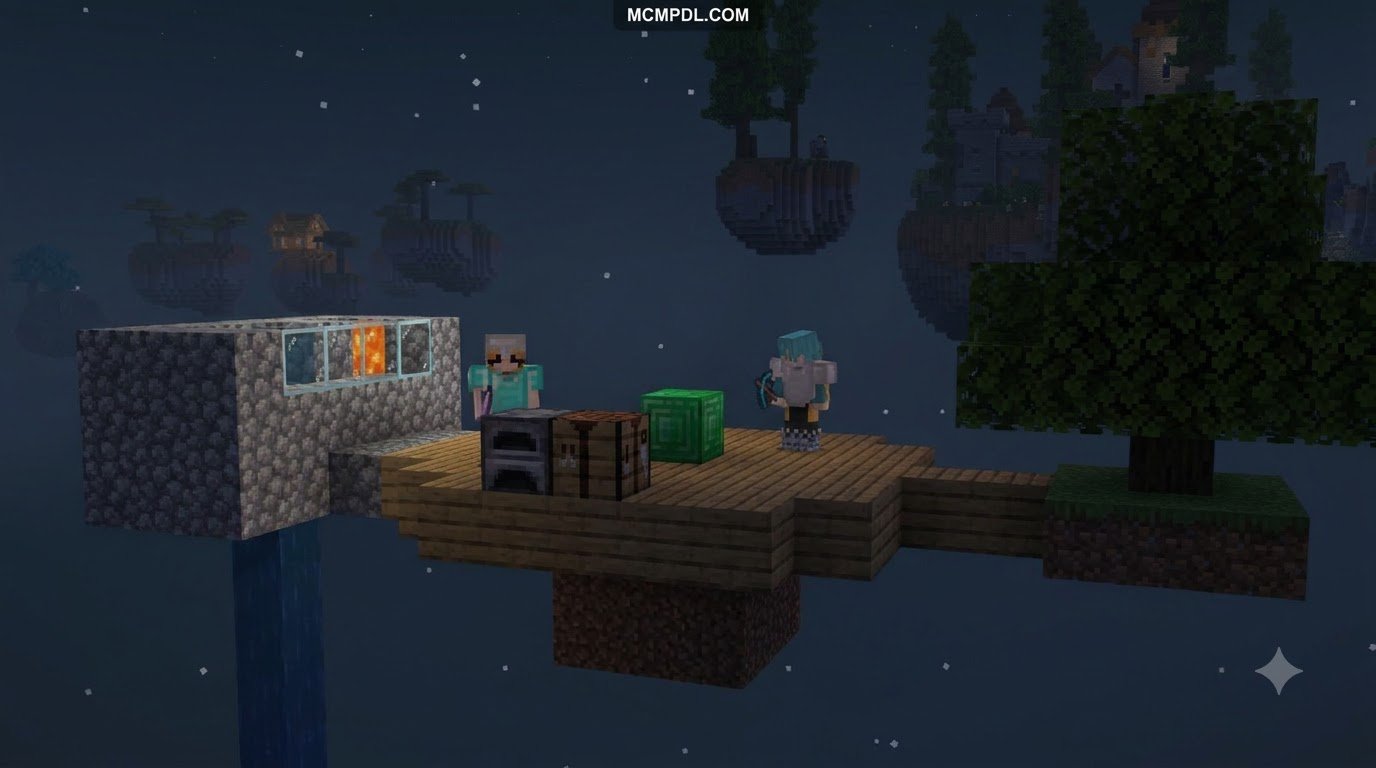
- Expand with Lower Half-Slabs: Craft wooden or stone slabs to expand your initial platform. Half-slabs double your building surface area per craft and naturally prevent hostile mobs from spawning on your main walkways.
- Build a Protective Catch Basin: Once you obtain water buckets, create a water catchment system directly below your starting block. If a creeper detonates or you accidentally fall, the flowing water stream will catch your character and preserve dropping items before they hit the void.
- Separate Mob Spawns from Your Storage: Hostile mobs spawn directly on the main block during Cave, Nether, and End phases. Build a walled enclosure with trapdoors around the central mining node and locate your storage chests at least 10 blocks away to prevent stray explosions from destroying your items.
- Preserve Water and Lava: Never lose your starter liquid source blocks. Keep water contained in infinite 2×2 pools and store lava safely in non-flammable stone bins.
If you enjoy custom world generation, exploring the Earth Survival World for Minecraft PE/Bedrock provides another grand-scale survival experience once you have mastered the sky.
Setting Up Multiplayer Co-op
Playing One Block with friends turns the experience into a cooperative building project. When hosting:
- Open your world settings, navigate to the Multiplayer tab, and toggle Multiplayer Game on.
- Set player permissions to Member so friends can interact with blocks and containers immediately.
- Designate roles: have one player mine the central block while teammates manage platform expansion, farm maintenance, and mob defense.
Frequently Asked Questions About One Block Skyblock
Can I play One Block Skyblock in multiplayer on Minecraft Bedrock?
Yes. Most One Block maps fully support multiplayer, accommodating anywhere from 1 to 12 players simultaneously. You can host friends directly through your Xbox Live friends list, set up a private Bedrock Realm, or run the map on a dedicated Bedrock server.
What happens if I fall into the void or accidentally break the starting block?
The starting block contains an infinite regeneration script. Even if you mine it with an efficiency pickaxe, it will immediately respawn with the next item or block in the progression sequence. If you fall into the void, you will lose your current inventory unless you enable keepInventory via in-game game rules before starting.
Which Minecraft PE/Bedrock versions support One Block maps?
Most modern One Block worlds are compatible with Minecraft Bedrock versions ranging from 1.18 up to the latest 1.21 updates. Make sure your base game app is updated via your device’s app store to prevent file parsing errors during installation.
Conclusion
A One Block Skyblock world transforms Minecraft’s traditional survival experience into an addictive, rewarding test of patience and resource planning. By mastering phase-by-phase progression, setting up safe platforms, and protecting your precious resources, you can turn a single floating block into a massive, thriving empire in the clouds.
When you are ready to take a break from sky survival and want some casual fun with friends, browse our collection of exciting hide and seek maps for Minecraft PE/Bedrock to discover your next favorite multiplayer challenge.
1 thought on “One Block Skyblock World for Minecraft PE/Bedrock”