Scroll down to D0vvnl0ad
What Is the Consistently Cubed Texture Pack for Minecraft PE/Bedrock?
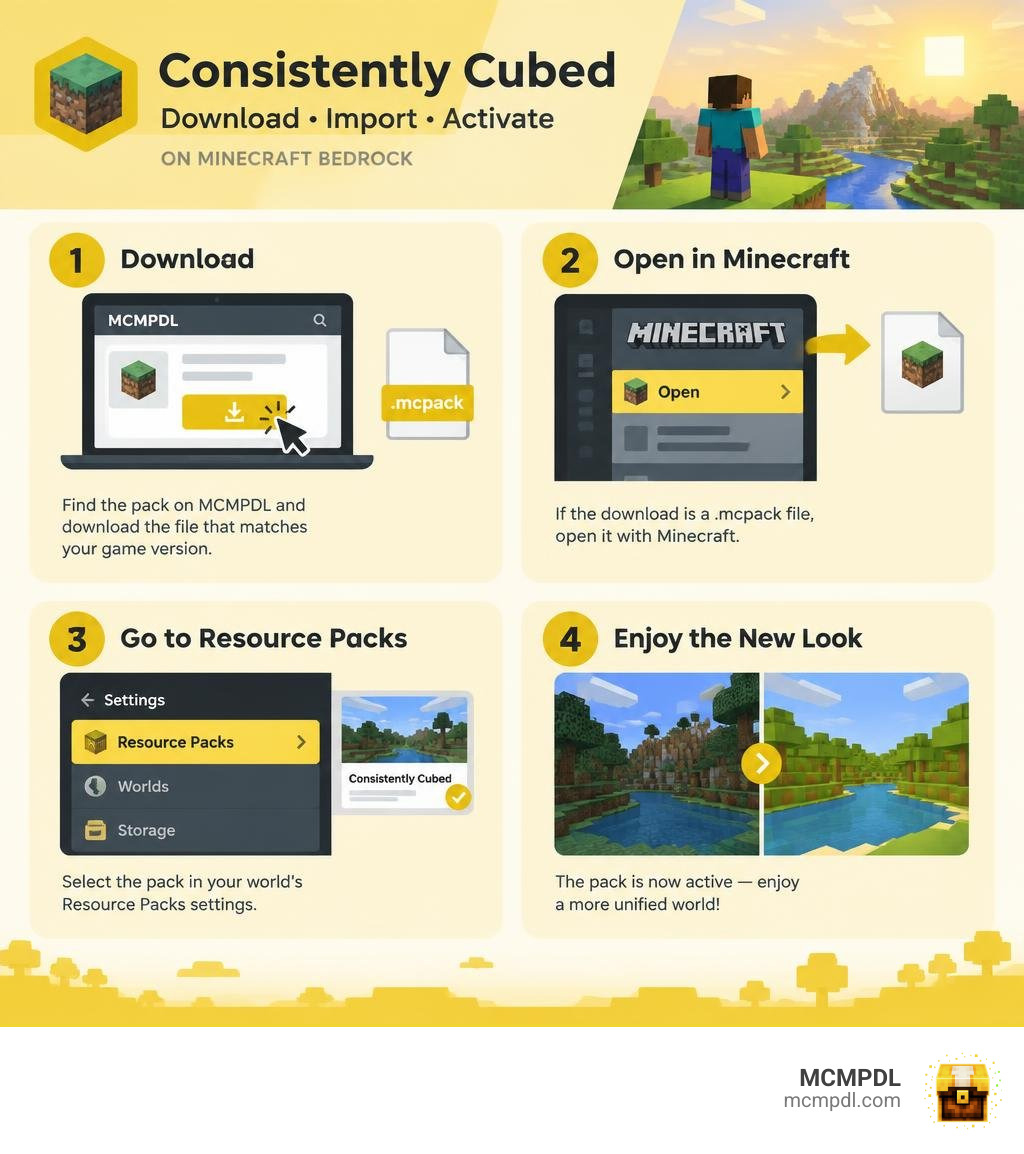
To install the Consistently Cubed Texture Pack for Minecraft PE/Bedrock, find its download on MCMPDL and check that the listed version matches your game. If the download is a .mcpack file, open it with Minecraft, then select the pack in your world’s Resource Packs settings. Check the pack listing before downloading for details about its textures and supported versions.
Minecraft Bedrock Edition has expanded dramatically, introducing detailed biomes, unique mobs, and complex items. However, as new blocks are introduced with varying pixel densities and shading styles, the visual cohesion of the sandbox can feel disjointed. The Consistently Cubed project solves this issue by standardizing every asset across the game into a clean, unified aesthetic.
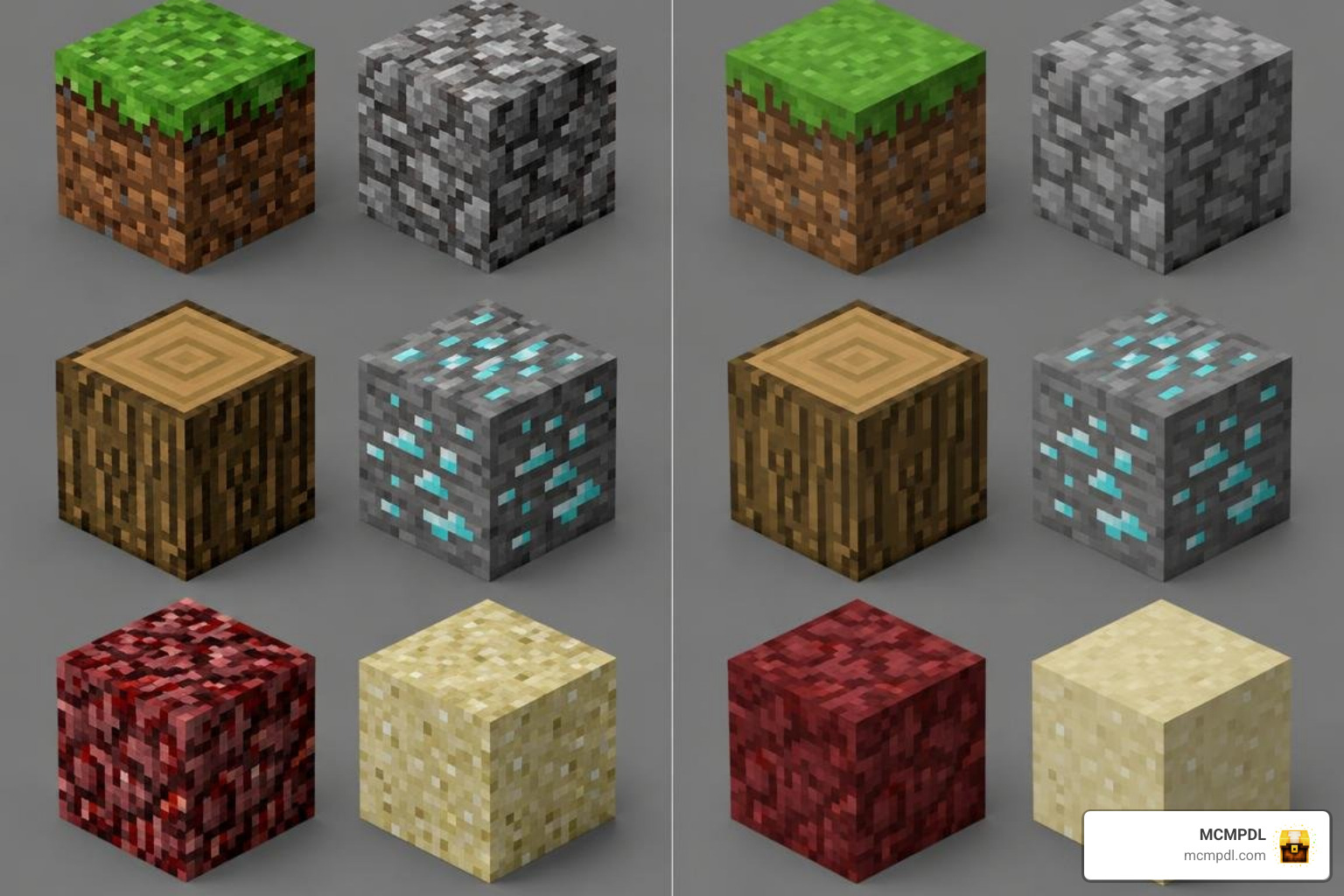
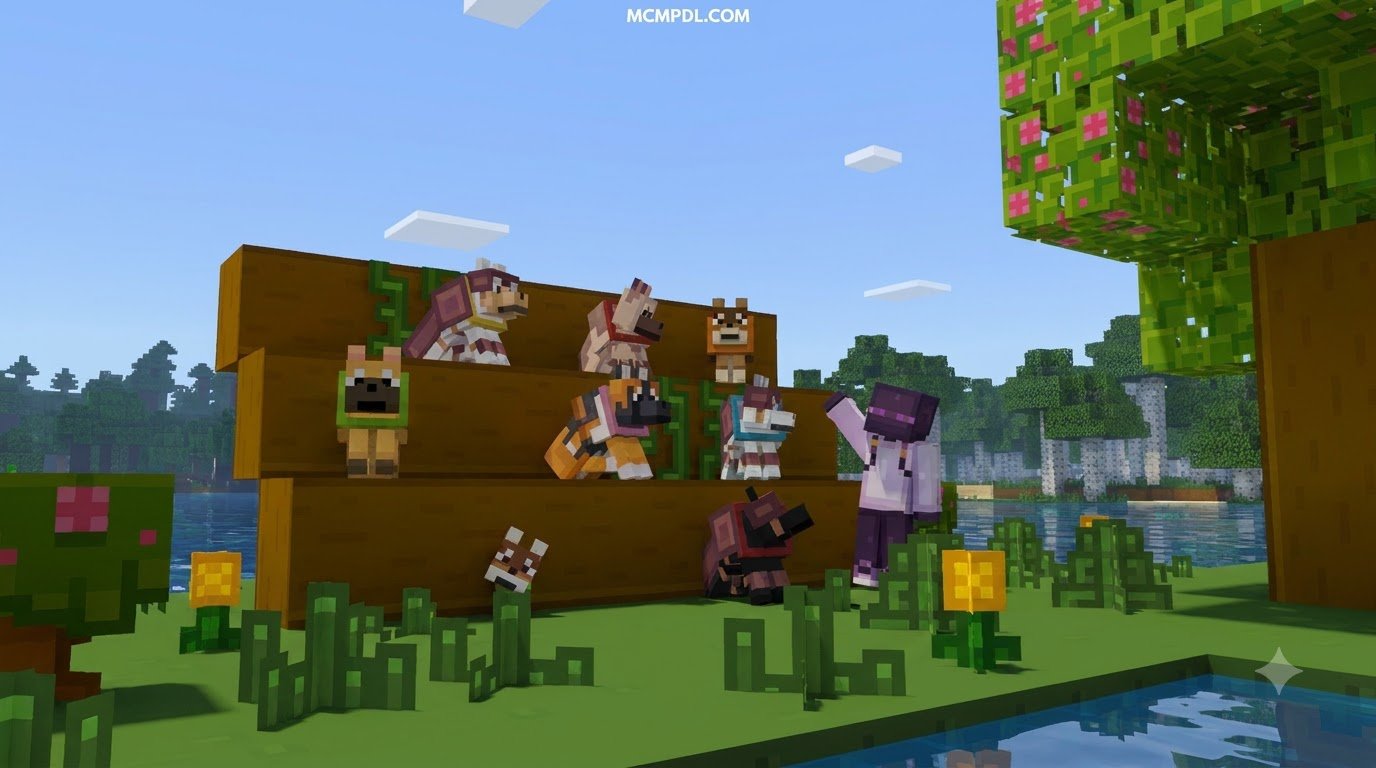
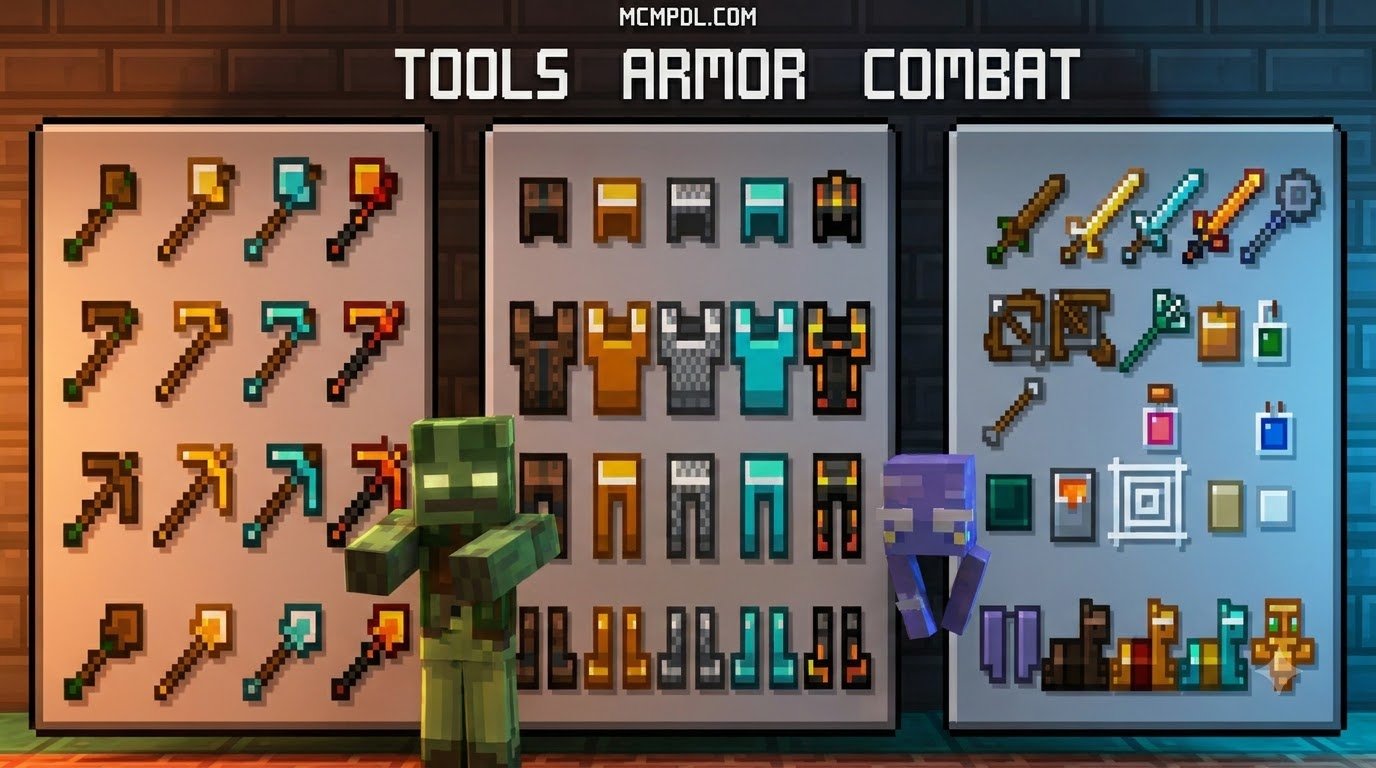
At its heart, this resource pack embraces a crisp 16x pixel art style that reimagines blocks, items, entities, and interface elements with strict geometric balance. Rather than introducing ultra-high-definition noise or hyper-realistic shading, it focuses on clarity, readability, and structural harmony. Players who appreciate the stylized charm of the Quadral texture pack for Minecraft PE/Bedrock will feel right at home with its structured patterns and tidy color palettes.
Core Visual Philosophy and 16x Geometry
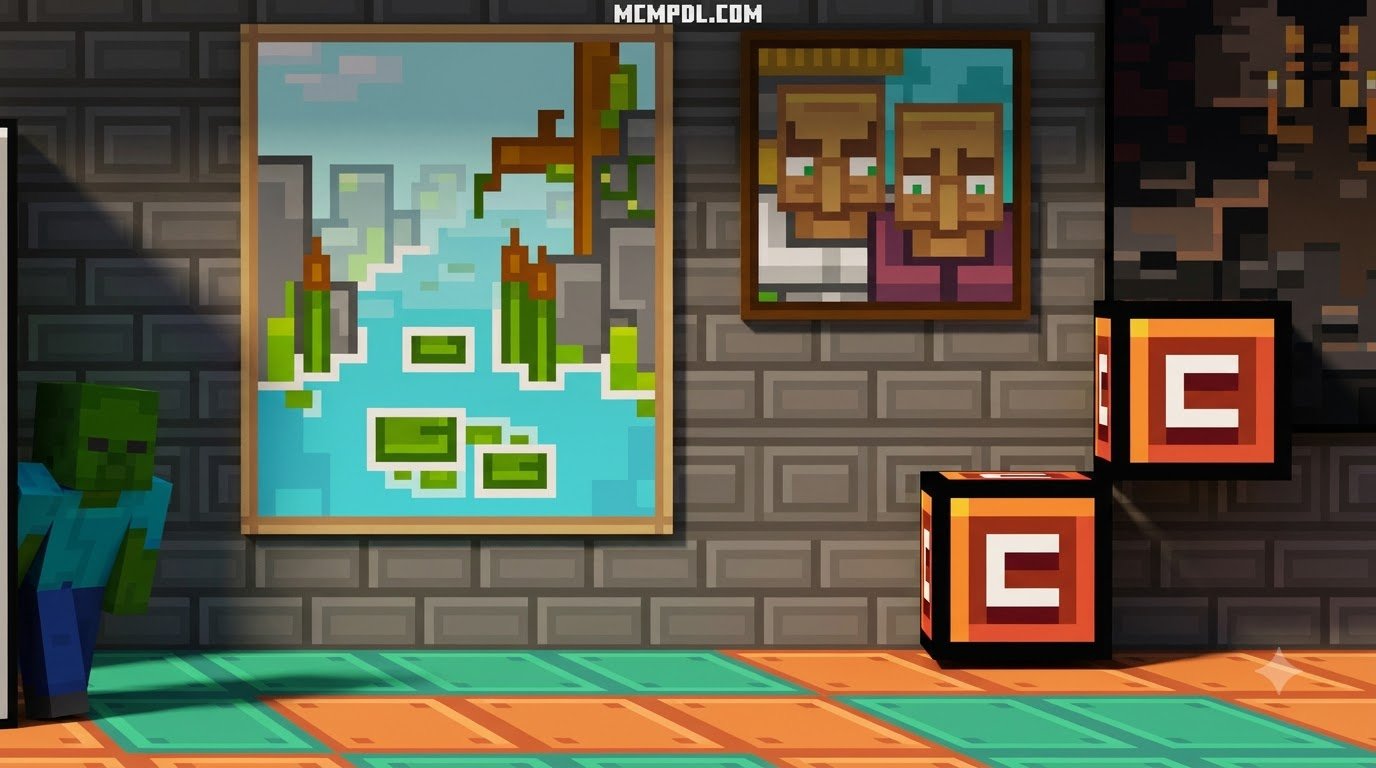
The defining principle of Consistently Cubed is absolute visual order. In vanilla Minecraft, some older blocks feature high contrast and scattered noise, while newer blocks sport softer gradients. This pack eliminates those discrepancies through strict palette enforcement and disciplined pixel placement.
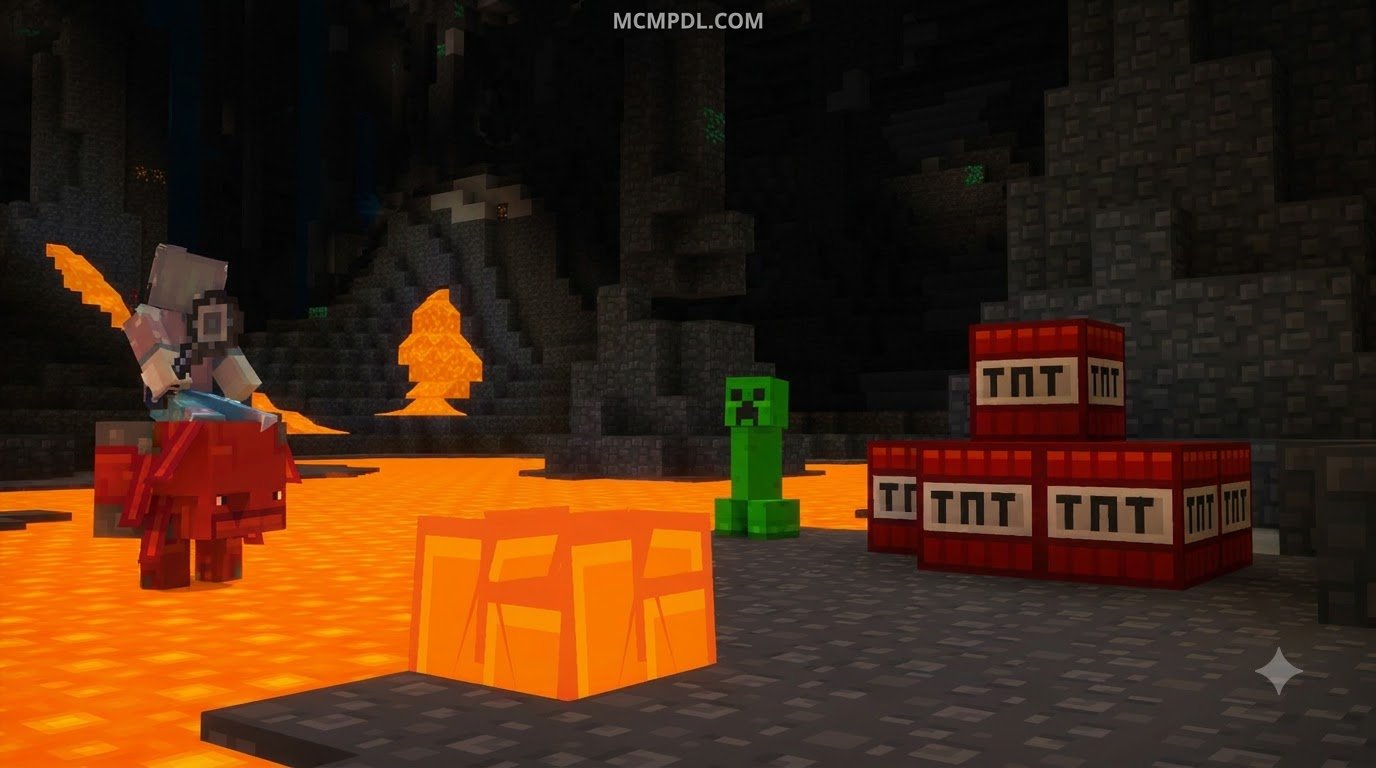
Every cube aligns cleanly with adjacent blocks, reducing visual clutter across long distances. The environment gains an open, breathable atmosphere similar to what players experience when using the Smoothic texture pack for Minecraft PE/Bedrock. By smoothing harsh pixel transitions while keeping the classic 16x resolution, the pack ensures that complex redstone builds, massive stone fortresses, and dense foliage remain visually distinct without straining your eyes during extended play sessions.
Comparing the Consistently Cubed Texture Pack for Minecraft PE/Bedrock with Vanilla
To understand how this pack reshapes your game, let us examine how its technical and artistic features compare to standard vanilla textures and higher-resolution community alternatives:
| Feature / Metric | Vanilla Bedrock (Default) | Consistently Cubed (16x) | High-Resolution Packs (64x/128x) |
|---|---|---|---|
| Native Resolution | 16×16 | 16×16 Standardized | 64×64 or 128×128 |
| Performance Impact | Baseline (Standard) | Zero Overhead (Optimal) | Moderate to High (Memory Intensive) |
| Visual Noise | Variable across updates | Minimal / High Readability | High Detail / Realistic |
| Spawn Egg Variety | Shared base overlay tint | Unique custom item sprites | Varies by creator |
| Geometry Depth | Standard flat layers | Inflated overlay models | Complex custom 3D models |
| Target Frame Rate | 60 FPS on mobile | Stable 60+ FPS on mobile | Drops on low-end devices |
By maintaining the default 16x resolution footprint, the pack achieves parity with the Bedrock rendering engine while offering a noticeable visual upgrade that eliminates distracting pixel noise.
Technical Architecture and Overlay Mechanics
Resource pack design for Bedrock Edition involves distinct technical considerations compared to Java Edition. Bedrock renders entity models, JSON geometries, and user interfaces through its proprietary C++ engine. Consistently Cubed takes full advantage of these mechanics by optimizing how UV maps and model attachments interact in real time.
How the Consistently Cubed Texture Pack for Minecraft PE/Bedrock Handles Entity Models
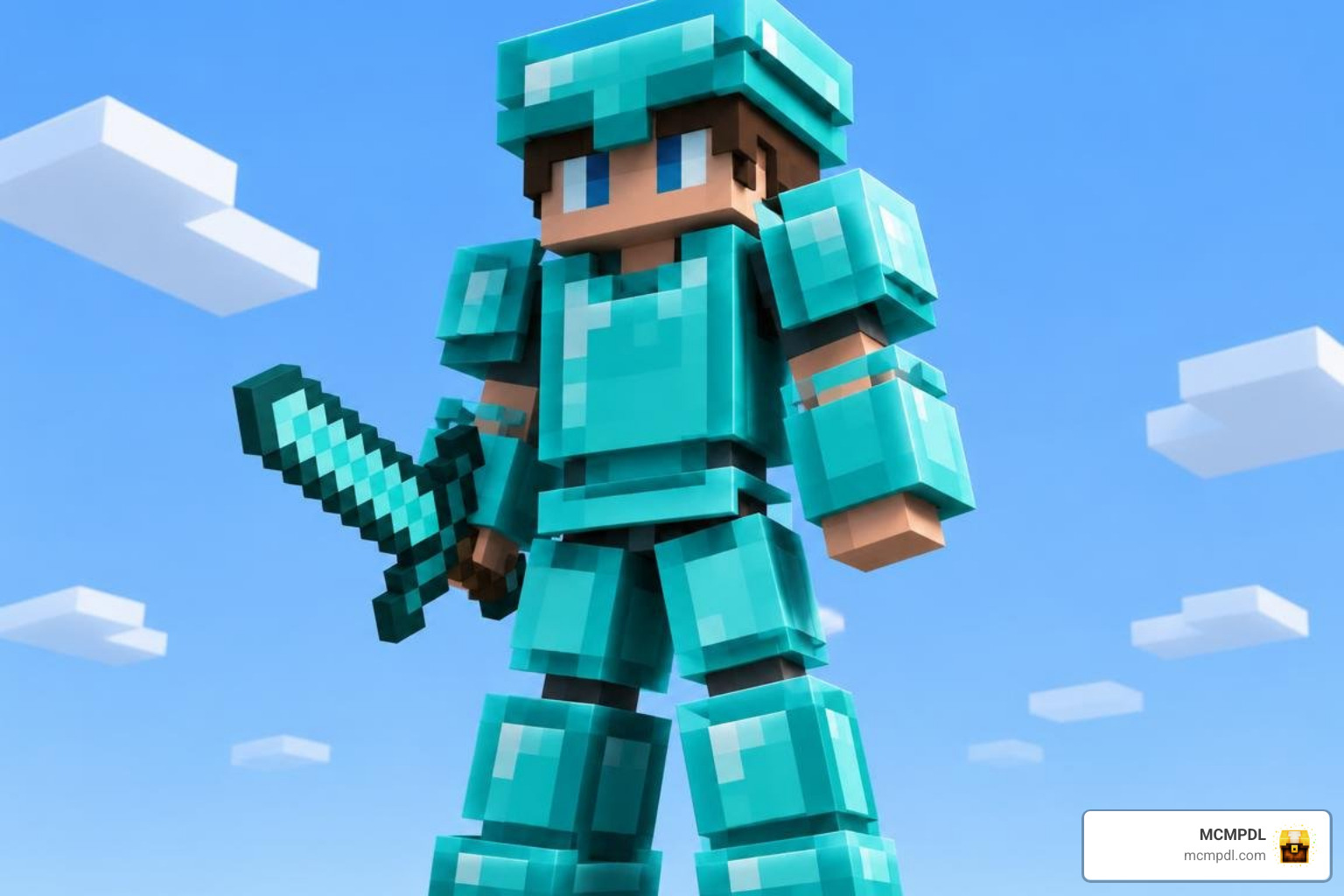
One of the standout achievements of this pack is its approach to entity silhouettes. In standard vanilla gameplay, armor, helmets, and mob accessories often look like flat paint stamped onto the character model. Consistently Cubed utilizes Bedrock’s geometry engine to implement inflated cube layers, offset by +0.25 and +0.5 units above the base model.
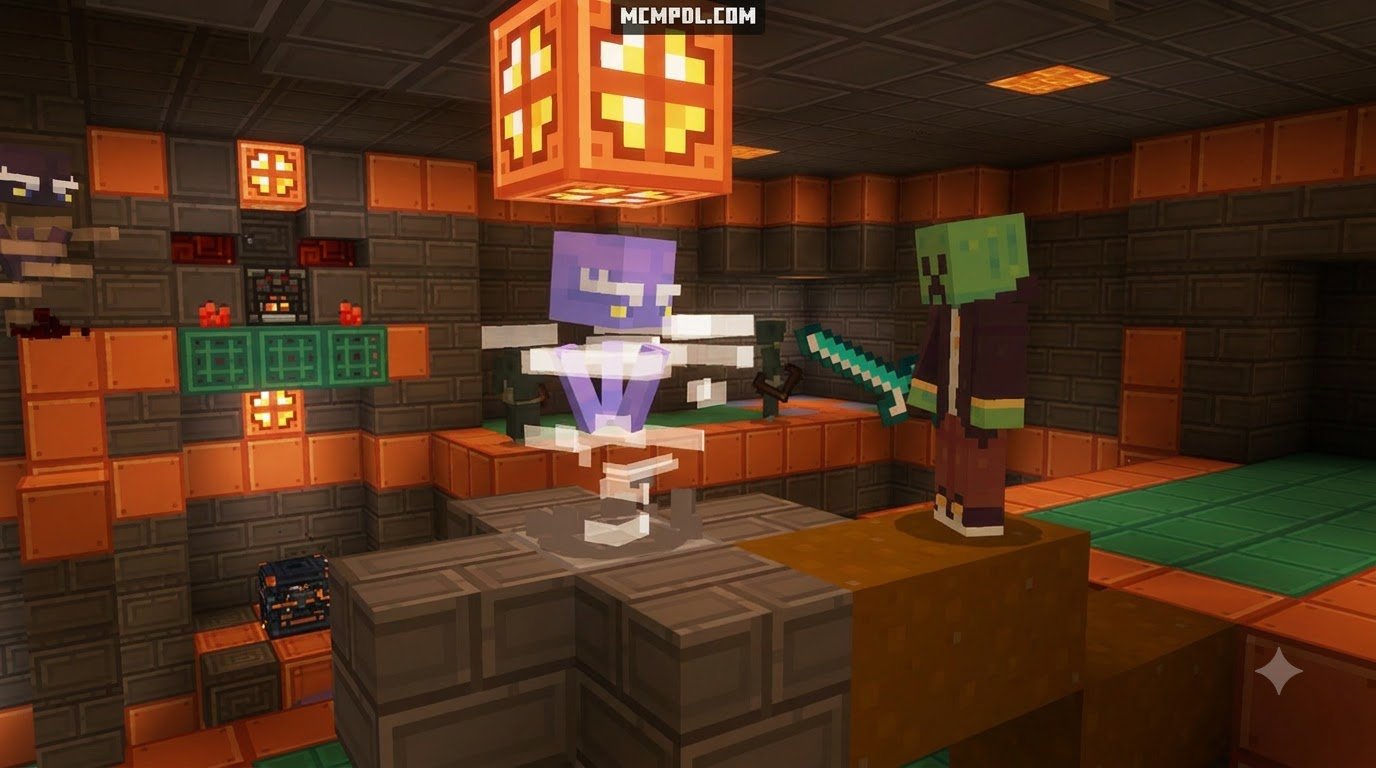
This mathematical inflation gives helmets, belts, and entity gear tangible physical depth without requiring heavy polygon counts. Mobs feature clean outlines and distinct silhouettes, making it effortless to identify threats across dark caves or open plains.
Skin Generator Integration and Validation
Creating clean visual assets for Bedrock requires adherence to strict platform standards. Modern content pipelines rely on automated validation tools, such as the plu007-fix/bedrock-skin-pack-generator, to verify that textures and geometry files meet platform specifications.
When compiling skins and entity textures, creators must account for the following standards:
- Resolution Constraints: Texture files must adhere strictly to 64×64 or 128×128 dimensions, which are officially supported by Mojang for Bedrock skins and entities.
- Alpha Channel Linting: Base model layers must not contain transparent pixels, which prevent rendering artifacts and black-box glitches on mobile hardware.
- Pack Limits: Skin packs adhere to platform limits of up to 80 skins per pack, ensuring stable memory allocation across devices.
- Value Group Separation: Garments, accessories, and tools are separated into distinct color ramps to maintain unified contrast across all lighting conditions.
These validation practices ensure that every block, mob, and skin loaded into your world runs smoothly without missing textures or graphical glitches.
Step-by-Step Guide: How to Download and Install on Bedrock Edition
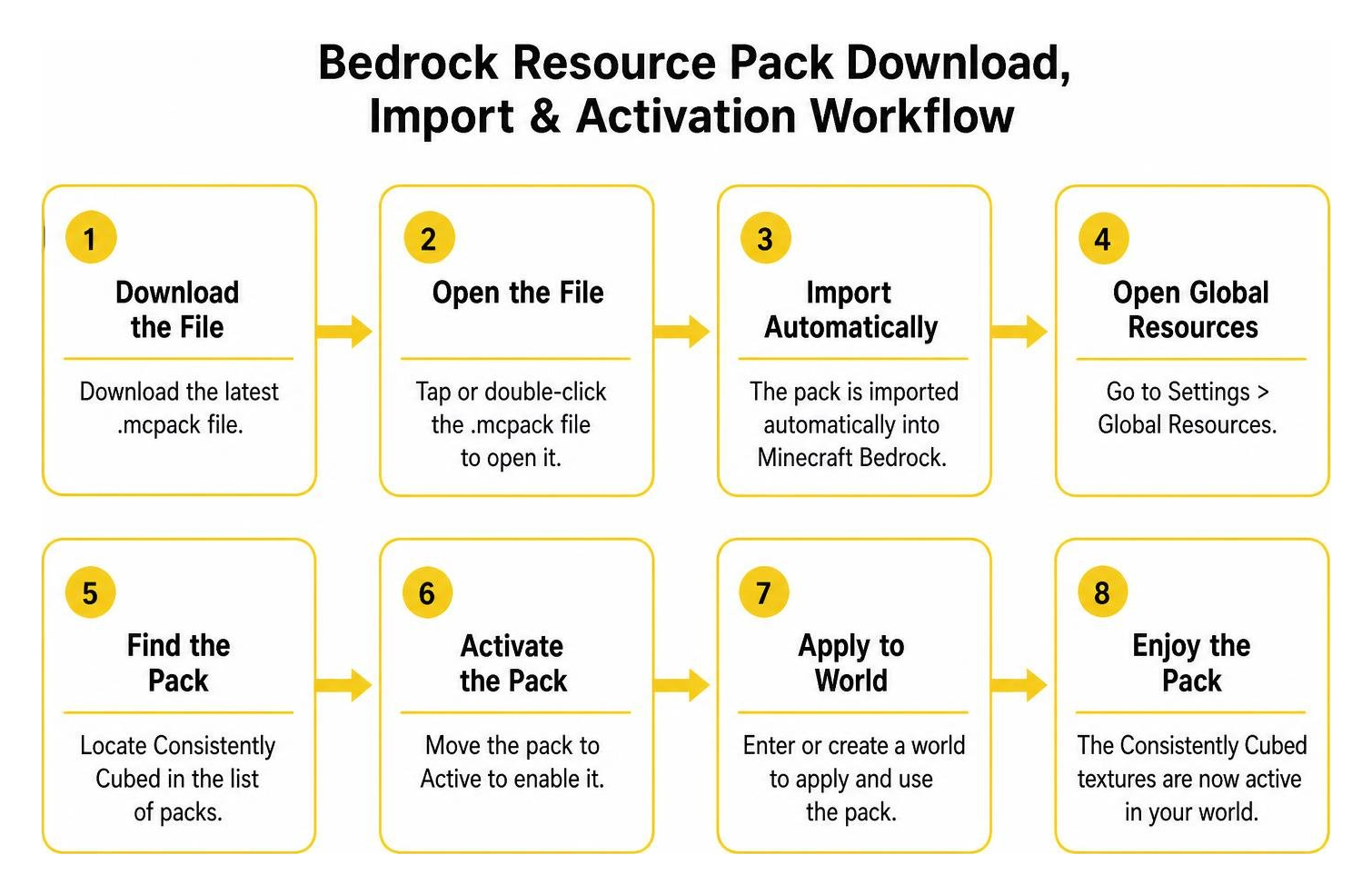
Installing custom resource packs on Minecraft Bedrock Edition is straightforward thanks to the unified .mcpack file format. Whether you play on an Android smartphone, an iOS tablet, or a Windows 10/11 PC, the process requires only a few clicks.
Direct .McPack Installation Steps
Follow these simple steps to download and activate the pack on your device:
- Download the File: Visit our curated hub at MCMPDL and download the latest
.mcpackfile for Consistently Cubed. - Import into Minecraft:
- Mobile (iOS/Android): Tap the downloaded file in your browser or file manager and select Open with Minecraft. The game will launch automatically and display an “Import Started” banner at the top of the screen.
- Windows 10/11: Double-click the
.mcpackfile. Minecraft will boot up and import the resource pack directly into your local storage.
- Activate Globally:
- Open Minecraft and navigate to Settings > Global Resources > My Packs.
- Locate Consistently Cubed, click on it, and select Activate.
- Apply to Specific Worlds (Optional):
- If you prefer to use the pack only in specific saves, go to your world’s settings, scroll down to Resource Packs, and activate it under Available Packs.
Troubleshooting Mobile and Windows 10/11 Setups
If the textures do not display immediately or you encounter interface overlap, try these quick troubleshooting tips:
- Clear Resource Cache: Navigate to Settings > Storage > Cached Data and clear outdated texture files to ensure the engine loads fresh assets.
- Adjust Pack Hierarchy: If you use interface modifications like a dark mode texture pack for Minecraft PE/Bedrock, ensure Consistently Cubed is placed in the correct load order under Active Packs to prevent UI conflicts.
- Check Storage Permissions: On Android devices, verify that Minecraft has permission to access external storage so it can read imported
.mcpackfiles correctly.
Visual Comparison and Community Feedback Analysis
The Bedrock community values two primary factors above all else: stable performance and visual clarity. While high-resolution projects deliver detailed visual overhauls across thousands of textures, 16x packs remain the gold standard for high frame rates on portable hardware.
Resolution, GUI Tweaks, and Performance Metrics
Because Consistently Cubed operates natively at 16x resolution, its memory footprint is virtually identical to vanilla Minecraft. In performance tests across entry-level mobile devices and gaming PCs alike, the pack maintains a rock-solid 60 FPS without memory spikes or stuttering during chunk loading.
In addition to smooth performance, the pack introduces thoughtful quality-of-life adjustments to the graphical user interface (GUI). Containers, inventory grids, and hotbars feature clean, high-contrast borders that improve item management. Furthermore, the pack redesigns spawn eggs with unique, recognizable icons for every creature, eliminating the guesswork of identifying tinted eggs in Creative mode.
Community Reception and Other Visual Approaches
Players who enjoy competitive multiplayer and clean survival worlds consistently praise the pack’s minimal visual clutter. In competitive scenarios where quick target acquisition is crucial—as detailed in our 10 best PvP texture packs for cleaner hits and better visibility guide—having crisp block borders and readable mob models offers a tangible gameplay advantage.
Feedback from the community highlights several key strengths:
- Uncluttered Sightlines: Transparent water textures and clear glass blocks make underwater exploration and modern building much more enjoyable.
- Update Consistency: Complete compatibility with modern Minecraft updates, including full texture coverage for new blocks and entities.
- Cohesive Aesthetic: A balanced color palette that makes diverse biomes look naturally integrated rather than randomly generated.
Frequently Asked Questions About Bedrock Texture Packs
Does Consistently Cubed support the Minecraft 1.21.5 update?
Yes, the pack is fully updated to support recent releases, including Minecraft 1.21.5. It features custom textures for modern blocks, updated mob variants, and distinct item sprites for all newly introduced spawn eggs.
Can this pack be used alongside PvP packs without conflicts?
Yes. You can layer Consistently Cubed alongside other resource packs using Bedrock’s Global Resources menu. To prioritize specific PvP elements (such as short swords or low fire overlays), place your PvP pack above Consistently Cubed in the active resource list.
How do overlay geometry layers impact mobile frame rates?
The inflated overlay layers (+0.25 and +0.5 cube offsets) use low-polygon geometry that is natively supported by the Bedrock C++ engine. Because the models avoid excessive vertices, they have virtually zero impact on mobile GPU performance and maintain a smooth 60 FPS.
Conclusion
The Consistently Cubed texture pack delivers a unified visual upgrade that respects the classic charm of Minecraft while eliminating distracting visual noise. With its lightweight 16x footprint, inflated entity geometry, and clean interface enhancements, it stands out as an exceptional choice for mobile, console, and PC players looking for visual harmony without sacrificing performance.
At MCMPDL, our mission is to provide a curated, up-to-date library that simplifies how you discover and install the best add-ons, shaders, and textures for Bedrock Edition. If you are looking to further refine your competitive edge after setting up your world, explore our review of the Ultimate PvP Pack for Minecraft PE/Bedrock to discover optimized combat overlays and clean visual tweaks tailored for competitive arenas. Download the pack today and enjoy a clean, perfectly structured Minecraft world!