Scroll down to D0vvnl0ad
CHow to Install an End Expansion Addon for Minecraft PE/Bedrock
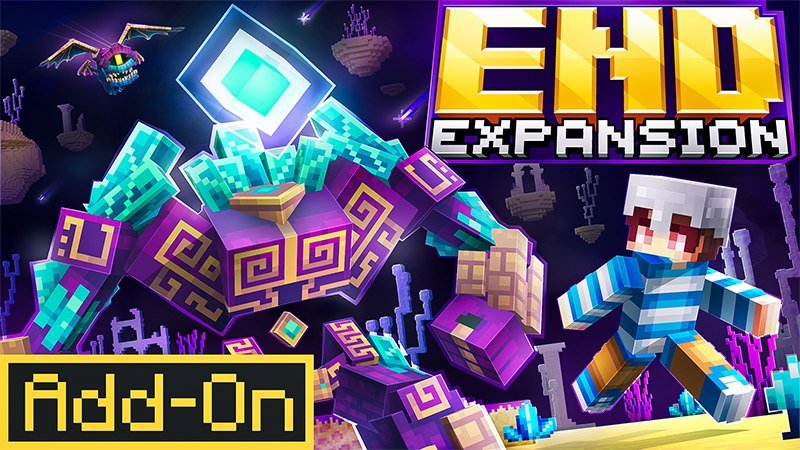
To install an End Expansion Addon for Minecraft PE/Bedrock, download a version-compatible .mcaddon or .mcpack file, then open it with Minecraft to import it. Back up your world before you start. In the world’s settings, enable the add-on’s behavior pack and resource pack, then enter the End. New terrain is most likely to appear in areas you have not explored yet.
The steps below cover mobile and Windows installation, plus what to check if the new End content does not appear.
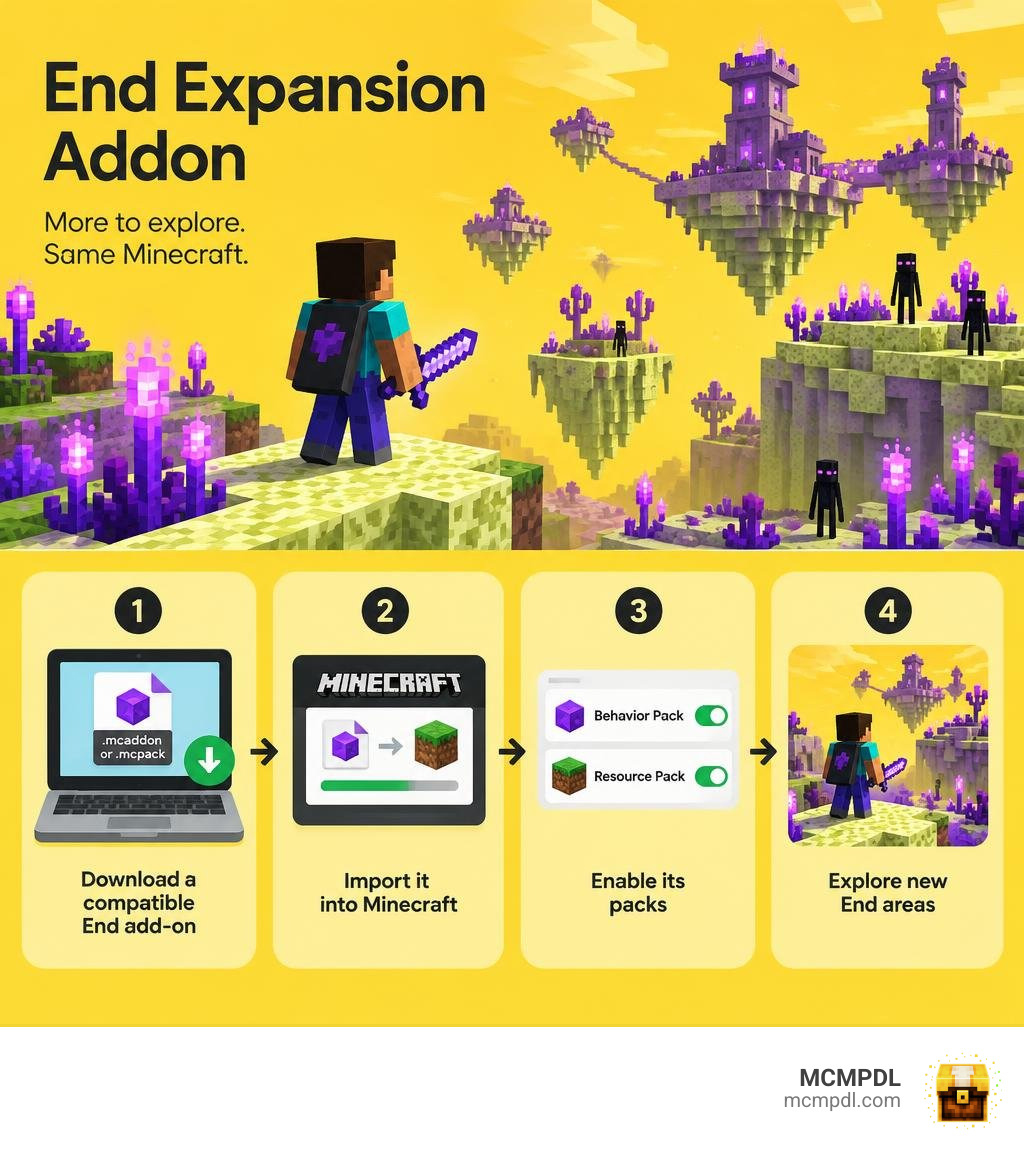
Step-by-Step Installation Guide for Bedrock and Pocket Edition
Installing custom modifications into Minecraft Bedrock Edition and Pocket Edition (PE) has become much simpler over recent years. Community creators package their modifications into unified container formats: .mcaddon files, which combine both visual assets and scripts, or paired .mcpack files split into separate Resource and Behavior packs.
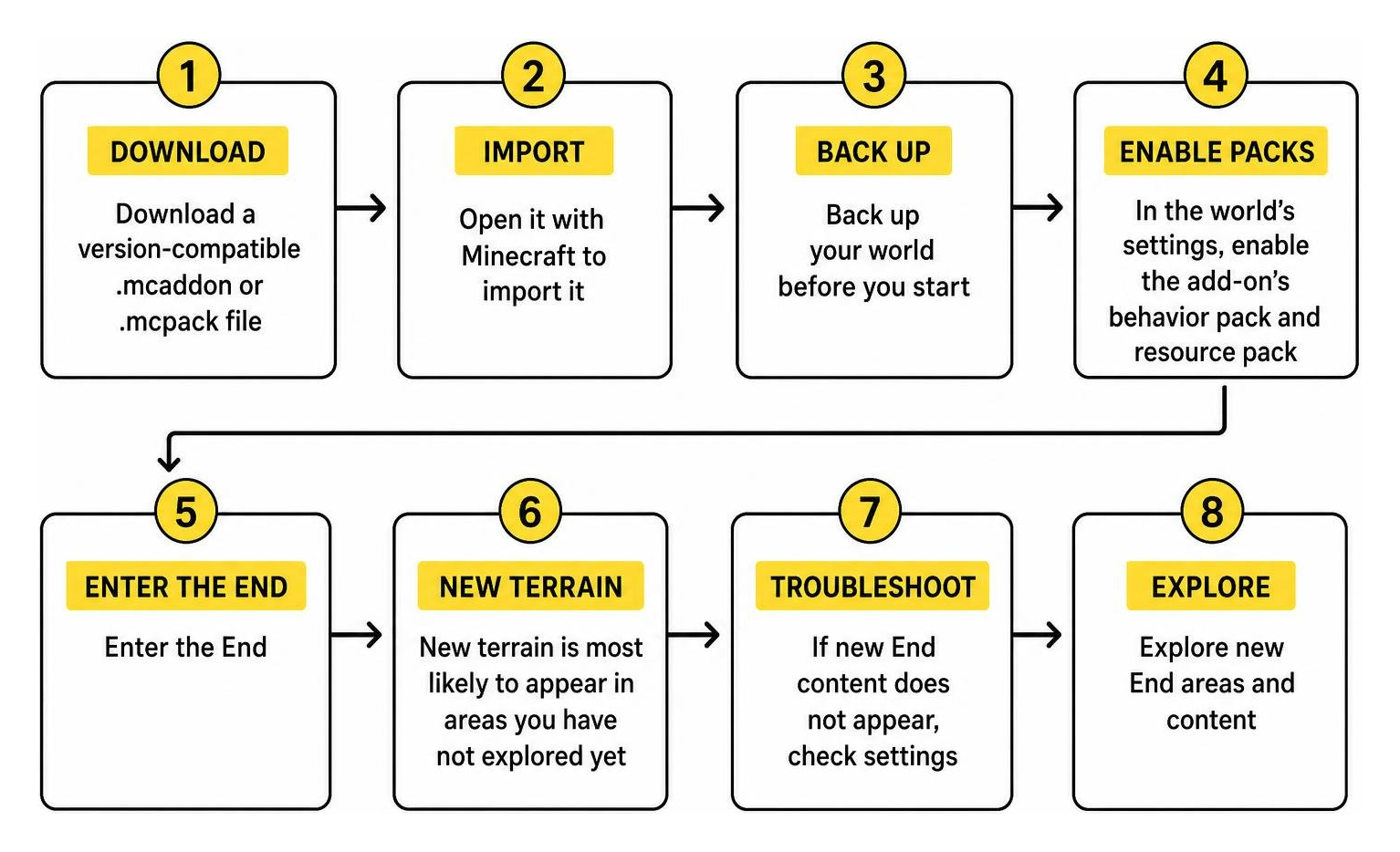
Understanding where your game stores data and how it reads these files ensures a smooth installation process regardless of your platform.
Step-by-Step Guide to Installing an End Expansion Addon for Minecraft PE/Bedrock
Follow these platform-specific steps to import and activate your add-on:
- Download the Add-on Files: Save the
.mcaddonor.mcpackfile directly to your device storage. - Execute File Association:
- iOS / iPadOS: Open your device’s Files app, navigate to your Downloads folder, tap the downloaded file, and select Open in Minecraft (or tap the share icon and pick Minecraft from the app list).
- Android: Use a file manager app to locate the file in your storage. Tap the file and select Minecraft as the default handler to trigger the automatic game import.
- Windows 10 / Windows 11: Double-click or right-click and open the file. Minecraft Bedrock launches automatically and displays an “Import Started” banner at the top of the screen.
- Configure World Settings:
- Launch Minecraft and navigate to the world list.
- Click the Edit (pencil) icon next to your desired survival world, or create an entirely new world.
- Scroll down on the left-hand menu to Resource Packs. Under the Available tab, select your installed pack and click Activate.
- Navigate to Behavior Packs directly beneath it and click Activate. Confirm that you understand achievements may be disabled when applying custom behaviors.
- Load Order Verification: Ensure that the resource pack is prioritized near the top of your active list so custom textures for void biomes, armors, and items load without being overwritten by other global packs.
If you enjoy managing multiple personal waypoints across dimensions during long void journeys, consider setting up dimension homes to simplify your return trips.
Troubleshooting Compatibility, World Saves, and Removal
When modifying dimension generation, you should keep several key technical details in mind:
- Unexplored Chunk Generation: Minecraft Bedrock stores generated chunks permanently. If you apply an End overhaul to an existing world where you have already flown thousands of blocks with an Elytra, you must travel beyond your previously generated boundaries to find custom biomes, flora, and structures.
- World Backups: Always click Copy World in the edit menu before applying any behavioral changes. If an update shifts block IDs or crashes your game client, you can revert to the pristine copy.
- Safe Pack Removal: If you remove an End expansion add-on from a world, any custom blocks placed in the terrain will either disappear or turn into missing-texture placeholder blocks (such as
update!blocks), and custom entities will vanish. Vanilla blocks like End Stone and Obsidian will remain intact. - Visual Shader Conflicts: Certain visual packs, such as vibrant visual shaders, interfere with custom fog boundaries and cloud layers added by deep-void mods. If you encounter black screens or broken skies, disable third-party shader packs.
- Performance Adjustments: Massive multi-layered End overhauls feature complex particle systems. We strongly recommend setting your in-game render distance to 15 chunks or lower on mobile devices to prevent memory throttling.
For players who appreciate custom underground generation before heading to the sky, exploring underground cave addons offers similar subterranean overhauls for the Overworld.
Best End Expansion Addon for Minecraft PE/Bedrock Options Compared
Players have access to several distinct projects designed to transform the End, ranging from massive community-developed overhauls to marketplace expansions and open-source utility frameworks.
| Add-on / Expansion Pack | Pricing & Access | Biome Count | Major Bosses & Entities | Key Features & Gear | Minimum Version |
|---|---|---|---|---|---|
| The Abyssal Ascent | Free Community Add-on | 11 Custom Biomes | Void Pope, Sightfull Obelisk, Dragonbirds | 3-Layer Dimension, War Hammers, Longswords, Calibrated Pearls | Bedrock 1.20+ |
| Eternal End | Free Community Add-on | 6 Custom Biomes | Unique Void Fauna & Entities | Magical flora, custom block palettes, atmospheric terrain | Bedrock 1.20+ |
| Ender Expansion | 490 Minecoins (~$2.57 USD) | Base Enhanced | End City Guards, Custom Skeletons & Villagers | Tailored survival experience, custom weapons, 1–20 players | Bedrock 1.16.0+ |
| Endless Bedrock | Free / Open-Source | Custom Biomes & Structures | Expanded mob variants | Open-source mcfunction framework, Java Fabric counterpart | Bedrock 1.16.0+ |
The Abyssal Ascent and Eternal End Overhauls
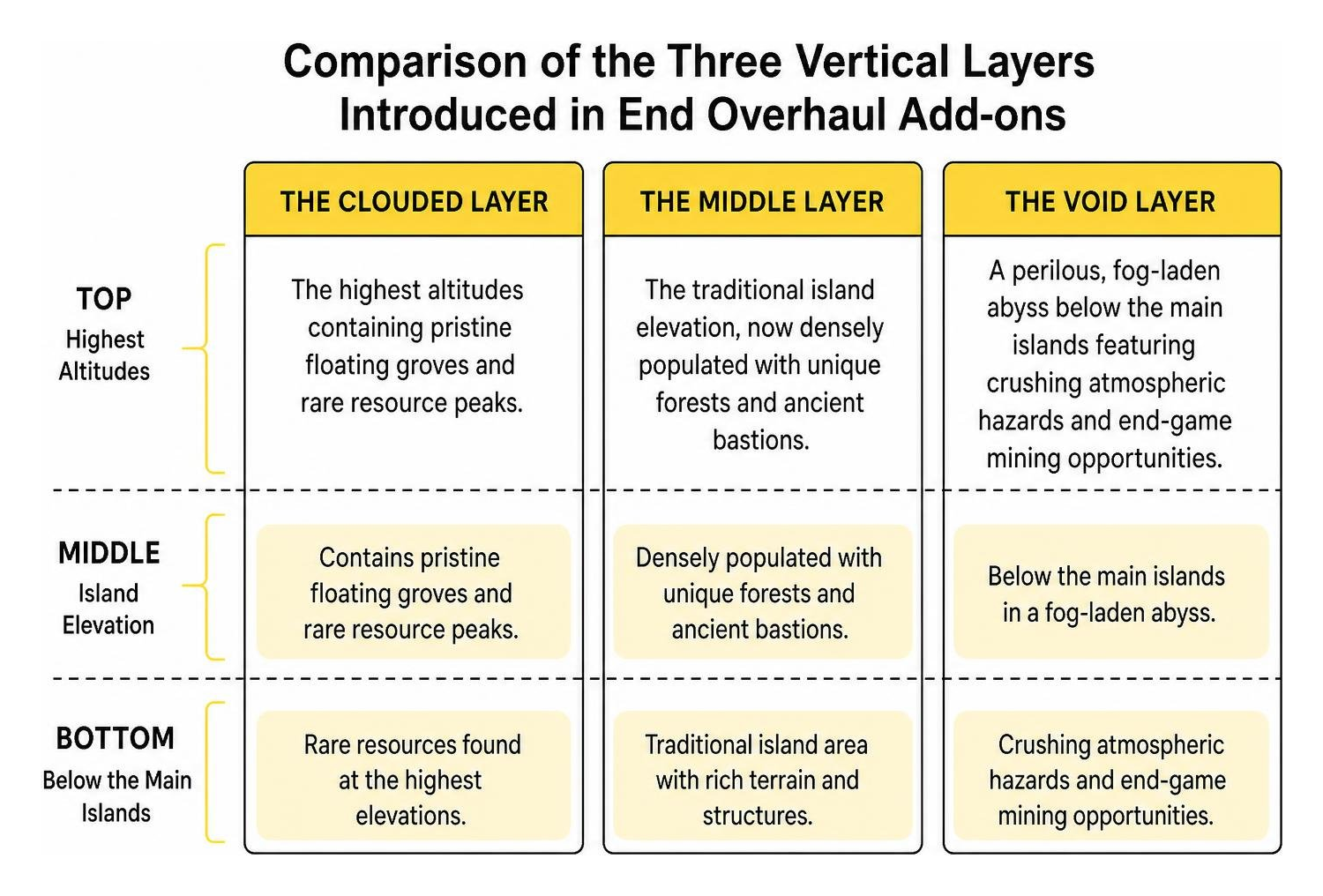
The Abyssal Ascent (End Update) stands as one of the most comprehensive free overhauls available for Bedrock, recording over 166,322 downloads by late 2026. Rather than simply adding scattered islands, it splits the End dimension into three distinct vertical strata:
- The Clouded Layer: The highest altitudes containing pristine floating groves and rare resource peaks.
- The Middle Layer: The traditional island elevation, now densely populated with unique forests and ancient bastions.
- The Void Layer: A perilous, fog-laden abyss below the main islands featuring crushing atmospheric hazards and end-game mining opportunities.
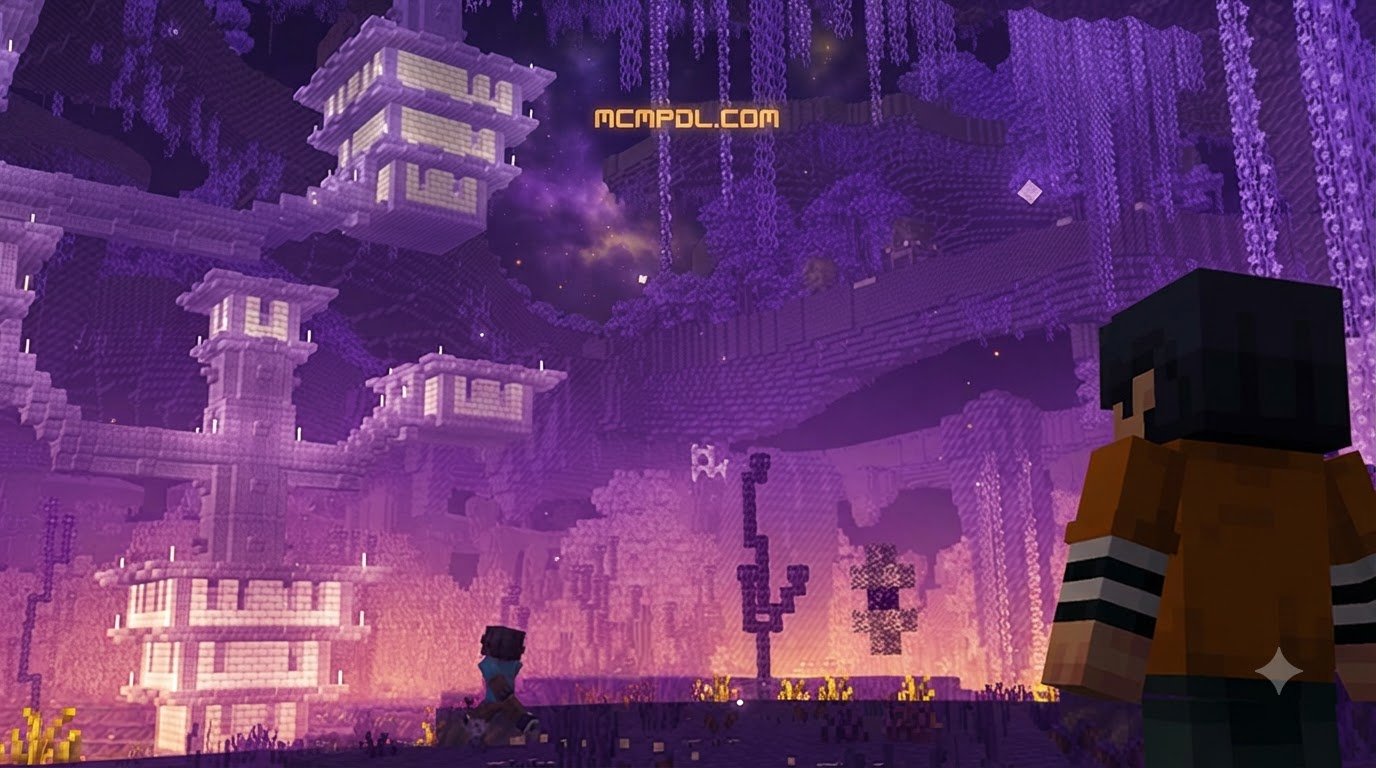
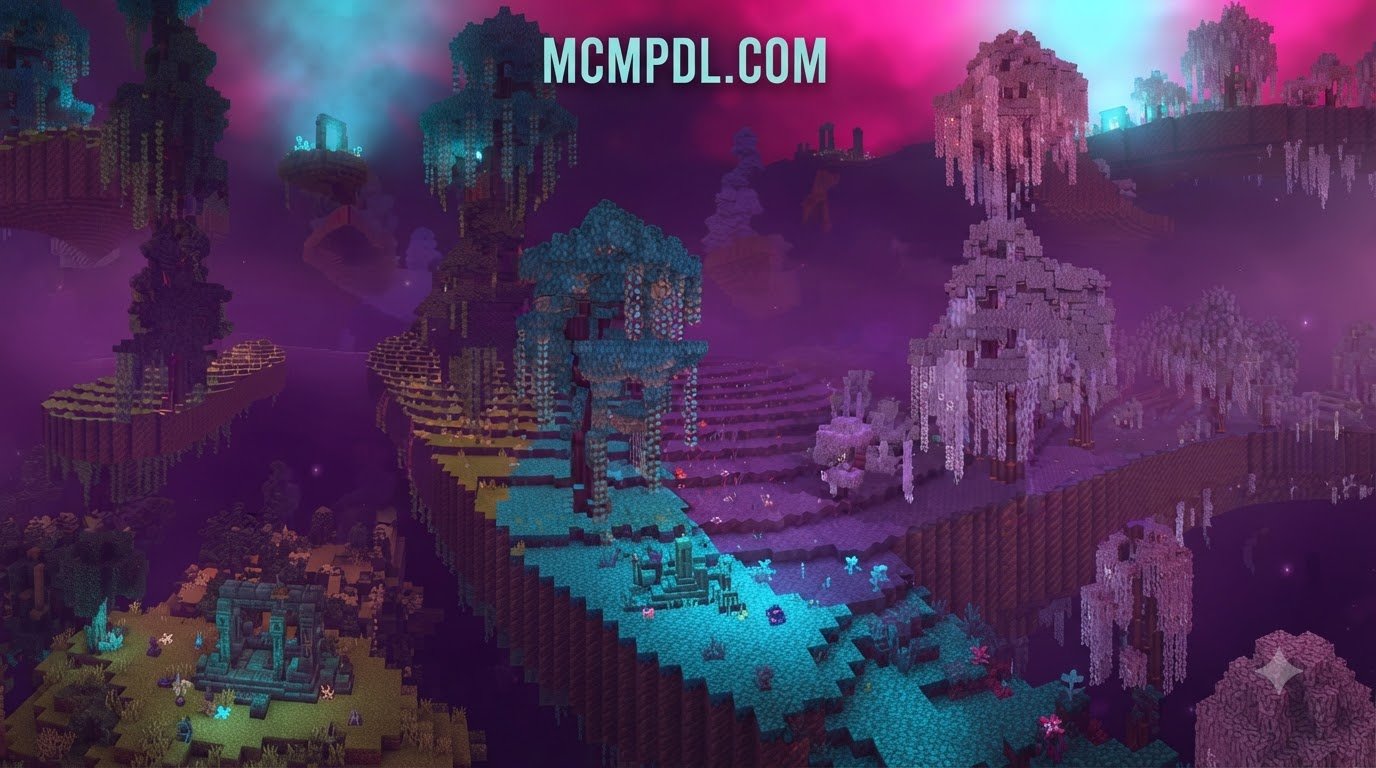
Meanwhile, the Eternal End Add-On focuses on pure atmosphere and magical aesthetics. It overhauls the barren dimension into a vibrant, mysterious realm with six distinct biomes. Each biome introduces custom terrain generation, bioluminescent flora, alien fauna, and a complete suite of decorative blocks. If you enjoy overhauling dimensions to give every realm distinct visual identity, pair your journey with add-ons for expanding the Nether dimension.
Ender Expansion and Open-Source Endless
For players who prefer curated Marketplace content, Ender Expansion by Giggle Block Studios is an established option. Priced at 490 Minecoins (approximately $2.57 USD or €2.42 EUR), it holds an average community rating of 3.8 out of 5 stars from 221 reviews on Ender Expansion by Giggle Block Studios | CHUNK – Minecraft Bedrock Marketplace Explorer. The pack adds defensive End City Guards, custom hostile skeletons, specialized villagers, and unique weapons while supporting seamless multiplayer scaling for 1 to 20 players.
On the technical side, the open-source community maintains the ReMod-Studios/endless-bedrock repository. Created with modular mcfunction scripting, Endless Bedrock serves as a lightweight dual-edition project that mirrors features from its Java Fabric mod counterpart. Players seeking intense, targeted combat trials alongside dimension mods can also test their combat skills against standalone challenging boss dimensions.
New Biomes, Custom Gear, and Boss Encounters
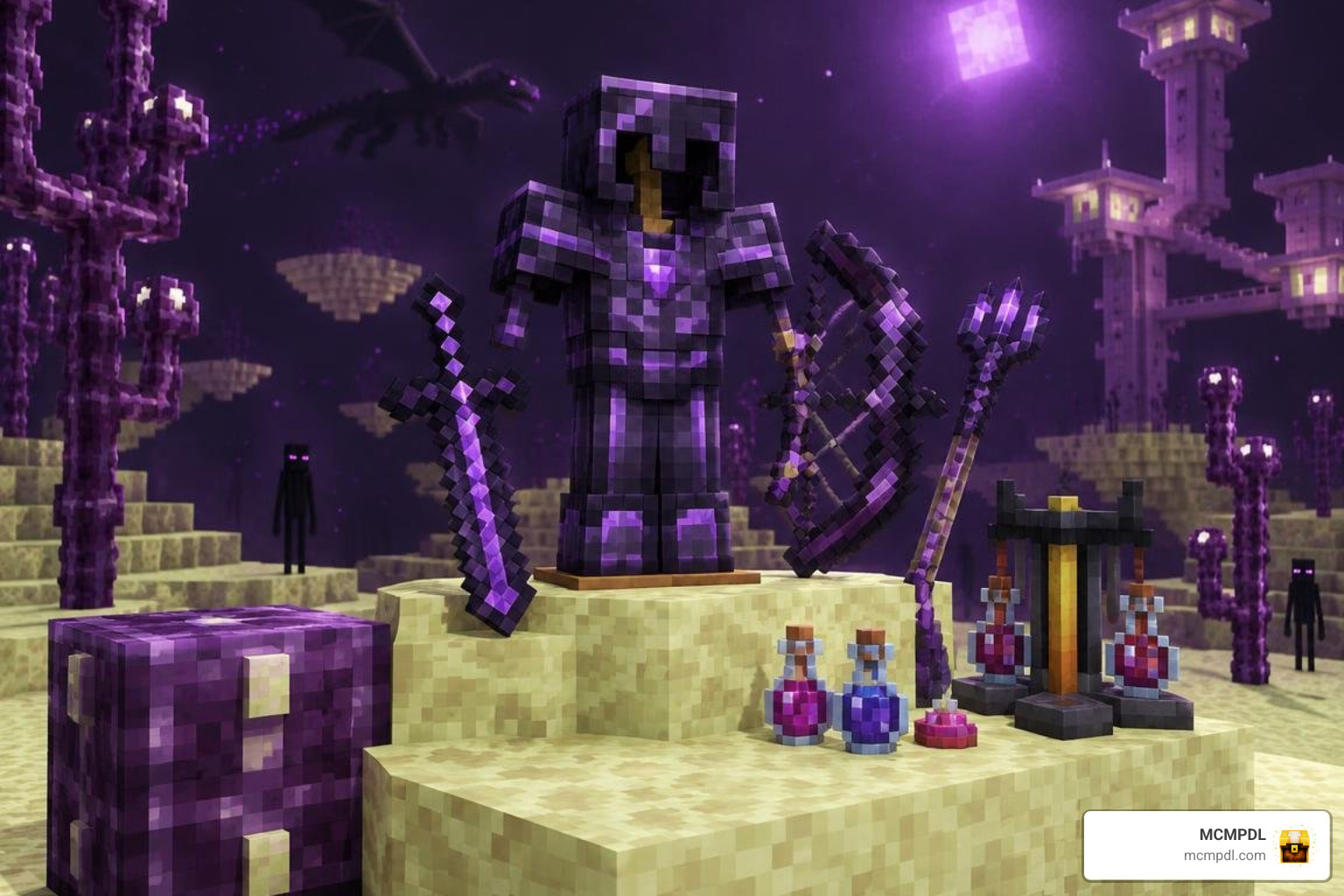
Modern End expansion packs introduce sophisticated survival systems that alter how you navigate, fight, and craft in the outer islands.
Features Added by the End Expansion Addon for Minecraft PE/Bedrock
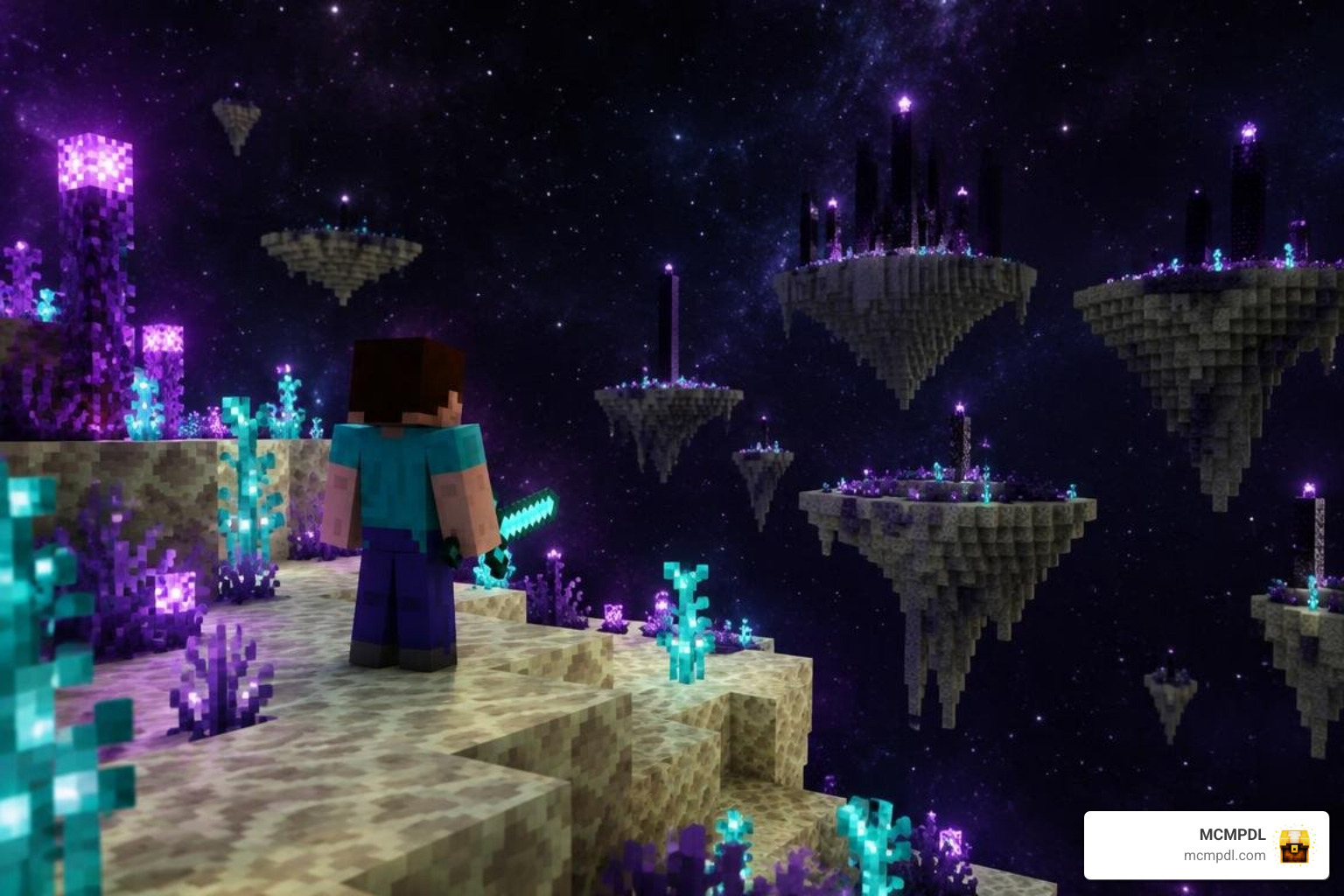
Overhaul packs replace the monotonous sea of yellow End Stone with rich ecosystems:
- Endra Forest & Distorted Forest: Dense woodlands comprised of alien trees and sprawling canopies that provide unique wood types for building.
- Cosmic Frontier & Arkose Peaks: Towering crystalline mountain ranges that challenge vertical traversal and hide rare mineral deposits.
- Blushie Swamp & Abyssal Swamp: Low-lying boggy biomes containing specialized vegetation, fertile Cobbled End Stone, and hazardous indigenous life.
- Expanded Weapon Classes: Add-ons introduce Longswords (which feature a wide 3.5-block radius sweep attack at the cost of 3 base damage and no critical strikes) and heavy War Hammers that crush armored foes.
- Tiered Materials: Mine Enduranium Debris from deep middle layers using beds or TNT (it is completely explosion-immune) to forge intermediate Enduranium, Dragonite, Ascendant, and end-tier Cosmonium armor sets.
- Calibrated Ender Pearls: Upgrade standard teleportation pearls with color-coded Primeval Crystals. Applying a Void Crystal boosts pearl projectile velocity by 300%, while Ender Crystal upgrades increase maximum inventory stack sizes from 16 to 32.
- Evupul Gliders: Wearable aeronautical gear that grants sustained vertical ascent and built-in slow falling for effortless island-hopping.
These exotic biomes often share creative design elements with standalone custom alien dimensions.
Boss Encounters and Custom Alchemy
To progress through complete End overhauls, you must construct summoning altars and master custom alchemy tables:
- The Void Pope: Located within the towering Void Pope Church structure. Players summon this formidable flying boss by placing an Ascendant Block directly onto an active Void Resurrection Generator. Defeating the boss yields materials required for celestial-tier weaponry.
- Sightfull Obelisk of Ender: Found at the ancient Shrine of the Forgotten Eye, activated by inserting a crafted Supreme Eye of Ender into the Obelisk Frame.
- Utility Alchemy Overhaul: Beyond standard brewing, new recipes utilize Glimmerstone Dust and Eyes of Ender to craft action-based potions. Return Potions instantly teleport you back to your primary world spawn point during emergency void falls, while Launch and Worm Hole potions provide sudden tactical repositioning.
Navigating these multi-room structures and arenas provides a gameplay loop reminiscent of exploring endless dungeon structures.
Frequently Asked Questions About End Add-Ons
Do I need experimental gameplay toggles enabled for End expansion addons?
Modern Bedrock add-ons built on current stable script APIs generally do not require experimental toggles. However, older packs or those introducing custom biomes via legacy schema may require you to enable Holiday Creator Features and Custom Biomes in your world settings. Always check the specific add-on documentation before creating your world.
Can I add an End overhaul addon to an existing Minecraft world?
Yes, you can safely apply an End expansion pack to an existing world. However, terrain generation changes only take effect in newly generated chunks. Any End islands you visited before installing the add-on will retain their vanilla appearance. To experience custom biomes immediately, travel outward into unexplored coordinates or experience new custom dimensions exploration on a fresh world save.
Where can I report bugs or suggest new features for these addons?
Most community add-on creators host dedicated Discord servers where players submit bug reports, post crash logs, and vote on upcoming feature updates. For open-source projects like Endless Bedrock, players can submit tickets and view development progress directly via public GitHub issue trackers.
Conclusion
Transforming the barren void of Minecraft Bedrock with an End expansion add-on breathes fresh life into late-game survival. Whether you prefer the multi-layered vertical survival of The Abyssal Ascent, the magical flora of Eternal End, or the structured mob defense of Ender Expansion, these additions ensure your journey through the End portal remains thrilling.
Remember to back up your world saves, keep your render distance optimized for performance, and travel into unexplored void coordinates to discover new biomes. When you are ready to expand your world further, browse all Minecraft Bedrock add-ons on MCMPDL to discover curated, cross-platform content for your next adventure.