Download Vibrant Memories for Minecraft PE and Bedrock
Scroll down to D0vvnl0ad
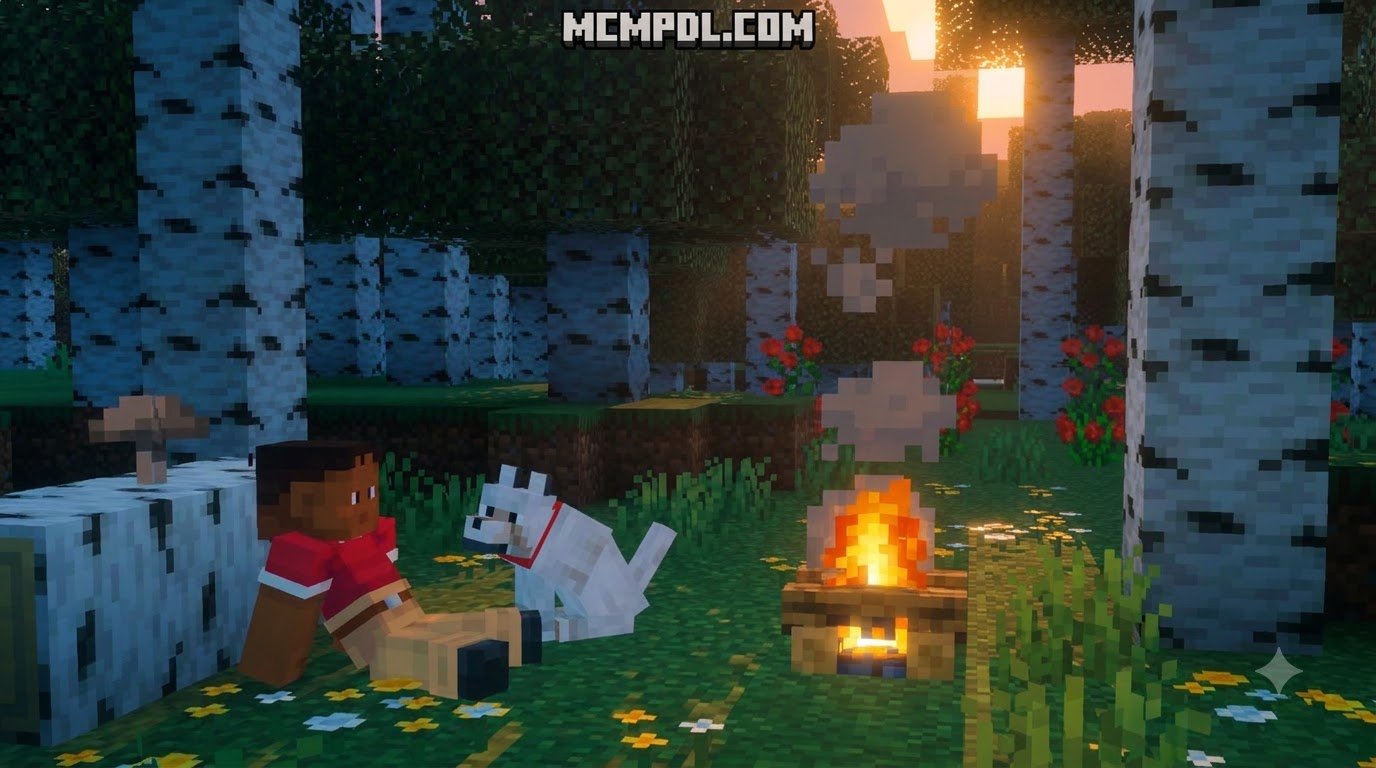
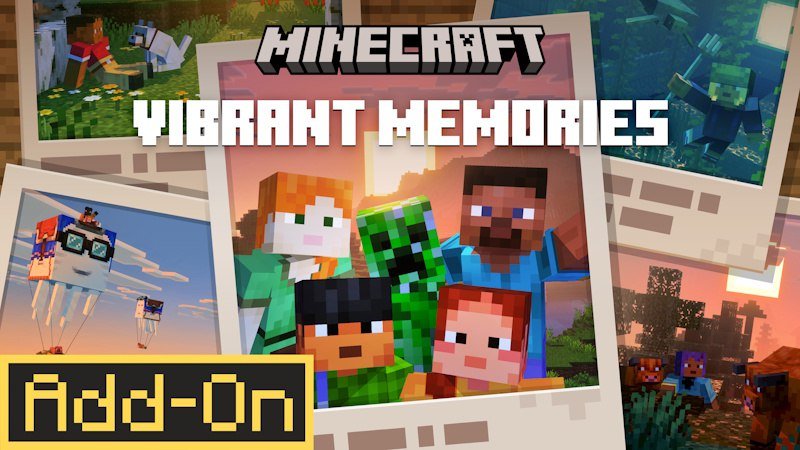
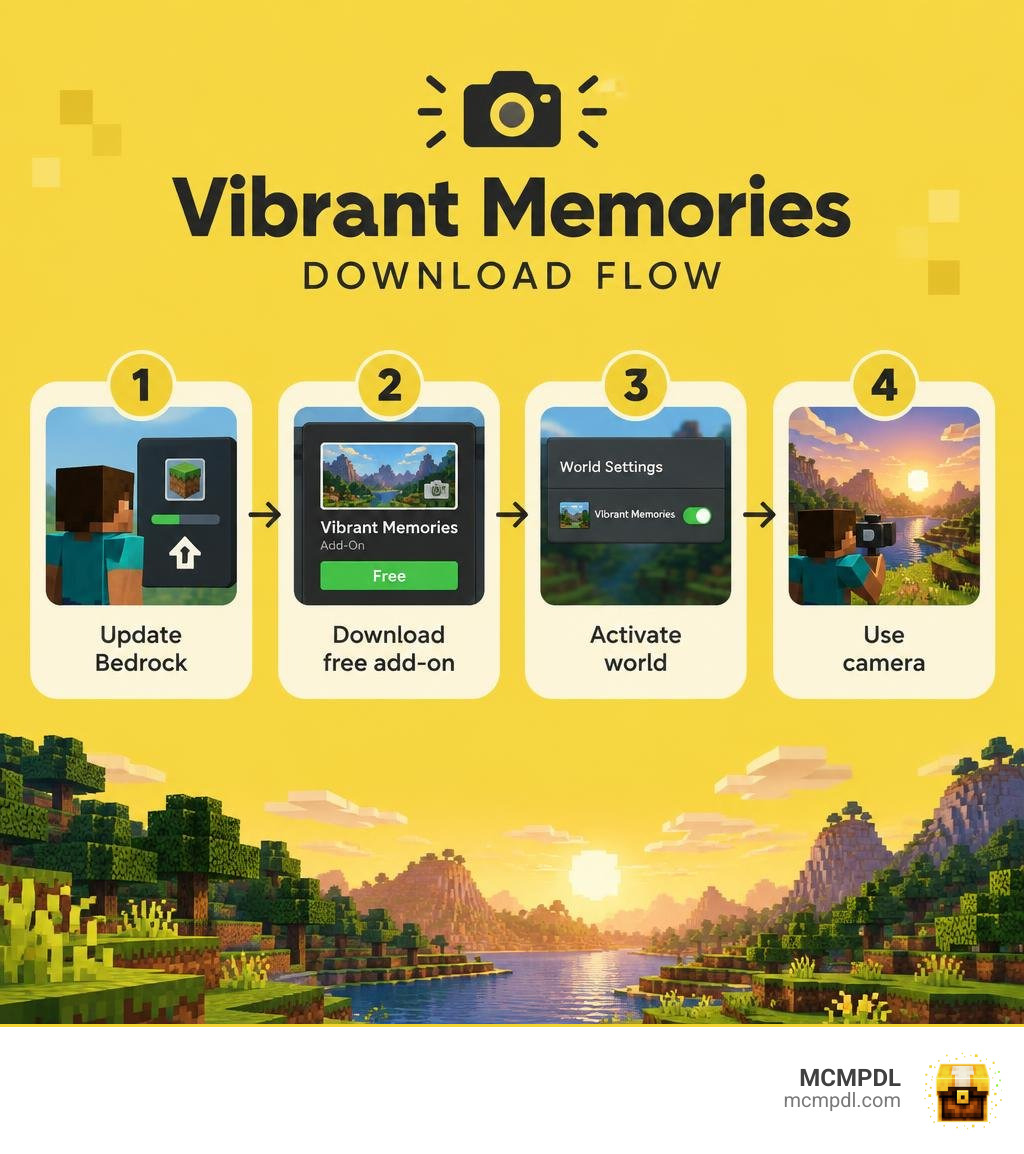
Vibrant Memories is a free camera add-on for Minecraft PE and Bedrock. To get it, update Minecraft, search for Vibrant Memories Add-On in the in-game Marketplace, download it, and activate it in your world settings. You need Bedrock Edition 1.20.60 or newer.
Made by Oreville Studios, the add-on lets you save camera angles, hide your character, and change the time or weather for a better shot. You can also collect photos in a customizable album with music. If you want to document a build or catch a sunset without waiting for one, this guide will walk you through the download and setup.
What Is the Vibrant Memories Add-On and How Does It Work?
The Vibrant Memories Addon for Minecraft PE/Bedrock is a dedicated in-game photography suite designed specifically for the Bedrock engine. Developed by Oreville Studios—a well-known, recurring partner on the Minecraft Marketplace—the add-on was launched alongside major visual milestones, following the release of the game update after introducing the Chase the Skies game drop.
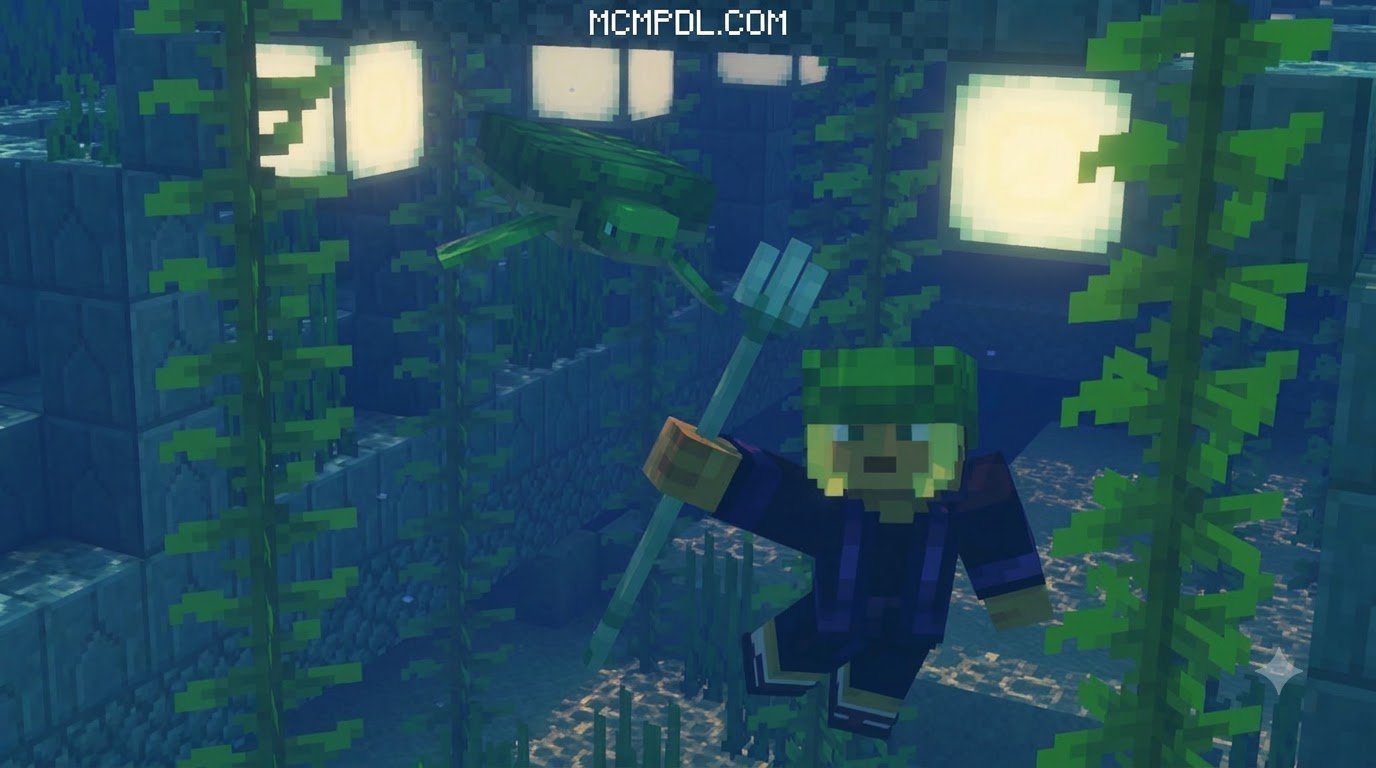
Rather than relying on clunky third-party screen capture apps or taking blind screenshots with your player HUD turned off, this add-on brings an integrated photo mode right into your survival or creative worlds. It transforms the way you capture memories across Minecraft’s 60+ unique biomes.
Community reception has been overwhelmingly positive. The add-on holds an impressive 4.4 out of 5 stars across more than 43,973 user ratings on the official store, with 78% (over 34,250) awarding it a full 5 stars. Best of all, it is completely free to download, costing zero Minecoins.
System Requirements for the Vibrant Memories Addon for Minecraft PE/Bedrock
To run the add-on smoothly, make sure your game client and device meet the base requirements:
- Game Version: Minecraft: Bedrock Edition version 1.20.60 or newer.
- Supported Platforms: Android (Pocket Edition), iOS, iPadOS, Windows 10/11, Xbox One, Xbox Series X|S, PlayStation 4, and PlayStation 5.
- Mobile Hardware: For Android devices, an Adreno 640, Mali-G68, Mali-G77, Xclipse 530, or higher chipset is recommended. On iOS, an Apple A12 Bionic chip or Apple M1 (or newer) provides smooth rendering.
- PC Graphics API: DirectX 12 (DX12) compatible graphics card for full visual performance.
- Graphics Pipeline: Fully compatible with standard Bedrock rendering as well as the modern Vibrant Visuals graphics mode compatibility settings.
Vibrant Memories Add-On vs. Vibrant Visual Texture Packs
It is common to confuse the Vibrant Memories Add-On with standalone texture packs such as the popular Vaxs Visuals Texture Pack or other community projects in our texture packs catalog.
The key difference lies in how they function under the hood:
- Add-Ons (Behavior & Script Mechanics): Vibrant Memories adds interactive items, menus, custom camera placement mechanics, and in-game UI menus that manipulate time and weather states.
- Texture Packs (Resource Packs Only): Standard visual packs change block textures, skies, lighting color palettes, and models without adding new functional tools or custom camera menus.
| Feature / Capability | Vibrant Memories Add-On | Standard Visual Texture Packs |
|---|---|---|
| Pack Type | Behavior Pack + Resource Pack | Resource Pack Only |
| Interactive Camera Item | Yes (Hotbar Tool) | No |
| Angle Saving & Recall | Yes | No |
| Weather & Time Slider | Yes (Built into Camera UI) | No (Requires Admin Commands) |
| Musical Slideshow Albums | Yes (In-Game Handbook) | No |
| Block & Mob Re-texturing | No (Keeps Base Visuals) | Yes (Alters Pixels/Resolutions) |
| Price | Free (Marketplace DLC) | Free / Marketplace Variations |
Step-by-Step Download and Installation for Minecraft PE and Bedrock
Getting the add-on onto your mobile device, console, or PC is straightforward thanks to direct Marketplace integration.
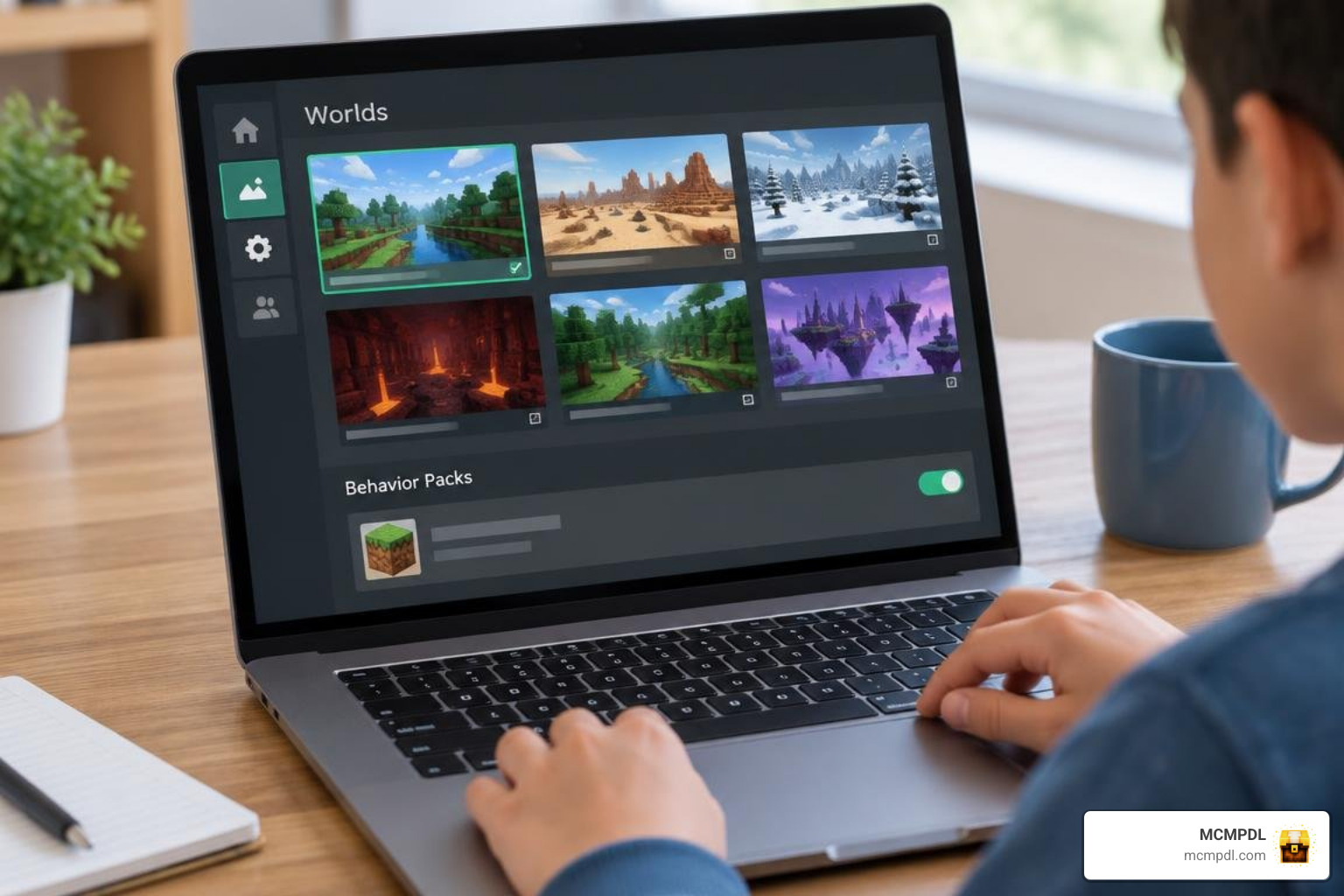
Follow this setup sequence to install and activate it:
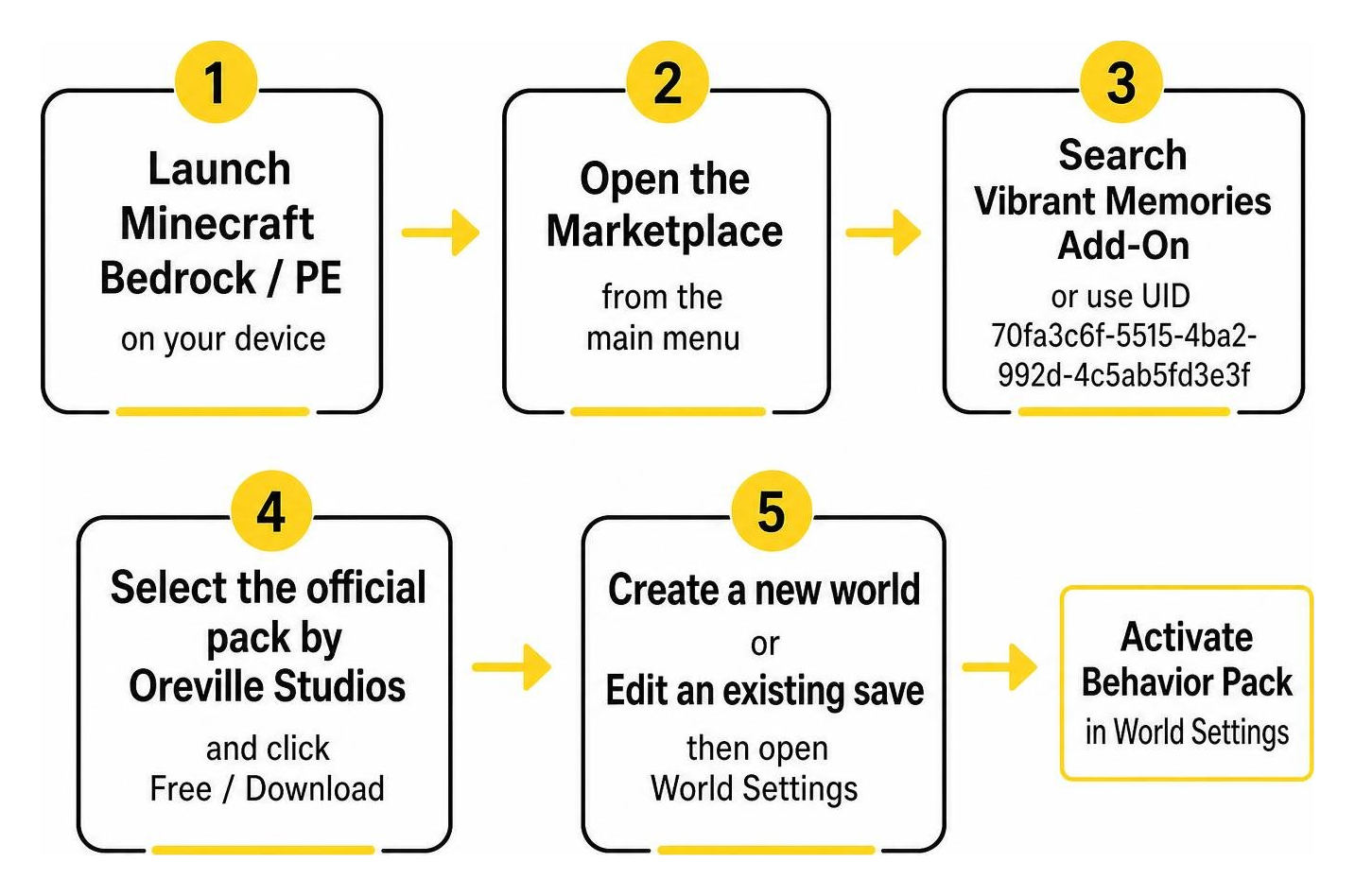
- Launch Minecraft Bedrock / PE on your device.
- Open the Marketplace from the main menu.
- Tap the search icon and enter Vibrant Memories Add-On (or use the unique store UID
70fa3c6f-5515-4ba2-992d-4c5ab5fd3e3f). - Select the official pack by Oreville Studios and click the Free / Download button.
- Once downloaded, create a new world or tap the edit icon next to an existing save.
- Scroll down to the Add-Ons section on the left sidebar.
- Click Behavior Packs, select Vibrant Memories, and press Activate.
- Ensure the accompanying resource pack activates under Resource Packs, then load into your world!
How to Install the Vibrant Memories Addon for Minecraft PE/Bedrock
For players hosting worlds or playing on mobile touchscreens, keep these tips in mind during installation:
- Touch Controls: When playing on mobile, hotbar selection and camera triggers operate through standard on-screen tap and hold interactions.
- Realms Servers: The world host must apply the add-on to the Realm’s world slot settings. When other players join, they will simply download the lightweight resource pack automatically.
- Pack Pairing: You can combine Vibrant Memories with other utility add-ons, like a dynamic lighting add-on, allowing you to hold a torch offhand while framing night shots.
Core Features of the Vibrant Memories Addon for Minecraft PE/Bedrock
Vibrant Memories stands out because it brings dedicated photo tools directly to the game, as highlighted in this essential photo mode companion guide.
Here are the primary features you can access:
- Saved Camera Angles: Lock specific camera coordinates and rotations. This is ideal for capturing before-and-after construction timelapses of your mountain cabins or mega-bases from the exact same perspective.
- Player Visibility Toggle: You can hide your character model instantly. This means you can take clean landscape shots even if you just returned from a chaotic Nether run with broken armor and low health.
- Instant Weather Control: Turn off pesky rainstorms or summon a downpour with a single toggle inside the camera menu—no cheat commands required.
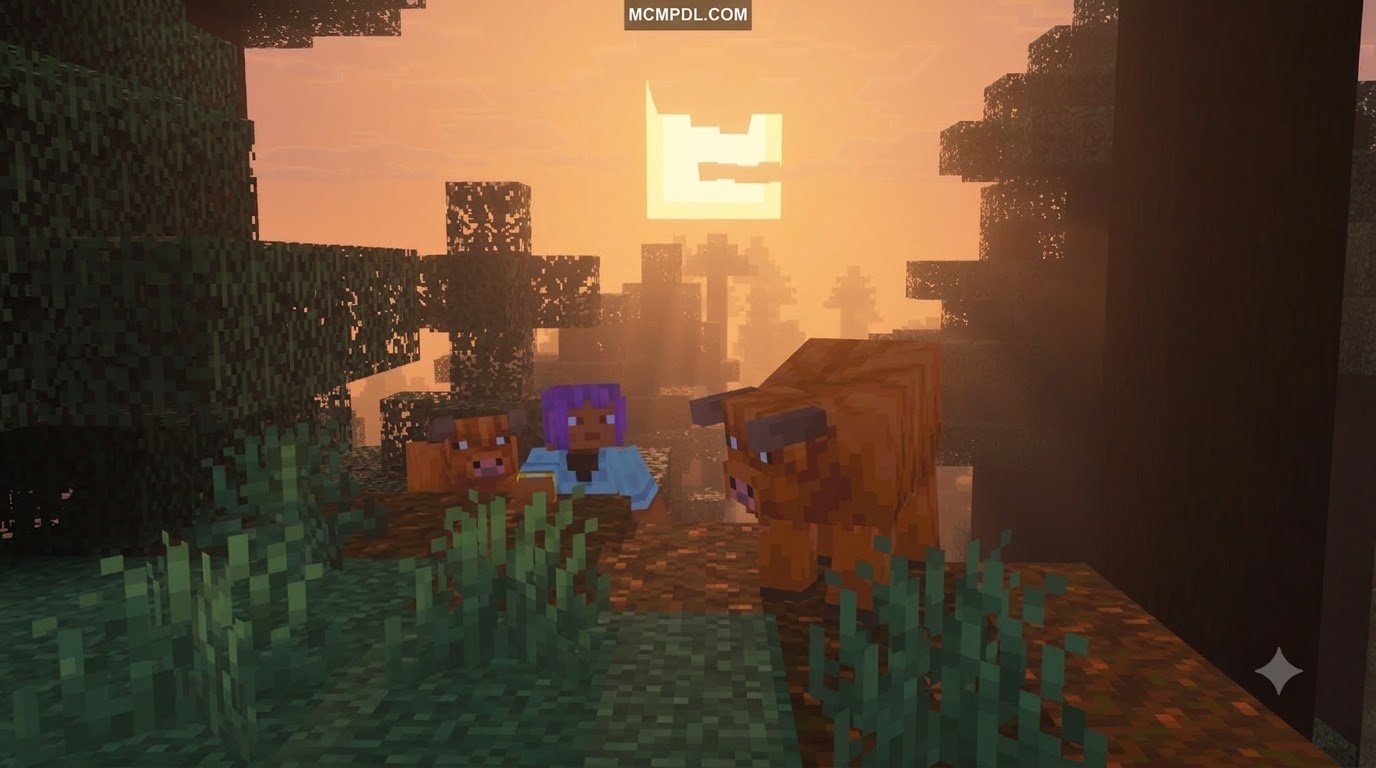
- Time-of-Day Presets: Shift between sunrise, daytime, golden hour, and clear nighttime instantly to get the perfect lighting on your builds.
Handbook and Settings Items
When you load into a world with the add-on active, you receive two core utility items: the Vibrant Memories Handbook and the Vibrant Memories Settings item.
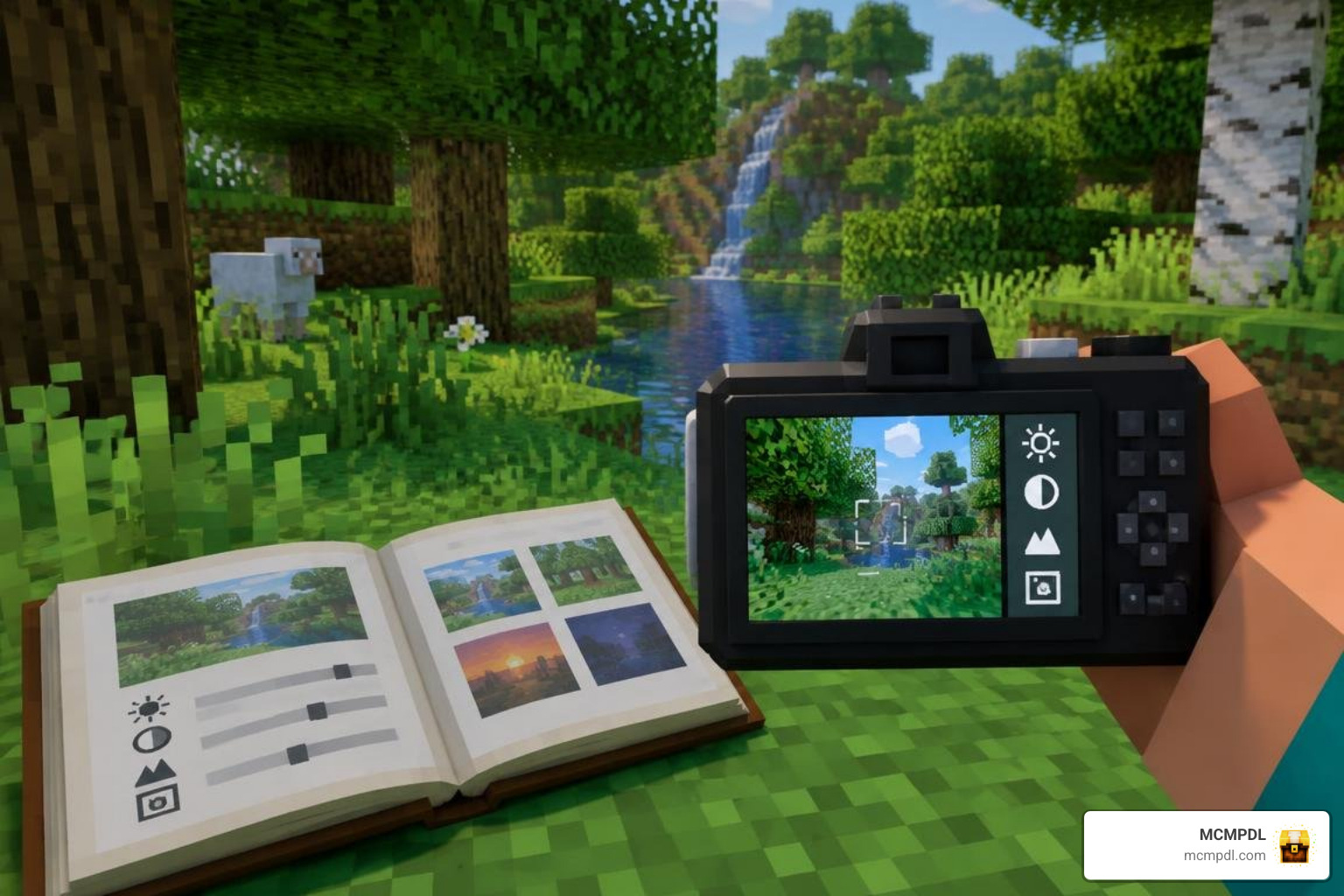
- Vibrant Memories Handbook: Acts as your central hub. Opening this book lets you generate a camera item directly into your hotbar, view past captures, and organize your scrapbook.
- Camera Edit Menu: Holding the camera item allows you to switch into a third-person framing mode. From here, you can adjust focal positioning, toggle player visibility, and record current coordinate metadata for your build journals.
Creating Custom Memories and Musical Photo Albums
The standout feature of the add-on is the Memories album system. Instead of simply piling images into a static book, Vibrant Memories lets you build animated in-game slideshows.
- Transitions & Timing: Customize fade durations, slide speeds, and transition colors between snaps.
- Musical Scoring: Pick background music tracks to play during your slideshow presentations.
- Metadata Tagging: Attach custom titles, biome names, and world coordinates to every memory.
If you enjoy building atmospheric scenes, pairing these albums with a vibrant lighting pack makes your slideshows look even more striking.
Multiplayer Support, Parental Controls, and Community Help
Vibrant Memories is fully compatible with Bedrock multiplayer sessions, local LAN games, and Realms Plus servers supporting up to 10 players.
- Multiplayer Rules: Any player in the world can use their own handbook and camera items. However, environment-altering features (such as time and weather overrides) only affect the local camera view or require appropriate world host permissions depending on your configuration.
- Splitscreen Notice: Local splitscreen on consoles does not support certain high-end visual shaders simultaneously, though standard camera tools remain accessible.
- Parental Controls: Because this add-on uses the official Marketplace delivery pipeline, it respects all standard Microsoft Family Safety settings, purchase limits, and multiplayer privacy toggles.
- Shader Pairing: If you want to enhance your photography even further, check out our guide on realistic Bedrock shaders or browse the broader shaders category to find the right look for your device.
If you encounter any bugs, glitches, or framing issues, Oreville Studios maintains an active community Discord server where you can submit bug reports and get troubleshooting help directly from the developers.
Frequently Asked Questions About Vibrant Memories
How much does the Vibrant Memories add-on cost?
The Vibrant Memories add-on is 100% free on the official Minecraft Bedrock Marketplace. It does not require any Minecoins or recurring fees.
Can I use Vibrant Memories in multiplayer and on Realms?
Yes. You can install it on your local multiplayer worlds or upload it to a Realms Plus server. Console players will need their standard platform online subscription (Xbox Game Pass Core, PlayStation Plus, or Nintendo Switch Online) to play online.
Where can players report bugs or find support for the add-on?
Bug reports and support queries are handled through the official Oreville Studios Discord server, where update logs and patch notes are shared regularly.
Conclusion
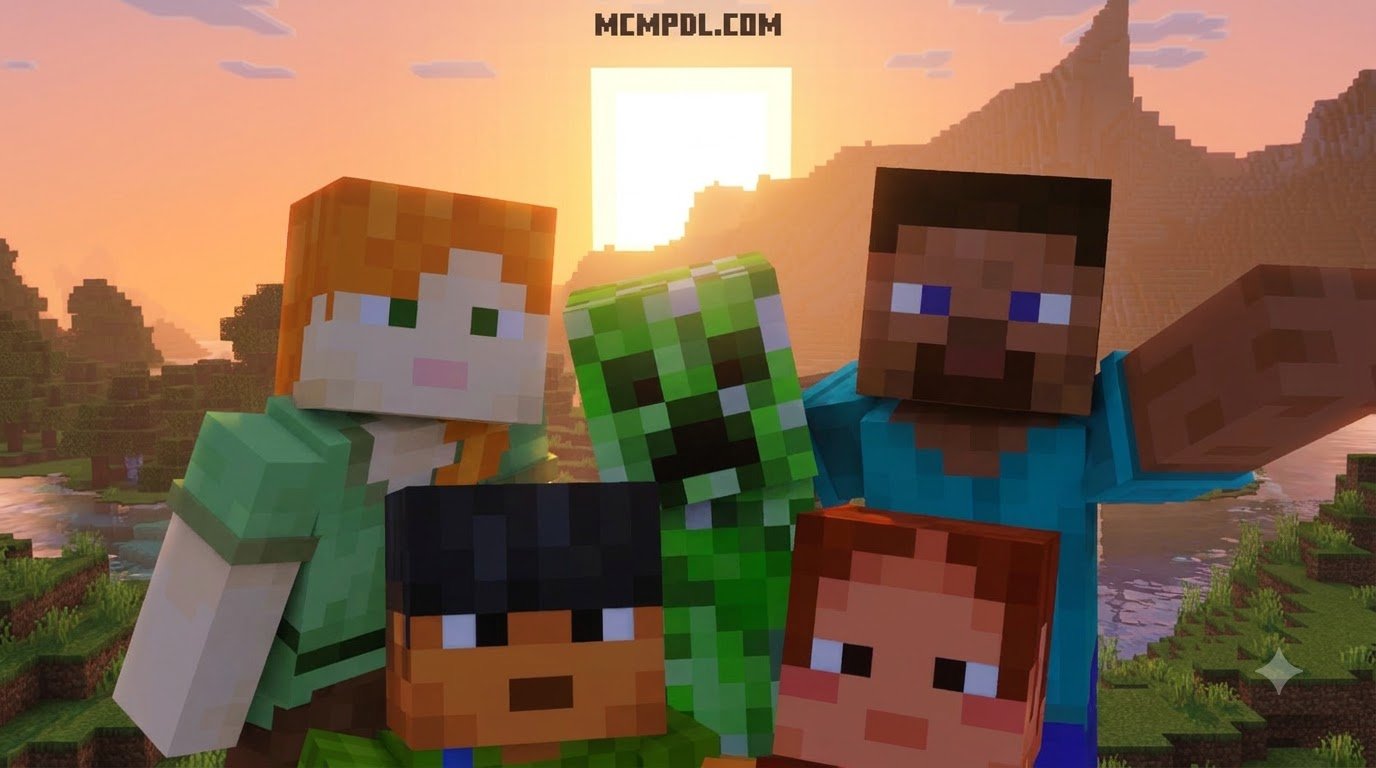
The Vibrant Memories add-on brings an accessible, flexible photo mode to Minecraft PE and Bedrock. Whether you want to document your survival milestones, create before-and-after build portfolios, or capture sunset screenshots with your friends, its camera tools, weather controls, and musical slideshow albums make in-game photography simple.
To find more community-tested modifications, tools, and enhancements for your game, explore our extensive Minecraft add-ons collection to upgrade your next Bedrock adventure!