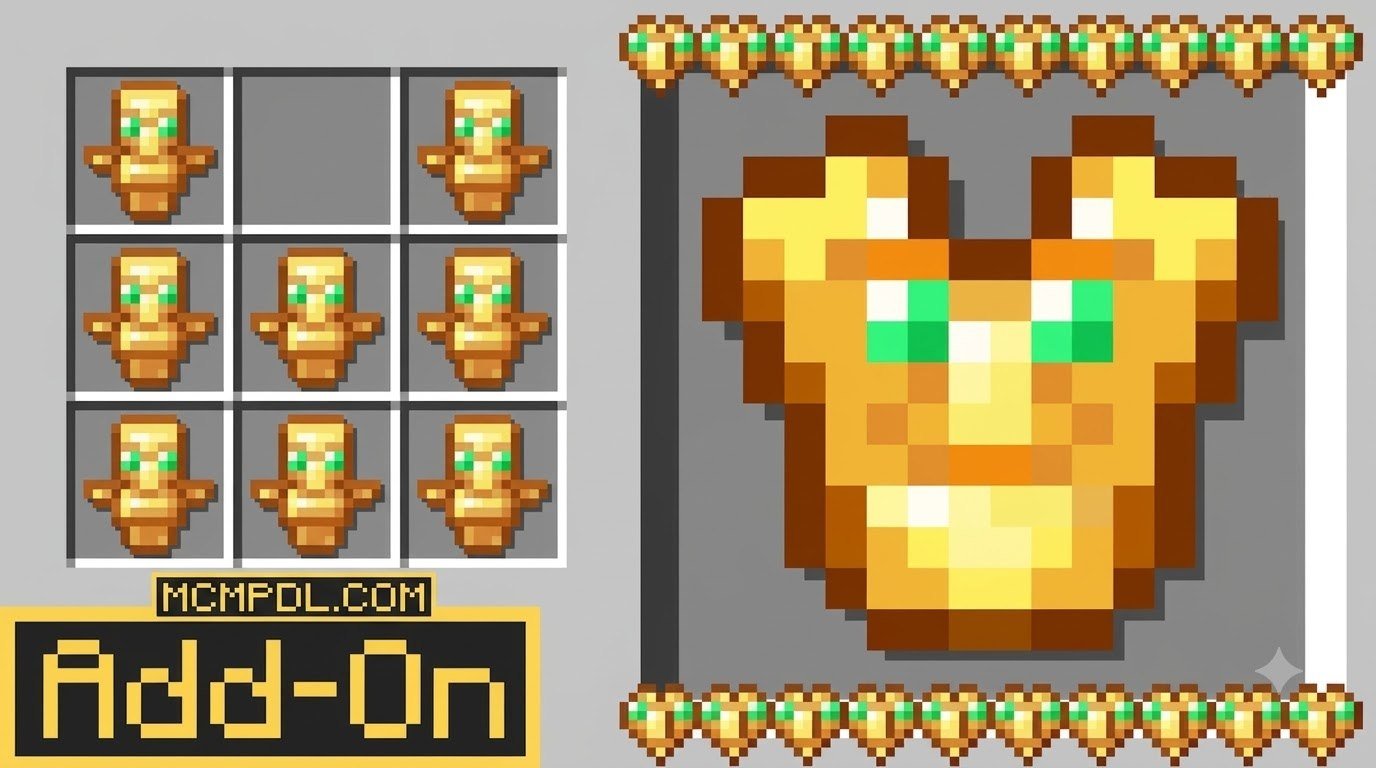
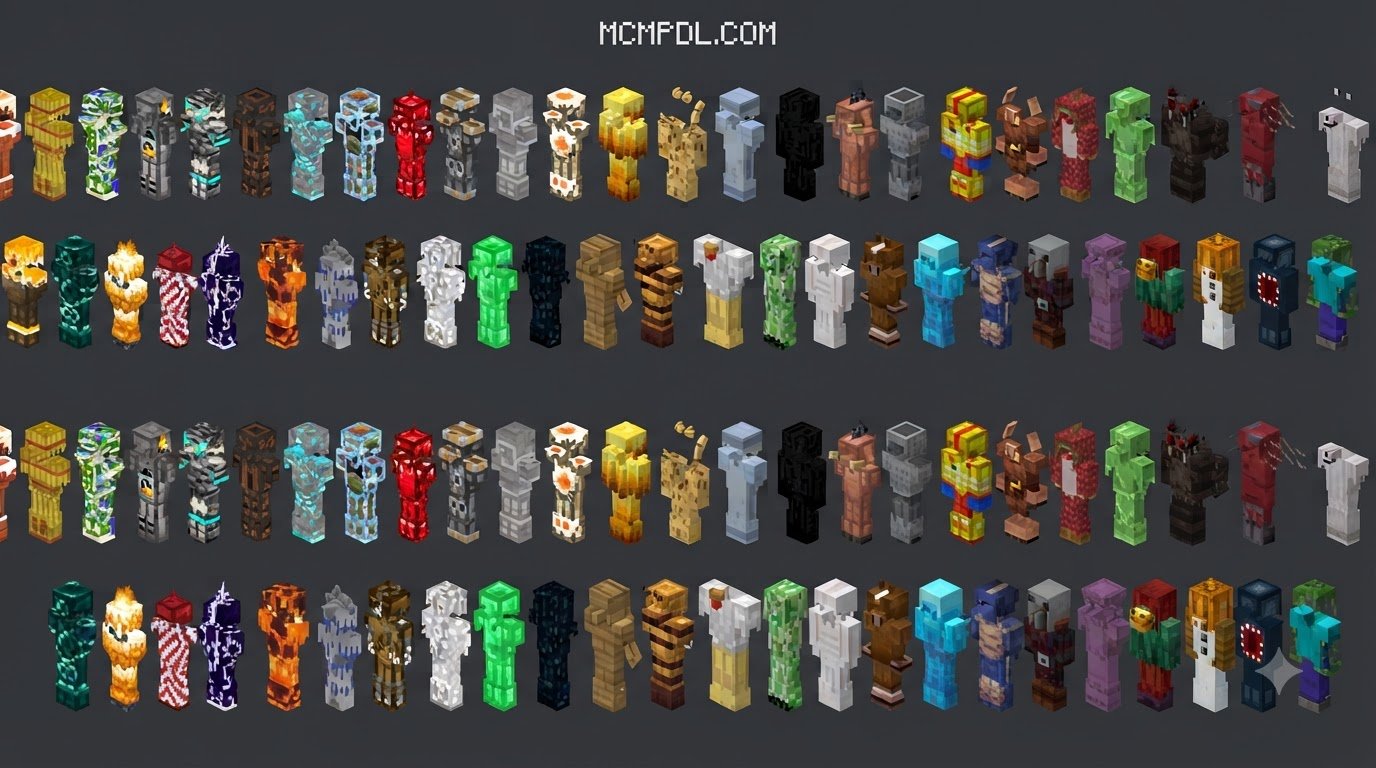
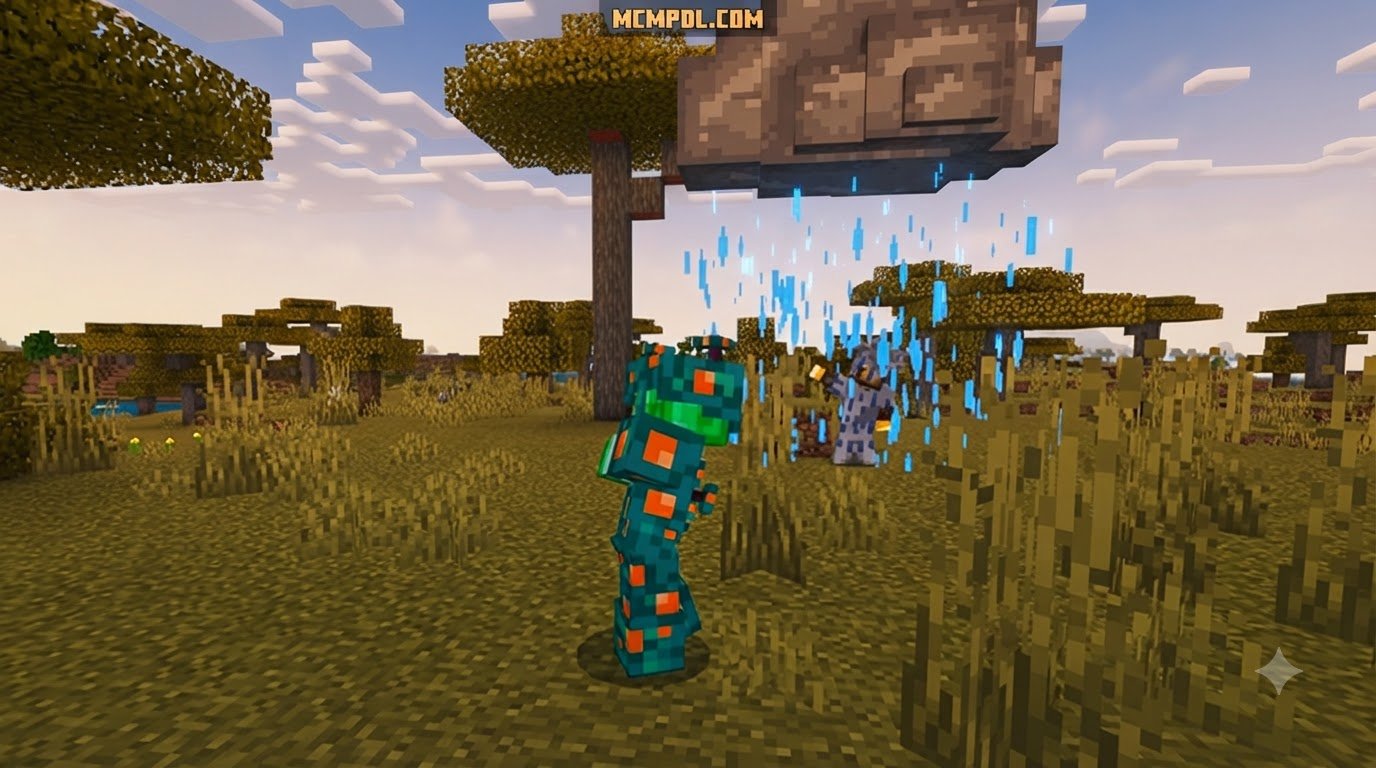
Scroll down to D0vvnl0ad
Armor++ Addon for Minecraft PE/Bedrock: What to Check First
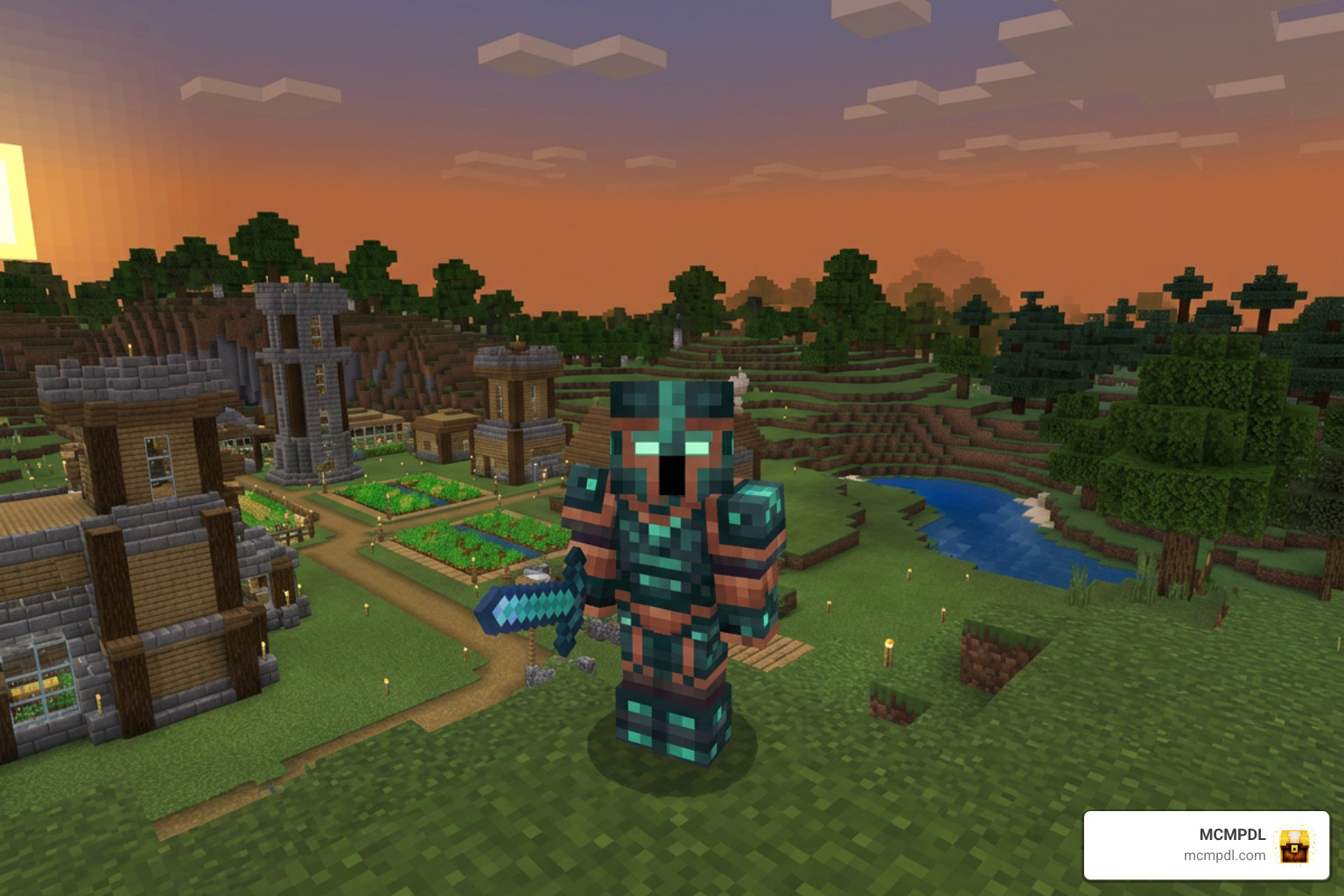
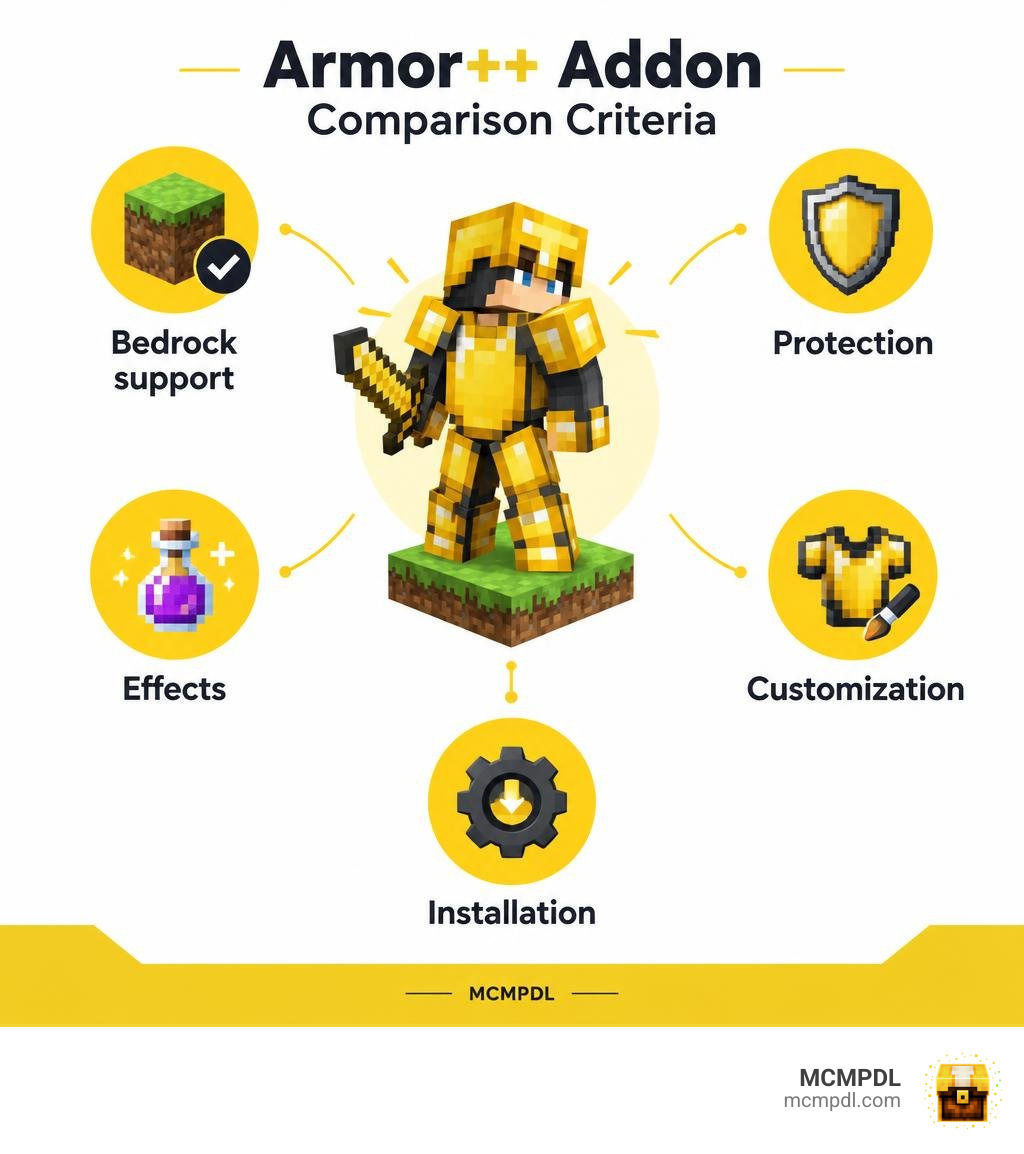
The Armor++ Addon for Minecraft PE/Bedrock expands survival gameplay by introducing custom armor sets, tiered defense points, passive status effects, and integrated tools crafted from vanilla resources. When setting up an Armor++ pack on Bedrock Edition, verify that the download provides compatible .mcpack or .mcaddon files, includes both Behavior and Resource packs, and indicates whether features require Beta APIs in world settings. Checking that set bonuses—such as Fire Immunity, Regeneration, or Speed—align with your playstyle ensures smooth installation and balanced progression without file conflicts.
This guide explains what to look for across Bedrock armor add-ons: protection ratings, passive abilities, modular customization, and setup requirements.
Armor++ Addon for Minecraft PE/Bedrock: Overview
What the Armor++ Addon for Minecraft PE/Bedrock adds
When exploring armor expansion packs on Bedrock platforms, players usually look for equipment that goes beyond vanilla Netherite. A typical armor pack introduces custom crafting recipes, tiered defense, set bonuses, and integrated tools.
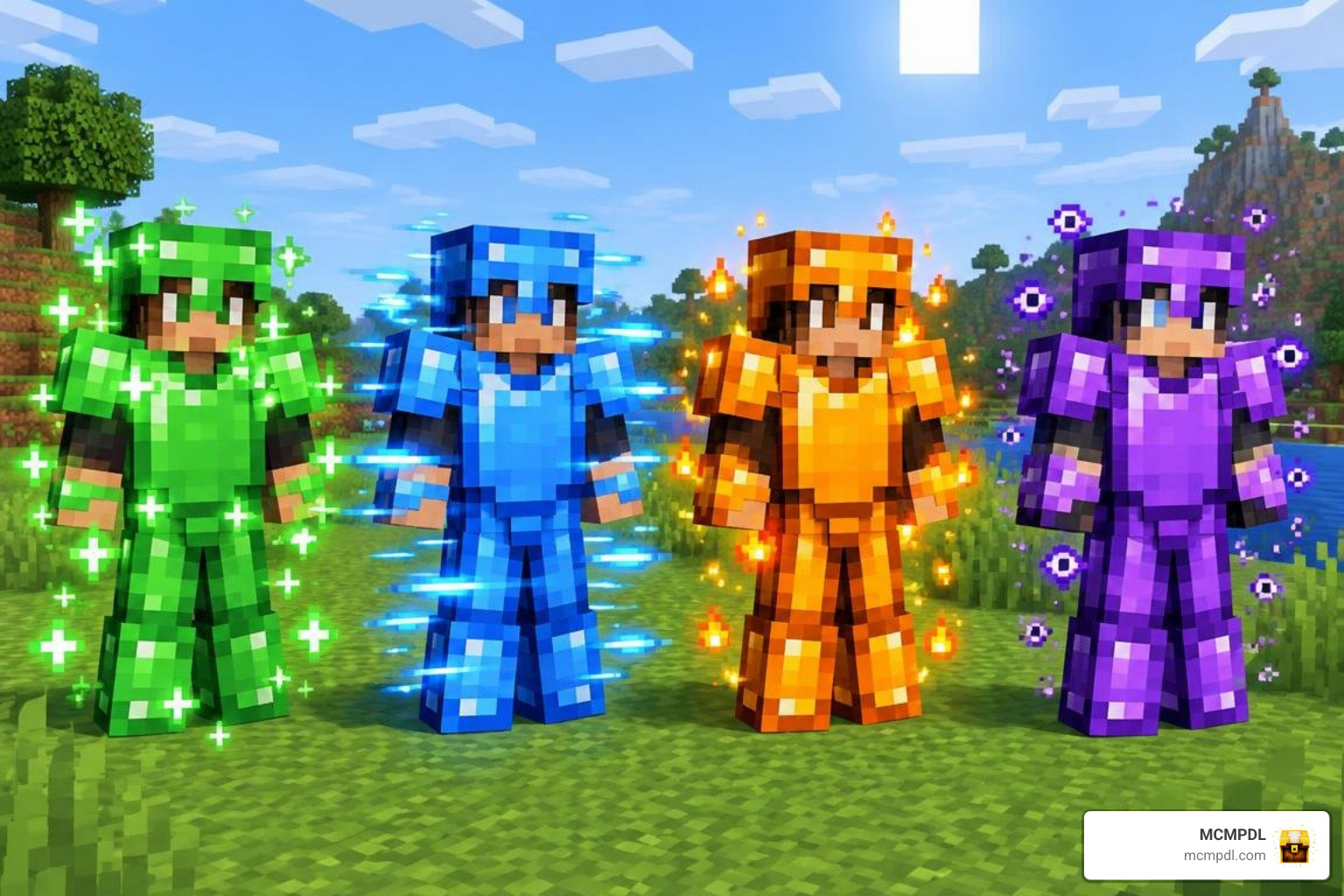
In the current 2026 add-on ecosystem, armor packs generally fall into two categories:
- Vanilla-friendly effect packs: Focus on enhancing standard materials (such as Amethyst, Quartz, Copper, and Obsidian) with status effects like Regeneration, Haste, and Speed without introducing extra ores to world generation.
- Modular tactical systems: Introduce specialized equipment like plate carriers, helmets, and attachables that utilize modern Script API systems to calculate damage across hit zones.
If you are pairing your gear with other survival systems, it is worth looking into matching weapon packs such as the Mob Swords Addon for Minecraft PE/Bedrock or expanded utility suites like the More Tools World for Minecraft PE/Bedrock.
Armor stats, abilities, and progression
Progression in Bedrock armor add-ons typically balances raw protection points against utility. In effect-based packs like the More Armors pack (which has reached over 16,584 downloads as of late 2026), sets are balanced strictly around vanilla materials:
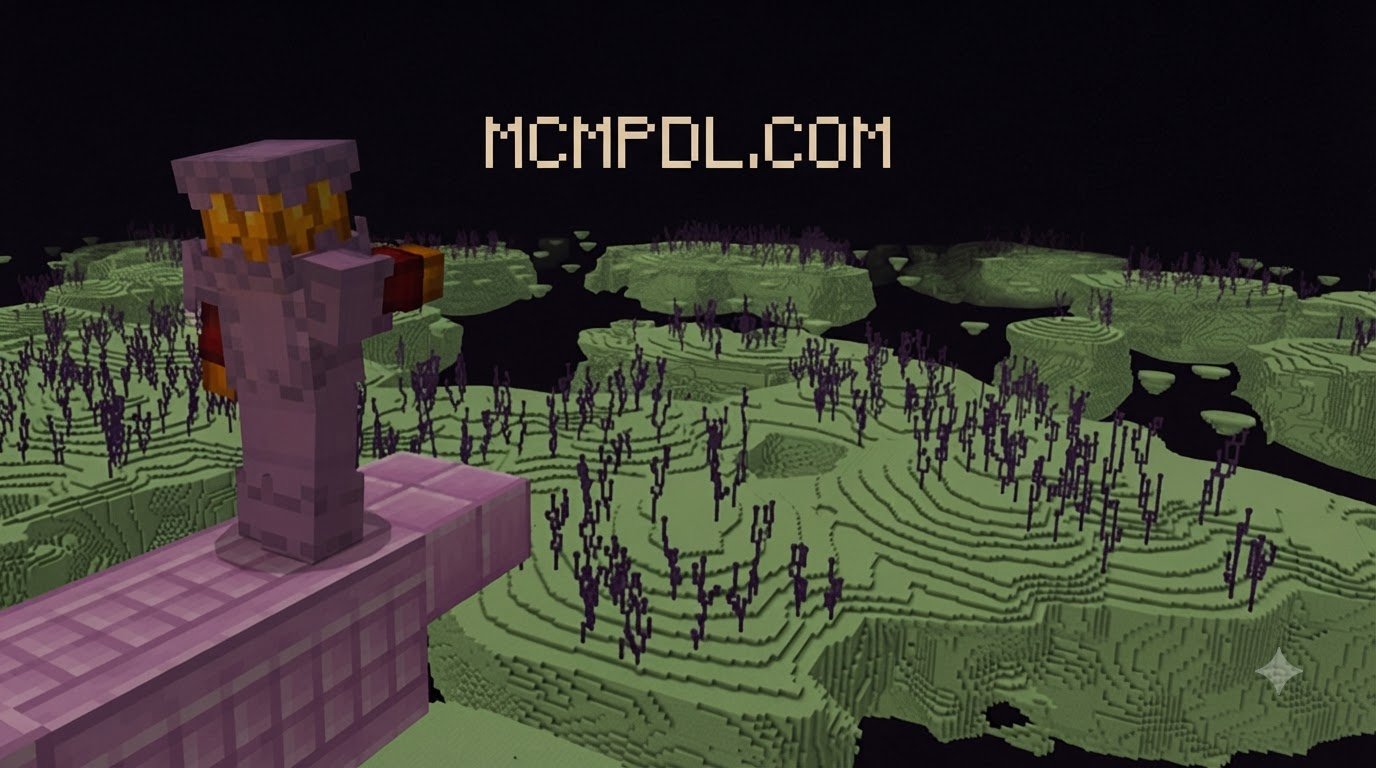
- Amethyst Set (V1 & V2): Provides 13 to 19 protection points alongside continuous Regeneration I and Speed I. Tools feature 900 to 1,100 durability with built-in chances for double loot drops.
- Quartz Set (V1 & V2): Yields 15 to 17 protection points, Speed I, Absorption III, and specialized helmet abilities that cleanse negative status effects or rotate attackers.
- Magma Set: Grants 15 protection points and total immunity to fire and lava damage, turning dangerous Nether exploration into a breeze.
- Obsidian Set: Gives 14 to 19 protection points, Resistance I, and integrated Night Vision.
- Copper Set (V2): Offers 10 protection points with Haste I and Water Breathing.
These set bonuses provide natural alternatives to enchanting, allowing players to tailor their loadout directly to mining, underwater exploration, or boss combat.
Armor Addon Comparison: Sets, Customization, and Protection
To help you understand where different equipment packs fit, here is a breakdown of how various armor systems handle protection, modularity, and platform requirements:
| Addon / Mod | Primary Platform | Gear & Set Count | Protection Mechanics | Customization & Modularity | Technical Requirements |
|---|---|---|---|---|---|
| Armor++ Addon (Generic) | Bedrock / PE | Varies by release | Standard defense points / Set buffs | Direct crafting / Full sets | Behavior & Resource Packs |
| More Armors Pack | Bedrock / PE | 5 Sets (Amethyst, Quartz, Magma, Obsidian, Copper) | 10–19 Protection points + Passive status buffs | Direct vanilla crafting, V1/V2 upgrades | Bedrock 26.30–26.50+ (.mcpack) |
| R&A Armory (Modular) | Bedrock / PE | 20+ Gear configs, 13 Carriers, 4 Helmets | Body zones, plate tiers (IIIA–IV), blunt/penetration | Modular attachment interface, foldable shields | Script API, attachables, no player.json |
How the Armor++ Addon for Minecraft PE/Bedrock compares
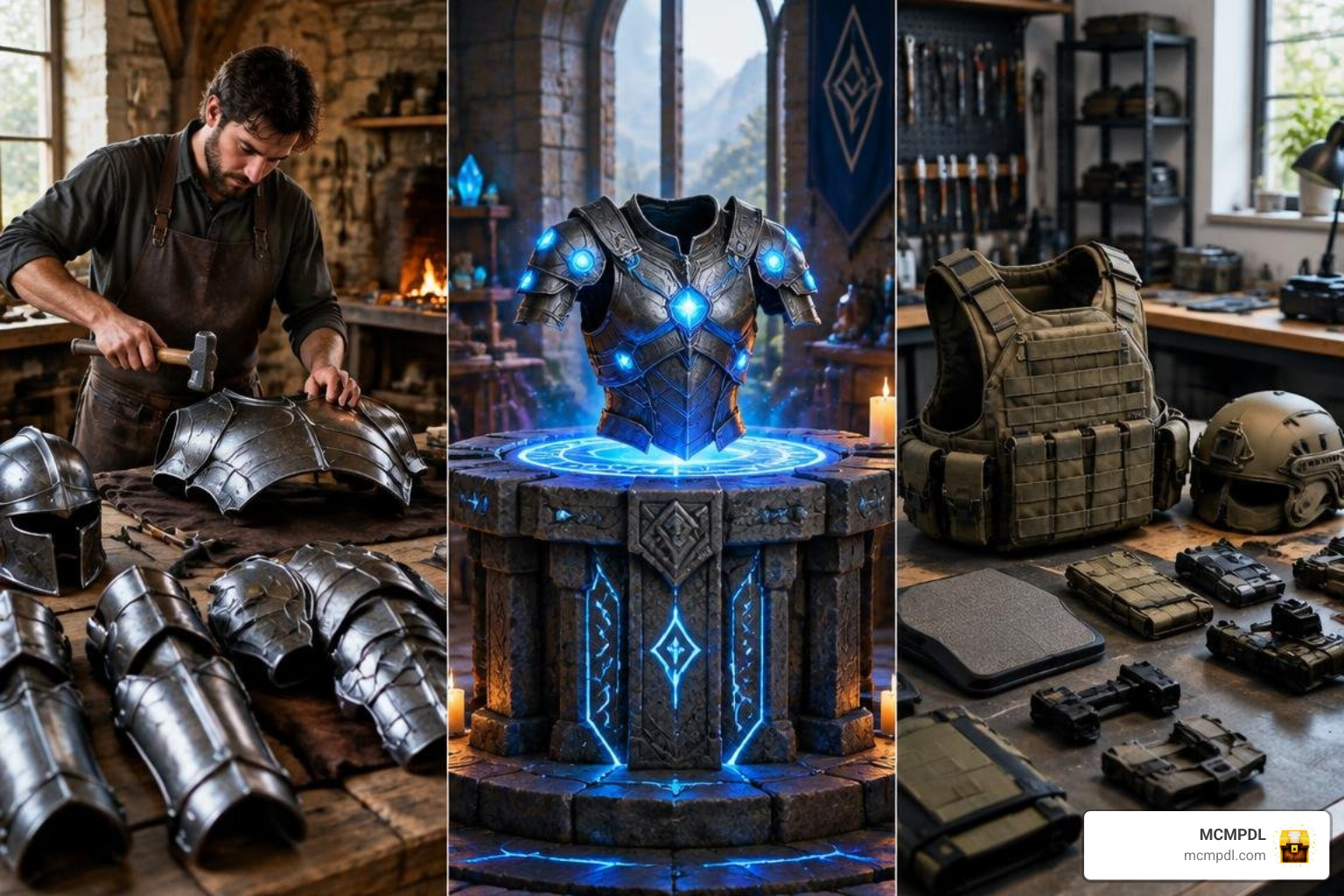
If you are evaluating an add-on listed as Armor++, it is helpful to cross-reference its feature list against established Bedrock packs. Many community-made packs focus on keeping worlds clean by utilizing existing vanilla resources. For instance, the More Armors pack requires zero new ores, avoiding world generation conflicts while still providing distinct upgrades like the Excalibur Sword (featuring Prismatic Aura and Teleport Mode). If you enjoy expanding your gameplay without complex machinery, pairing equipment packs with the Mob Armor Addon for Minecraft PE/Bedrock or RPG Classes Addon for Minecraft PE/Bedrock can significantly enrich character progression.
Modular plates, attachments, and body-zone protection
Advanced tactical add-ons like R&A Armory take a completely different route by ditching traditional full-set stats in favor of component-based ballistic simulation:
- Helmets: Helmets like the KZ SSO, LSHZ, Altyn Heavy, and Altyn T2 support dedicated slots for audio headsets, flashlights, covers, and face protection.
- Plate Carriers: 13 load-bearing and plate-carrier setups let players insert independent front, back, and side plates.
- Plate Ratings: Armor inserts range from Level IIIA, Level III, and Level III+ up to Level IV, trading heavy movement weight for high penetration resistance.
- Zone Coverage: Protection is calculated separately for the head, face, upper torso, lower torso, back, sides, arms, and legs.
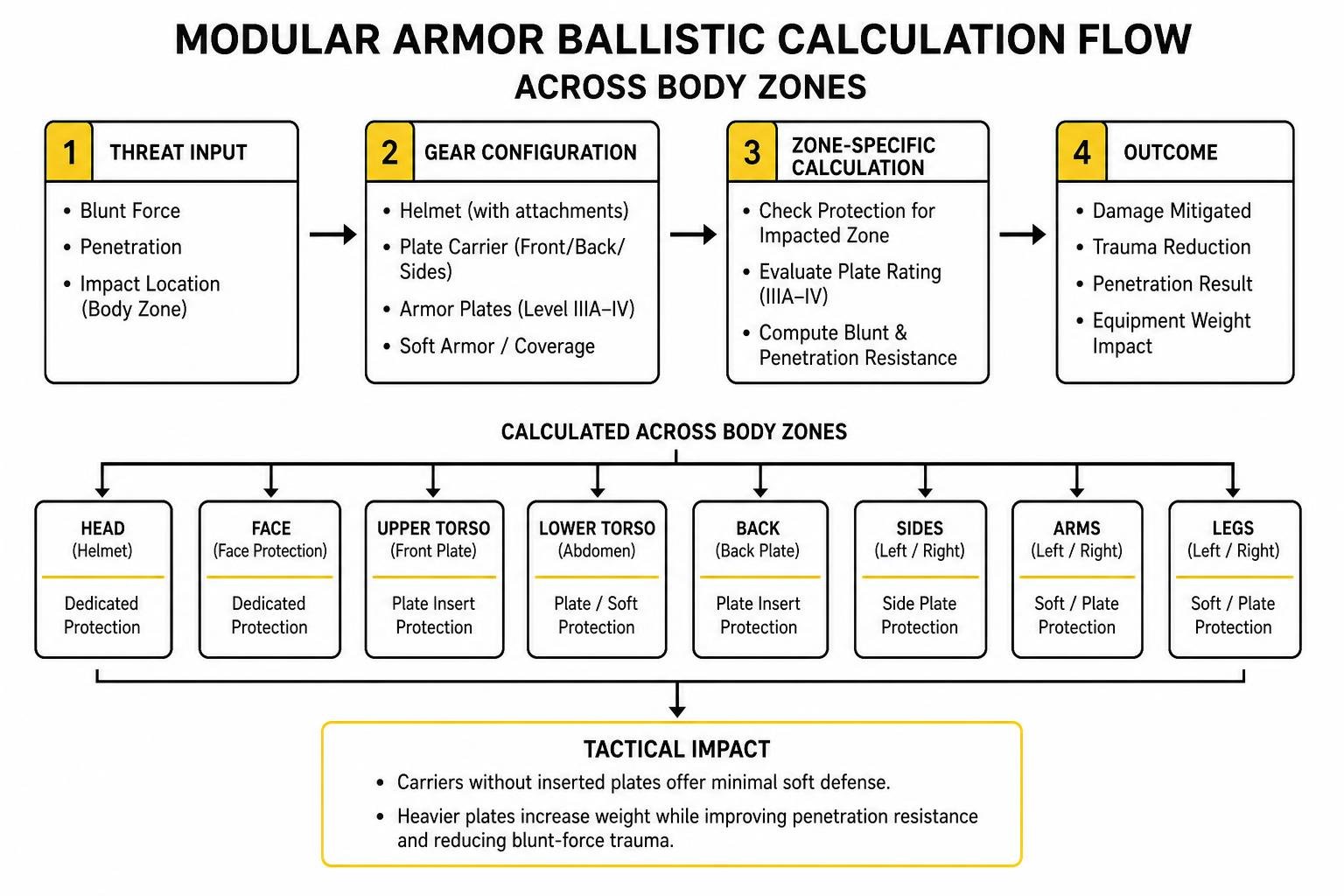
This introduces tactical depth: a carrier without inserted plates offers minimal soft defense, and heavier plates increase equipment weight while mitigating blunt-force trauma.
Effects, runes, and edition differences
A common point of confusion among mobile and console players is mixing up general armor add-on names with packs built for other platforms entirely. Effect-based Bedrock packs rely on passive status buffs drawn from vanilla materials rather than external socketing systems, keeping everything playable without additional software.
Because add-ons must be packaged specifically for Bedrock Edition to function, Bedrock players looking for specialized utility will instead rely on Script API systems, administrative balancing tools, or add-ons like the Utility Tools Add-on for Minecraft Bedrock Best Features 2026 and Backpacks Addon for Minecraft PE/Bedrock.
Attachments, Repairs, Medical Integration, and Compatibility
Installing and removing armor attachments
Modular Bedrock systems use clean in-game menus rather than complex crafting tables. In systems like R&A Armory:
- Hold a supported modular armor item in your main hand.
- Left-click or interact to summon a temporary attachment helper entity.
- Open the interface to view labeled equipment slots (such as Face Protection, Lighting, Audio, and Plate Pockets).
- Insert compatible gear into matching slots and close the screen to automatically save changes.
Some attachments also support live interaction. For instance, wearing an Altyn Face Shield or FAST Mask T2 lets you double-crouch to physically raise or lower the shield. When raised, the visor moves visually out of the way, and face protection is deactivated until lowered again.
Repairing gear and preserving configurations
Standard anvil repairs can often wipe custom metadata or strip dynamic properties. Modern modular add-ons resolve this by separating item condition from visual attachments:
- Damaged armor condition is tracked via dynamic item properties and lore rather than standard durability damage.
- To repair gear, players open the attachment menu and place an Armor Repair Kit into the dedicated bottom-right repair slot.
- The interface applies durability restoration without removing your installed Level IV plates, headsets, or flashlights.
Protection and medical-system interaction
Tactical armor packs often integrate directly with custom health frameworks, such as SWMC Medical. When struck, the armor calculates projectile penetration and blunt damage against the specific hit zone. The system absorbs impact forces before damage reaches your underlying health pool, significantly reducing the chances of bleeding or limb fractures.
If you are designing custom adventure worlds with complex game mechanics, combining these protection systems with survival tools like the Levels Matter Stats Skills Addon for Minecraft PE/Bedrock or Gravestones Addon for Minecraft PE/Bedrock creates a challenging, high-stakes combat environment.
Bedrock requirements and addon compatibility
To maintain high compatibility across multiplayer worlds and Realms, modern armor add-ons avoid editing core player files.
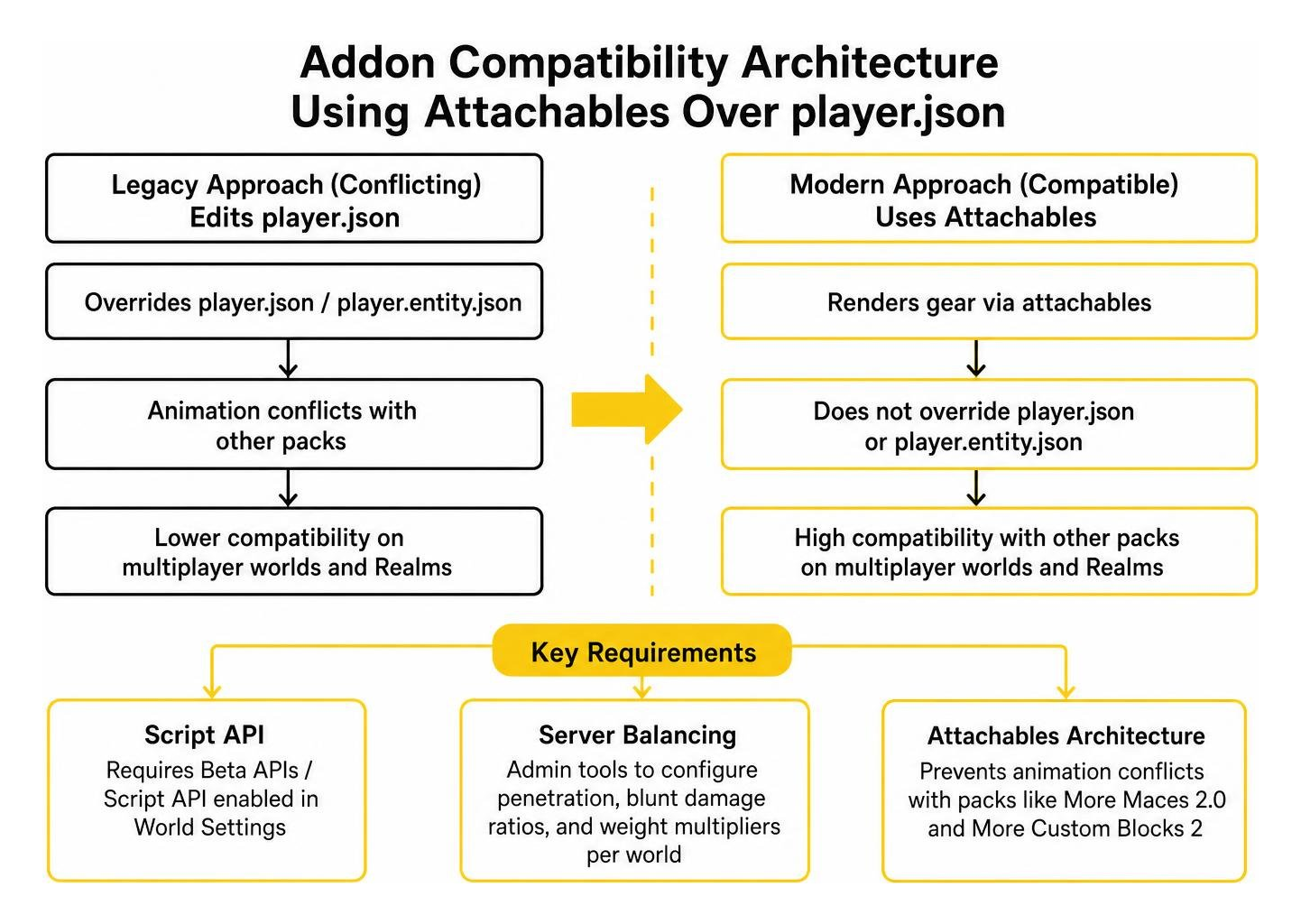
- Attachables Architecture: Packs that render gear via attachables do not override
player.jsonorplayer.entity.json. This prevents animation conflicts when running alongside other packs like the More Maces 2.0 Addon for Minecraft or More Custom Blocks 2 Addon for Minecraft PE/Bedrock. - Script API: Advanced ballistic calculations and dynamic attachment menus require the world to have Beta APIs / Script API enabled in World Settings.
- Server Balancing: Certain packs provide admin tools to configure penetration, blunt damage ratios, and weight multipliers per world.
Installing and Using the Armor++ Addon for Minecraft PE/Bedrock
For official setup guidelines, you can learn about Minecraft: Bedrock Edition Add-Ons.
How to install the Armor++ Addon for Minecraft PE/Bedrock
Installing add-ons on Android, iOS, and Windows Bedrock editions is straightforward:
- Download the
.mcpackor.mcaddonfile for your chosen armor pack. - Tap or double-click the downloaded file to launch Minecraft and import the Behavior and Resource packs automatically.
- Open your world settings, navigate to Behavior Packs, and activate the pack.
- Navigate to Resource Packs and activate the matching textures.
- In the Experiments tab, toggle Beta APIs on if your pack utilizes Script API UI elements.
- Always test new equipment in a copy of your world first before updating your primary survival save.
Important setup and distribution notes
When setting up armor packs, keep these best practices in mind:
- Single Behavior Pack: If an add-on offers both a Standard and Admin/Patreon edition, only activate one Behavior Pack at a time to prevent duplicate script executions.
- Resource Pack Order: Ensure the armor resource pack sits near the top of your active list so custom 3D attachables and UI icons display properly.
- Licensing and Redistribution: Most creators release their add-ons under noncommercial licenses (such as Creative Commons BY-NC). Do not re-upload packs to third-party sites or reuse textures without explicit creator permission.
Frequently Asked Questions about Armor++ Addon for Minecraft PE/Bedrock
Does Armor++ work on Minecraft PE and Bedrock?
Yes, provided you download an add-on specifically packaged for Bedrock Edition (.mcaddon or .mcpack). Always confirm the listing is built for Bedrock, Android, and iOS, since Bedrock relies on different file architectures than other platforms.
What armor effects, attachments, and repair features does it include?
Effect-based Bedrock packs provide passive buffs such as Fire Immunity, Regeneration, Speed, Absorption, and Night Vision. Tactical modular add-ons feature attachment menus, interchangeable armor plates (Level IIIA to IV), and repair kits that preserve your modifications.
Can I use it with other addons or redistribute it?
Yes. Add-ons that use standard attachables rather than modifying player.json work smoothly alongside storage expansions like the Storage Addon for Minecraft PE/Bedrock or tech packs like the Create Add-on for Minecraft PE/Bedrock Download. Redistribution is generally restricted under creator licenses, so always download directly from official source links.
Conclusion
Choosing the right armor add-on comes down to your playstyle. If you want seamless survival progression that enhances vanilla exploration without altering combat mechanics, effect-driven sets made from Amethyst, Quartz, or Magma are an ideal choice. If you prefer hardcore, realistic firefights, modular plate-carrier systems with body-zone defense deliver unmatched depth.
Whenever you download new content, always check version compatibility, enable required experimental toggles, and test in a backup world. You can browse Minecraft Bedrock add-ons and downloads on MCMPDL to discover verified packs and gear up for your next adventure.