

Scroll down to Download
Overview of Prehistoric Epochs Chronicles
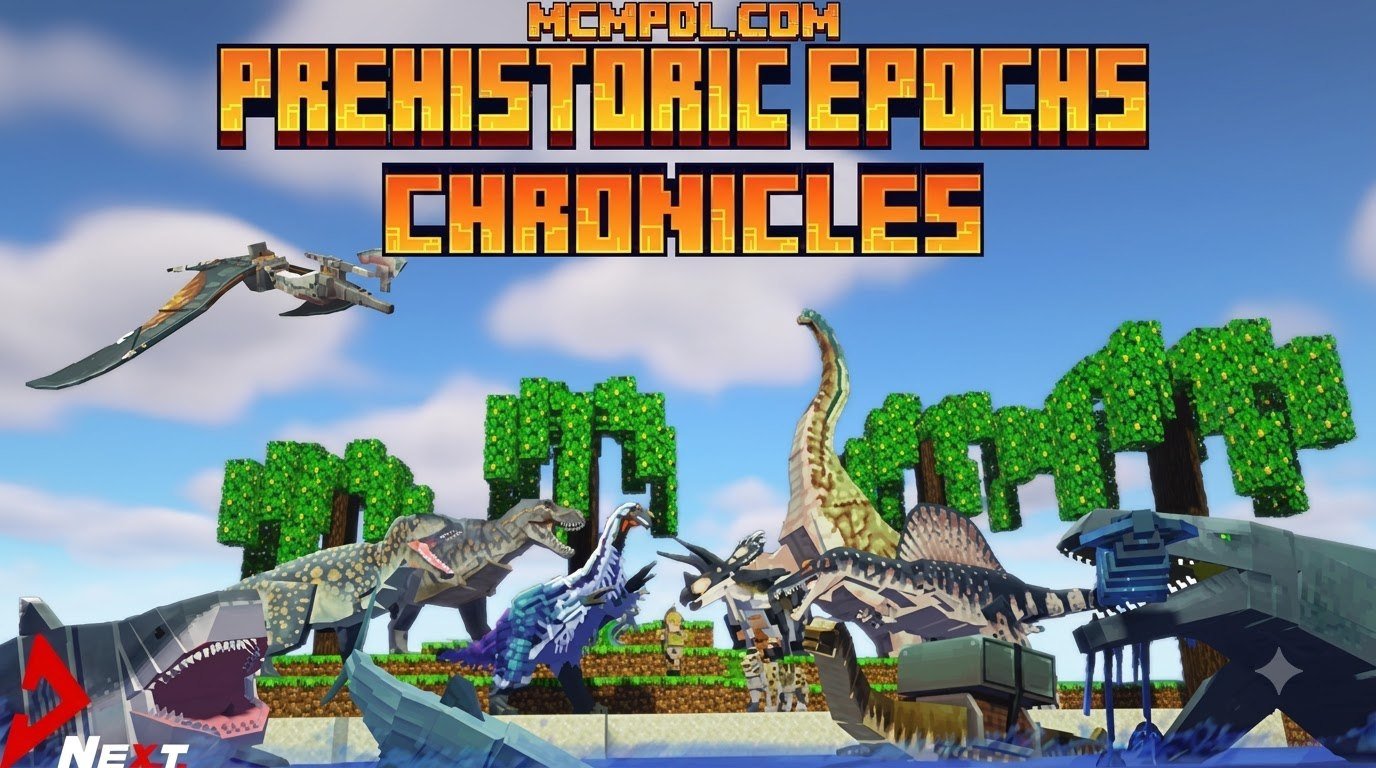
The Prehistoric Epochs Chronicles Add-On for Minecraft PE/Bedrock (Download) is an ambitious survival expansion created by Next Studio. Designed to completely overhaul the familiar Minecraft Bedrock survival loop, this DLC converts your serene blocky biomes into a dangerous primal wilderness filled with ancient threats. It holds an impressive user rating of 4.4 out of 5 stars across more than 1,000 community reviews on the official Minecraft Marketplace, with 74% of players granting it a top 5-star score.
Available on the Marketplace for 830 Minecoins (approximately $4.35 USD or €4.10 EUR), the expansion delivers exceptional depth for a modest investment. The download size is approximately 13.4 MB (14,071,261 bytes), making it lightweight and quick to install on mobile devices, tablets, consoles, and desktop PCs without sacrificing visual quality or gameplay features.
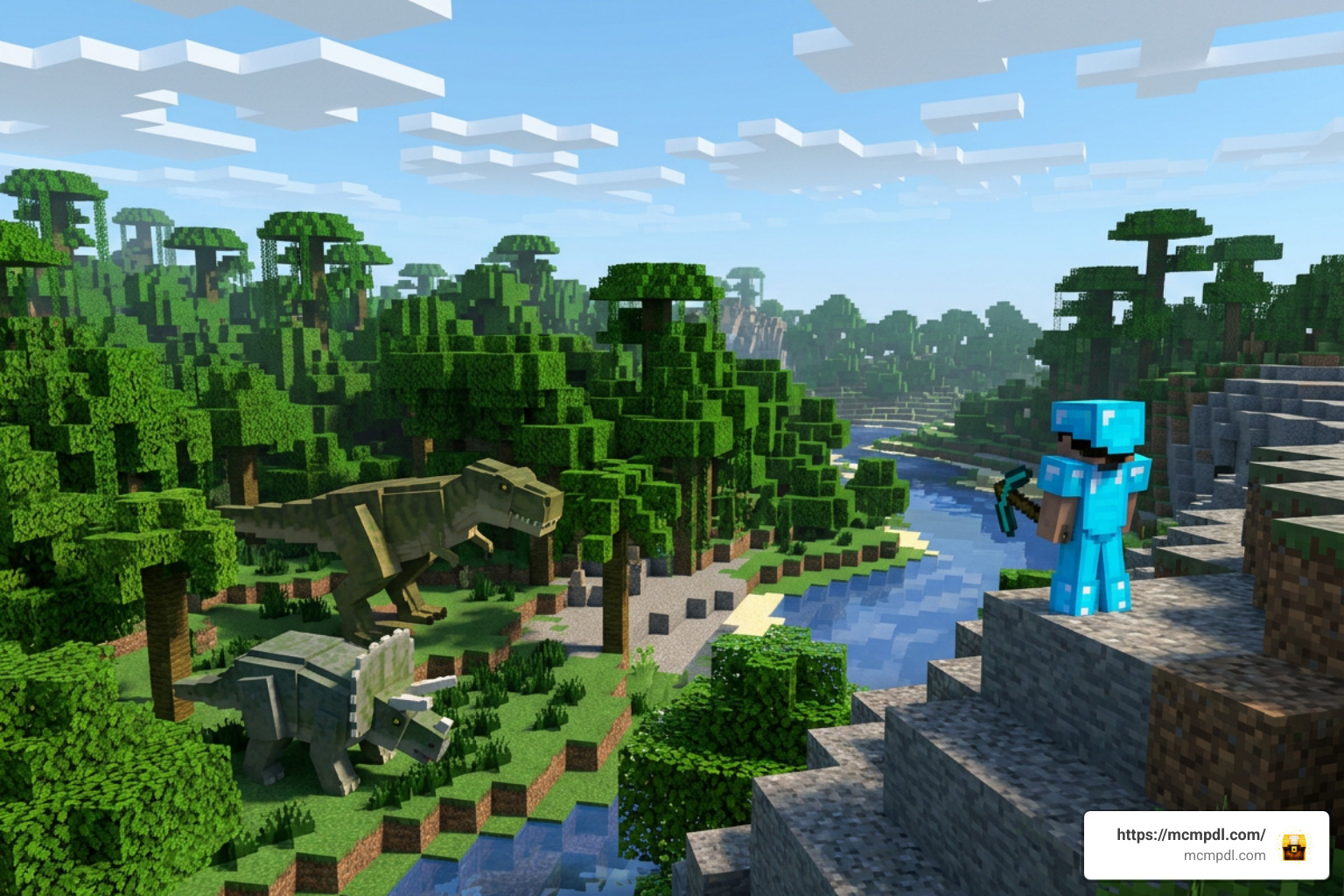
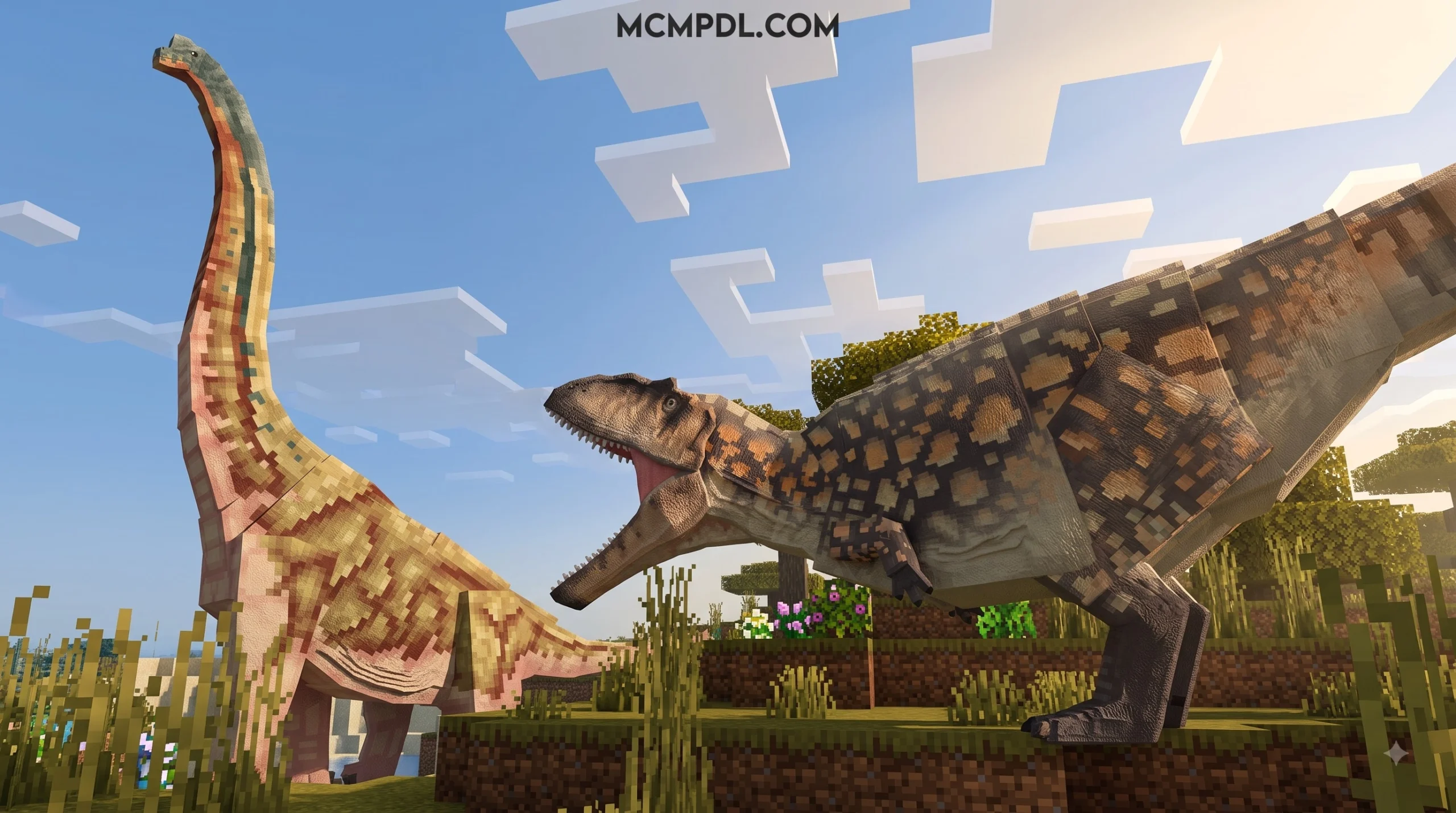
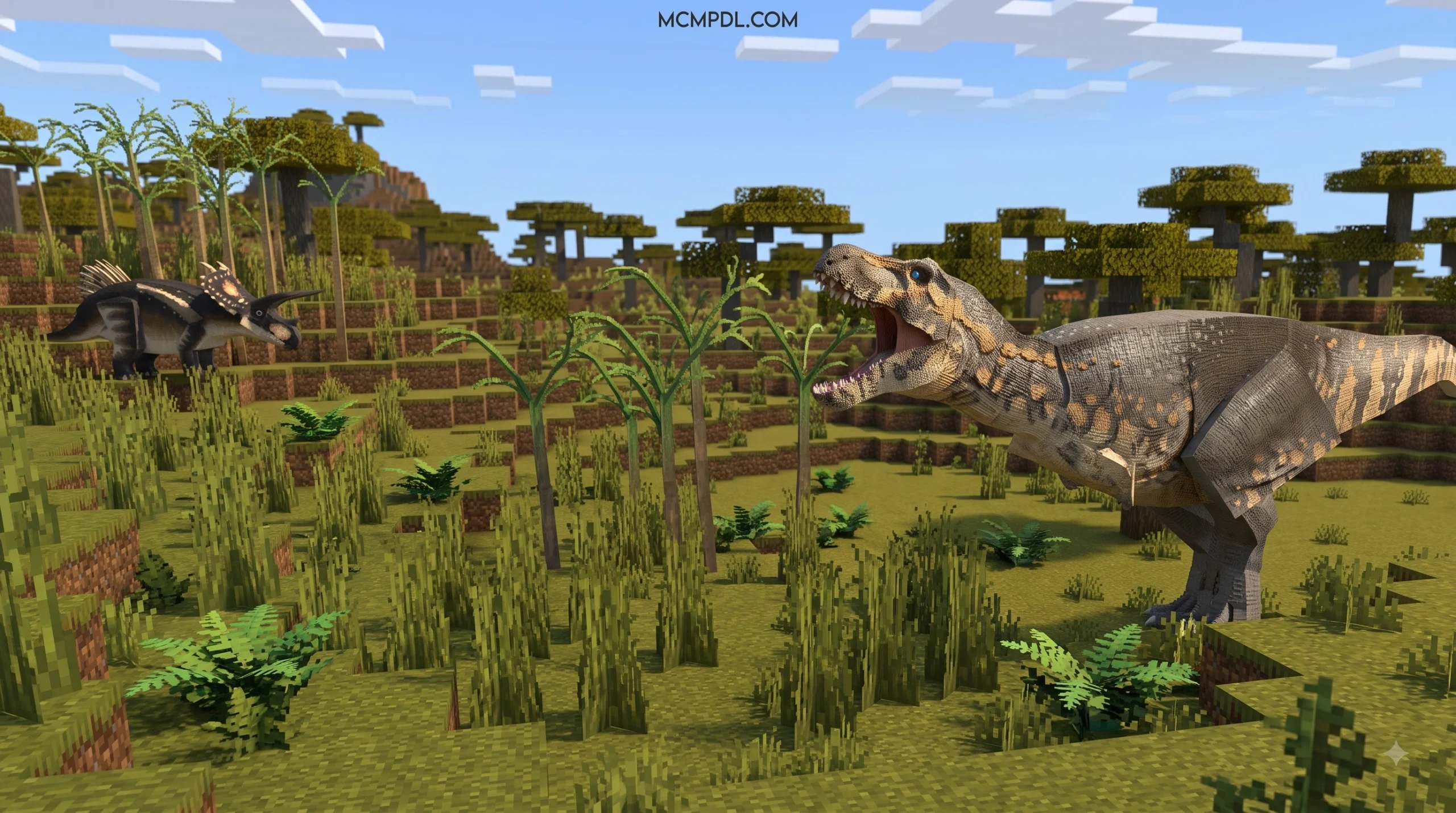
Unlike basic dinosaur modifications that merely replace passive farm animals with giant mob models, Prehistoric Epochs Chronicles implements comprehensive environmental, behavioral, and mechanical overhauls. Players will encounter aggressive apex carnivores, giant prehistoric insects, soaring pterosaurs, and primitive NPC tribes. Every creature features custom animations, distinct sound effects, and unique AI behaviors that demand a proactive approach to survival.
Key Features of Prehistoric Epochs Chronicles Add-On for Minecraft PE/Bedrock (Download)
- Diverse Prehistoric Wildlife: Encounter dozens of aggressive dinosaurs, soaring pterosaurs, and giant prehistoric insects that replace standard vanilla mob spawns across multiple biomes.
- Interactive Ancient Humans: Discover primitive NPC tribes throughout the world, offering unique interaction mechanics, custom trading options, and tribal survival dynamics.
- Dangerous Dungeons & Ancient Structures: Explore newly generated subterranean ruins, overgrown ancient structures, and dungeon complexes packed with high-tier loot and powerful boss entities.
- Expanded Resource Ecosystem: Harvest primal materials, extract ancient bone fragments, and utilize custom resources to craft specialized survival gear, primitive weapons, and sturdy shelters.
- Hardcore Survival Mechanics: Adapt to a hostile ecosystem where gathering food, securing defensive fortifications, and upgrading tools early are vital to living through the first night.
For more community-favorite content, add-ons, texture packs, and custom worlds, visit our collection at MCMPDL.
How to Download and Install the Add-On

Installing the Prehistoric Epochs Chronicles Add-On for Minecraft PE/Bedrock (Download) on your preferred platform is straightforward whether you play on Android, iOS, Windows 10/11, or console setups. Before beginning installation, verify that your Minecraft client is updated to Bedrock version 1.20.60 or higher (including version 1.21+ updates). You can browse the listing directly on the official Minecraft Marketplace.
Step-by-Step Prehistoric Epochs Chronicles Add-On for Minecraft PE/Bedrock (Download) Setup
- Acquire the File: Open the official in-game Minecraft Marketplace inside your Bedrock game client and search for “Prehistoric Epochs: Chronicles” by Next Studio, or obtain the official
.mcaddoninstallation package. - Import to Minecraft: If you are using a standalone file on mobile or PC, tap or double-click the
.mcaddonfile. Your device will automatically launch Minecraft PE/Bedrock and import both the Resource and Behavior packs into your game storage. - Create or Edit a World: Launch Minecraft, navigate to the main menu, and select Create New World (or click the edit pencil icon next to an existing saved world).
- Activate Resource & Behavior Packs: On the left settings sidebar, navigate to Resource Packs, select Prehistoric Epochs Chronicles under your owned packs, and press Activate. Next, select Behavior Packs directly beneath it and activate the corresponding behavior file.
- Restart and Load: Save your settings and restart your game client to clear cached files. This step guarantees that all custom entity models, audio tracks, and behavior scripts render without memory glitches.
Enabling Experimental Gameplay Settings
Because this add-on introduces custom entity models, complex AI routines, custom spawn logic, and scripting API features, turning on Experimental Gameplay toggles in your world settings is mandatory. Failing to enable these toggles may cause ancient beasts to fail to spawn, items to display missing textures, or the game to crash.
In your world creation or world edit screen, scroll down the left menu to the Experiments section and toggle the following settings to ON:
- Holiday Creator Features
- Custom Biomes
- Upcoming Creator Features
- Beta APIs / Molang Features
Once activated, your Bedrock engine can process all custom entity scripts and render massive prehistoric beasts without performance issues.
Survival Mechanics and Gameplay Challenges
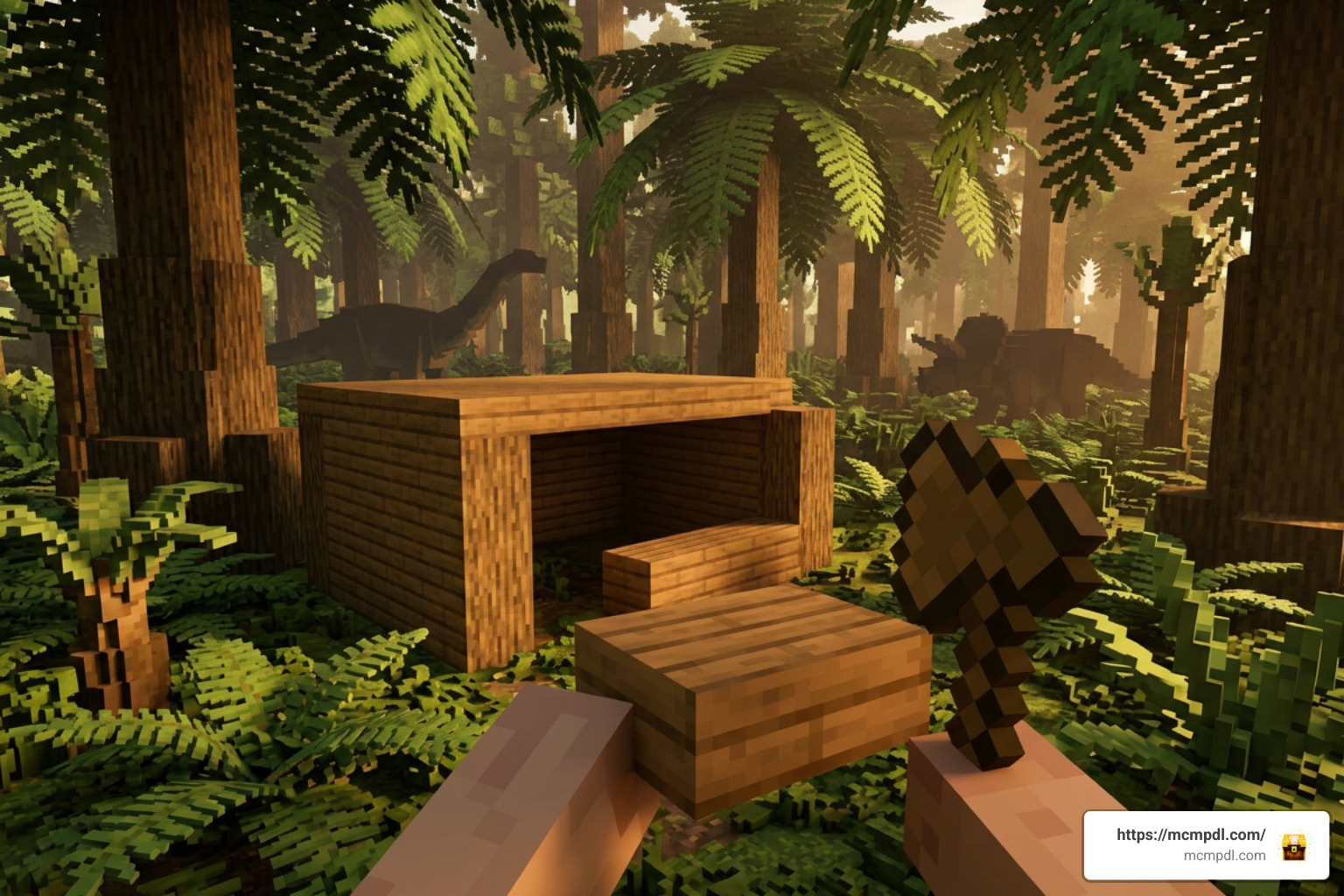
Entering a world powered by the Prehistoric Epochs Chronicles Add-On for Minecraft PE/Bedrock (Download) fundamentally alters your survival strategy from the moment you spawn. In standard Minecraft, surviving nightfall is as simple as digging a tiny dirt hole or placing a bed. In this prehistoric world, roaming apex predators, giant arachnids, and swift raptors will easily spot unsecured players.
Gathering stone, wood, and raw materials as fast as possible is essential. You must construct thick, reinforced walls and perimeter barricades to stop roaming predators from trampling your base. Interacting with primitive human tribes can provide valuable survival goods and trade opportunities, but approaching unknown settlements without proper caution can provoke hostile reactions.
The safest early-game approach is to treat your first day like an emergency expedition. Collect logs immediately, craft basic tools, and move toward stone before exploring too far from spawn. If you find an exposed hillside or cliff face, consider carving a temporary shelter into the terrain and placing doors, fences, or blocks to create multiple layers of protection. Open plains may look convenient for building, but they also leave you visible to fast-moving prehistoric mobs, so elevated terrain and natural barriers can make the first night much easier.
Food management also becomes more important than in a regular Bedrock survival world. Hunting can be risky when larger creatures are nearby, and wandering too far for supplies may draw attention from hostile entities. A small fenced crop area, a protected animal pen, and a storage chest stocked with spare tools can prevent a single failed expedition from ending your run. Once your base is stable, explore in short trips, mark your route, and return before dark until you understand which creatures appear around your biome.
Vanilla Survival vs. Prehistoric Epochs Chronicles
| Gameplay Feature | Vanilla Minecraft Survival | Prehistoric Epochs Chronicles Add-On |
|---|---|---|
| Nighttime Threats | Standard zombies, skeletons, spiders, and creepers | Fast apex predators, giant prehistoric insects, and territorial raptors |
| Shelter Requirements | Basic dirt hole or simple wooden hut is sufficient | Reinforced stone/log walls and elevated perches to withstand giant beasts |
| Passive Wildlife | Cows, pigs, sheep, and chickens | Varied ancient fauna, territorial herbivores, and protective herd animals |
| NPC Interactions | Passive villagers in generated towns trading for emeralds | Primitive human tribes featuring custom trading, unique voice lines, and aggressive AI |
| World Exploration | Standard biomes, ocean monuments, and desert temples | Primal wilderness biomes, subterranean ruins, and dangerous boss dungeons |
| Resource Crafting | Basic wood, stone, iron, gold, diamond, and netherite | Custom primal materials, ancient bones, specialized gear, and survival tools |
To survive long-term, prioritize crafting ranged weapons such as bows and spears, establishing fenced farming zones, and scouting perimeter areas before venturing deep into dense jungle or marsh biomes. It is also wise to keep backup equipment near your bed or respawn point, because recovering dropped items can be much harder when dangerous prehistoric creatures remain near the death location. Players who enjoy slower, methodical survival will get the most out of this add-on by building watchtowers, lighting travel paths, and expanding their base in stages rather than rushing straight into dungeon exploration.
Prehistoric Epochs Chronicles Add-On for Minecraft PE/Bedrock (Download) Compatibility & Requirements
To ensure optimal frame rates and prevent crashes while playing the Prehistoric Epochs Chronicles Add-On for Minecraft PE/Bedrock (Download), ensure your gaming setup satisfies these technical specifications:
- Minimum Game Version: Bedrock / Pocket Edition 1.20.60 or higher (Fully optimized for 1.21+ updates).
- Supported Platforms: Android, iOS, iPadOS, Windows 10/11, Xbox One / Series X|S, PlayStation 4/5, and Nintendo Switch.
- File Size: Approximately 13.4 MB total download package.
- System RAM: 2 GB minimum for mobile devices; 4 GB or higher recommended for steady performance during heavy entity rendering.
- Character Skins: This expansion focuses entirely on world mechanics, entity behaviors, biomes, and custom items—it does not include custom player skin packs.
If you experience minor lag on older mobile devices, reduce your in-game render distance to 8–10 chunks and disable extra graphic details like fancy graphics or smooth lighting in the visual options menu.
Frequently Asked Questions
Is Prehistoric Epochs Chronicles free or paid?
On the official Minecraft Marketplace, the add-on is a premium creation developed by Next Studio priced at 830 Minecoins (roughly $4.35 USD or €4.10 EUR). It offers a complete overhaul of survival features, custom mobs, dungeons, and items.
Do I need to enable Experimental Gameplay?
Yes, enabling Experimental Gameplay toggles is required. Custom entity scripting, ancient tribe interactions, new biomes, and subterranean dungeon generation rely on Bedrock’s experimental APIs to function properly inside your world.
Which Minecraft versions and platforms are supported?
The add-on is cross-platform compatible with all modern Minecraft Bedrock platforms, including Android, iOS, Windows 10/11, Xbox, PlayStation, and Nintendo Switch running version 1.20.60 or higher, including version 1.21+.
Conclusion

The Prehistoric Epochs Chronicles Add-On for Minecraft PE/Bedrock (Download) is a high-quality expansion that turns quiet world exploration into an intense fight for primal survival. Combining detailed mob modeling, interactive primitive human tribes, custom resources, and challenging dungeon structures, Next Studio has built an immersive experience that fully deserves its 4.4-star rating.
Whether you download it directly through the Marketplace or set up the .mcaddon file on your phone or PC, remember to enable your Experimental Gameplay toggles before generating your world. For more Minecraft guides, mods, add-ons, and community content, check out MCMPDL.



2 thoughts on “Prehistoric Epochs Chronicles Add-On for Minecraft PE/Bedrock (Download)”