Scroll down to Download
Explore a Bigger Minecraft World With Overhauled Biomes
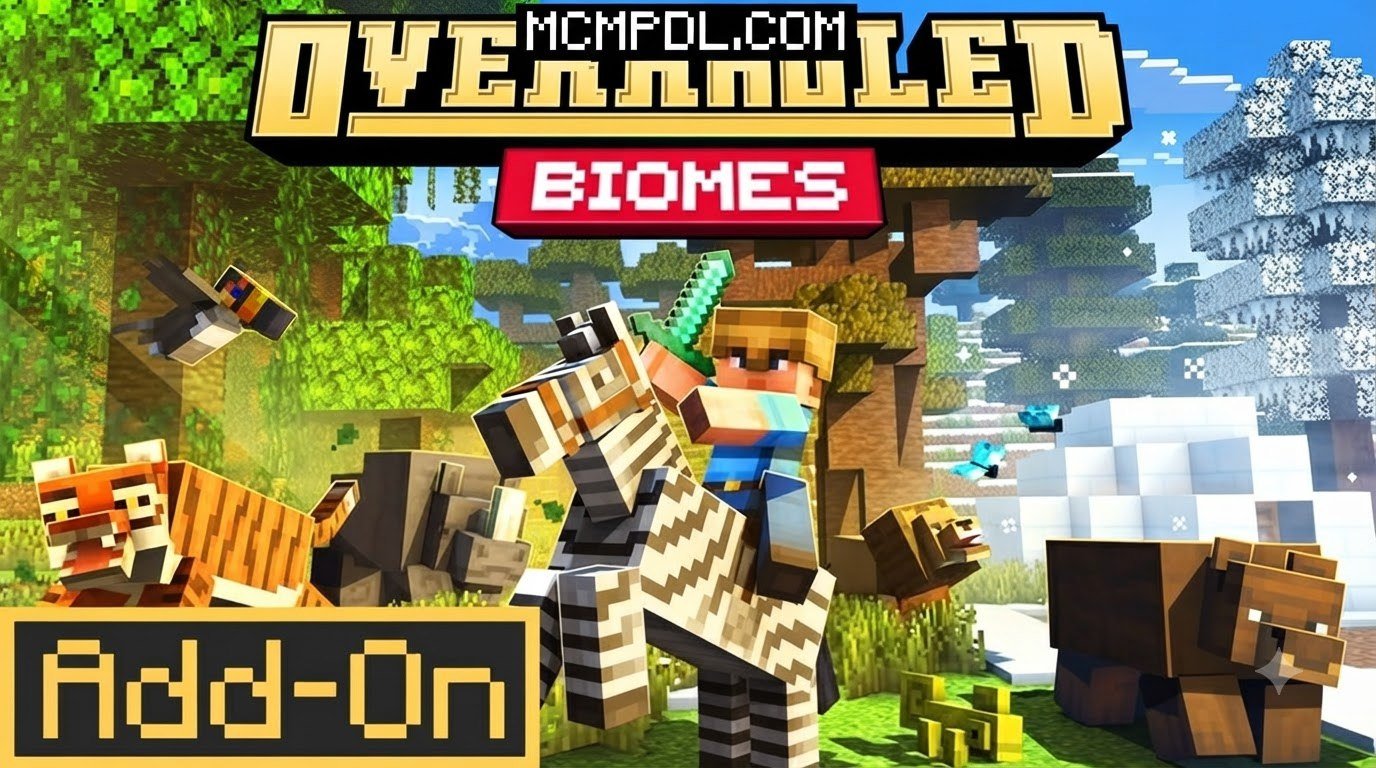
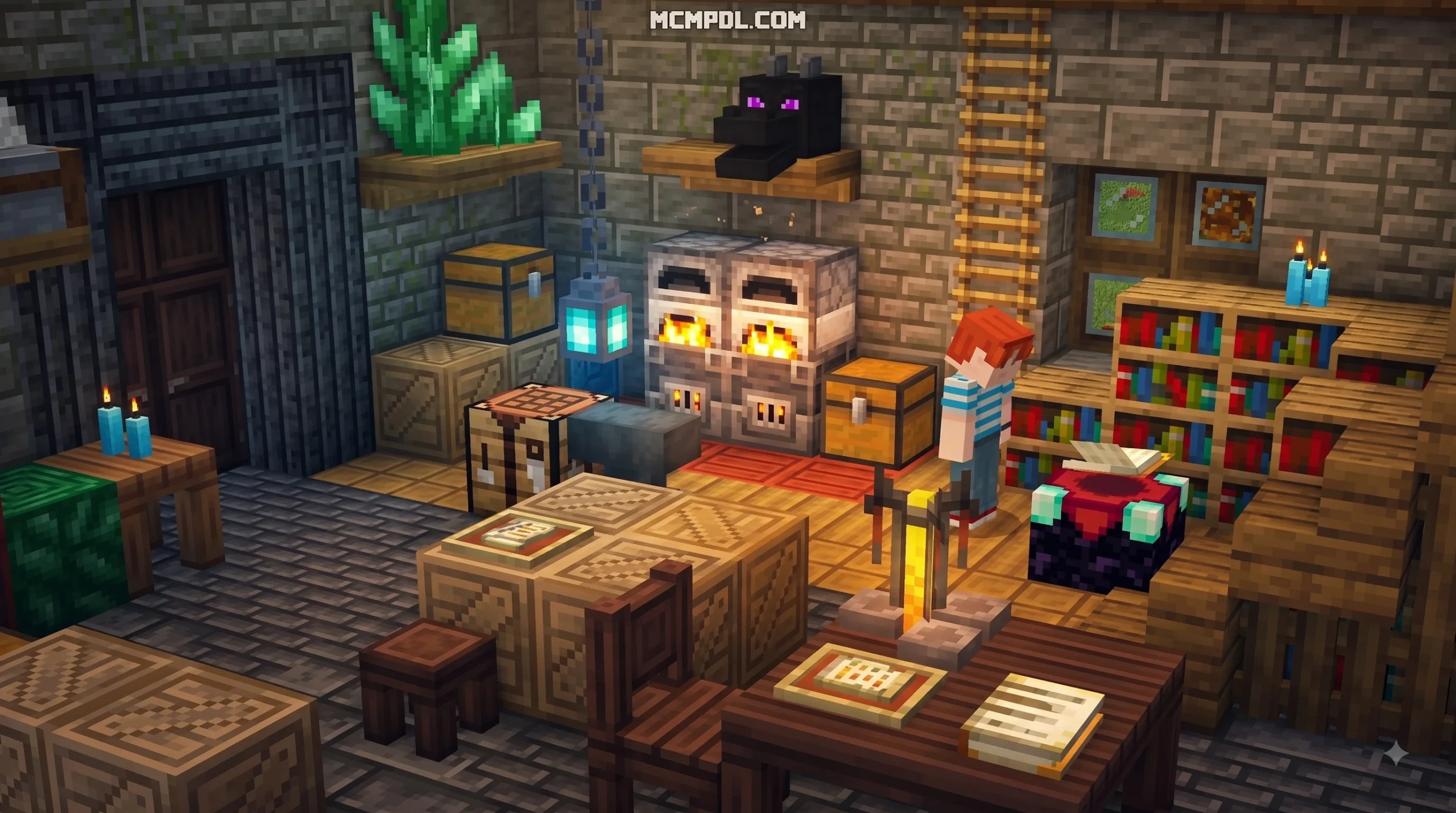
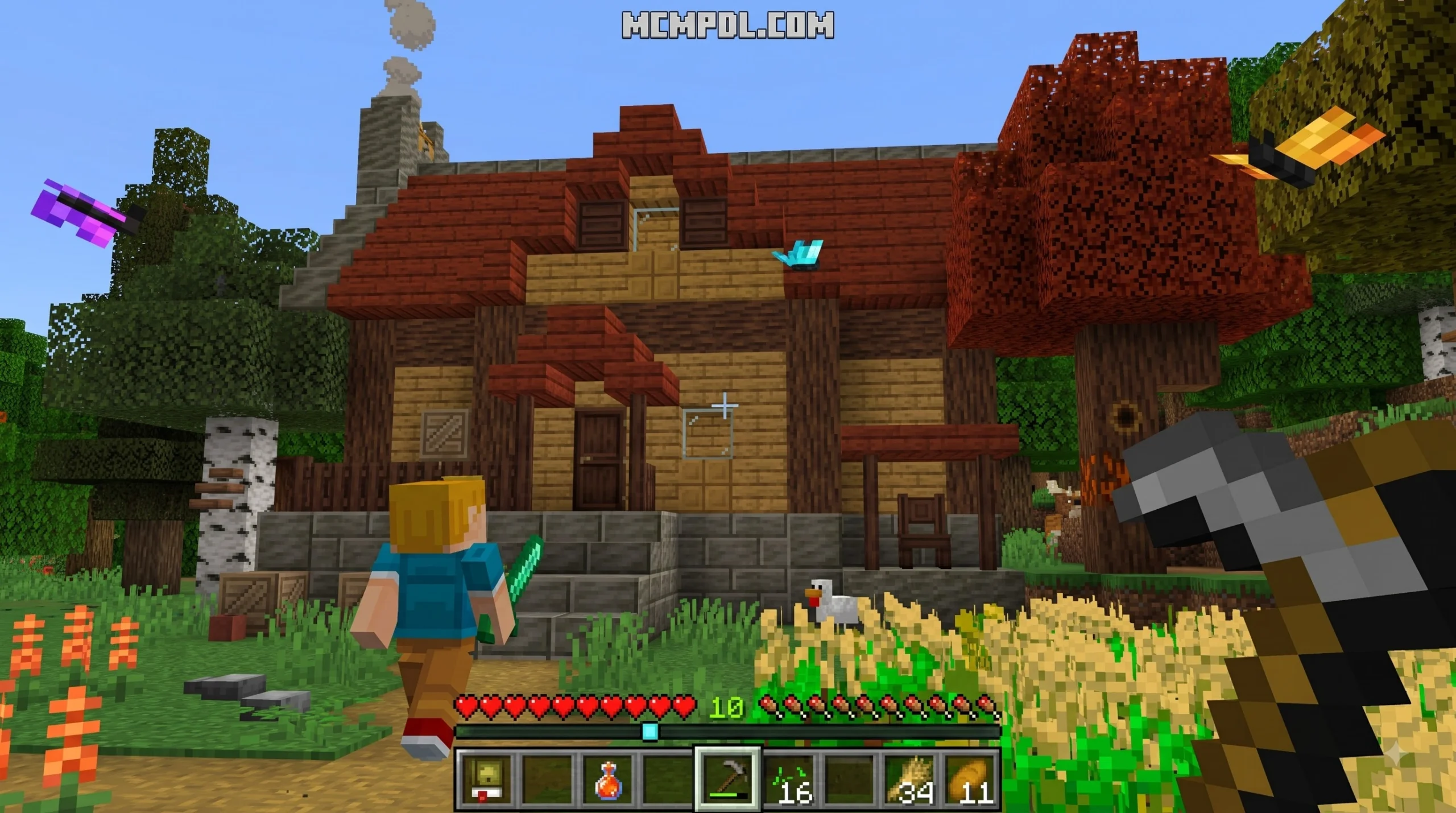
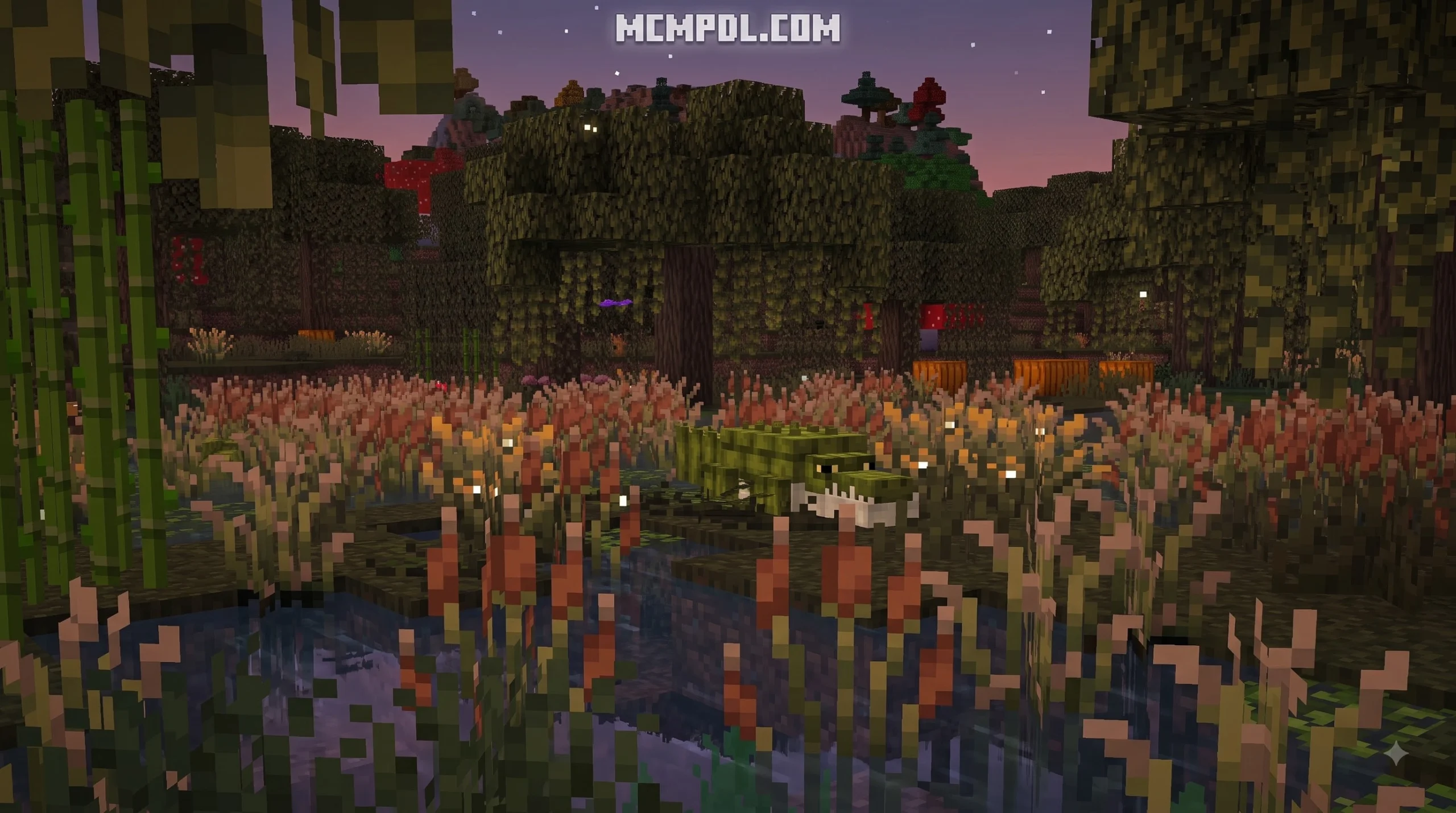
Overhauled Biomes Addon for Minecraft PE/Bedrock is a Marketplace add-on by Solid Blocks that refreshes survival exploration with revamped biomes, deeper caves, new ores, structures, quests, custom gear, blocks, and optional new mobs.
At a glance:
- Creator: Solid Blocks
- Platform: Minecraft Bedrock Edition, including Minecraft PE
- Price: 660 Minecoins
- Marketplace rating: 4.5/5 from 40 ratings
- Vanilla feel: New content is designed to fit naturally beside standard Minecraft gameplay
It is a good fit for players who want more reasons to explore without turning Minecraft into a completely different game. You can search for new landscapes and resources, take on custom quests, and craft added tools and armor while keeping the familiar survival loop intact.
Overview of the Overhauled Biomes Addon for Minecraft PE/Bedrock
When we look for ways to upgrade our survival worlds, terrain generation is usually the first place we start. The Overhauled Biomes Addon for Minecraft PE/Bedrock delivers a comprehensive world generation refresh directly through the official Minecraft Marketplace. Created by Solid Blocks, a seasoned team with an extensive catalog of over 480 Marketplace creations, this add-on costs 660 Minecoins and holds an impressive 4.5 out of 5-star rating based on community reviews.
What separates the Overhauled Biomes Add-On by Solid Blocks from basic visual tweaks is its holistic approach to gameplay progression. Rather than simply changing tree models or recoloring grass blocks, this pack integrates brand-new underground cave systems, unique surface structures, additional gatherable ores, custom equipment sets, and interactive quests.
Key Features of the Overhauled Biomes Addon for Minecraft PE/Bedrock
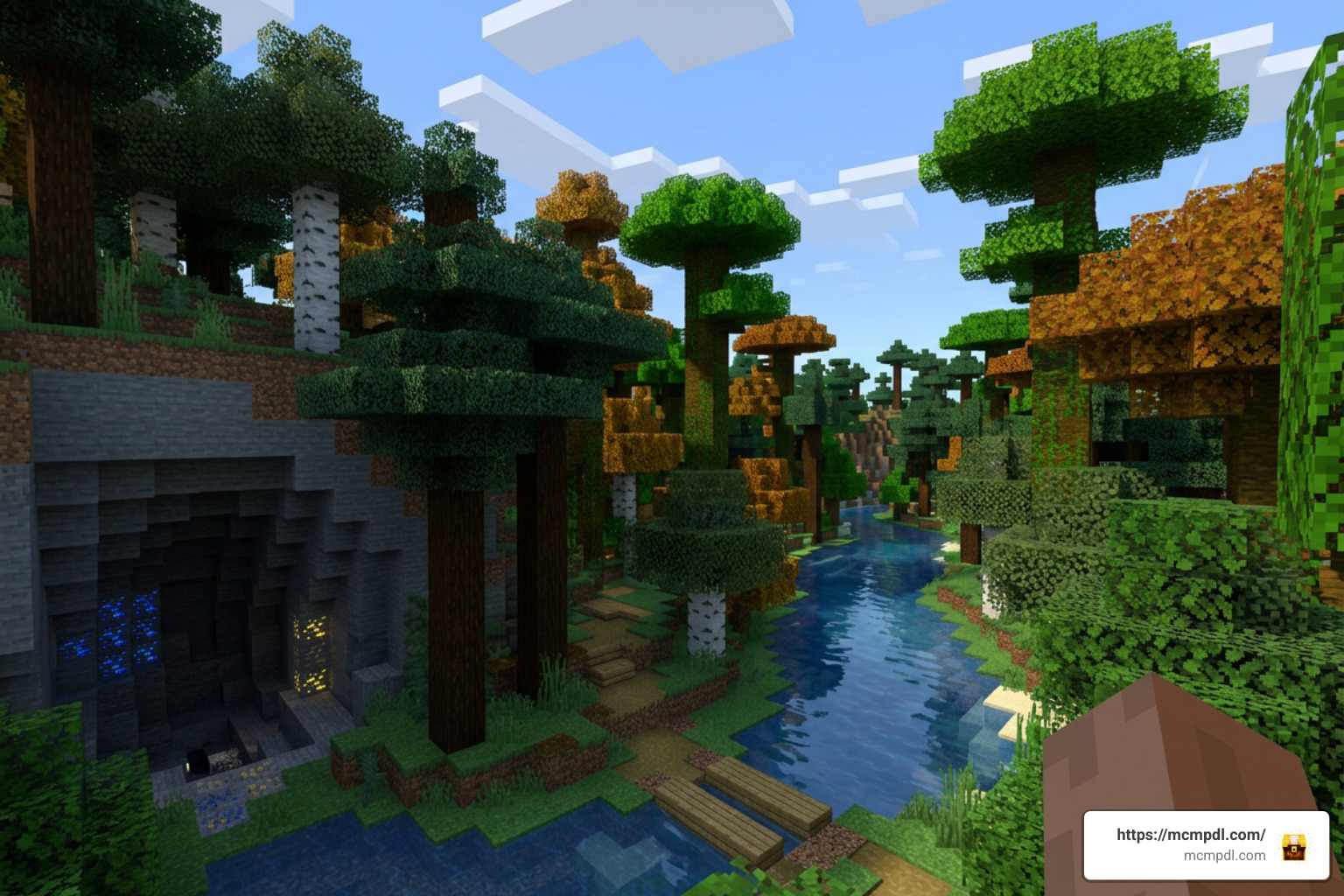
The expansion adds over 18 unique biomes to your Overworld generation, each filled with distinct environmental details, specialized vegetation, and localized loot.
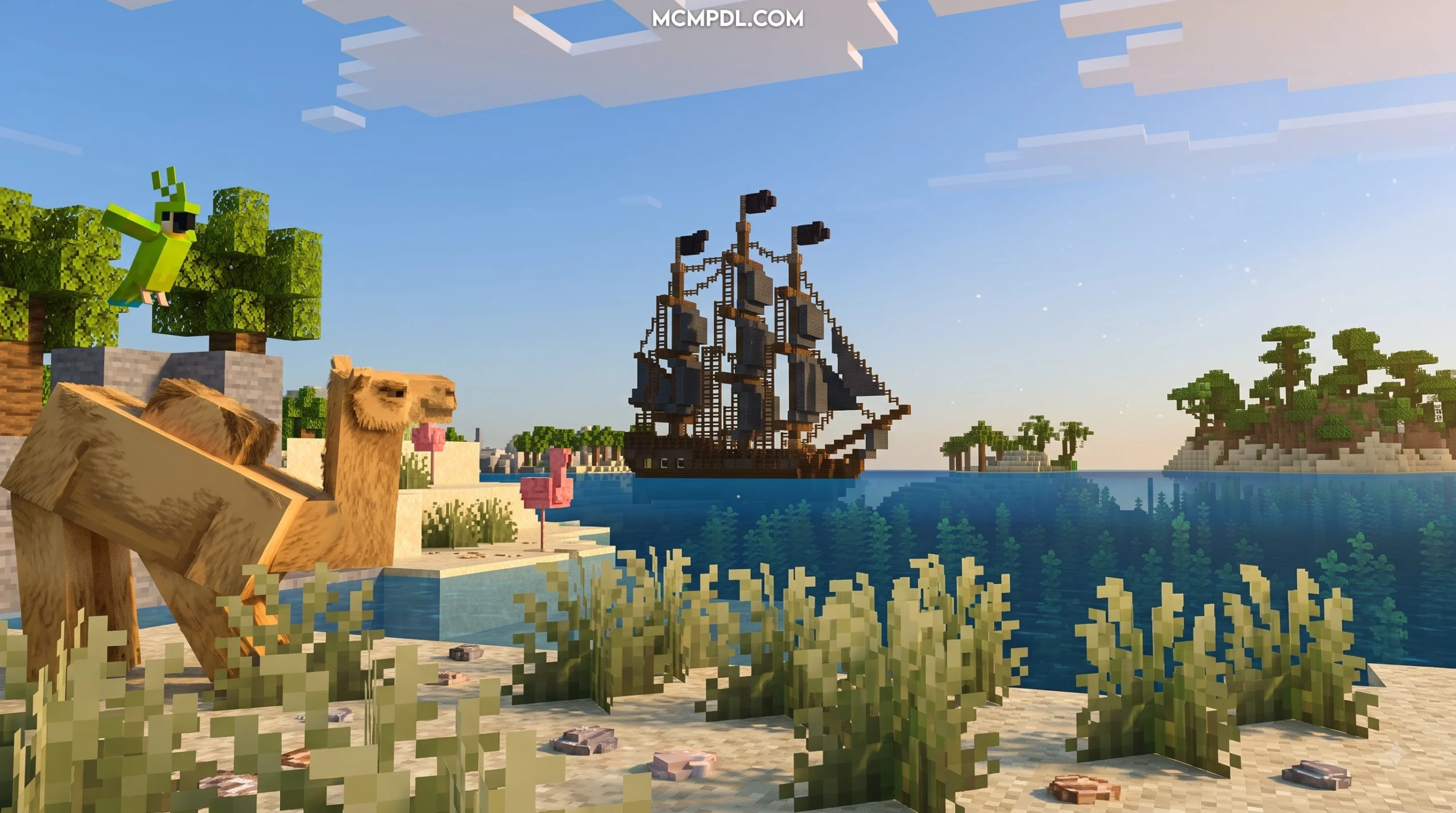
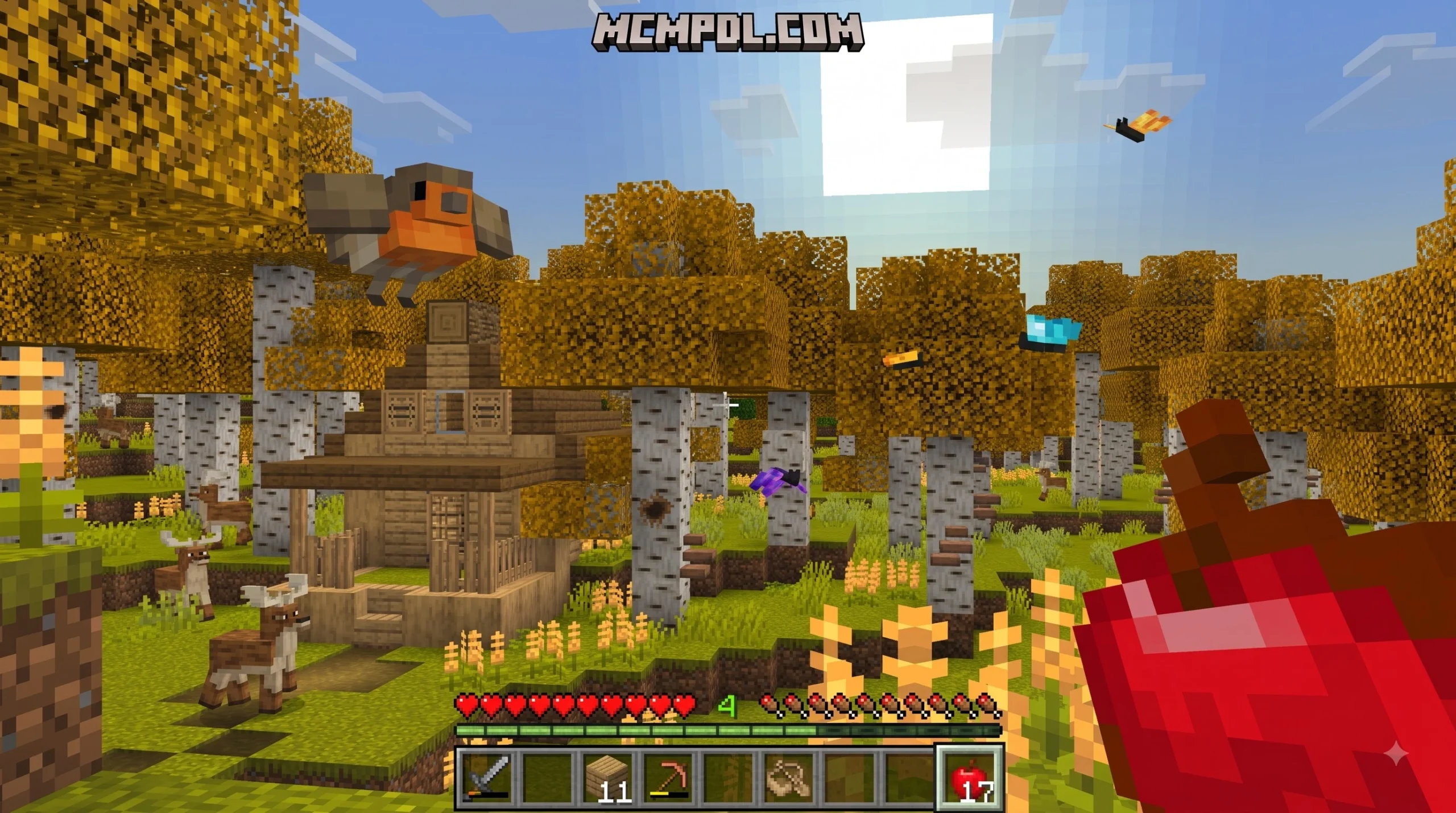
- 18+ Revamped and New Biomes: Generates expanded surface terrain including lush forests, reworked arid environments, unique coastal zones, and diverse floral plains that make long-distance travel rewarding.
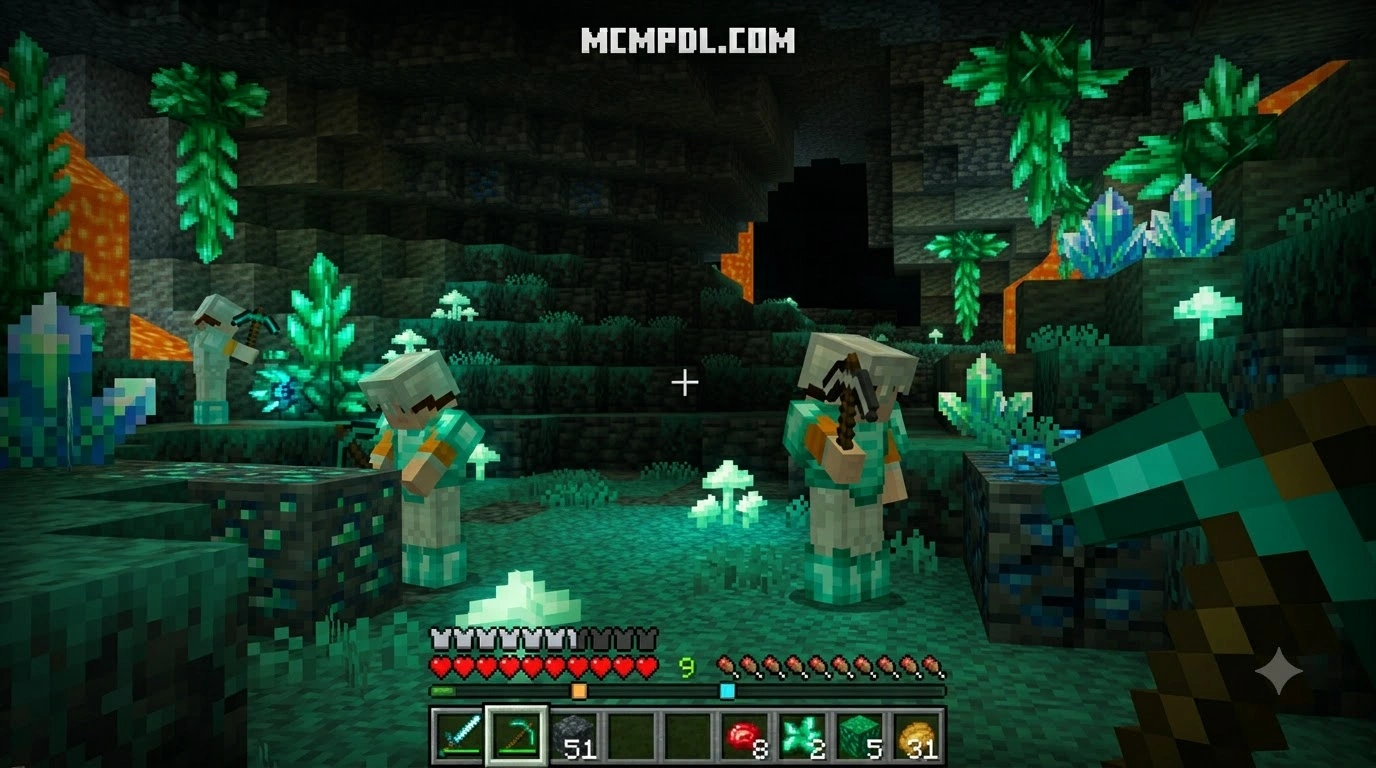
- Overhauled Cave Systems and Underground Ores: Deep underground exploration receives a major update with new cave architecture, specialized stone variants, and raw mineral ores that open up higher-tier survival gear.
- Custom Quests and Progression: Unlike standard terrain mods, this add-on introduces built-in quests that challenge players to explore specific biomes, defeat local threats, and gather rare materials in exchange for unique items.
- Structures and Unique Architecture: New ruined watchtowers, hidden shrines, and custom wilderness structures generate naturally across the terrain, offering fresh exploration targets and valuable chest loot.
- Custom Gear, Armor, and Tools: Collect raw minerals from the newly added biomes to forge specialized toolsets and armor suits equipped with distinct combat and survival attributes.
- Optional Custom Mobs: Introduces unique passive and hostile entities tailored to specific biomes, giving each ecological zone its own distinct food chain and threat level.
How Vanilla Gameplay is Preserved in the Overhauled Biomes Addon for Minecraft PE/Bedrock
One common concern when installing major world generation overhauls is that the game might lose its core identity. We appreciate how carefully this add-on balances fresh content with traditional Bedrock survival mechanics. The visual aesthetic of the new blocks, vegetation, and structures stays true to the iconic pixel art style of Mojang, ensuring that custom biomes merge seamlessly with existing vanilla landscapes.
Furthermore, the gear progression feels like a natural step forward rather than an overpowered shortcut. Raw ores found in deep caves require smelting and crafting patterns consistent with vanilla recipes. For players who prefer a traditional creature ecosystem without fantasy beasts or aggressive custom monsters, the add-on includes a built-in mob toggle setting. This feature allows you to turn off the newly added custom entities entirely, leaving you with pure terrain, structure, ore, and quest exploration while preserving classic vanilla mob spawns.
How to Download and Install the Addon Step-by-Step
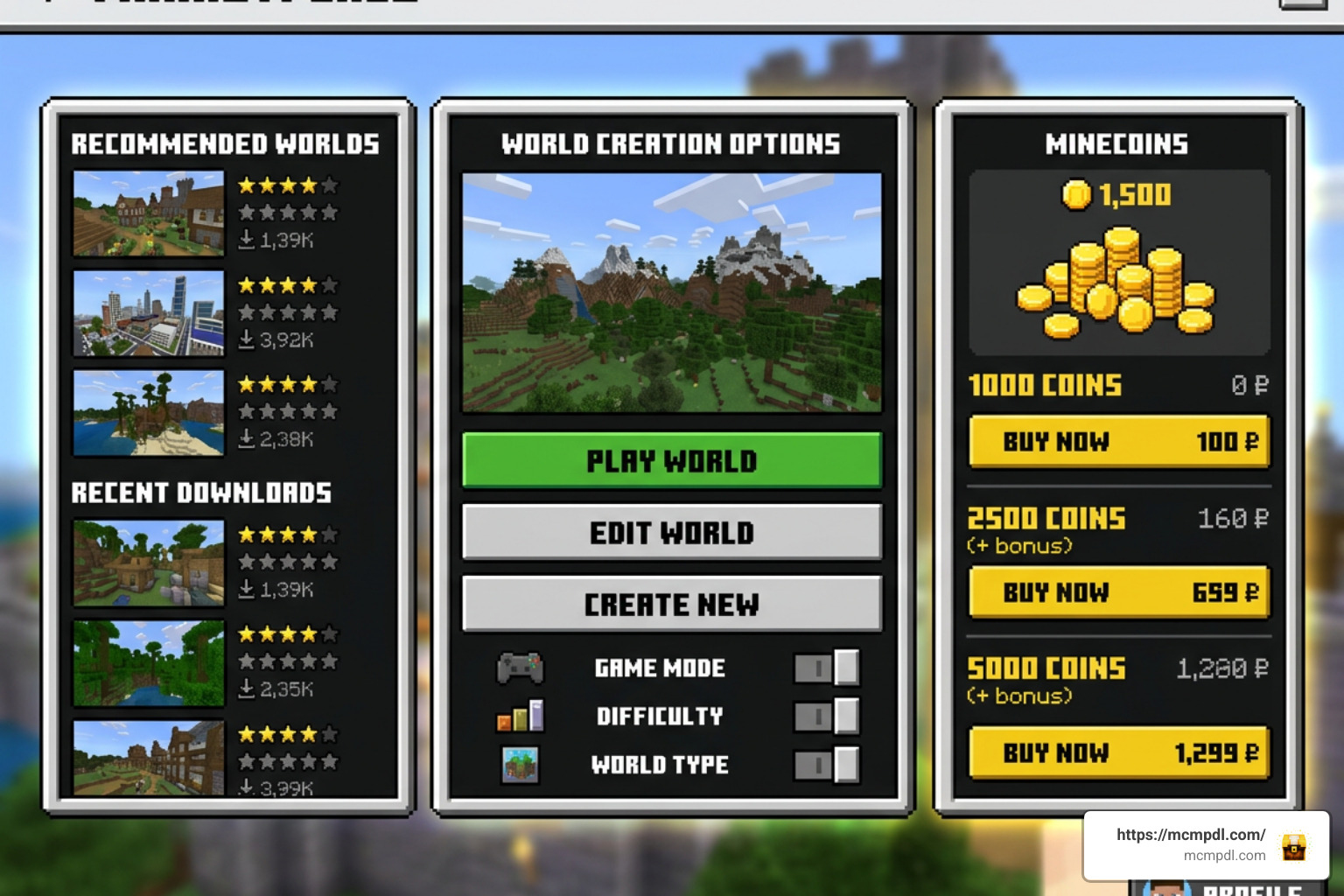
Installing the Overhauled Biomes Addon for Minecraft PE/Bedrock is straightforward because it is distributed directly through the official in-game Minecraft Marketplace. This means mobile (iOS and Android), console, and Windows PC players can access and install it without managing external file directories or third-party extraction tools.
Follow our step-by-step guide to get the pack up and running on your device:
- Launch Minecraft Bedrock Edition: Open your game client on your mobile device, console, or PC and ensure you are logged into your Microsoft Account.
- Access the Minecraft Marketplace: Click on the Marketplace button located on the main title screen.
- Search for the Add-On: Tap the search icon in the upper right corner and type in
Overhauled BiomesorSolid Blocks. Look for the title Overhauled Biomes Add-On. - Purchase with Minecoins: Click on the pack page. The add-on costs 660 Minecoins. If you have enough Minecoins in your wallet, select the purchase button to unlock it for your account.
- Download the Add-On Files: Once purchased, click the Download button. The game will automatically download the required resource and behavior packages to your local device storage.
- Create a New Survival World: Navigate back to the main menu and click Play > Create New > Create New World.
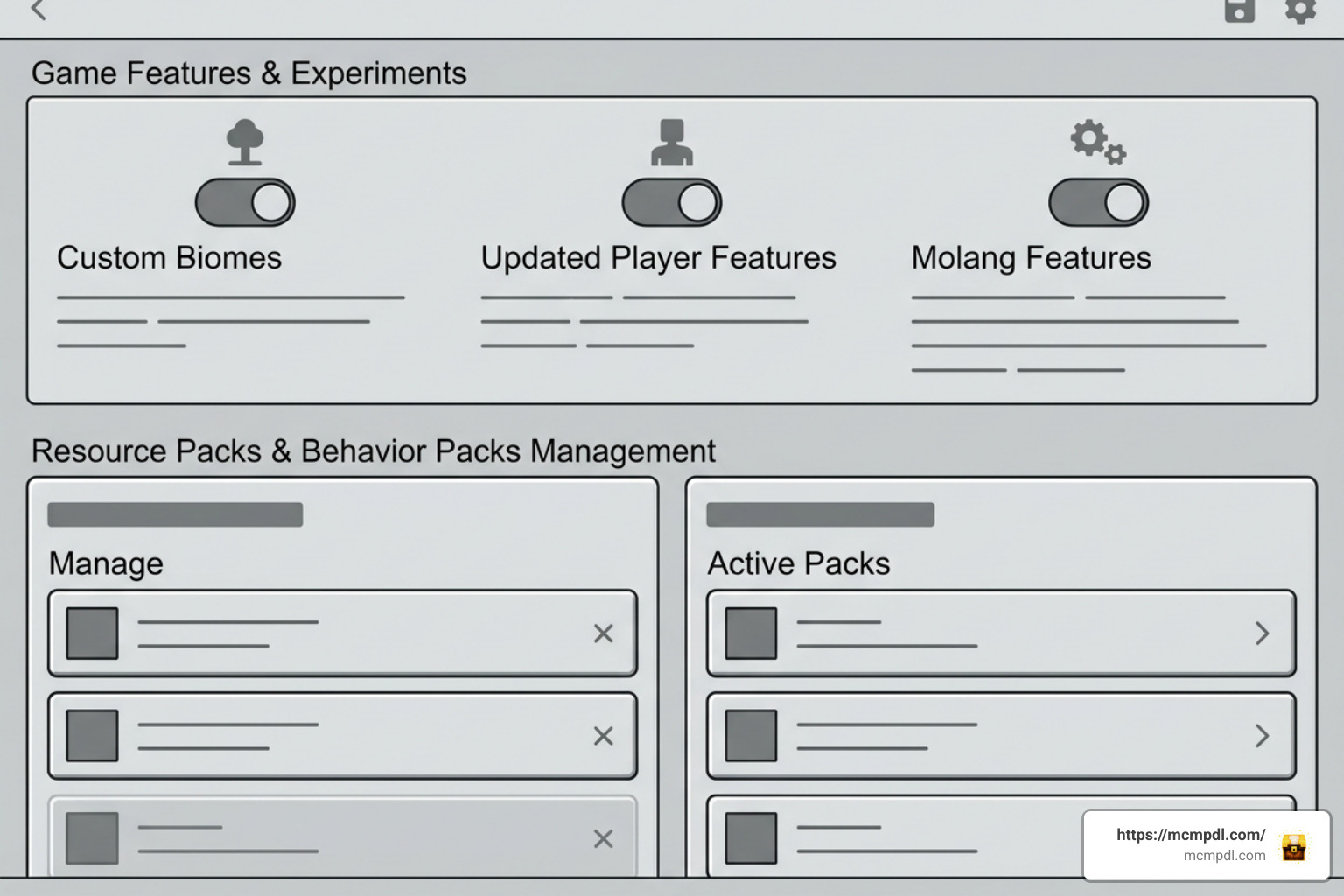
- Activate Resource and Behavior Packs:
- In the left-hand world settings sidebar, scroll down to Resource Packs. Expand Owned, select Overhauled Biomes, and click Activate.
- Navigate to Behavior Packs directly underneath, locate Overhauled Biomes, and select Activate.
- Configure Experimental Settings (If Prompted): Depending on your current Minecraft version, check the Experiments tab in world settings. Turn on toggles such as Custom Biomes, Updated Player Features, or Molang Features to guarantee that custom cave generation and quest triggers load without issues.
- Launch Your World: Name your world, select your preferred difficulty, and press Create. You will spawn directly into a world enriched with overhauled landscapes and new exploration goals.
Comparing Popular Minecraft PE World Generation Addons
The Bedrock addon ecosystem offers several world generation choices. Depending on whether you prioritize Xbox achievement compatibility, deep dark fantasy lore, or official Marketplace quest systems, different add-ons fit different playstyles.
Below is a detailed comparison comparing the Overhauled Biomes Addon for Minecraft PE/Bedrock against other community options, including Expansive Biomes, Biomes & Beyond, Simple Biomes Expansion, Biome Revamp, and Reworked Biomes.
| Addon Name | Primary Focus | Custom Blocks & Ores | Custom Mobs & Entities | Quests & Structures | Achievement Friendly | Distribution Platform |
|---|---|---|---|---|---|---|
| Overhauled Biomes | Vanilla-style expansion, quests, cave overhaul | Yes (New minerals & decorative blocks) | Yes (Includes toggle to disable) | Yes (Custom quests & structures) | No (Uses Behavior Packs) | Minecraft Marketplace |
| Expansive Biomes | 18+ biomes, high-tier gear, cave monsters | Yes (Vibranium tier gear) | Yes (Dwellers, Scorpions, Yetis) | Yes (Outlaw camps & towers) | No | Free (.mcaddon) / CurseForge |
| Biomes & Beyond | Deep lore, high-tech/magic materials, 50+ biomes | Yes (Tungsten & Enderium) | Yes (Dwellers, Hollowmen, Pufflings) | Yes (Trial Towers) | No | Free (.mcaddon) / Community Downloads |
| Simple Biomes Expansion | Up to 97 overworld biomes using vanilla assets | No (Uses existing vanilla blocks) | No | Vanilla structures only | Yes | Free (.mcaddon) / Community Downloads |
| Biome Revamp | Concept update biomes, wild update flora | Yes (Palm trees, Ocotillo) | Yes (Ostriches, Frogs, Termites) | Yes | No | Free (.mcaddon) / Community Downloads |
| Reworked Biomes | Tree model redesigns, realistic rivers | No | No | No | No | Free (.mcaddon) / Community Downloads |
As shown in the table, if maintaining Xbox or Bedrock achievements is your main goal, a blockless option like Simple Biomes Expansion allows you to earn achievements while enjoying wider terrain variety. However, if you are looking for an all-in-one survival expansion complete with custom mineral tiers, exploration quests, and curated structure spawns, Overhauled Biomes provides a polished, seamless experience directly through the official Marketplace.
Troubleshooting and Compatibility Notes
While Marketplace add-ons undergo official testing, technical hiccups can happen when mixing multiple behavior packs or updating world files. Here are the key technical details and troubleshooting tips we recommend keeping in mind:
- World Generation Errors on Existing Saves: Adding custom biome terrain files to an existing survival world can cause harsh chunk borders where newly generated terrain meets old chunks. For the best landscape transitions, we strongly advise generating a fresh world. If you must add it to an existing world, always export a world backup first.
- Experimental Toggles: Bedrock Edition periodically updates how custom biomes load. If trees appear chopped in half or custom ores fail to generate underground, check your world settings menu and verify that all experimental features related to custom biomes and script API are toggled on.
- Mob Spawns and Performance Lag: On lower-end mobile devices, running dense biomes alongside heavy custom mob AI can impact frame rates. If you experience performance dips or stuttering in densely forested biomes, navigate to the add-on’s options menu and toggle off custom mobs. This reduces entity processing load while leaving all terrain and ore features active.
- Pack Stacking Order: If you run global resource packs, HD texture packs, or custom shaders, ensure that Overhauled Biomes is placed higher in the activation hierarchy under world resource packs. This prevents vanilla block textures from overwriting custom flora models.
- Bedrock Version Compatibility: Keep your Minecraft client updated to the latest stable release. Major updates can occasionally change internal biome IDs, so running the latest game version ensures full compatibility with the add-on’s scripts.
Frequently Asked Questions about Biome Addons
How much does the Overhauled Biomes addon cost?
The Overhauled Biomes Addon for Minecraft PE/Bedrock costs 660 Minecoins on the official Minecraft Marketplace. Once purchased, it is permanently tied to your Microsoft Account, allowing you to download and activate it across all supported Bedrock platforms, including Android, iOS, Windows, Xbox, PlayStation, and Nintendo Switch.
Can you turn off custom mobs in Overhauled Biomes?
Yes, Solid Blocks built a custom mob toggle setting into the add-on. If you prefer a traditional survival experience populated only by standard cows, pigs, zombies, and skeletons, you can disable the new entities in the settings menu while keeping all new biomes, structures, ores, and quests active.
Does this addon work on existing survival worlds?
While you can technically activate the add-on on an existing world save, new biomes, caves, and ores will only generate in unexplored chunks that have never been loaded before. To prevent visual chunk boundaries and guarantee smooth terrain generation, we recommend creating a brand-new world when enabling this pack.
Conclusion
The Overhauled Biomes Addon for Minecraft PE/Bedrock provides an approachable way to revitalize survival exploration. By blending 18+ revamped biomes, deeper cave systems, new gatherable ores, custom gear, and structure-linked quests into a single Marketplace package, Solid Blocks created an add-on that delivers deep content without disturbing Minecraft’s core survival feel.
Whether you are embarking on a fresh solo survival journey on your phone or hosting a co-op adventure with friends on a multiplayer world, this add-on gives you plenty of reasons to gear up and explore the horizon. For more Bedrock Edition guides, texture reviews, and world generation coverage, visit us at MCMPDL to find the best ways to customize your Minecraft experience!
10 thoughts on “Overhauled Biomes Addon for Minecraft PE/Bedrock”