Scroll down to Download
Install the Giant Bugs Addon for Minecraft PE/Bedrock
Giant Bugs Addon for Minecraft PE/Bedrock can be installed by importing the add-on file or purchasing it through the Bedrock Marketplace, then enabling its packs in your world settings.
- Get the Giant Bugs add-on file or Marketplace download.
- Turn on the required Experimental Gameplay settings if your version requires them.
- Activate both the Resource Pack and Behavior Pack before entering the world.
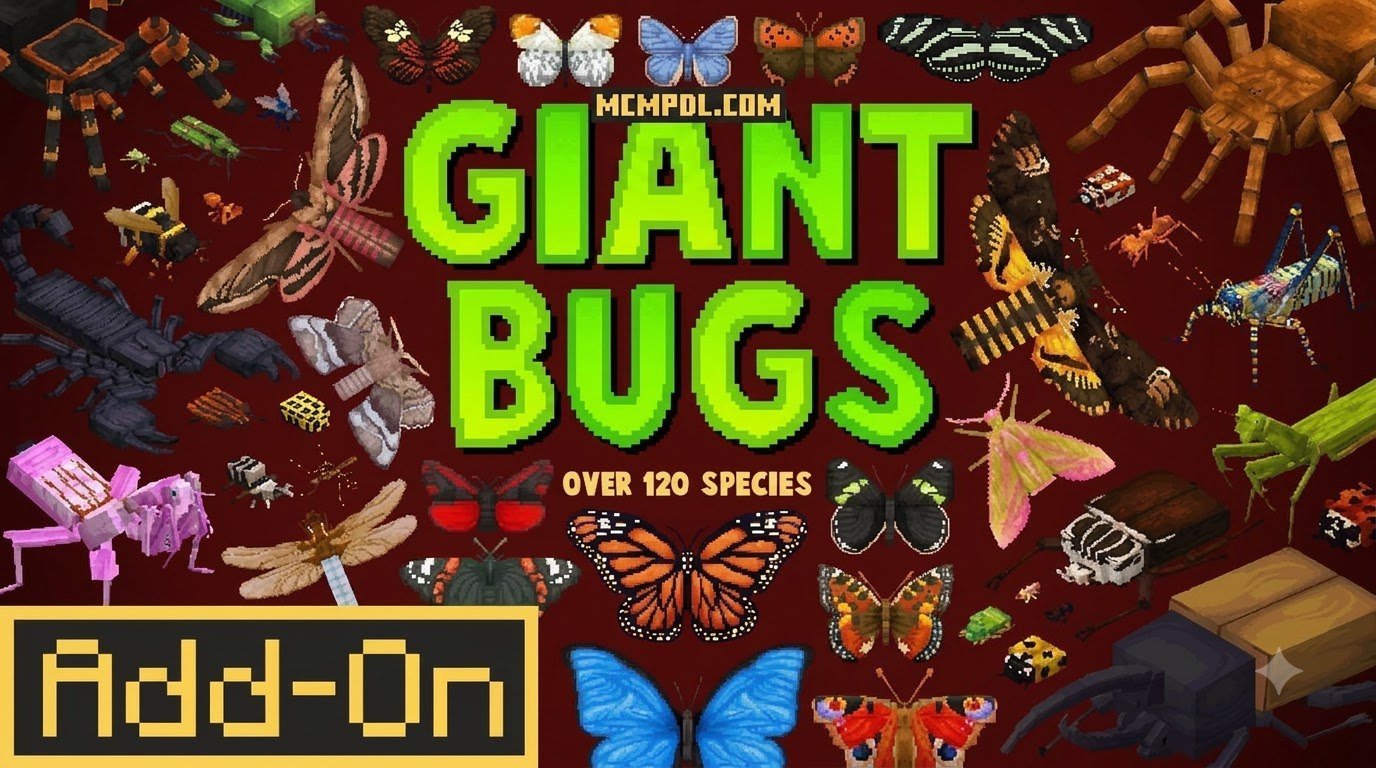
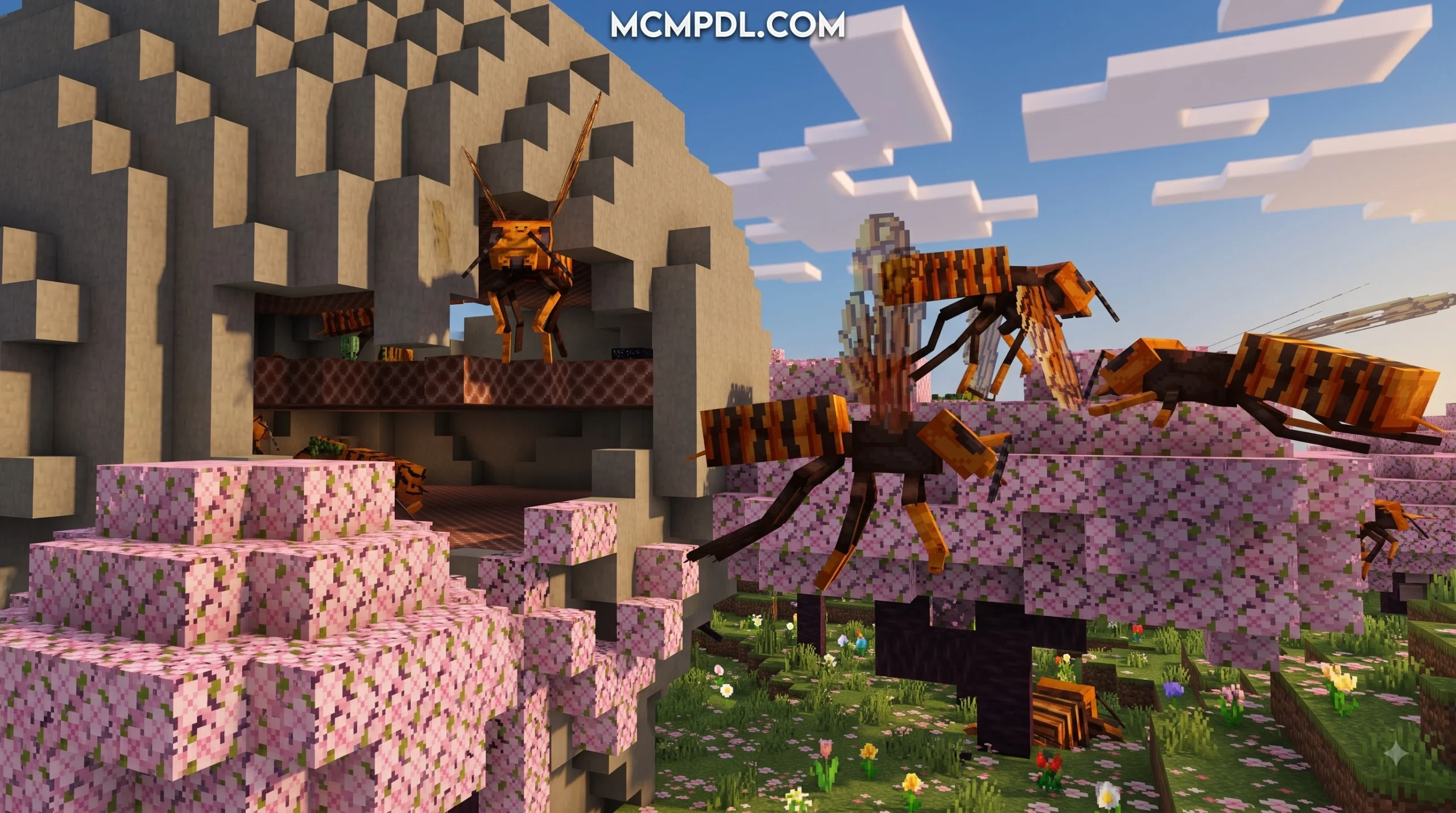
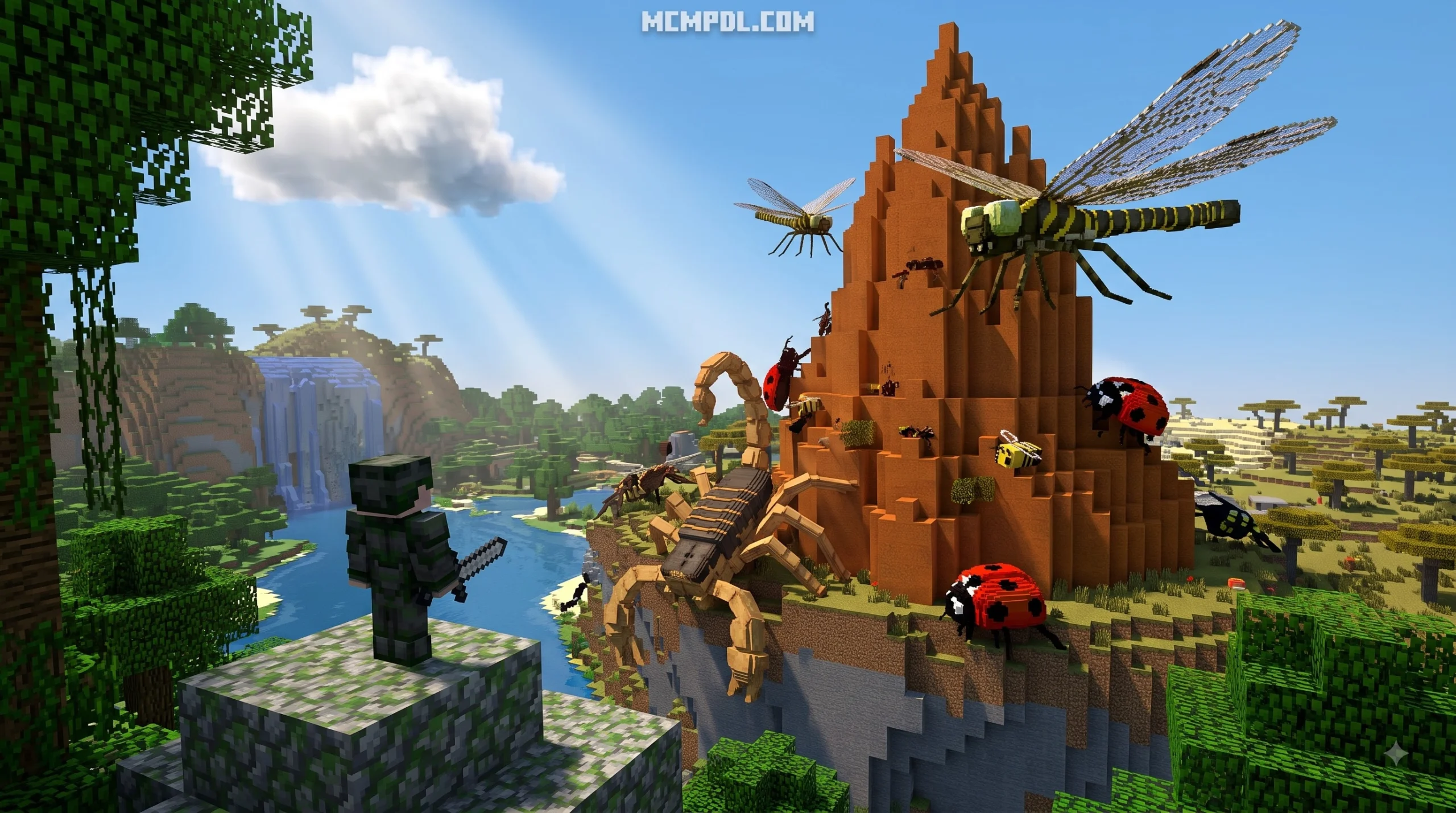
The add-on fills Minecraft with more than 120 huge insects and arachnids, including creatures you can tame, ride, and encounter near naturally generated nests. This guide keeps the setup simple for Bedrock players on mobile, Windows, and other supported devices.
What is the Giant Bugs Addon for Minecraft PE/Bedrock?
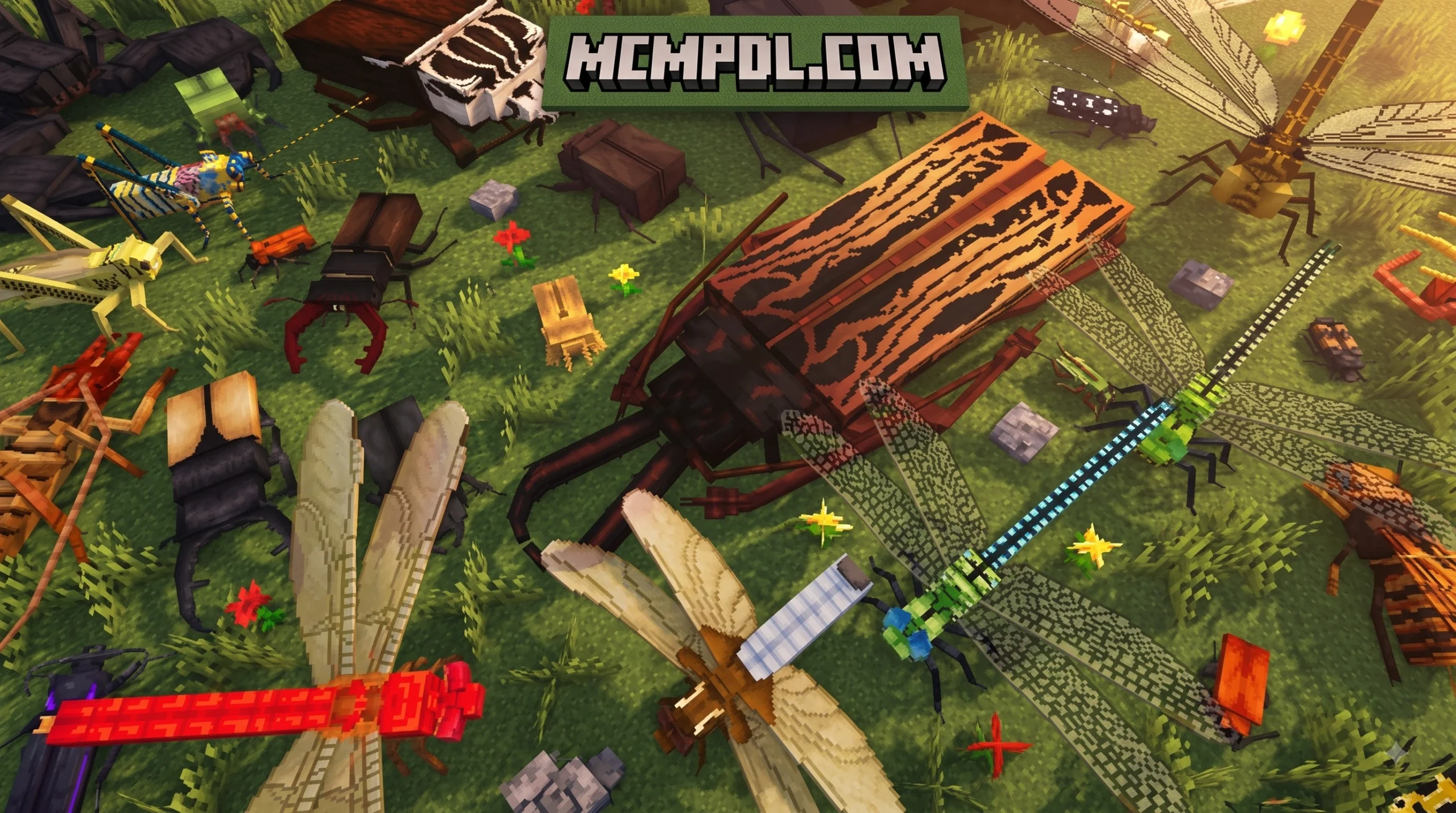
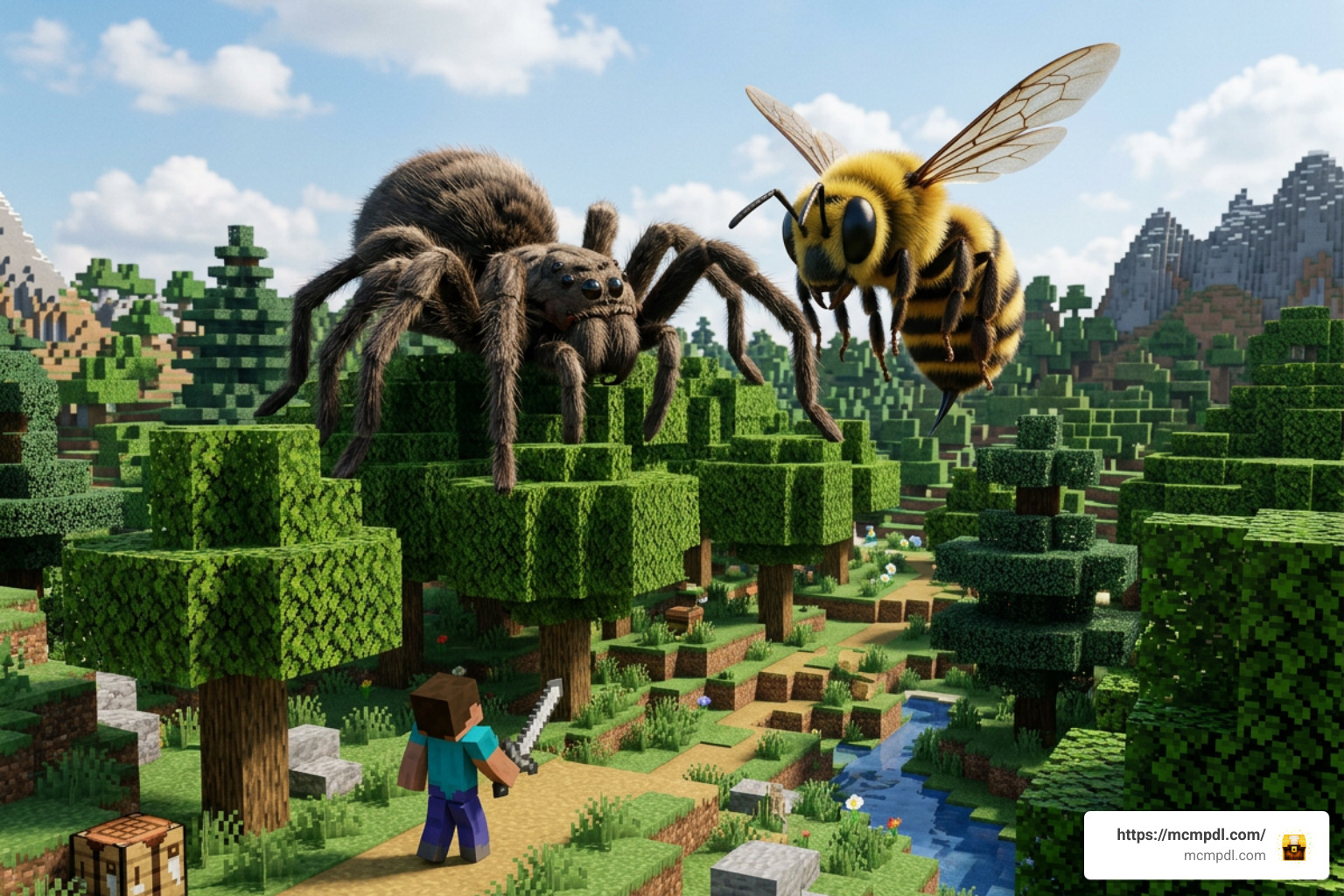
If you have ever felt that your Minecraft Bedrock biomes were a little too quiet, the Giant Bugs Addon for Minecraft PE/Bedrock is designed to completely reshape your survival experience. Created by talented content creator CompyCraft, this massive content expansion introduces over 120 separate species of insects, arachnids, and other arthropods into your worlds. But these are not your average creepy-crawlies—every single creature in this pack is scaled up to 1,000 times its real-life size!
Available on the official Minecraft Bedrock Marketplace for 830 Minecoins (approximately $4.35 USD or €4.10 EUR), the addon has earned a stellar reputation in the community. It holds an average user rating of 4.7 out of 5 stars across more than 1,368 ratings, with 84% of players granting it a full 5-star review. Whether you are playing on an Android device, iOS, or Windows PC, this expansion offers a thrilling blend of danger, utility, and exploration. You can view additional details about the official release directly on the Minecraft Marketplace.
Core features included in the pack feature:
- Over 120 unique giant species spanning beetles, ants, wasps, centipedes, and spiders.
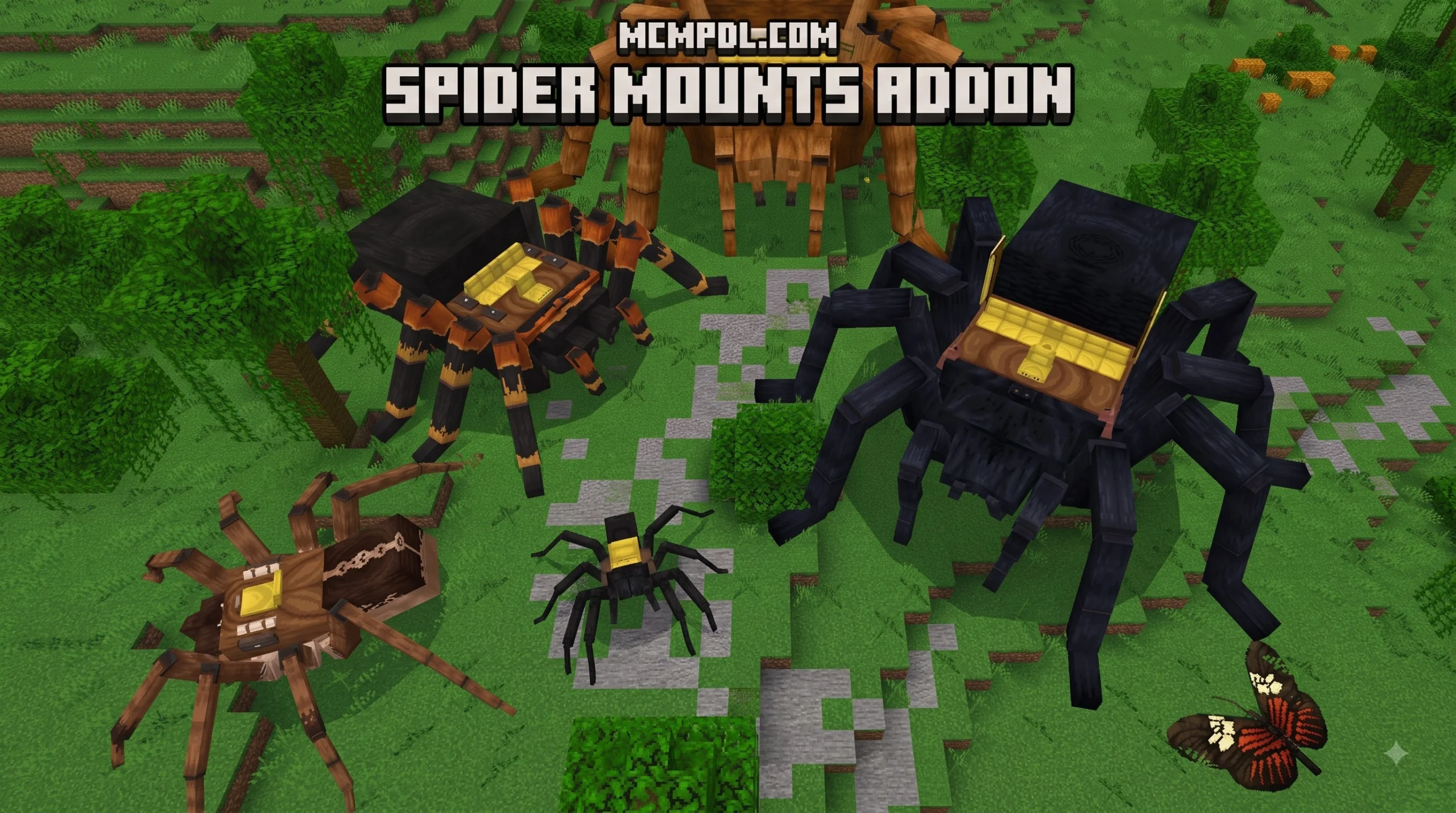
- Full taming and mounting systems that let you ride oversized arthropods across land and sky.
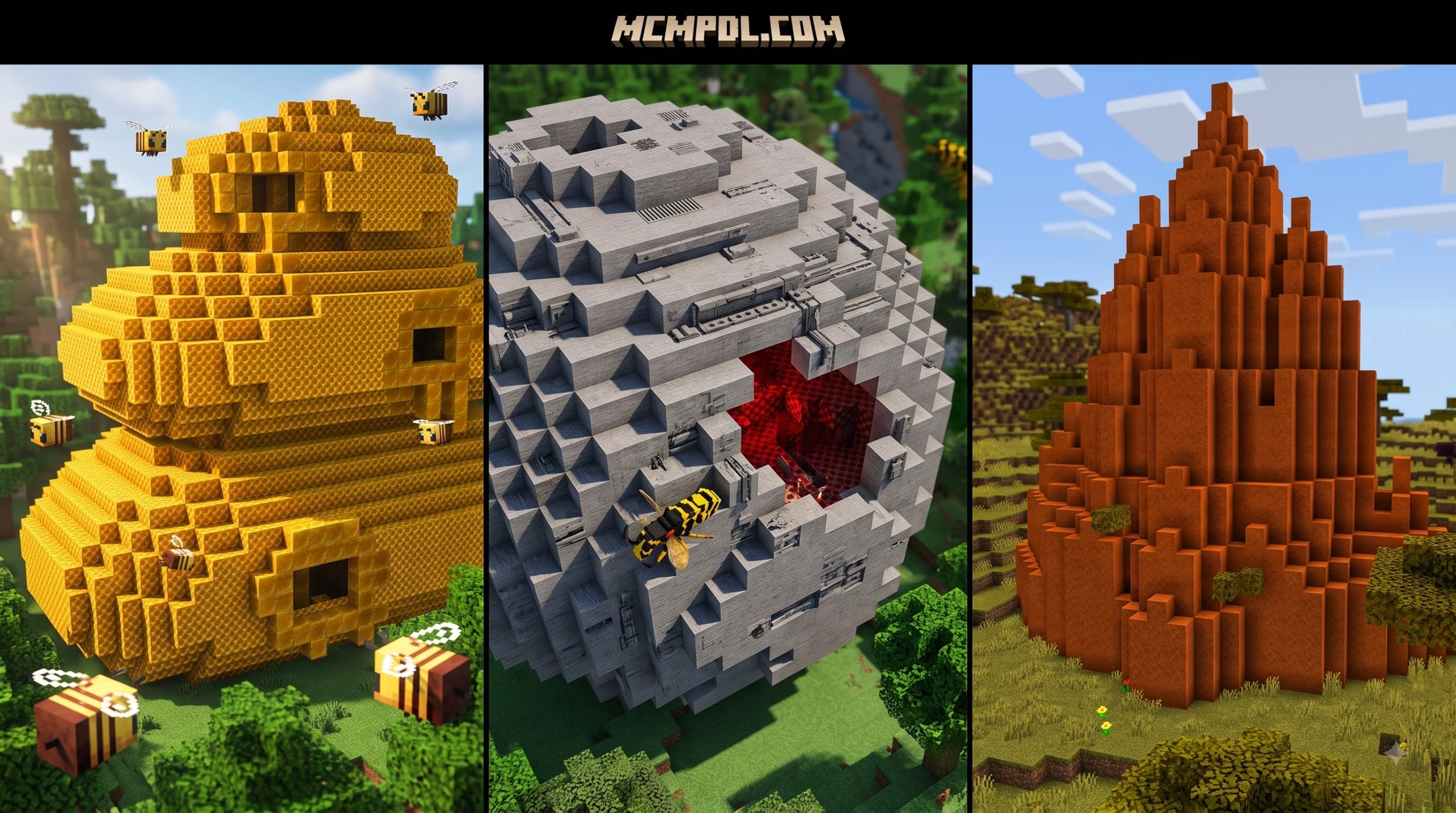
- Naturally generating insect nests and hives hidden across various overworld biomes.
- Custom craftable gear, including specialized Chitin armor sets and tools.
- Accessibility settings such as a dedicated Arachnophobia Mode for players sensitive to spider visuals.
- Full weapon enchantment integration, including the Bane of Arthropods enchantment.
Overview of Giant Bugs Addon for Minecraft PE/Bedrock Features
The depth of gameplay provided by the Giant Bugs Addon for Minecraft PE/Bedrock goes far beyond basic visual replacements. In survival mode, encounter naturally generating insect nests that spawn aggressive swarms guarding rare resource deposits. By defeating these massive beasts or collecting dropped exoskeletons, you can harvest Chitin to craft durable armor sets and weapons capable of turning the tide of combat.
For players looking for companions rather than enemies, the addon introduces robust taming mechanics. By feeding specific insects their preferred foods, you can tame giant beetles, praying mantises, or dragonflies to act as fast mounts or loyal battle companions. Raising an army of giant arthropods allows you to explore distant biomes with ease while providing extra protection against nightly monster spawns.
CompyCraft also thoughtfully included accessibility features. Players who dislike spiders or long-legged bugs can toggle Arachnophobia Mode, which adjusts textures and models—such as the House Centipede—to make exploration comfortable for everyone. Furthermore, combat updates like patch 1.1.6 ensure that the vanilla Bane of Arthropods enchantment actively applies bonus damage against all 120+ custom species. For community discussions and technical summaries, players frequently share setup tips across community forums.
Version Compatibility and Specs for Giant Bugs Addon for Minecraft PE/Bedrock
Before installing the addon, it is helpful to ensure your device meets the basic technical specifications. The Giant Bugs expansion requires a baseline Minecraft Bedrock Edition version of 1.16.0 or higher, though it is fully optimized for recent updates including Bedrock 1.21.
Key specifications include:
- Supported Platforms: Android (MCPE), iOS, Windows 10/11, and modern console editions running Bedrock.
- Minimum Game Version: Minecraft Bedrock 1.16.0 (1.21+ recommended).
- Download Size: Approximately 28 MB.
- Player Skins: Contains zero custom player skins, focusing entirely on entity models, behavior packs, and world structures.
If you are exploring community alternatives alongside official Marketplace DLC, oversized insect mods offer similar survival gameplay built for modern Bedrock versions.
Pre-Installation Requirements and Settings
Setting up custom behavior packs in Bedrock Edition requires a few quick preparation steps to ensure everything loads smoothly without texture errors or broken mob AI.
First, verify that your device has at least 50 MB of free storage space to download and unpack the resource files. Next, check that your Minecraft app is updated to the latest stable release. If you are downloading community packs or custom map conversions, ensuring your game is current prevents script conflicts.
When preparing a world for the Giant Bugs Addon for Minecraft PE/Bedrock, you will need to pay close attention to your world creation settings:
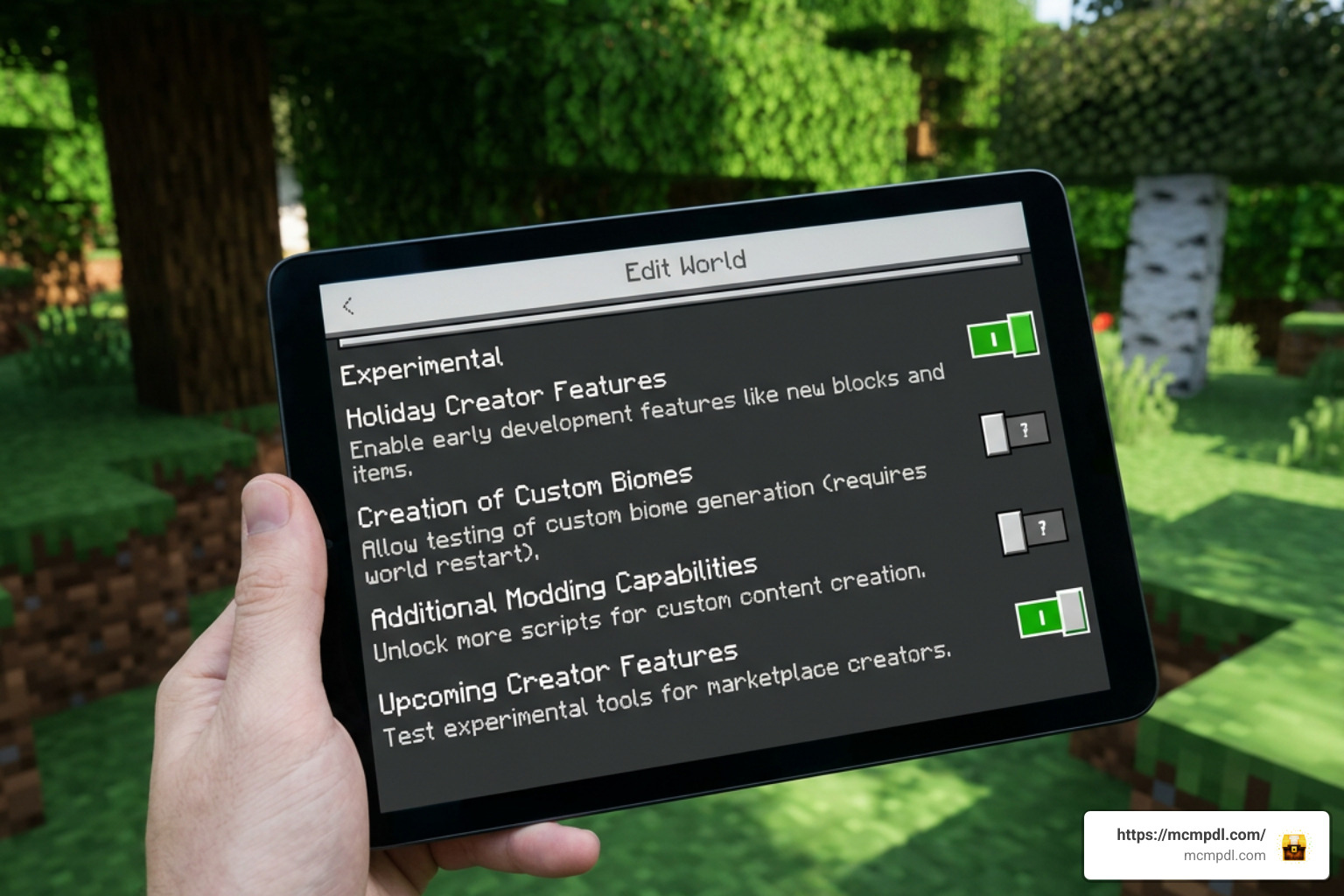
- Enable Experimental Gameplay: Custom entities, script APIs, and biome-specific structure generation require turning on Experimental Features in your world editing menu.
- Resource and Behavior Alignment: Both the Resource Pack (textures, models, audio) and Behavior Pack (mob AI, loot tables, taming scripts) must be active simultaneously.
- Storage Location: Set your File Storage Location under Settings > Profile to “External” if you plan on importing
.mcaddonfiles directly on mobile devices.
For players seeking more detailed platform guides, standard setup resources highlight step-by-step import tips across mobile and desktop interfaces.
How to Install Giant Bugs Addon in 3 Simple Steps

We have broken down the entire installation process into three clear steps. Follow along whether you are purchasing the addon directly from the in-game Marketplace or importing a custom file into your Minecraft Pocket Edition app.
Step 1: Download or Purchase the Addon File
The easiest method to acquire the official pack is through the integrated Minecraft Marketplace:
- Open Minecraft on your phone, tablet, or PC and select Marketplace from the main menu.
- Use the search bar to search for “Giant Bugs Add-On” by CompyCraft.
- Select the addon and click the purchase button for 830 Minecoins.
- Once purchased, click Download to store the files directly on your device.
If you are installing a custom .mcaddon file from community portals, simply tap or double-click the downloaded .mcaddon file on your device. Your operating system will automatically launch Minecraft and trigger the top header message: “Import Started” followed by “Successfully Imported Giant Bugs Add-On”.
Step 2: Enable Experimental Gameplay Settings
Because this addon introduces custom block structures (nests), custom mob animations, and unique taming scripts, enabling Experimental Gameplay toggles is essential:
- Navigate to the Play menu and choose Create New World (or click the edit pencil icon next to an existing world).
- Scroll down the left sidebar menu to the Experiments tab.
- Toggle on the following settings:
- Holiday Creator Features
- Custom Biomes
- Upcoming Creator Features
- Beta APIs / Molang Features
- Confirm the warning prompt that pops up when enabling experimental features.
Activating these toggles ensures that giant ants swarm correctly, flying mounts operate smoothly, and chitin crafting recipes register in your crafting table.
Step 3: Activate Resource and Behavior Packs
The final step is linking the downloaded packs to your specific world:
- While still in the world settings menu, scroll down to Resource Packs under the Add-ons section on the left.
- Click on My Packs, locate the Giant Bugs Add-On, and click Activate.
- Next, navigate down to Behavior Packs.
- Under My Packs, select the Giant Bugs Add-On and click Activate.
- Verify under the Active tab for both Resource and Behavior sections that the Giant Bugs pack is visible and enabled.
- Press Create or Play to enter your world!
If you enjoy scaling up standard creatures, you might also want to explore giant mob addons that enlarge vanilla mobs into gargantuan beasts with unique seating and speed mechanics.
Gameplay Guide: Taming, Crafting, and Surviving Giant Bugs
Stepping into a world modified by the Giant Bugs Addon for Minecraft PE/Bedrock presents immediate challenges and huge rewards. With over 120 species roaming the land, knowing which bugs are friendly, which can be tamed, and which will hunt you on sight is crucial for survival.
To help you navigate this massive ecosystem, we have put together a comparison table detailing several major bug mob types you will encounter across different biomes:
| Bug Category / Species | Biome Spawn Location | Behavior Type | Taming / Riding Status | Key Loot & Drops |
|---|---|---|---|---|
| Giant Beetle (Rhinoceros/Hercules) | Forests, Plains, Jungles | Neutral unless attacked | Tameable (Sugar/Apples), Rideable mount | Chitin Plates, Beetle Shells |
| Giant Worker & Soldier Ants | Savannas, Deserts, Underground Nests | Aggressive in swarms | Non-tameable | Ant Chitin, Royal Jelly |
| Toxic Beetle | Swamps, Dark Forests | Aggressive (Poison Spray) | Non-tameable | Poison Sacs, Heavy Chitin |
| Giant Dragonfly | Rivers, Swamps, Taiga | Passive / Neutral | Tameable (Raw Fish), Flying mount | Dragonfly Wings, Soft Shells |
| Spider Queen (Boss Mob) | Deep Underground Nests | Highly Hostile Boss | Non-tameable | Silk Cores, Queen Chitin, Boss Trophies |
| Mutant Wasp | Jungles, Flower Forests | Aggressive Aerial Hunter | Non-tameable | Venom Stings, Honeycomb Fragments |
When exploring, always carry a sword enchanted with Bane of Arthropods. Thanks to patch updates in version 1.1.6, this enchantment deals devastating extra damage and applies Slowness to giant insects, making boss encounters against creatures like the Spider Queen far manageable.
For base building, harvesting Chitin from defeated beetles and ants allows you to forge custom Chitin Armor. This armor offers defense comparable to Diamond gear while granting additional knockback resistance against giant swarms. If you want to expand your Bedrock installation with even more mods, addons, and textures, be sure to browse our full collection at https://mcmpdl.com/.
Frequently Asked Questions About Giant Bugs Addon
How much does the Giant Bugs Addon cost?
The official Giant Bugs Add-On by CompyCraft costs 830 Minecoins on the official Minecraft Bedrock Marketplace. This equals roughly $4.35 USD or €4.10 EUR depending on your regional store pricing. Once purchased, it links to your Microsoft Account, allowing you to re-download it across mobile, console, and PC devices freely.
Does the Bane of Arthropods enchantment work on these giant bugs?
Yes! In recent updates (specifically version 1.1.6 and newer), the creator added full compatibility for the Bane of Arthropods enchantment. Swords carrying this enchantment will deal extra damage to all 120+ custom insect and arachnid species introduced by the addon.
Is Experimental Gameplay required to run the Giant Bugs Addon?
Yes, turning on Experimental Gameplay toggles (such as Holiday Creator Features and Beta APIs) in your world settings is mandatory. Without these toggles enabled, custom mob behaviors, nest structure spawns, and specialized taming scripts will not function properly.
Conclusion
The Giant Bugs Addon for Minecraft PE/Bedrock by CompyCraft is one of the most complete and thrilling mob expansions available for Bedrock Edition. With 120+ oversized species, functional taming and mounting mechanics, craftable chitin gear, and naturally generating nests, it transforms standard survival into an epic adventure.
By following our simple 3-step installation guide—downloading the pack, enabling Experimental Gameplay, and activating your Resource and Behavior packs—you can jump right into a world dominated by giant arthropods. Whether you are building an army of rideable beetles or hunting underground Spider Queens, this addon offers endless excitement. For more top-rated addons, seeds, and Minecraft PE resources, explore our latest guides on https://mcmpdl.com/!



1 thought on “Giant Bugs Addon for Minecraft PE/Bedrock”