

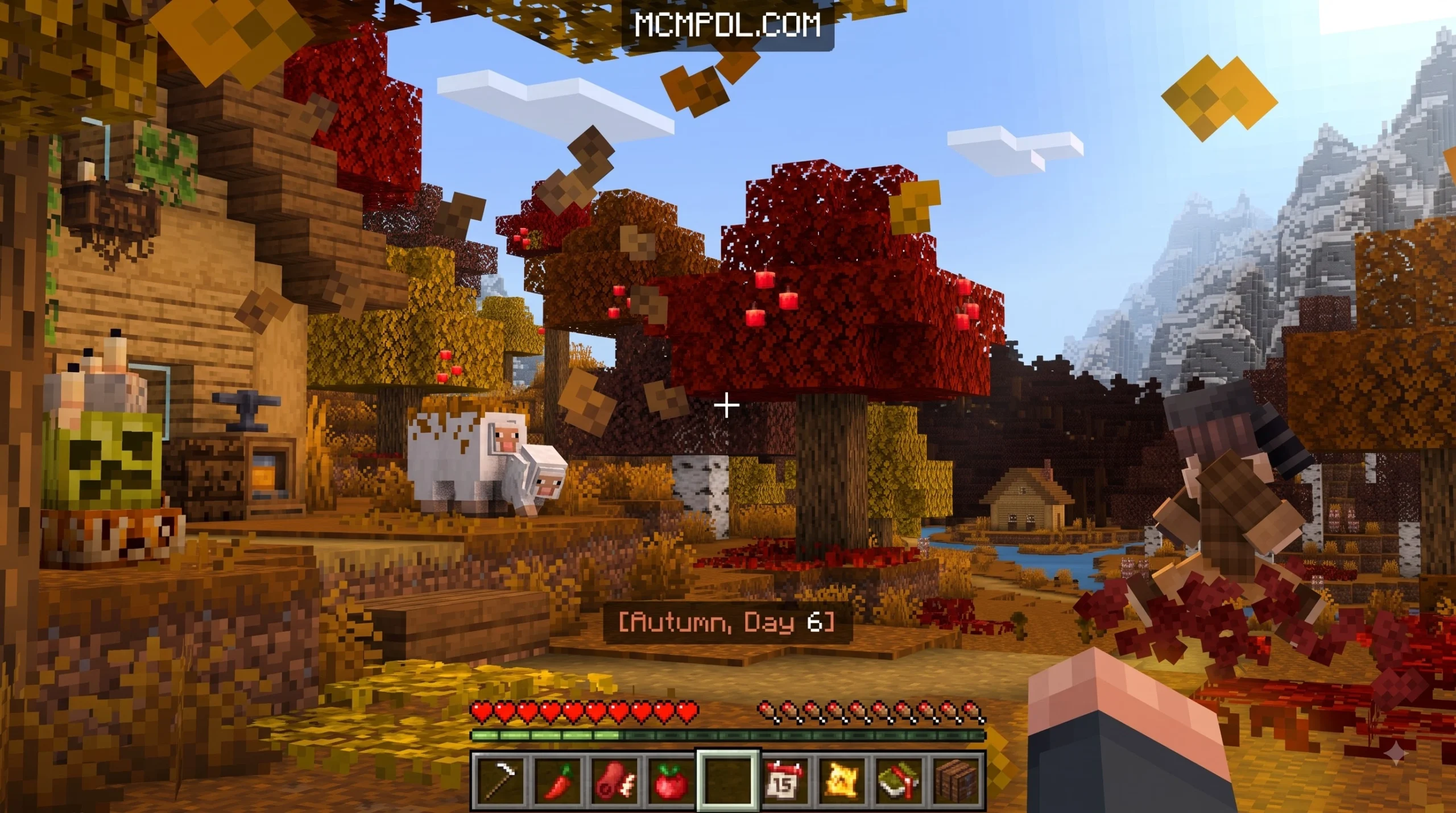

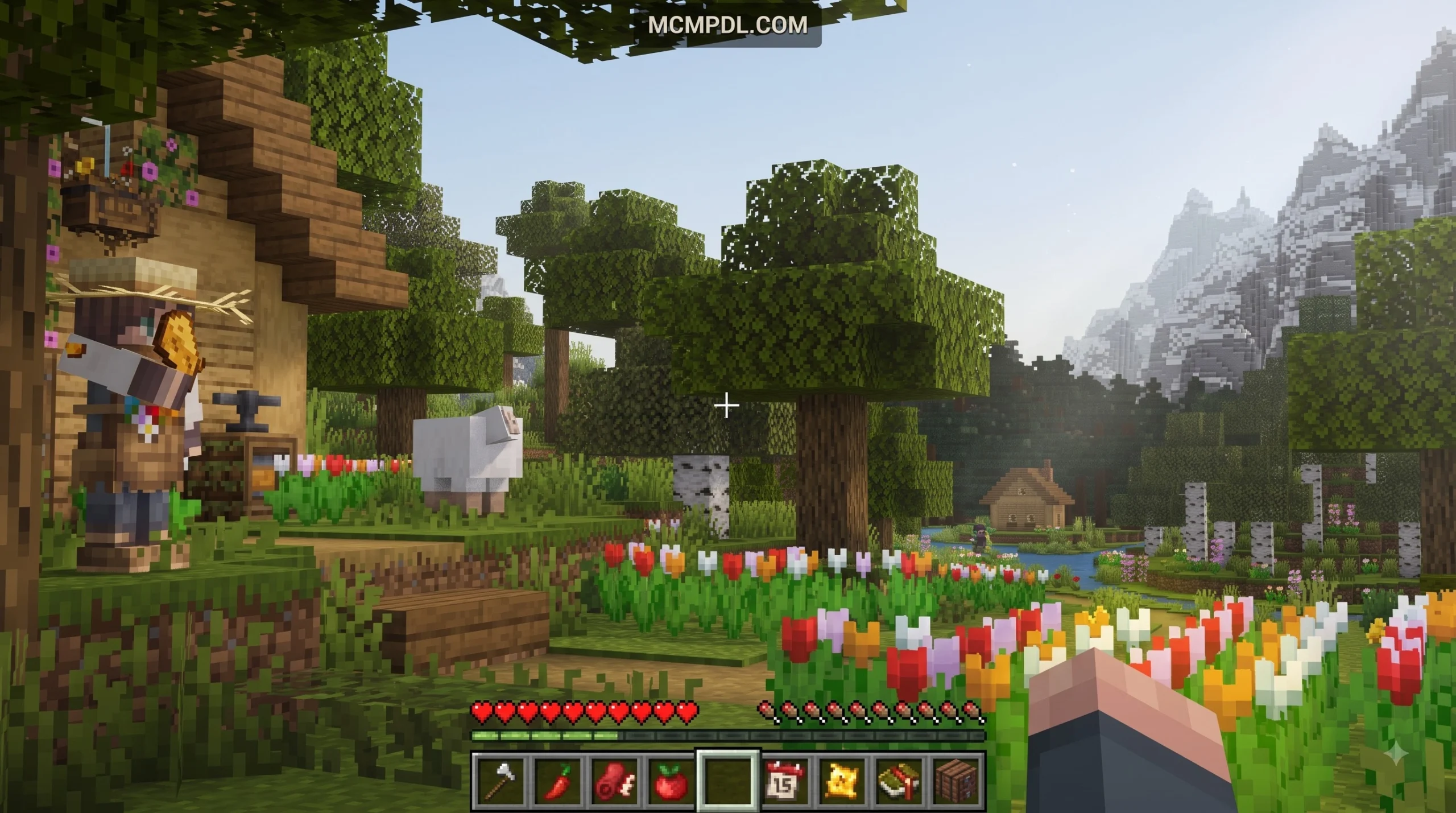
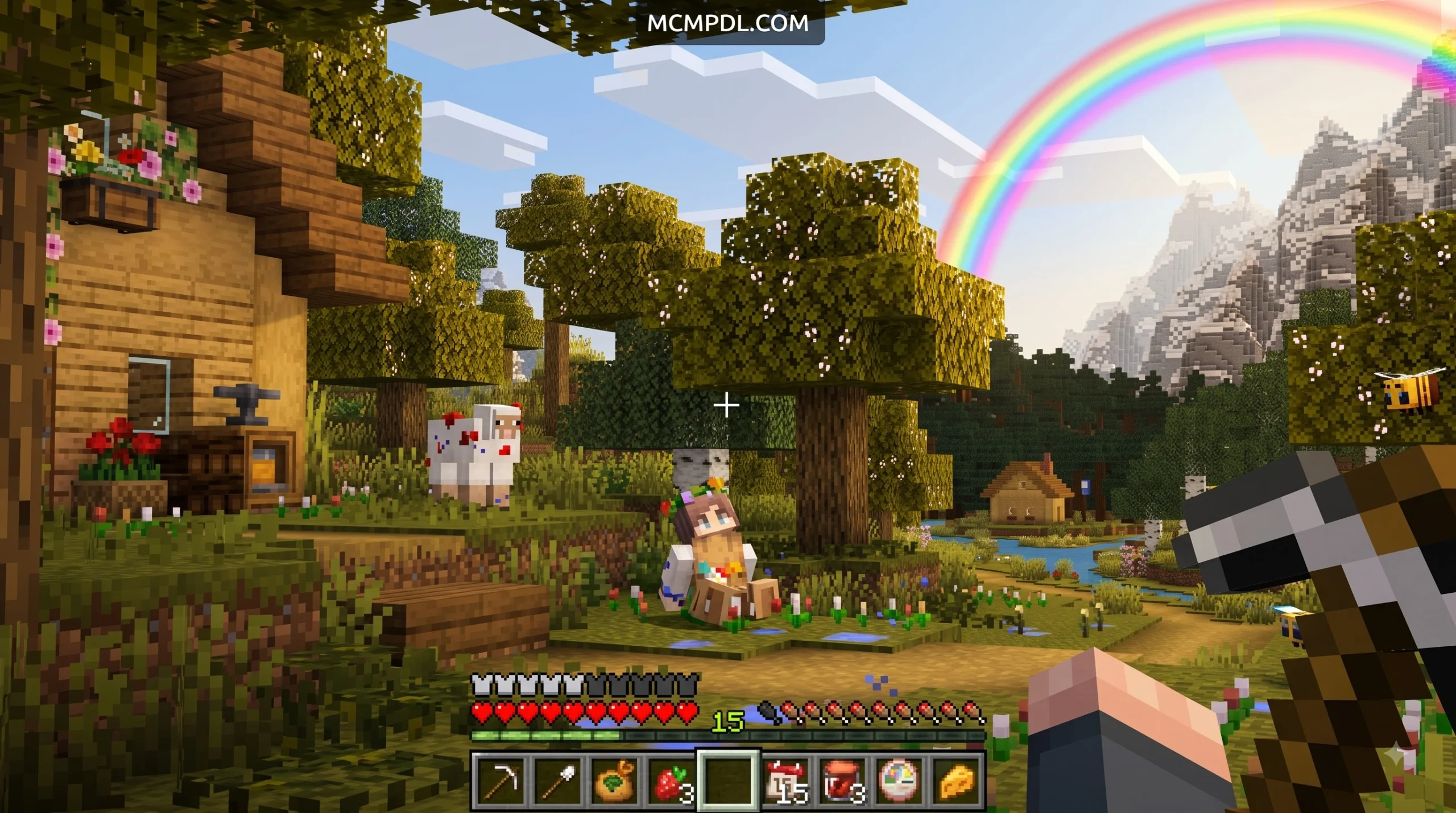

Scroll down to D0vvnl0ad
Comparing the Best Seasonal Biomes Addon for Minecraft PE/Bedrock Options
To download and install a Seasonal Biomes Addon for Minecraft PE/Bedrock, download the .mcaddon or .zip file, open your world settings to enable required Experimental toggles (including Custom Biomes, Beta APIs, and Holiday Creator Features), and activate both the resource and behavior packs before launching your world.
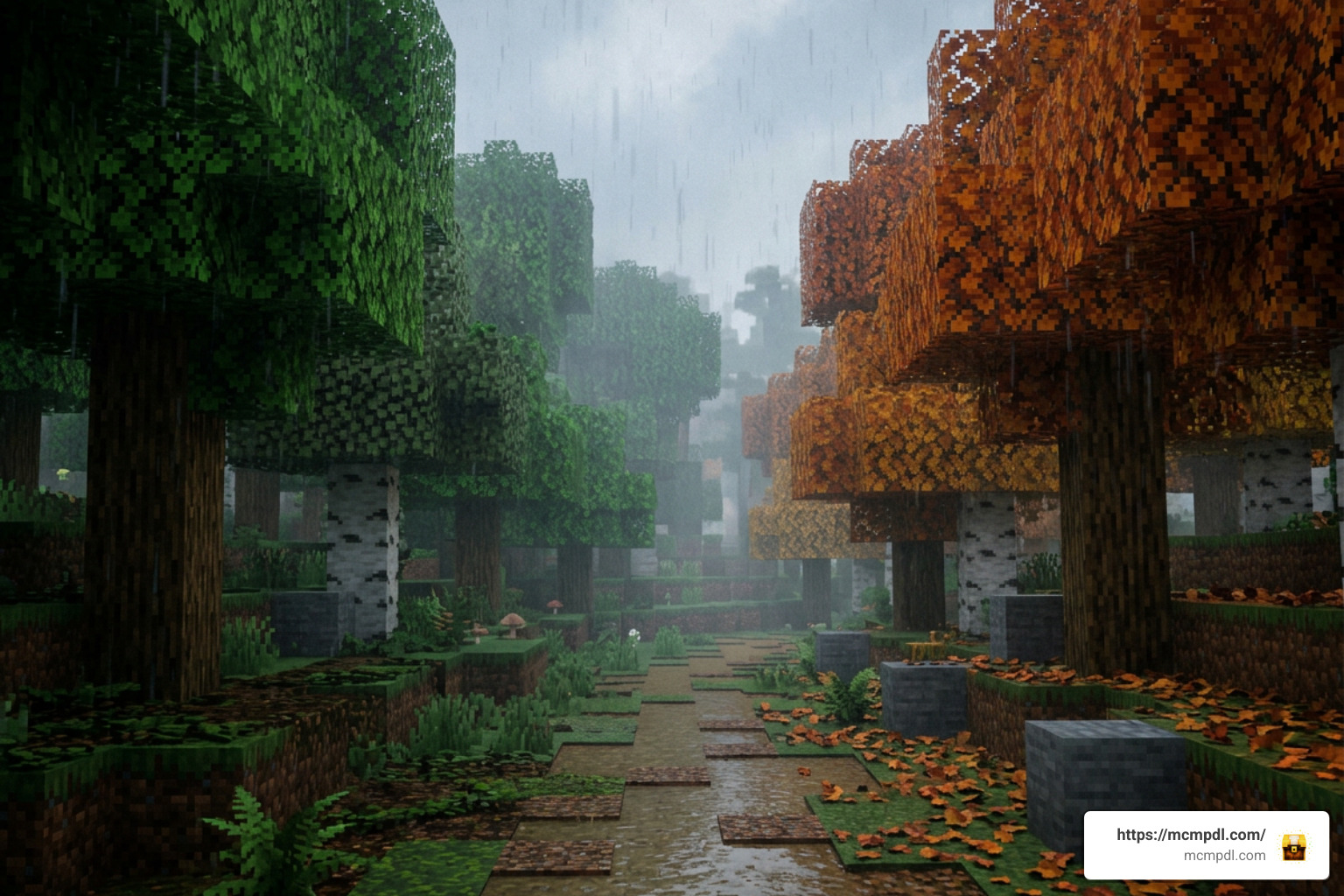
Finding the right addon comes down to how you prefer your seasons managed—whether you want fully automated cycles with new wildlife, lightweight foliage shifts, or manual climate adjustments. Here is a breakdown of the leading choices available in 2026:
| Addon Name | Distribution / Price | Primary Mechanism | Notable Features | Compatibility & Setup |
|---|---|---|---|---|
| SEASONS by Glorious Studios | Bedrock Marketplace (990 Minecoins / ~$5.19 USD) | Automatic day cycles & custom commands | Custom mobs, Pollen Cauldron, wolf snowsleds, atmospheric VFX | Requires Bedrock 1.21.120+; fully works alongside Actions & Stuff and Vibrant Visuals |
| Seasonala (v4.0.0) | Free Community Pack (288.69 KB) | In-game command scripts & block replacement | 13 custom commands, interactive Guidebook, natural leaf litter (2–4 layers) | Requires Experimental toggles; dynamic leaves require chunk reversion prior to removal |
| Seasons Addon by MCStorm | Free Community Pack | Subpack settings slider | 7 distinct climate stages, global snow coverage, extreme temperature overrides | Requires Custom Biomes toggle; configurable directly inside behavior pack subpack settings |
SEASONS by Glorious Studios Marketplace Pack
The official SEASONS Add-On by Glorious Studios provides an all-in-one ecosystem for players who want a polished, turnkey survival expansion. Holding a 4.1 out of 5-star rating across 1,649 reviews (with 60% awarding full 5-star scores), this pack costs 990 Minecoins (approximately $5.19 USD or €4.89 EUR).
Beyond shifting textures, the pack introduces practical survival elements:
- The Pollen Cauldron: A specialized utility station used during spring to process floral elements and botanical items.
- Wolf-Drawn Snowsleds: Attach sleds directly to tamed wolves to travel across snowdrifts during freezing winter blizzards.
- Custom Wildlife & Trading: Interact with functional custom mobs, such as baboons that feature unique barter mechanics.
- Refined Engine Updates: Recent updates (including version 1.3.3) eliminated previous biome entry time-speed glitches and tweaked interior lighting so players can combine the pack with Vibrant Visuals without encountering broken shadow maps.
Seasonala Dynamic Seasons & Guidebook System
For players seeking a lightweight, free overhaul from the community Category: Add-ons section, Seasonala version 4.0.0 delivers impressive environmental depth at a file size of just 288.69 KB. Boasting over 53.6k downloads, its defining feature is complete in-game accessibility via a custom Guidebook.
To craft the Guidebook, place 1 Amethyst Shard in the center of a Crafting Table surrounded by 8 pieces of Leather. Opening this book provides syntax and documentation for all 13 built-in admin and player commands.
Seasonala specifically alters deciduous trees into vibrant autumn canopies while intentionally leaving evergreen biomes (such as Spruce and Jungle trees) untouched to maintain environmental logic. Furthermore, fallen leaf litter naturally stacks in layers of 2, 3, or 4 blocks across forest floors, steering clear of rigid grid patterns.
Seasons Addon by MCStorm Climate Overhaul
If you want precise control over your world’s weather patterns without running background automation scripts, the Seasons Addon for Bedrock Edition by MCStorm takes an entirely different architectural approach. Rather than relying on tick counters, it uses behavior subpacks to overhaul the actual climate and temperature definitions of every vanilla biome.
Players can switch between 7 fine-grained seasonal stages directly through subpack settings:
- Early Spring
- Late Spring
- Summer
- Early Autumn
- Late Autumn
- Winter
- Mid Winter
In Mid Winter, temperature rules are altered globally, forcing oceans to freeze solid and causing snowfall across traditionally warm biomes like Deserts, Jungles, and Badlands. For players who love customizing their visuals, matching these behavior changes with complementary options from our Category: Texture Packs provides complete aesthetic harmony.
Environmental Changes, Mechanics, and New Content
A comprehensive seasonal system modifies the core survival loop by tying biological growth, mob logic, and biome temperature to the active season. When paired with packs like the Realistic Biomes Addon for Minecraft PE/Bedrock, your survival world feels like a living, breathing planetary system.
Core Features of a Seasonal Biomes Addon for Minecraft PE/Bedrock
The primary function of any seasonal addon is driving environmental dynamics that challenge the player to adapt:
- Temperature Swings & Precipitation: Summer increases daylight heat levels and dries out wetlands, while early spring turns snowfall at lower elevations into gentle rain. Winter drops temperatures so low that exposed water sources freeze into packed ice.
- Dynamic Foliage & Crop Growth: In spring and summer, agricultural crops and saplings grow quickly. In the depths of winter, outdoor sapling growth slows down significantly unless sheltered near heat sources or bonemealed manually.
- Broad Biome Support: Modern seasonal packs extend coverage to new vanilla terrain, including Cherry Blossom groves and dense Mangrove swamps, mirroring the aesthetic variety found in an Overhauled Biomes Addon for Minecraft PE/Bedrock.
Custom Mobs, Survival Gear, and Cave Interactions
Expanding your world’s seasons often brings an influx of specialized wildlife and survival challenges across diverse terrain. Much like expansive collections such as All the Mobs 1.0 for Minecraft PE/Bedrock, seasonal addons populate the world with distinctive creatures:
- Interactive Fauna: Catch colorful spring butterflies in glass bottles, tame woodland raccoons by sneaking and feeding them bread, or trade with savanna baboons.
- Seasonal Aggressors & Arctic Wildlife: During harsh winters, yetis launch packed ice chunks from range (dealing 3.5 hearts of ranged damage and 7 hearts in melee), requiring players to craft warm fur garments or upgrade their defensive arsenal.
- Subterranean Survival: When subterranean temperatures shift or players explore deep underground biomes like those in the Cave Biomes Addon, specialized threats emerge. Hostile cave dwellers can detect players via sound and smell within a 24-block radius, systematically extinguishing standard wall torches. Surviving these depths requires permanent heat and illumination sources, such as campfires, standing braziers, or brass lanterns.
How to Download, Install, and Configure Seasonal Addons on Bedrock
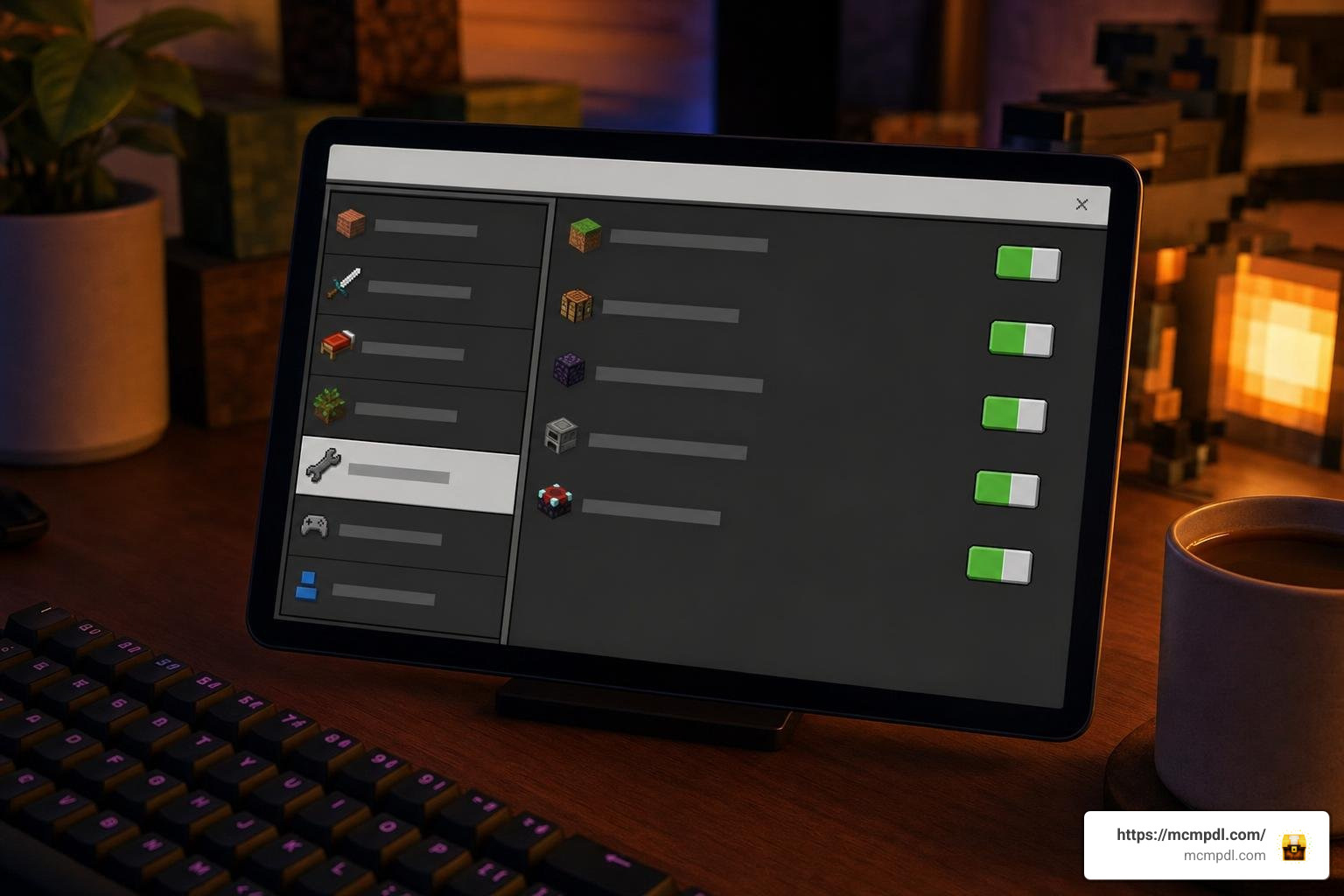
Setting up custom biome and seasonal packs on Bedrock Edition (iOS, Android, Windows, or consoles) requires a few mandatory configuration steps to ensure script events and biome parameters load without errors.
Enabling Required Experimental Toggles
Before attaching seasonal packs to any new or existing world, open your world settings and scroll down to the Experiments tab. You must enable:
- Custom Biomes: Permits behavior packs to override native temperature, foliage colormaps, and precipitation flags.
- Beta APIs: Required if the addon uses JavaScript/TypeScript GameTest framework scripts for timer mechanics or guidebook UI.
- Holiday Creator Features: Ensures custom blocks, items (like the Pollen Cauldron or snowsleds), and entities register properly in the engine.
Once experiments are activated, navigate to Resource Packs and Behavior Packs in your world settings. Activate the addon in both menus, ensuring that the seasonal resource pack is placed near the top of your active resource hierarchy so custom textures take priority over default assets.
How to Configure a Seasonal Biomes Addon for Minecraft PE/Bedrock
Most dynamic packs allow admins to control the environment directly using chat commands or pack sliders:
- Immediate Season Switching: Use
/set_season [spring|summer|autumn|winter]to sync the global climate immediately to your desired phase. - Multiplayer Permission Management: Use
/set_permission_level <player> <user|admin>to grant trusted server moderators permission to adjust global weather, avoiding unauthorized season skips during community events. - Subpack Selection: For packs using behavior subpacks, exit the world, enter the behavior pack settings gear icon, and drag the resolution slider to the specific seasonal stage you want active.
- Safe Leaf Reversion: If using dynamic leaf replacement features (such as in Seasonala), disable the dynamic leaves toggle in-game and visit your built bases first. This allows the script engine to swap custom foliage blocks back to vanilla leaf IDs before you fully remove the addon file, preventing empty tree branches.
Frequently Asked Questions About Seasonal Addons in Minecraft PE
How long does each season last and can the duration be customized?
In automated addons like SEASONS by Glorious Studios, each season operates on a default cycle of roughly 7 to 20 in-game days. Admins can check the time remaining until the next transition using in-game status commands or modify the cycle duration entirely via configuration settings or admin menus to suit long-term survival worlds.
Are seasonal biomes addons compatible with visual shaders and animation packs?
Yes. Major seasonal addons are built to function alongside visual enhancements like Actions & Stuff, Realism Craft, and Vibrant Visuals. Because recent updates removed conflicting custom scene-lighting overrides, you can run animated player models and shaders without visual artifacting or broken lighting models.
Why do leaf blocks disappear when removing seasonal addons?
Some addons use dynamic block replacement mechanics to turn green vanilla foliage into custom orange, red, or yellow autumn leaf blocks. If an addon is deleted from the world files while custom block IDs are still placed in the world, Bedrock cannot resolve the missing IDs and deletes the blocks entirely. To avoid this, always turn off dynamic leaf features through in-game settings and load the affected chunks to revert them to vanilla blocks before uninstalling.
Conclusion
Integrating seasonal changes into Minecraft Bedrock turns repetitive exploration into an unpredictable survival journey. Watching your home forest shift from lush green canopies into brilliant autumn shades—before enduring a freezing winter blizzard—brings fresh life to familiar worlds.
Whether you opt for the automated content and wildlife of SEASONS, the lightweight elegance of Seasonala, or the climate customization of MCStorm’s overhaul, there are plenty of ways to refresh your game. Explore our latest community creations, utility tools, and maps directly at mcmpdl.com to build your ultimate survival setup.



1 thought on “Seasonal Biomes Addon for Minecraft PE/Bedrock”