How to Get Spider Friends 2 on Minecraft PE/Bedrock
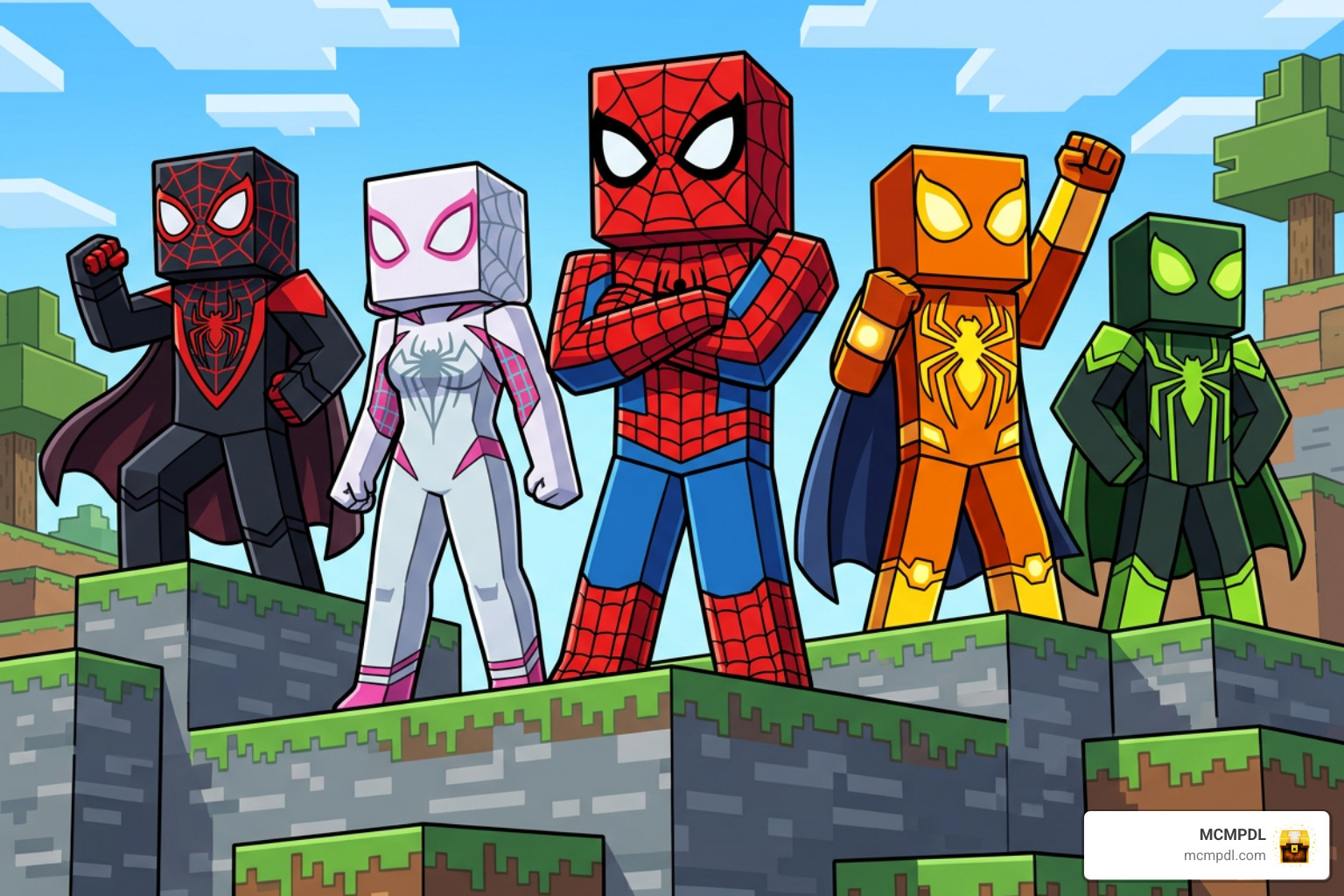
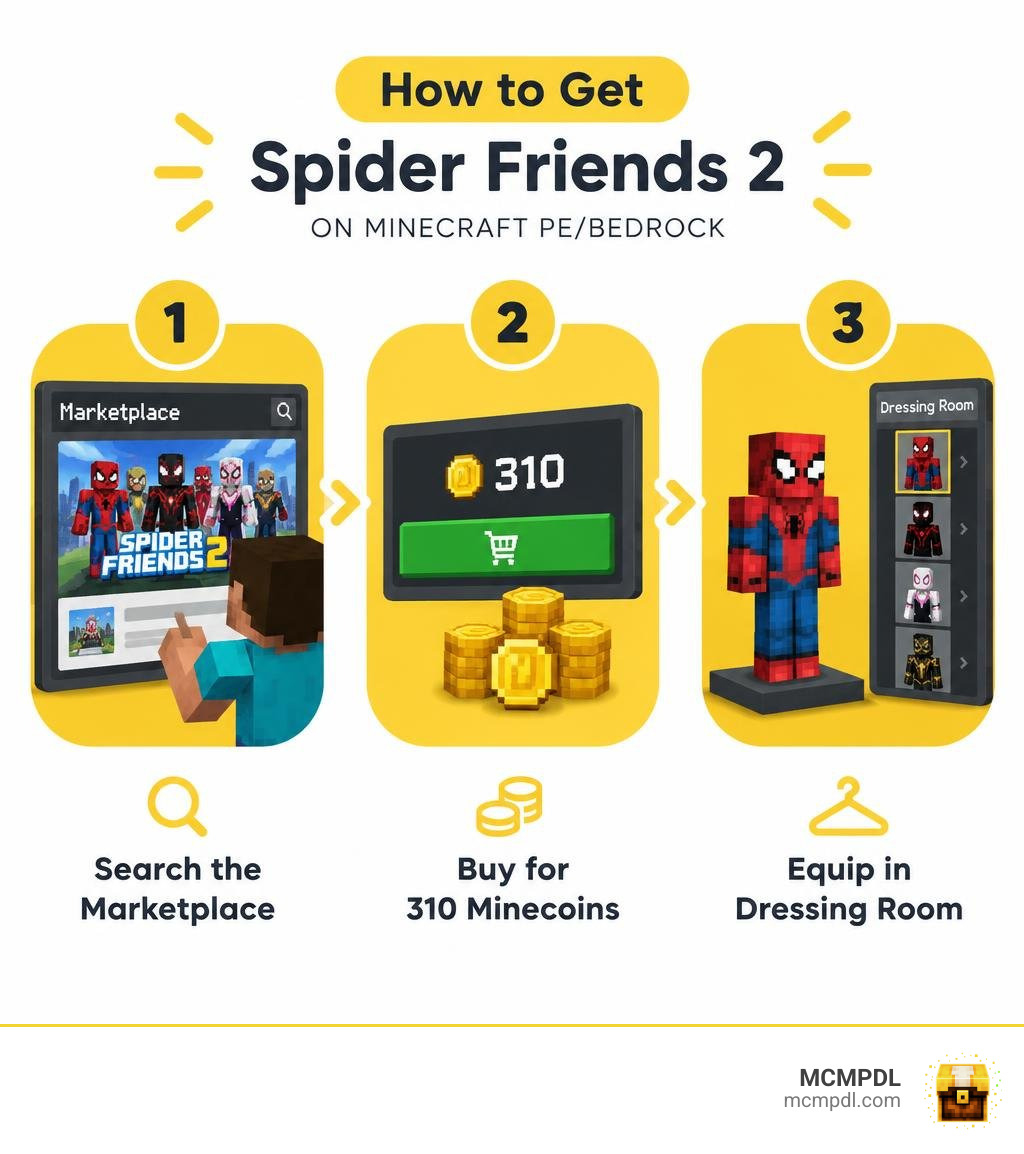
To download the Spider Friends 2 Skin for Minecraft PE/Bedrock, open your game client and search for Spider Friends 2 directly within the official in-game Marketplace store. This premium cosmetic pack is not free: it costs 310 Minecoins to unlock permanently across your connected devices. Once you complete your purchase, head over to the Dressing Room menu to equip any of the 10 included spider-themed superhero skins and start swinging through your worlds.
What Is the Spider Friends 2 Skin for Minecraft PE/Bedrock?
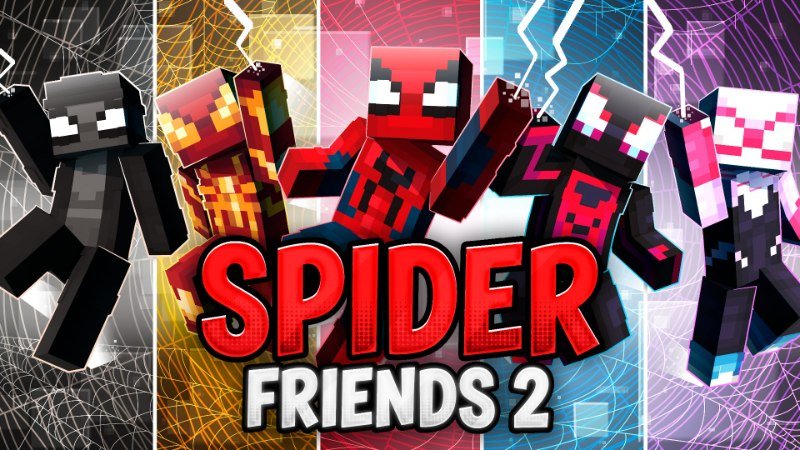
Spider Friends 2 is a dedicated, superhero-themed cosmetic collection designed specifically for Minecraft Bedrock Edition and Pocket Edition (PE). It fits within the broader range of creator-made Minecraft Marketplace skin packs. Marketplace skin packs are cosmetic add-ons intended to change a player’s character appearance, so the official category page is a useful starting point for comparing other creator-made options before choosing a pack and learning what styles appeal to you in the game. Developed by creator team Eco Studios, this skin bundle lets players transform their blocky avatars into dynamic, web-slinging vigilantes and supernatural arachnid heroes. The visual styling draws heavy inspiration from comic book universes, urban superhero designs, and modern streetwear trends, giving players a diverse selection of heroic identities.
First published on September 23, 2026, the pack quickly gained traction across the community before receiving polish in an update on September 29, 2026. Whether swinging across custom city builds, braving perilous Nether fortresses, embarking on survival quests, or joining competitive community minigames, players love putting on distinct costumes to express their personal style. As we curate resources across the community, we love highlighting packs that bring such high-energy themes to life. If you enjoy dressing up your avatar for every adventure, you can explore trending player skins to find matching designs for your entire multiplayer squad.
Features of the Spider Friends 2 Skin for Minecraft PE/Bedrock Pack
The Spider Friends 2 pack comes packed with 10 distinct, high-quality skins that merge modern teen fashion with heroic arachnid patterns. Unlike generic mob costumes or low-resolution textures, each outfit here is crafted with precision, balancing superhero aesthetics, sleek glowing accents, web overlays, and supernatural vibes.
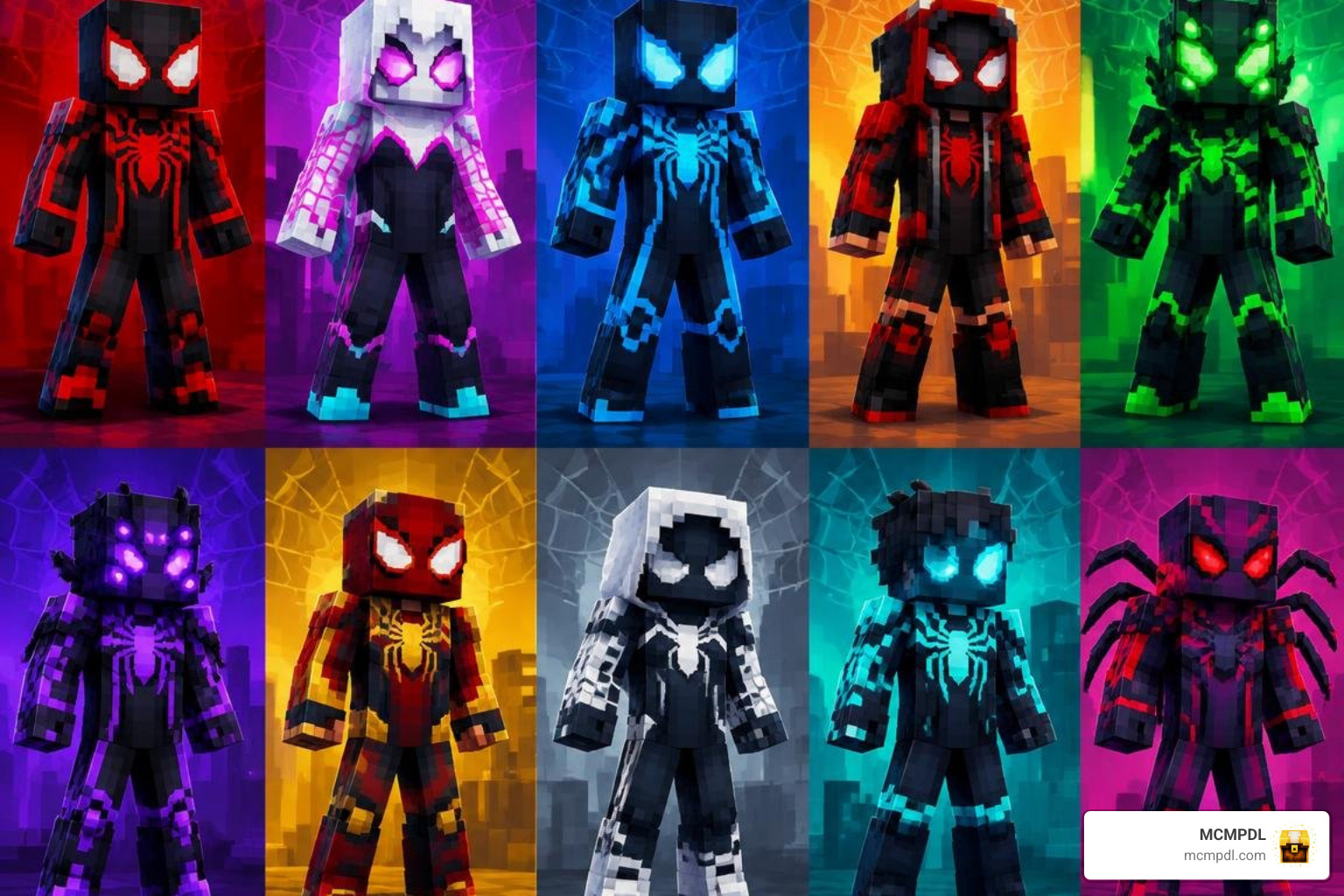
Here is a closer look at what the pack delivers:
- 10 Unique Character Skins: You get 10 standalone skins, giving you and your friends plenty of variety for cooperative roleplay sessions and themed server events.
- Vibrant Thematic Styling: The collection carries tags like Superhero, Supernatural, Teens, Roleplaying Game, and Cool, making it versatile for survival realms and adventure maps alike.
- Detailed 64×64 Pixel Textures: Every model uses clean texture maps with layered outer skin shading, ensuring your character stands out in both first-person hand views and third-person perspectives.
- Distinct from Classic Mob Packs: While older legacy packs like Skin Pack 2 featured literal humanoid mob monsters, Spider Friends 2 focuses on modern hero costumes with mask motifs, web emblems, and stylish streetwear.
- Roleplay Ready: The varied color schemes allow entire friend groups to assign distinct heroic mantles without overlapping visual styles.
Pricing and Platform Compatibility Breakdown
Acquiring Spider Friends 2 is straightforward through the Minecraft Marketplace ecosystem. The pack is priced at 310 Minecoins, which converts to approximately $1.55 USD depending on your local currency, regional store taxes, and selected Minecoin bundle size.
Because the pack uses the Bedrock Marketplace infrastructure (categorized under the standard durable catalog framework), any purchase tied to your Microsoft account syncs automatically across all supported devices without requiring multiple purchases.
| Feature / Specification | Details |
|---|---|
| Creator | Eco Studios |
| Release Date | September 23, 2026 |
| Last Updated | September 29, 2026 |
| Price (Minecoins) | 310 Minecoins |
| Estimated Real-World Cost | ~$1.55 USD |
| Number of Skins | 10 Arachnid Superhero Skins |
| Average Community Rating | 4.8 / 5.0 Stars (287 Reviews) |
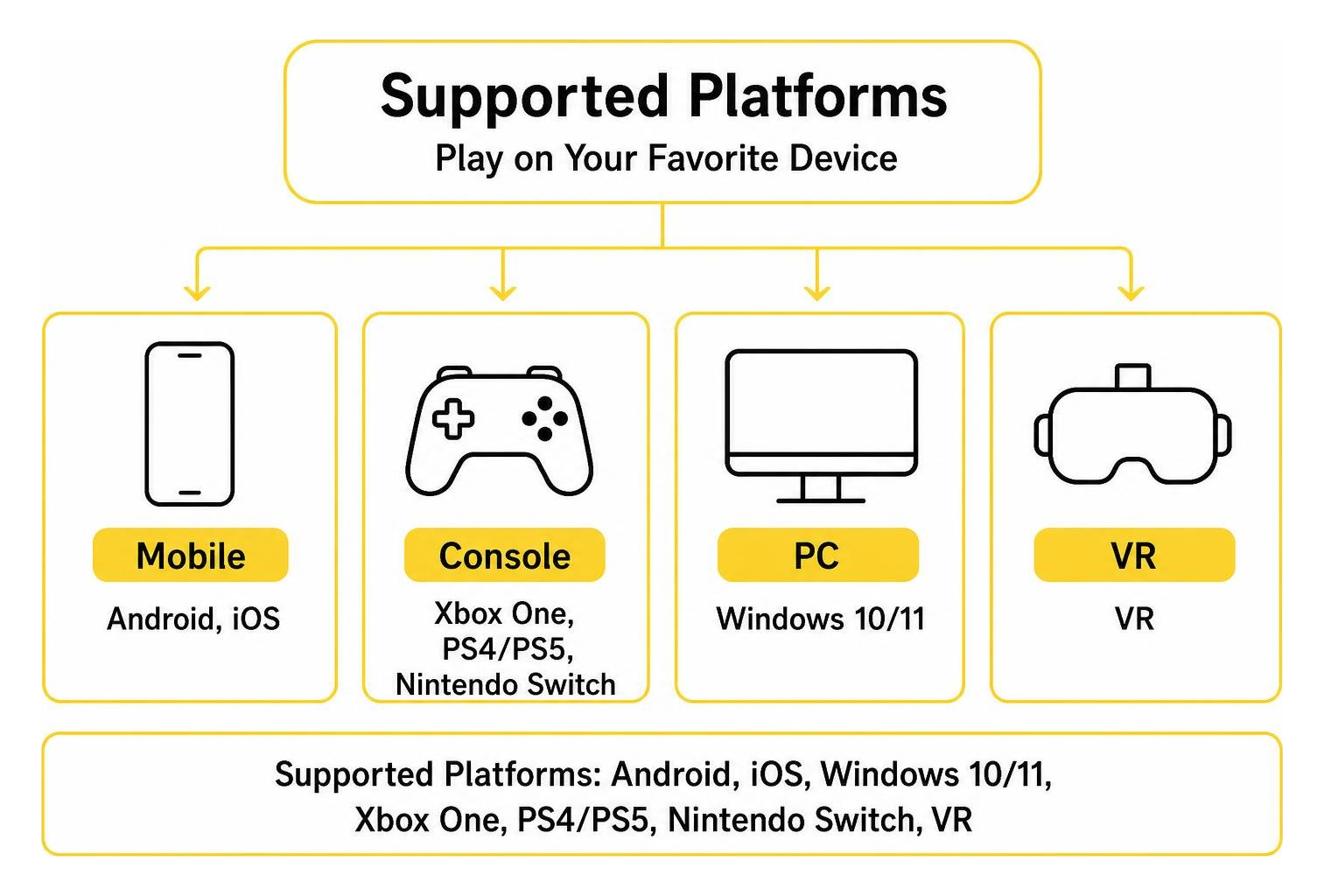
| Supported Platforms | Android, iOS, Windows 10/11, Xbox One, PS4/PS5, Nintendo Switch, VR |
Step-by-Step Guide: Acquiring and Installing the Pack
Getting this pack onto your device takes only a few taps or clicks inside the official Bedrock game client. If you are planning out your cosmetic upgrades or looking for other addons, you can browse full catalog content to plan your entire world setup alongside your new skins.
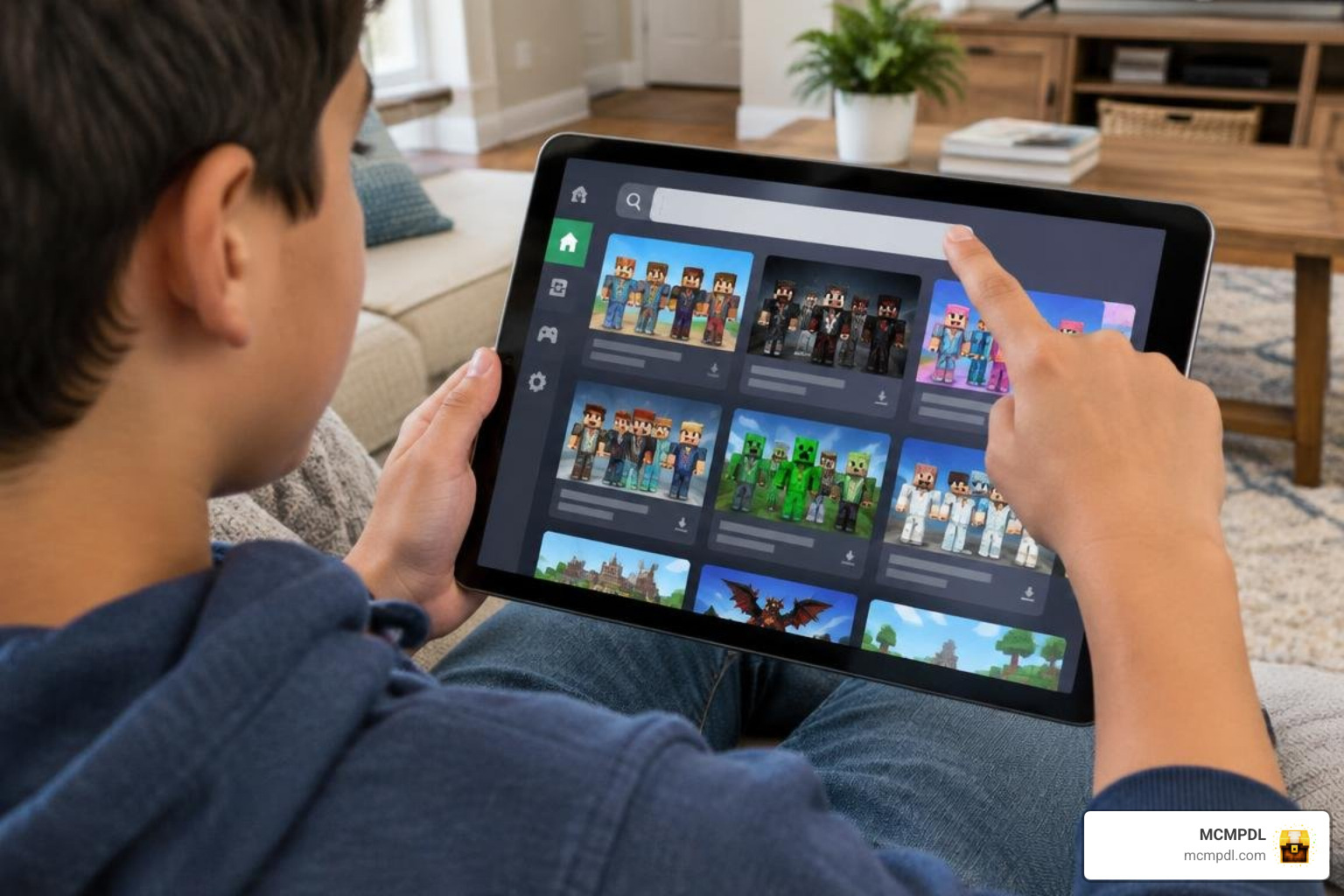
Follow these simple steps to claim your pack:
- Launch Minecraft: Open Minecraft Bedrock or Minecraft PE on your preferred device and ensure you are logged into your primary Microsoft account.
- Access the Marketplace: Select the Marketplace (or Store) icon on the main menu screen to enter the digital catalog.
- Search for the Pack: Tap the magnifying glass search icon in the upper-right corner and type
Spider Friends 2. - Inspect the Listing: Select the official pack by Eco Studios from the search results to review its skin roster, star ratings, and preview models.
- Purchase the Pack: Click the 310 Minecoins button. If your wallet is short on coins, the game will prompt you to purchase a small Minecoin bundle using your platform store.
- Download to Storage: Once the transaction finishes, tap the download button to save the assets to your local device memory.
How to Download and Equip the Spider Friends 2 Skin for Minecraft PE/Bedrock
After the pack finishes downloading, equipping your favorite hero skin takes less than a minute inside the Dressing Room:
- Return to the main title screen and select Dressing Room (located below your active character model).
- Click on Edit Character or choose an empty character slot from your wardrobe.
- Navigate to the Classic Skins tab (marked by the coat hanger or triple-character icon).
- Look under the Owned section to locate the Spider Friends 2 pack in your catalog.
- Expand the pack list, browse through the 10 available arachnid skins, and select the one you want to wear.
- Click Equip to lock in your selection. Your new hero skin will now display in single-player worlds, multiplayer realms, and featured public servers!
Alternative Free Options and Mash-Up Packs
If you do not currently have Minecoins in your account or prefer custom community creations, you still have plenty of cosmetic options. The community offers thousands of downloadable player models, custom textures, and themed outfits that do not require store tokens. You can easily download free Bedrock packs to customize your gameplay on mobile, tablet, and PC without spending currency.
For those who want complete world overhauls featuring custom textures, specialized UI themes, and custom-built city environments alongside skins, you can also discover themed mash-up bundles to transform your entire game world into an action-packed superhero metropolis.
Player Reception and Community Ratings
Spider Friends 2 has earned widespread praise from the Minecraft community since its late 2026 release. It currently maintains an impressive 4.8 out of 5 stars based on 287 verified player reviews across the Bedrock Marketplace.
The breakdown of player feedback highlights its reliability, visual creativity, and consistent quality:
- 5 Stars: 256 ratings (89.2%)
- 4 Stars: 16 ratings (5.6%)
- 3 Stars: 2 ratings (0.7%)
- 2 Stars: 4 ratings (1.4%)
- 1 Star: 9 ratings (3.1%)
Players frequently commend the pack for its bright, high-contrast colors, stylish masks, detailed hooded jackets, and great value for 10 distinct skins. It has become a favorite choice for roleplay servers, city survival worlds, adventure maps, and competitive PvP arenas where standing out in the crowd is half the fun.
Frequently Asked Questions About Spider Friends 2
Is the Spider Friends 2 skin pack free to download on Minecraft PE?
No, Spider Friends 2 is not a free download. It is an official Marketplace skin pack developed by Eco Studios and costs 310 Minecoins (around $1.55 USD). Once bought, it is permanently linked to your Microsoft account and accessible on any supported platform where you sign in.
How many skins are included in the Spider Friends 2 pack?
The pack contains 10 unique skins. Each skin features a distinct arachnid or superhero costume design, offering a variety of color palettes, hooded looks, masked vigilantes, and modern teen hero streetwear styles.
What devices support the Spider Friends 2 pack?
Because it is distributed via the Bedrock Marketplace, it works across more than a dozen platforms. You can use it on Android, iOS, Windows 10/11, Xbox One, Xbox Series X|S, PlayStation 4, PlayStation 5, Nintendo Switch, and compatible VR headsets like the Oculus Rift with full cross-save support.
Conclusion
Spider Friends 2 brings superhero excitement directly to your Minecraft adventures. With 10 well-crafted skins, full cross-platform compatibility across mobile, console, and PC, and an affordable 310 Minecoin price tag, it is easy to see why it holds an outstanding 4.8-star rating.
At MCMPDL, our goal is to provide a clean, centralized discovery hub so Bedrock and Pocket Edition players can effortlessly discover textures, add-ons, maps, and skins. When you want to expand your cosmetic wardrobe with fresh community designs and official drops, make sure to find the best Minecraft PE skins to keep your character looking heroic on every adventure. Grab your favorite webbed suit, jump into your favorite world, and swing into action with style!