Scroll down to D0vvnl0ad
Download and Install Majestic Camping Addon for Minecraft PE/Bedrock
To install the Majestic Camping Addon for Minecraft PE/Bedrock, download the compatible .mcaddon file, open it with Minecraft to import its packs, then enable the Resource Pack and Behavior Pack when creating or editing a world. If your version requires it, turn on Experimental Gameplay before entering the world.
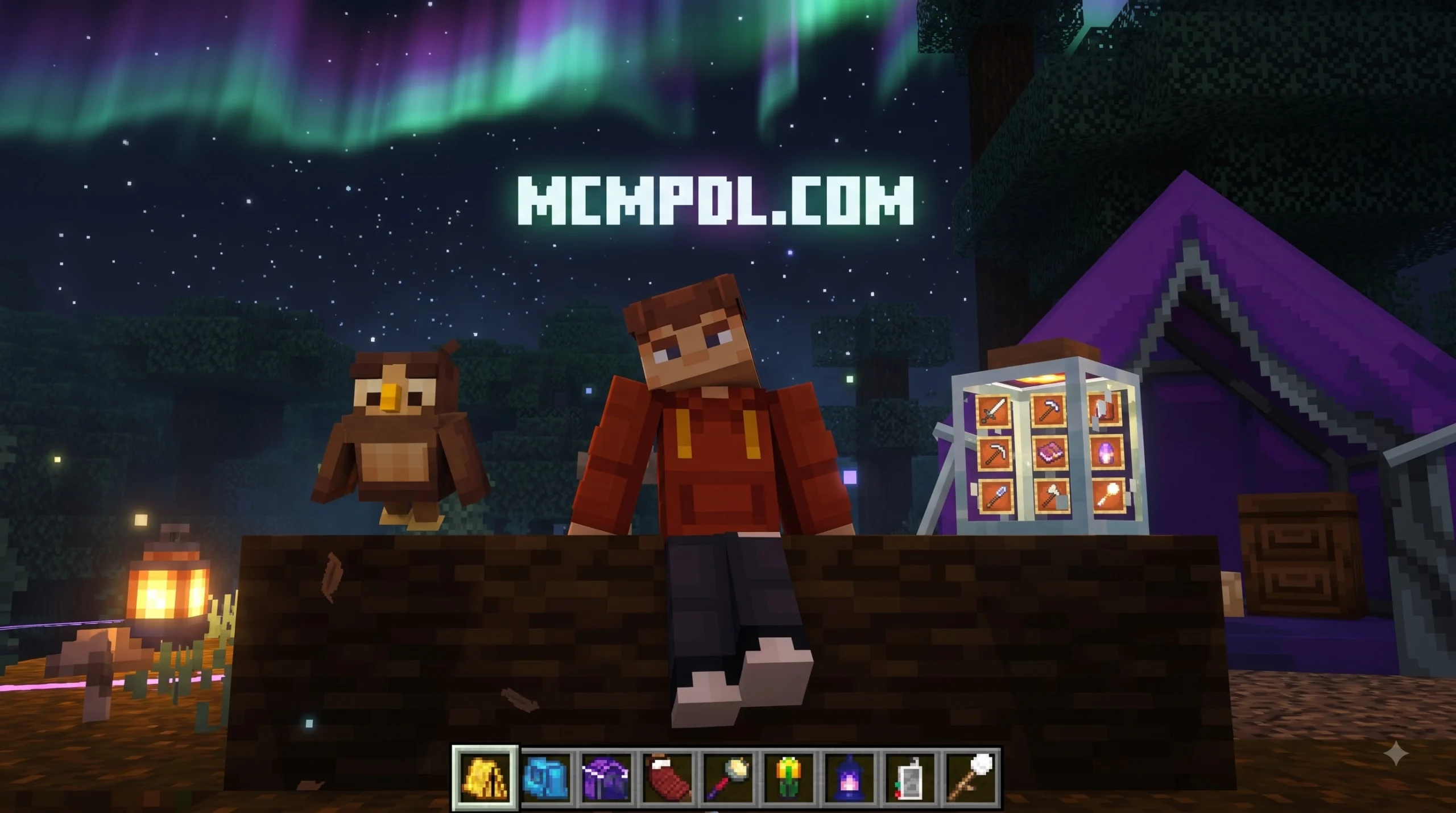
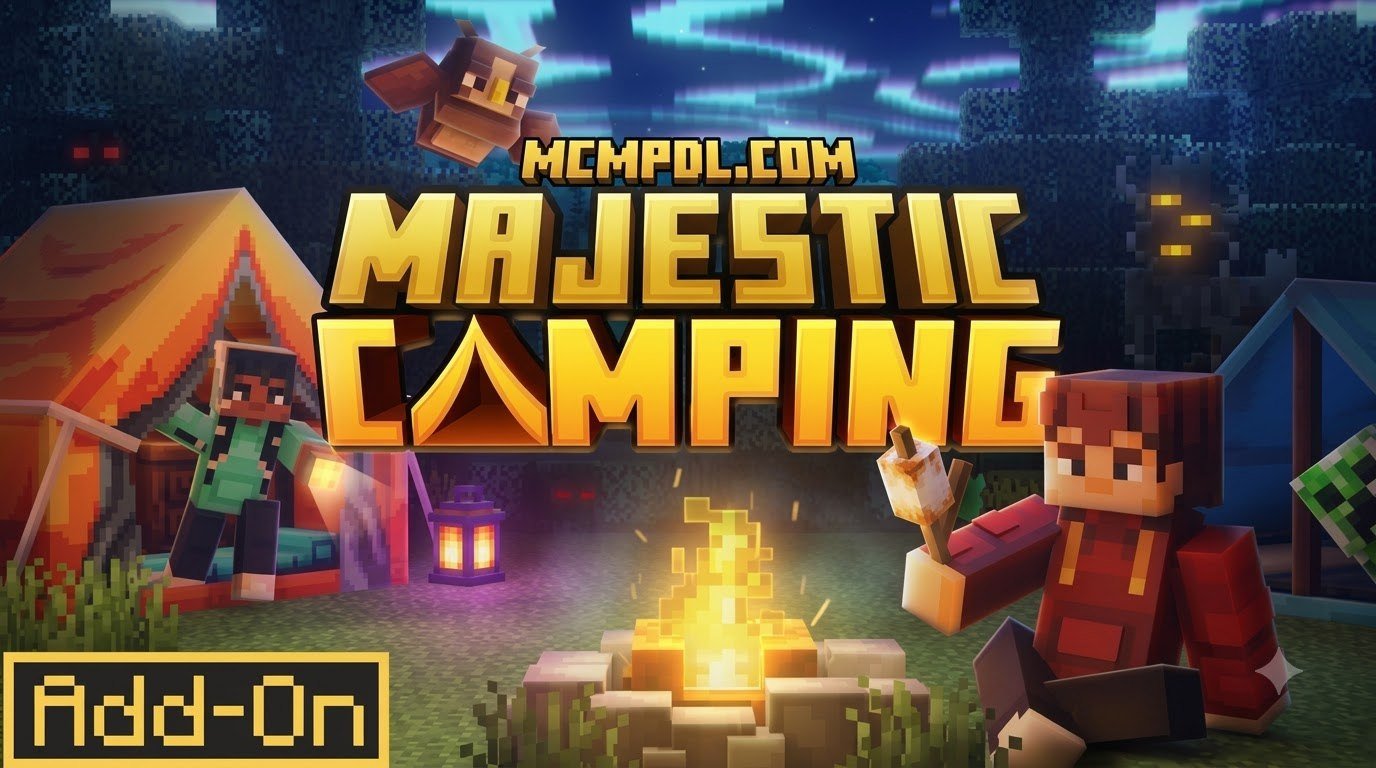
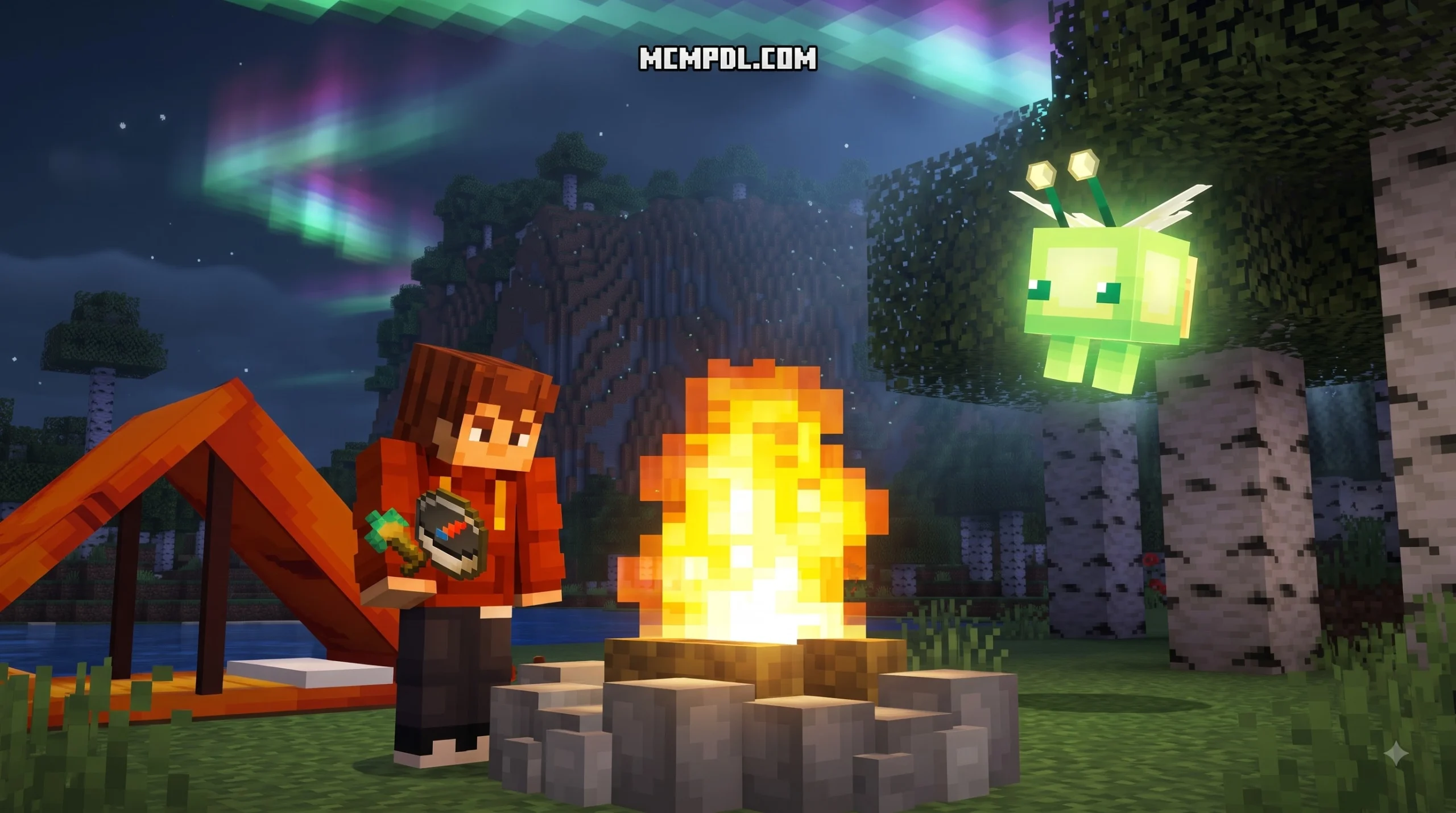
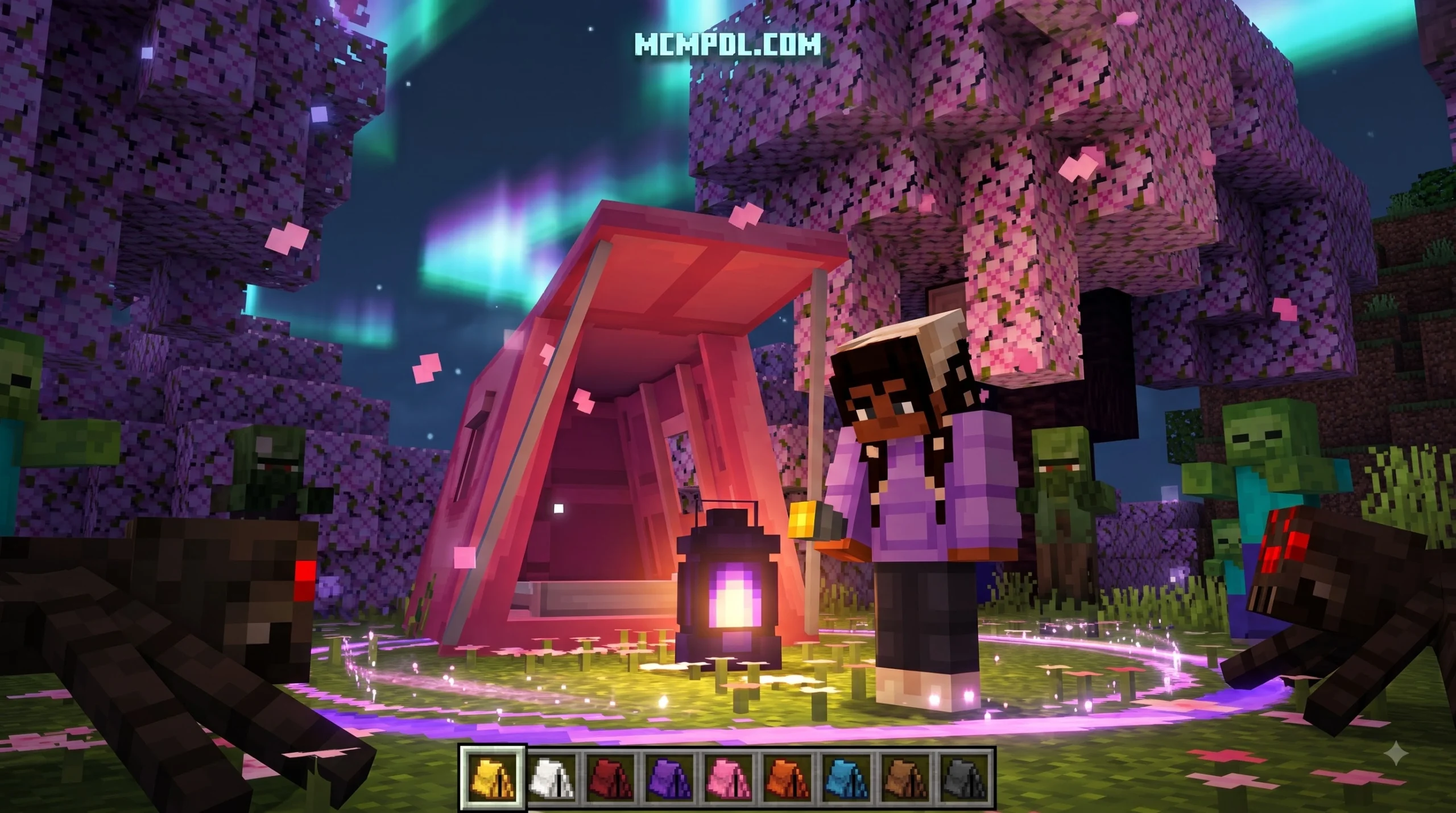
This add-on turns nighttime travel into a more relaxed camping experience. It adds colorful tents, hammocks, campfires, marshmallow items, a flashlight, and a Mob Detector, alongside atmospheric touches such as fairies, owls, and an Aurora Borealis sky effect. The pack is designed for players who want to enjoy the outdoors without constantly fighting off hostile mobs, and it works across Minecraft Bedrock platforms including Windows 10/11, Android, and iOS.
Before you begin, back up any important world and confirm that your Minecraft Bedrock version supports the add-on. The following guide explains the safe download, import, activation, and setup process step by step. For more background on how add-ons work in Bedrock Edition, you can review the Minecraft Bedrock Edition overview on Wikipedia.
What Is the Majestic Camping Addon for Minecraft PE/Bedrock?
Originally introduced to the community during the Beyond the Pale Garden event and developed by popular creator CaptainSparklez, the pack has quickly become a fan favorite. In the official in-game store, it holds an impressive average rating of 4.2 out of 5 stars across hundreds of reviews, with roughly 68% of verified players granting it a full 5-star rating.
The core philosophy behind the add-on is simple: it transforms dark, monster-infested nights from terrifying survival ordeals into serene, enchanting outdoor retreats. Instead of immediately burrowing into dirt shelters or hiding inside cobblestone bunkers when sunset arrives, you can pitch vibrant campsites anywhere across your world. This makes it especially appealing for players who enjoy exploration and base building without sacrificing the cozy survival atmosphere.
Key Features and Camping Equipment
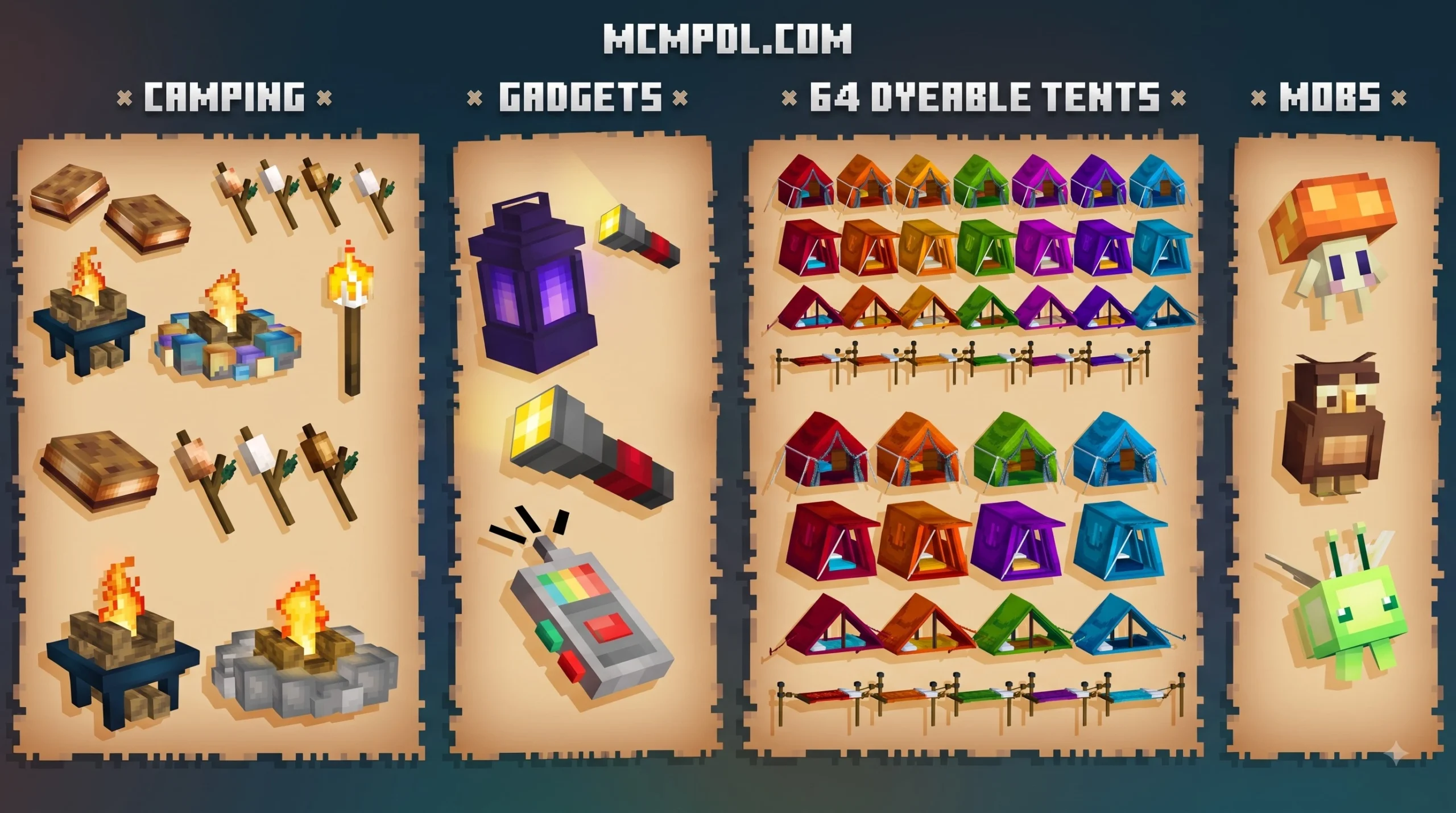
At the heart of the add-on is a broad collection of interactive camping utilities, decorative items, and survival gadgets. Whether you are playing in pure survival or building scenic backcountry bases, the pack introduces functional furniture and custom items that make forest life practical and visually appealing.
- Customizable Tents: Deployable shelters that provide shelter and aesthetic value wherever you set up base.
- Cozy Hammocks: Suspended rest spots perfect for relaxing between trees during long journeys.
- Glowing Campfires: Custom campfire variants that radiate warmth, light, and visual flair to your campsite.
- Marshmallow Sticks & S’mores: Interactive cooking items allowing you to roast sweet treats directly over the fire.
- Leaf Piles: Decorative surface blocks matched to various tree foliage types for blended trail detailing.
If you enjoy styling your bases with comfort in mind, pairing these outdoor sets with decorative furniture items allows you to bridge the gap between wilderness camping and cozy log cabin living.
Unique Ambiance, Aurora Borealis, and Mobs
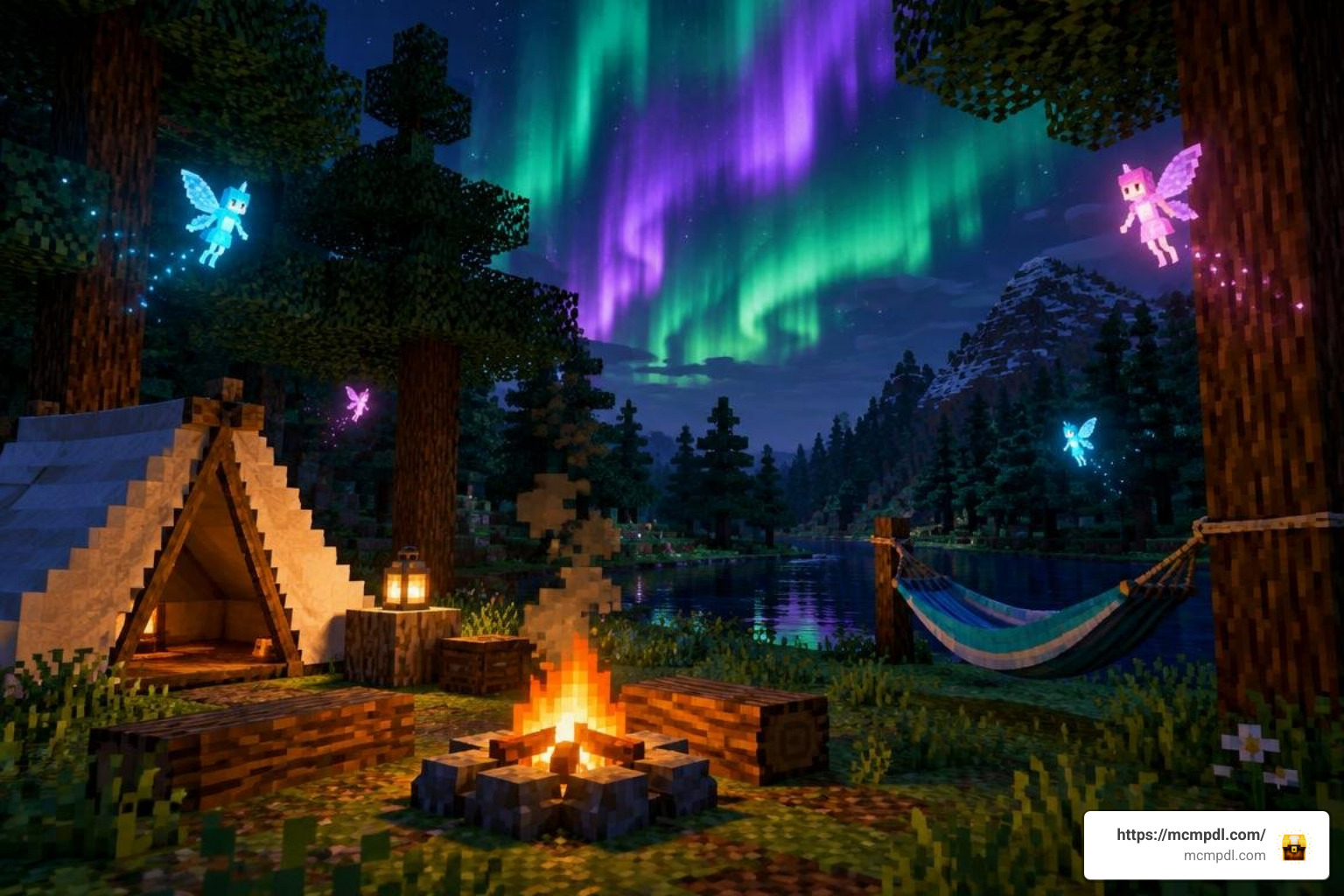
Beyond physical equipment, this add-on changes the overall atmosphere of Minecraft’s nocturnal environments. The night sky is upgraded with a shimmering Aurora Borealis effect, casting vibrant ribbons of color across the clouds while you sit around the fire.
The wilderness also feels alive with new environmental mobs and creatures:
- Magical Fairies: Gentle glowing entities that drift peacefully through the twilight.
- Forest Owls: Perching birds that add classic woodland sounds and visual charm to tall canopies.
- Firefly Jars: Decorative light sources crafted to bring soft, ambient illumination to your tent entrance.
- Forest Mushrooms: Unique flora varieties that enrich deep woodland biomes.
When combined with ambient wildlife additions, your forests transform from quiet, lonely landscapes into biodiverse wildernesses brimming with life.
Step-by-Step Installation Guide for Bedrock and PE
Installing content on Minecraft Bedrock Edition (including Minecraft Pocket Edition on Android and iOS, as well as Windows 10/11) is straightforward. The file size is very lightweight—typically around 4.09 MB to 4.3 MB—making it quick to download even on metered mobile connections.
| Installation Method | Average File Size | Setup Complexity | World Activation Process |
|---|---|---|---|
| In-Game Store Purchase | Cloud Sync | Very Easy (One-tap) | Applied automatically via world creation screen |
| Manual .mcaddon File | ~4.09 MB | Easy (Direct Import) | Imported to game, manual Resource/Behavior Pack toggle |
How to Download Majestic Camping Addon for Minecraft PE/Bedrock
To install the pack manually, follow these straightforward steps on your preferred mobile or desktop device:
- Download the verified
.mcaddonfile from a trusted repository or your preferred download source. - Ensure the downloaded file is approximately 4.09 MB to verify that the archive is complete and uncorrupted.
- Locate the file in your device’s file manager or downloads folder.
- If you plan on taking extended backcountry hikes to establish remote campsites, packing along portable inventory expansions will ensure you have plenty of storage space for your tents, campfire wood, and cooked rations.
Importing .mcaddon Files and Activating Resource Packs
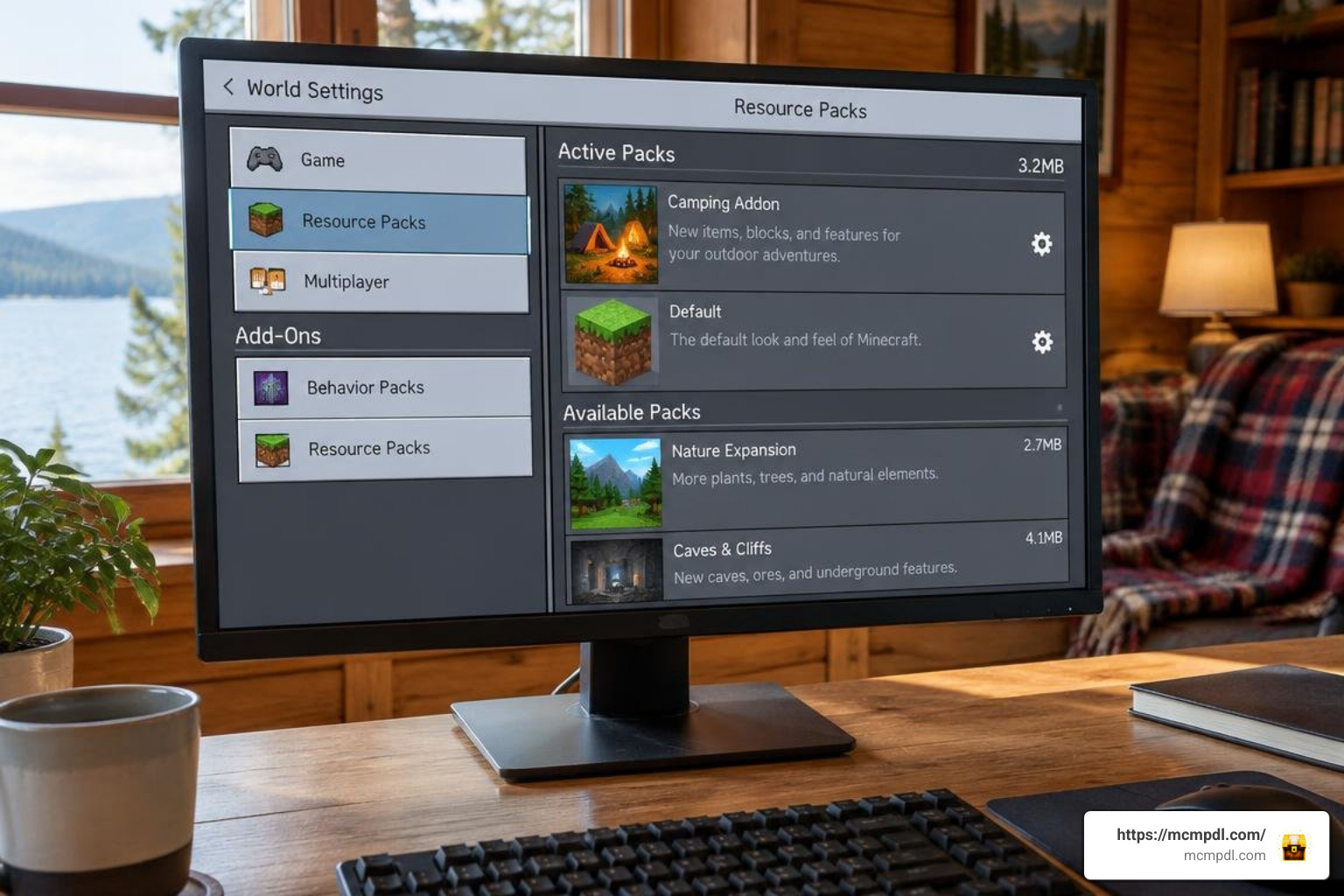
Once your file is downloaded, getting it into the game takes just a few clicks:
- Import the File: Tap or double-click the
.mcaddonfile. Your operating system will automatically open Minecraft Bedrock, displaying an “Import Started” banner at the top of the screen followed by a successful import confirmation. - Access World Settings: Create a brand-new world or select the pencil edit icon next to an existing save file.
- Enable Resource Packs: Navigate down the left menu to Resource Packs, open the Available tab, select the camping pack, and click Activate.
- Enable Behavior Packs: Navigate to Behavior Packs and verify that the corresponding behavior module is activated.
- Turn On Experimental Gameplay: Scroll down the general Game settings tab to the Experiments section. Toggle on experimental features (such as Holiday Creator Features or Custom Biomes, depending on your game version) to ensure all custom items, mobs, and skybox shaders register correctly.
Essential Gameplay Mechanics and Survival Strategies
Surviving the night in untamed terrain requires balancing aesthetic camp building with proactive defense. Setting up your base within scenic environmental wilderness settings elevates your survival world into a truly cinematic expedition.
Utilizing Flashlights and the Mob Detector for Night Safety
One of the standout features of this add-on is its practical exploration gear. Wandering through thick dark oak forests or deep caves normally requires spamming torches across the ground, which clutters the landscape.
- The Flashlight: Provides directional, mobile illumination so you can navigate pitch-black terrain without leaving permanent torch trails everywhere. Be sure to keep spare batteries crafted and ready in your hotbar so you never get caught in the dark unexpectedly.
- The Mob Detector: Acts as an early-warning radar system. When hostile mobs like skeletons, zombies, or creepers approach your campsite perimeter, the detector alerts you to their presence, preventing explosive surprises while you are resting inside your shelter.
Setting Up Campsites with the Majestic Camping Addon for Minecraft PE/Bedrock
When establishing a long-term base camp or a temporary trail stop, follow these layout tips for the best experience:
- Clear Flat Ground: Clear a 5×5 or 7×7 flat area beneath tree canopies or beside scenic lakeshores to pitch your main tent.
- Central Fire Pit: Place your campfire in the center of the clearing and surround it with log benches or stone seating.
- Ambient Lighting: Hang firefly jars from nearby leaves or fence posts to softly light your perimeter without ruining the natural twilight mood.
- Finishing Details: Scatter custom leaf piles and place decorative detailing blocks around the campsite to create cooking stations, gear racks, and lived-in wilderness spots.
Frequently Asked Questions About Majestic Camping
How much does the Majestic Camping Addon cost?
In the official in-game store, the add-on is listed for 660 Minecoins, which is approximately $3.46 USD (or roughly €3.26 EUR). It has also been made available through community events and standalone .mcaddon packages online.
Does the add-on require Experimental Gameplay settings?
Yes. Because the pack introduces custom entity behaviors, new item mechanics (such as the Mob Detector and Flashlight), and custom atmospheric effects, enabling Experimental Features in your world settings ensures all features function without glitches.
Is Majestic Camping compatible with older versions of Minecraft Bedrock?
The add-on is built to support Minecraft Bedrock versions from 1.16.0 all the way up through the latest modern updates like Minecraft 1.21. Always keep your game updated to ensure smooth multiplayer performance and asset compatibility.
Conclusion
The Majestic Camping Add-On successfully transforms Minecraft’s nighttime gameplay from an anxious race against monsters into a cozy, atmospheric outdoor adventure. By blending functional exploration equipment like flashlights and radar tools with beautiful aesthetics like glowing campfires and the Aurora Borealis, it offers something for builders and survivalists alike.
Ready to expand your Bedrock world even further? You can explore more Minecraft Bedrock add-ons on MCMPDL to find top-rated maps, texture overhauls, and survival mods for your next great journey!