Scroll down to D0vvnl0ad
How the Lifesteal Addon Changes Minecraft Bedrock Survival
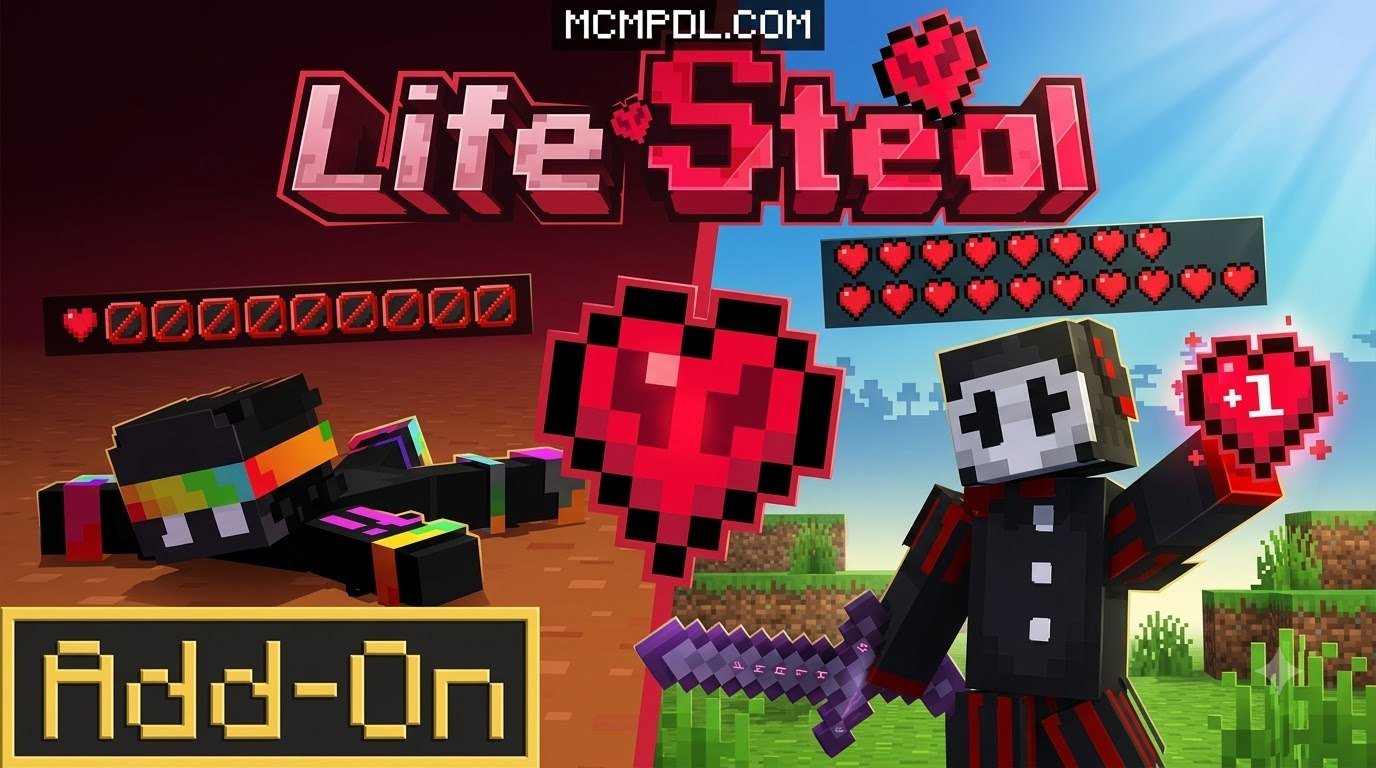
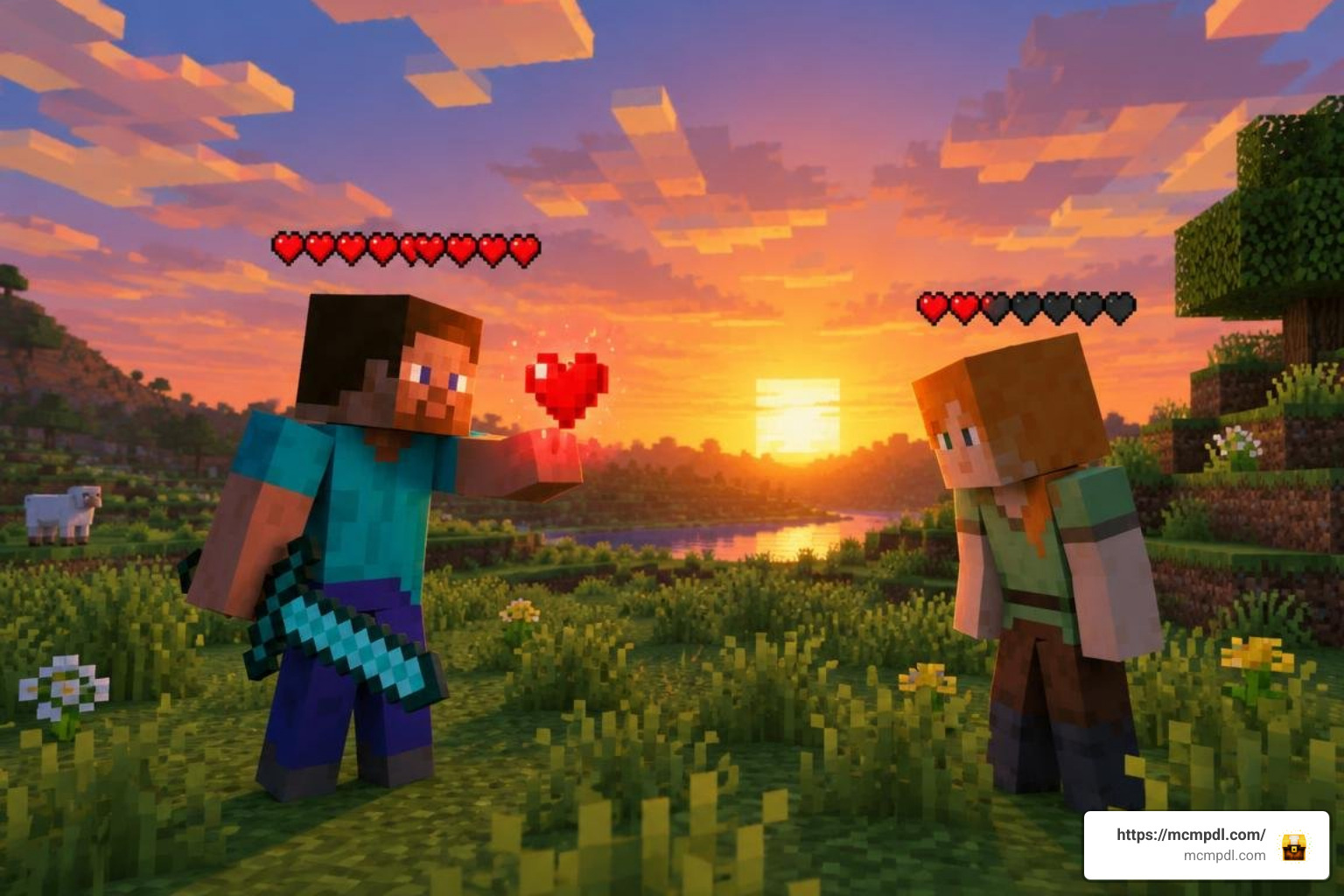
The Lifesteal Addon for Minecraft PE/Bedrock turns player health into a resource you can win, lose, trade, and use to bring teammates back. Kill another player to gain a heart; die and you lose one. If you run out of hearts, most versions place you in a ghost-like spectator state until someone revives you.
This makes ordinary survival worlds far more competitive. PvP has real stakes, alliances matter, and a spare heart can be as valuable as a diamond. Many Lifesteal add-ons also include craftable heart items, heart withdrawal commands, configurable environmental death rules, and revival tools such as the Heart of Life or Beacon of Life.
The details vary between developer versions and supported Bedrock releases. This guide compares the leading options, explains safe setup, and covers the commands and settings needed for a stable multiplayer world. For more on how Bedrock add-ons modify core survival systems, see the Minecraft Bedrock Edition overview.
Core Mechanics of the Lifesteal Addon for Minecraft PE/Bedrock

At its core, Lifesteal transforms how players approach combat, resource gathering, and base defense. In standard survival, dying results in dropped gear and a quick respawn back at your bed. With a Lifesteal pack enabled, every death chips away at your permanent health bar.
Combat encounters become adrenaline-fueled standoffs. To maximize combat performance and keep visual track of enemy health pools, many players combine these mechanics with the Brilliant PvP Texture Pack for Minecraft PE/Bedrock. This dynamic turns every skirmish into a high-risk gamble where the winner walks away stronger and the loser edges closer to total elimination.
Health Economy, Stealing, and Elimination
The health economy is dictated by strict, automated rules:
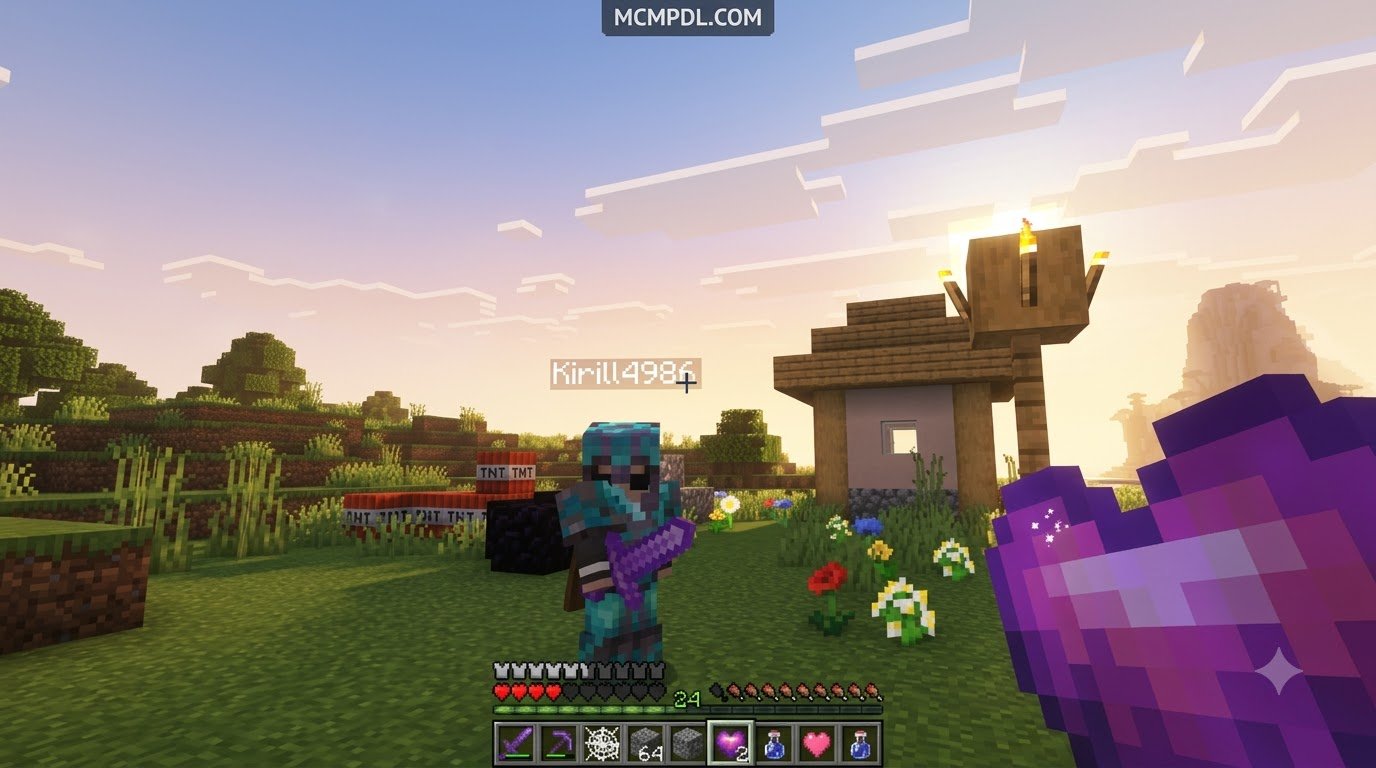
- Direct PvP Kills: When you eliminate an opponent, their maximum health pool decreases by one heart (two health points), while your maximum pool permanently increases by one heart.
- Maximum Health Caps: Server admins can enforce strict upper limits (commonly 20, 30, or 40 hearts) to prevent elite players from becoming untouchable juggernauts.
- Zero Hearts Elimination: The moment a player falls to zero hearts, they are eliminated from active play. Instead of standard respawning, the addon casts them into a permanent spectator state or ghost mode. In this form, they can drift through walls and observe the world, but cannot interact with chests, break blocks, or inflict damage.
- Environmental Death Settings: Depending on your server’s ruleset, health loss can be restricted solely to PvP encounters or expanded to natural hazards like lava, fall damage, wardens, and drowning.
Custom Items, Crafting, and Revivals
To keep players from being permanently sidelined, Lifesteal packs incorporate tiered crafting progression systems. These items allow survivors to build safety nets, store excess vitality, and orchestrate daring rescue missions for fallen comrades.
- Heart Fragment: Basic crafting material obtained from rare loot chests, mining deep underground, or smelting precious resources.
- Heart Essence: Formed by combining multiple fragments with rare mob drops. It serves as the primary catalyst for full heart synthesis.
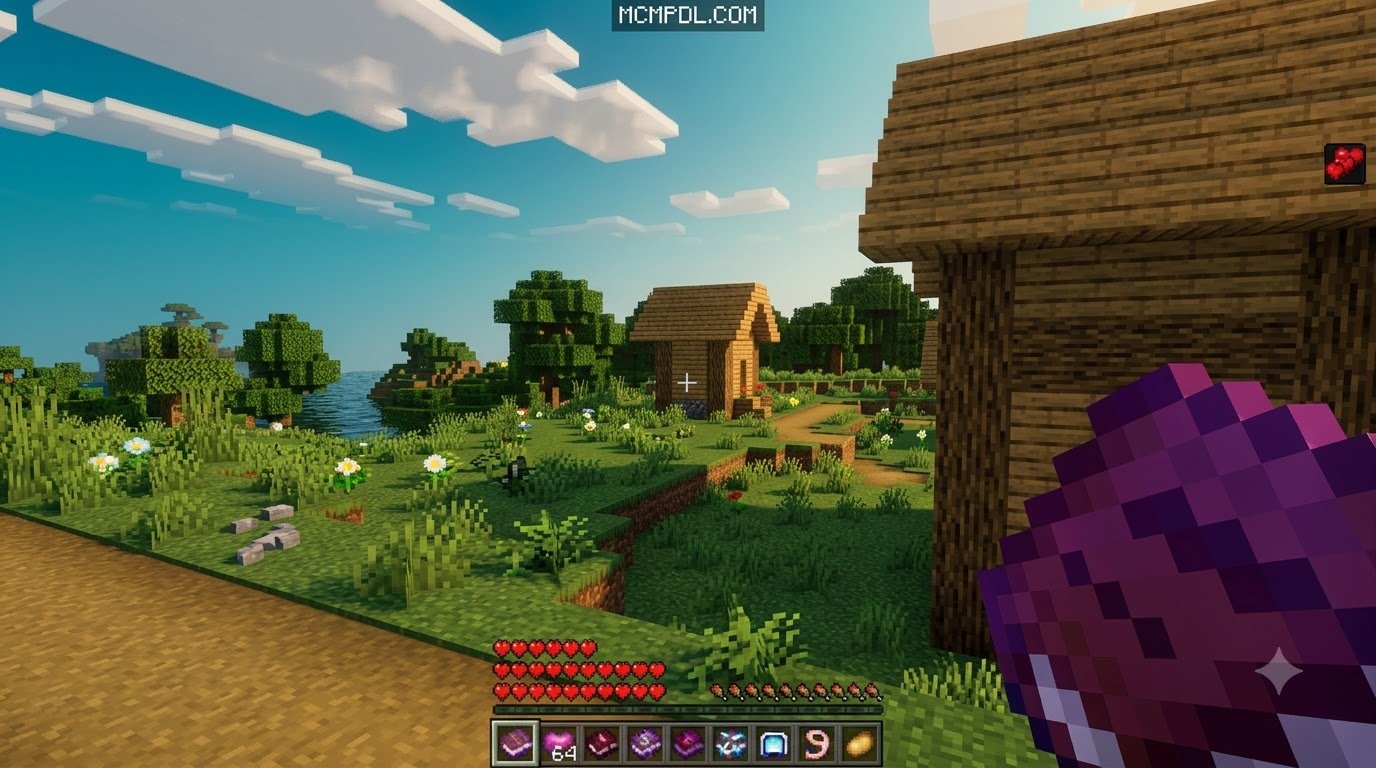
- Craftable Heart: Consuming a crafted heart permanently adds one heart container to your current maximum health pool, up to the world cap.
- Heart of Life: A high-tier consumable designed to safely restore baseline hearts or grant permanent extra revives.
- Beacon of Life / Reviver: The ultimate endgame device. Right-clicking this specialized relic opens a target selector menu allowing you to resurrect a ghost player back into the living with their starting health restored.
Pairing these endgame crafting challenges with weapon expansions like the More Maces 2.0 Addon for Minecraft ensures that securing materials for revivals remains an exciting, high-stakes endeavor.
Comparing Leading Developer Versions
Several talented creators have developed standalone iterations of the Lifesteal concept for Bedrock Edition. Because Bedrock scripts and entity schemas evolve across major patches, each version brings unique optimizations, command syntax, and feature sets.
| Feature / Detail | Version A | Version B (1.1.4) | Version C (2.1.0) |
|---|---|---|---|
| Community Downloads | 90,097+ | Fast-growing release | Highly popular build |
| Supported Game Versions | 1.21.21 through 1.21.70+ | Latest 1.21 builds | 1.21 & legacy 1.20 builds |
| File Size | ~455 KB | ~134 KB (Ultra-lightweight) | ~173 KB |
| Primary Focus | Deep admin controls & Beacon of Life | Crash fixes & performance | Simple crafting & reviver tools |
| Key Command Prefix | ? | ? | Custom functions / UI |
| Ghost Mode Support | Native Spectator conversion | Automated death handler | Custom ban / spectator toggle |
Comparing Top Versions of the Lifesteal Addon for Minecraft PE/Bedrock
- Version A: Originally introduced in mid-2024 and maintained through major updates, this build is known for deep feature completeness. It provides robust admin panels, full environmental stealing toggles, and polished item interactions like the Heart of Life and Beacon of Life.
- Version B (v1.1.4): Released as a performance-oriented solution, this package stands out for its featherweight file size (134 KB). The 1.1.4 update directly resolved a critical command enum crash that caused worlds to lock up on startup, making it one of the most stable choices for dedicated servers.
- Version C (v2.1.0): This build focuses on streamlined gameplay with clean recipes for heart crafting and revivers. It is tailored for casual survival groups that want pure Lifesteal functionality without navigating complex command structures.
Addon Compatibility and player.json Conflicts
A frequent challenge in Minecraft Bedrock modding is file merging. Traditional addons often overwrite the base player.json file to manage custom animations, health bars, and events. If you install multiple mods that alter this same file, they will conflict, causing custom hearts to stop registering or health transfers to break entirely.
Modern Lifesteal builds leverage Bedrock’s Beta APIs and script modules to inject mechanics without directly overwriting core player properties. This allows you to safely combine heart-stealing survival with encounter expansions like the Bosses Addon or legendary equipment packages like the Legendary Weapons Addon for Minecraft PE/Bedrock. If you encounter issues where hearts do not drop upon death, verify whether other active behavior packs are modifying player behaviors. For broader context on how add-ons interact with Bedrock’s scripting systems, see the Minecraft modding reference.
Administrative Commands and World Configuration
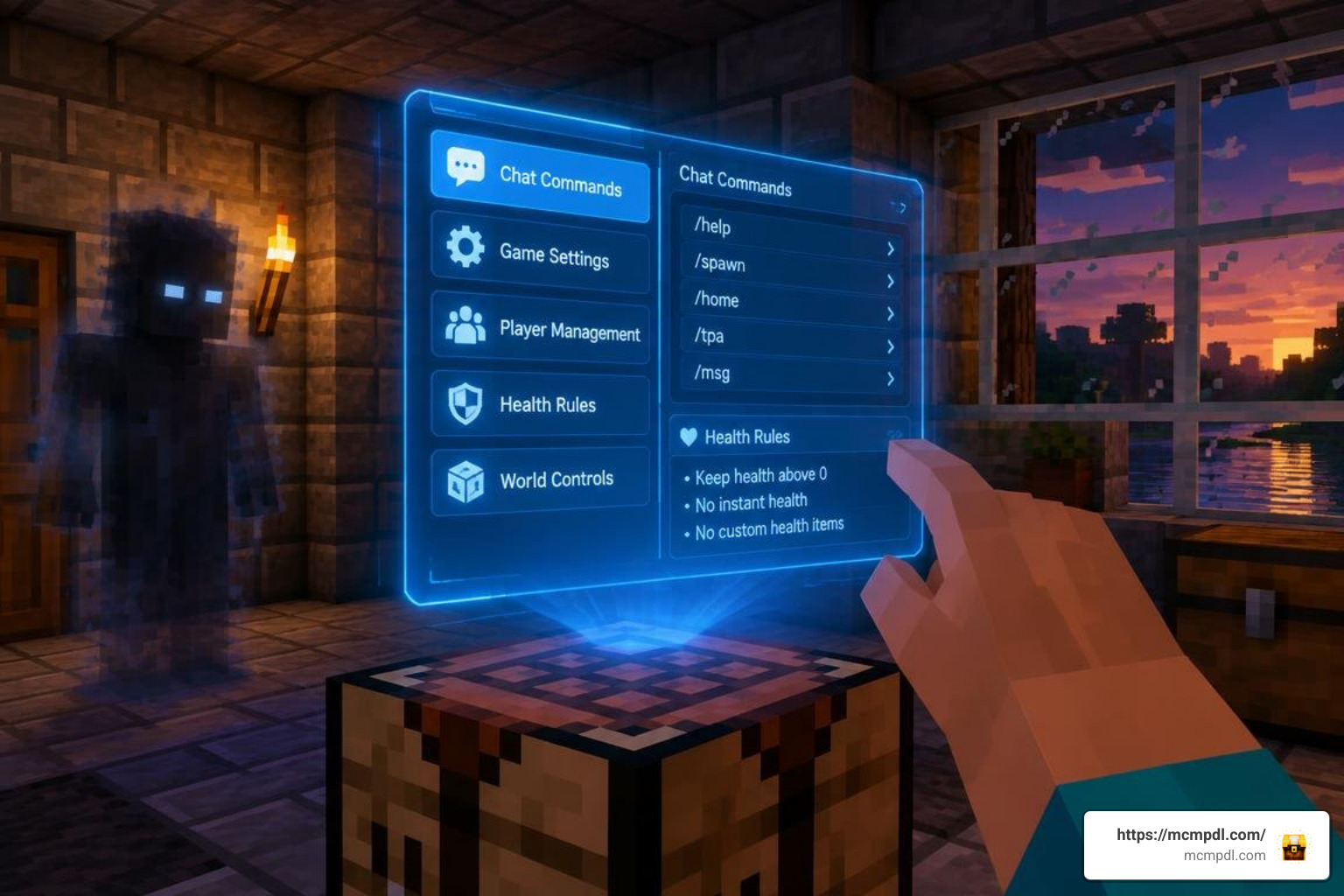
Server operators and world hosts can manage health rules through an in-game chat interface. Most leading versions use the ? prefix to execute admin functions without conflicting with standard slash (/) commands.
?help: Lists all available player and administrative commands along with their syntax.?withdraw <amount>: Extracts a specified number of heart containers from your health bar and converts them into physical heart items in your inventory.?revive <player>: Manually brings an eliminated player back into survival mode without consuming a physical Beacon of Life.?heart envsteal <true/false>: Toggles whether natural deaths (such as falling into the void or dying to mobs) subtract hearts. Setting this tofalserestricts heart loss exclusively to player combat.?sethearts <player> <amount>: Instantly overrides a target’s current heart count to a specific value.?setmaxhearts <value>: Establishes a global hard cap on how many hearts an individual player can accumulate.?reset <player>: Restores a player back to the default baseline of 10 hearts (20 health points).?heartdisplay <true/false>: Toggles on-screen action bar notifications showing current health values during combat.
Setup, Installation, and Troubleshooting
Running custom gameplay scripts on Bedrock requires activating experimental toggles within your world settings before loading the world.
To ensure all custom items, recipes, and ghost mechanics function properly, enable the following under the Experiments tab:
- Beta APIs (Essential for script-based heart calculation and UI menus)
- Holiday Creator Features (Required for legacy item definitions)
- GameTest Framework / Server UI (Required for admin menus and chat listener scripts)
Installing the Lifesteal Addon for Minecraft PE/Bedrock on Mobile and PC
- Download the File: Acquire the latest
.mcaddonor.mcpackfile from a verified source. - Android & iOS: Tap the downloaded file directly from your device’s file manager or browser download history. Select Open with Minecraft. The game will launch automatically and display an “Import Started” banner followed by “Import Successful”.
- Windows 10 / 11: Double-click the
.mcaddonfile to launch Minecraft and install both the Resource and Behavior packs automatically. - World Activation: Create a new world or open settings for an existing world. Navigate to Resource Packs and activate the addon, then open Behavior Packs and activate it there as well.
- Realms and Dedicated Servers: When uploading to a Bedrock Realm, apply the pack locally first, verify the experimental toggles are active, and upload the world save to your Realm slot.
Troubleshooting Common Crashes and Glitches
- Command Enum World Load Crash: If your world crashes immediately during the loading terrain phase, ensure you are running the latest patch of your chosen addon (such as Beast’s v1.1.4 fix). Outdated command scripts can fail when the game registers custom syntax.
- Revival Desync / Ban Glitches: If a revived player cannot break blocks or remains invisible, run the
?reset <player>command followed by having them disconnect and reconnect to synchronize their player state with the server. - Loss of Addon Functionality After Game Updates: When Mojang deploys a major Bedrock update, experimental API versions can shift. Always back up your world save folder before updating your game or applying new addon versions.
Frequently Asked Questions About Lifesteal Addons
What happens when you reach zero hearts in Lifesteal?
When a player loses their final heart, the addon automatically transitions them into spectator mode. In this ghost state, they cannot build, break blocks, attack players, or open containers. They remain in spectator mode until another player uses a Beacon of Life, Heart of Life, or admin command to resurrect them.
Can Lifesteal Addons be played on Bedrock Realms and servers?
Yes. Lifesteal addons are fully compatible with Bedrock dedicated servers, local multiplayer worlds, and Realms, provided that the host enables the necessary Beta API experiments during world setup.
How do you withdraw hearts into physical items?
Players can type ?withdraw <amount> in the chat window. The script deducts the specified number of heart containers from their total health pool and places the equivalent number of physical Heart items directly into their inventory for trading or safekeeping.
Conclusion
The Lifesteal Addon delivers an intense survival experience for Minecraft Bedrock players. By tying health directly to PvP combat, teamwork, and resource management, every trip into the wilderness carries genuine weight. Whether you are building an empire on a dedicated server or battling friends on a Realm, choosing the right addon version ensures balanced and stable gameplay.
Explore community-tested creations, packs, and tools to elevate your Bedrock experience when you discover the latest mods on MCMPDL.


5 thoughts on “Lifesteal Addon for Minecraft PE/Bedrock”