

Scroll down to D0vvnl0ad
Choosing the Best Airplanes Addon for Minecraft PE/Bedrock
Finding the right aviation mod depends on what your world needs. If you are constructing massive transit hubs, exploring thousands of blocks across ocean biomes, or setting up technical machinery, there are distinct packages designed for every scenario. Integrating realistic flight physics into Bedrock often complements other movement overhauls like the Physics Pro Addon for Minecraft PE/Bedrock.
Here is a side-by-side comparison of the leading community and marketplace aviation options available in 2026:
| Addon Name | Cost / Platform | Key Aircraft Types | Special Mechanics | Seating Capacity | Best For |
|---|---|---|---|---|---|
| EndDev Studio Planes | Free (.mcaddon) | Wooden Biplanes, Copper Planes | Copper Oxidation (900–3,600s), Honeycomb Waxing | 1 Player | Vanilla-Friendly Survival |
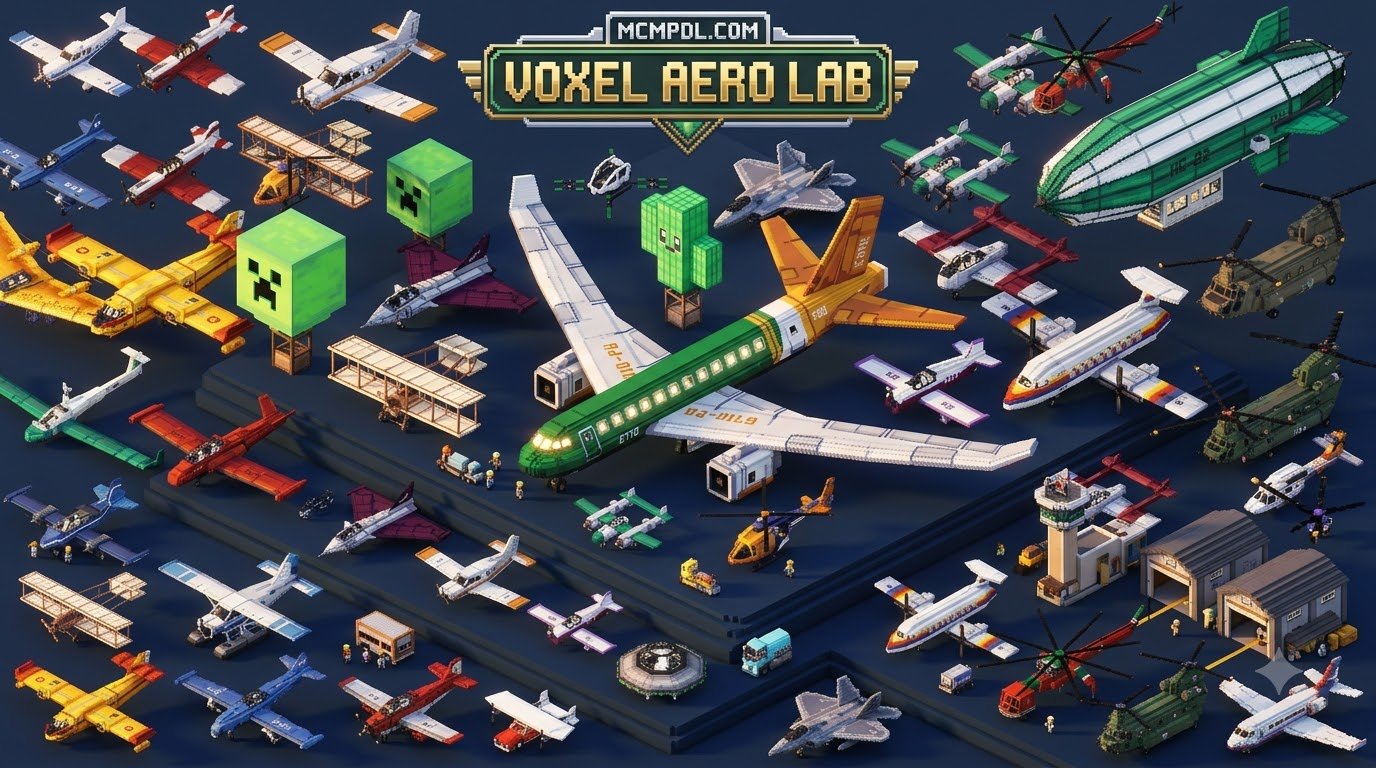
| Kreatik Studios PLANES | 830 Minecoins (~$4.35) | 200+ Jets, Cargo, Props, Commercial | Craftable Fuel System, Functional HUDs | 1–2 Players | Large-Scale Airport Builds |
| Grand Planes Simple Edition | Free (.mcaddon) | Aerobatic, Light Utility Aircraft | 50-Use Repair Wrench, Panel UI Retention | 1 Player | Realistic Flight Simulation |
| FlyerWork Vanilla Aircraft | Free (.mcaddon) | Gliders, VTOLs, Fighter Jets | Multi-dimension Blueprints, Wreckage Salvage | 1–2 Players | Dimension Progression & Combat |
| JNSO’s Aircraft Mod | Free (.mcaddon) | Piper Seminole, Cessna 172, Helicopters | Amphibious Water Landing, Low-Poly Assets | 1 Player | Island Hopping & Low-End Devices |
| RMPlaysMC Plane Addon | Free (.mcaddon) | Utility Prop Planes, Baron, Helicopters | 200 HP Durability, 8 Custom Color Options | Up to 4 Players | Group Multiplayer Travel |

Top Free Airplanes Addon for Minecraft PE/Bedrock Options
Free community addons deliver immense variety, often introducing unique gameplay loops that match vanilla Minecraft mechanics perfectly.
The free planes pack by EndDev Studio provides an ingenious oxidation feature for copper-built aircraft. Just like copper building blocks, these planes weather through exposed stages over 900 to 3,600 seconds of real-world playtime. You can halt oxidation entirely by waxing the fuselage with honeycomb or scrape the patina away using an axe.
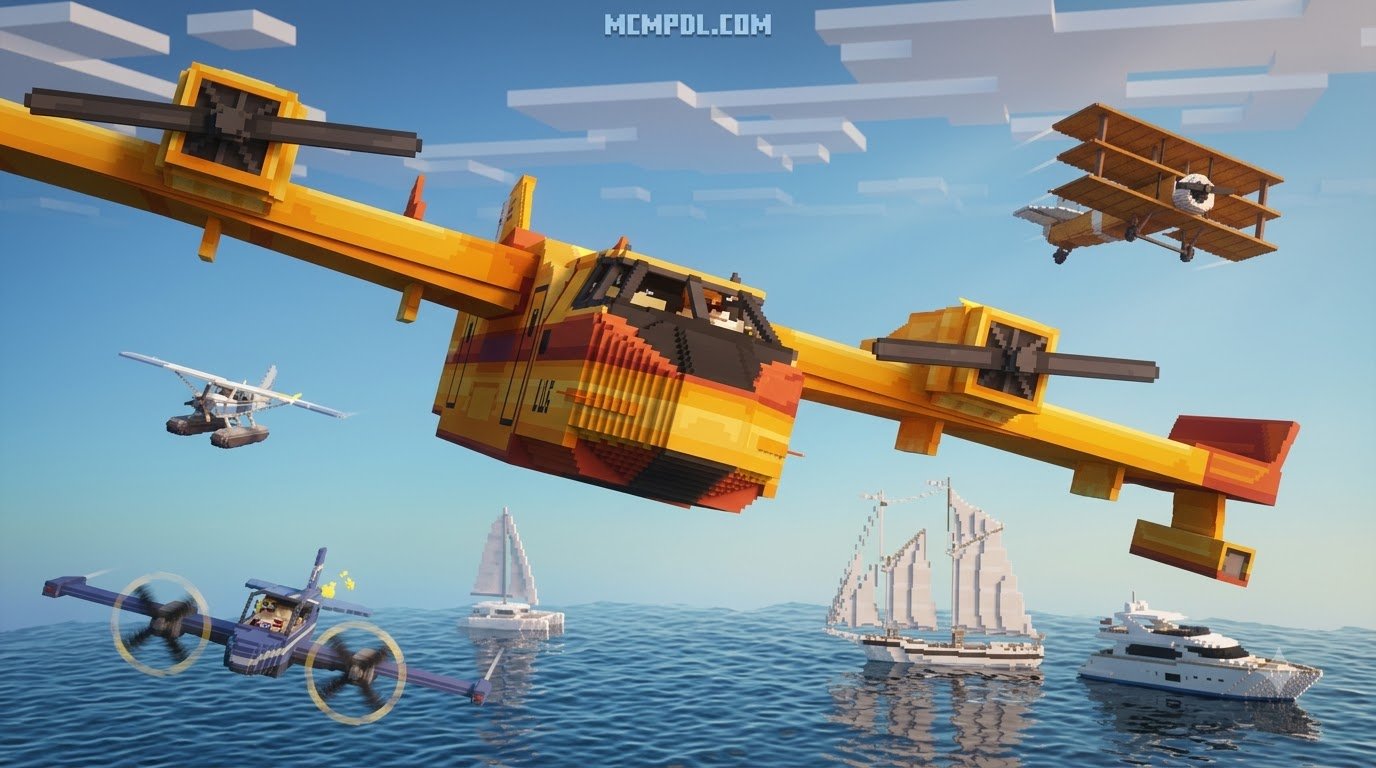
If you love exploring oceanic environments, JNSO’s Aircraft Mod brings seven low-poly, performance-friendly vehicles into Bedrock, including the Cessna 172 Seaplane. This aircraft can touch down directly onto ocean biomes, floating like a boat for easy island hopping.
For players who prefer survival progression, FlyerWork Vanilla Aircraft introduces 10 aircraft types. You start early-game with a simple wooden glider and progress into high-speed jets equipped with automatic cannons and bombs. This mod requires hunting down vehicle blueprints across different dimensions, making vehicle construction an earned reward.
Premium Flight Simulation Addons
For creators focused on realistic logistics and massive construction, premium marketplace addons such as the PLANES Add-On by Kreatik Studios offer unmatched scale. Rated 3.6 out of 5 stars across more than 2,500 player reviews, it includes over 200 aircraft variations ranging from small personal crop dusters to commercial airliners.
These comprehensive expansions often require active fuel management, where players must refine or craft fuel canisters to prevent engine stalls mid-flight. When paired with industrial systems like the Machinery Addon, these simulation packs allow you to design functional airports complete with automated fueling stations, hangers, and paved taxiways.
How to Install and Configure Airplane Addons in Bedrock Edition
Installing an aircraft addon across Android, iOS, or Windows 10/11 follows a straightforward workflow, but missing a single toggle can prevent flight physics or entity models from rendering.
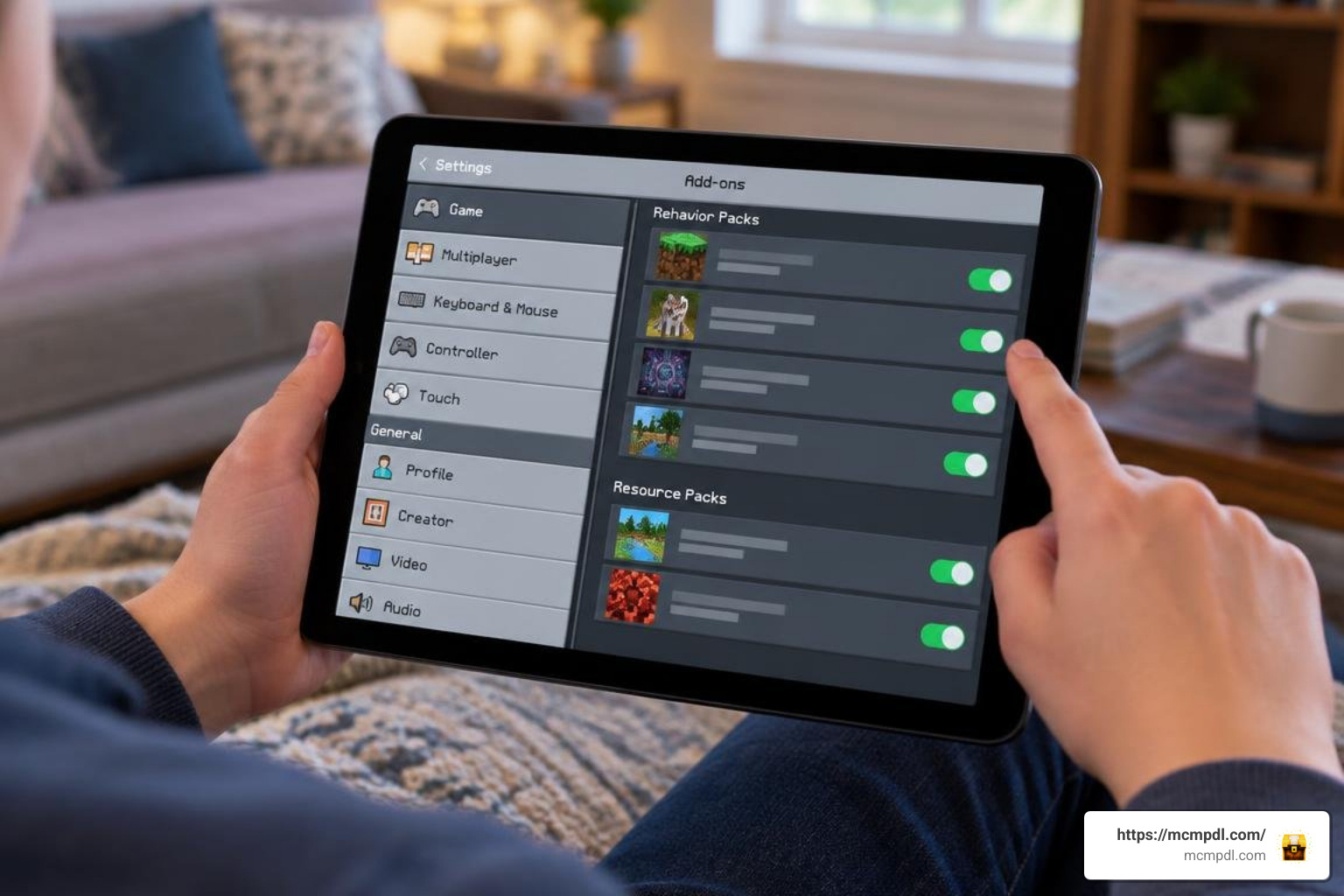
- Download the Package: Acquire the
.mcaddonor.mcpackfile for your chosen addon. Ensure the version matches your game client. - Import into Bedrock: Tap or double-click the downloaded file. Minecraft will open automatically and display an “Import Started” banner followed by “Successfully Imported.”
- Configure World Settings:
- Create a new world or click the pencil icon next to an existing save.
- Navigate to the Resource Packs tab on the left menu and activate the addon’s texture pack.
- Navigate to the Behavior Packs tab and activate the corresponding behavior pack.
- Enable Experimental Gameplay: Most advanced aircraft addons rely on custom scripts, entity models, and animations. Scroll down in the Game settings menu and toggle on Experimental Gameplay (such as Beta APIs or Holiday Creator Features if specified by the creator).
- Restart Client: Close and reload your Minecraft client before launching the world to ensure all custom sounds, scripts, and entities initialize without texture bugs.
If you enjoy expanding your game with technical content, you can explore other complex systems by checking our guide on the Create Add On for Minecraft PE/Bedrock Download.
Core Gameplay Mechanics: Flight Controls, Fuel, and Maintenance
Flying an aircraft in Bedrock Edition differs from using an Elytra. Depending on your input device—mobile touch controls, gamepads, or keyboard and mouse—controls generally function as follows:
- Boarding: Right-click, tap the interactive “Fly/Mount” prompt, or use your controller’s primary interaction trigger.
- Pitch & Roll: On PC, directional mouse movement steers your aircraft pitch (up/down) and yaw (left/right). On mobile devices, look controls or on-screen directional touchpads guide the nose.
- Camera Perspective: Flying in Third-Person Rear View is strongly recommended across all addons to avoid cockpit clipping and maximize visibility.

Maintenance is equally vital. In realistic addons such as Grand Planes Simple Edition, aircraft suffer wear and tear during rough landings. You must carry a Repair Wrench, which features 50 durability uses before breaking. Other mods, like FlyerWork, leave physical wreckage behind upon crashing, requiring a specialized toolbox item to reconstruct the airframe.
Mastering Realistic Flight in an Airplanes Addon for Minecraft PE/Bedrock
Smooth flight requires understanding runway dynamics and throttle management:
- Takeoff Runways: Clear a flat runway of at least 20×5 blocks using smooth stone, concrete, or packed dirt to prevent landing gear collisions.
- Throttle Management: For addons featuring fuel systems, cruising between 60% and 80% throttle ensures maximum fuel efficiency and prevents engine overheating.
- Landing Approaches: Descend gradually toward water surfaces when operating seaplanes, or level your wings horizontally before touching down on solid runways to avoid instant structural damage.
Crafting Recipes, Customization, and Multiplayer Transport
In survival mode, obtaining aircraft typically involves combining iron ingots, wooden planks, redstone components, and leather seats on a crafting table. You can expand your mechanical workshop setups using the Tech Craft Addon for Minecraft PE/Bedrock.
Customization is also widely supported. Certain mods provide multiple color palettes (such as red, green, blue, yellow, and black) applied via dyes, while others allow you to attach leads to hot air balloons to transport livestock across oceans. For group travel, multi-passenger packs allow up to four players to sit in a single vehicle, making long-distance exploration coordinated and fun.
Frequently Asked Questions About Minecraft PE Airplane Addons
Do airplane addons disable achievements in Minecraft Bedrock?
Addons downloaded through the official Minecraft Marketplace generally allow players to earn achievements unless experimental cheats are explicitly toggled on. However, third-party community .mcaddon files that require Experimental Gameplay toggles in world settings will disable achievements on that specific world save.
How do you repair damaged planes during survival gameplay?
Repair mechanics depend on the specific pack installed. Some mods use an iron-based Repair Wrench with limited durability (such as 50 repairs), others allow direct interaction using iron ingots or redstone, and modular packs let you recover broken crash wreckage using a craftable toolbox.
Can you fly airplanes together with friends in multiplayer?
Yes. Many addons support LAN worlds, dedicated servers, and Minecraft Realms. Multi-seat aircraft allow up to four players—one pilot and three passengers—to occupy the same vehicle with synced animations across Android, iOS, Windows, and console platforms.
Conclusion
Aircraft addons transform Bedrock exploration, turning long travels across mountains and oceans into fast, scenic journeys. Whether you want a simple copper biplane that slowly patinas over time, an amphibious seaplane for coastal expeditions, or a multi-passenger aircraft for group survival servers, there is an option tailored to your playstyle. Explore our complete library of utility packs, vehicles, and gameplay enhancements on mcmpdl to equip your world for takeoff today.
1 thought on “Airplanes Addon for Minecraft PE/Bedrock”